iMonnit Mobile App for ALTA Sensors
Product Information:
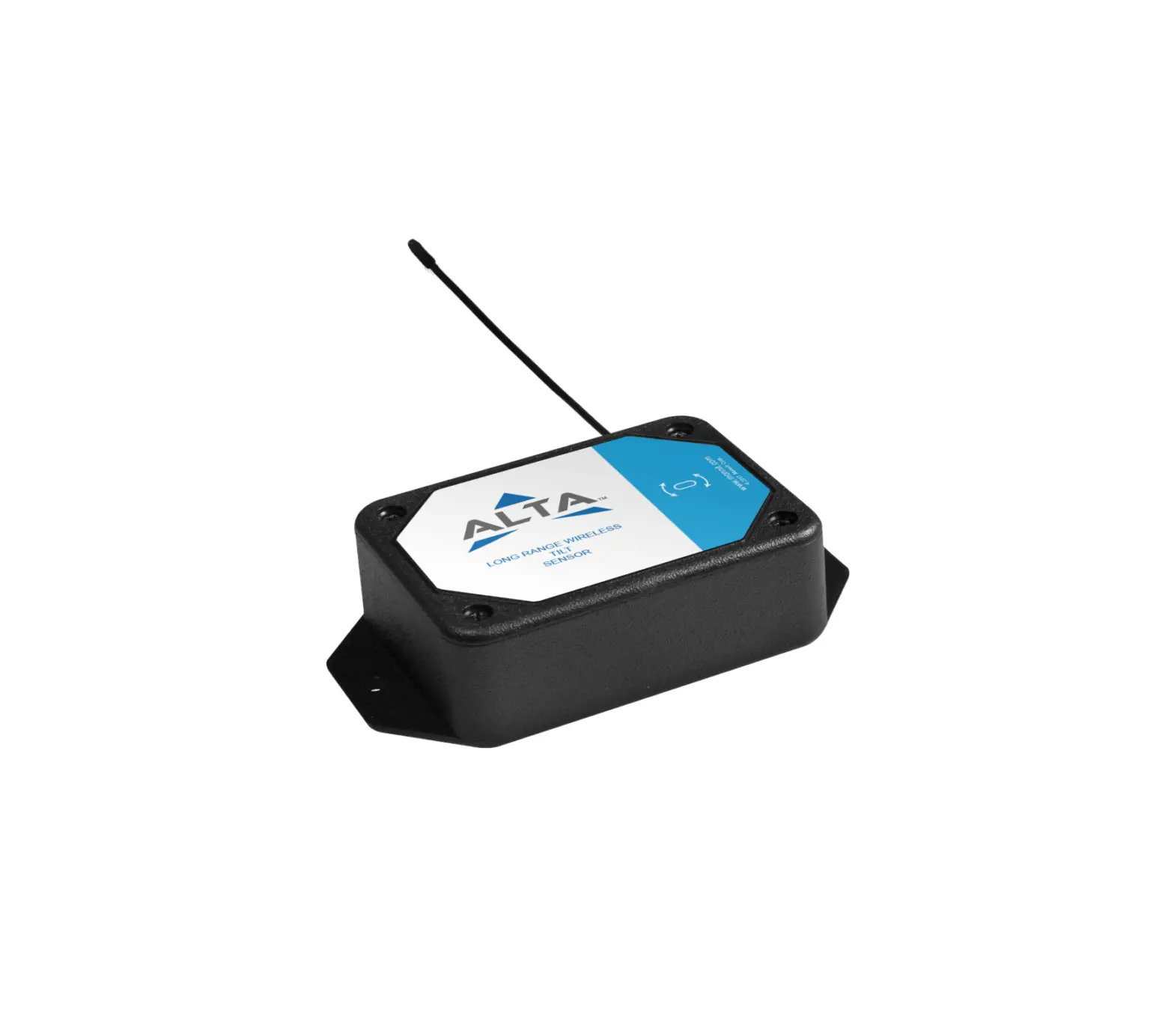
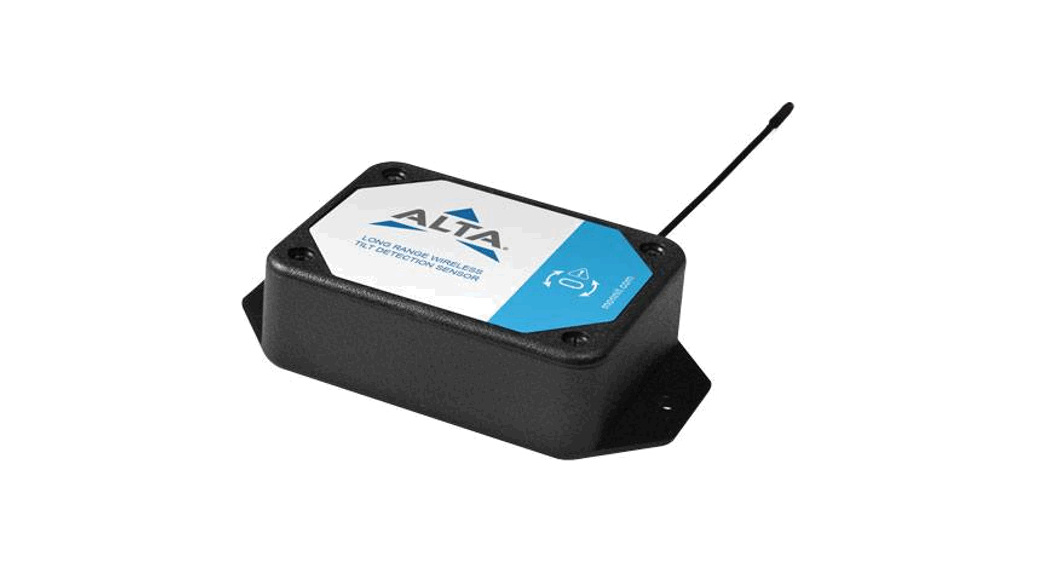
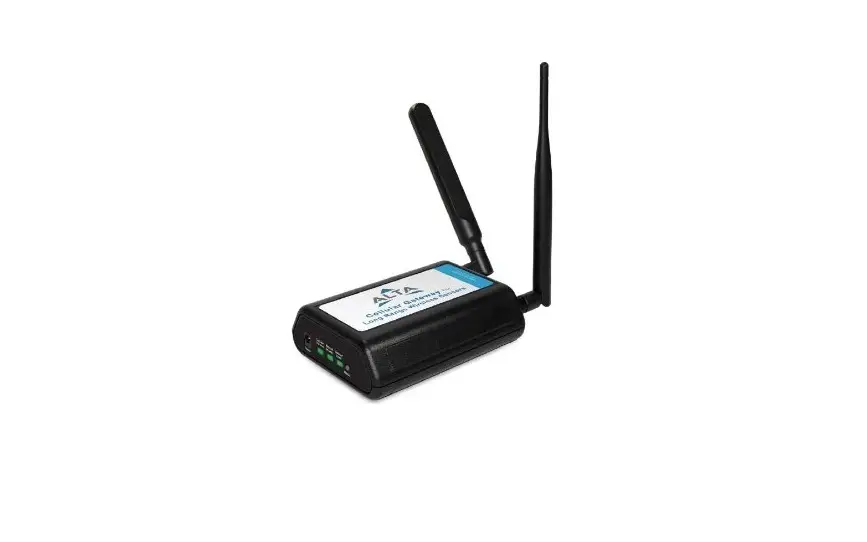
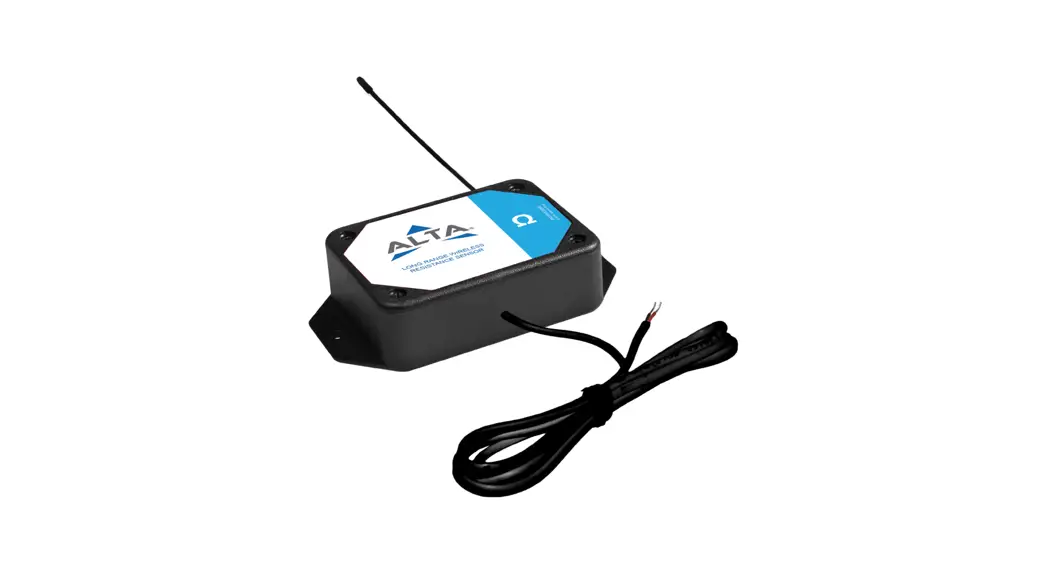
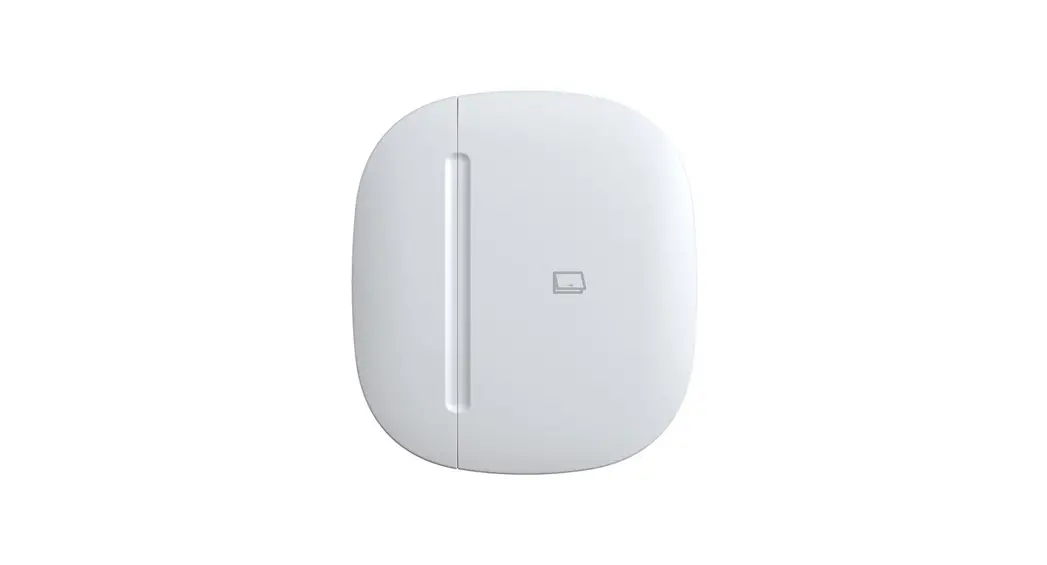
The product being referred to in the user manual is a sensor
device that is used to collect and transmit data. It is designed to
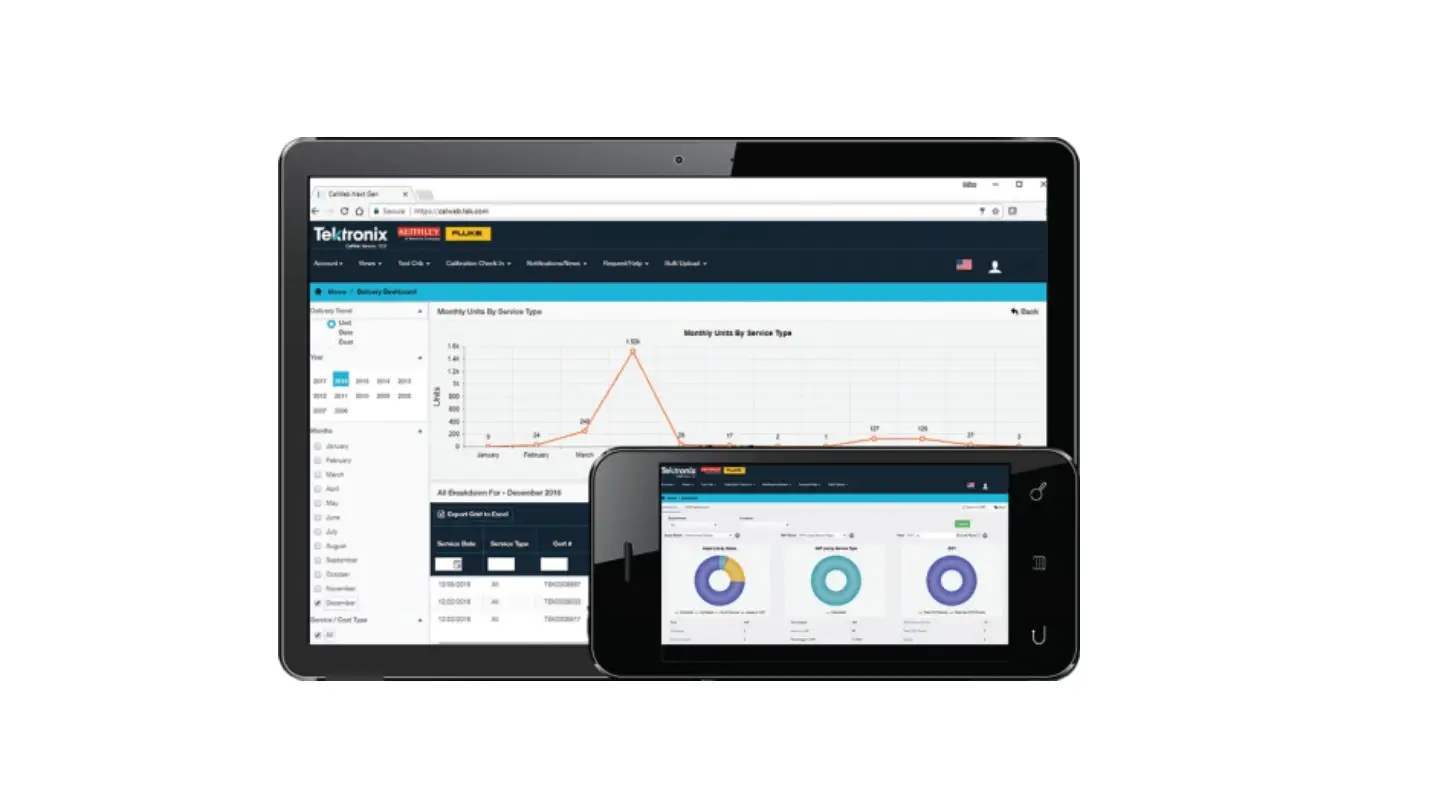
be used in conjunction with the iMonnit platform, which can be
accessed via the website imonnit.com or through the iMonnit Mobile
App.
The sensor device requires a user account on imonnit.com, which
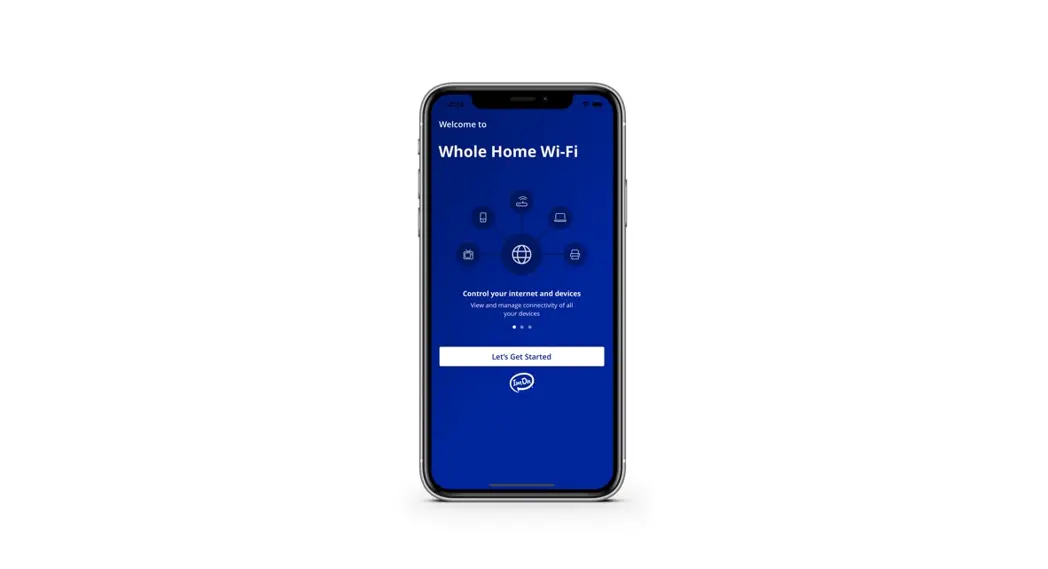
can be created if not already available. The iMonnit Mobile App is
available for download from the website
www.imonnit.com/Setup/InstallApp/ for users who prefer to access
the platform through their mobile devices.
The user manual also suggests visiting
www.monnit.com/support/knowledgebase/sensors/sensor-installation-guides/
for further information regarding sensor configuration,
installation, and troubleshooting.
Product Usage Instructions:
- Open a web browser and go to imonnit.com.
- If you already have an account, log in using your credentials.
If not, create a new account by following the provided
instructions. - If you are using a mobile device, navigate to www.imonnit.com/Setup/InstallApp/
and download the iMonnit Mobile App. - Launch the iMonnit Mobile App and follow the in-app
instructions to add devices to your account. This step will involve
connecting and configuring the sensor device with your
account. - Validate the data displayed in the app to ensure that the
sensor is functioning correctly. If necessary, adjust sensor
settings according to your requirements. - Mount the sensor in the desired location. If applicable, secure
the lead of the sensor to prevent any accidental
disconnections. - For more detailed information about sensor configuration,
installation, or troubleshooting, visit
www.monnit.com/support/knowledgebase/sensors/sensor-installation-guides/.
Quick St art Guide for ALTA® Sensors
1
2
Go to imonnit.com. Log in or create an account.
If on mobile, download the iMonnit Mobile App from www.imonnit.com/Setup/InstallApp/.
Follow the in-app instructions to add devices to your account.
3
4
Validate the data in the app. Configure sensor settings as needed.
Mount the sensor. Secure the lead, if applicable.
For additional information about sensor configuration, installation, or troubleshooting, go to www.monnit.com/support/ knowledgebase/sensors/sensor-installation-guides/.
 iMonnit - Online Wireless Sensors Portal | Login
 iMonnit - Online Wireless Sensors Portal |
 Configuration & Installation Guides To Quickly Set Up Monnit Sensors