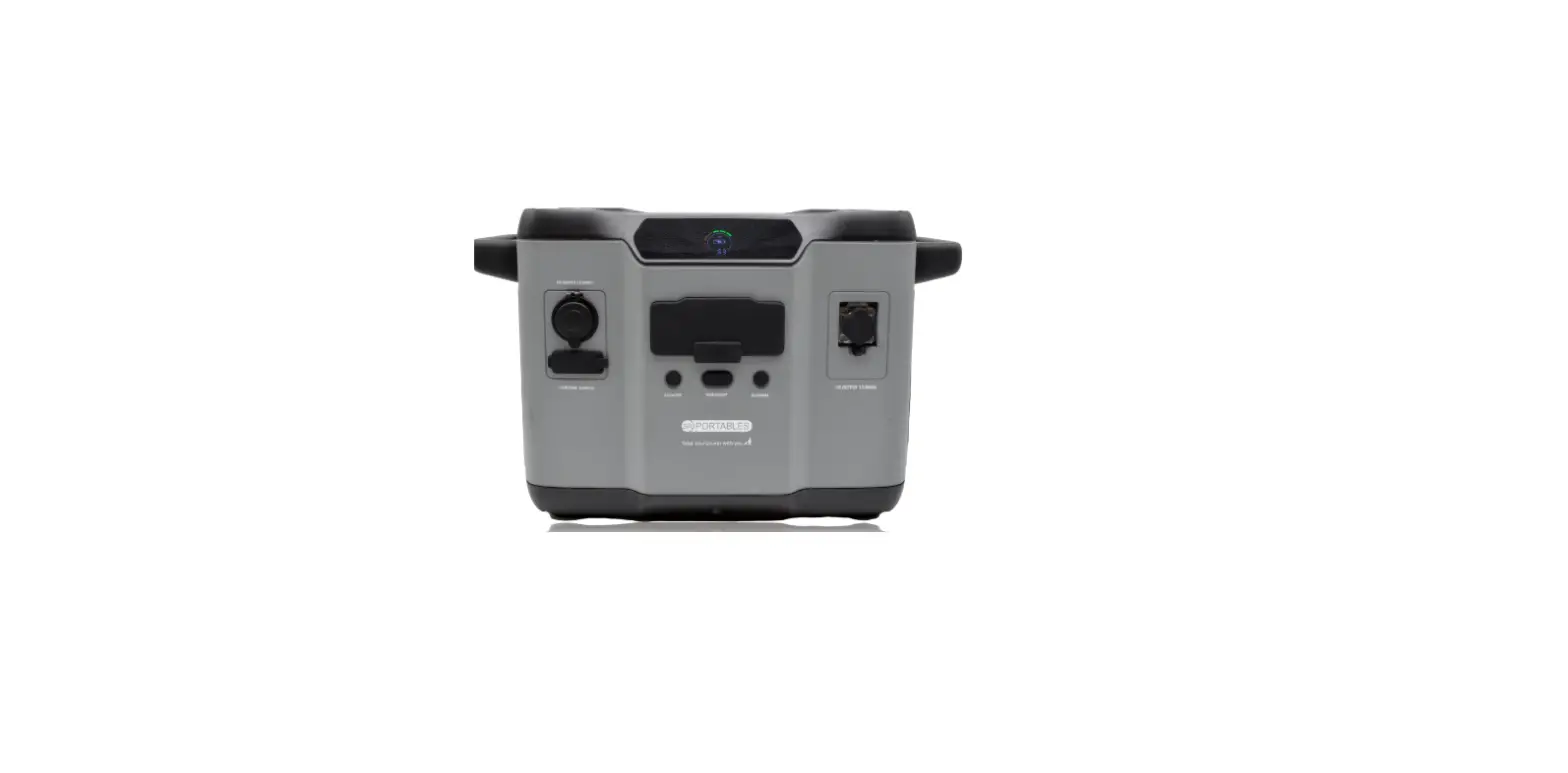
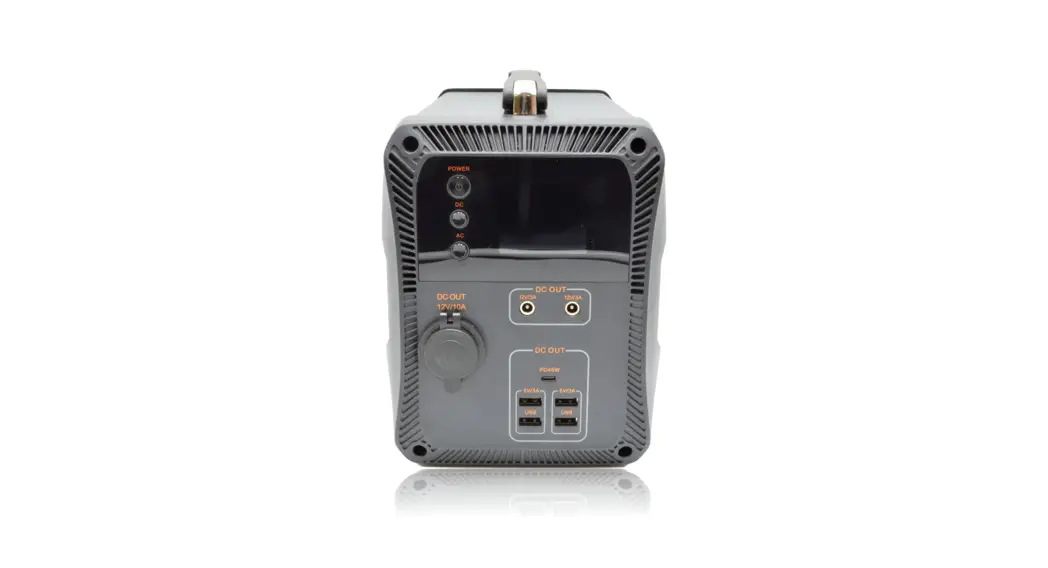
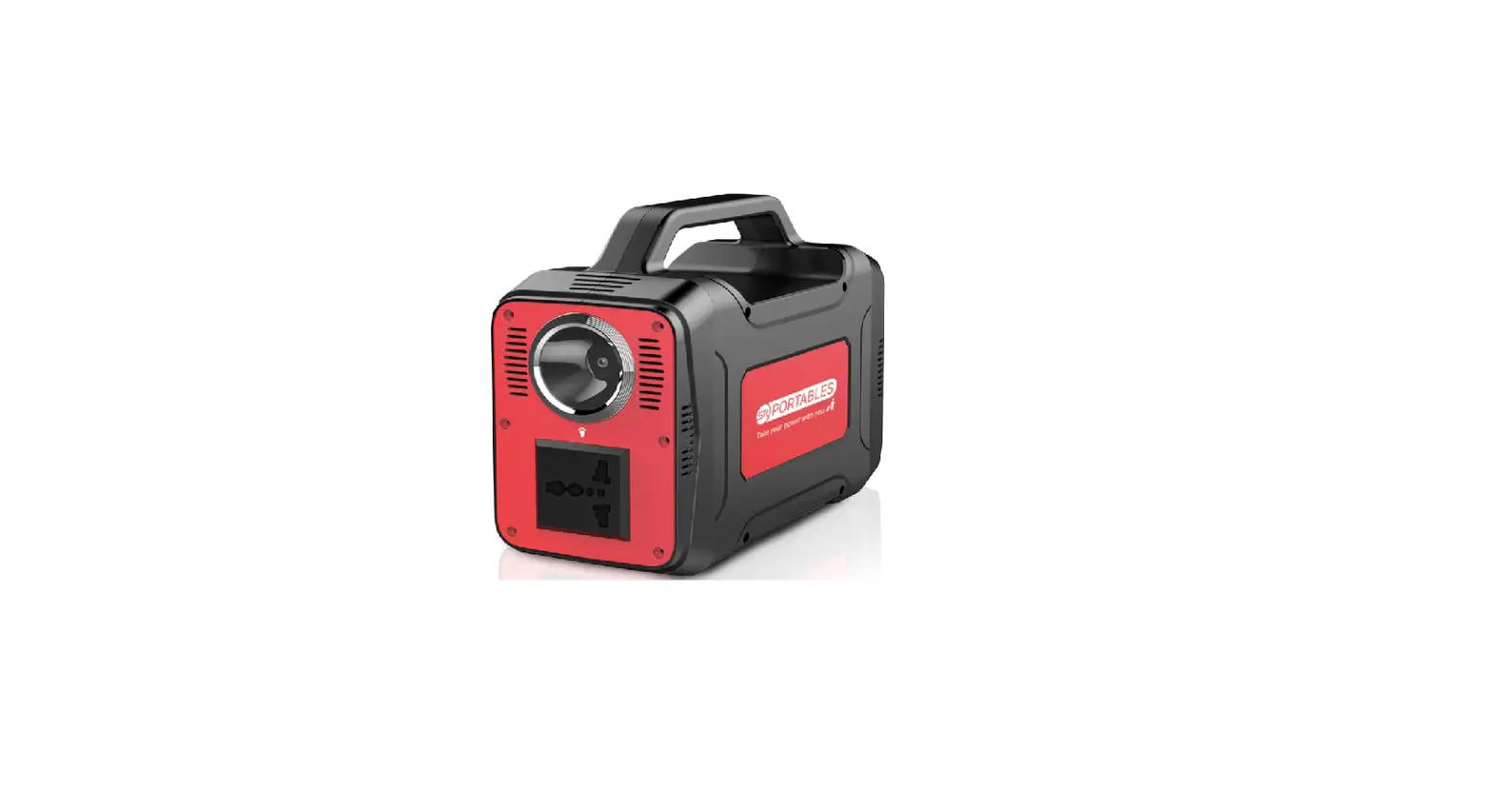
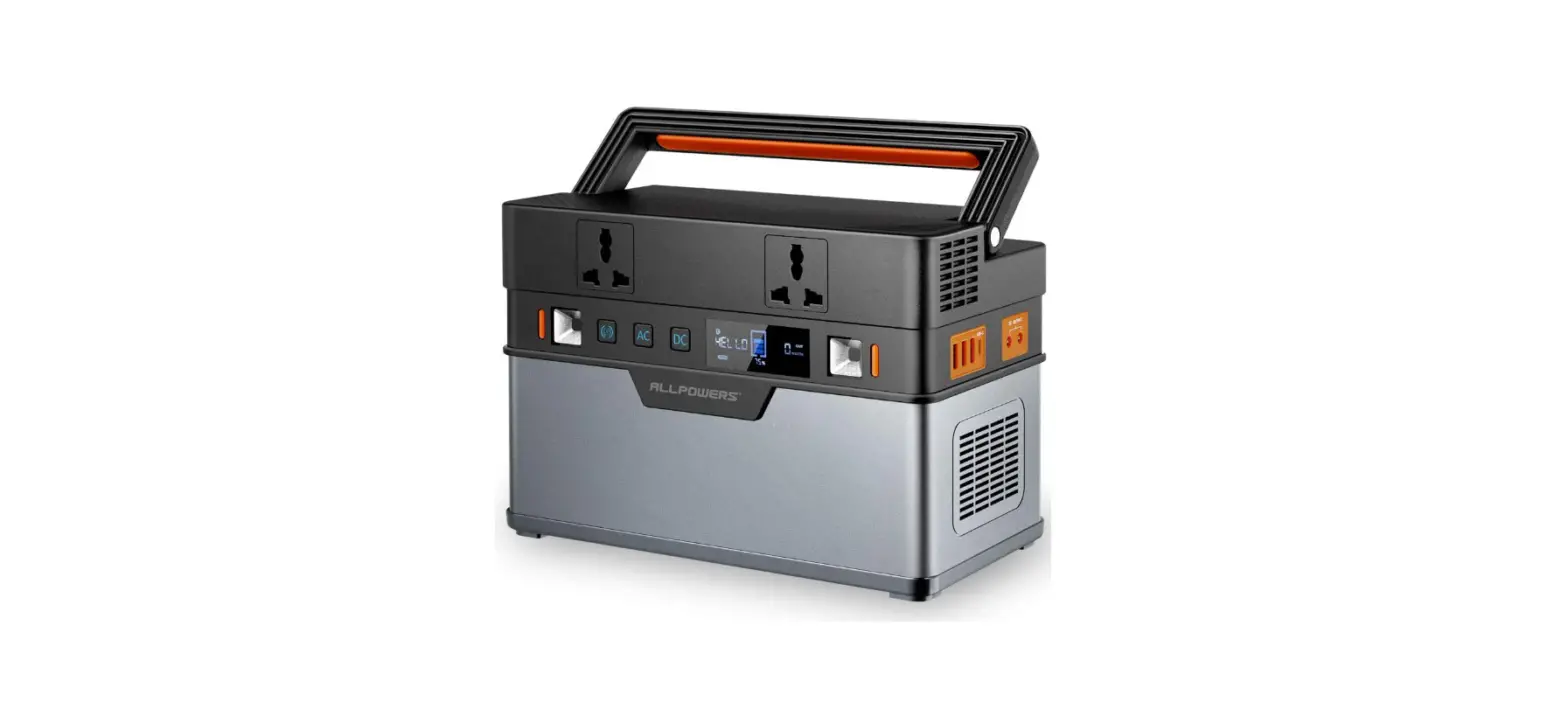
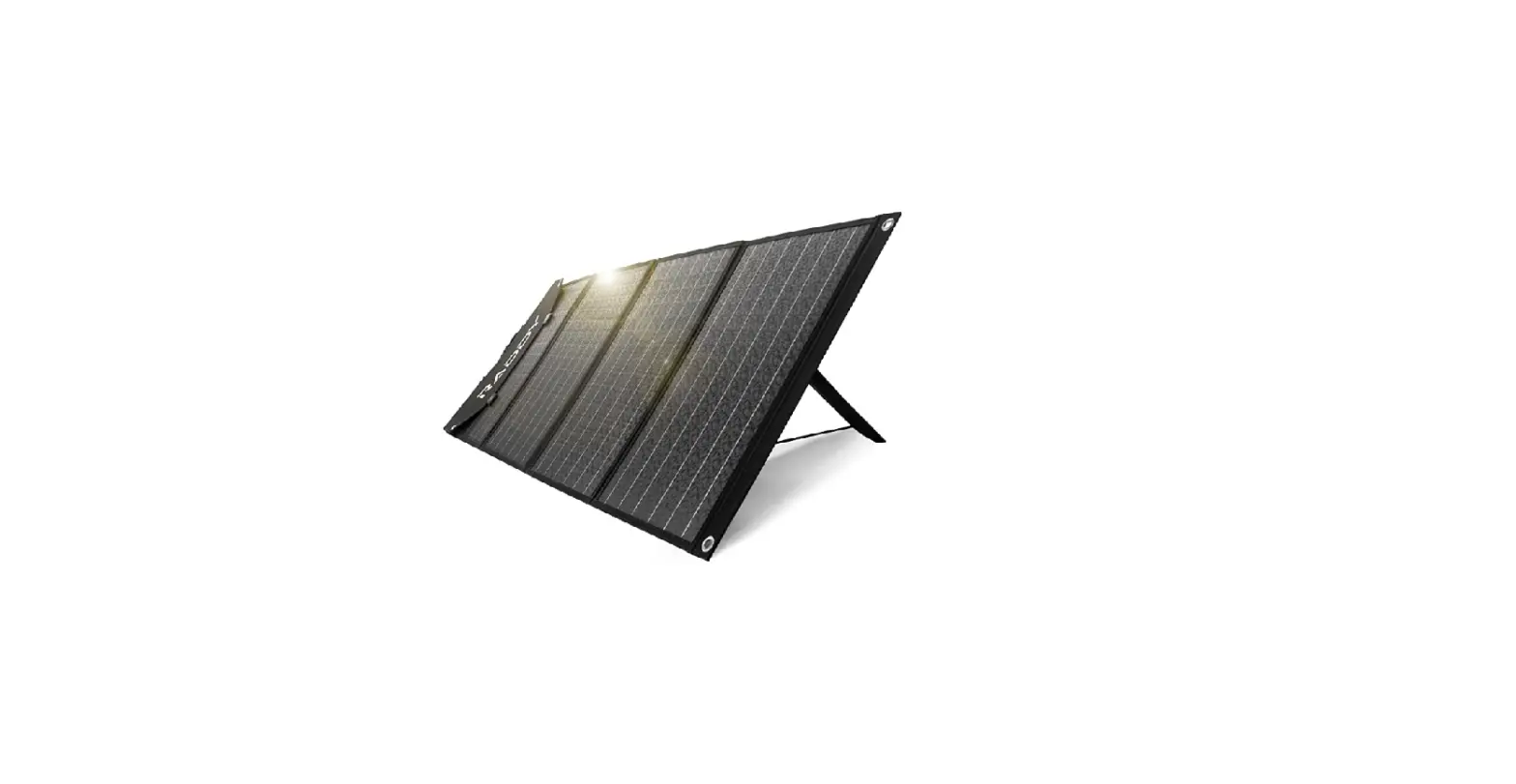
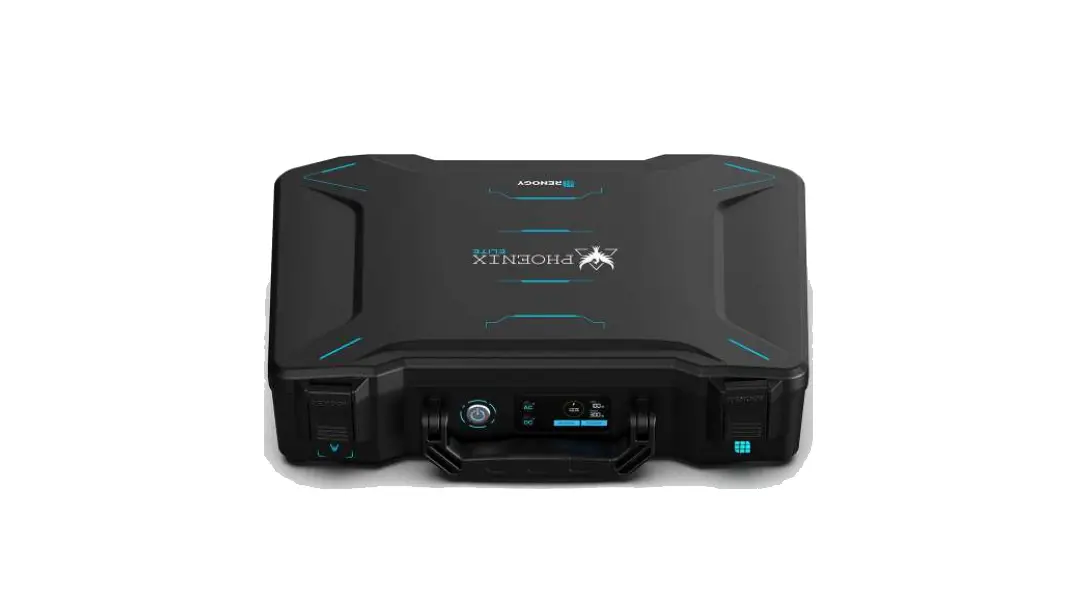
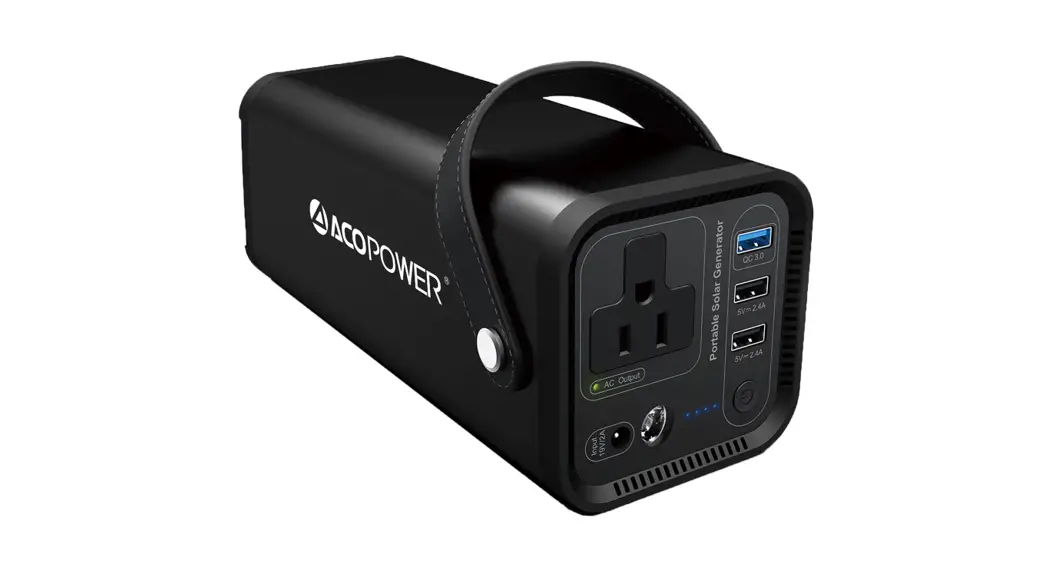
Minotaur UPS 1200W Portable UPS and Lithium Solar Generator
Product Information
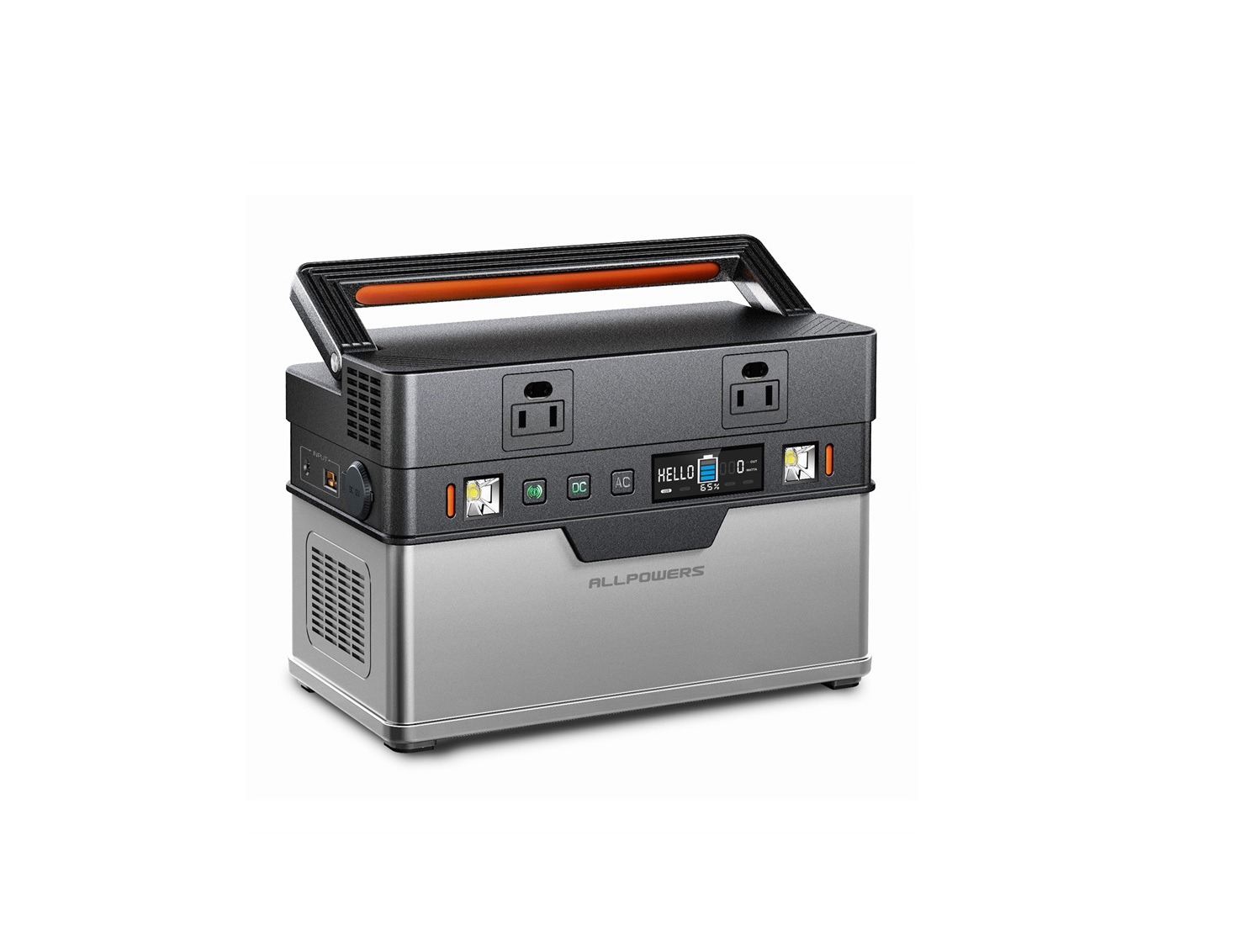
The Minotaur Portable UPS & Lithium Solar Generator is a
versatile and reliable power station that provides portable power
in various settings. It features a built-in lithium-ion battery
with a capacity of 1395Wh, which can be extended with an external
battery (sold separately). The inverter provides a pure sine wave
output, ensuring compatibility with sensitive electronics. With
multiple AC and DC outputs, USB ports, and wireless charging
capability, this power station caters to a wide range of power
needs. The LCD digital display provides real-time information on
battery status and power usage.
Technical Specifications
- Model: Minotaur UPS (1200W)
- Battery Capacity: 1395Wh (30Ah/36V)
- Battery Type: Lithium-ion Battery, 4000+ Cycles to 80%
- Inverter: Pure Sine Wave (Bi-directional inverter)
- AC Output: Rated Power 1200W, Peak Power 2400W
- DC Output: USB-C (2 ports), USB-A (4 ports), DC5521 (2
ports) - Power Indicator: LCD Display
- Dimensions: 430 * 257 * 242mm
- Weight: ~11 Kg
Parts Description
- LCD Screen
- USB-A Output
- Type-C Output
- DC Button
- Power On/Off
- AC Button
- Car/PV Input
- DC 5521 Output
- Car Cigarette Output
- Air Outlet
- AC Outputs
Product Usage Instructions
Before using the Minotaur Portable UPS & Lithium Solar
Generator, please read and follow the safety warnings and
precautions mentioned in the user manual. Ensure that the product
is not exposed to rain or used in a humid environment. Use only the
recommended solar panel for optimal performance.
- Charging:
- AC Input Charging: Connect the AC wall charger to the AC input
and plug it into a power outlet. The built-in charger will charge
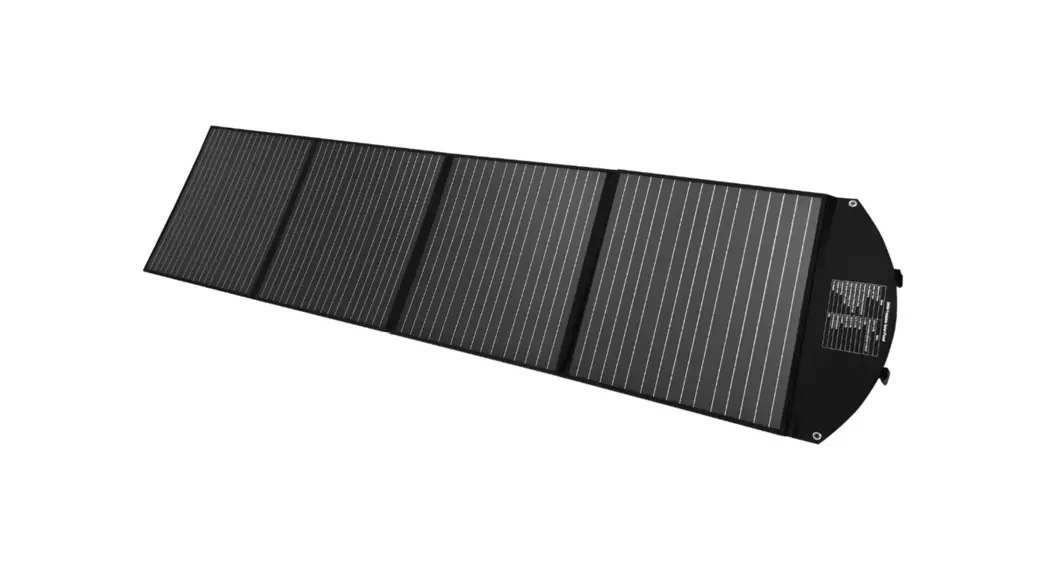
the battery. The approximate charging time is about 3 hours. - Solar Charging: Connect the solar panel using the MC4 solar
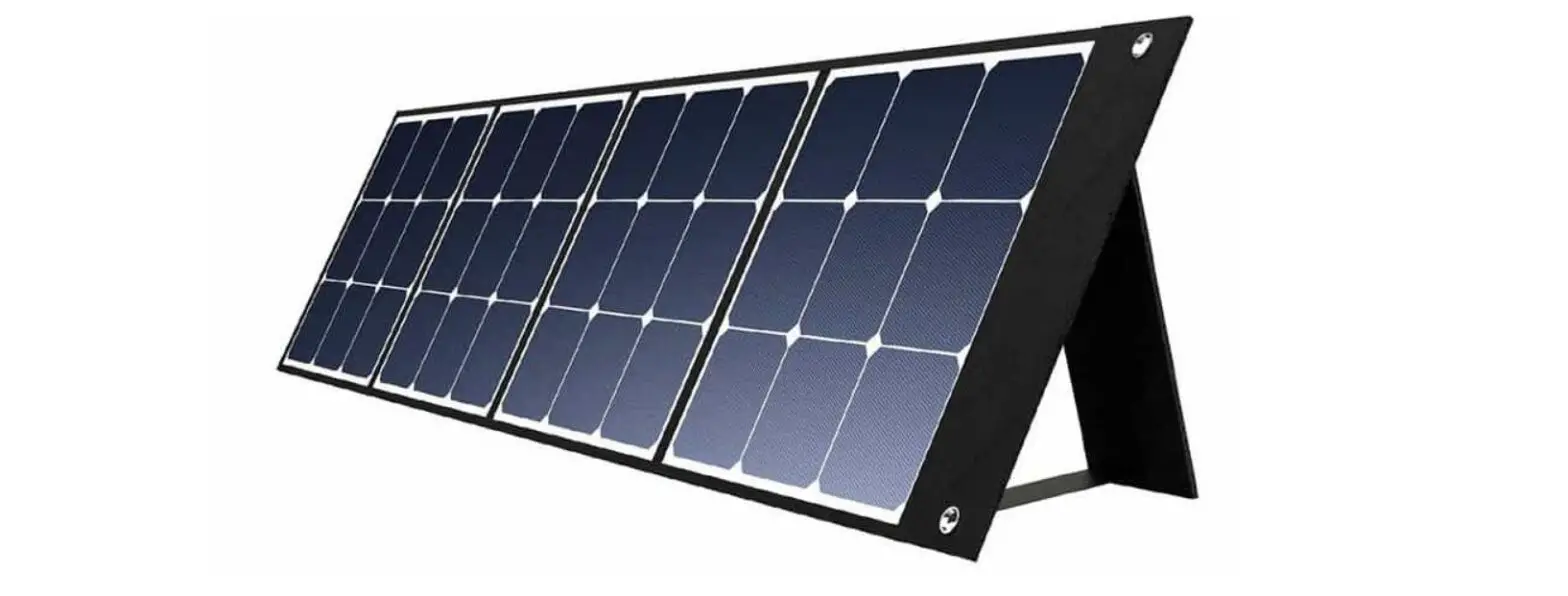
charging cable. Ensure a compatible solar panel is used for
efficient charging. - Car Charging: Use the car charging cable and connect it to a
car’s cigarette lighter or a 12-24V power source. The power station
can be charged while on the go.
- AC Input Charging: Connect the AC wall charger to the AC input
- Power Output:
- AC Output: Use the AC outputs to connect and power devices that
require AC power. The rated power is 1200W, with a peak power of
2400W. Customize the output voltage and frequency as per your
requirements. - DC Output: The power station has multiple DC outputs. Use the
USB-C ports for devices that support USB-C charging. The USB-A
ports provide power output of up to 18W per port. The DC5521 ports
deliver a power output of 13.5V/3A.
- AC Output: Use the AC outputs to connect and power devices that
- Additional Features:
- Wireless Charging: The power station has a wireless charging
pad for compatible devices. Place the device on the pad to initiate
wireless charging. - LCD Digital Display: The LCD screen provides real-time
information on battery status, power usage, and error codes. Refer
to the user manual for error code explanations.
- Wireless Charging: The power station has a wireless charging
For more information or technical assistance, visit our website
at www.srportables.com or
contact our technical team at +61 3 8618 6984.
Minotaur Portable UPS & Lithium Solar Generator
Instruction Manual
PORTABLE UPS & POWER STATION
Packing List
1 Pcs 1 Pcs
1 Pcs 1 Pcs 1 Pcs
Portable Solar Power Generator AC wall charger (Including AC input charging cable)
User manual
Solar Charging Cable (MC4) Car charging cable
Please visit our website www.srportables.com to register your product 1
Safety and Precautions
Safety Warning
1. Please read all the safety warnings and labels before using the product. 2. Avoid exposing the product to rain or using the product in a humid environment. 3. AC input voltage 100V to 240V. It is prohibited to use AC voltage that does not meet the specified
specifications. 4. Please use the recommended solar panel (optional) for optimal performance. 5. Do not damage or drop the product as it may damage the battery and internal circuit. 6. Do not attempt to disassemble, or modify the internal and external structure of the product. 7. Do not connect the positive and negative terminals of the product with metal objects. 8. Exposure to water may cause circuit failure and lead to abnormal chemical reactions, heat,smoke,
explosion or fire. 9. Do not use or place the battery near a fire or any other heat sources (over 80 °C). 10. Do not store the battery in a high temperature environment (>40 °C) for a long time. 11. If the product is not used for a long time, please charge the battery to over 60% capacity,and recharge
the battery within 6 months. 12. Close supervision is required when using this product near children
2
Technical Specifications
Model
Minotaur UPS (1200W)
Battery Capacity External Battery * (Optional) Battery Type Inverter
Input Recharging
1395Wh (30Ah/36V) 1395Wh (37.7Ah/37V) Lithium – ion Battery, 4000+ Cycles to 80% Pure Sine Wave (Bi-directional inverter) UPS function available Adapter 42V/6A (For external battery) Car Charger: 12-24V, 10A, 240W max
Built-in charger, charge time – about 3 hours
AC Output
Rated Power 1200W Peak Power 2400W
110V/240V, 50Hz/60Hz (Customisable)
4 x USB A: 5V~9V 18W Max
DC Output
USB-C 1 : 5V/9V/12V/15V@3A, 20V/2.25A, 45W Max USB-C 2 : 5V/9V/12V/15V@3A, 20V/5A, 100W Max
2 x DC5521: 13.5V/3A
Power Indicator
LCD Display
Dimensions
430 * 257 * 242mm
Weight
~ 11 Kg
*Can be used with the SR Portables Extendable Battery (Sold Separately). Refer page 9 for Battery manual
Operating Conditions
1. Operational Environment: Indoor and Outdoor (ideal for rugged and outdoor usage in extreme conditions)
2. Operational Temperature: Charge 0°C ~ 45°C, Discharge -20°C ~ 60°C (powering appliances) 3. Storage: -20°C ~ 45°C
Visit our website www.srportables.com for more information or contact our technical team on +61 3 8618 6984 3
Parts Description
1
2 10
7
3
9
6
5
4
8
11
1) LCD Screen 2) USB-A Output 3) Type-C Output 4) DC Button 5) Power On/Off 6) AC Button
7) Car/PV Input 8) DC 5521 Output 9) Car Cigarette Output 10) Air Outlet 11) AC Outputs
1
3 2 4
1) Wireless Charging 2) External Battery Port 3) AC Input 4) Air Inlet
Main Power Switch: Press the button for around 3 seconds – the battery capacity segment circle will light up and the product will be on standby for outputs; Press again for around 3 seconds to turn off the unit. AC Power Switch: short press for 0.5 seconds to turn on AC output and frequency icon; real- time output power will be displayed on the LCD screen. Press again for 0.5 seconds to turn off the AC output. DC Power Switch: short press for 0.5 seconds to turn on the DC, USB-A, Type-C output; Real- time output power will be displayed on the LCD screen. Press again for 0.5 seconds to turn off the DC output
4
LCD Digital Display
Error Codes
D1 Car Cigarette lighter over current D2 5521 Over current D3 DC Input over voltage D4 DC Input under voltage D5 DC Input over current
P1 PV Input over voltage P2 PV Output over voltage P3 PV Input over voltage P4 PV Communication failure
E1 Battery pack over voltage E2 Battery pack under voltage E3 Battery pack failure E4 Charging over current E5 Battery pack over temperature E6 Battery pack under temperature E7 Single battery string high voltage E8 Single battery string low voltage E9 Internal battery communication failure
F1
Inverter failure
U1 USB1 output failure U2 USB2 output failure U3 USB3 output failure U4 USB4 output failure U5 Type-C 100W output failure
5
Features
1. Extendable external battery, double capacity and service time (Refer image below. External battery sold separately) 2. 1200W AC pure sine wave output supports multiple electronic appliances and power tools 3. 4 x USB QC quick charge outputs support multiple consumer electronics 4. 2 x USB Type-C PD ports output (maximum 100W) to power laptops, smart phones and other appliances 5. Car-port with 13.5V 8A output for consistent voltage 6. Three methods of charging:
· unique DC 12V ~ 42V charging voltage, · AC quick charge: 2.5~3 hours to full capacity, · and charging using a solar panel 7. Support UPS function.
Minotaur UPS & Portable Lithium Solar Generator with Extendable Battery (Battery sold separately) Refer page 9 for Extendable Battery Manual 6
Charging Methods
Solar Panel (4 to 6 hours)
AC 220V/110V (3 hours)
Car Port charging connect using an XT60 connector cable 12V : ~14.5 hours
24V: ~7.5 hours
7
AC Output
Fridge (200 W) 6-20 hours
Electric Grill (800 W) 1.5+ hours
C-PAP (40 W) 27+ hours
DC Output
Drone (60 Wh) 18+ Times
GoPro (14.5 Wh) 74+ Times
Electric Drill (500 W) 2+ hours
Rice Cooker (700 W) 1.5+ hours
Desktop PC (200 W) 5+ hours
Laptop (50 Wh) 21+ Times
iPad (15 Wh) 72+ Times
TV (60 W) 18+ hours Fan (18 W) 80+ hours Fridge (40 W) 27+ hours
Camera (30 Wh) 36+ Times
Phone (12 Wh) 90+ Times
1. AC Outlets (230V/110 V): TV, desktop computers, electric fans, rice cookers, electric tools and home appliances 2. DC12V Car Port: car refrigerators, car inflator, car vacuum or other car devices 3. USB QC Ports: smart phones, MP3 players, digital cameras, e-readers, tablets, etc 4. USB Type-C Ports: laptops, smart phones and other quick charge Type-C devices 5. DC5521 Ports: router, DC lamp, DC fan, DC TV and other DC devices
8
Lithium Battery Pack
Instruction Manual
MINOTAUR EXTENDABLE BATTERY PACK
Packing List
1 Pcs 1 Pcs 1 Pcs 1 Pcs 1 Pcs
Lithium Battery Pack AC / DC Adapter (Optional) Carrying Strap User Manual Cable (to Power Station)
Please visit our website www.srportables.com to register your product 10
Part Description
· Press for 3 seconds to turn on and enter the standby state · Press for 3 seconds to shut down
Operating Instructions
Use the cable provided to connect the battery pack to the Minotaur power station. Once connected, the Minotaur power station will detect the external battery and display “Ext” on the LCD screen. The power station will automatically start drawing energy from the external battery pack.
Lithium Battery Pack
Minotaur Portable Power Station 11
Charging Method
Safety and Precautions
Please follow the basic precautions and read all instructions before any operation.
1. The product includes an AC/DC adaptor with input voltage from 100V to 240V. Connecting to voltages that do not meet the required specification sis prohibited.
2. Use only the adaptor supplied with the package to charge the product. 3. Do not drop the product as it may damage the battery and the internal circuit. 4. Do not attempt to disassemble or modify the internal and external structure of the product. 5. Do not connect the positive and negative terminals with foreign objects and materials. 6. Exposure to water may cause circuit failure and lead to abnormal chemical reactions, heat, smoke, explosion or fire. 7. Do not use or place the battery near a fire or any other heat sources (over 80 °C). 8. Do not store the battery in a high temperature environment (>40 °C) for a long time. 9. If the product is not used for a long time, please charge the battery to over 60% capacity, and recharge the battery within 6
months. 10. Close supervision is required when using this product near children.
Features
1. External battery to extend backup time; 2. User friendly LCD digital display; 3. IP54 waterproof casing; 4. Comfortable carrying strap and handles allows easy portability across long distances
Error Codes
12
Technical Specifications
Model Capacity
Input Output
General
Minotaur Extendable Battery Battery Capacity Aviation Socket Aviation Socket Dimensions Working Temperature Working Humidity Storage Temperature Technical Standard Physical Protection(Optional) Net Weight
1395Wh(37.7Ah/37V) Adaptor 42V/7A (Optional) 27.5V-42V 50A max L430xW257xH173.4mm 0 ~ 45°C 0 ~ 90% -20°C ~ 45°C PSE, FCC, CE, UN38.3, ROHS IP54 8.5Kg
Operating Conditions
1. Operational Environment: Indoor and Outdoor (non waterproof) 2. Operational Temperature: Charge 0°C ~ 45°C, Discharge -20°C ~ 60°C (powering appliances) 3. Storage: -20°C ~ 45°C
Visit our website www.srportables.com for more information or contact our technical team on +61 3 8618 6984 13
 SR Portables | Hand-held Solar Generators | Victoria