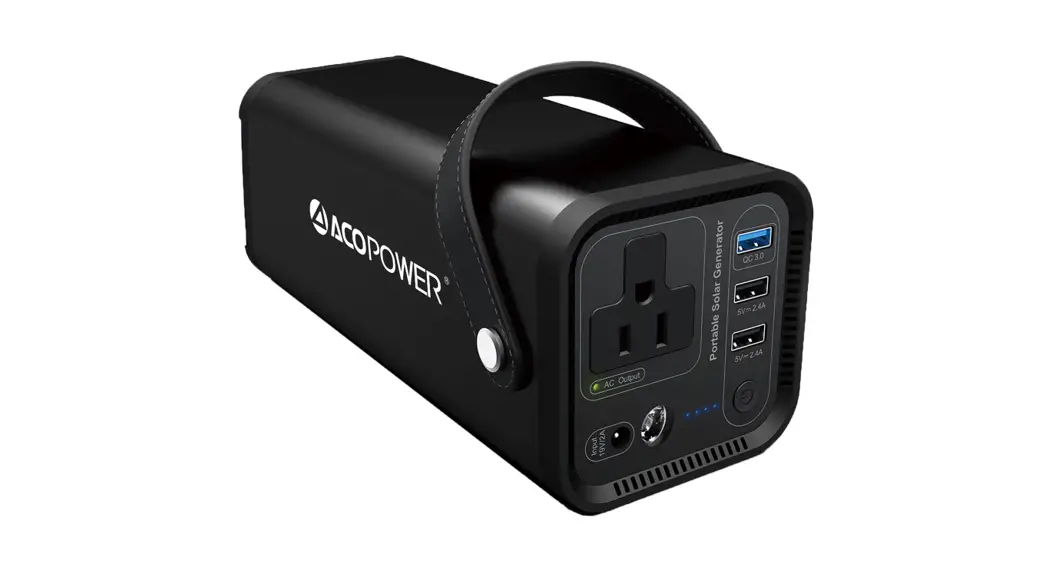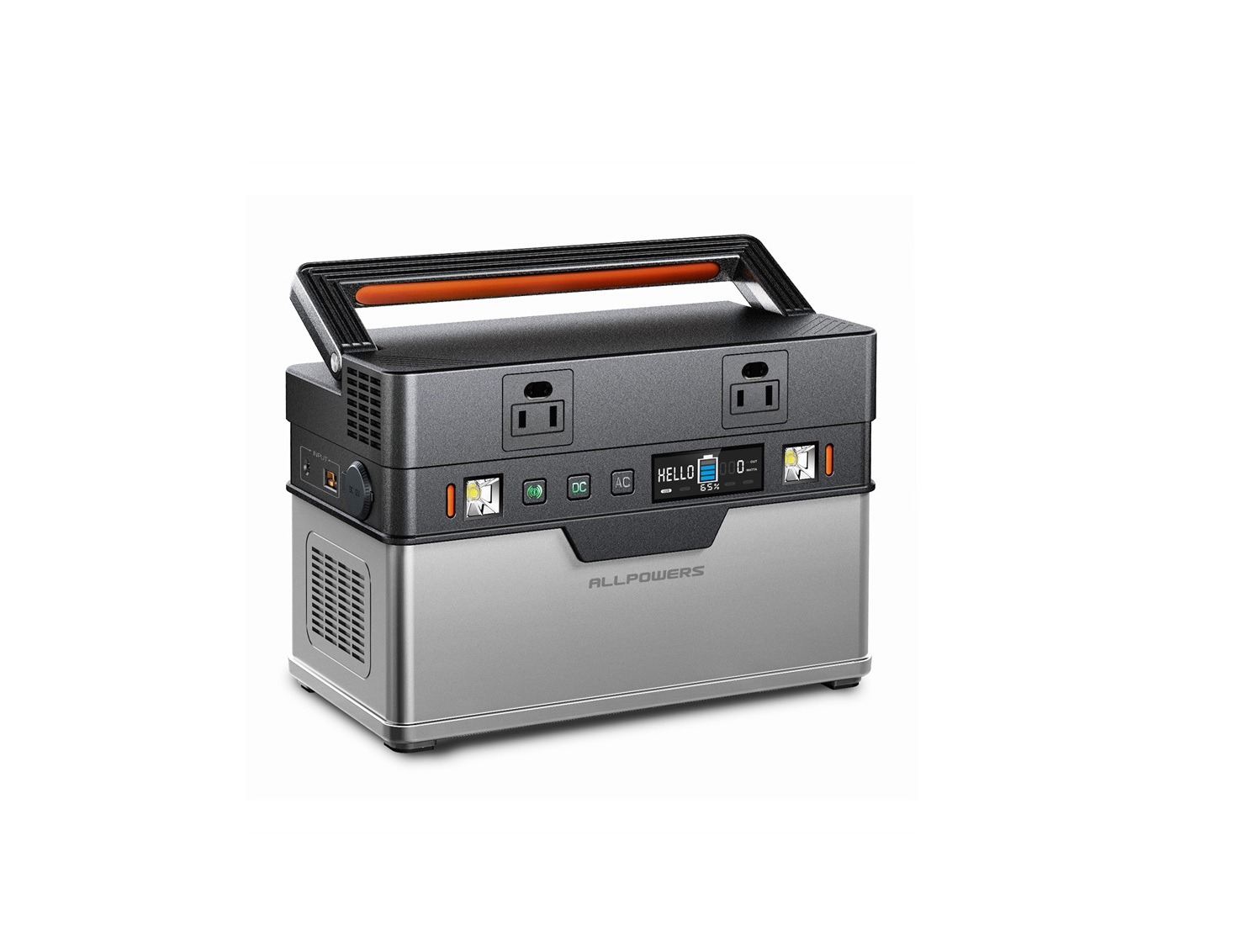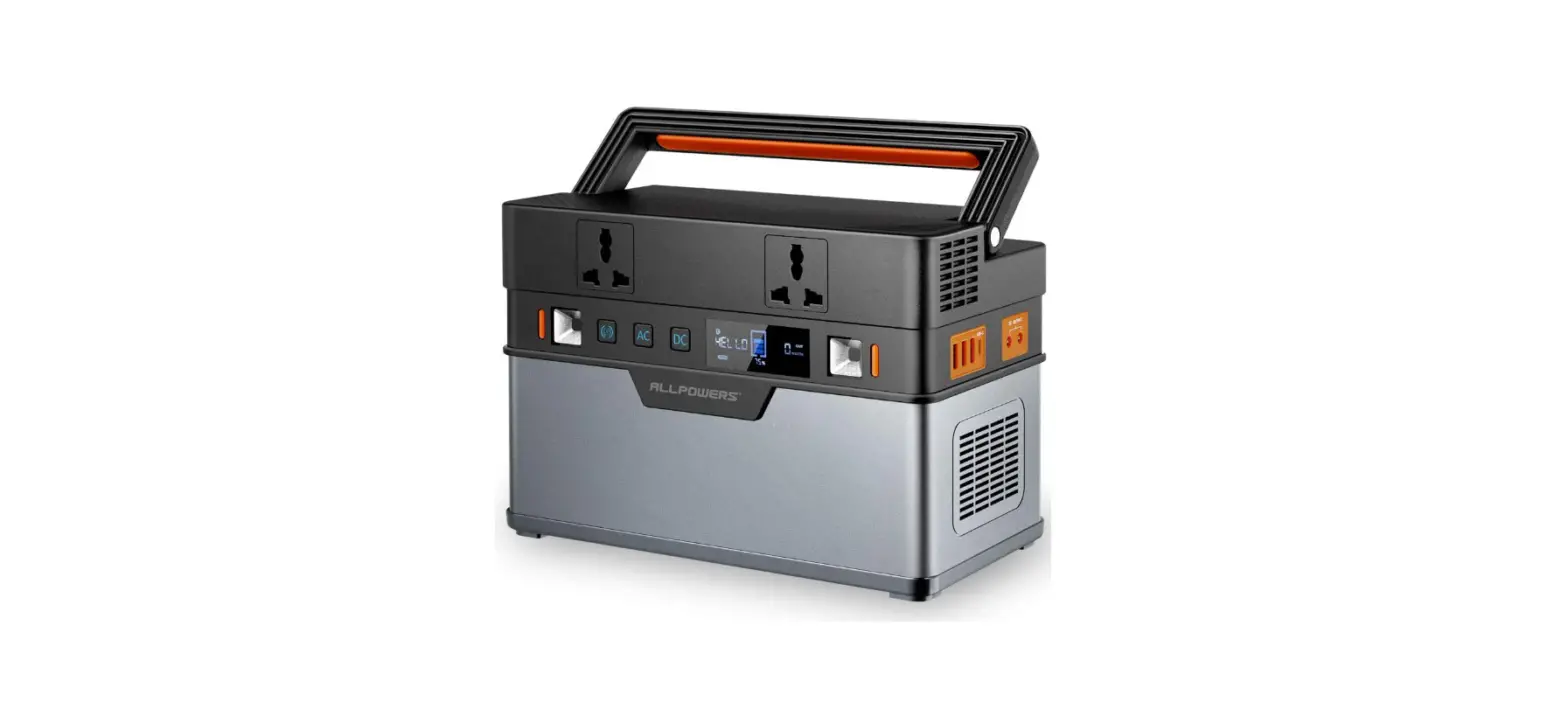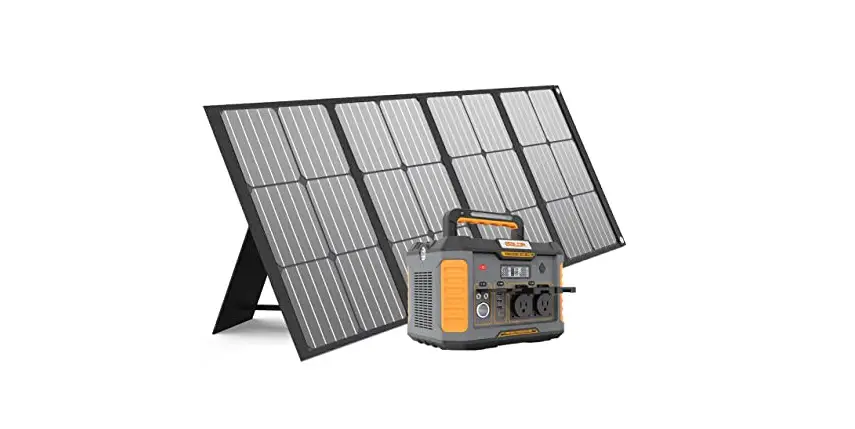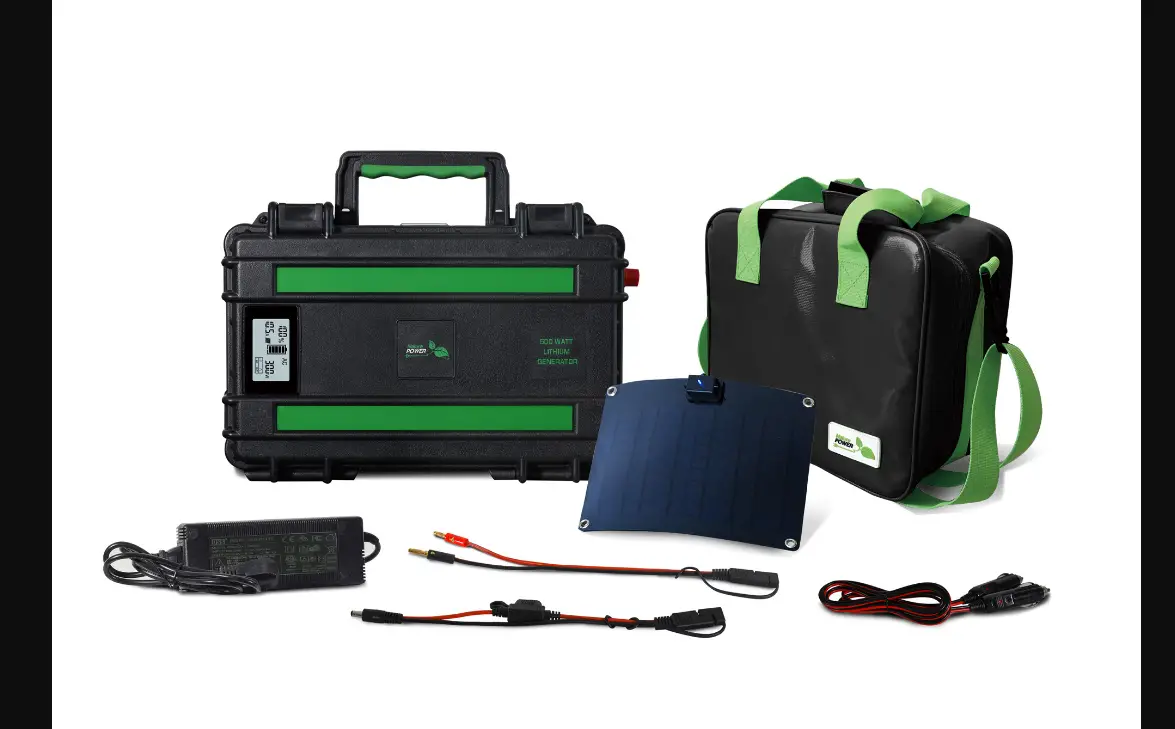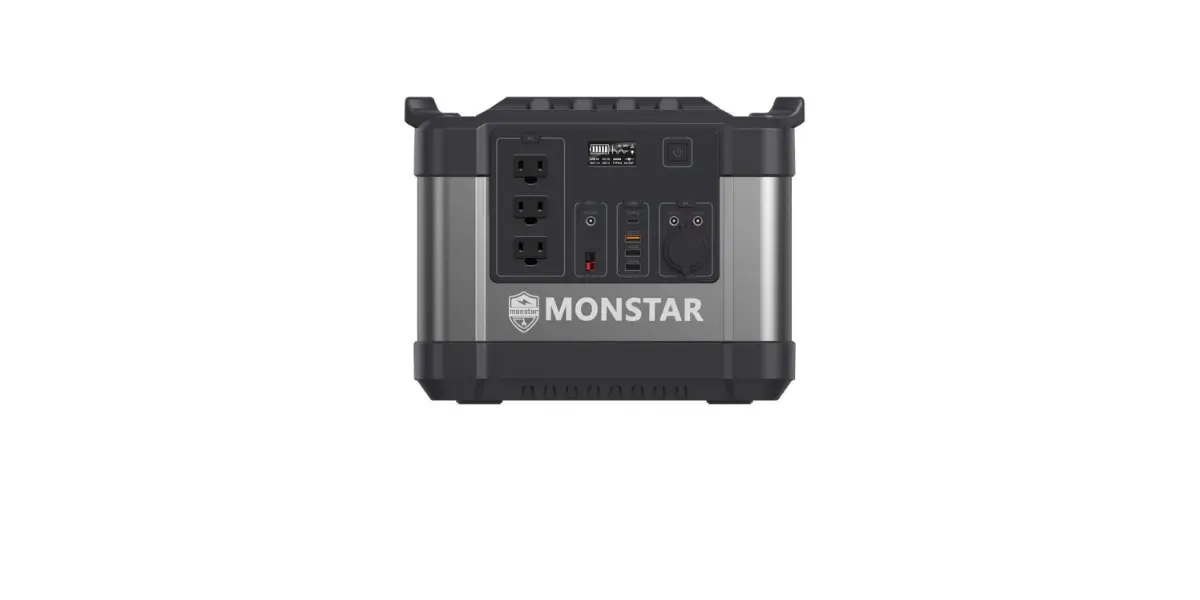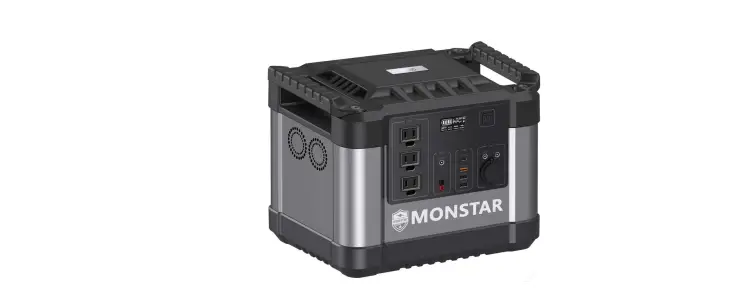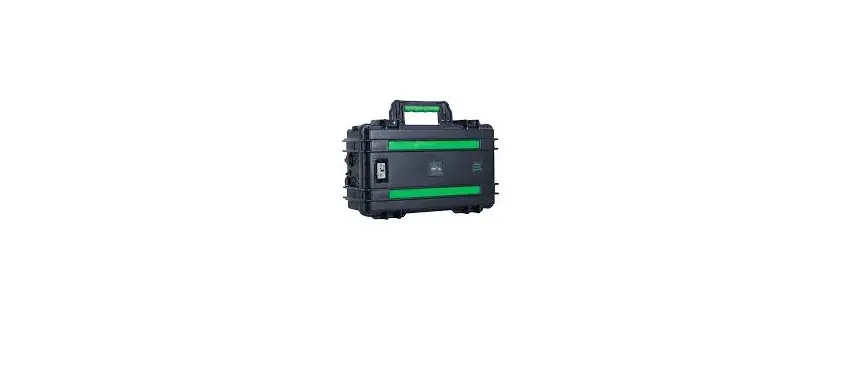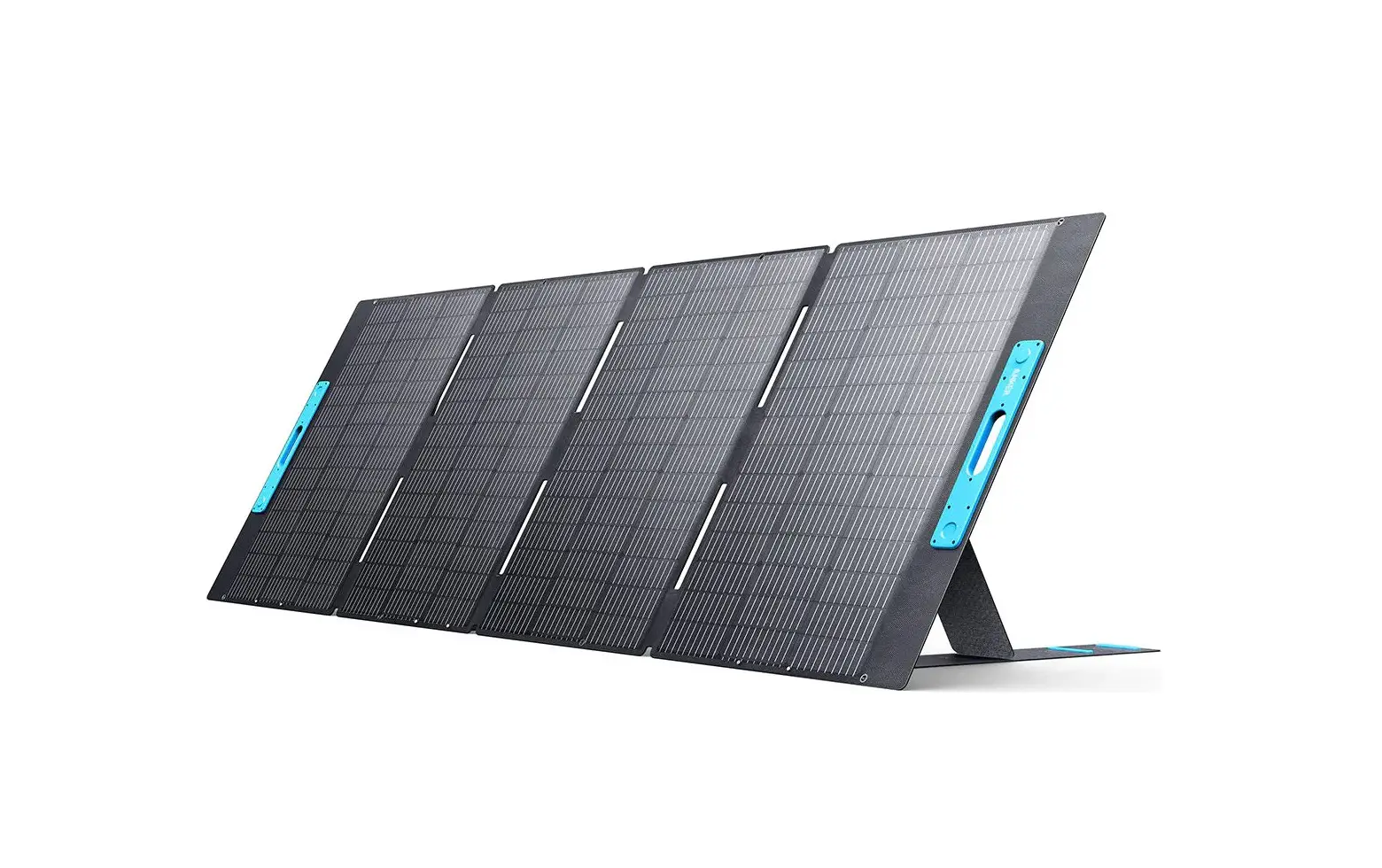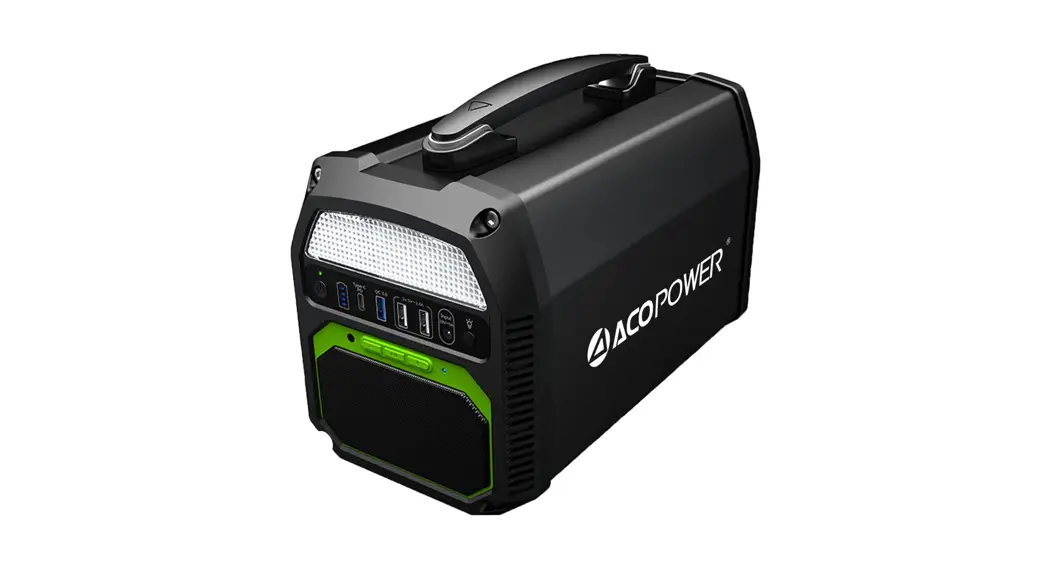
 Portable Solar Generator
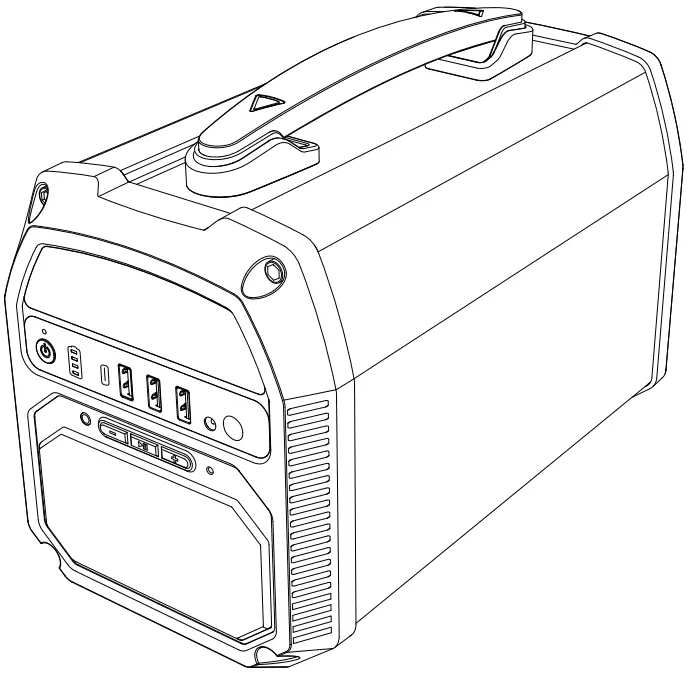 User Manual
Get To Know Your Gear
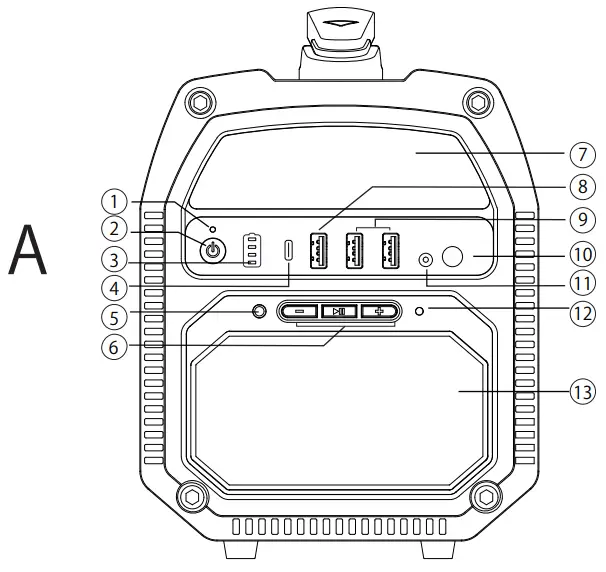 | 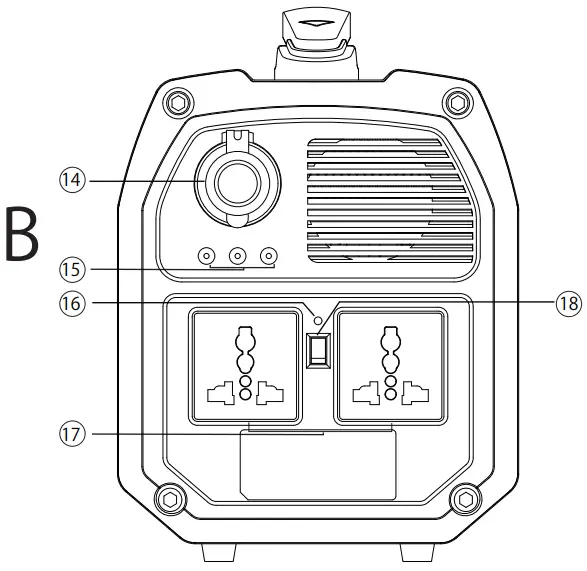 |
| 14. Car Socket 15. DC Outputs x3 16. AC Power Indicator 17. AC Power Outputs x2 18. AC Output Switch |
Tech Specification
| Capacity: | 462Wh (3.7V/124,800mAh) | Option |
| 515.04Wh (3.7V/139,200mAh) | ||
| Battery Type: | Lithium-ion Cell | |
| DC Input: | DC 19V/4.5A by Adapter | |
| MPPT Solar Input: | 14-25V by Solar Panel (Max 120W) | |
| AC Output Power: | Rated Output Power: 500W | |
| AC Output: | 100-120V—/ 6011z ( for Generator) Version) | Option |
| 220-240V—/ 50Hz ( for Generator2 Version) | ||
| DC Output: | USB-A Outputs: 5V/2.4A x2 USB-A QC3.0 x1 (5V/3A,9V/2A) USB-C PD 60W x1 | |
| DC 9-12.6V/10A Cigarette Lighter Socket x1 | Total Share 10A Max | |
| DC 9-12.6V, 5A Max Output x3 | ||
| LED Lighting Function | 5W | |
| Wireless Speaker | 10W | |
| Inverter Waveform: | Pure Sine Wave | |
| Net Weight: | 5.5Kg | |
| Dimension: | 290x155x190mm | |
| Warranty: | 12 months | |
Charging Your Generator
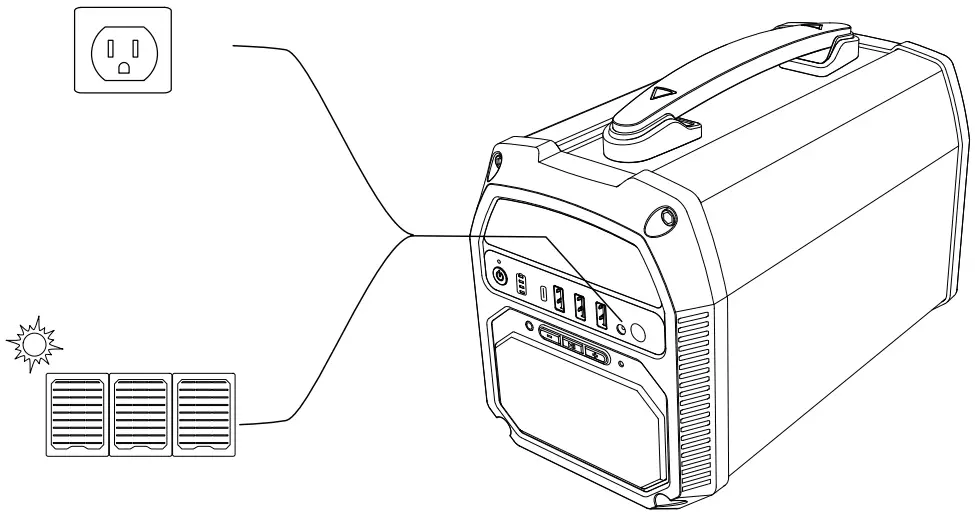
Recharge your solar generator before using or storing it for long periods of time via by AC adapter or solar panel ( max 120W) per 3 months.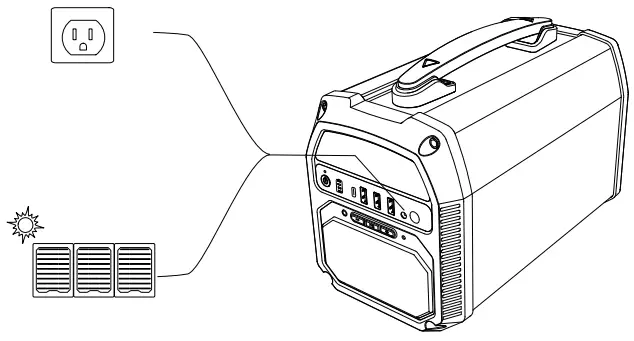
Powering on and off
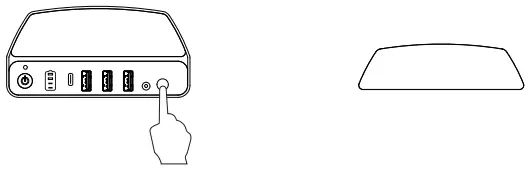
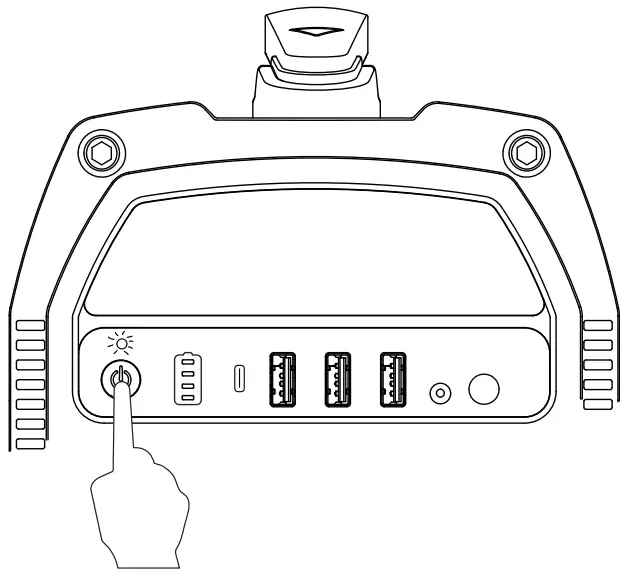
- Long press the Power Button for 2 seconds until the green LED light comes on.
- When not in use, long-press the Power Button for 2 seconds until the green LED light turns off.
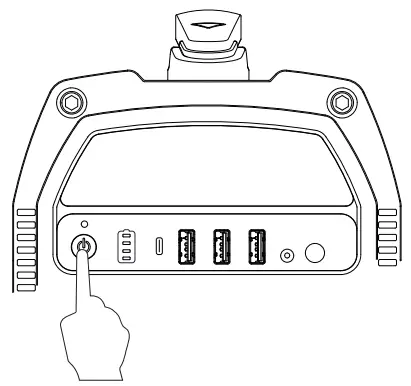
Please make sure the green light is on before using. The Solar Generator will stay on even without any power draw. Make sure you turn it off when not in use to prevent the battery from draining.
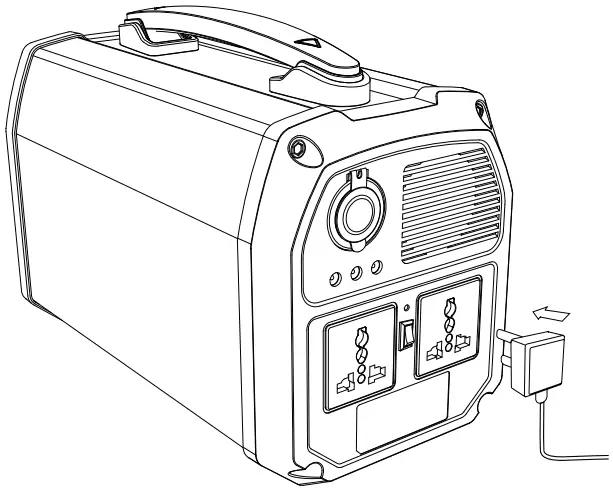
How to Use AC Output Port
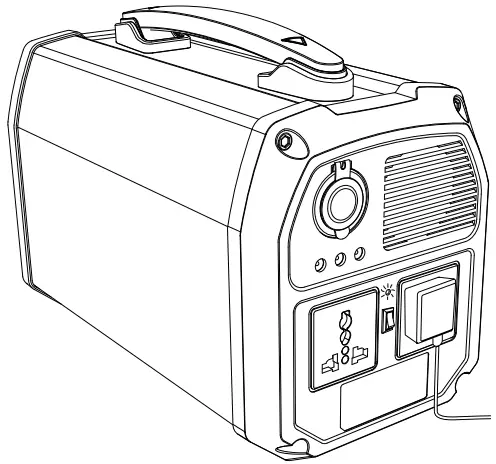
- Long press the Power Button for 2 seconds to turn on the Solar Generator.
- Flip the switch between the 2 AC outlets to the ON position.
- Plug your device into the AC outlet.

- Please switch off when not in use to save energy.

- When the power inverter is not working as intended, the LED light will be red.
USB Output
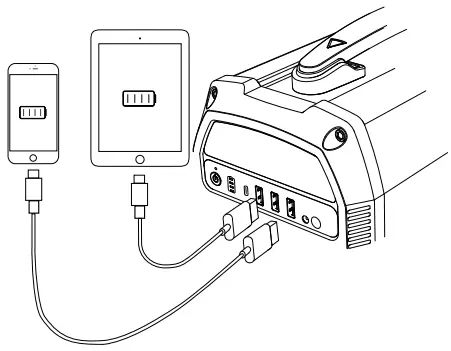
- Turn on the main power.
- Plug your device into a USB output socket.
Speaker
- Turn on the main power.
- Long press the
 button for 2 seconds to turn on the speaker. You will hear a power-up sound and see a blue LED light.
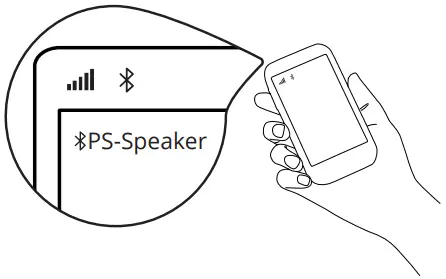
- When in pairing, the blue light will be flashing. Search for “PS-Speaker” in your Bluetooth settings and pair it with your cell phone.

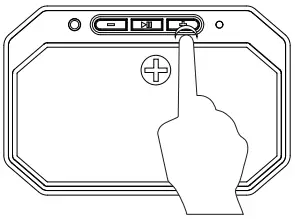
- – Short click to decrease volume
– Long press to the previous song
+ Long press to next song
+Short click increase volumeShort press play/pauseLong press 2s tp turn on/off the speaker
 button for 2 seconds to turn on the speaker. You will hear a power-up sound and see a blue LED light.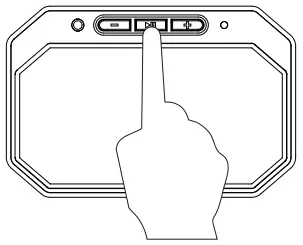
Car Socket
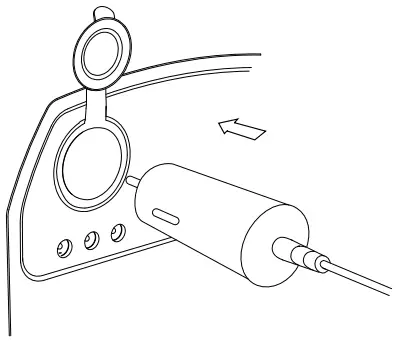
- Turn on the main power.
- Open the cover.
- Plug into the car socket.
- Output voltage: 9-12.6V
- Output current: 10A(max)
DC 12V
- Turn on main power.
- Plug-in DC output port.
- DC output voltage: 9-12.6V
- DC output current: 5A max per port
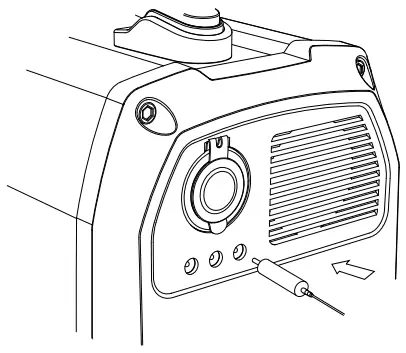
LED light panel
- Turn on the main power.
- Long press the far right button to turn on an LED light panel on half brightness mode.

- Click the button again to be on max brightness mode.

- Click again for strobe mode.

- in any mode, long press 2 seconds to switch off the light panel. You can also just press one more time in strobe mode.
- In any mode, of the light panel long press 2s to sweetchYou can also just press one more time in strobe mode.
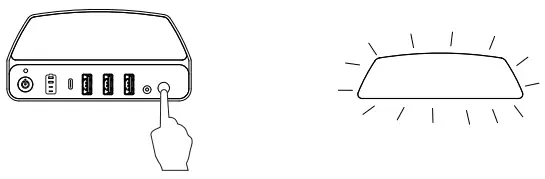
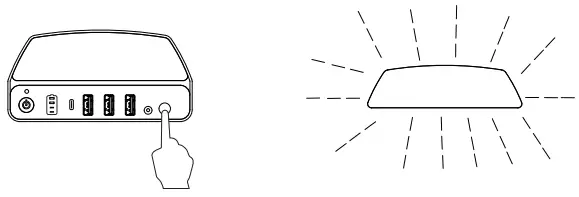
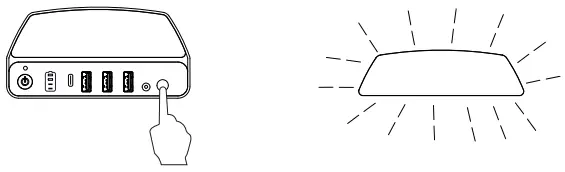
Power Indicator
- It has four LEDs to display the remaining battery capacity. When being re-charged, the LED will flash based on the current battery level:
Charging: ( :LED flash /
  : LED is off /
 : LED is on)
- When you want to check the remaining power level under standby or while working, short press the main power button to check as below:
 ● Low Battery: When the battery is lower than 10%, the 1st LED will be blinking.
● AC Power LED indicator: When it is green, AC output is on, when it is red, AC output is not working as intended.
 :LED flash /
  : LED is off /
 : LED is on)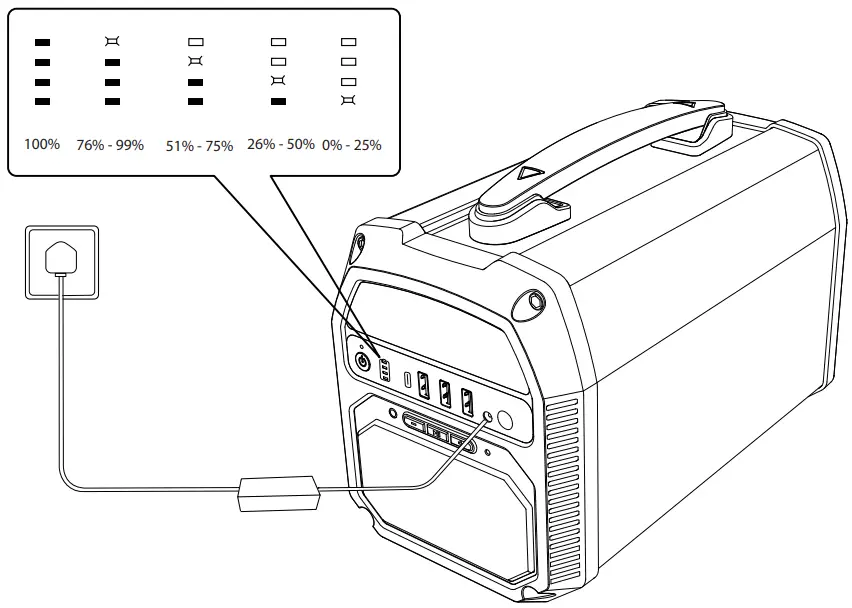
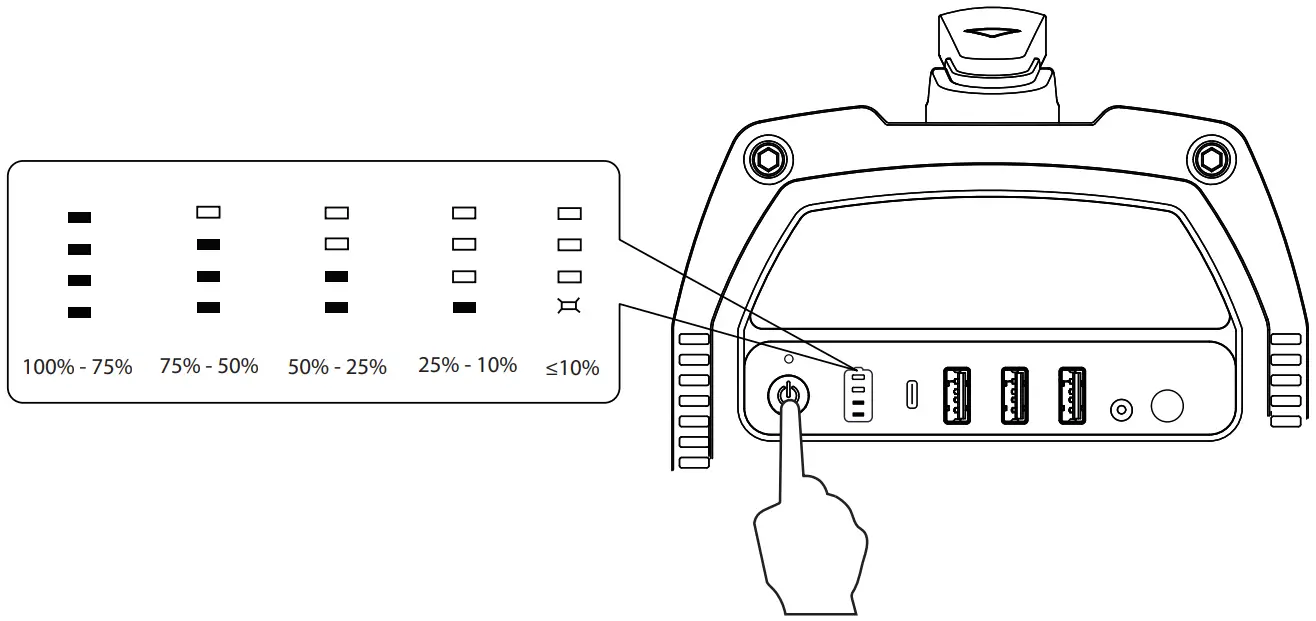 ● Low Battery: When the battery is lower than 10%, the 1st LED will be blinking.
 Caution
 Caution
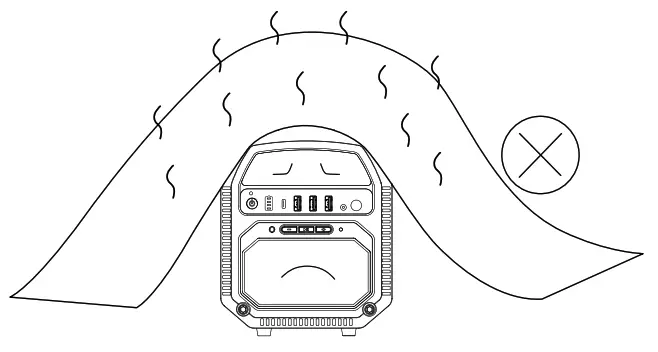
- Do not cover the Generator with anything that would prevent heat from escaping.

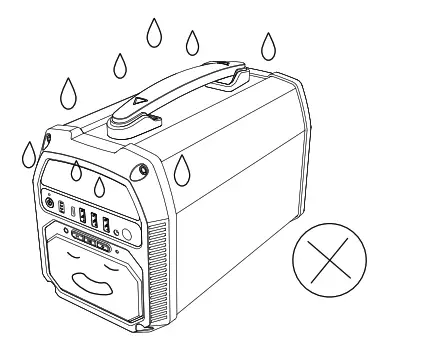
- The Generator does not have an IP waterproof rating. Do not use it in rain or in any other situations that can get wet.

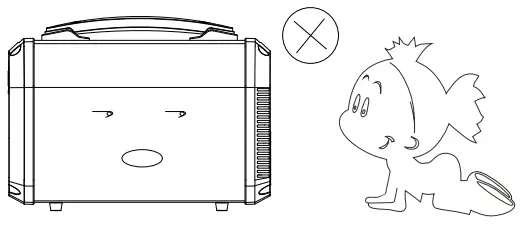
- Please keep away from fire and children.

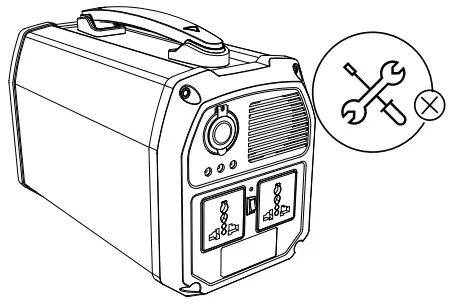
- Please do not disassemble the product.

- Fully charge the Solar Generator before long-time storage. Check the battery percentage every 3 months.

- When not in use, make sure to turn off the Solar Generator to conserve battery power.

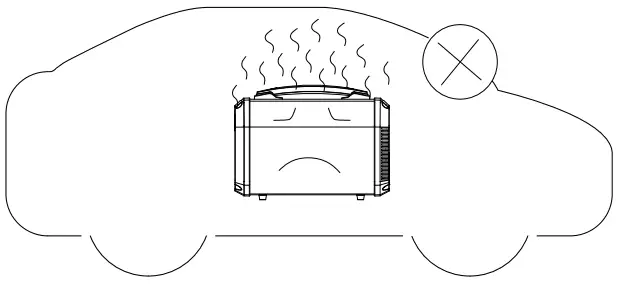
- Please do not leave the Solar Generator in situations where it can reach extreme temperatures exceeding 50℃such as inside a vehicle or outside direct sunlight.

Add:4120 Valley Blvd. Walnut, CA 91789.USA
Tel: 1.626.575.8822
Email:[email protected]