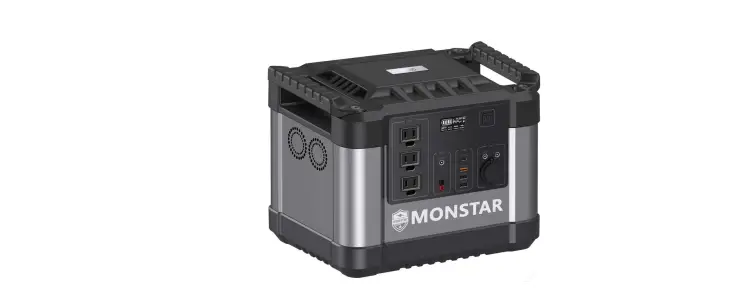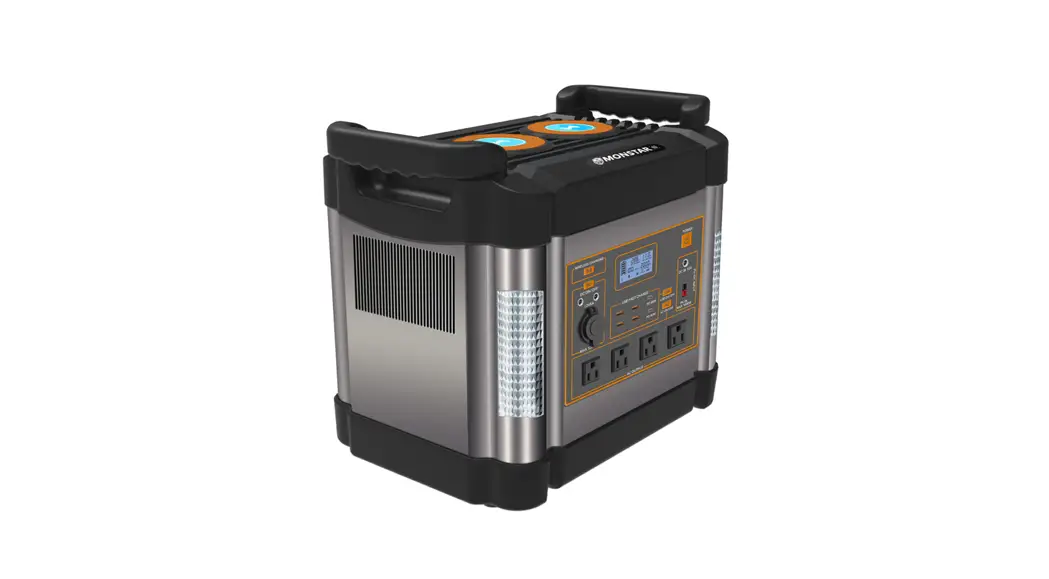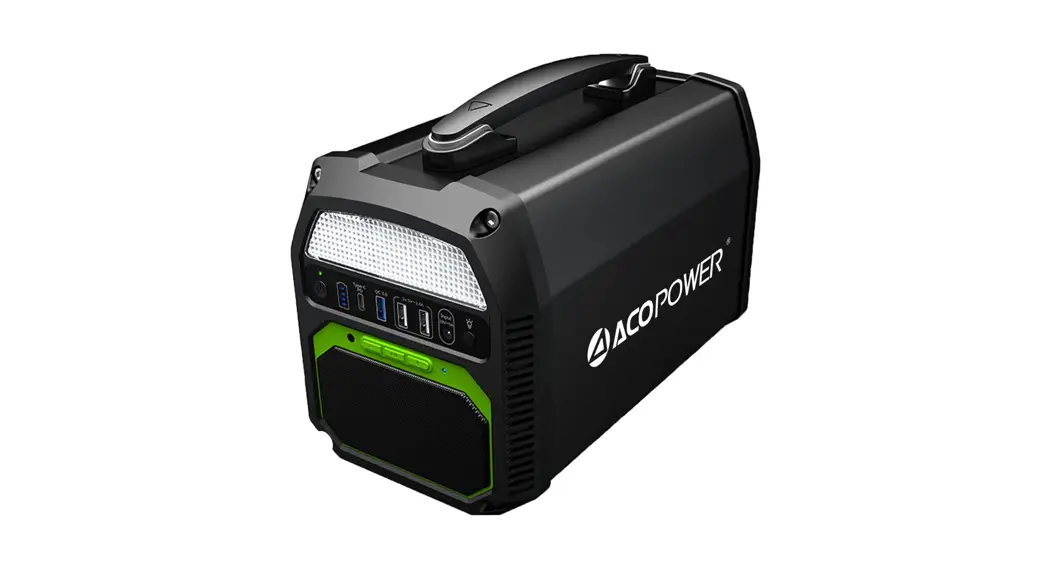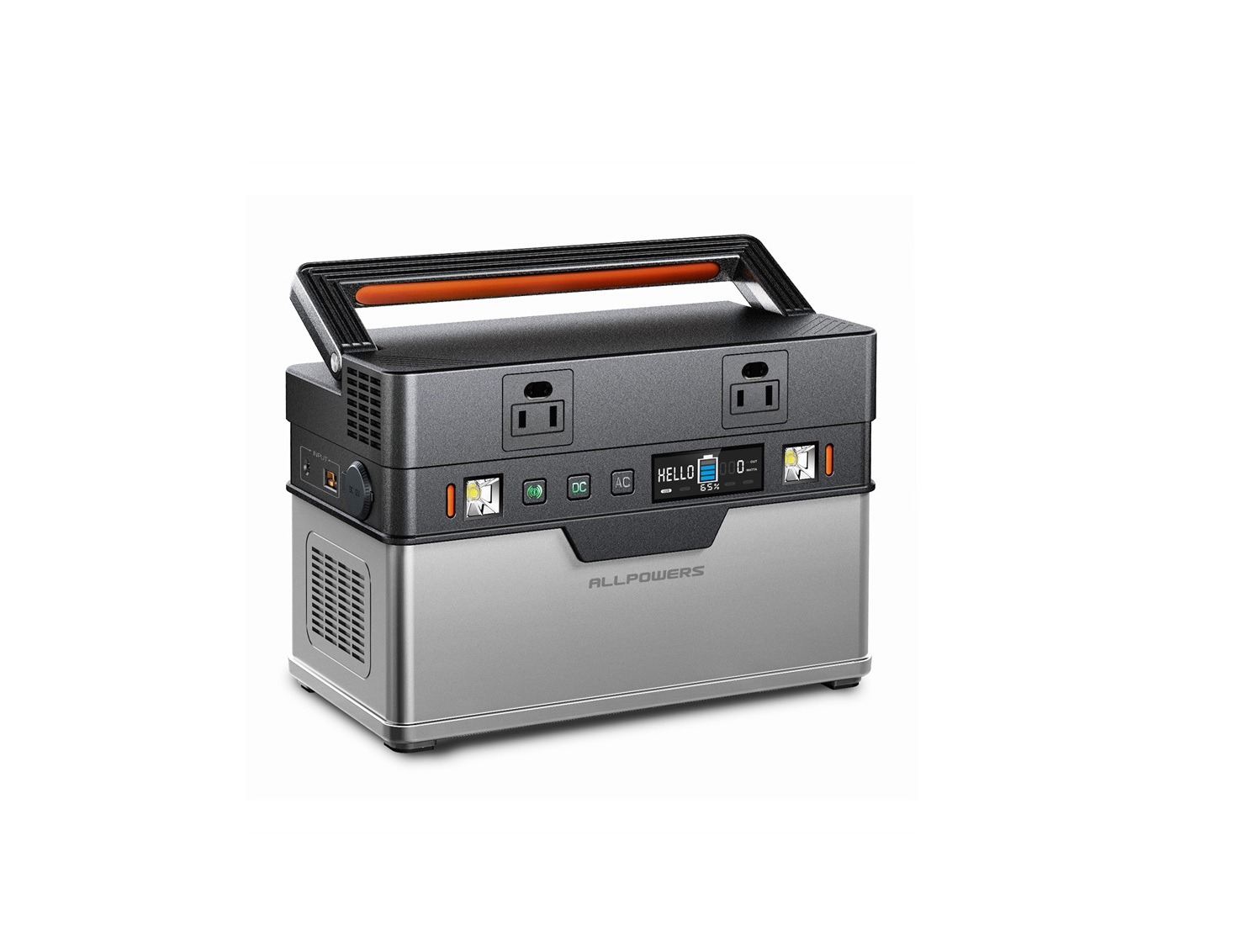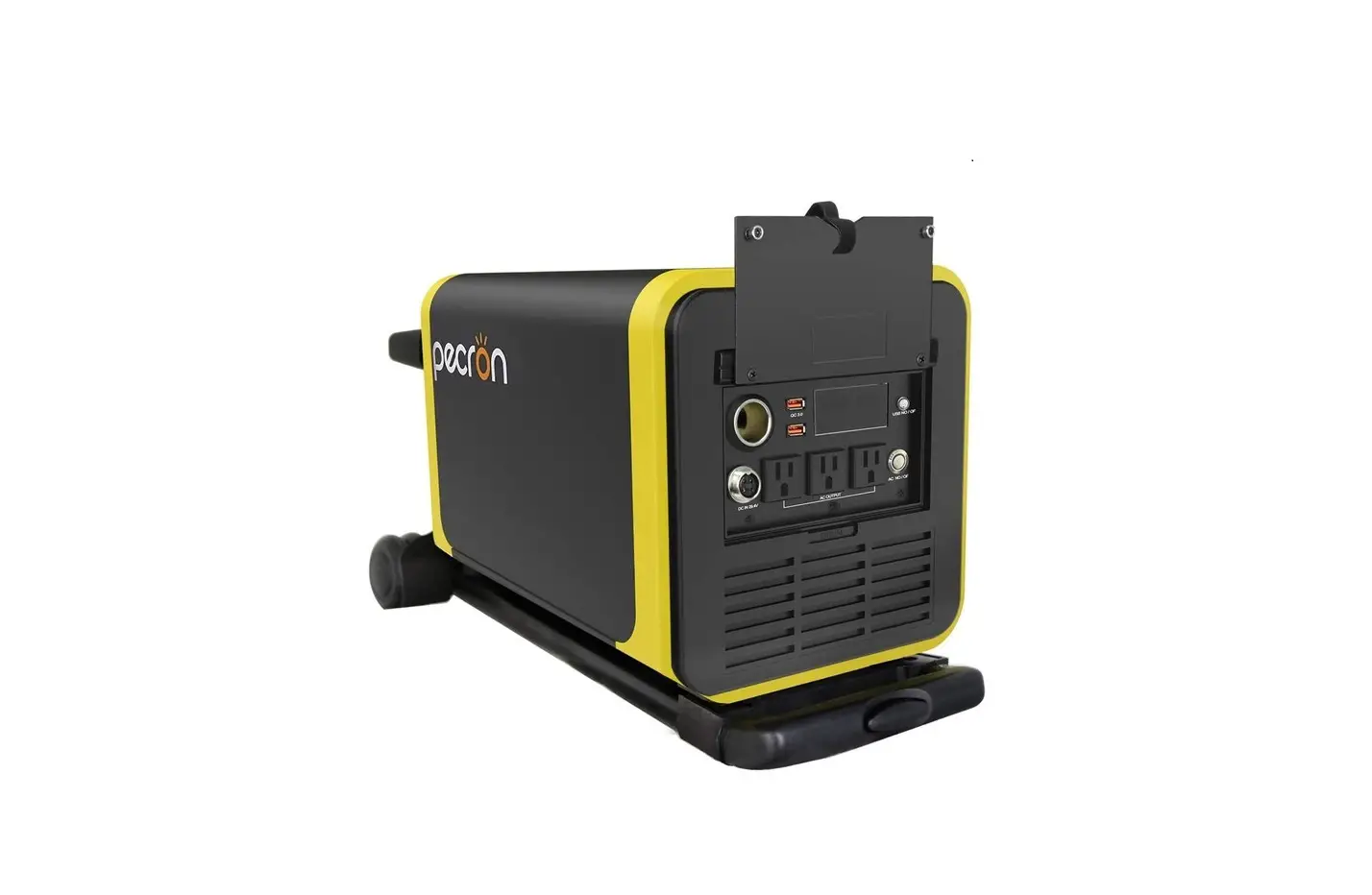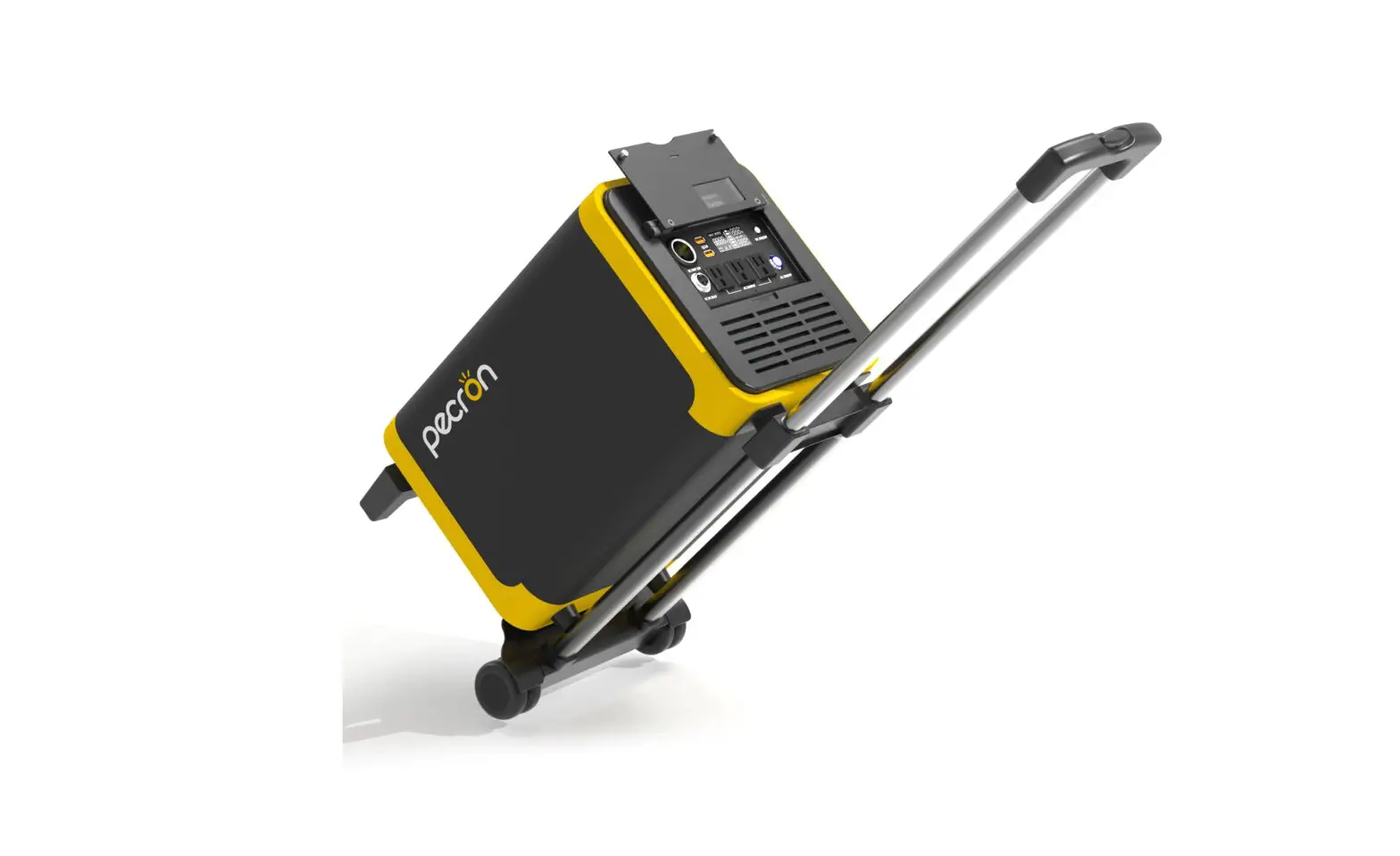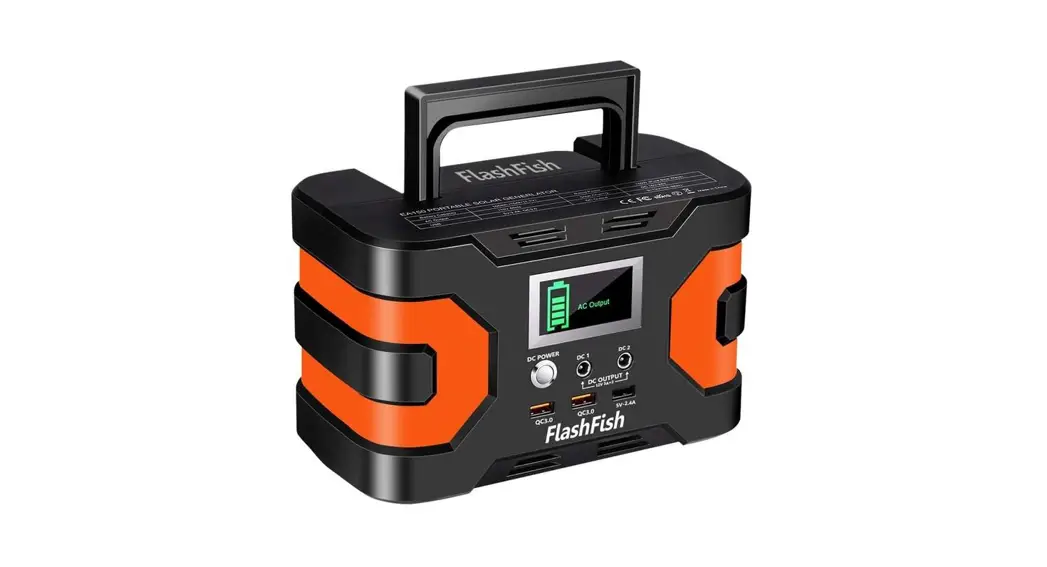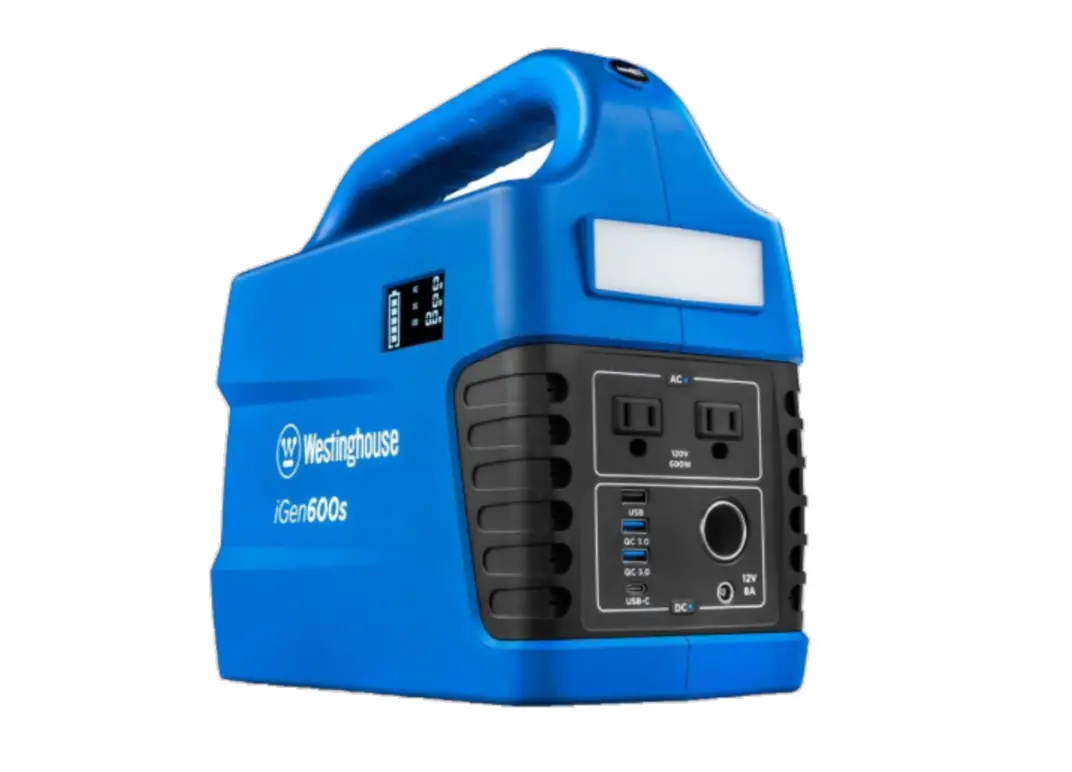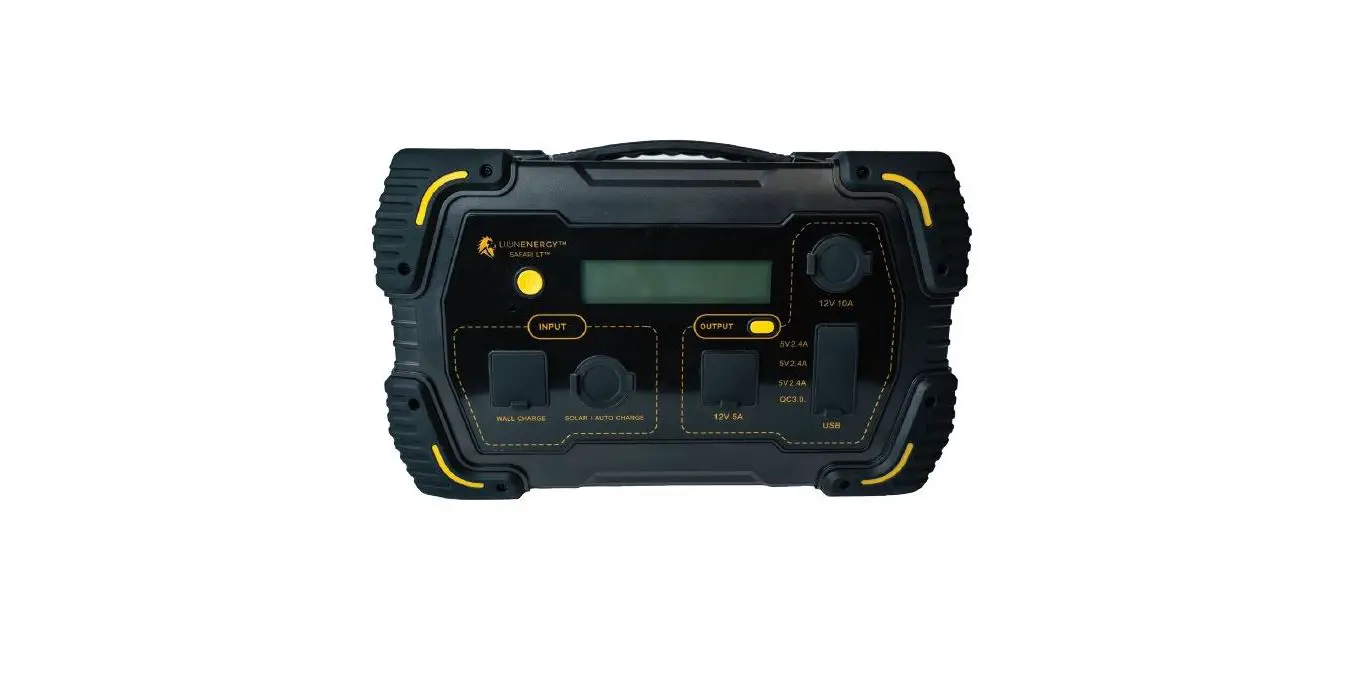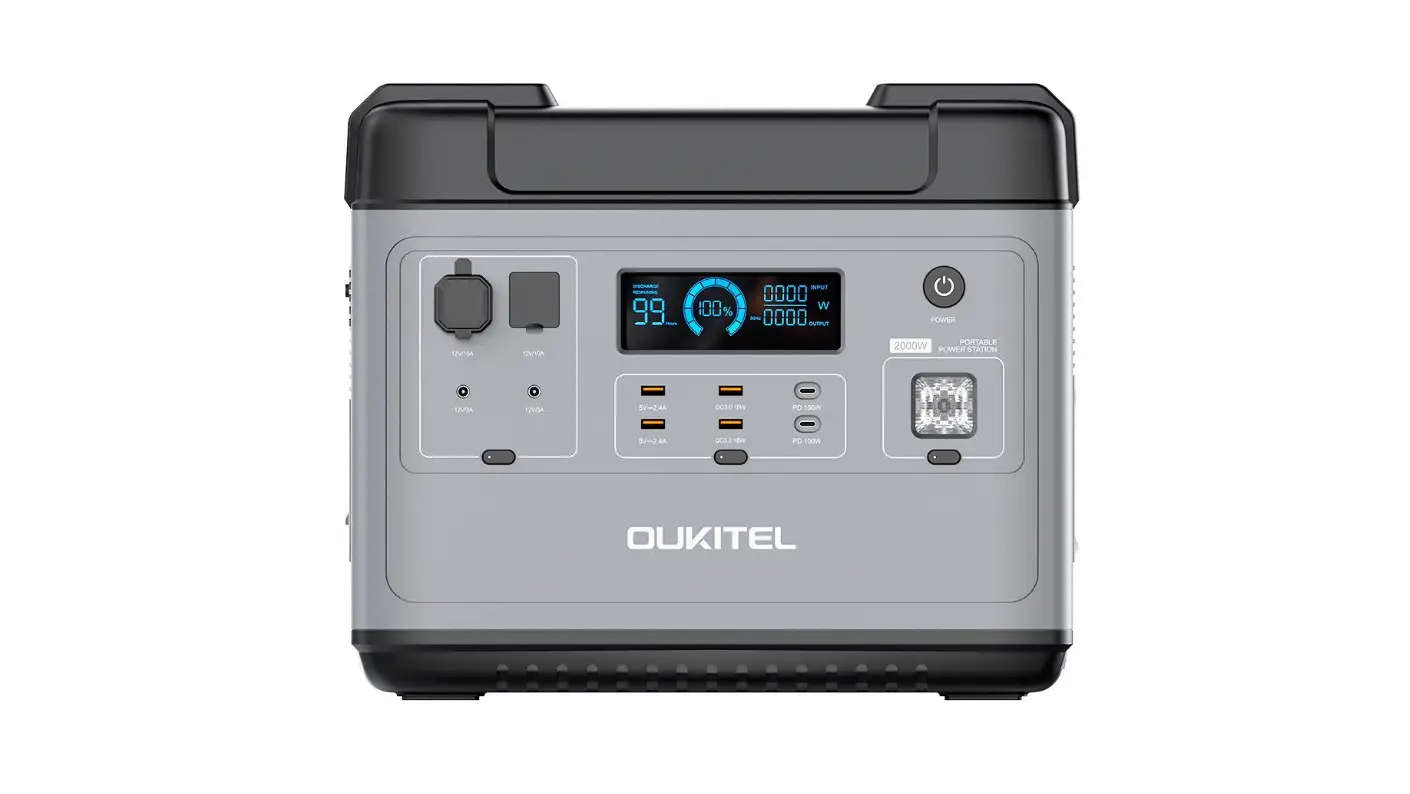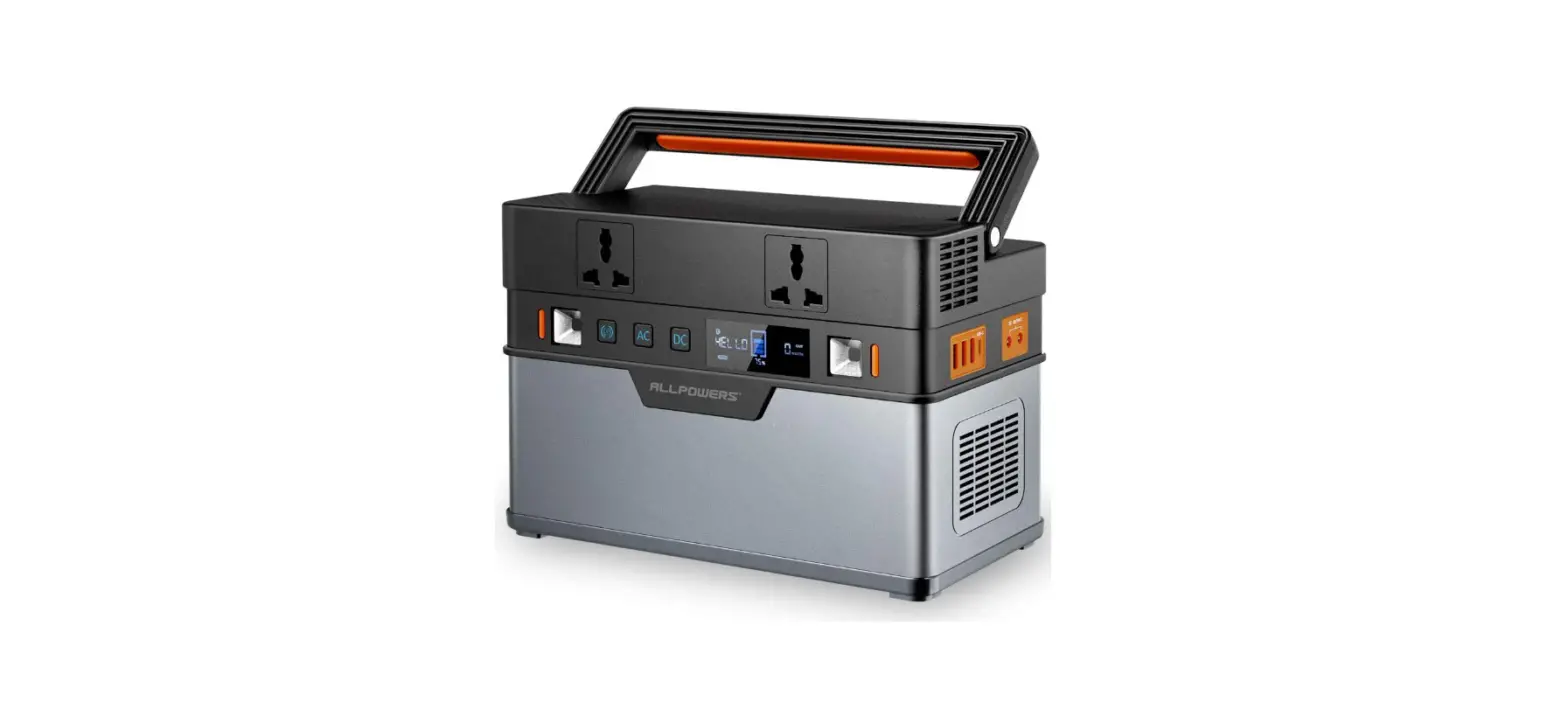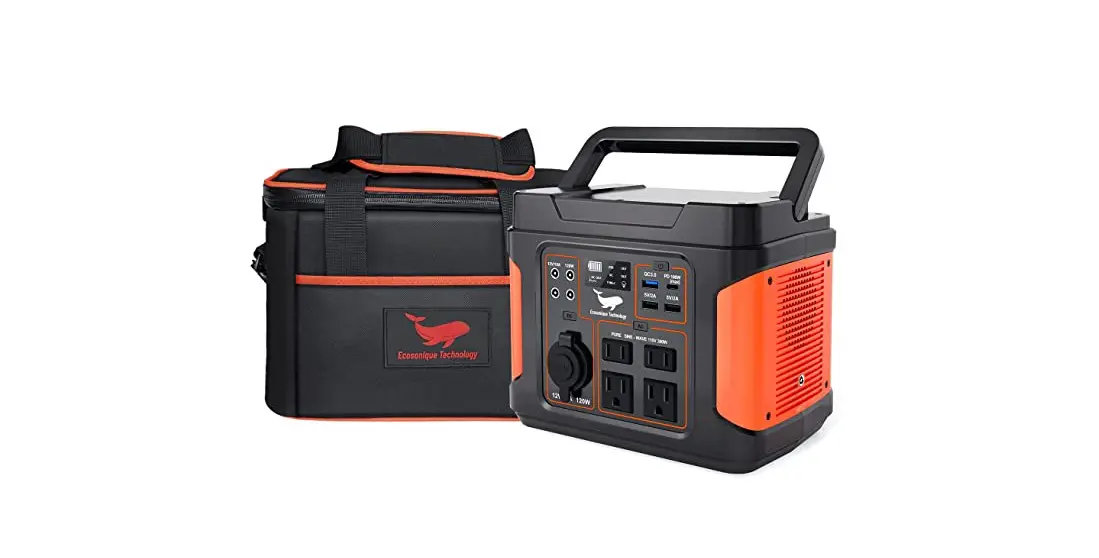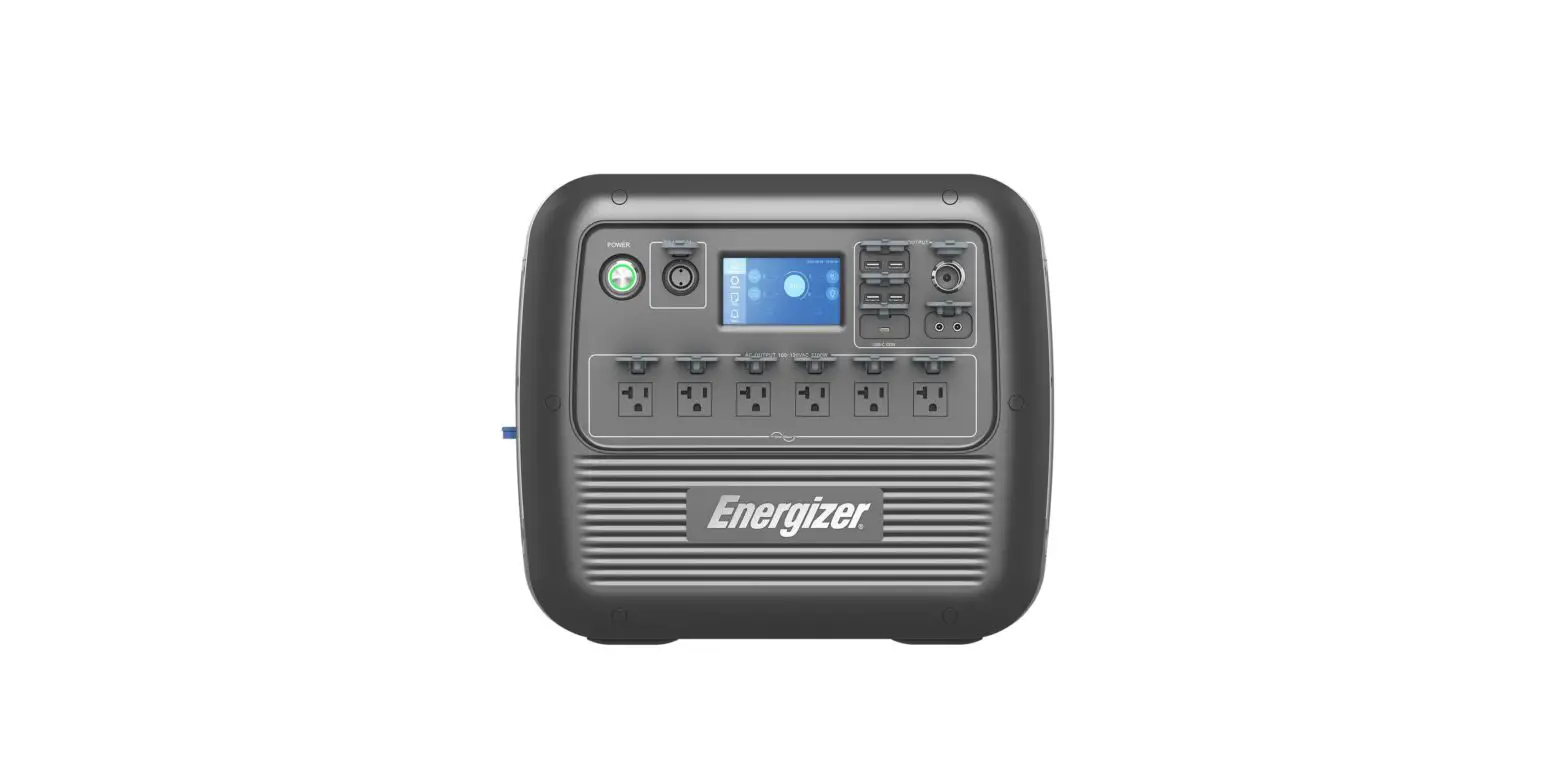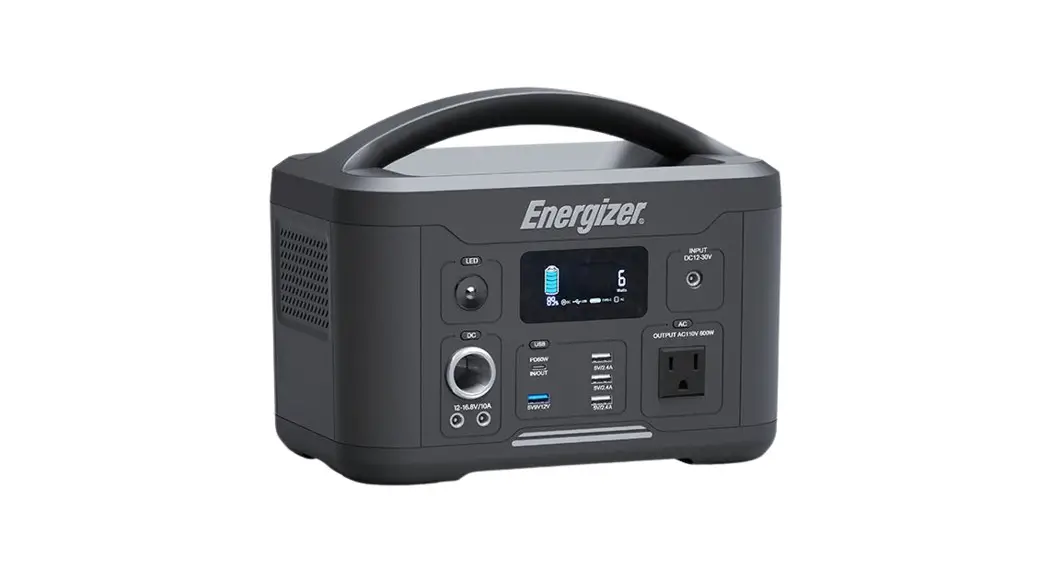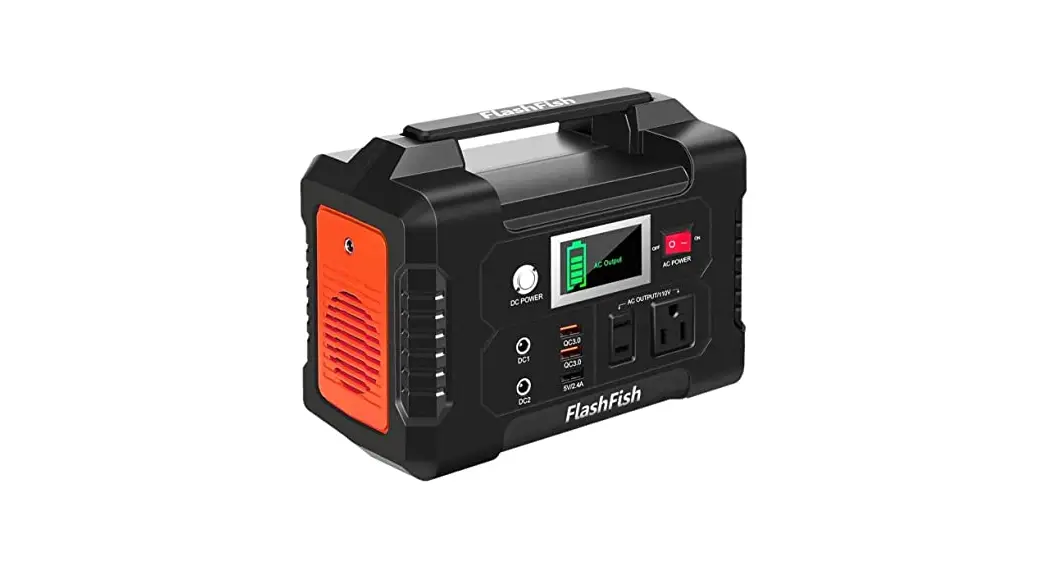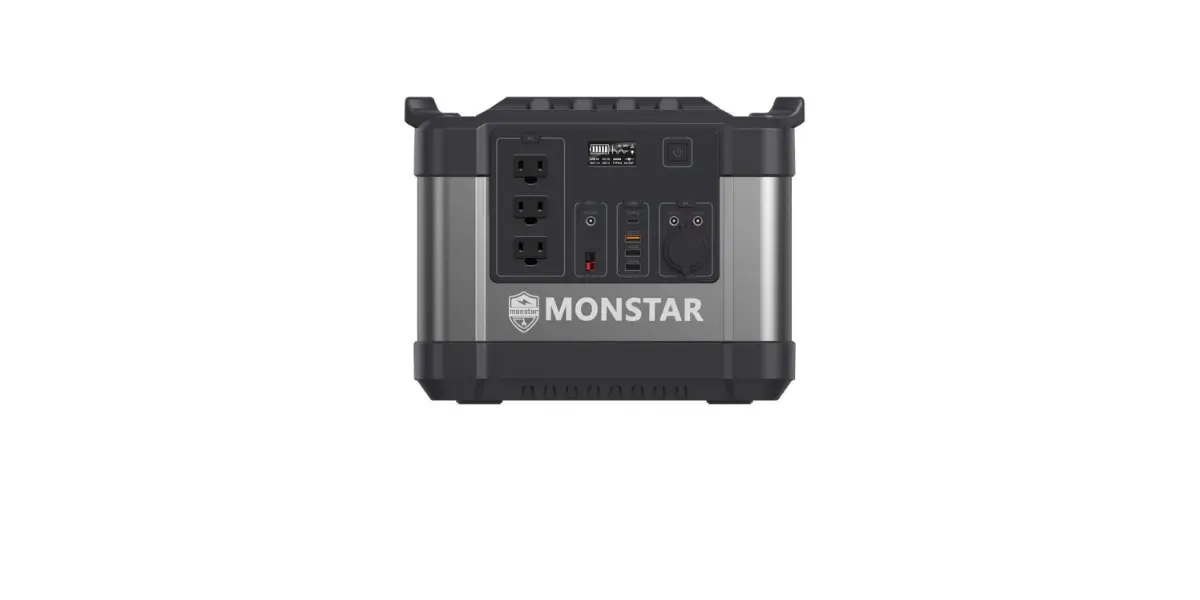
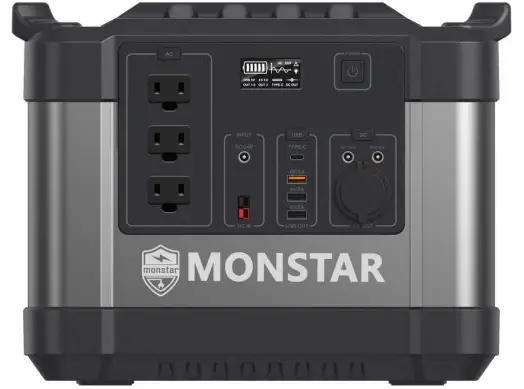
MONSTAR M2000 Portable Solar Generator Power Station User Manual

Attention:
This portable power station AC output range between of 100V~110V 60Hz/ 220V~240V 50Hz, product specification actual AC outlets will be different according to different countries, areas or customers. Please refer to the actual situation before buy this product.
Thanks for purchasing our portable solar generator power station. Please read this user manual carefully before using and keep it for review.
This manual helps you to operate this device correctly. But it is not the introduction of the soft&hard ware configuration.Any configuration of problem, please refer to the related contract or consult with your distributor. The images in this manual are for reference only. Thank you.
Product Description
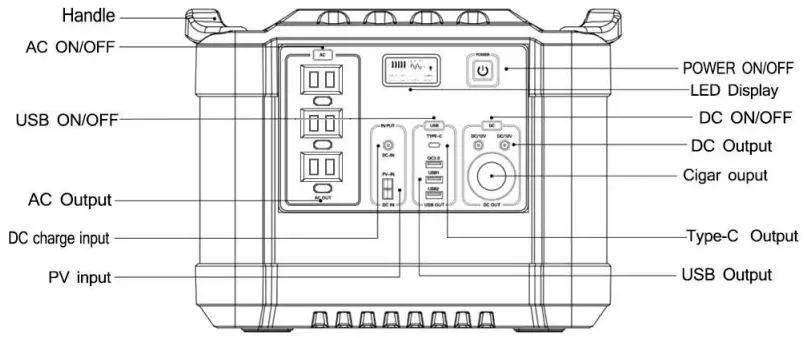
Specifications
| Model | Mostar M2000 |
| Battery Capacity | 3.7V 600000mAh/2220wh |
| Rated Power | 2000W |
| Battery Type | High Quality lithium ion Batteries |
| Charge Input | CC/CV 25.5V/8A |
| Solar Charge input | 18V-30V 3A Max |
| AC Output | 100V~120V or 220V~240V 50Hz/60HZ |
| USB Output | 5V/2.1A max |
| QC 3.0 | 5V/3A, 9V/2A, 12V/1.5A |
| DC Output | 12V±1V /8A max |
| Type C Output | PD 60W,5V/3A, 9V/3A, 12V/3A, 15V/3A,20V/3A |
| Cigar port output | 12V±1V /8A max |
| Output Waveform | Pure Sine Wave |
| Weight | 21KG |
| Operation Temperature | -10°C(-50°F)~60°C(140°F) |
| Package included | 1 x Portable Power Station 1 x Adaptor 1 x User Manual |
ATTENTION:
AC output voltage and frequency will be different according to different countries or areas.Please refer to the actual product before using.
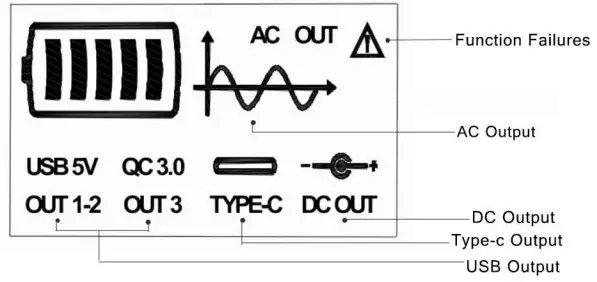
Led Display
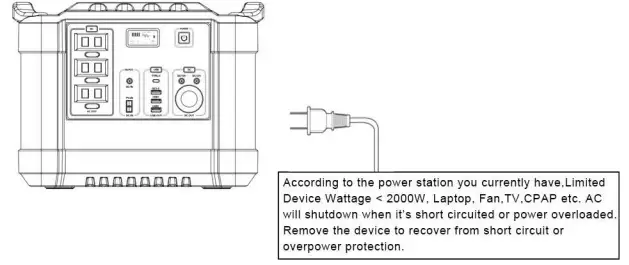
How to use your power sation?
1) How to provide power for AC appliances with power station?
WARNING! The interface specifications and voltage standard of different countries are different; please carefully check whether the product specifications are consistent with the appliance specifications before use, otherwise it can lead to dangerous situations.
a. Long press (about 2 seconds) the  button to start, the LED display screen of this product display the icon
  meaning the AC output is ON, the electrical appliance starts to work.
b. Long press (about 2 seconds) the button to turn OFF AC output, the electrica appliance stop work.
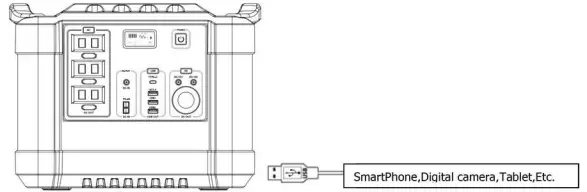
2) How to provide power for USB/Type-c appliances with power station?
a. Single click the button  , the LED display screen of this product display the icon USB5V QC 3.0
  , meaning the USB/Type-c output is ON, no matter charge your head lamp, fan, radio.
b. one more Single click the button to turn off USB output. USB would switch off within 30 seconds automatically when there is no loads.
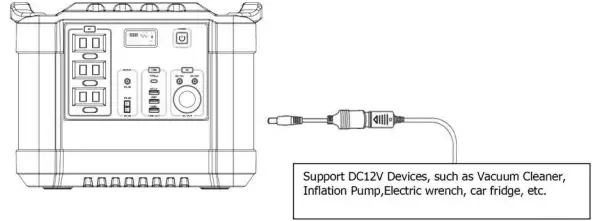
3) How to provide power for DC 12V digital appliances with product?
a. Single click the button  , the LED display screen of this product display the Icon
  , meaning the type-c output is ON. Please confirm whether the interface of DC12V appliance or lighting equipment is the DC5.5 connector.
b. one more Single click the button to turn off DC output. DC would switch off within 30 seconds automatically when there is no loads.
How to charge the portable Power Station?
1. Charge by adaptor
- Please connect our original adaptor to household AC socket, connect the DC plug of standard charging adapter with the DC interface
 of this product, you’ll know the unit is charging when the battery icon
  light up, the light will twinkle, at the same time, When the product is full of power, the battery icon will fully light, After the power station is fully charged, please remove the charger in time.
 of this product, you’ll know the unit is charging when the battery icon
  light up, the light will twinkle, at the same time, When the product is full of power, the battery icon will fully light, After the power station is fully charged, please remove the charger in time.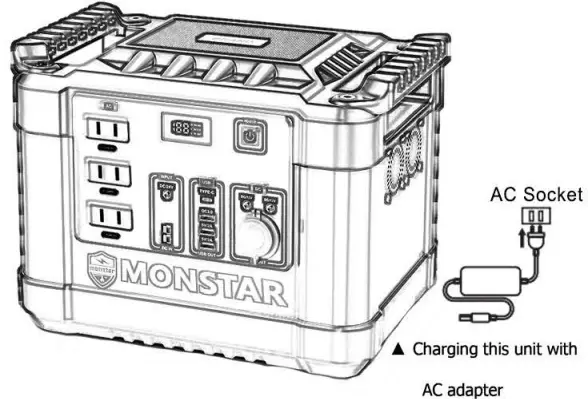
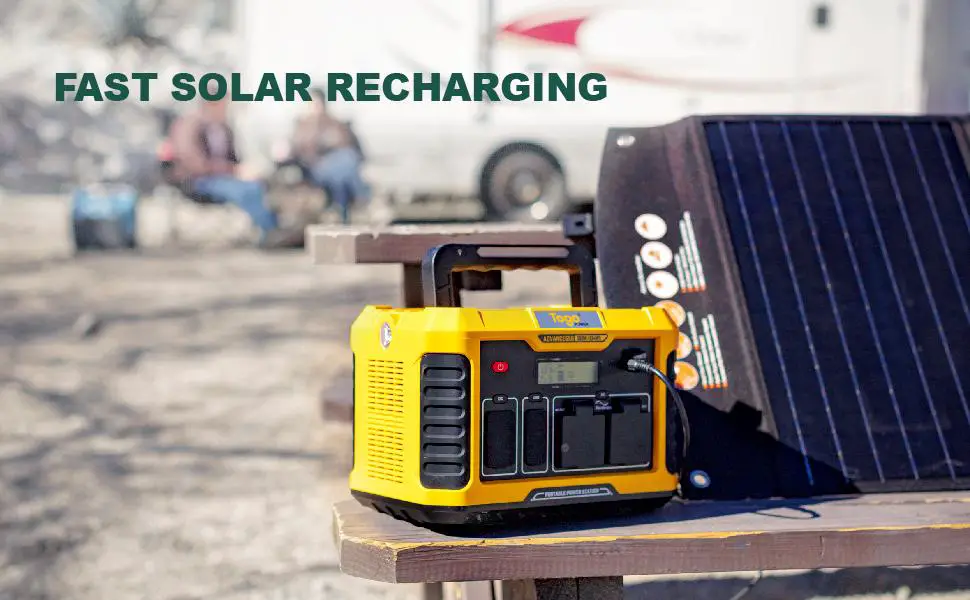
2. Charge by solar panel
- Place your solar panel where it will get as much direct sunlight as possible.
- Plug the output of the solar panel (DC 5.5*2.1mm or PV) into the input of the unit to start charging. connect with the DC input interface
 or
or  of this product. you’ll know the unit is charging when the battery icon light up, When the product is full of power, the battery icon will fully light
 or
or  of this product. you’ll know the unit is charging when the battery icon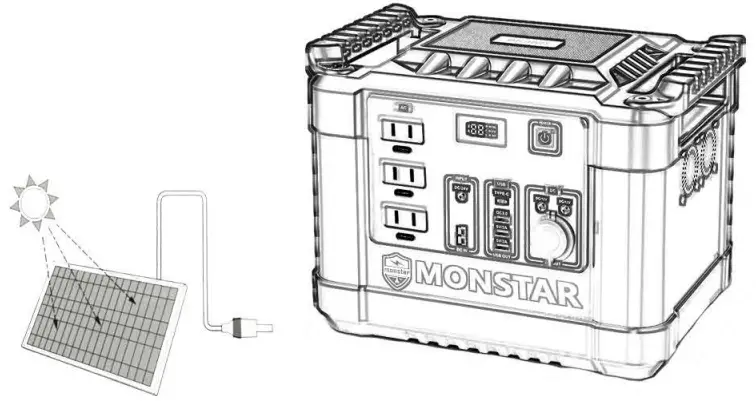
Product Application Skills
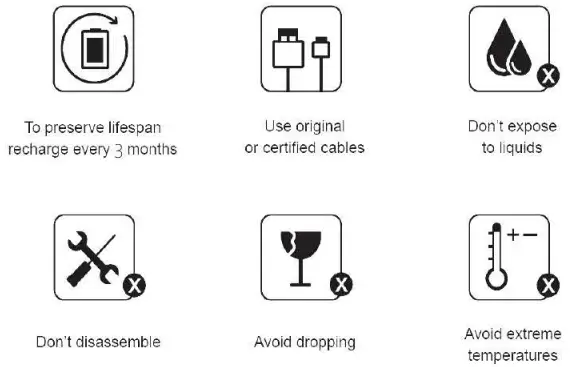
- This product is built in high quality original lithium ion battery, it has no memory effect but high-capacity, and it is durable. However, we still recommend you to apply in the range of 10°C ~30C, so as to obtain the optimal charging capacity.
- When charging, in order to avoid interference, please stay away from TV, radio and other equipment.
- If the device has not been used for a long time, please disconnect the cable and store.
- Some portable devices may need to be set in charge mode to charge, see the corresponding equipment use manual for more information.
- After starting, if there is no any output, it displays to automatically shut down within 20 seconds, so as to achieve better energy-saving effect.
Attention
- To avoid short-circuiting, keep the unit away from all metal objects (e.g. Coins.hair–pins, keys, etc.).
- Do not heat the unit, or dispose of it in fire, water or other liquids. Keep away from high temperatures.Do not expose the unit to direct sunlight.
- This appliance is not intended for use by persons(including children) with reduced physical, sensory or mental capabilities, or lack of experience and knowledge, unless they have been given supervision or instruction concerning use of the appliance by a person responsible for their safety.
- Children should be supervised to ensure that they do not play with the appliance.
- The unit may become hot when charging, this is normal. Do not cover the device with towels, clothing and other item.
- Please deal with scrap products in accordance with the regulations, do not treatment the built-i battery as a household garbage, so as not to cause the explosion and pollution.
- The product is only used for emergency power station, it can not replace the standard DC or AC power of household appliances or digital products.
- Your device has and internal, non-removable, rechargeable battery. Do not attempt to remove the battery, as you may damage the device.