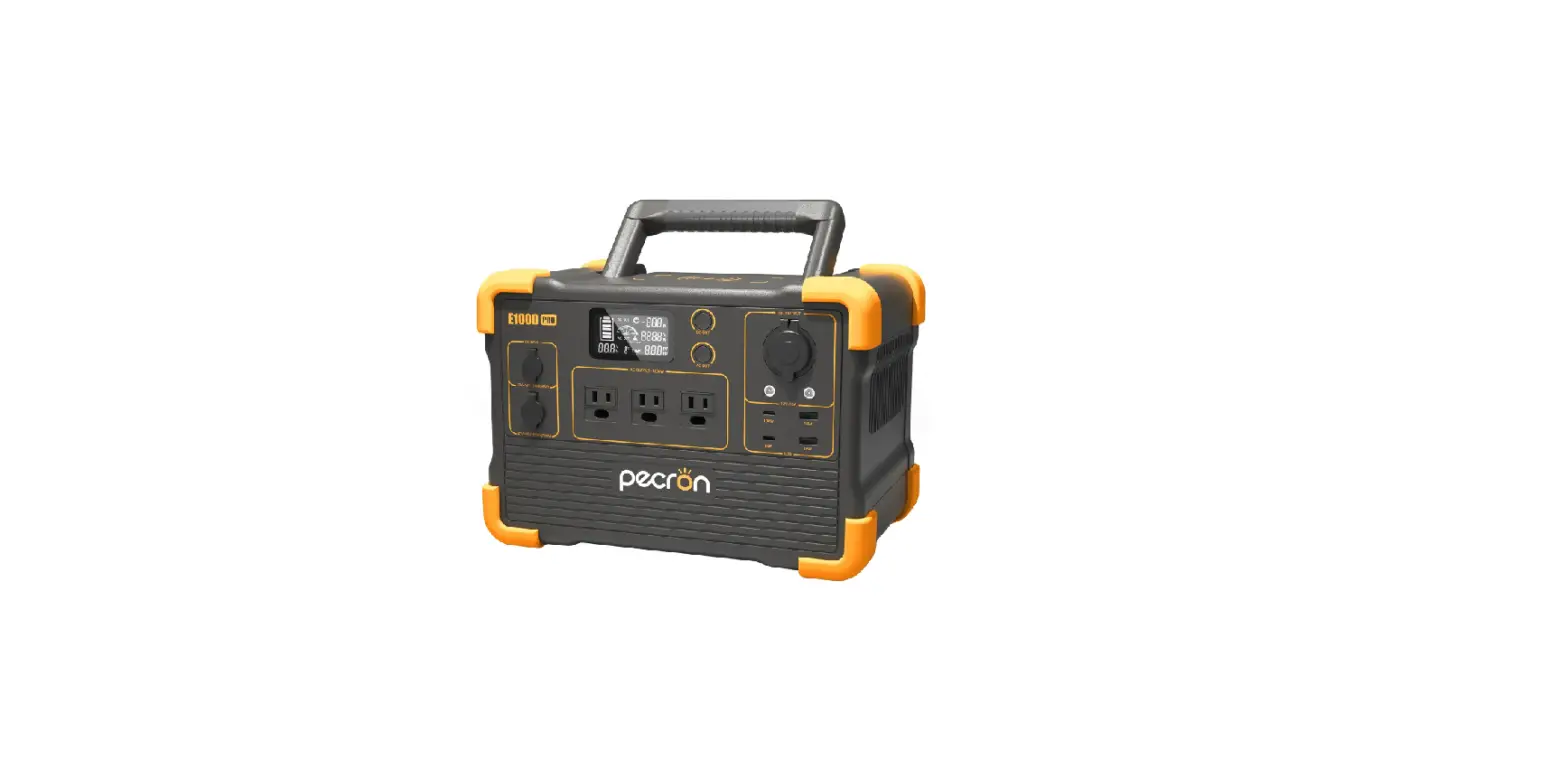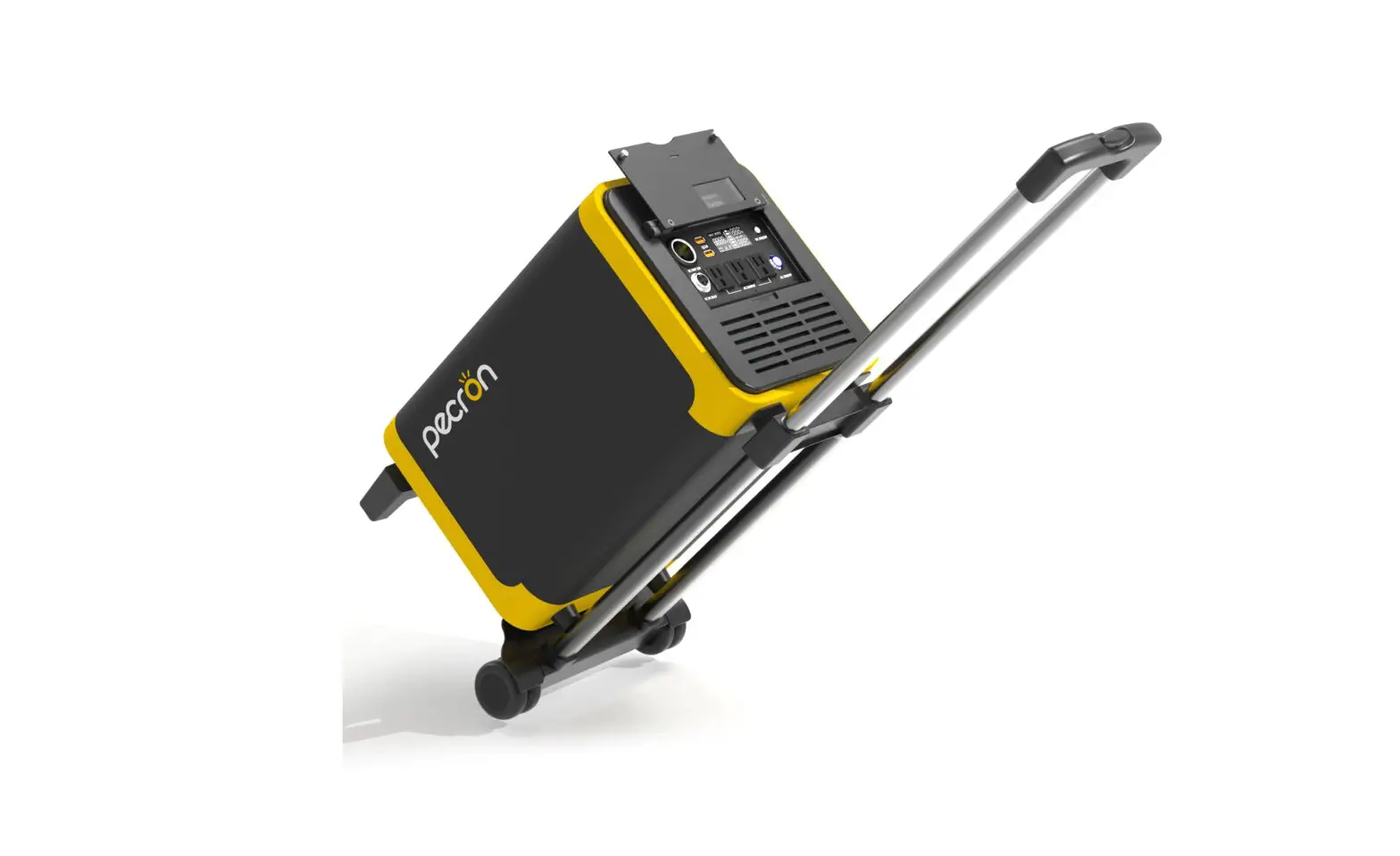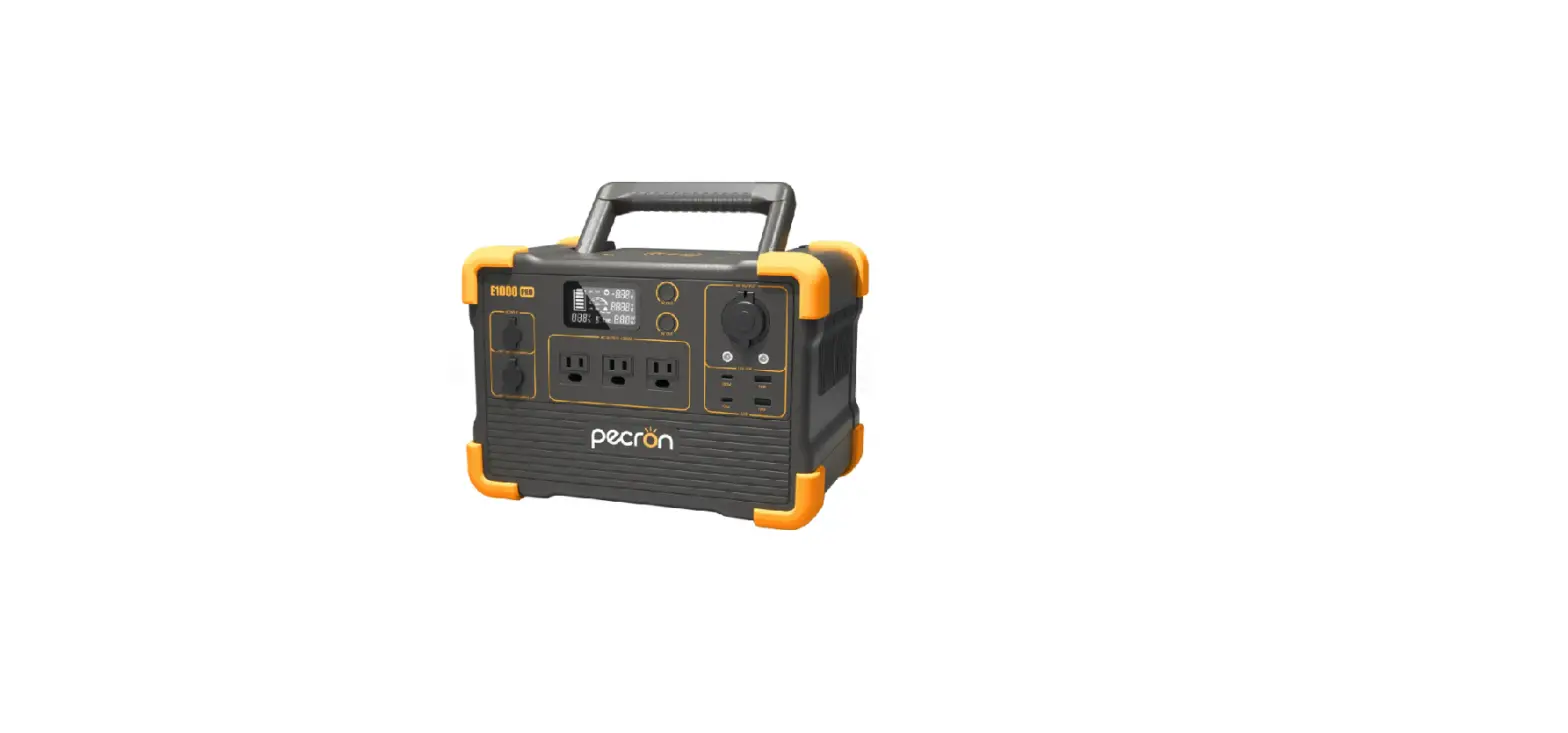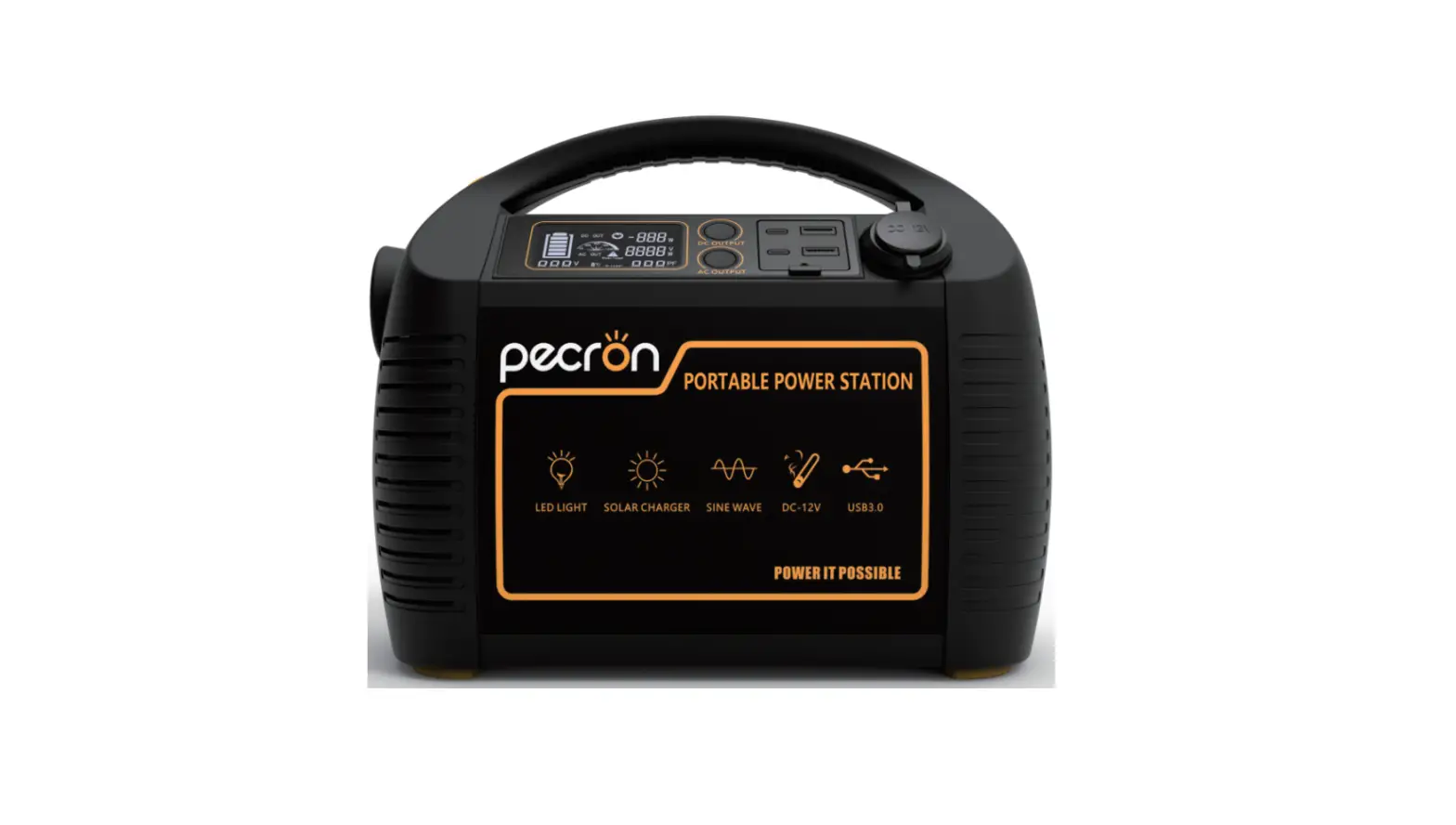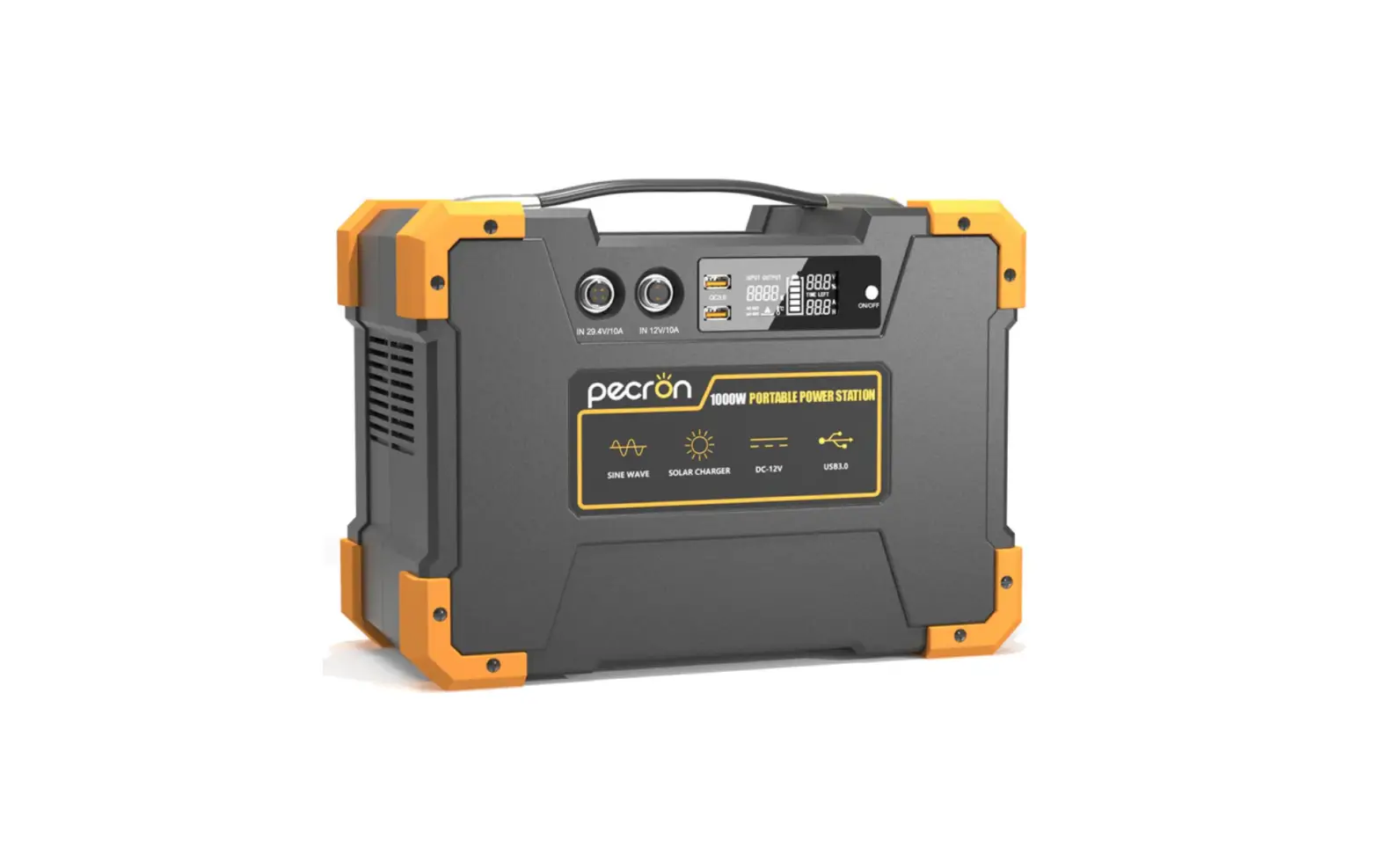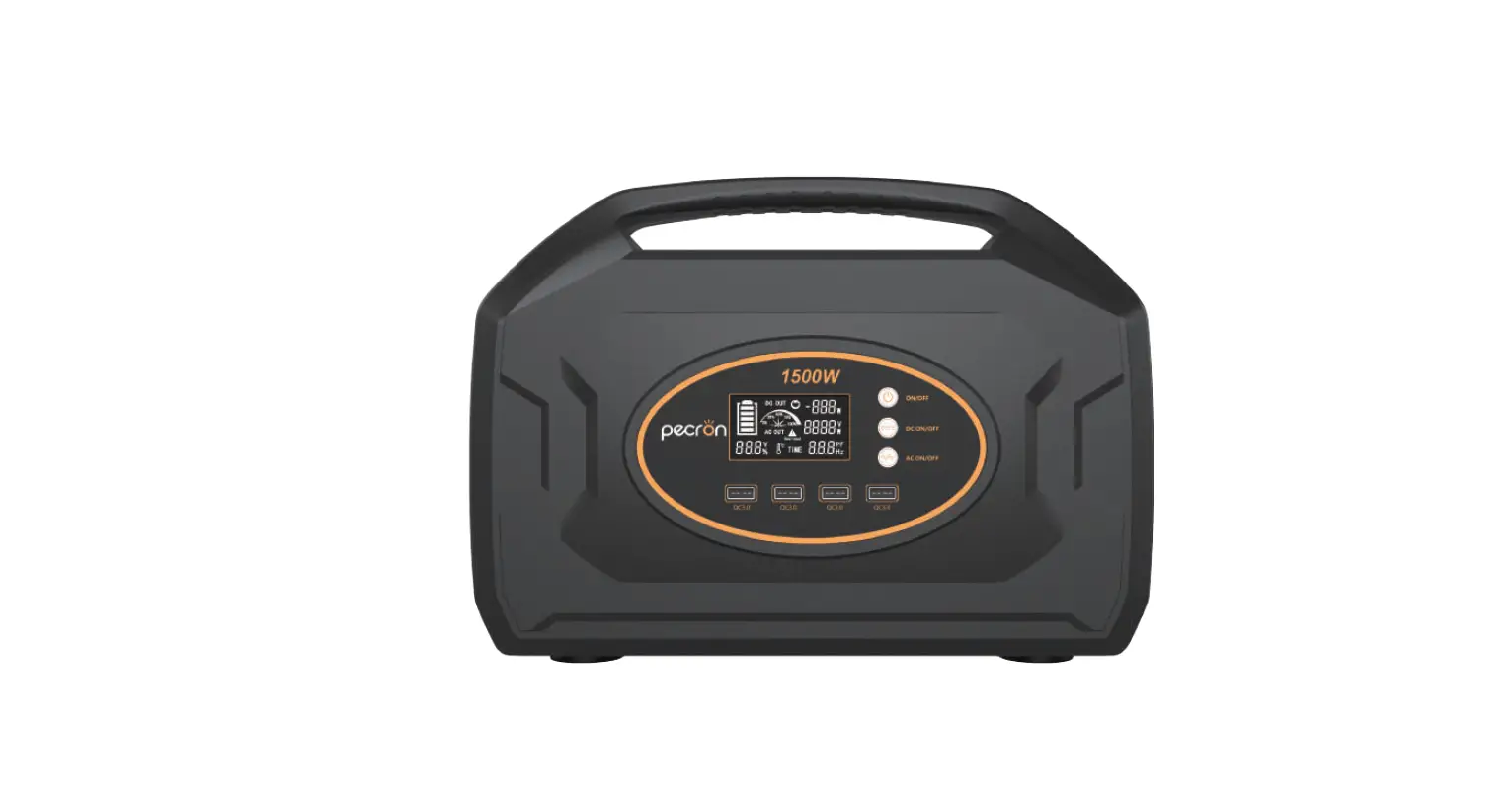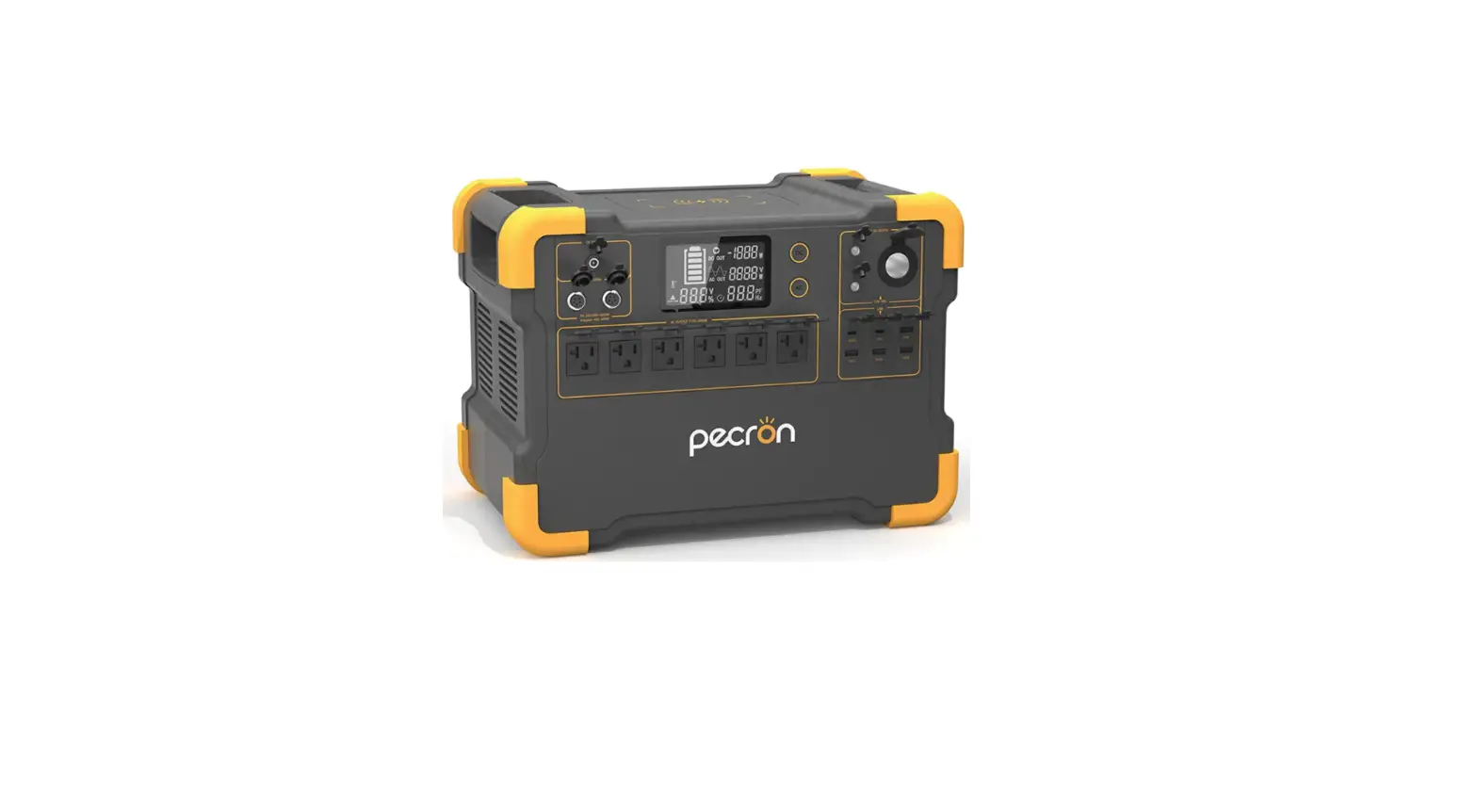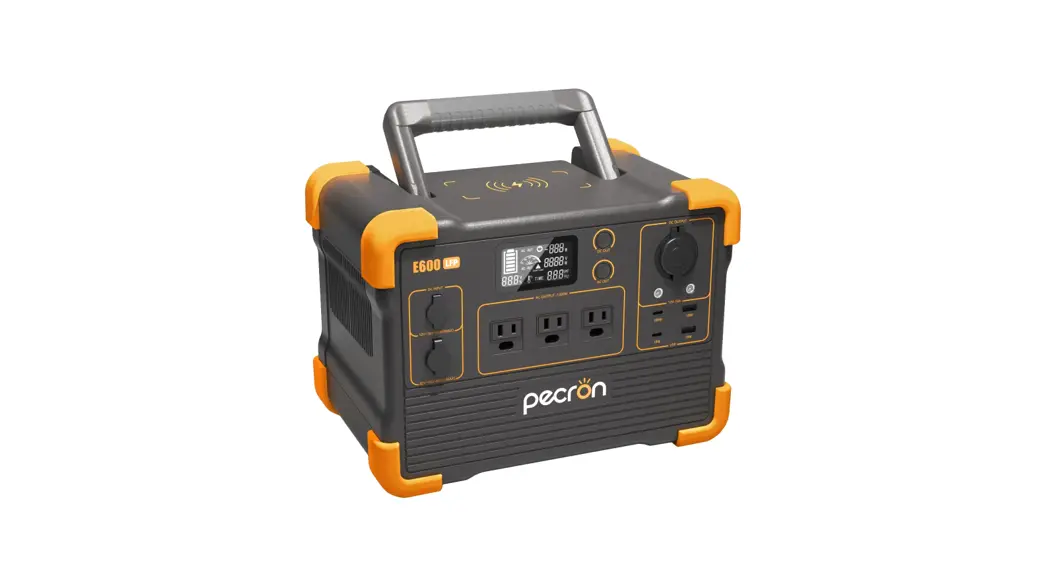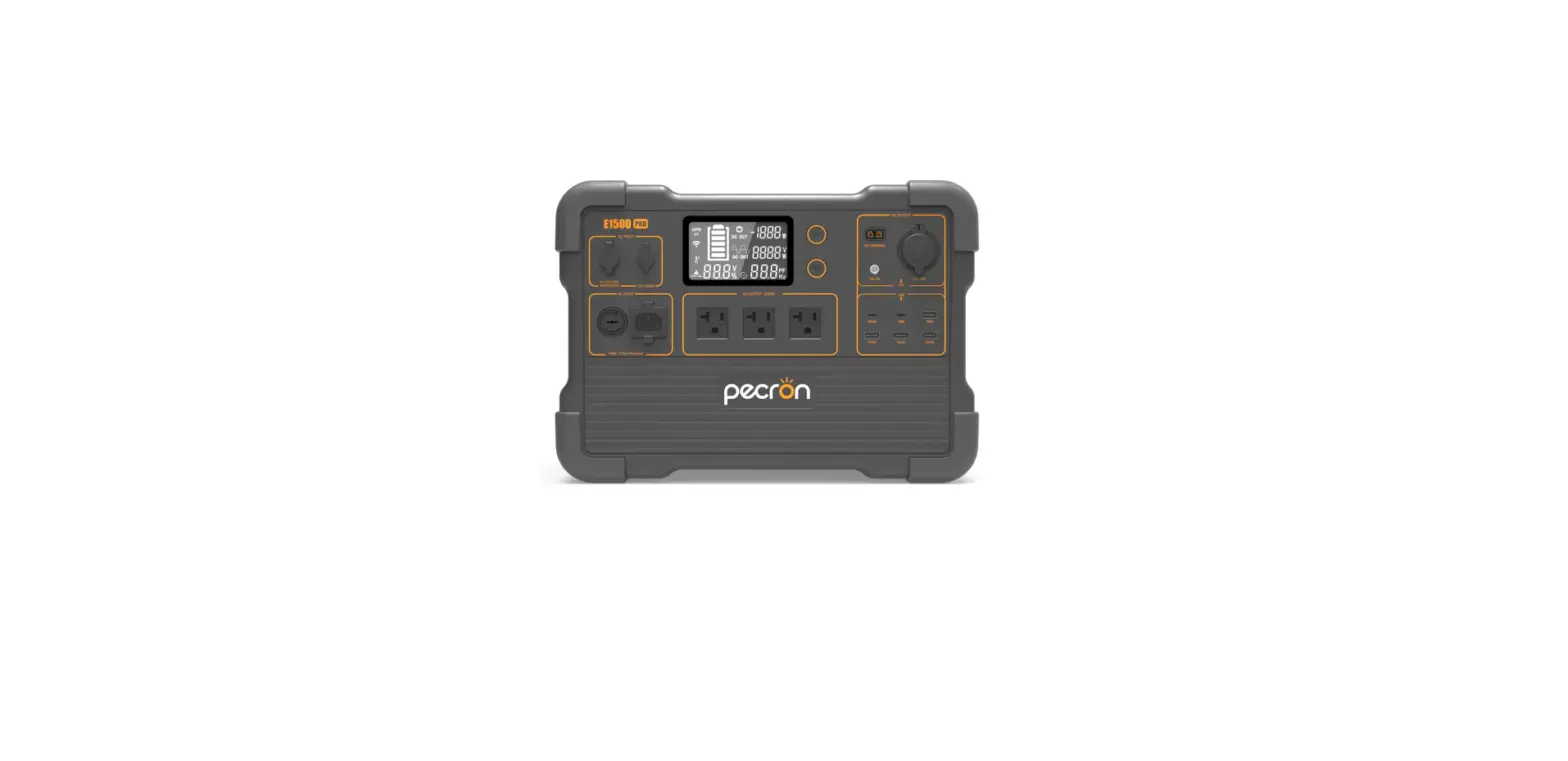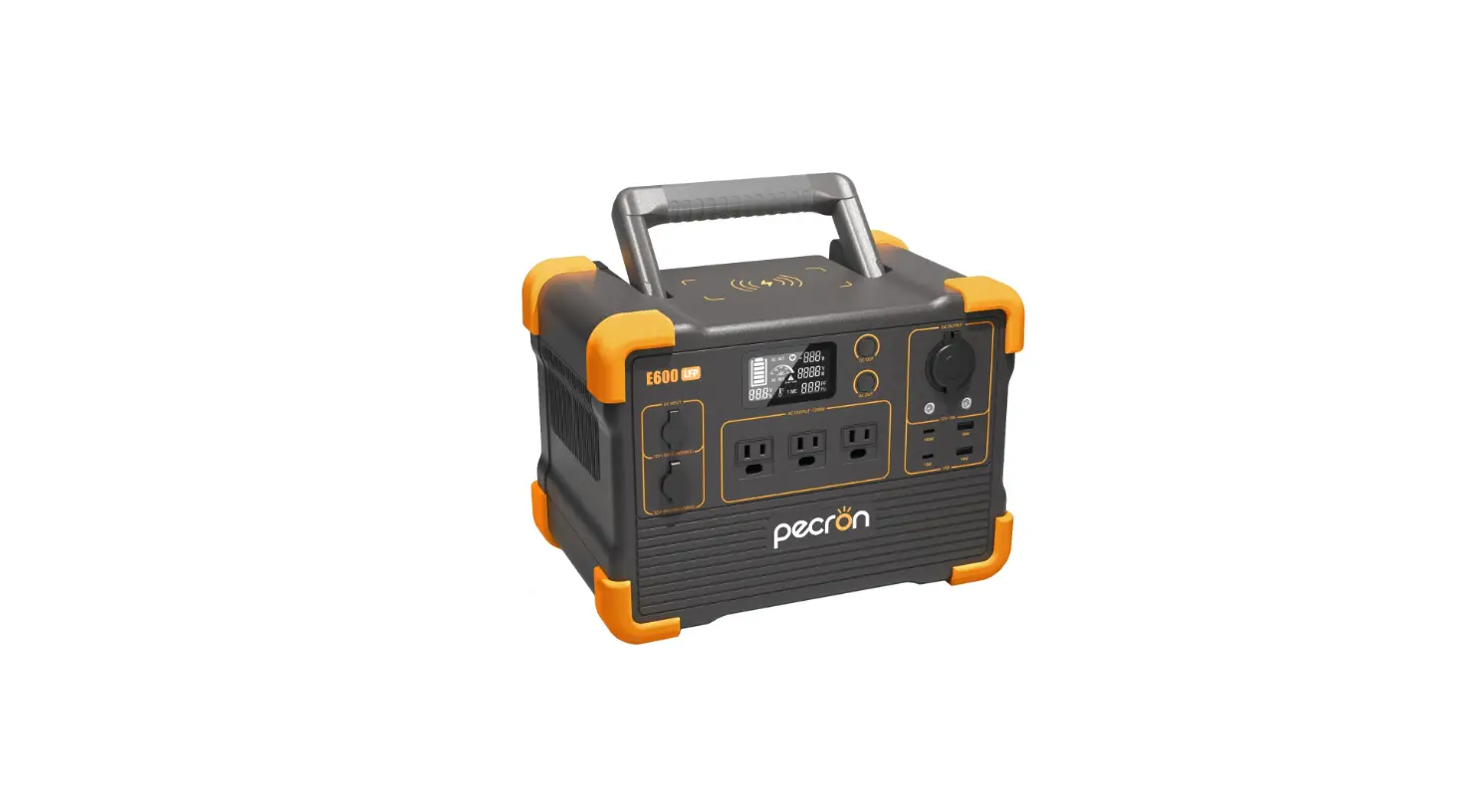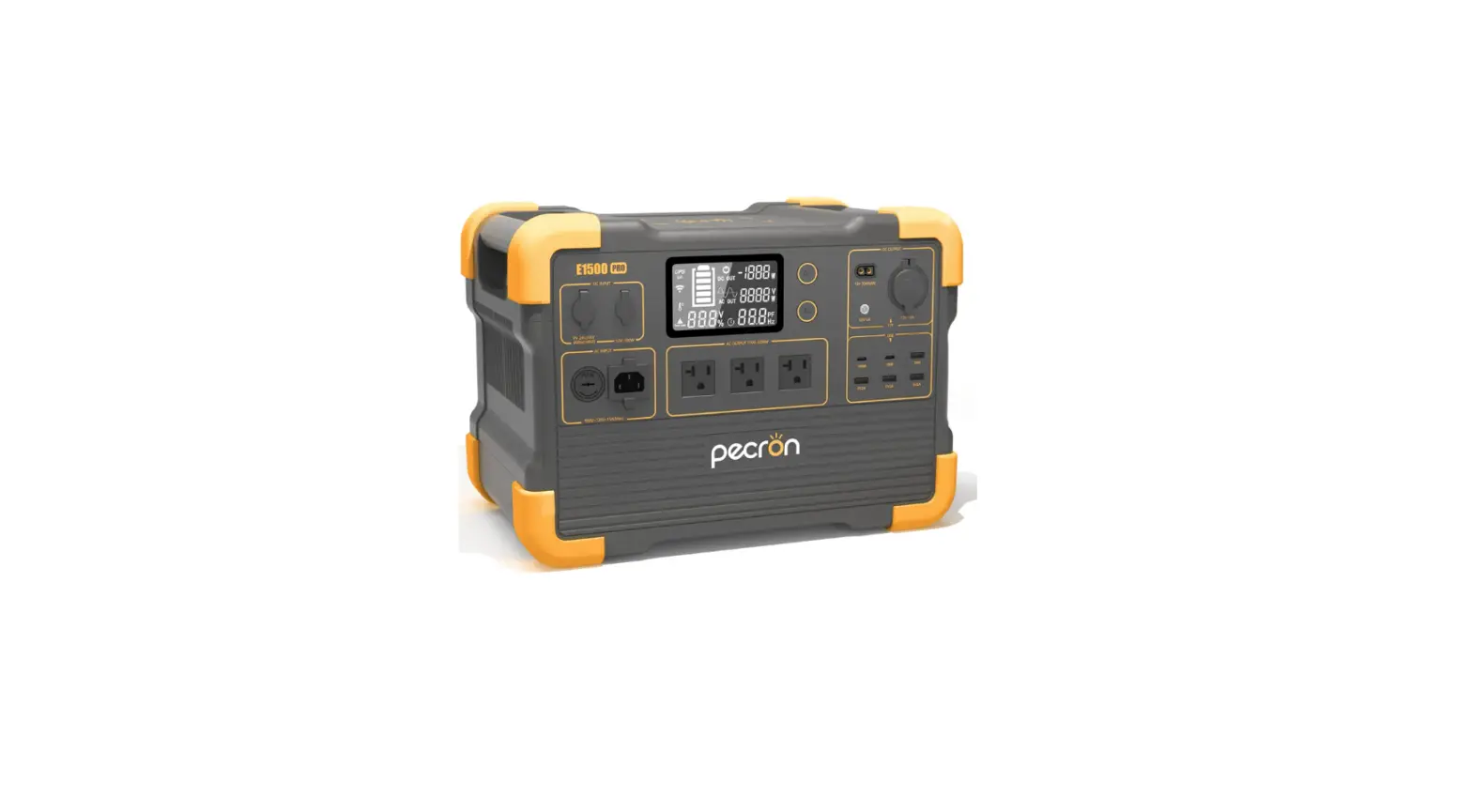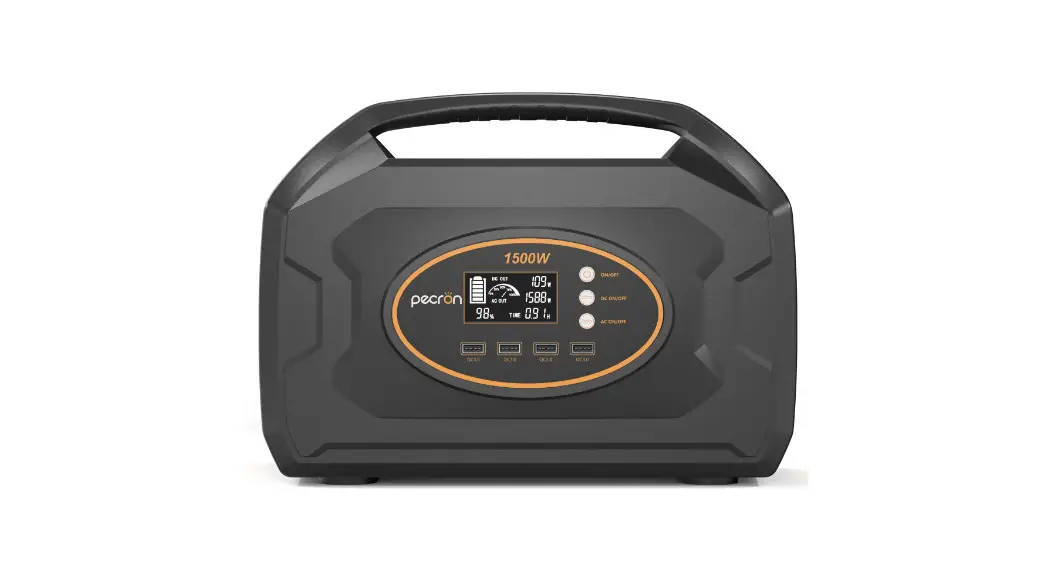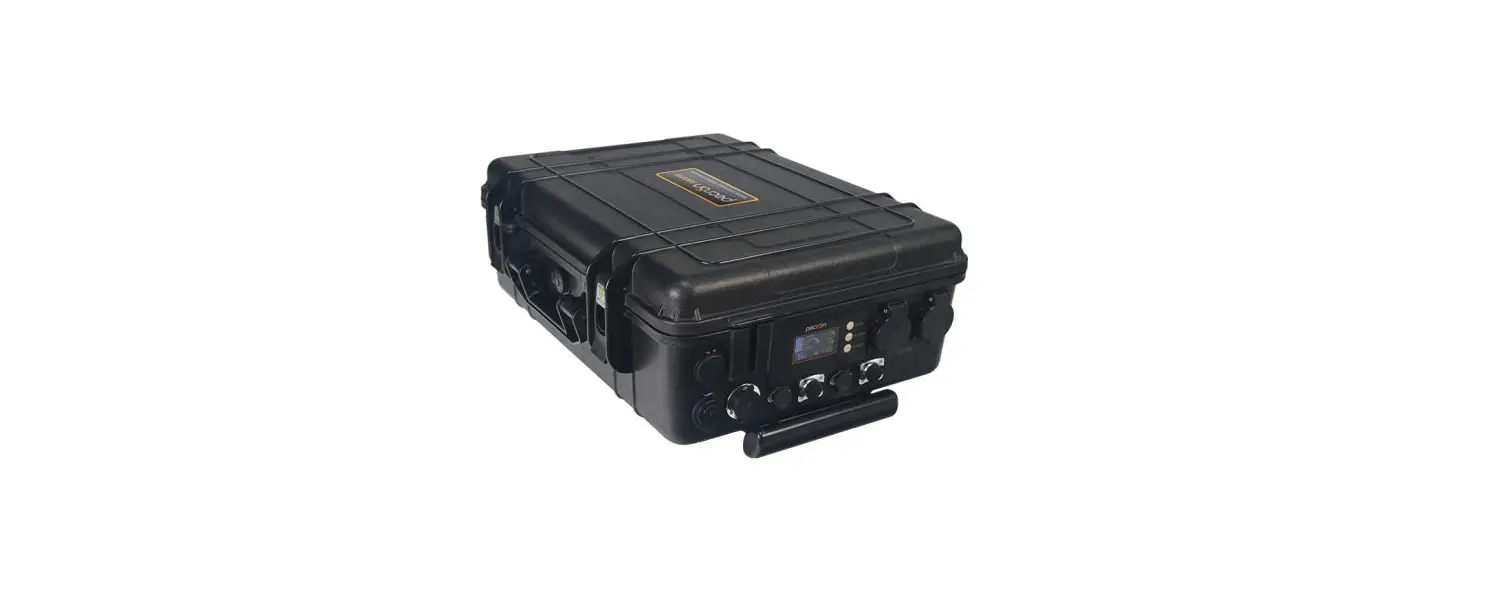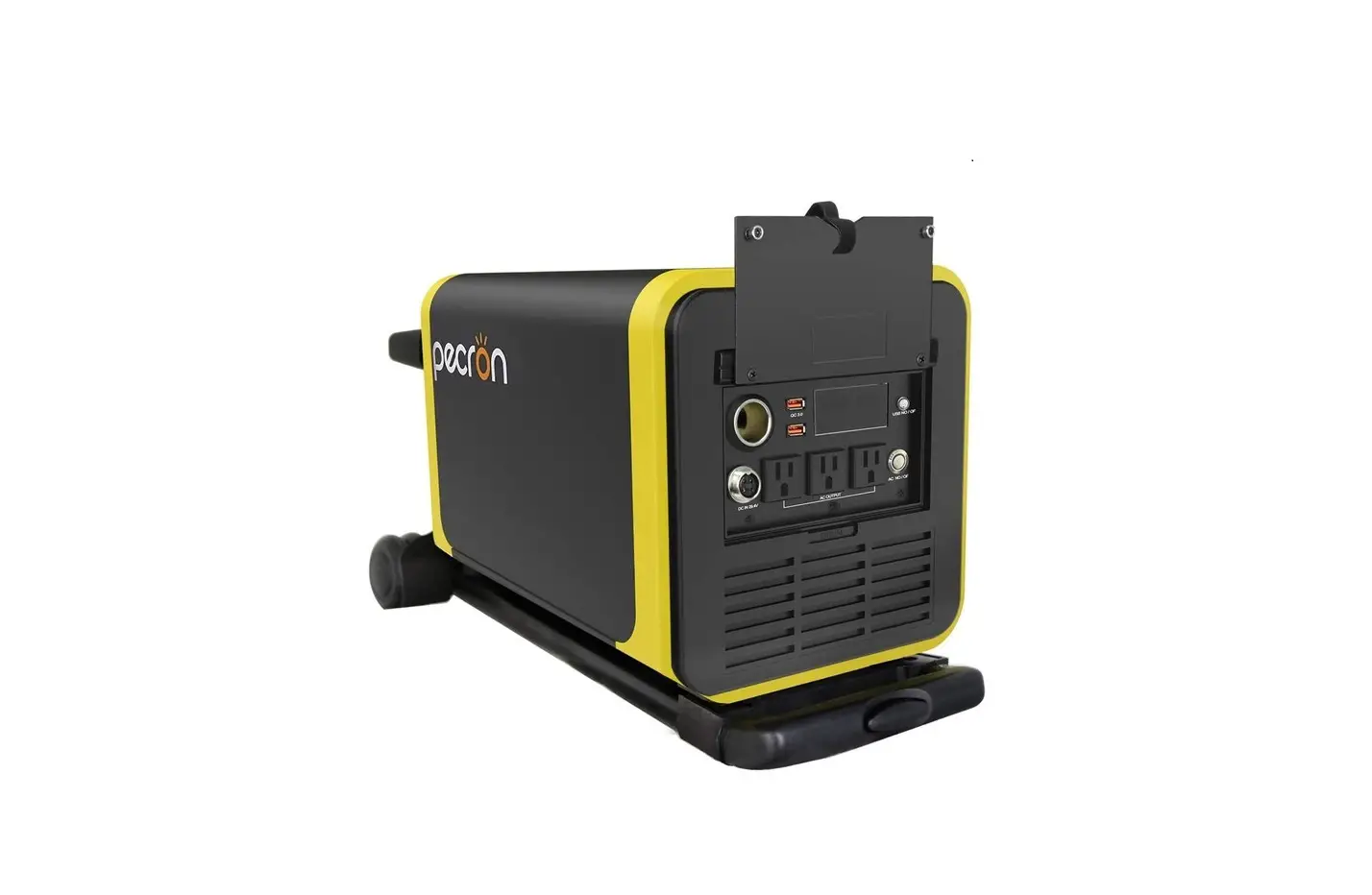
PECRON Q2000S Portable Power Station 2000W-3024Wh Solar Generator User Manual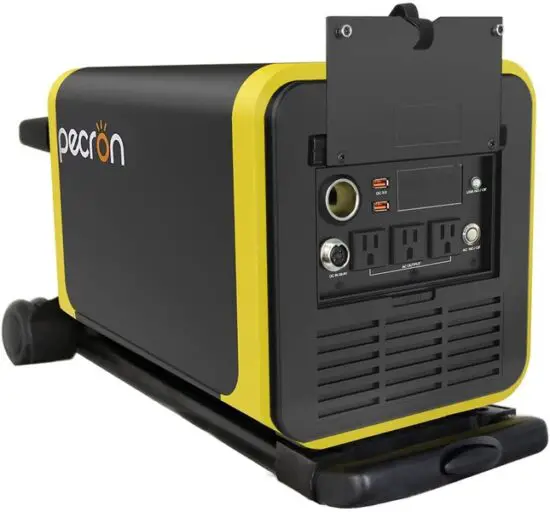
Product introduction
Thanks for choosing our portable power station Q serial which is with light weight, high battery capacity and large power rate. This back-up power device can easily provide power in the fields of mobile, outdoor areas just like ambulance, fire rescue and is always applied to outdoor emergency situations, blackout areas and so on.
Main functions for Q2000S/Q3000S:
| Q2000S/Q3000S main functions |
| 110V/ 60Hz pure sine wave output |
| Solar charge |
| 12V10A DC output |
| QC3.0- dual USB output |
| Intelligent display screen |
Please read the manual before using the power pack and put it together with the power device for future use.
Specifications
| Model | Q2000S | Q3000S |
| AC output voltage | AC 110V60Hz | |
| Output waveform | AC pure sine wave | |
| Rated power | 2000W | |
| Peak power | 4000W | |
| Battery capacity | 1885.52Wh(25. 9V72. 8Ah) | 3024Wh(25. 2V120Ah) |
| Battery type | Lithium-ion battery | |
| Charging voltage and current | DC29.4V9A DC29.4~40V20A(Solar charge) | |
| Charging time | 8~9H | 14~15H |
| DC output | DC12V10A QC3.0(5V2A 9~12V1.5A) | |
| Temp | 0℃~45℃(Charge),-20℃~45℃(Discharge) | |
| Protection | Over-voltage, over temperature overload, short-circuit | |
| Product color | Black +yellow | |
| Dimension(cm) | L40* W24.5* H27.2 | |
| Weight(kg) | 24 | 28.5` |
Functions
Please read the main functions carefully before using the power unit to avoid unnecessary damage
Accessories list
| NO. | Q2000S/Q3000S accessories | Quantity |
| 1 | Charging adapter | 1 |
| 2 | Solar charging cable | 1 |
| 3 | User manual and warranty card | 1 |
| 4 | Accessories Bag | 1 |
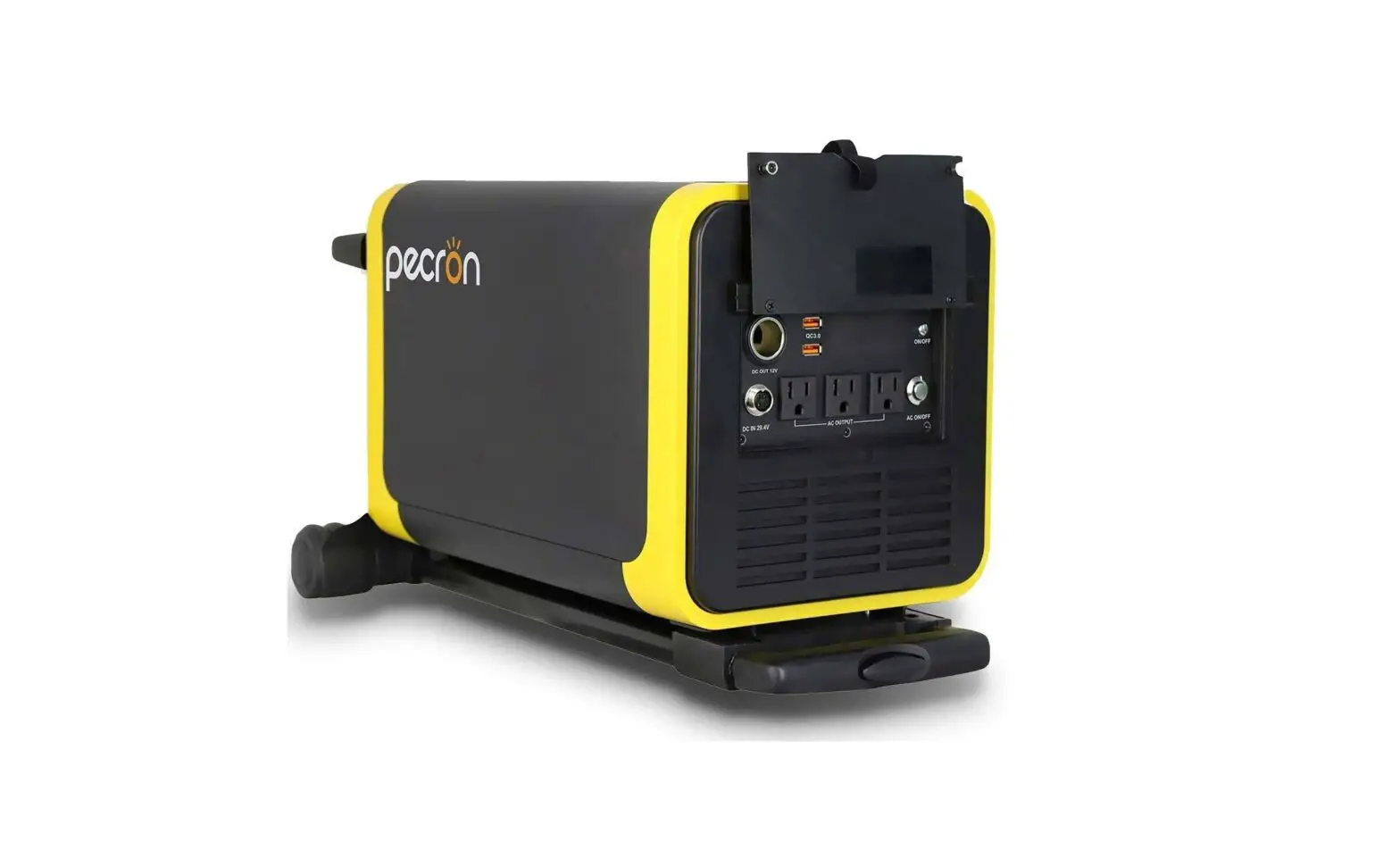
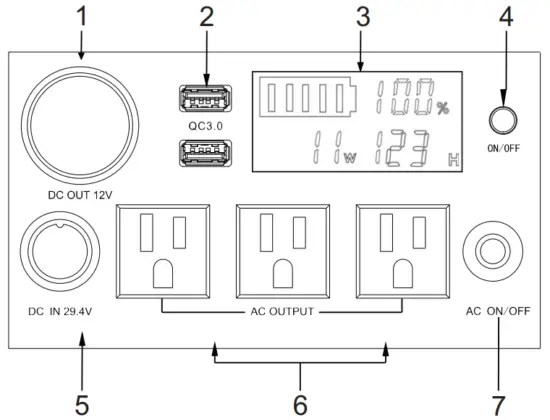
Q2000S/Q3000S Panel
| NO. | Q2000S/Q3000S features |
| 1 | DC cigar outlet :12V output with constant voltage; max current is 10A. |
| 2 | QC3.0*2 : supply power to DC equipment (DC 5V2A 9V~12V1.5A) |
| 3 | Smart display : showing the batterycapacity,percentage,power and time of charging and discharging. |
| 4 | USB Output/Power switch : Press this button to view the remaining power of the power unit. At the same time, the display will turn on, as same as the USB output. If need to turn off it, please press it again. |
| 5 | DC charging ports (1, 2 is positive, 3, 4 is negative):charging voltage range of this port is DC 29.4V~40V20A(solar charge) |
| 6 | AC outputs : supply 110V output after pressing the AC switch. |
| 7 | AC output switch : AC output will work after pressing it . |
Notice for usage
Working environment
| Dry | Avoid water and other liquid |
| Shady | 0℃~45℃ for charging situation and -20℃~45℃ for discharging situation |
| Ventilation | At least 5cm space around the power pack |
| Safety | Avoid petrol, gas, flammable and other corrosive gas environments |
Power charging:
Please pay attention the power unit when it’s charging.Please disconnect the charger and stop charging when the power pack is fully charged.
Please charge the power unit every six months after no use for a long time.
AC load:
Before use the power unit, please ensure the rated power of load power is lowers than the rated power. But sometimes the consumed power of some appliances is greater than its rated power on power-on, the overload protection will occur and power output will turnoff. For example, the general starting current for inductive load equipment is up to 3~8 times of its rated power. And its starting power for energy saving lamp is up to dozens of times of its rated power; Their starting power is much more than the instant maximum power that the power pack can bear, so the load protection works automatically.
Operating steps:
- Turn on the AC load switch
- Check the working voltage and frequency of the load.
- Check the load power and ensure it’s not higher than the rated power of the power unit.
- Plug in the AC socket of the power unit and turn on the load switch.
- Turn off the AC output switch after using it.
- Please charge the power unit on time if the battery is run off or lack of battery so that you can use it conveniently next time!
Note: Please be sure to turn off the switch of AC power when you don’t need to use it. Or it will be in high energy consume mode, consuming the energy in reserve, which may damage the battery
Warranty service
This product is warranted for 12 months. During this time, our company will be in charge of it if there is defects on materials and manufacturing. And we will offer free repair and main parts accessories after checking it by our after-sale department.
The warrant does not cover the following cases:
- Take apart the unit privately
- Damage on surface coating and appearance.
- Breakdown due to wrong installation, packing and usage.
Customers should do this according to the manual instruction. - Breakdown or damage caused by accident, man-made environment( mis-operation, crash, unsuitable voltage, damp and etc.)
- Breakdown or damage caused by natural hazard beyond control ( earthquake, fire, tsunami and etc.)
- Maintenance is not including package and products accessories We will offer paid service once warranty period is over.
Certification
Item:_________________________________________________________
Inspector:_____________________________________________________
Date of production:______________________________________________
Warranty Card
Item__________________
Product name___________
Purchase date___________
Factory No.____________
Client_________________
Contact_______________
Address_______________
Invoice No.____________
Dealer________________
Address_______________