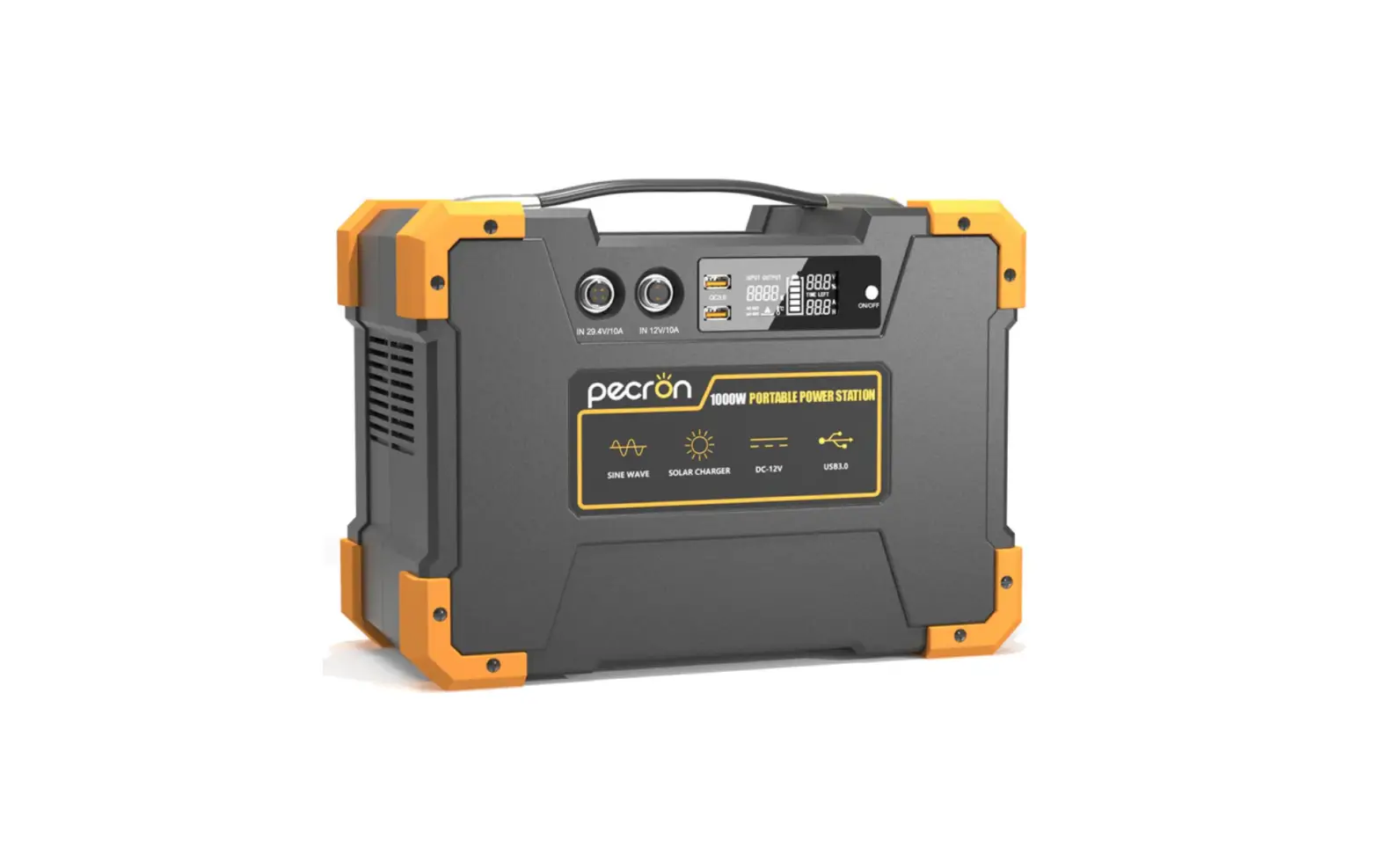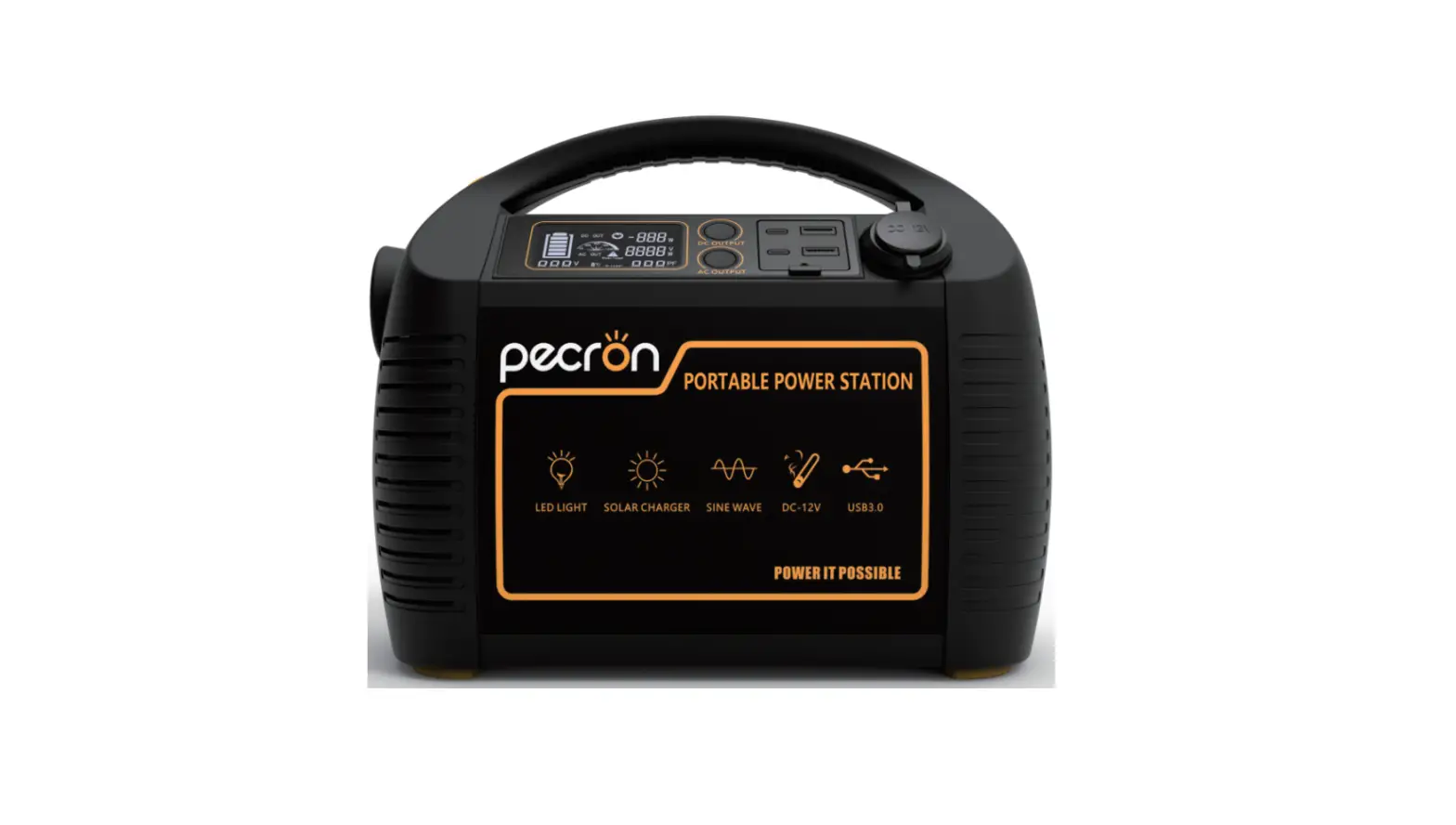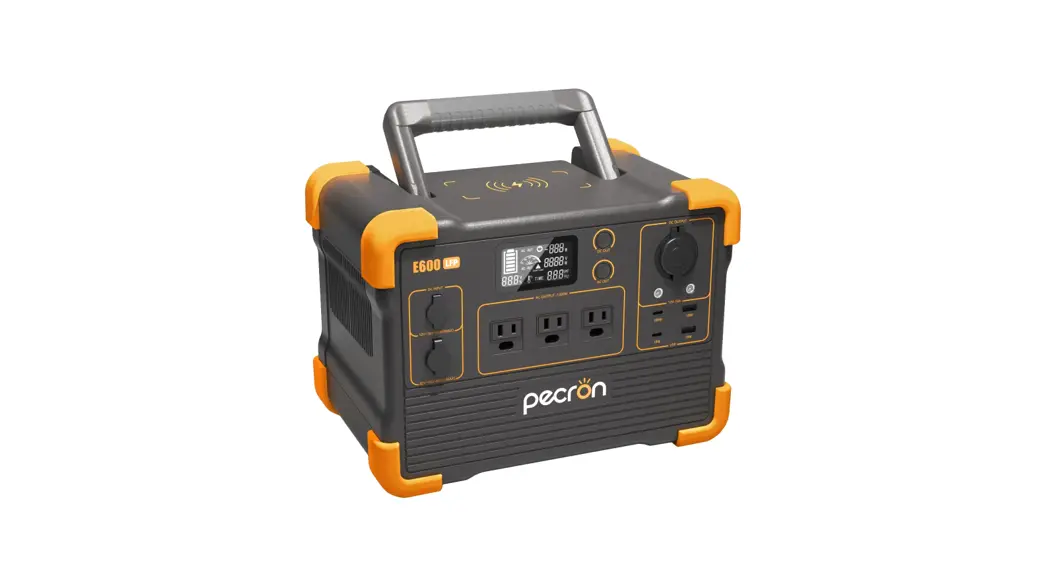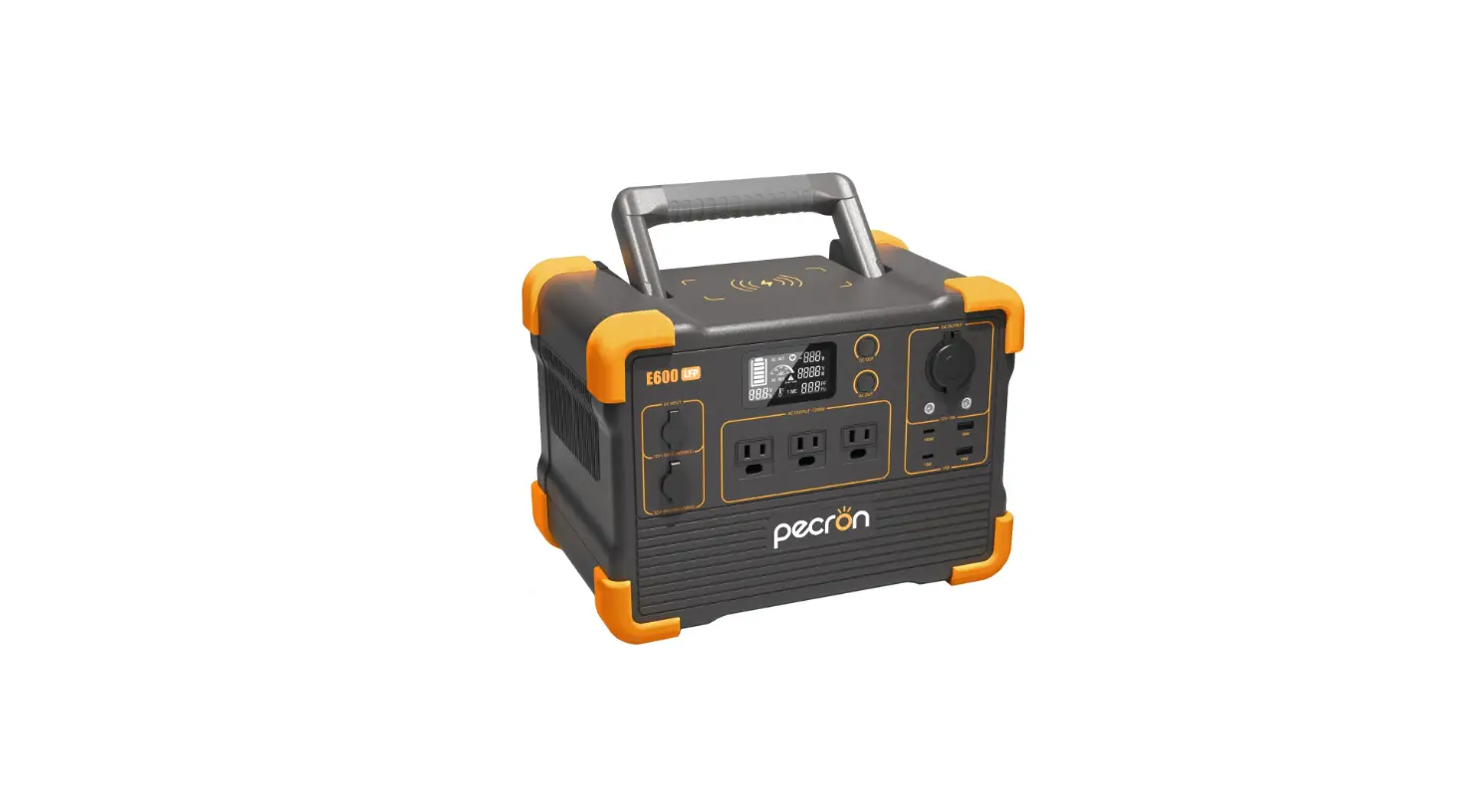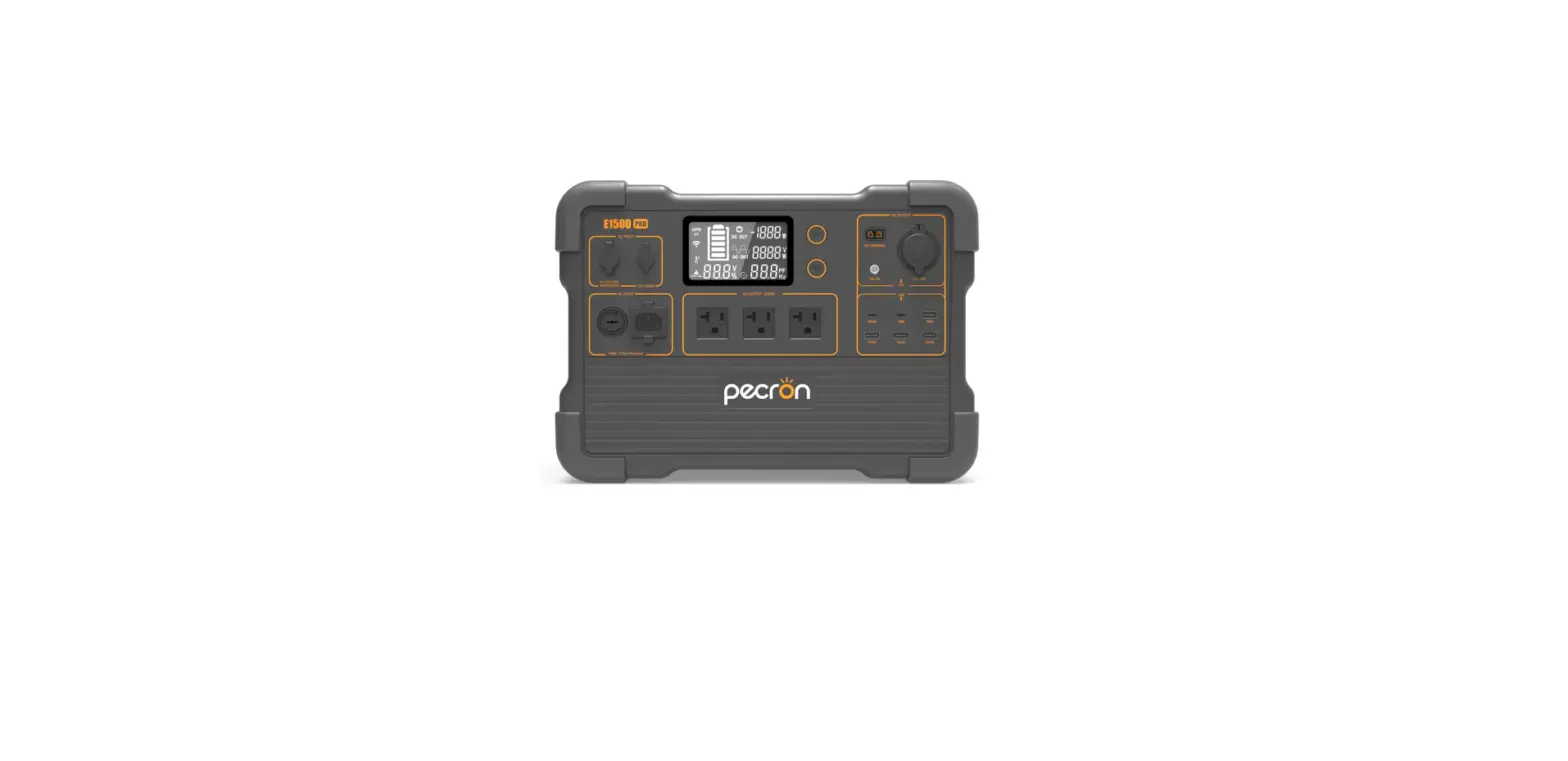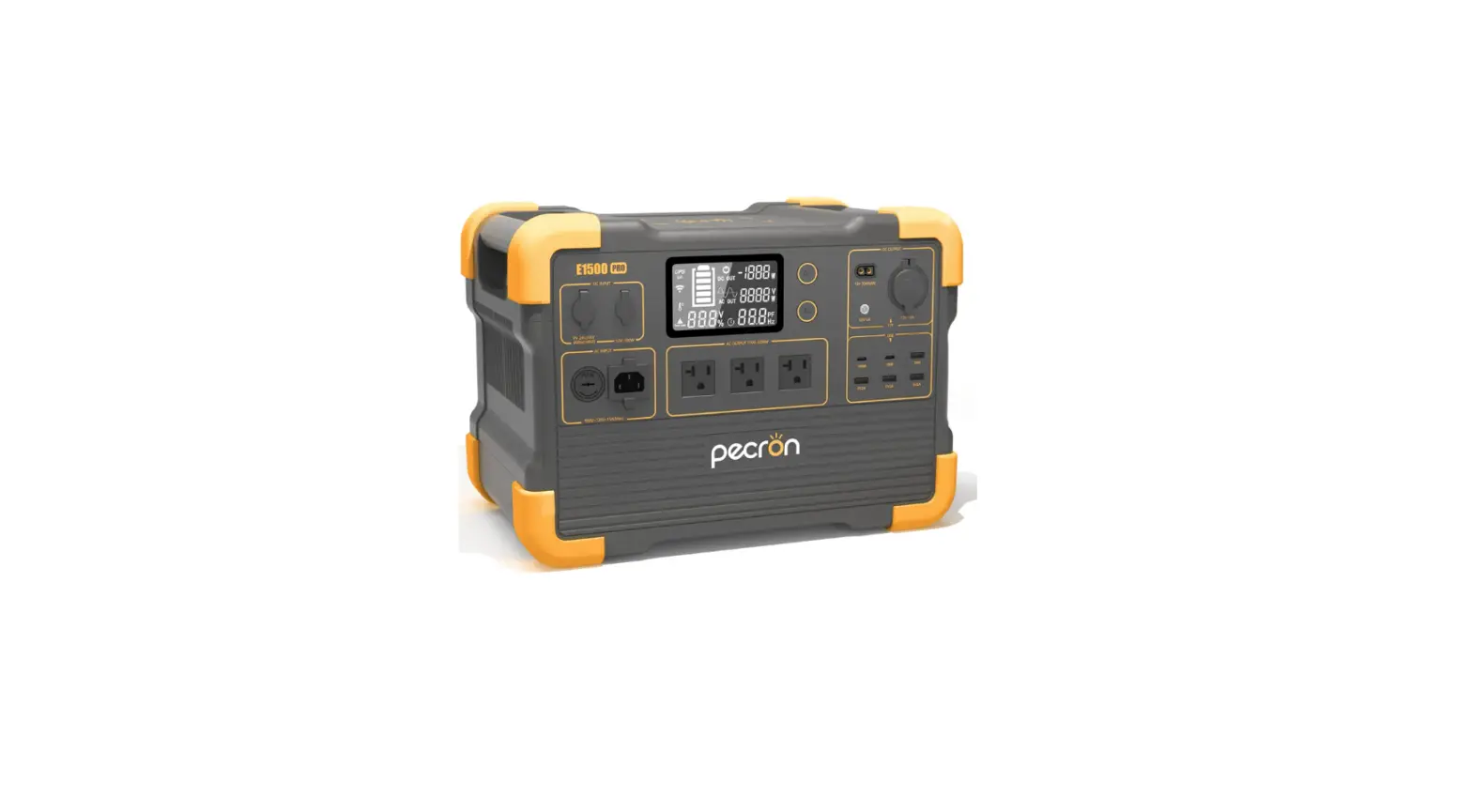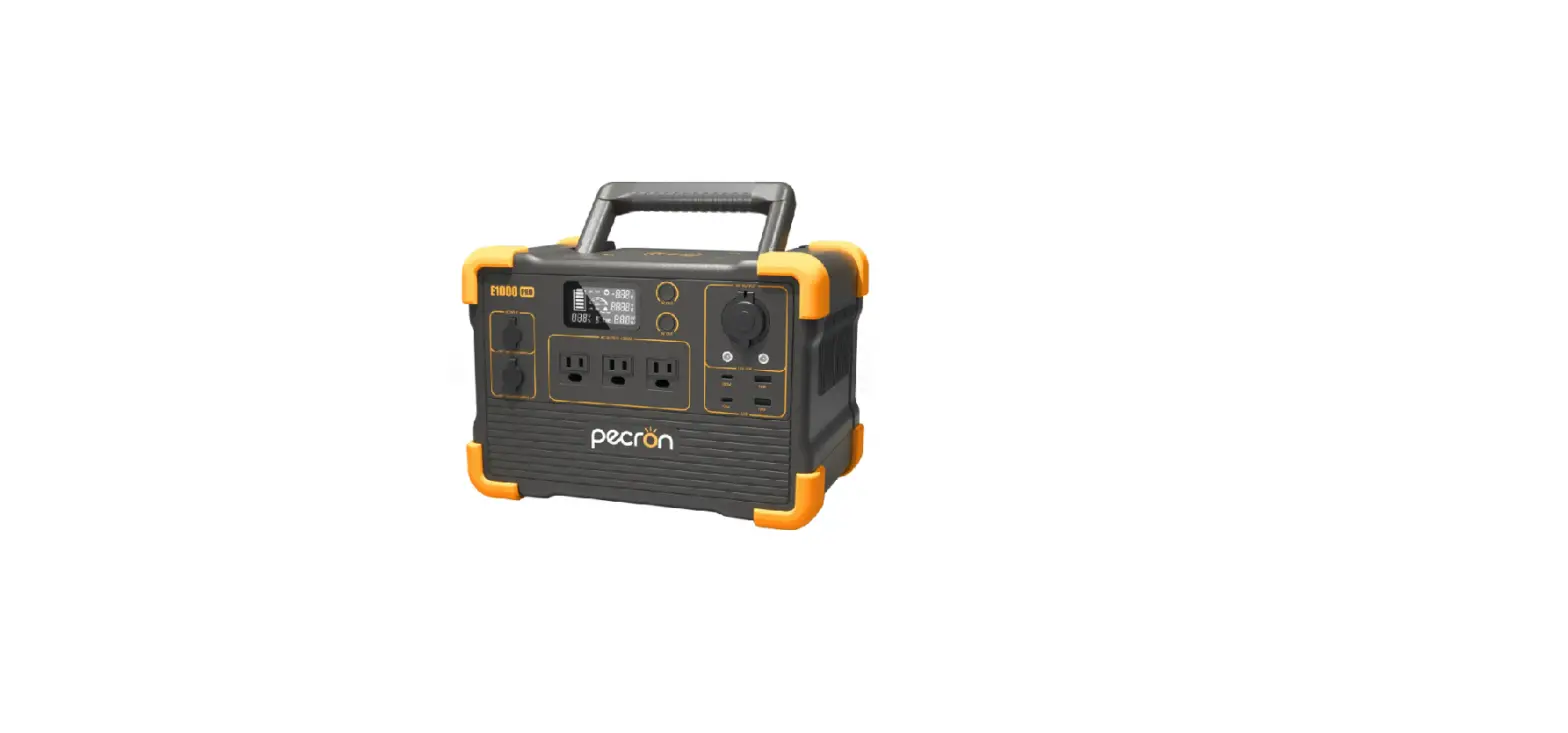
pecron Q2000S 2000W Portable Power Station User Manual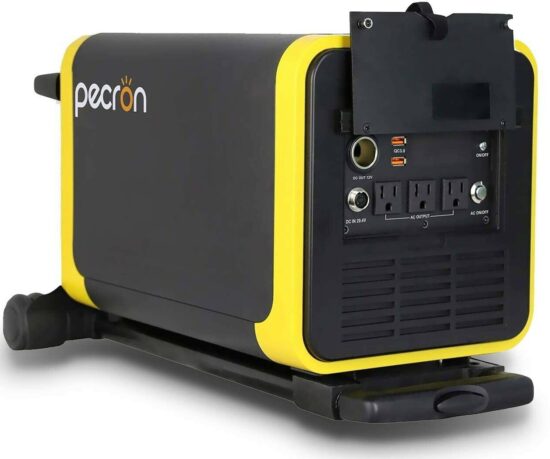
Product Introduction
Thanks for choosing PECRON Q series portable power station. Q series features with an easy-maneuver robust design, large battery capacity and high rated power. This back-up power source can provide you with easy access to power in the fields of mobile working, outdoor recreation, off-grid living, emergency rescuing and etc.
Main functions for Q2000S/Q3000S:
Q2000S/Q3000S HIGHLIGHTS |
110V/ 60Hz pure sine wave output |
Three-way to recharge |
12V10A DC output |
QC3.0- dual USB output |
Intelligent LCD display |
Please read the manual carefully before using the unit, and keep the purchase receipt as a proof of purchase for any warranty claim.
Specifications
| Model | Q2000S | Q3000S |
| AC output voltage | AC 110V60Hz | |
| Output waveform | AC pure sine wave | |
| Rated power | 2000W | |
| Peak power | 4000W | |
| Battery capacity | 1885.52Wh(25. 9V72. 8Ah) | 3024Wh(25. 2V120Ah) |
| Battery type | Lithium-ion battery | |
| Charging voltage and current | DC29.4V9A DC29.4~40V20A(Solar charge) | |
| Charging time | 8~9H | 11~12H |
| DC output | DC12V10A QC3.0(5V2A 9~12V1.5A) | |
| Temp | 0℃~45℃(Charge),-20℃~45℃(Discharge) | |
| Protection | Over-voltage, over temperature overload, short-circuit | |
| Product color | Black +yellow | |
| Dimension(cm) | L40* W24.5* H27.2 | |
| Weight | 52.9lbs(24kg) | 62.8lbs(28.5kg) |
Functions
Please read the main functions carefully before using the power unit to avoid unnecessary damage.
When you leave the unit unused for a long period of time, make sure to charge it every 6 months.
If the power station has been kept idle for a long time, please charge it to full even if the battery level reads 100%.
Accessories list
| NO. | Q2000S/Q3000S accessories | Quantity |
| 1 | Charging adapter | 1 |
| 2 | Solar charging cable | 1 |
| 3 | User manual and warranty card | 1 |
| 4 | Accessories Bag | 1 |
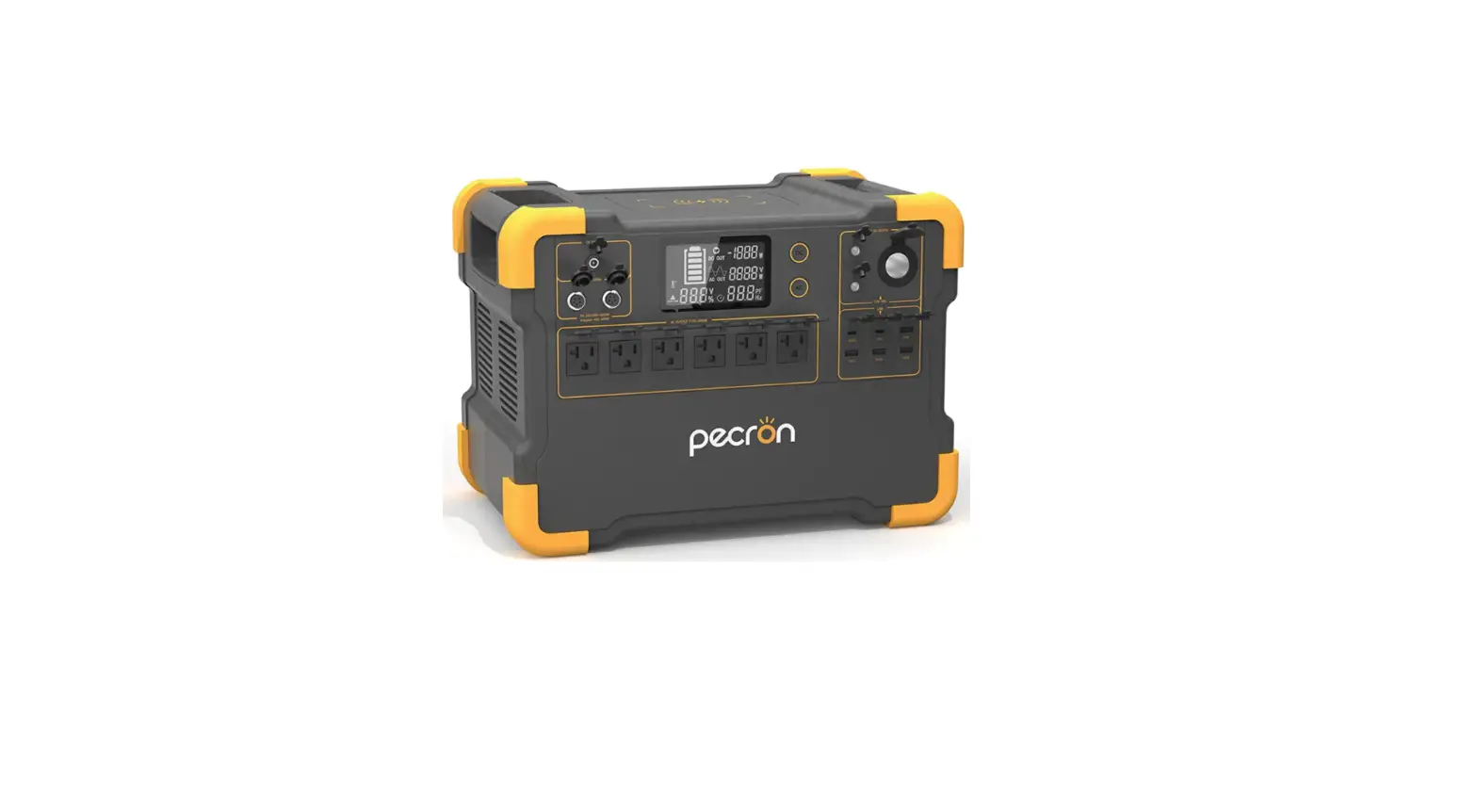
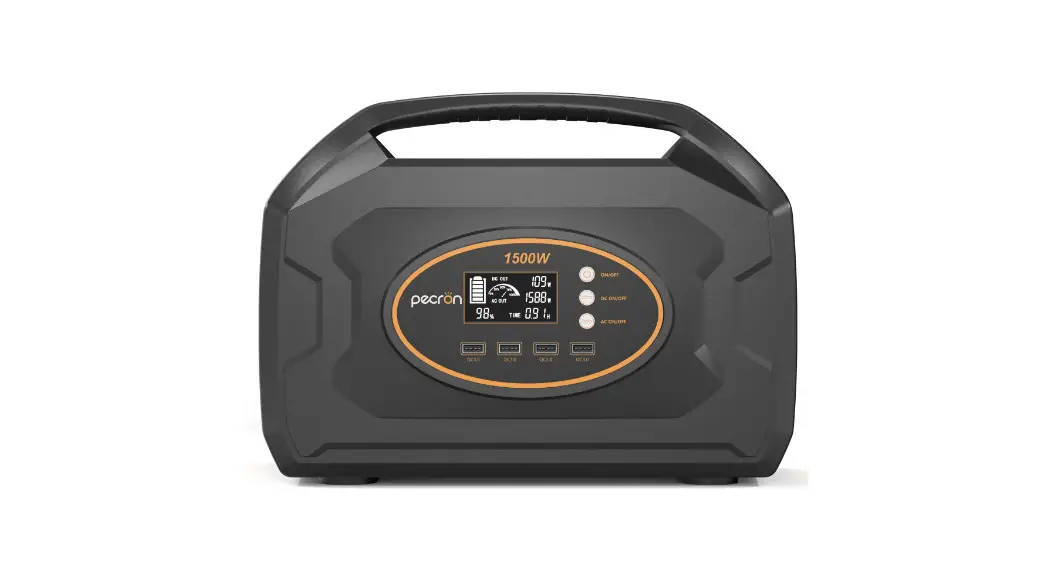
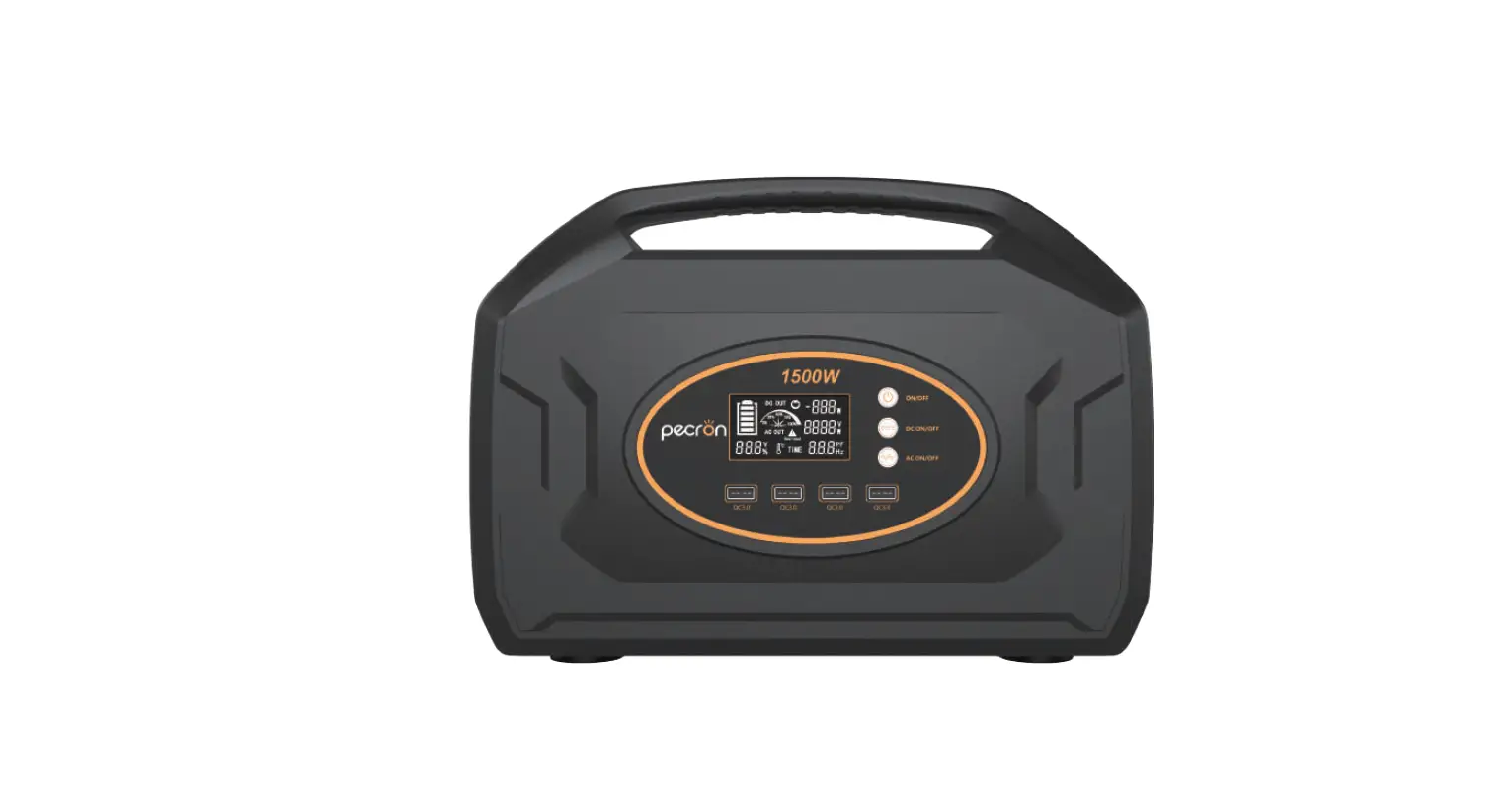
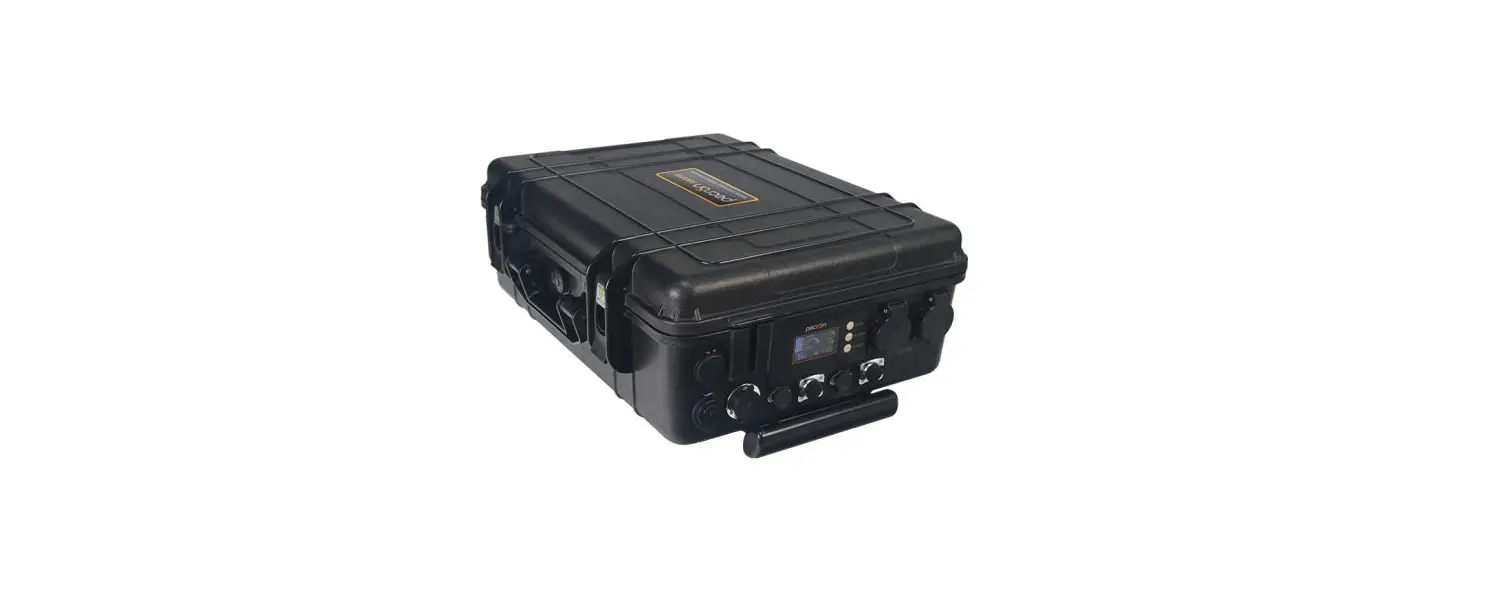
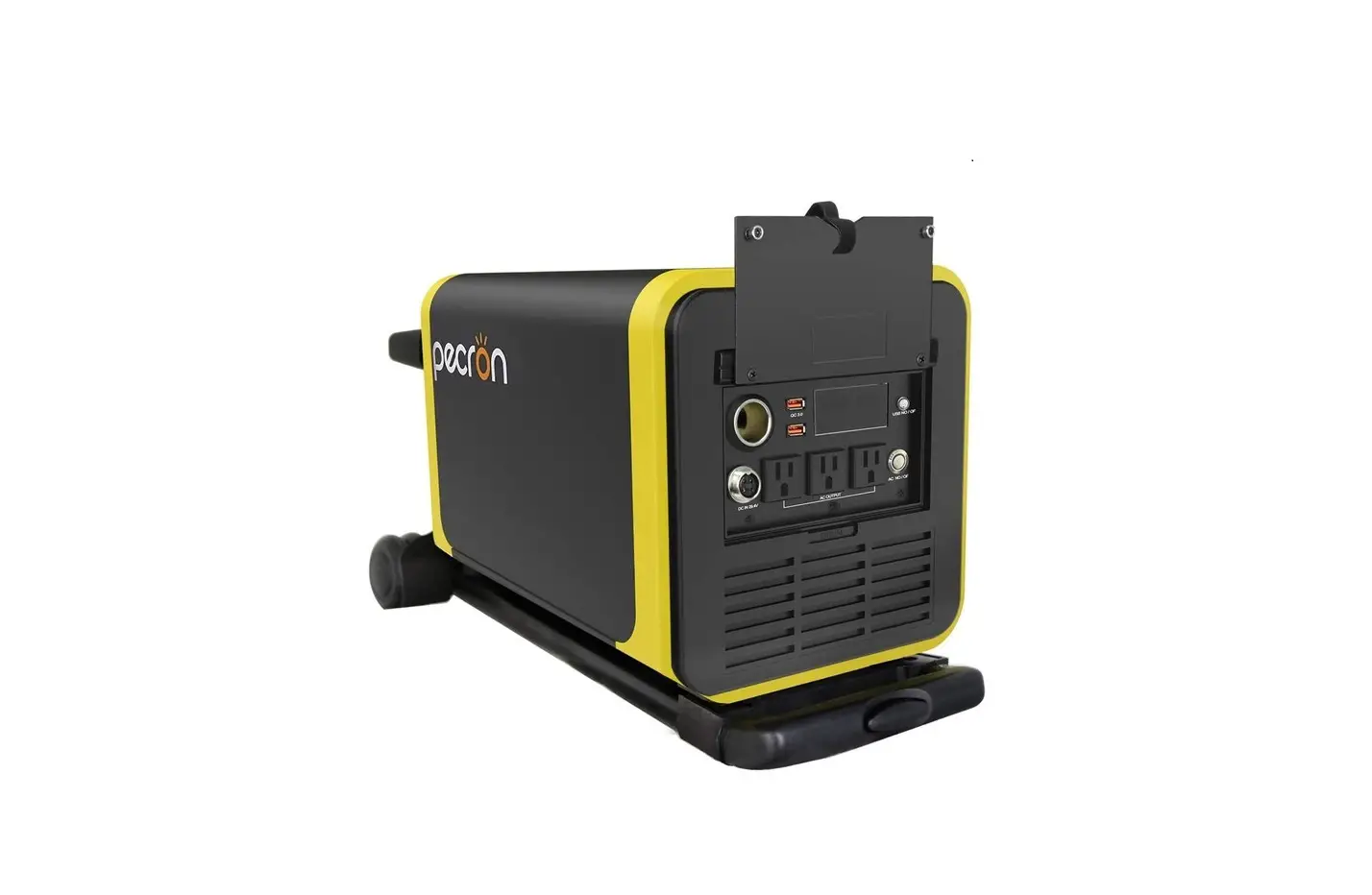
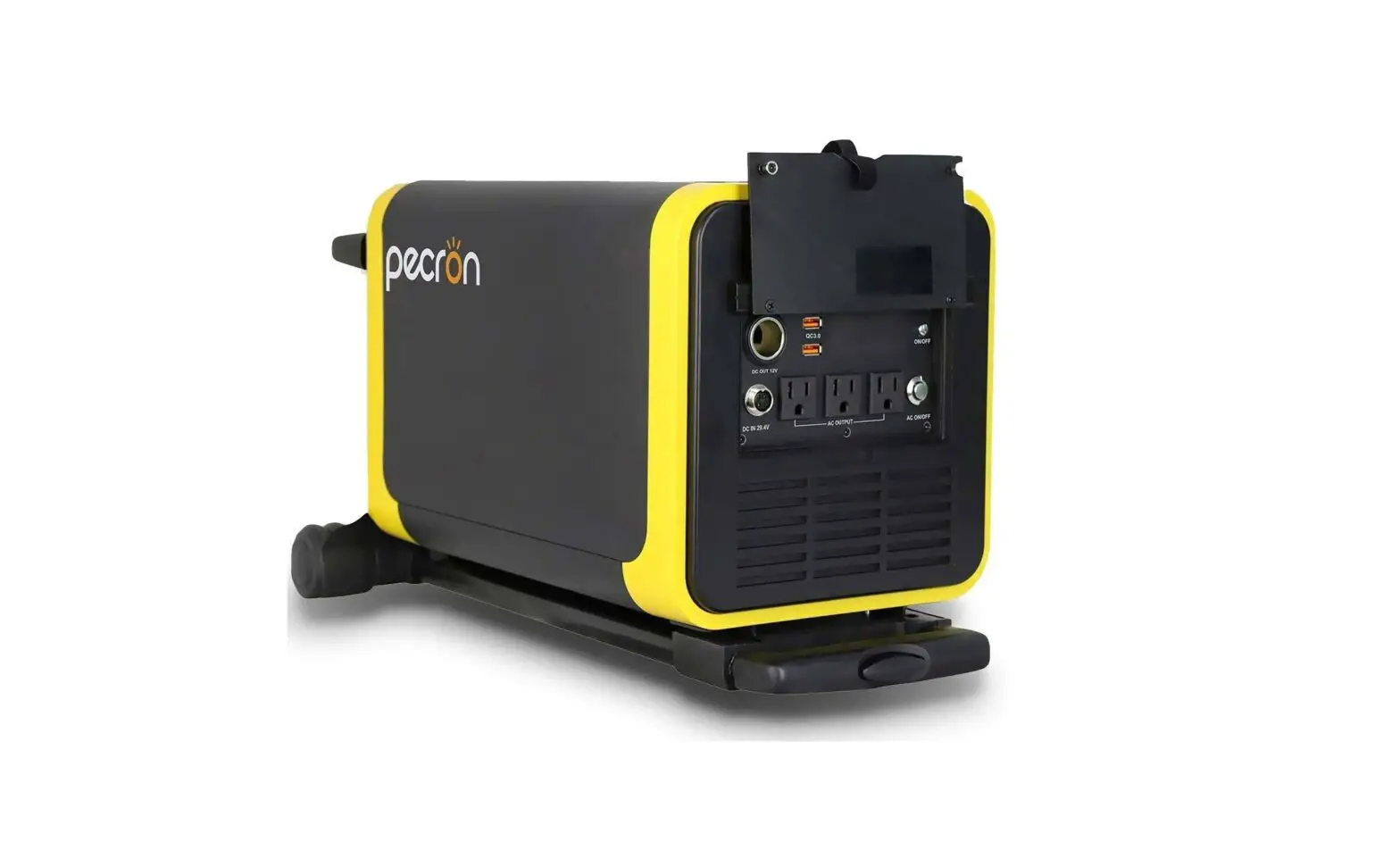
Q2000S/Q3000S Panel
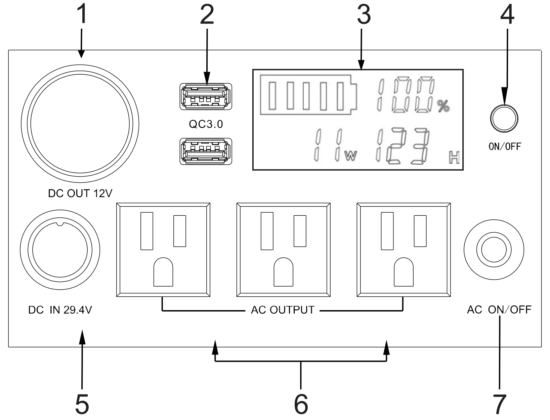
NO. | Functions of each part |
1 | DC cigar outlet :12V output with constant voltage; max current is 10A. |
2 | QC3.0*2 : supply power to DC equipment (DC 5V2A 9V~12V1.5A) |
3 | Smart display : showing the battery level, percentage, loading power and remaining using hours. |
4 | DC/Power switch : Press this button to activate the DC function. At the same time, the display will show the battery level, remaining hous, voltage etc. |
5 | DC charging ports (1, 2 is positive, 3, 4 is negative):charging voltage range of this port is DC 29.4V~40V20A(solar charge) |
6 | AC outputs : Supply 110V/60Hz power to run your AC appliances |
7 | AC switch: Press this button to activate the AC function |
Notice for usage
Working environment
| Dry | Use and store the unit only in a cool and dry environment |
| Temperature | 0℃~45℃ for charging -20℃~45℃ for discharging |
| Ventilation | Keep the air vents at least 20cm away from any objects to prevent improper air flow |
| Safety | Do not store, charge or use the unit in an area exposed to flammable or corrosive gas |
Power Charging:
Please use Pecron original power adapter to charge, and do not leave the unit unattended while using. It is recommended to charge the power station without load to prevent excessive heating.
When the display shows 100% charged, the charger will still delivery a small voltage to the power station through trickle charge until the indicator turns green.
AC Load:
Q2000S/Q3000S portable power station support any devices with working power under its rated power. However, some appliances require extra power to start up; In general, the starting power for inductive load equipments(e.g. motor, compressor, drill, fluorescent lamps) is 3~8 times higher than its rated power. The BMS will activate the over-load protection and shut down all outputs if the total output exceeds its working power.
Operating Steps:
- Turn on AC output.
- Check the working power of your device and ensure it’s within the 2000W rated power.
- Plug into the AC socket and turn on your device.
- Turn off the AC output after using.
- Please charge your Pecron on time when the battery is running low.
Note: Please make sure to turn off the AC function to save power when there is no AC loading source. Keeping the AC function on all the time will drain the battery quickly.
Warranty service
All Pecron products come with a 12-month warranty. The warranty activate automatically since the date of receiving your Pecron. Pecron warrants that our product to be free from defects in workmanship and material under normal consumer use during the applicable warranty period .We will not assume, nor authorize any person to assume for us, any other liability in connection with the sale of Pecron products.
Pecron will repair or replace (at our discretion) any Pecron product that fails to operate during the applicable warranty period due to defect in workmanship or material. If a valid claim is made during the applicable period, Pecron, at its option, will either(1) replace the product, or (2) exchange the product with a product that is of equal value.
A replacement product assumes the remaining warranty of the original product.
Customer is responsible for the return shipping costs.
Pecron warranty does not apply to following situations even it’s within warranty period:
- Alter or disassemble the unit.
- Wear/tear on the out surface.
- Misused or abused for anything other than normal consumer use as authorized in Pecron’s current product literature.
- Breakdown or damage caused by natural hazard beyond control (earthquake, fire, tsunami and etc.)
- Maintenance does not cover the packaging and accessories
Certification
Item: _________________________________
Inspector: _____________________________
Date of production: _____________________
Warranty Card
Item: __________________________
Product name: ___________________
Purchase date: ___________________
Factory No.: ____________________
Client: _________________________
Contact: _______________________
Address: _______________________
Invoice No.: ____________________
Dealer: ________________________
Address: ________________________