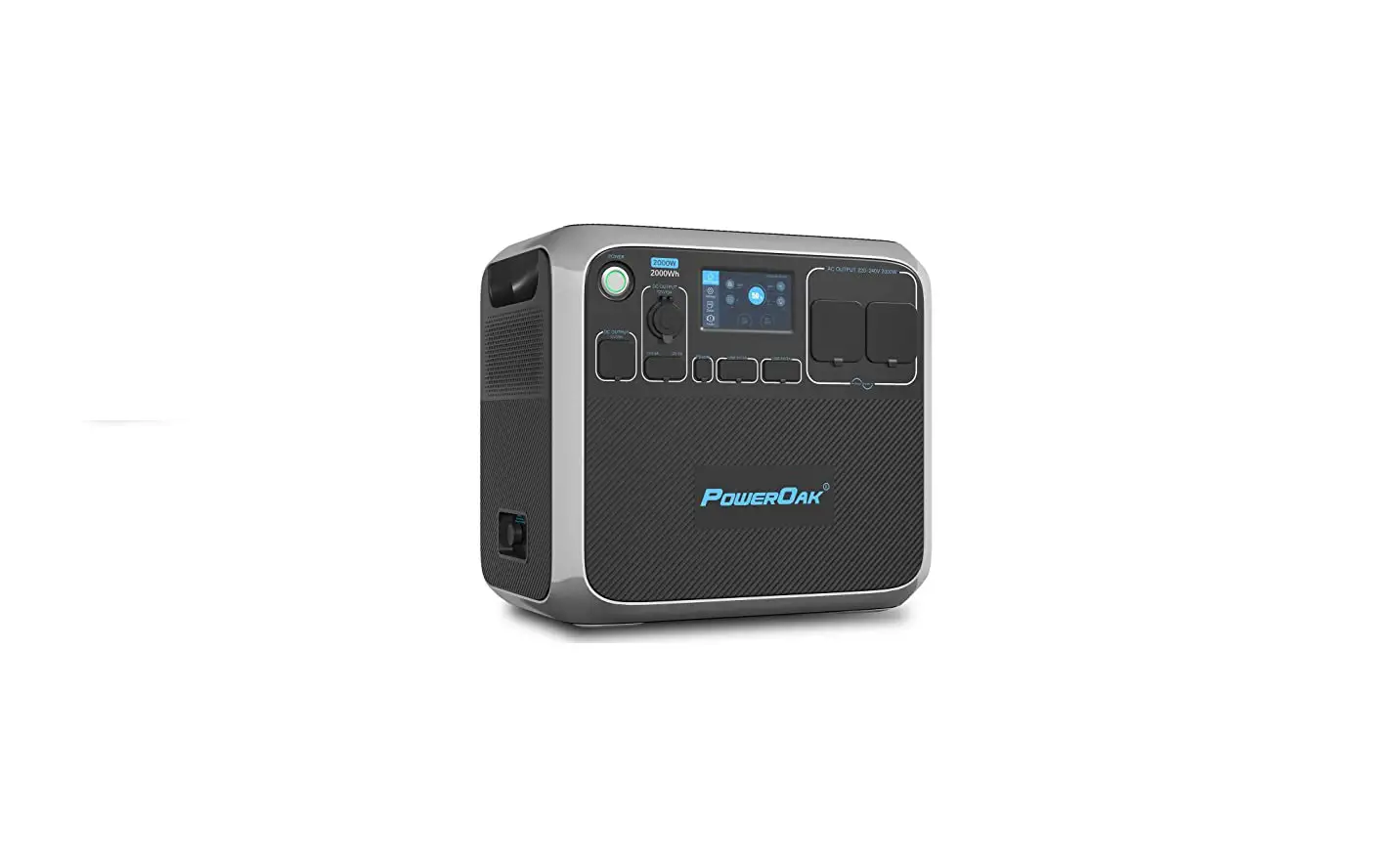
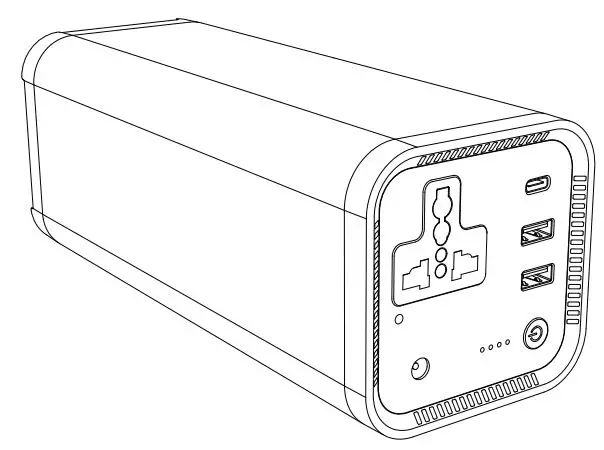
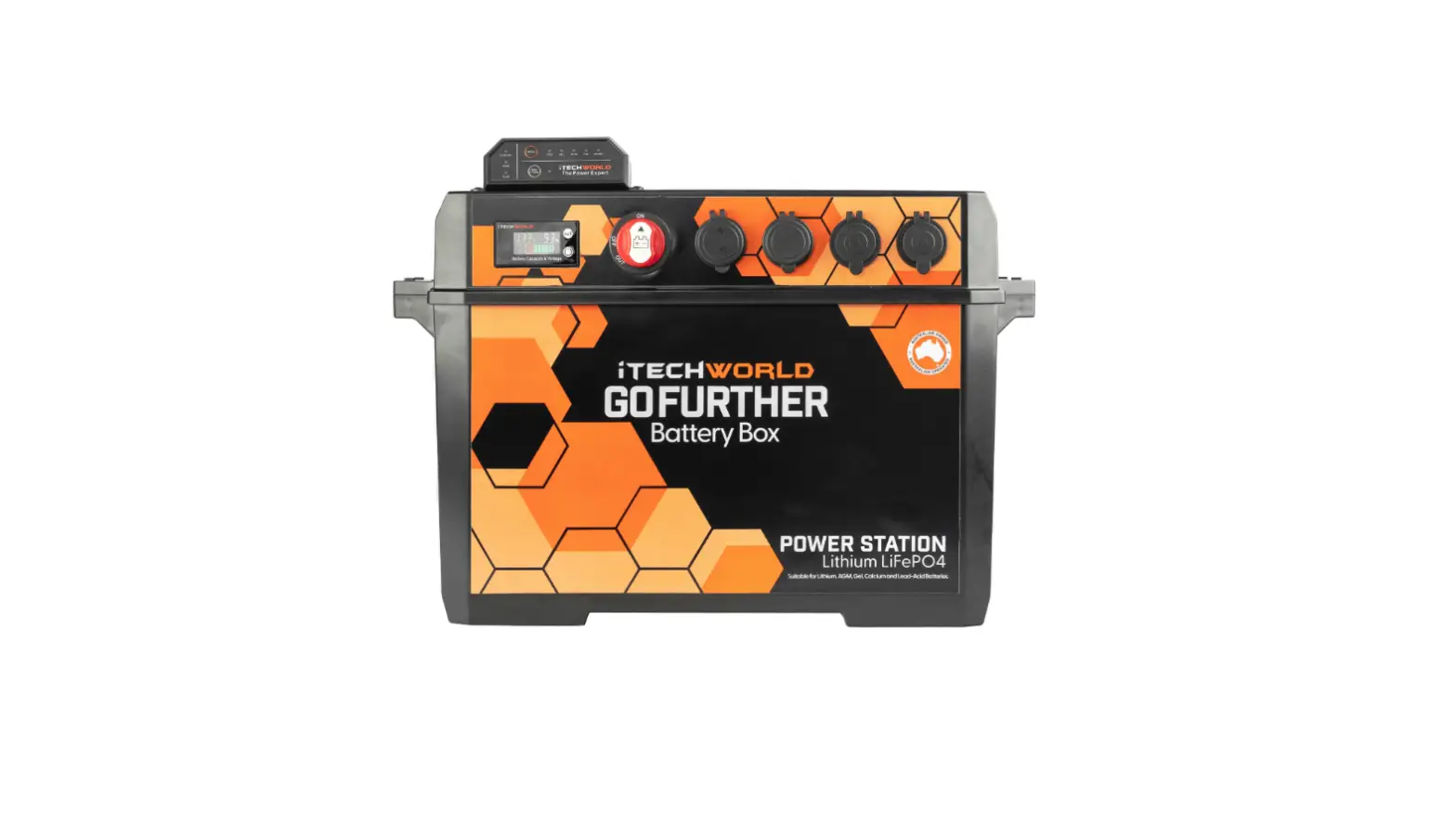
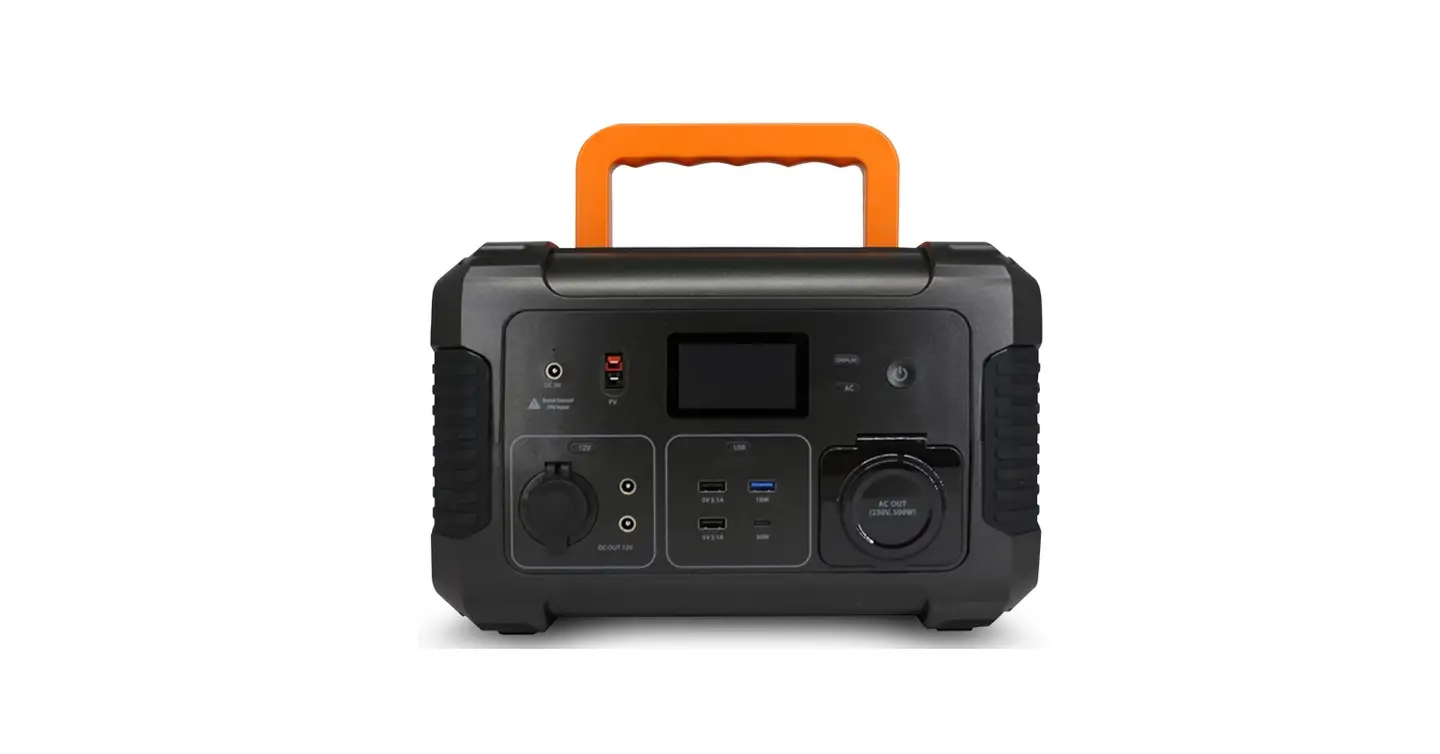
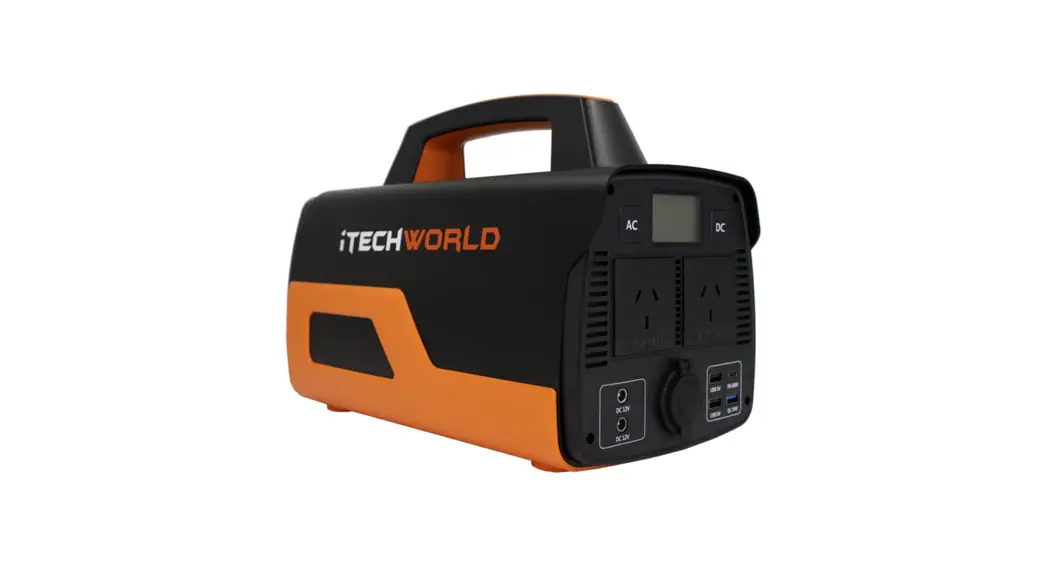
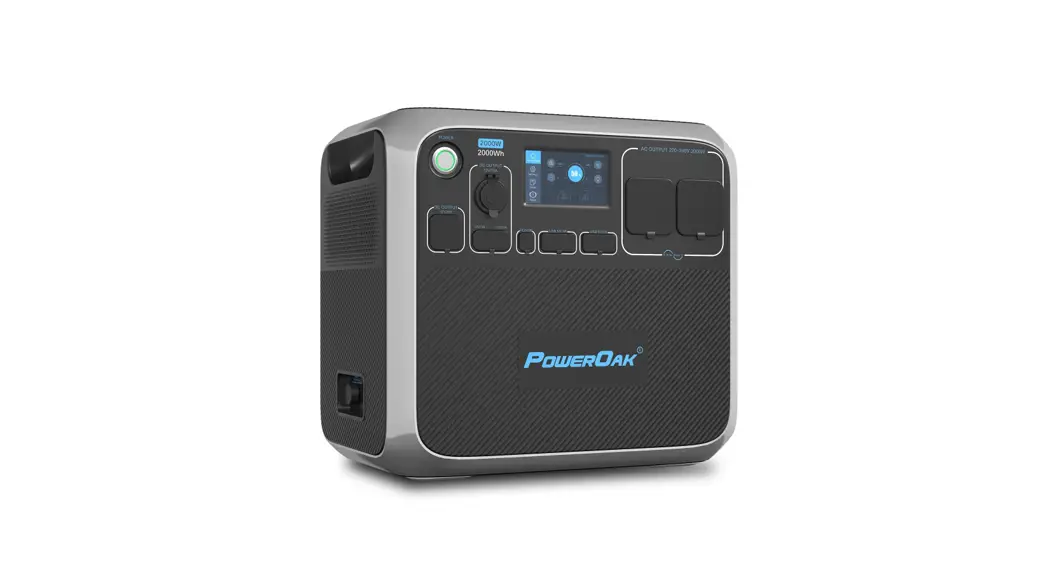
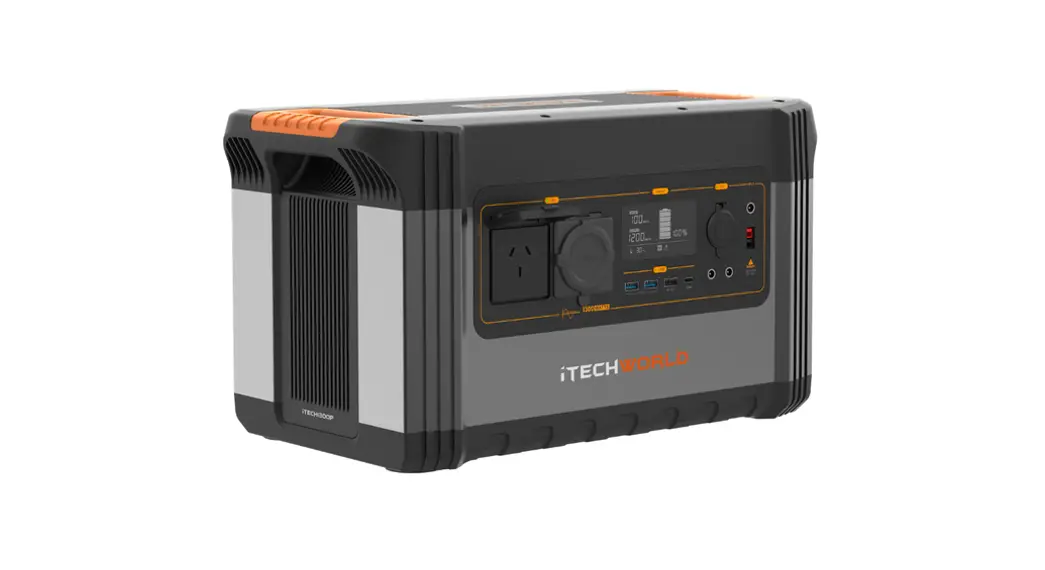
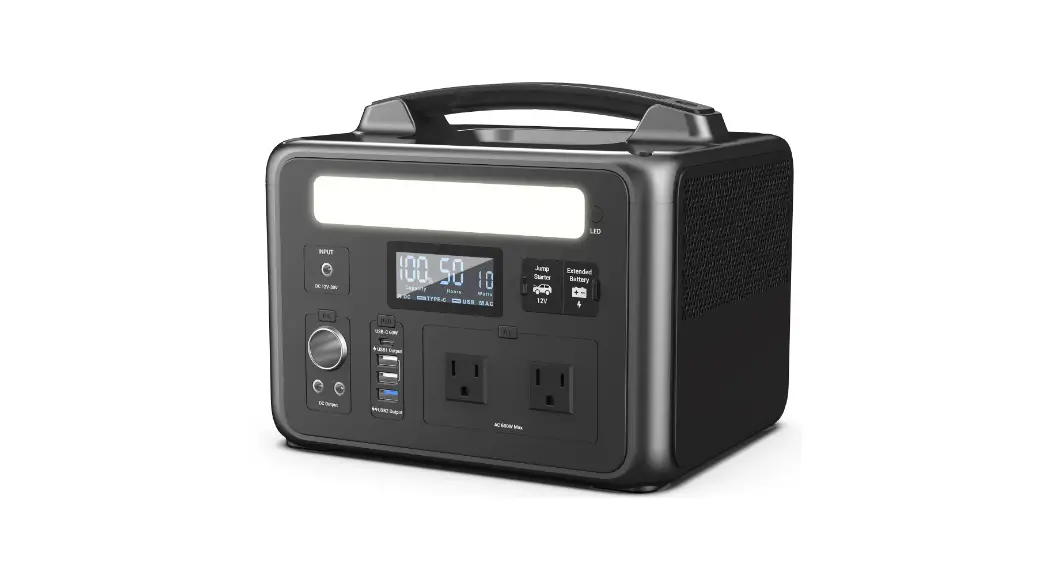
PS2000 Portable Power Station
PS2000 Portable Power Station User Guide
Before using or storing, please read this user guide carefully,
and charge your PS2000 with the included charging adapter.
Product Overview
- 1 Main power control
- 2 Light control
- 3 USB control
- 4 DC control
- 5 LCD display
- 6 Air intake/outlet
- 7 AC 240V Output button (Bottom Right)
- 8 PV/Solar Input
- 9 AC input port
- 10 Overload protection
This is the master power button, a long press to turn on and a
long press to turn off the unit (hold the button until the screen
turns on/ off). When not in use, please turn the unit off.
Operate method: short press to turn on and change the light mode
Solid/SOS/Flash. Long press to turn off the light while on any
mode.
Make sure the power station is on before pressing the USB
Control button. Operate method: short press to turn on/off.
- USB-A 5V/2.4A
- USB-A QC3.0-18W
- TYPE-C PD-100W
Make sure the power station is on before pressing the DC Control
button. Operation method: short press to turn on/off.
- Output
- Cigar Lighter 12V/10A
- 12V/25A
LCD Screen Display
Informative LCD display presents the remaining power and use
data. The LCD display will enter sleep mode after 30 seconds of
inactivity and wake up when inputting charge or when any button is
pressed.
Air Intake/Outlet (built-in cooling fan)
The PS2000 utilises an internal cooling fan to ensure it
operates within the appropriate temperature range. When the PS2000
experiences a high output/input load, it automatically turns on the
fan. The fan may turn on intermittently to keep the internal
temperatures within the operating range. Please ensure you do not
block or cover the channel.
Make sure the power station is on before pressing the AC Output
button. Operation method: short press to turn on/off
Overload Protection
Prevents damage to the power station due to excessive AC input
current caused by lightning and grid fluctuations. When such a
situation occurs the overload protector will start to cut off the
AC input to protect itself. To restore the AC input follow the
below function:
- Turn off the PS2000 and unplug all ports.
- After confirming all ports are standard, turn on the unit.
- Press the overload protection button to switch on the AC line
and restore AC input.
Product Usage Instructions
PV/Solar Input
Use the included 25A Anderson to 50A Anderson conversion cable
to connect your solar panel. As for PV input, the maximum input of
the solar panel is up to 500W and the maximum voltage is up to 50V
(Do not exceed 50V).
AC Input
Use the included wall socket to get 1100W fast charging , which
can fully charge the PS2000 from 0 to 100% in 2 hours.
Notice:
- The PS2000 should be charged directly by the wall socket,
please do not use extension cords. - Please do not plug several devices together using a power
board, the current will be too high , damaging your cable and
potentially cause a fire risk. - Do not use the same socket to connect other devices when
charging the PS2000. When a socket in a general household exceeds
1500W, the safety circuit breaker will activate.
PS2000 Portable Power Station
USER GUIDE
Before using or storing, please read this user guide carefully, and charge your PS2000 with the included charging adapter.
Product Overview
1 Main power control 2 Light control 3 USB control 4 DC control 5 LCD display
6 Air intake/outlet
7 AC 240V Output button
(Bottom Right)
8 PV/Solar Input
9 AC input port
10 Overload protection
Button Functions
Power On/Off Control Button
This is the master power button, a long press to turn on and a long press to turn off the unit (hold the button until the screen turns on/ off). When not in use, please turn the unit off.
Led Light Control Button
Operate method: short press to turn on and change the light mode Solid/SOS/Flash. Long press to turn off the light while on any mode.
-USB Control Button
Make sure the power station is on before pressing the USB Control button. Operate method: short press to turn on/off.
USB-A 5V/2.4A
USB-A QC3.0-18W
TYPE-C PD-100W
1
-DC Control Button
Make sure the power station is on before pressing the DC Control button. Operation method: short press to turn on/off.
Output
Cigar Lighter 12V/10A
12V/25A
LCD Screen Display
Informative LCD display presents the remaining power and use data. The LCD display will enter sleep mode after 30 seconds of inactivity and wake up when inputting charge or when any button is pressed.
Air Intake/Outlet (built-in cooling fan)
The PS2000 utilises an internal cooling fan to ensure it operates within the appropriate temperature range. When the PS2000 experiences a high output/input load, it automatically turns on the fan. The fan may turn on intermittently to keep the internal temperatures within the operating range. Please ensure you do not block or cover the channel.
AC 240V Output Button
Make sure the power station is on before pressing the AC Output button. Operation method: short press to turn on/off
Overload Protection
Prevents damage to the power station due to excessive AC input current caused by lightning and grid fluctuations. When such a situation occurs the overload protector will start to cut off the AC input to protect itself. To restore the AC input follow the below function: 1.Turn off the PS2000 and unplug all ports. 2.After confirming all ports are standard, turn on the unit. 3.Press the overload protection button to switch on the AC line and
restore AC input.
2
PV/Solar Input Use the included 25A Anderson to 50A Anderson conversion cable to connect your solar panel. As for PV input, the maximum input of the solar panel is up to 500W and the maximum voltage is up to 50V (Do not exceed 50V). AC Input Use the included wall socket to get 1100W fast charging , which can fully charge the PS2000 from 0 to 100% in 2 hours. Notice: 1.The PS2000 should be charged directly by the wall socket, please
do not use extension cords. 2.Please do not plug several devices together using a power board,
the current will be too high , damaging your cable and potentially cause a fire risk. 3.Do not use the same socket to connect other devices when charging the PS2000. When a socket in a general household exceeds 1500W, the safety circuit breaker will activate.
3
LCD Features
1:Remaining discharge time 2:Fan status 3:High/low temperature 4:Battery level indicator 5:Total input power 6:Total output power 7:LED light status 8:AC output status
9:Type-C output status 10:USB output status 11:AC charging status 12:Anderson charging status 13:DC output status 14:Cigarette lighter output status 15:XT-60 output status
Display Attention
Please keep the air intake/outlet unobstructed when this icon lights up.
When this icon lights up. Please note the device is now with high/low temperature and will possibly stop working till the temperture is back to the usual standard.
When this icon is flashing, it represents that the AC input is at fault, please recheck the power/Hz/cable.
When the icon is blinking, represent the output is fault please recheck.
4
UPS Mode The PS2000 has a bypass function, which means power will not pass through the battery; it will be taken directly from the AC output of your house. In this mode, the power source is the power grid, when there is an emergency power outage, the power source will switch to the battery within 10ms and protect the connected application.
UPS Connections As shown in the figure below, connect the PS2000 between the wall socket and the electrical appliances, ensuring the power of the PS2000 is ON. When you turn on the electrical appliances, power will be taken directly from the grid. In this state, when the power grid is cut off, it will automatically switch to the PS2000 internal battery to supply power. cIn UPS mode, the maximum power output is below 2000W cIn UPS mode, if the AC output exceeds 2000W, the AC output icon ” “will blink, indicating overload.
TV
Accessory List
25A Anderson to 50A Anderson Connector
Recommended to use 2x 200W or 2x 300W iTechworld solar blankets (not included)
5
General Specifications
Product name Product size Product weight Capacity AC Charging MPPT input
AC output
USB QC3.0 USB Type-C DC 5521 XT-60 output Cigar lighter output Power off current Operating temperature Environment humidity Cycle Times
2000W Portable Power station L
22.0kg
1997Wh 50/60Hz 1100W max
11.5-50V 20A 500W max
AC output50/60Hz(frequency switch available), rated 2000W pure sine wave. Built-in overload and short circuit protection.
18Wx2
USBA
x
5-20V/5.0A,100W max(PD3.0).
12V/25A 12V/10A
-1040
> 3500 times
Battery specification
Battery type Single cell rated voltage Single cell rated capacity Battery pack rated voltage Battery pack output voltage Battery pack rated capacity
LiFePo4 13Ah 1997Wh
6
Solar Panel Charging
1.Do not charge the PS2000 via a solar panel that has a voltage exceeding 50V.
2.Supports 500W max solar input (Solar panels not included); the charging time depends on the solar panel input. If the solar panels produce 400w of power, then the PS2000 can charge from 0-100% within 5 hours.
Connecting Pattern The area of charging
Device
AC input
Anderson port
25A Anderson to 50A Anderson Connector include in the accessory
Connecting Pattern The area of charging
Device
AC input
Anderson port
50A Anderson Connector not include in the accessory
solar panel(not included in the accessory)
Solar panel A (Not included in the accessory)
7
Solar panel B (Not included in the accessory)
AC Charger Charging
Use the AC charger provided to charge this unit. It will only needs 2 hours to fully charge the device.
Device
AC input Anderson port
Car Charger Charging
Please use the car charger that we provided to charge this unit . And car charging is usually low power of 90-120W so the charging time will be long. If you need a quick charge,it is recommended to use the AC adapter.
Device
AC input Anderson port car charger(included in the accessory)
8
Fault Resolution
Status
Explanation
Recover method
Above icon flashes and buzzes.
output exceeds standard (short circuit)
1.Remove the output device. Check whether overload protector is activated.If it’s activated,press the overload protection button,press the AC output button.
3.If the overload protector does not spring up,directly press AC output to restore the output function.
The temperature warning icon flashes and buzzes.
The temperature of this product has exceeded the appropriate temperature.
Remove the equipment, turn off the power of this product, and wait for the equipment to reach the appropriate temperature.
Bad wire connection.
Confirm the connection status of the line and the power supply status.
Charging unavailable.
Overload protection function activated.
1. Turn off the power button and remove cables from all ports.
2. After verifying that all components are normal, turn on the power button.
3. Press the overload protection button to connect the AC cable to recover AC input.
9
Warning
1.Please avoid using the PS2000 near extreme temperatures, high humidity, direct sun and fire. 2.Do not disassemble or modify this PS2000, it may cause malfunction and fire. 3.Be careful not to drop the PS2000 from a high place. 4.Keep or use the PS2000 in a place out of the reach of children. 5.Please use iTechworld genuine accessories. 6.Please leave a space of about 30cm away from the side suction and exhaust ports, to ensure heat
dissipation is not compromised. 7.When not using the PS2000, turn off the power and unplug the power cord. Please avoid storing
the product in a place exposed to direct sunlight with high temperature and humidity. 8.For long-term storage, please consume power from full power to no power once every three months
and then recharge to about 75%. 9.Please do not use the PS2000 and its accessories to connect equipment if there is a defect. 10.Please do not store the PS2000 for a long time in extremely high and low temperature places.
CONTACT
PS2000
iTechworld 281 Great Eastern HWY
Burswood WA 6100 1300 483 249
www.itechworld.com.au [email protected]
10
 iTechworld: Quality Batteries » Designed & Developed in Australia