
Remote Monitoring for Business
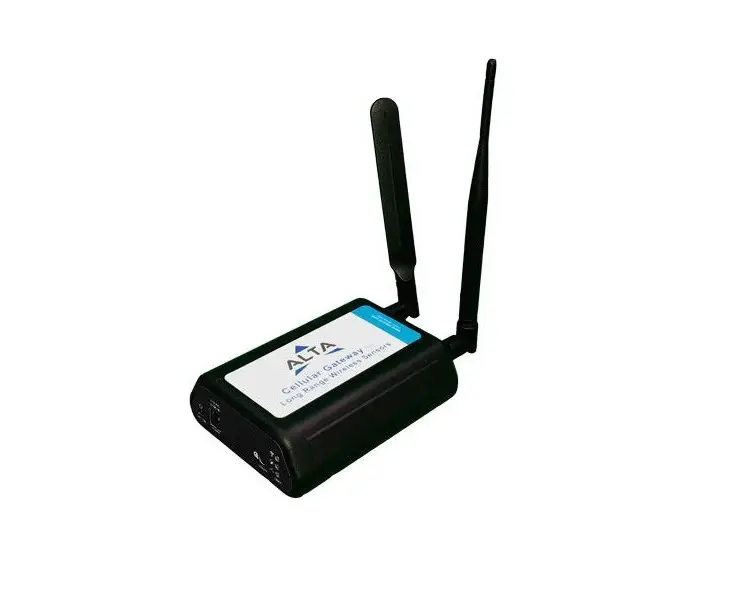
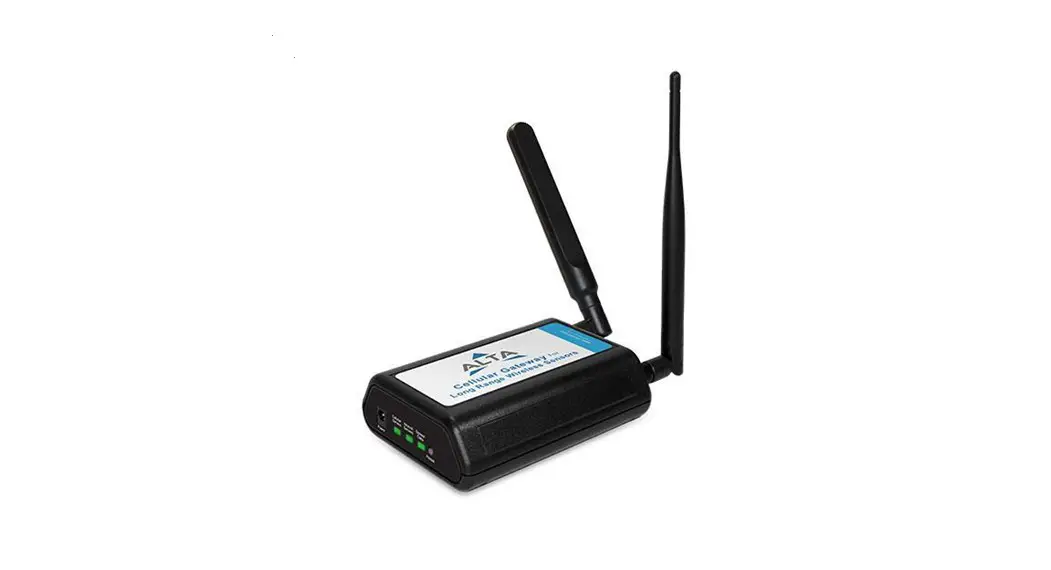
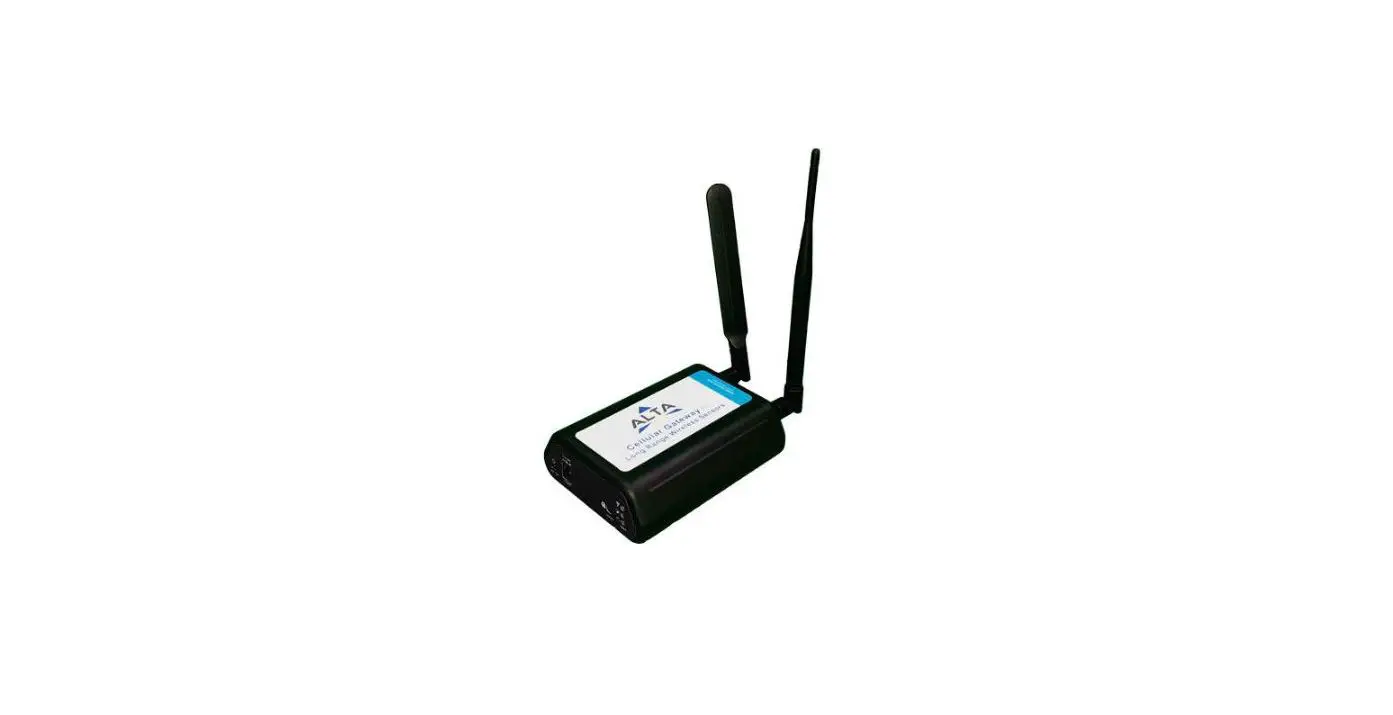
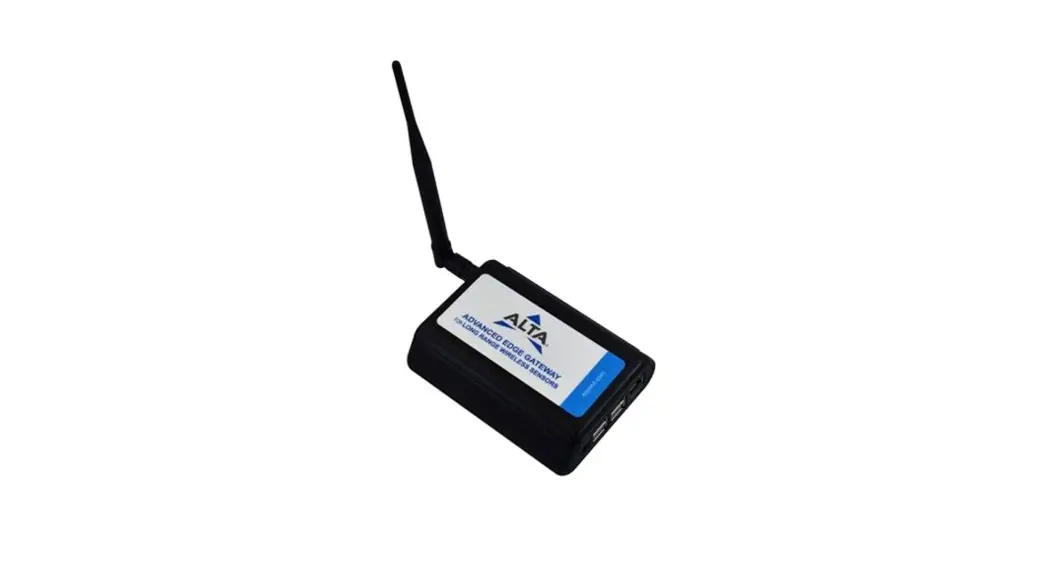
Quick Start Guide – ALTA Advanced Edge Gateway
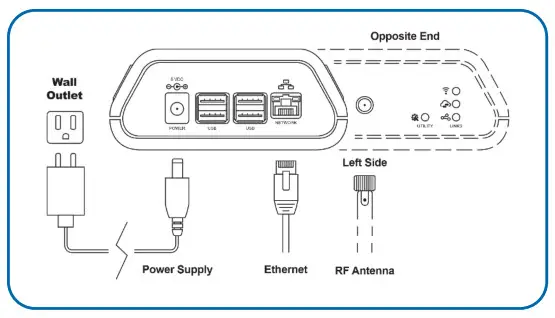
- Power up the Advanced Edge Gateway by first plugging in the power supply and connecting the Ethernet Cable. It may take up to two minutes for the indicator LEDs to show activity.

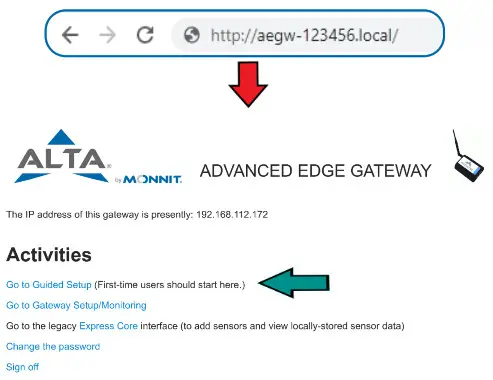
- Enter: http://aegw-{Device ID}.local/into your browser address bar. The {Device ID} will be the six-digit number printed under the QR code of your device.
Click on “Go to the index” to return to this screen at any time.
Click on “Go to Guided Setup” if you are new to this gateway.
Enter a password. Follow the screens through these steps:Network configuration
General settings
Time zone
Cloud/MQTT producer setup - Click on “Go to the setup home” for the main menu.
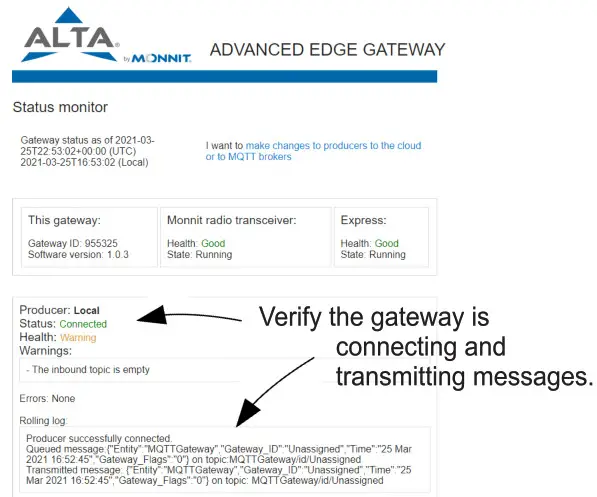
Click on “Go to the setup home”, then click on “Monitor status and logs of the gateway”.
- Click on “Go to the index” to return to the main screen.
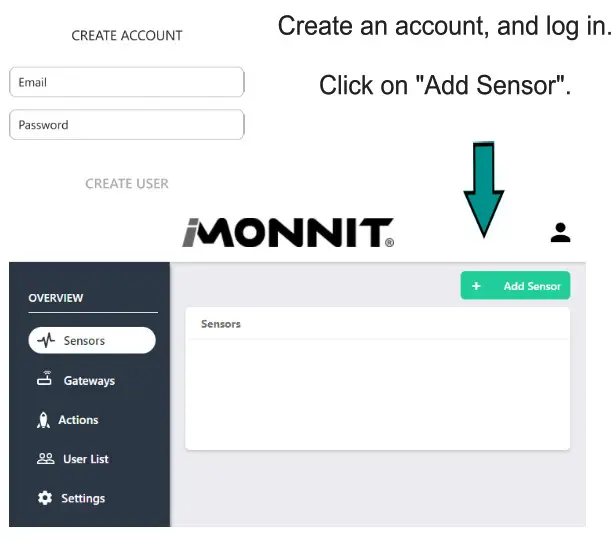
Click on “Go to the legacy Express Core interface” to set up sensors for this gateway.

Monnit Corporation
3400 South West Temple
Salt Lake City, UT 84115
801-561-5555
www.monnit.com
Monnit, Monnit Logo, ALTA, MonnitLink and iMonnit are trademarks of Monnit, Corp.
© 2020 Monnit Corp. All Rights Reserved.
AQS-012(03/20)