
Quick Start Guide
4-Port NMC Module
Installation
Before You Begin
- Check your packing slip to verify that you have all the necessary items.
- Prepare to install the module in a proper ESD (Electrostatic Discharge) environment.
- Make sure you have a #2 Phillips screwdriver.
- Gracefully power off the system
This is always required when you install or replace the 4-Port Network Mezzanine Card (NMC) because it is NOT hot-swappable.
Operating the 4-Port NMC requires either 1) two AC power supplies or 2) one DC power supply.
- Remove power by disconnecting the power supply.
Remove power by disconnecting the power supply from the power source. For AC power supplies, remove the power cord. For DC power supplies, disconnect the terminals.
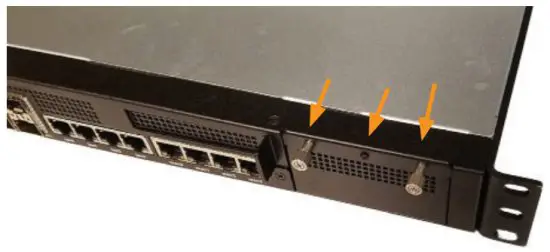
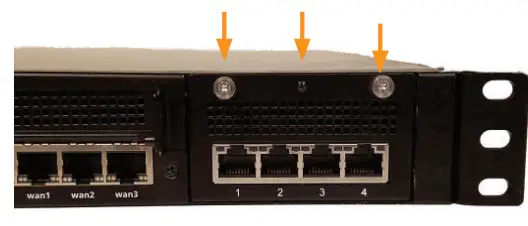
- Use a #2 Phillips screwdriver to loosen the two thumbscrews and the middle black screw on the blank.

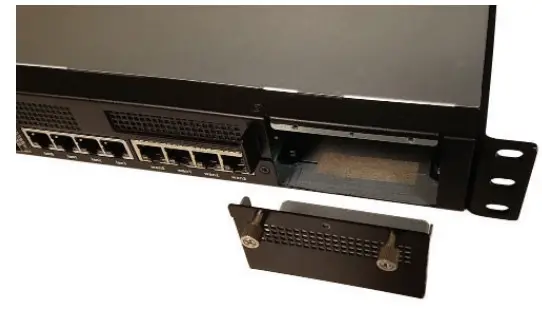
- Remove the blank.
Save the blank in case the system requires servicing.
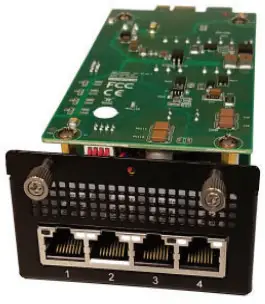
- Remove the module from the packaging.
Remove the module from the ESD bag and follow proper ESD precautions when installing the module.
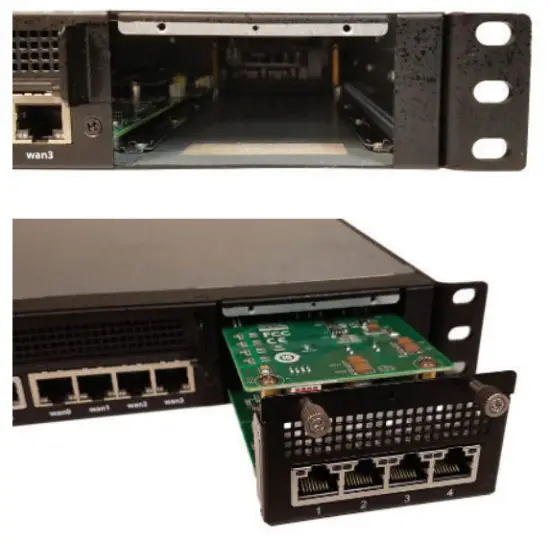
- Carefully align, insert, and fully seat the module into the bay.
Caution: Ensure the NMC slides within the guide rails until fully engaged into the system. Failure to fully engage the module may damage the NMC.
- Use a #2 Phillips screwdriver to tighten the two thumbscrews and install the middle black screw on the module.

- Plug the power cord back into the system.
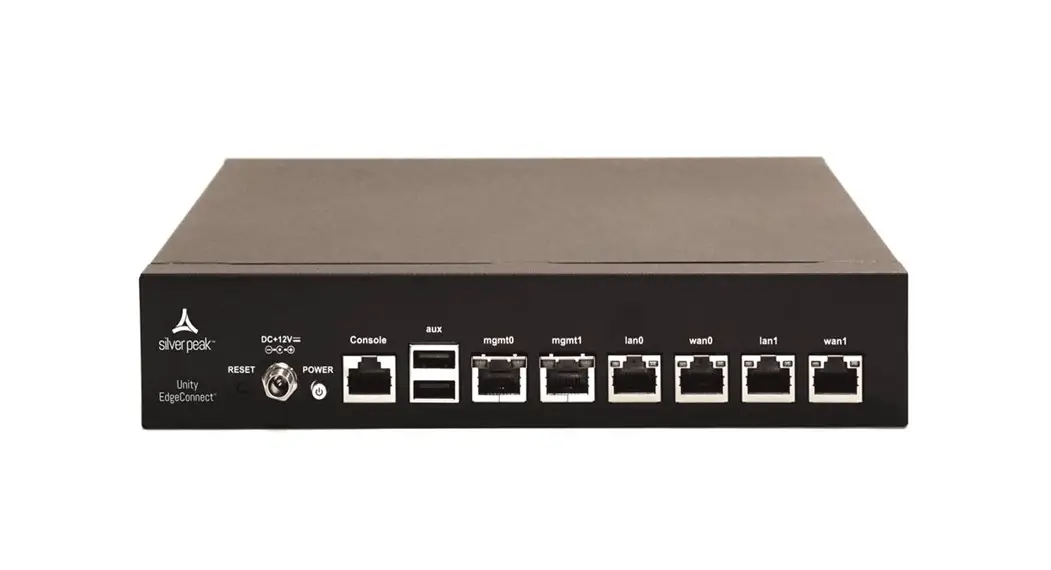
You have completed the 4-Port NMC module installation and are ready to physically install the appliance and register it with Unity Orchestrator.

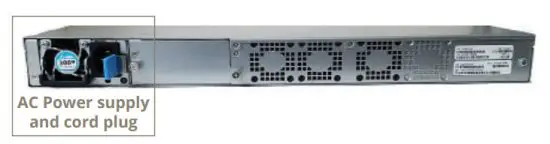 For DC power supplies, disconnect the terminals.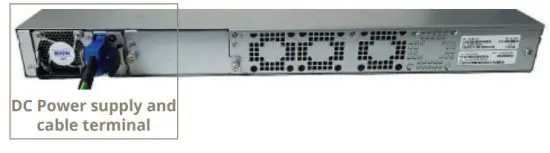
a Hewlett Packard Enterprise company
6280 America Center Drive
San Jose, CA 95002
1.877.210.7325 (toll-free in the USA)
+1.408.935.1850
www.silver-peak.com/support
 Support | Silver Peak