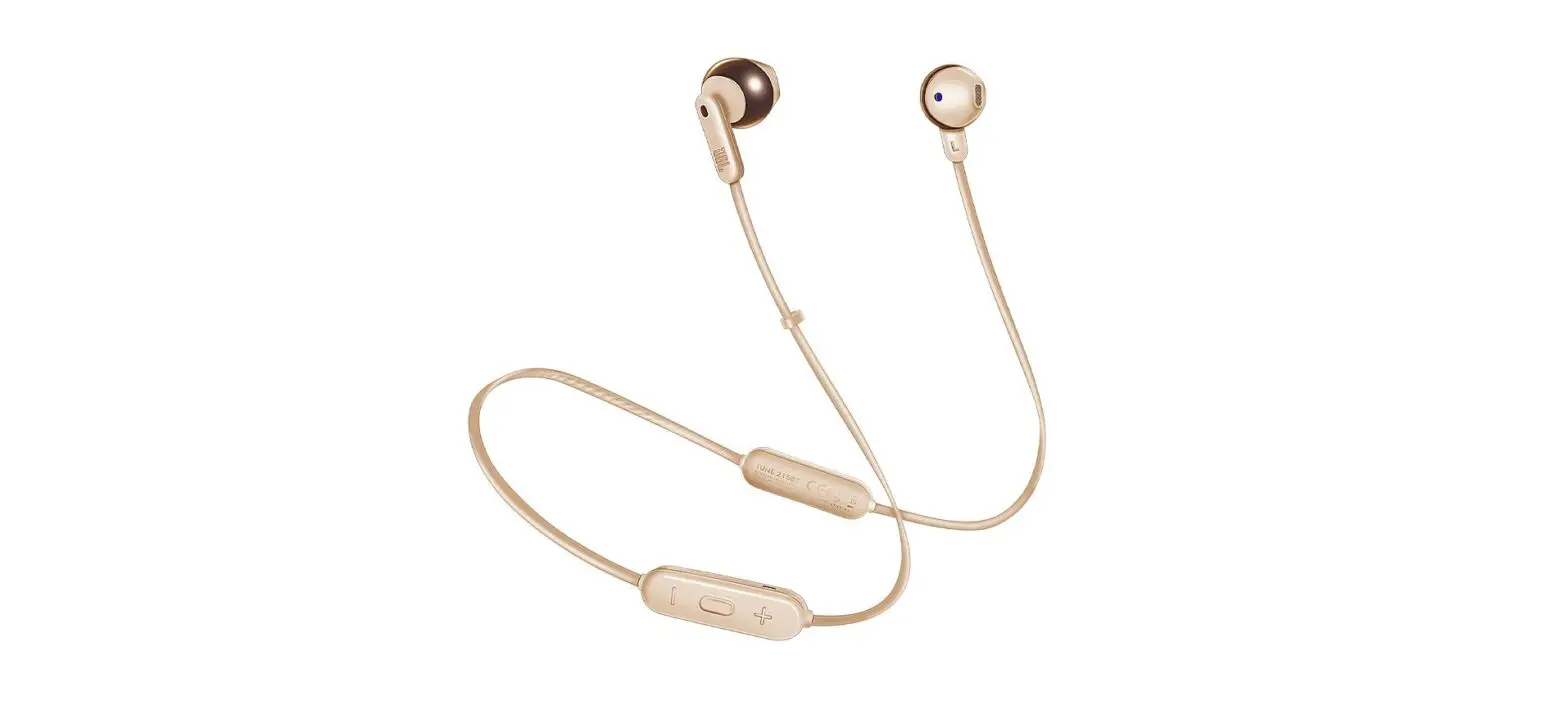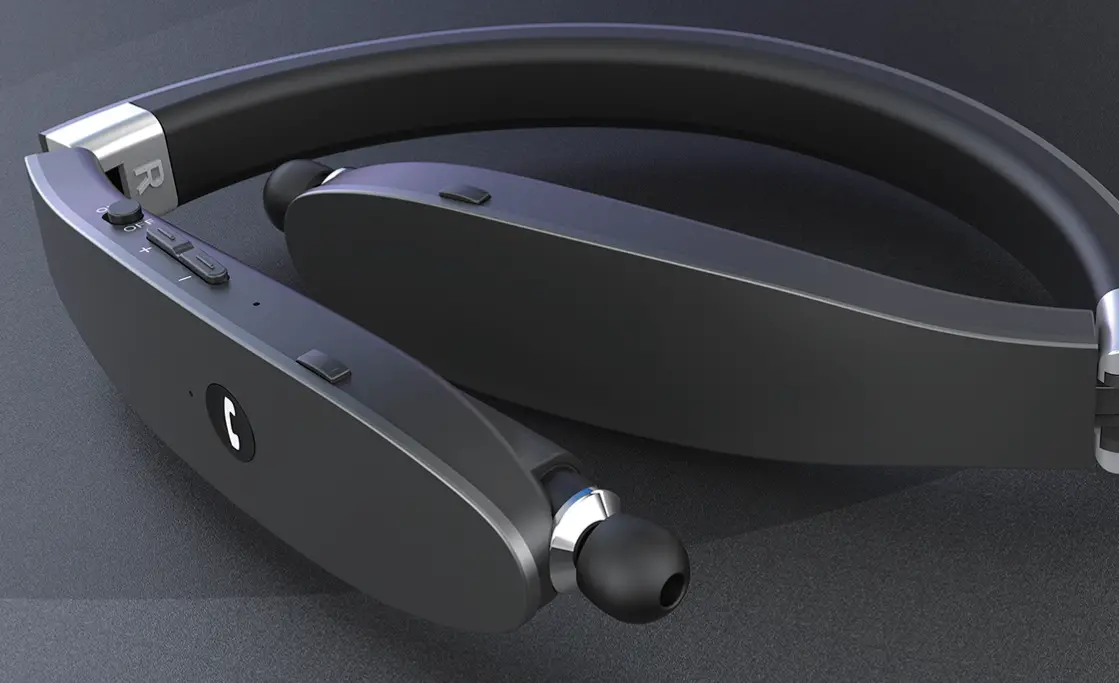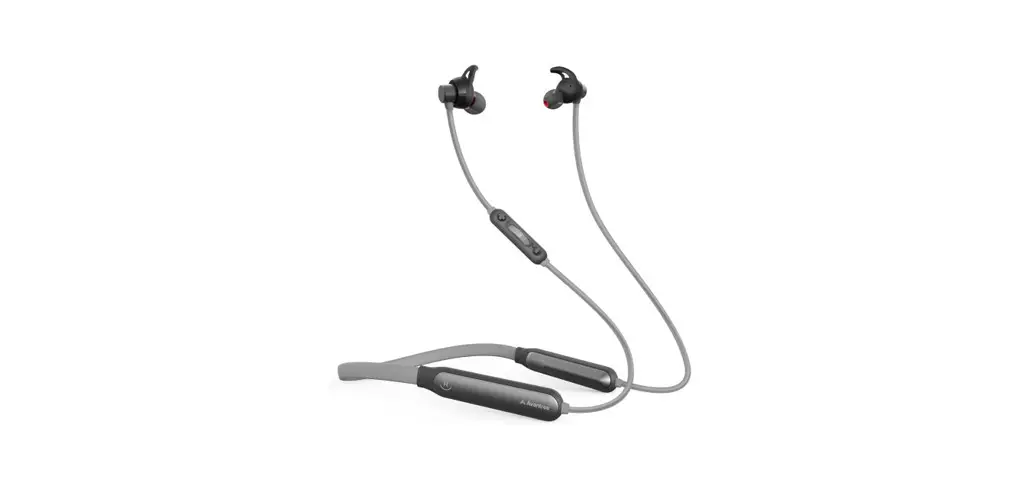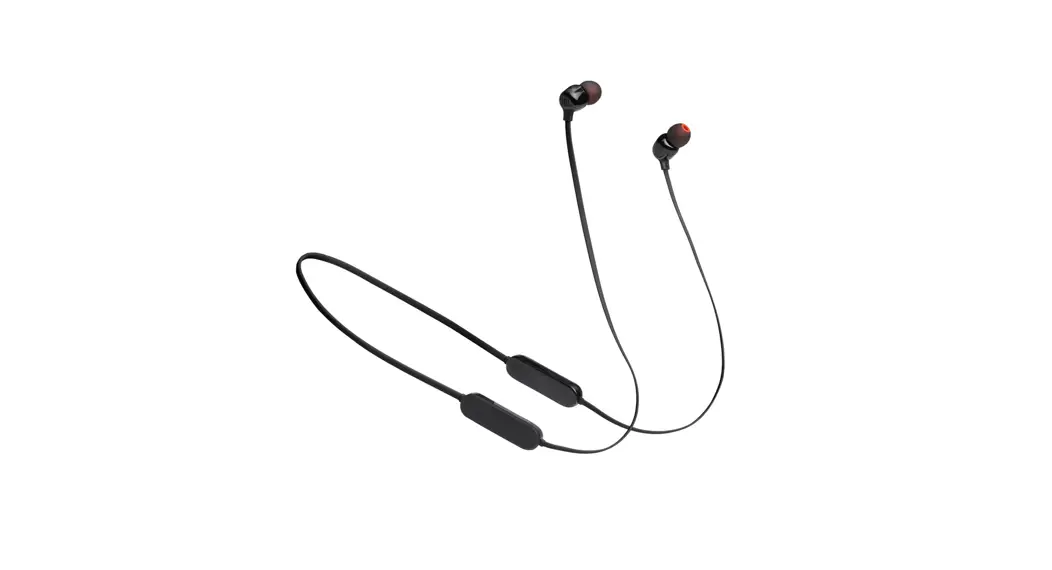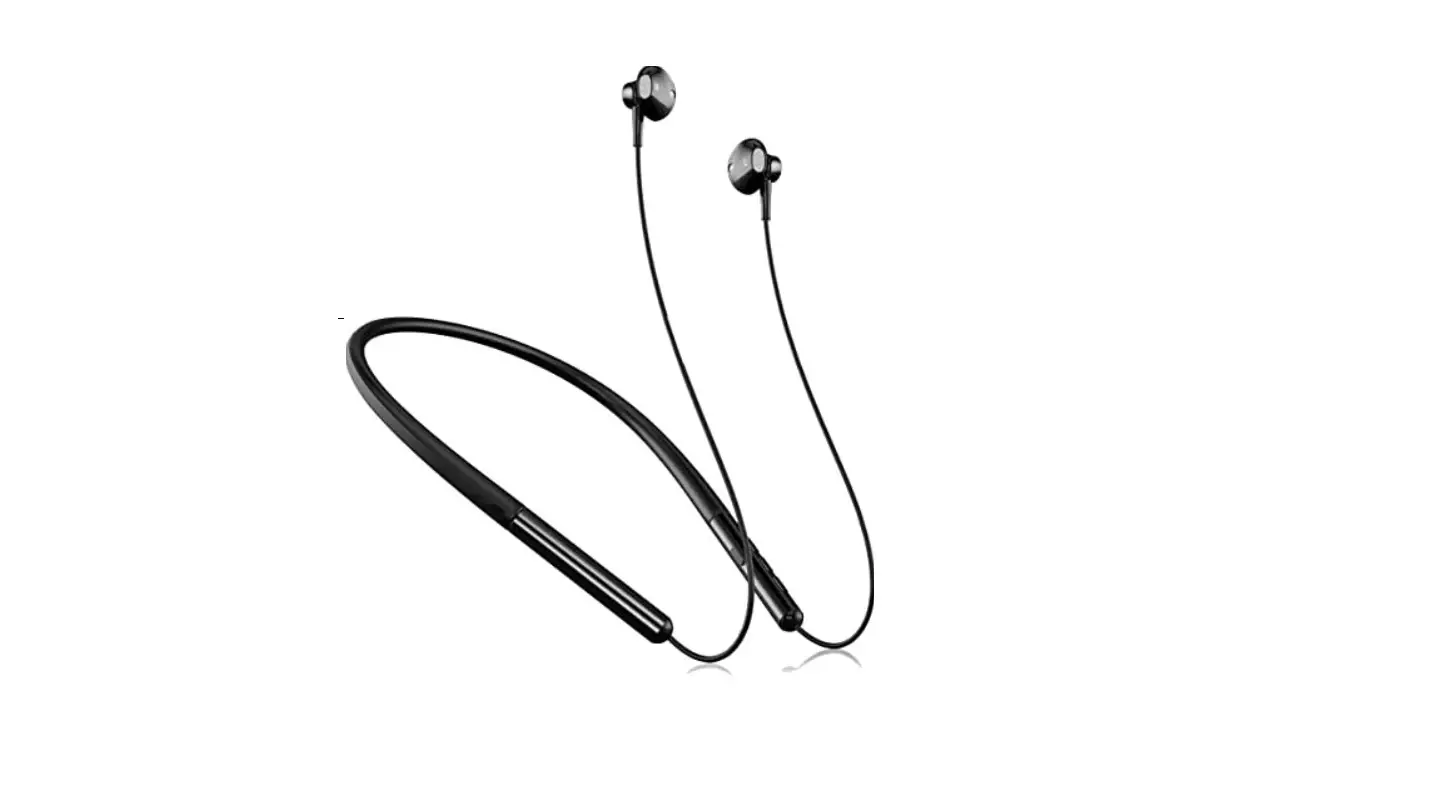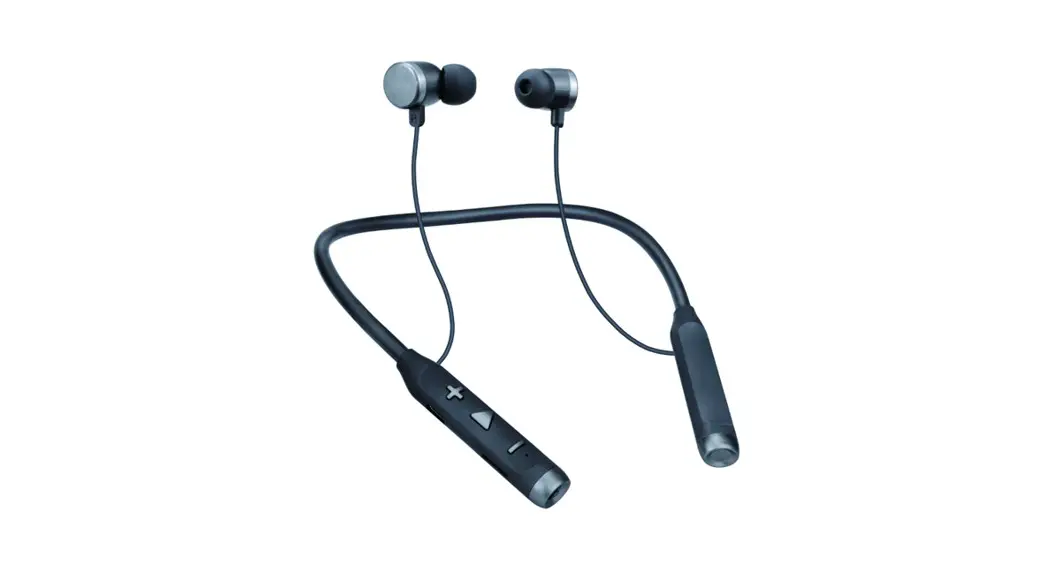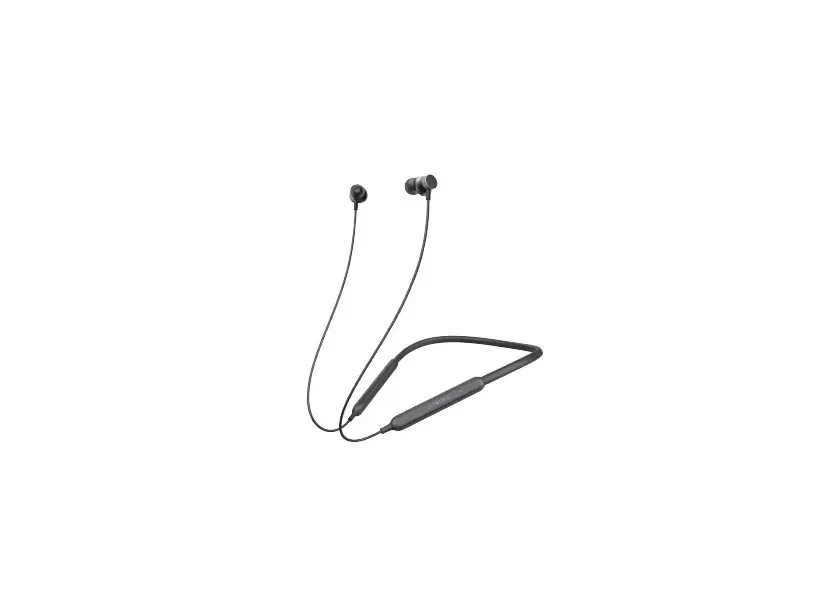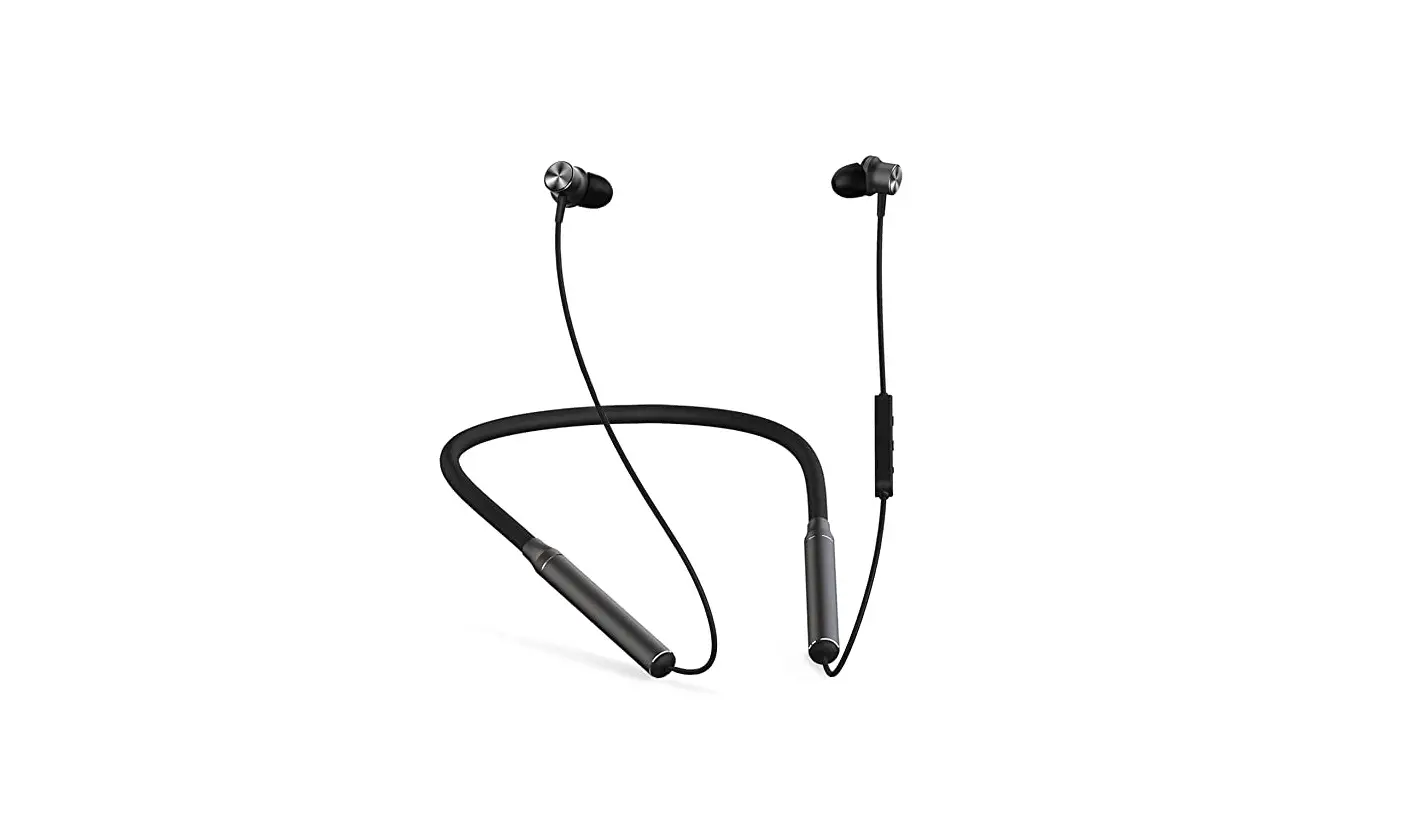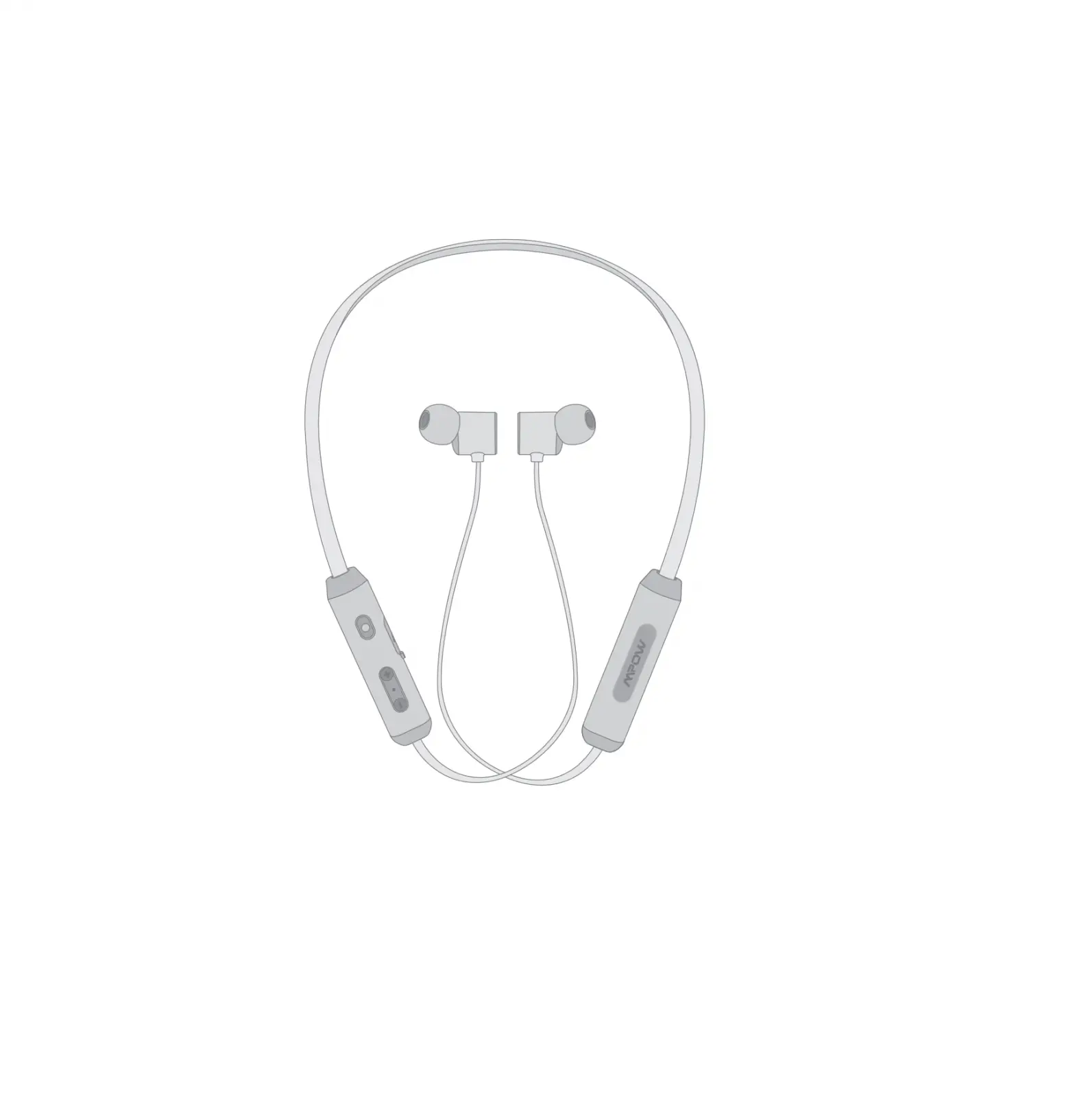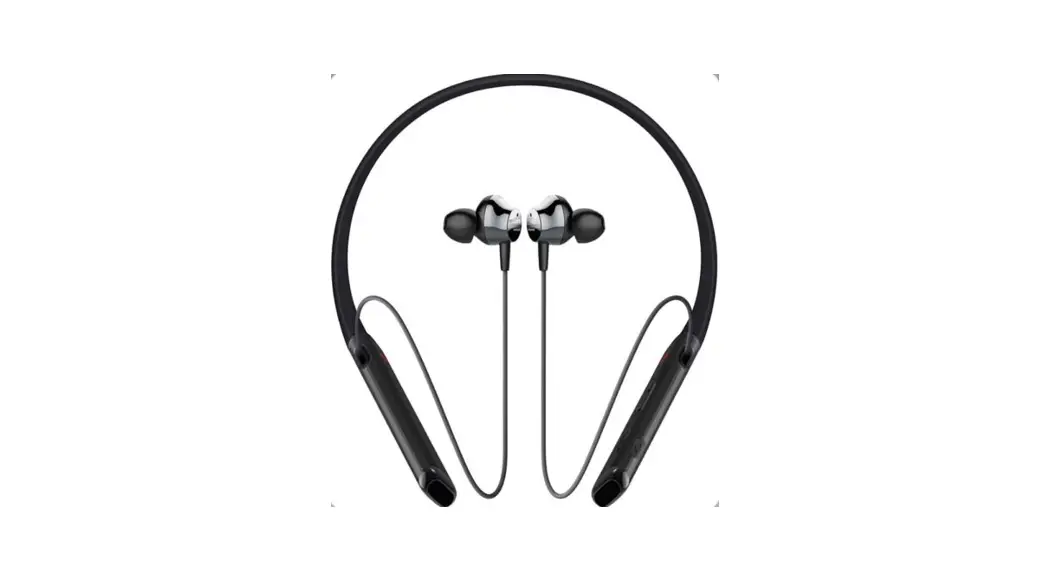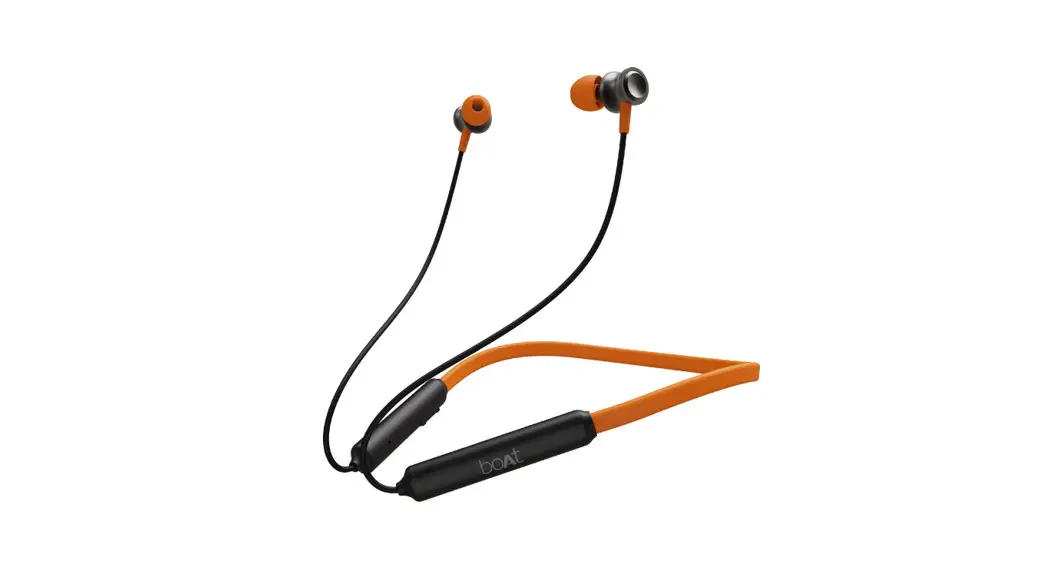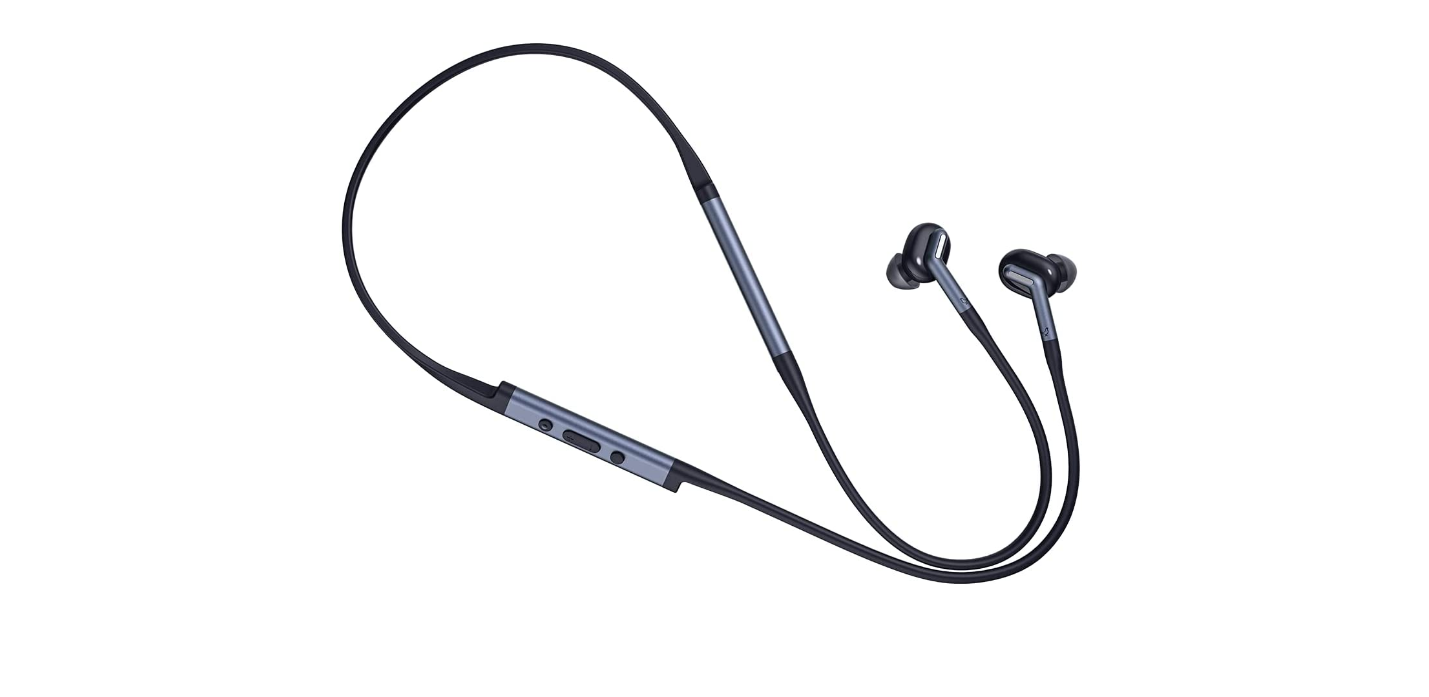
LIBRATONE LTI610 Track+ 2 Wireless Neckband User Guide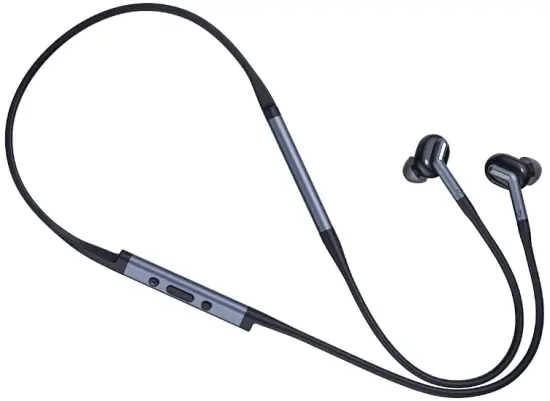
App Download
Scan the QR code or search ‘Libratone’ in Apple App Store and Google Play to download App.
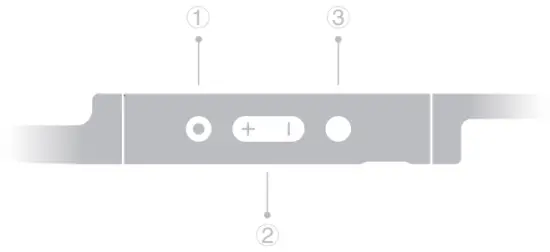
- Function
- Volume
- Play/Pause
Power On/Off
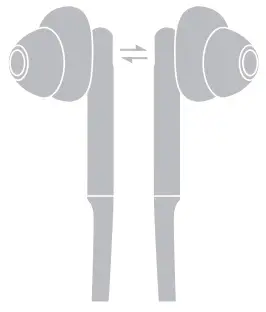
Attach the two ear buds to turn them off. Detach the two ear buds and short press the Function button to turn them on.
Pair and Connect
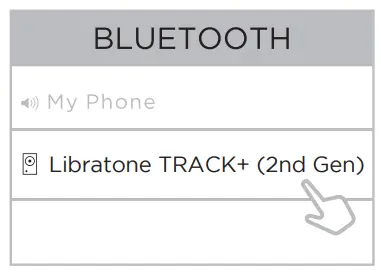
When the ear buds are detached, long press the Function button to enter pairing mode. The light will fast blink. Then search for and connect them on mobile device.
Control the Playback
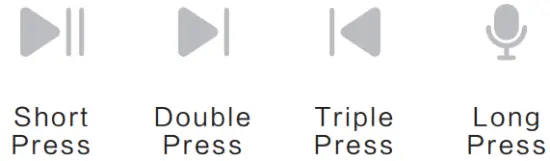
Short press the Play/Pause button to play & pause music or answer & end phone calls. Double press for next track and triple press for previous track. Long press to enable voice assistant.
Switch ANC Modes
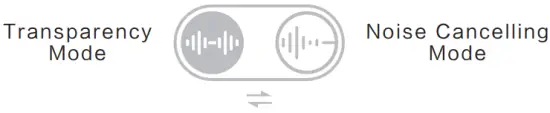
Short press the Function button to switch between noise cancelling and transparency modes.
Switch Connected Devices
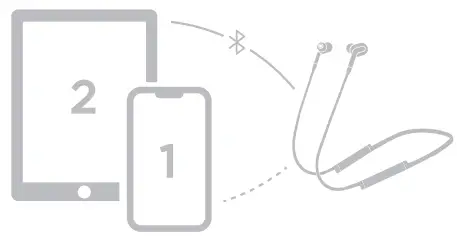
Double press the Function button to switch between the last 2 connected devices. The function can be customized in the Libratone App.
Ear Tip Selection

Select the best fitting eartip, make sure it fit snugly and seamlessly inside your ear to get the best sound and noise cancelling performance – it’s a small thing, but a big deal.
Explore More Features
Find and experience more intelligent and interesting features in Libratone App.
User Manual

Get a more detailed user manual from our App or the website below. http://support.libratone.com
 Libratone: Award-winning wireless audio products