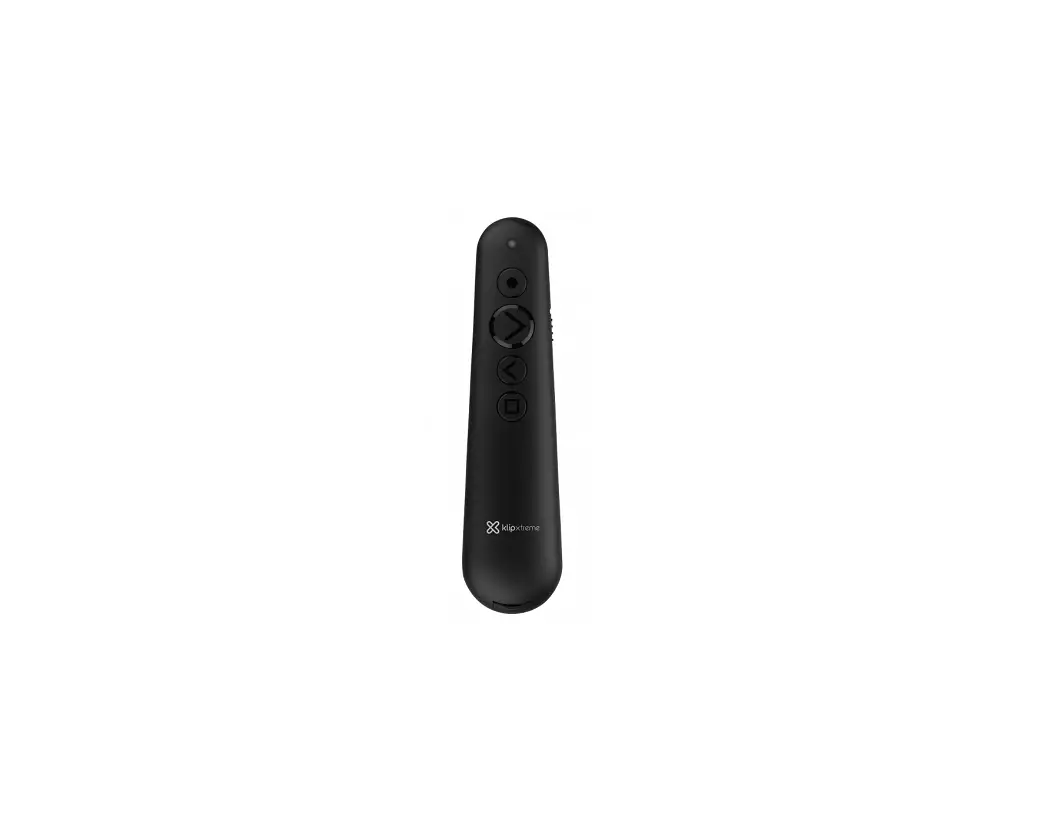
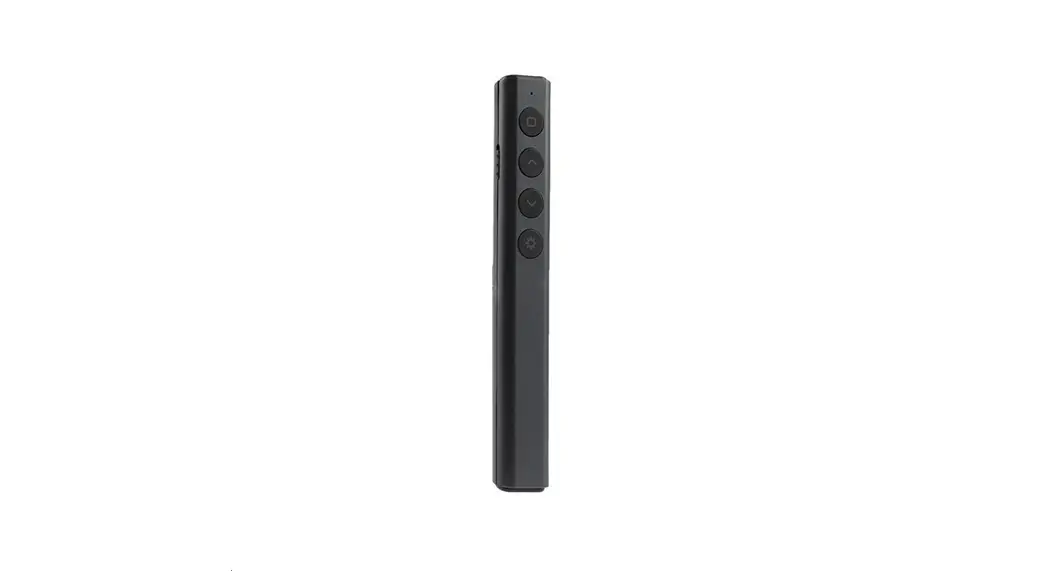
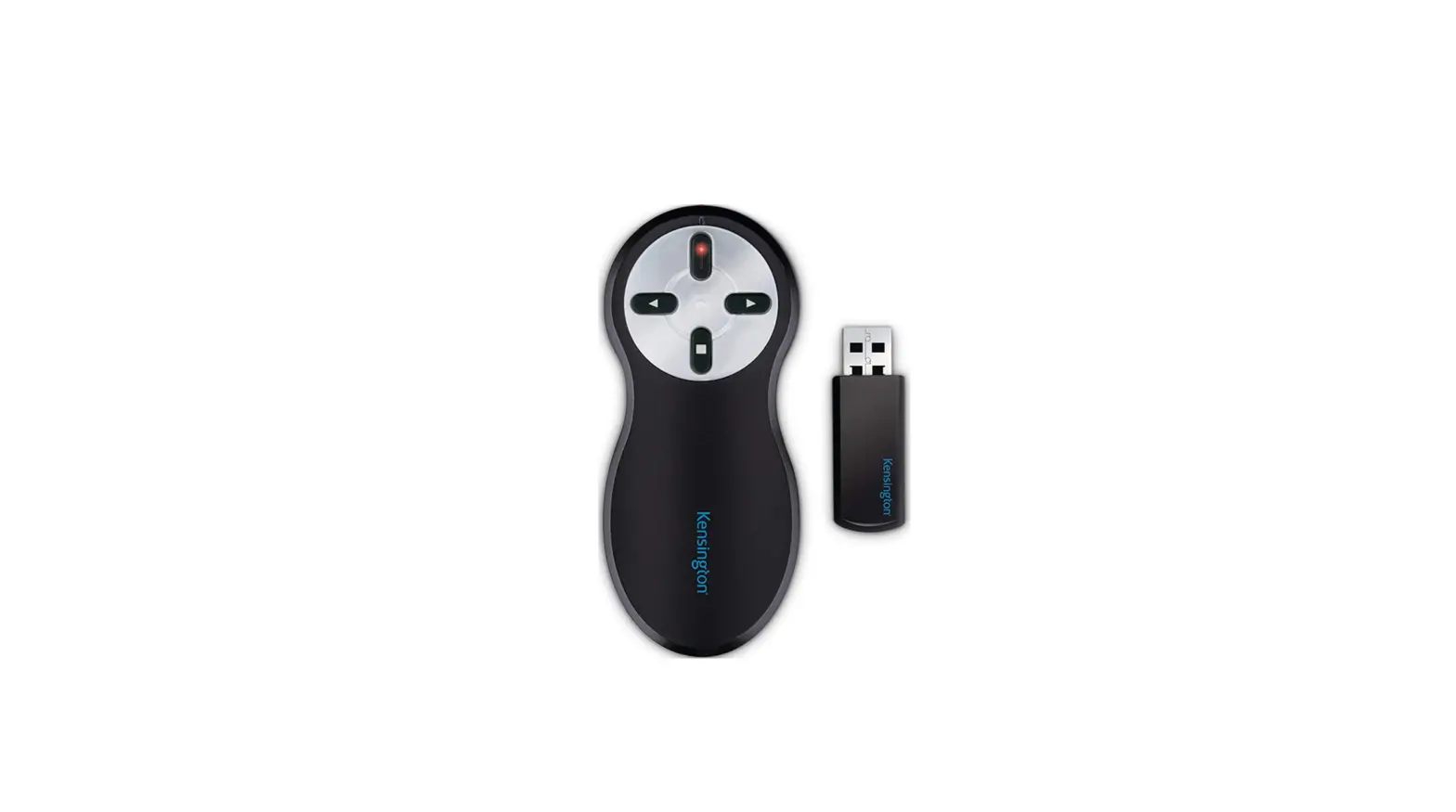
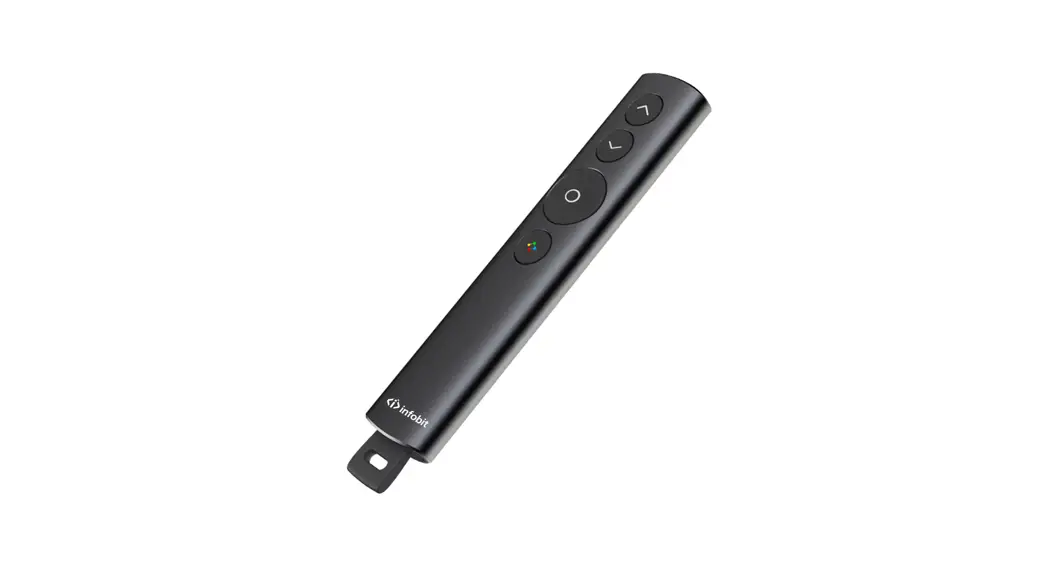
KPP-003 Wireless Presenter
Wireless presenter KPP-003 1. Introduction We invite you to visit
us at www.klipxtreme.com to find
out more about this and other new and exciting products. Safety
measures LASER RADIATION DO NOT STARE INTO BEAM CLASS 2 LASER
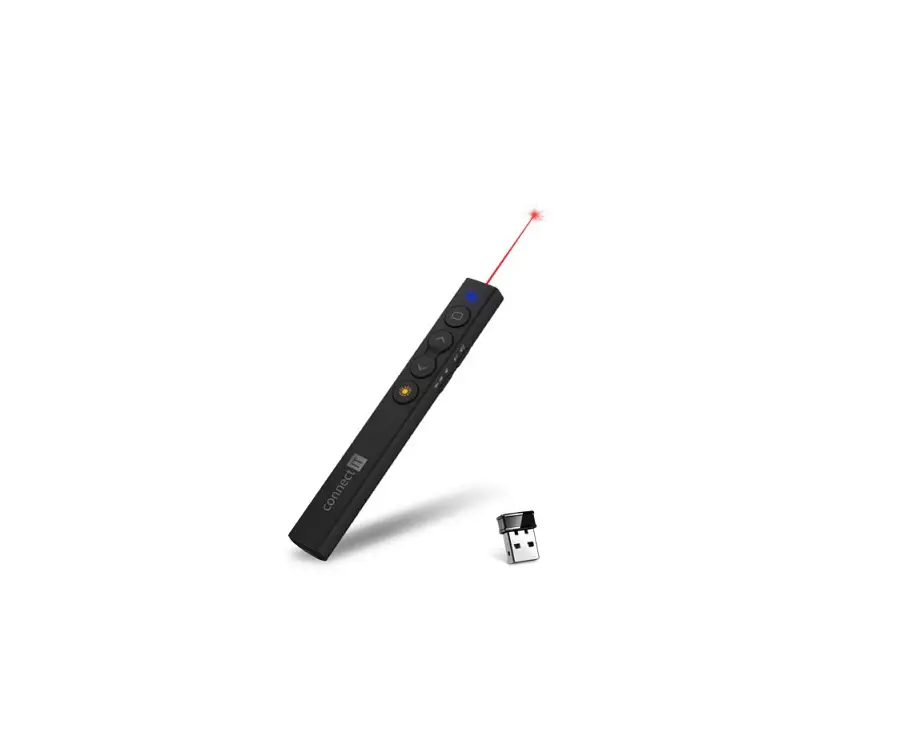
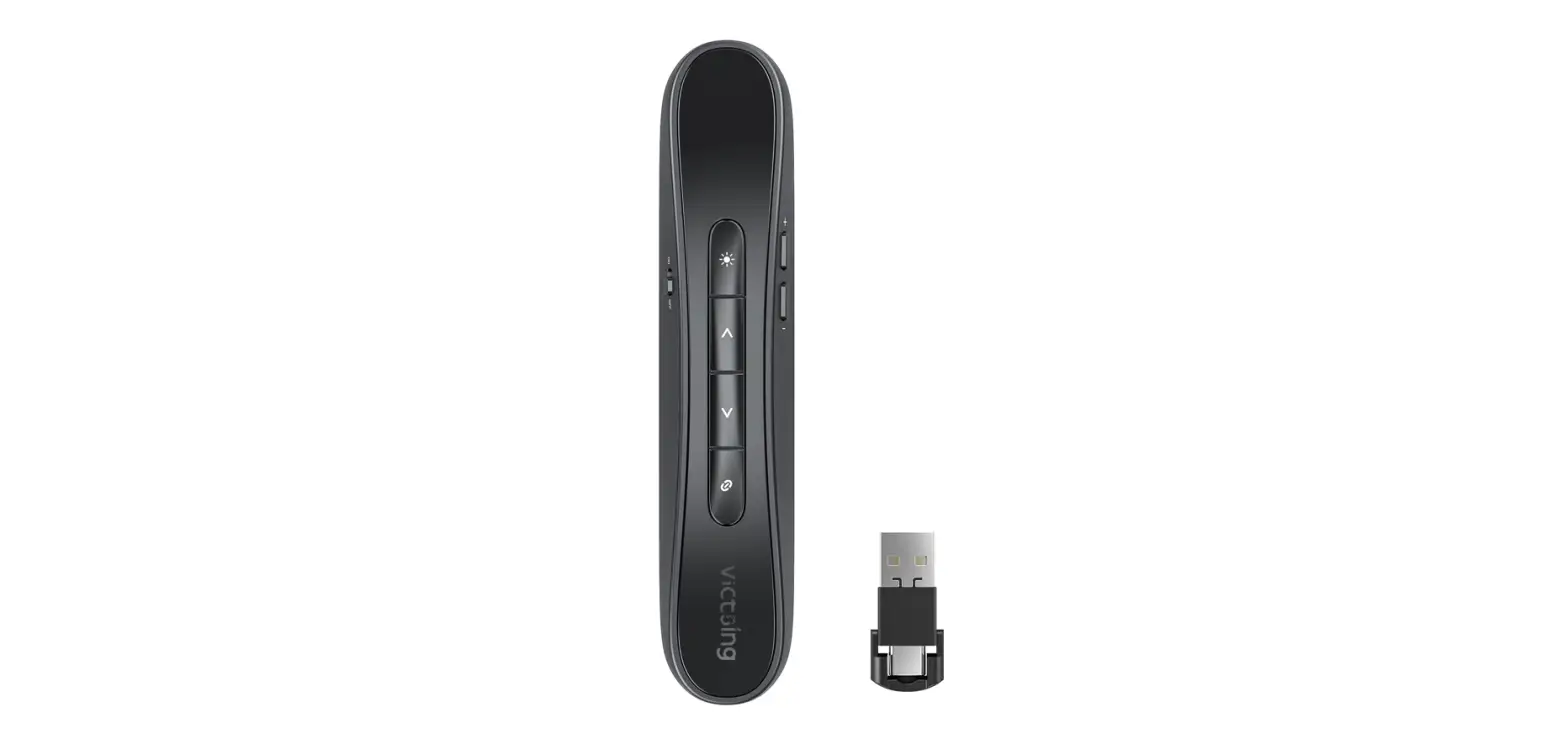
PRODUCT Package content – Wireless presenter: 1 – USB receiver: 1 –
AAA battery: 1 – User’s guide: 1 2. Main features – Laser pointer
with a power of less than 1mW – Remote operation distance of 50
feet 3. System requirements – Certain limitations apply 4. Product
overview Front view: 1 3 4 9 11 Back view: 12 2 7 5 13 6 ON OFF 8
10 14 – Buttons: 1. Play 2. Escape 3. Page Up 4. Page Down 5. Page
Up 6. Page Down 7. Laser Point 8. Volume Up 9. Blank Screen 10.
Volume Down 11. Mute 12. Battery Indicator 13. On/off switch 14.
Battery compartment 5. Description of functions 1. Play button: Use
this button to start your presentation in show mode. 2. Escape
button: Press this button the exit your presentation. 3. Page up
button: Use this button to go to the next slide. 4. Page down
button: Press this button to go to the previous slide. 5. Page up
button: Use this button to go to the next slide. 6. Page down
button: Use this button to go to the previous slide. 7. Laser
point: Press it to activate the laser beam. 8. Volume up: Increase
volume level. 9. Blank screen: This button will make the screen go
black, in case you want to pause your presentation. 10. Volume
down: Decrease volume level. 11. Mute: Use this button to go in
silent mode. 12. Battery indicator: This light indicates the charge
in your AAA battery. 13. On/off switch: Use this button to turn
this device on or off. 14. Battery compartment: Insert a AAA
battery and store your USB nano receiver here when the presentation
is over. 6. Connecting the presenter to the computer 1. Insert one
AAA battery in the battery compartment.
ON OFF
ON OFF
1xAAA
AAA 1.5V AAA 1.5V 2. Remove the USB receiver from the wireless
presenter, located in the battery compartment. Turn on the
presenter by sliding the on/off switch to its ON position.
ON OFF
ON OFF
AAA 1.5V 3. Insert the USB receiver into the USB port of the
computer. 4. Turn on your computer, if you have not done so
already.
Note: The radio frequency (RF) codes are factory preset for your
convenience; the presenter should be functional at this point. 5.
No further configuration is necessary. Now you can start your
presentations. Remember to put the USB receiver back into the
wireless presenter and turn off the device when you are not using
it. 7. Troubleshooting – Presenter may not work if it is more than
50 feet away from the computer, depending on location. Technical
specifications – Device: KPP-003 – Type: 2.4G Wireless Presenter –
Technology: Radio Frequency (RF) – Laser distance: About 328 feet –
Laser pointer: Red = 650nm wavelength – Laser Class: Class III A –
Laser power: [Not specified in the user manual]
Wireless presenter KPP-003
English
1. Introduction
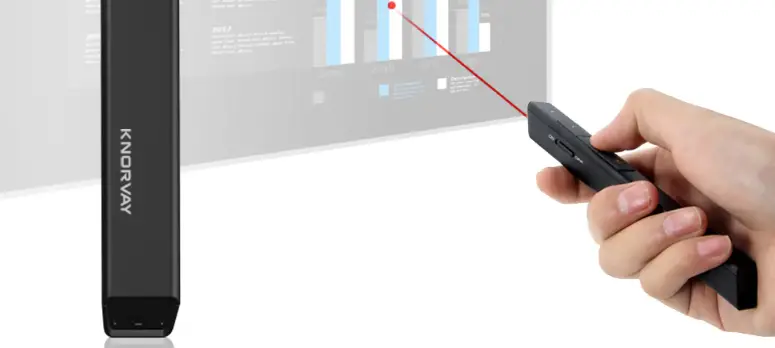
Thank you for purchasing the KPP-003 Wireless Presenter from Klip Xtreme. This device will come in handy when you need to stand out in the way you make your presentations. It features an ergonomic design and intuitive touch keys that will let you have complete control of your slide show. Its powerful red laser will efficiently highlight those important points of the presentation, within a range of up to 656 feet, so you have freedom to move around and interact with your audience. All you have to do is connect the USB receiver to your computer, turn on the presenter and get the job done professionally and efficiently.
We invite you to visit us at www.klipxtreme.com to find out more about this and other new and exciting products.
Safety measures
LASER RADIATON DO NOT STARE INTO BEAM CLASS 2 LASER PRODUCT
LASER RADIATION. DO NOT STARE INTO THE BEAM OR VIEW DIRECTLY WITH OPTICAL INSTRUMENTS. CLASS III A LASER PRODUCT. NEVER POINT A LASER BEAM INTO A PERSON’S EYES OR VIEW A LASER BEAM DIRECTLY. AS PROLONGED EXPOSURE CAN BE HAZARDOUS TO THE EYES, MOMENTARY EXPOSURE FROM A LASER POINTER, SUCH AS AN INADVERTENT SWEEP OF THE LIGHT ACROSS A PERSON’S EYES, MAY CAUSE TEMPORARY FLASH BLINDNESS SIMILAR TO THE EFFECT OF A CAMERA FLASH BULB. ALTHOUGH THIS CONDITION IS TEMPORARY, IT CAN BECOME MORE DANGEROUS IF THE EXPOSED PERSON IS ENGAGED IN A VISION-CRITICAL ACTIVITY SUCH AS DRIVING.
Package content
Wireless presenter
1
USB receiver
1
AAA battery
1
User’s guide
1
2. Main features
· Ideal for business presentations, project proposals and PowerPoint documents
· Integrated laser pointer · Play, forward, backward, laser pointer, and volume up,
down and mute buttons with ergonomic design · Compatible with the Windows® family and macOS · 2.4GHz RF with 360-degree control and laser
operating range of up to 328 feet* · USB nano receiver with storage in the battery
compartment · Plug and Play configuration; software driver not
required · Complies with laser safety standards – it supports less
than 1mW of power
*The remote operation distance is 50 feet.
3. System requirements
Hardware · USB Versions 1.1/ 2.0/ 3.0
Operating systems · Windows® 2003, XP, Windows Vista, Windows 7-11 · macOS*
* Certain limitations apply.
4. Product overview
Front view
1 3 4 9 11
Back view
12 2 7 5
13 6
ON OFF
8
10
14
1. Play 2. Escape 3. Page Up 4. Page Down 5. Page Up 6. Page Down 7. Laser Point
8. Volume Up 9. Blank Screen 10. Volume Down 11. Mute 12. Battery Indicator 13. On/off switch 14. Battery compartment
5. Description of functions
1. Play button: Use this button to start your presentation in show mode.
2. Escape button: Press this button the exit your presentation.
3. Page up button: Use this button to go to the next slide. 4. Page down button: Press this button to go to the
previous slide. 5. Page up button: Use this button to go to the next slide. 6. Page down button: Use this button to go to the
previous slide. 7. Laser point: Press it to activate the laser beam. 8. Volume up: Increase volume level. 9. Blank screen: This button will make the screen go
black, in case you want to pause your presentation. 10. Volume down: Decrease volume level. 11. Mute: Use this button to go in silent mode. 12. Battery indicator: This light indicates the charge in
your AAA battery. 13. On/off: switch: Use this button to turn this device on
or off. 14. Battery compartment: Insert a AAA battery and store
your USB nano receiver here when the presentation is over.
6. Connecting the presenter to the computer
1. Insert one AAA battery in the battery compartment.
ON OFF
ON OFF
1xAAA
AAA 1.5V AAA 1.5V
2. Remove the USB receiver from the wireless presenter, located in the battery compartment. Turn on the presenter by sliding the on/off switch to its ON position.
ON OFF
ON OFF
AAA 1.5V
3. Insert the USB receiver into the USB port of the computer.
4. Turn on your computer, if you have not done so already. Note: The radio frequency (RF) codes are factory preset for your convenience; the presenter should be functional at this point. 5. No further configuration is necessary. Now you can start
your presentations. Remember to put the USB receiver back into the wireless presenter and turn off the device when you are not using it.
7. Troubleshooting
If the presenter fails to work as expected, first verify the recommendations below have been followed: · The USB receiver is correctly connected to the computer. · The receiver is within communication range with the
presenter (no more than 50 feet away, depending on location.)
Technical specifications
Device
KPP-003
Type
2.4G Wireless Presenter
Technology
Radio Frequency (RF)
Laser distance
About 328 feet
Laser pointer
Red =650nm
wavelength
Laser Class
Class III A
Laser power
<1mW
Working voltage 4.25~5.25V
Operating System Windows family up to Windows
compatibility
10/11 and macOS*
Connectivity
Connection type Wireless mini dongle USB
Wireless RF
2.4GHz
frequency
Wireless range
50 ft
USB receiver
USB version
Supports USB versions: 1.1,2.0,3.0
Working voltage 4.25~5.25V
Dimensions
19 x 14.6 x 6.1 mm
Weight
2 g
Battery
Battery type
AAA 1 pcs 1.5V
Battery run time
25 hrs. est.
Battery standby time 22000 hrs.
Specifications
Product dimensions 153.8*30.12*16.63±5mm
Product weight
30.65± 5g
Package contents Wireless Presenter w/USB
Receiver, AAA battery (1), user’s
manual
Warranty
12 months
*Certain limitations apply.
FCC statement This equipment has been tested and found to comply with the limits for a Class B digital device, pursuant to part 15 of the FCC rules. These limits are designed to provide reasonable protection against harmful interference in a residential installation. This equipment generates, uses and can radiate radio frequency energy and, if not installed and used in accordance with the instructions, may cause harmful interference to radio communications. However, there is no guarantee that interference will not occur in a particular installation. If this equipment does cause harmful interference to radio or television reception, which can be determined by turning the equipment off and on, the user is encouraged to try to correct the interference by one or more of the following measures:
· Reorient or relocate the receiving antenna. · Increase the separation between the equipment
and receiver. · Connect the equipment into an outlet on a circuit
different from that to which the receiver is connected. · Consult the dealer or an experienced radio/TV technician for help.
FCC Caution Any changes or modifications not expressly approved by the party responsible for compliance could void the user´s authority to operate this equipment.
This device complies with Part 15 of the FCC rules. Operation is subject to the following two conditions: (1) This device may not cause harmful interference, and (2) this device must accept any interference received, including interference that may cause undesired operation.
8. Disposal
Electrical and electronic products must not be discarded as regular household waste! As part of the company’s eco-friendly approach, we encourage you to follow all applicable local waste regulations to dispose of your used electronics properly.
Español
1. Introducción
Gracias por adquirir el presentador inalámbrico KPP-003 de Klip Xtreme. Este dispositivo se transformará en un elemento esencial cuando necesites destacarte al exponer tus presentaciones. El presentador está dotado de un diseño ergonómico y teclas táctiles intuitivas para que puedas tener el control completo de tu presentación. Su poderoso puntero láser de color rojo destacará de manera eficiente los puntos sobresalientes de tus diapositivas a una distancia de hasta 200 metros, de modo que podrás moverte e interactuar con tu audiencia con total libertad. Solo introduce el receptor USB en tu computadora, enciende el presentador y destácate con un trabajo bien hecho y profesional.
Lo invitamos a visitar nuestra página web en www.klipxtreme.com en caso de que desee conocer más acerca de este y otros innovadores productos.
Medidas de seguridad
LASER RADIATON DO NOT STARE INTO BEAM CLASS 2 LASER PRODUCT
RRADIACIÓN LÁSER: JAMÁS DIRIJA LA MIRADA DIRECTAMENTE HACIA EL RAYO LÁSER NI LO OBSERVE CON INSTRUMENTOS ÓPTICOS. PRODUCTO LÁSER CLASE 2. JAMÁS OBSERVE DIRECTAMENTE EL RAYO LÁSER NI LO APUNTE HACIA LOS OJOS DE UNA PERSONA, YA QUE LA EXPOSICIÓN PROLONGADA PODRÍA AFECTAR LA VISTA. LA EXPOSICIÓN MOMENTÁNEA A UN PRESENTADOR LÁSER, COMO EL PASO DE UN HAZ DE LUZ INADVERTIDO POR DELANTE DE LOS OJOS DE UNA PERSONA, PODRÍA CAUSAR CEGUERA TEMPORAL SIMILAR A LA DE UN FLASH FOTOGRÁFICO. SI BIEN ESTE EFECTO ES PROVISORIO, PUEDE SER MÁS PELIGROSO SI LA PERSONA EXPUESTA REALIZA UNA ACTIVIDAD EN DONDE LA VISIÓN ES VITAL, COMO CONDUCIR UN AUTOMÓVIL.
Contenido del empaque:
Presentador inalámbrico
1
Receptor USB
1
Pila AAA
1
Guía del usuario
1
2. Características principales
· Ideal para presentaciones de negocios, propuestas de proyectos y documentos de PowerPoint
· Puntero láser integrado · Botones con diseño ergonómico para encender el
puntero láser, reproducir una presentación, avanzar y retroceder diapositivas, y subir, bajar y silenciar volumen · Compatible con la familia de software Windows® y macOS · RF de 2,4 GHz con control de 360 grados y rango de funcionamiento del láser de hasta 100 metros* · Receptor nano USB con almacenamiento en el compartimento de la batería · Configuración Plug and Play; no se necesita controlador de software · Cumple con los estándares de seguridad láser: admite menos de 1 mW de potencia
* La distancia operativa remota es de 15 metros.
3. Requisitos del sistema
Componente · Versiones USB 1.1/2.0/3.0
Sistemas operativos · Windows® 2003, XP, Windows Vista, Windows 7-11 · macOS*
* Aplican ciertas limitaciones.
4. Descripción del producto
Vista frontal
1 3 4 9 11
Vista posterior
12 2 7 5
13 6
ON OFF
8
10
14
1. Reproducir 2. Escape 3. Página siguiente 4. Página anterior 5. Página siguiente 6. Página anterior 7. Puntero láser
8. Subir volumen 9. Pantalla en blanco 10. Bajar volumen 11. Silenciar 12. Indicador de batería 13. Interruptor de encendido y
apagado 14. Compartimento para batería y
para guardar el receptor USB
5. Descripción de funciones
1. Botón de reproducción: Utiliza este botón para iniciar tu presentación.
2. Botón de escape: Presiona este botón para salir de la presentación.
3. Página siguiente: Usa este botón para pasar a la diapositiva siguiente.
4. Página anterior: Usa este botón para pasar a la diapositiva anterior.
5. Página siguiente: Usa este botón para pasar a la diapositiva siguiente.
6. Página anterior: Usa este botón para pasar a la diapositiva anterior.
7. Puntero láser: Presiónalo para activar la luz láser. 8. Subir volumen: Usa este botón para aumentar el
volumen. 9. Pantalla en blanco: Este botón hará que la pantalla se
ponga negra en caso de que quieras hacer una pausa en la presentación. 10. Bajar volumen: Usa este botón para aumentar el volumen. 11. Silenciar: Usa este botón para que no se escuche el sonido de la reproducción. 12. Indicador de batería: Esta luz señala la carga de la batería AAA. 13. Encendido / apagado: Este botón activa o desactiva todas las funciones del presentador. 14. Compartimento para la batería: Inserta aquí la batería AAA y guarda el receptor USB.
AAA 1.5V
6. Cómo conectar el presentador a la computadora
1. Inserta una batería AAA en el compartimento para la batería.
ON OFF
ON OFF
1xAAA
AAA 1.5V AAA 1.5V
2. Retira el receptor USB ubicado en el compartimento para la batería. Enciende el presentador deslizando el botón de encendido / apagado a la posición “ON”.
ON OFF
ON OFF
3. Inserta el receptor USB en el puerto USB de tu computadora.
4. Enciende tu computadora, si no lo has hecho todavía. Nota: Los códigos de radiofrecuencia (RF) vienen predeterminados de fábrica para su comodidad; el presentador debe ser funcional en este punto. 5. No es necesaria ninguna configuración adicional para
comenzar tu presentación. Recuerda volver a colocar el receptor USB en el compartimento trasero del presentador y apagarlo cuando no lo estés utilizando.
7. Guía de solución de problemas
Si el presentador no funciona debidamente, verifica primero que se hayan seguido las siguientes recomendaciones: · Que el receptor haya sido conectado correctamente en la
computadora. · Que el receptor se encuentre a la distancia adecuada para
comunicarse con el presentador (15 metros como máximo, dependiendo de la ubicación).
Especificaciones técnicas
Dispositivo
KPP-003
Tipo
Presentador inalámbrico 2,4GHz
Tecnología
Radiofrecuencia (RF)
Distancia del láser 100 m aproximadamente
Longitud de onda del Rojo =650nm
puntero láser
Clase del láser
Clase III A
Potencia del láser <1mW
Voltaje de
4,25~5,25V
funcionamiento
Sistemas operativos La familia de software Windows
compatibles
hasta la versión Windows 10/11
y macOS*
Conectividad
Tipo de conexión USB mini Dongle inalámbrico
Frecuencia de RF 2,4GHz
inalámbrica
Rango de alcance 15 m
inalámbrico
Receptor USB
Versiones USB
USB 1.1, 2.0, 3.0
admitidas
Voltaje de
4,25~5,25V
funcionamiento
Dimensiones
19 x 14,6 x 6,1 mm
Peso
2 g
Batería
Tipo
AAA 1.5V
Tiempo de
25 horas aproximadamente
funcionamiento
Tiempo en modo de 9.000 horas
pausa
Especificaciones
Dimensiones del 153,8 x 30,12 x 16,6 mm
producto
Peso del producto 30,65 g
Contenido del
Presentador inalámbrico,
empaque
receptor USB, batería AAA y
manual de uso
Garantía
12 meses
*Aplican ciertas restricciones.
Declaración de la Comisión Federal de Telecomunicaciones (FCC) Tras haber sido sometido a todas las pruebas pertinentes, se ha comprobado que este equipo cumple con los límites establecidos para dispositivos digitales Clase III A, conforme a la Sección 15 del Reglamento de la FCC. Tales límites definen los niveles máximos permisibles a las interferencias nocivas de la energía radioeléctrica en instalaciones residenciales. Puesto que el actual equipo genera, utiliza y puede radiar energía radioeléctrica, si no observa las instrucciones relativas a la instalación y operación del dispositivo, puede provocar interferencias nocivas a las comunicaciones por radio. Sin embargo, no es posible garantizar que no se producirá interferencia alguna en una instalación determinada. Si el equipo interfiriera en la recepción de aparatos de radio o televisión, lo cual se puede determinar al apagar y volver a encender el dispositivo, le recomendamos al usuario que intente una o más de las siguientes medidas para corregir la situación:
· Volver a orientar o cambiar la ubicación de la antena receptora.
· Aumentar la distancia que separa al equipo del aparato receptor.
· Conectar el equipo a un tomacorriente situado en un circuito distinto al que está enlazado el receptor.
· Solicitar asistencia al distribuidor o a un técnico experimentado en radio o aparatos de TV.
Advertencia de la FCC Cualquier modificación sin la expresa aprobación de la parte responsable puede anular la facultad del usuario para operar el producto.
Este producto cumple con la Sección 15 del Reglamento de la Comisión Federal de Comunicaciones. Su funcionamiento está sujeto a las condiciones siguientes: (1) el actual dispositivo no debe causar interferencias perjudiciales y (2) debe aceptar cualquier tipo de interferencia, incluyendo la que origine el funcionamiento indeseado de la unidad.
8. Eliminación
Ningún artículo eléctrico o electrónico debe ser eliminado junto con la basura doméstica. Atendiendo al compromiso de la empresa por proteger el medio ambiente, te recomendamos observar todas las disposiciones regionales pertinentes para eliminar los componentes electrónicos en la forma adecuada.
KlipXtreme® is a registered trademark. All rights reserved. All other brand names and trademarks are the property of their respective owners. Any mention of such is only intended for identification purposes, and therefore shall not be construed as a claim to any or all rights pertaining to those brands. Made in China.
KlipXtreme® es marca registrada. Todos los derechos reservados. Todas las demás marcas y nombres comerciales son propiedad de sus respectivos dueños. Cualquier mención de los mismos es por motivo de identificación solamente y por ende, no constituye reclamo alguno a uno o a todos los derechos pertenecientes a tales marcas. Fabricado en China.
www.klipXtreme.com
 Home - Klip Xtreme