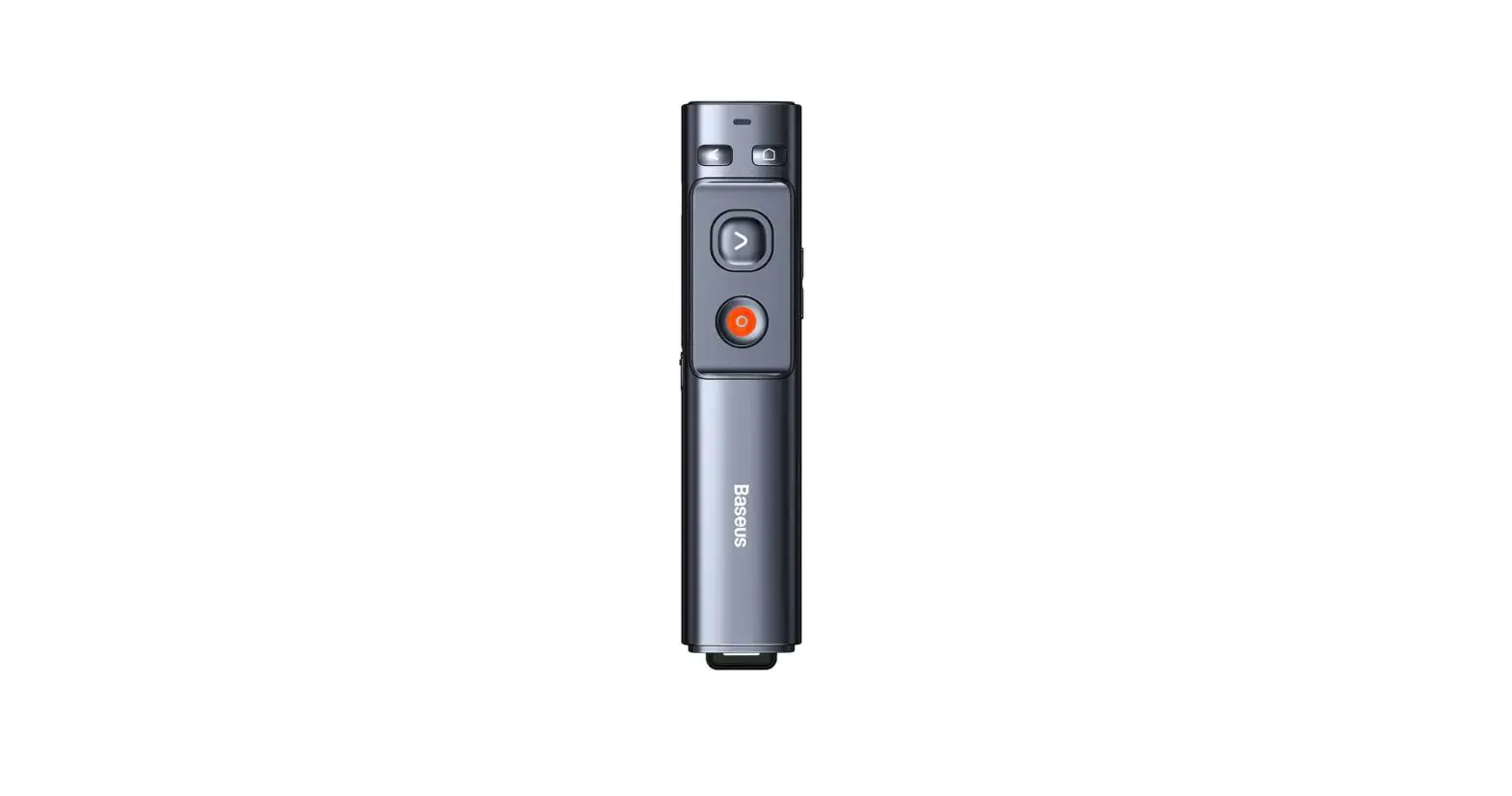
Baseus WKCD010013 Orange Dot Wireless Presenter User Manual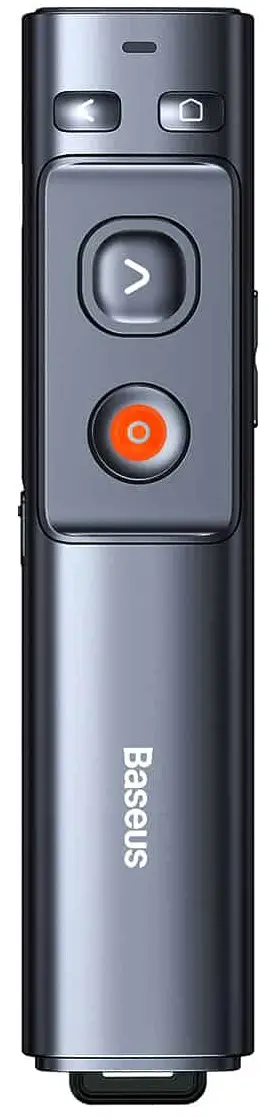
Product introduction
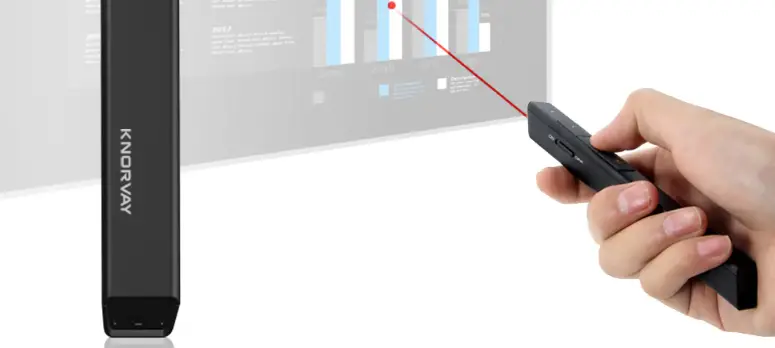
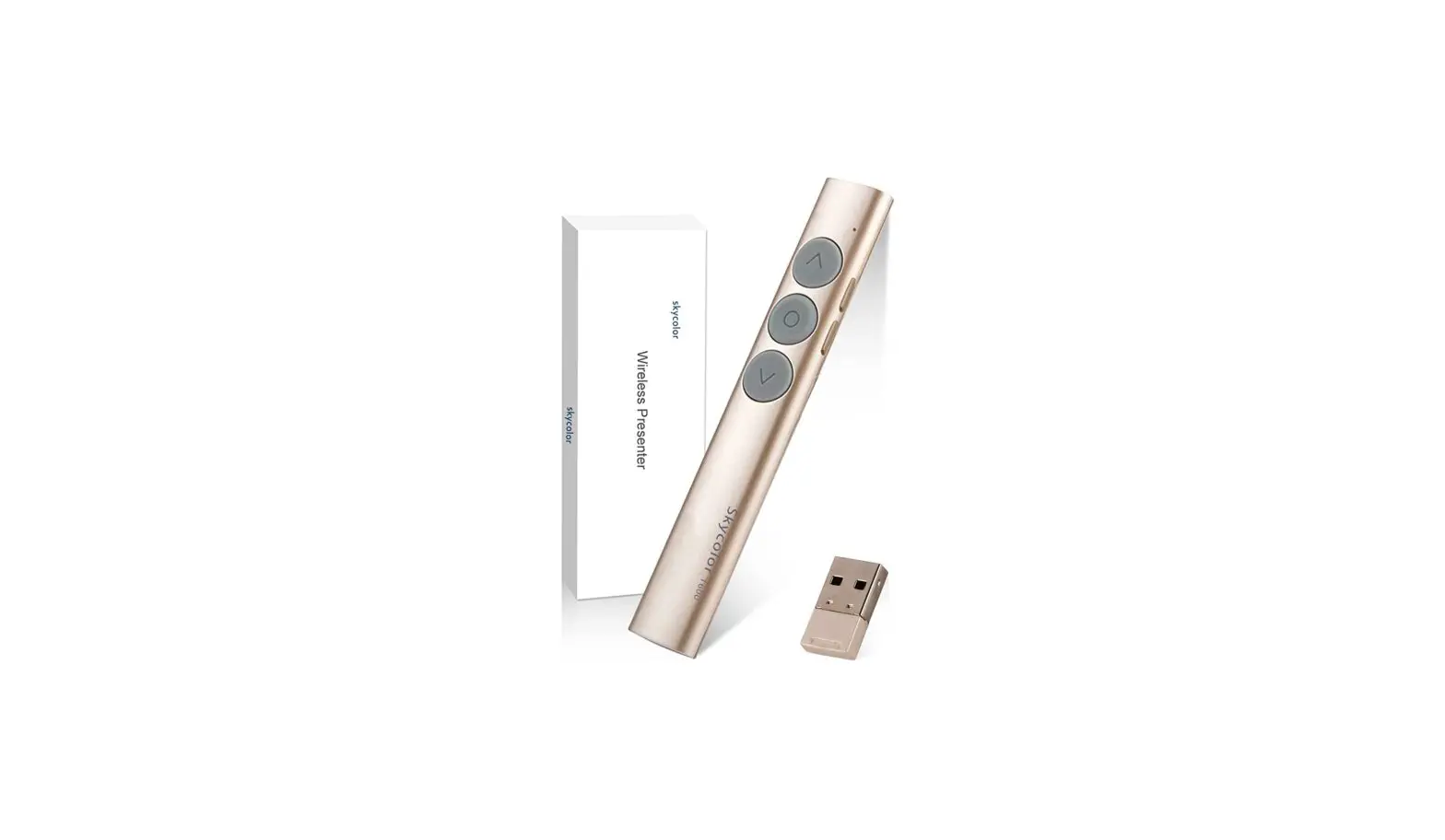
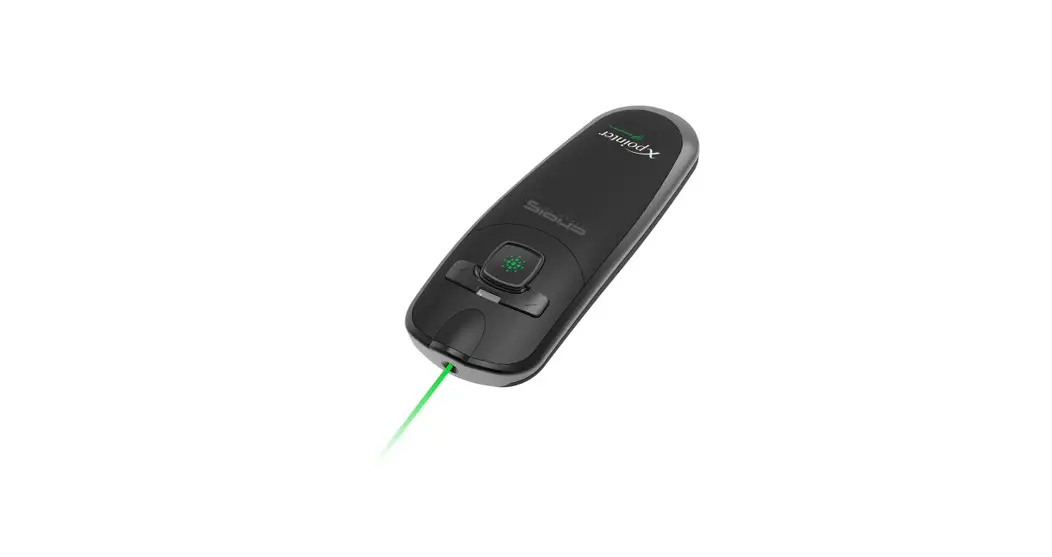
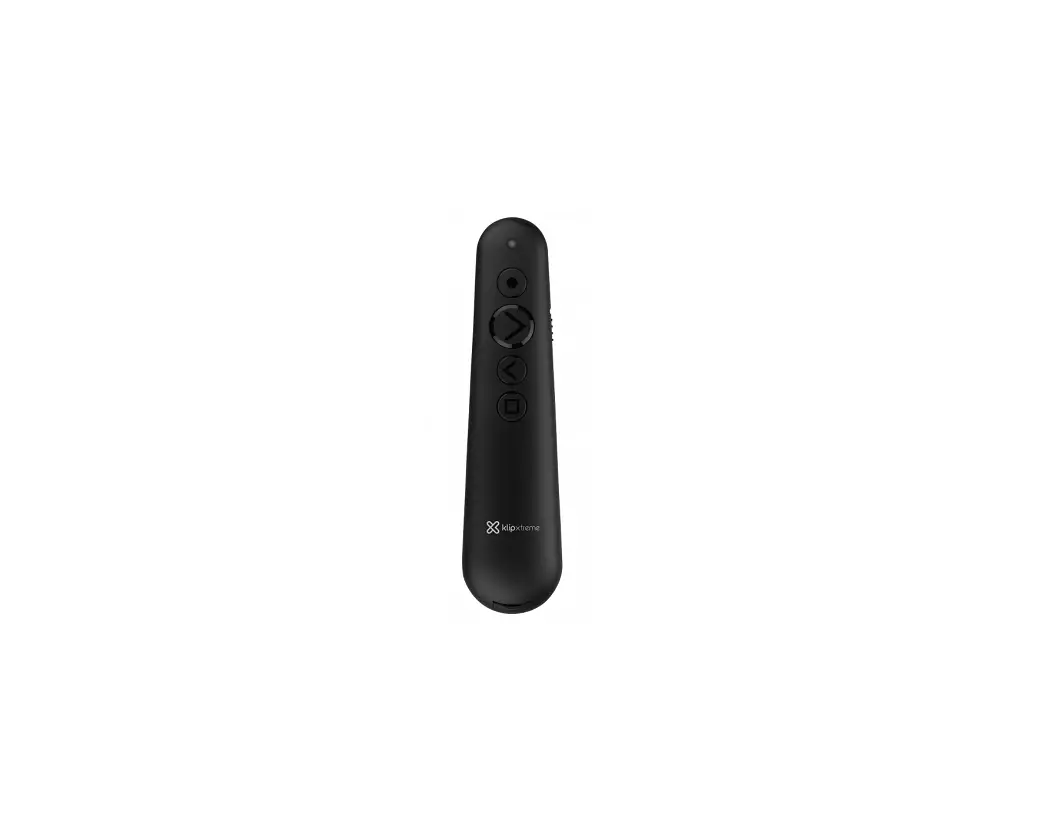
Please read these instructions completely and keep it properly. This product is and electronic product specially designed for computers and multimedia projection. In addition to the traditional laser pointer function, it can also remotely control the computer to turn the page by simply pressing the page up and down buttons. It can be widely used in product demonstrations, audio-visual education, conferences, training, and more.
Accessories list
| PPT Presenter | 1 PCS |
| 0.5 m USB to Type-C data cable | 1 PCS |
| User Manual | 1 PCS |
| Warranty Card | 1 PCS |
Product specifications
- Main material: ABS+PC
- Working frequency: 2400-2490 MHz
- Laser distance: 200 m (Max)
- Remote control distance: 50 m (Max)
- Laser colour: Green
- Laser wavelength: 505-532 m
- Battery capacity: 250mAh Lithium battery
- Compatible interfaces: USB interface, Type-C interface
- Product size: 143 x 30 x 14 mm
- Product weight: 37.5±5 g
Appearance and interface function description
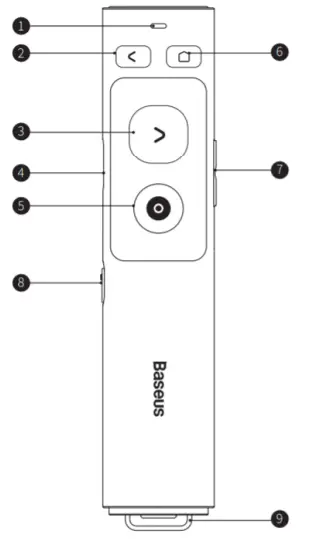
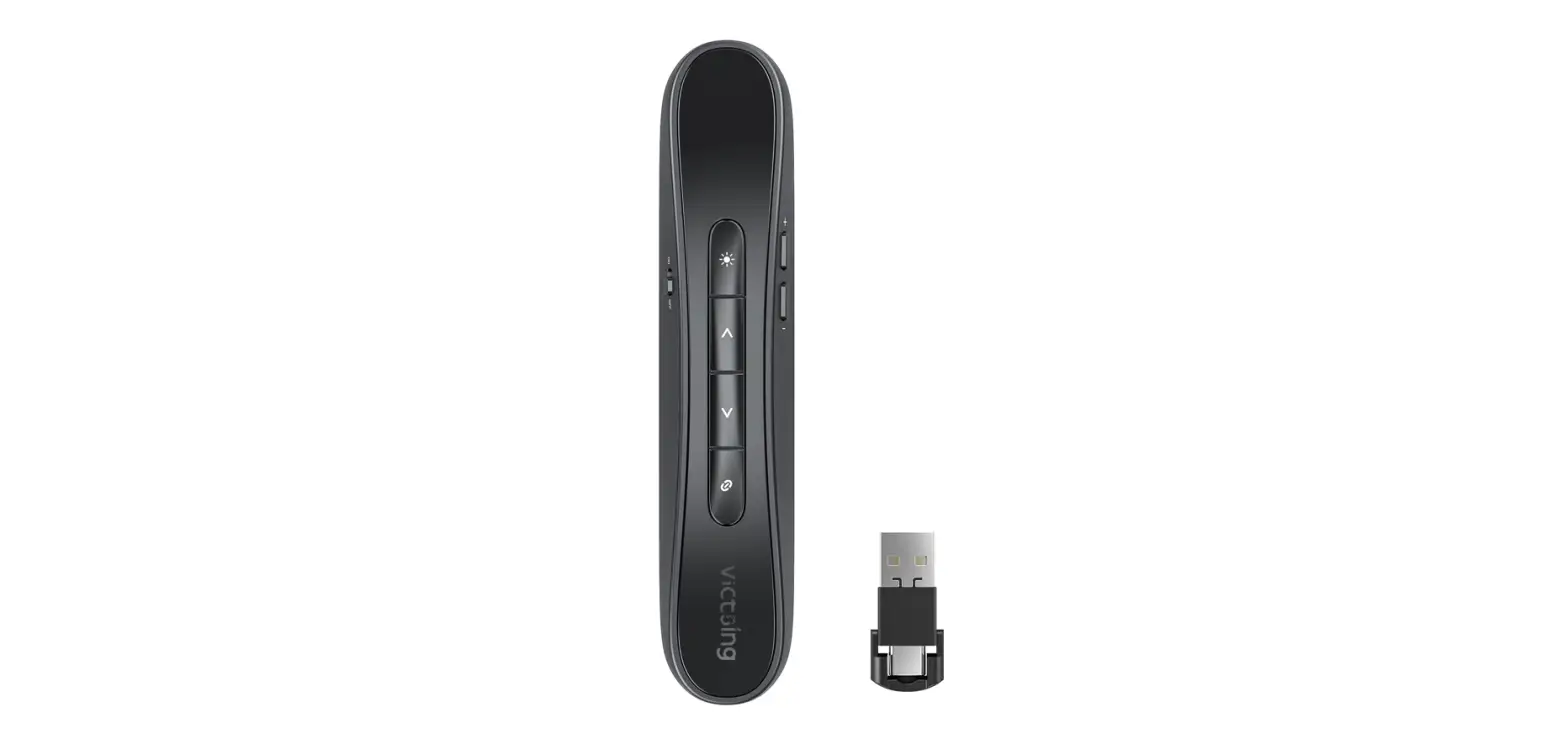
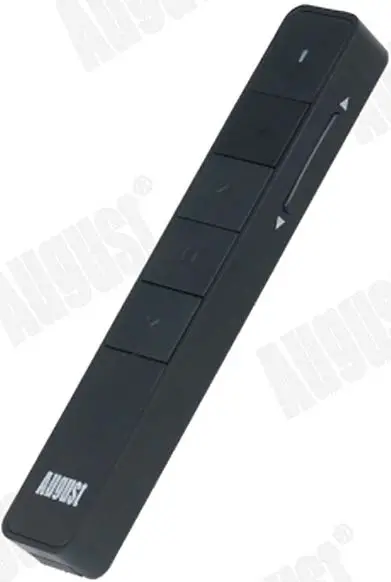
| No | Name | Function Description |
| 1 | Laser indicator light | Working status indicator |
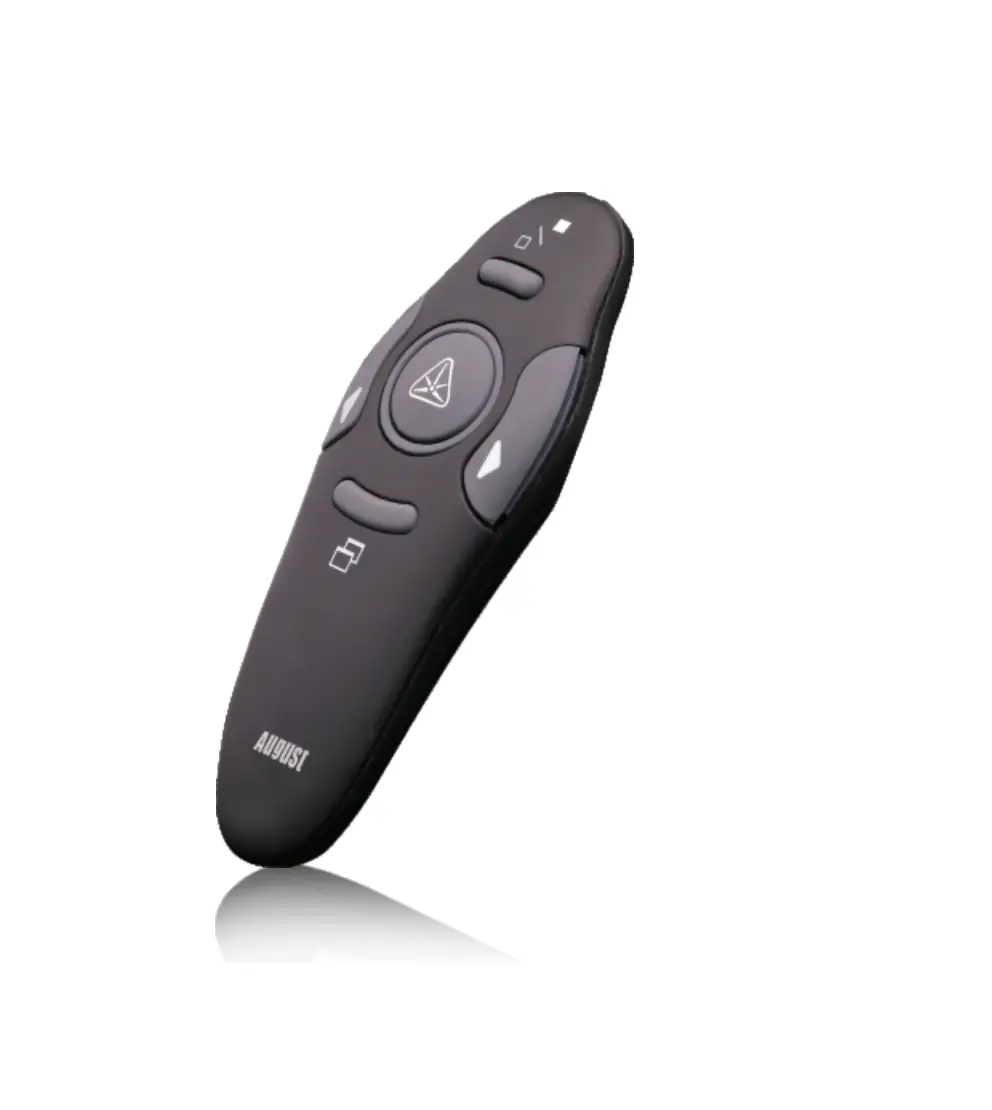
| 2 | Page up button | Short press supports page up, long press supports full screen or exit full screen |
| 3 | Page down button | Short press supports page down, long press supports black screen or exits black screen |
| 4 | Power switch | Turn on/off the product |
| 5 | Laser button | You can use the laser when pressing (Note: the laser cannot irradiate the eyes, it will cause serious eye damage) |
| 6 | Hyperlink button | Press the button to select the hyperlink, double press to open the hyperlink, and long press to switch between open windows |
| 7 | Volume up/down button | Control the volume |
| 8 | USB & Type-C receiver | Connect laptops with USB interface and Type-C interface |
| 9 | Type-C charging port | 5 V/0.5 A |
Function description
Insert the receiver on the bottom of the presenter into the USB interface or Type-C interface of a computer after install the battery, then press the power button and open a PPT file at the same time and point at the screen or other display devices to start the demonstration
Cautions
- Do not disassemble, bump, crush or throw it into fire!
- If severe swelling occurs, please stop using it!
- Do not place it in high temperature environment!
- Do not aim the laser at your eyes or the eyes of others, as it may cause serious eye injuries.
Do not repair or replace any part of the device yourself (unless specifically instructed in this manual). Please ask your distributor or authorized agents to repair the product.
Warranty Conditions
A new product purchased in the Alza.cz sales network is guaranteed for 2 years. If you need repair or other services during the warranty period, contact the product seller directly, you must provide the original proof of purchase with the date of purchase.
The following are considered to be a conflict with the warranty conditions, for which the claimed claim may not be recognized:
- Using the product for any purpose other than that for which the product is intended or failing to follow the instructions for maintenance, operation, and service of the product.
- Damage to the product by a natural disaster, the intervention of an unauthorized person or mechanically through the fault of the buyer (e.g., during transport, cleaning by inappropriate means, etc.).
- Natural wear and aging of consumables or components during use (such as batteries, etc.).
- Exposure to adverse external influences, such as sunlight and other radiation or electromagnetic fields, fluid intrusion, object intrusion, mains overvoltage, electrostatic discharge voltage (including lightning), faulty supply or input voltage and inappropriate polarity of this voltage, chemical processes such as used power supplies, etc.
- If anyone has made modifications, modifications, alterations to the design or adaptation to change or extend the functions of the product compared to the purchased design or use of non-original components.
EU Declaration of Conformity
Identification data of the manufacturer’s / importer’s authorized representative:
- Importer: Alza.cz a.s.
- Registered office: 1522/53,, 170 00 Prague 7
- CIN: 27082440
Subject of the declaration:
- Title: Green Laser
- Model / Type: Baseus-WKCD010013
The above product has been tested in accordance with the standard(s) used to demonstrate compliance with the essential requirements laid down in the Directive(s):
Directive No. 2014/53/EU
Directive No. 2011/65/EU as amended 2015/863/EU
 Prague
 WEEE
WEEE
 WEEE
WEEEThis product must not be disposed of as normal household waste in accordance with the EU Directive on Waste Electrical and Electronic Equipment (WEEE – 2012/19 / EU). Instead, it shall be returned to the place of purchase or handed over to a public collection point for the recyclable waste. By ensuring this product is disposed of correctly, you will help prevent potential negative consequences for the environment and human health, which could otherwise be caused by inappropriate waste handling of this product. Contact your local authority or the nearest collection point for further details. Improper disposal of this type of waste may result in fines in accordance with national regulations.
Customer Support
 www.alza.co.uk/kontakt
+44 (0)203 514 4411 Importer Alza.cz a.s., 1522/53, , 170 00 Praha 7,
www.alza.cz
 Alza.sk – rýchly a pohodlný nákup odkiaľkoľvek | alza.sk
 alza.at
 alza.co.uk
 alza.de
 alza.hu
 alza.sk