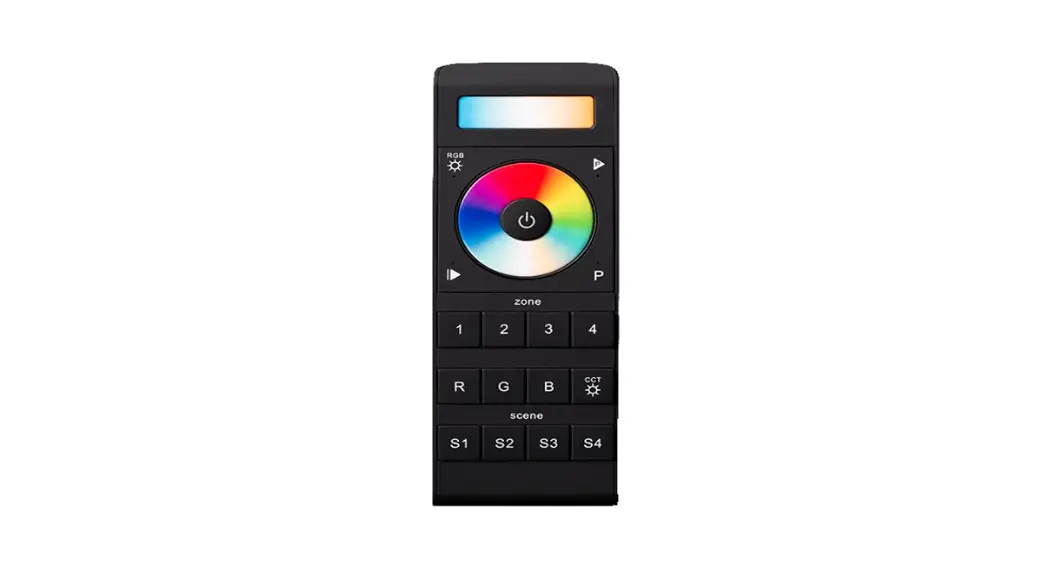
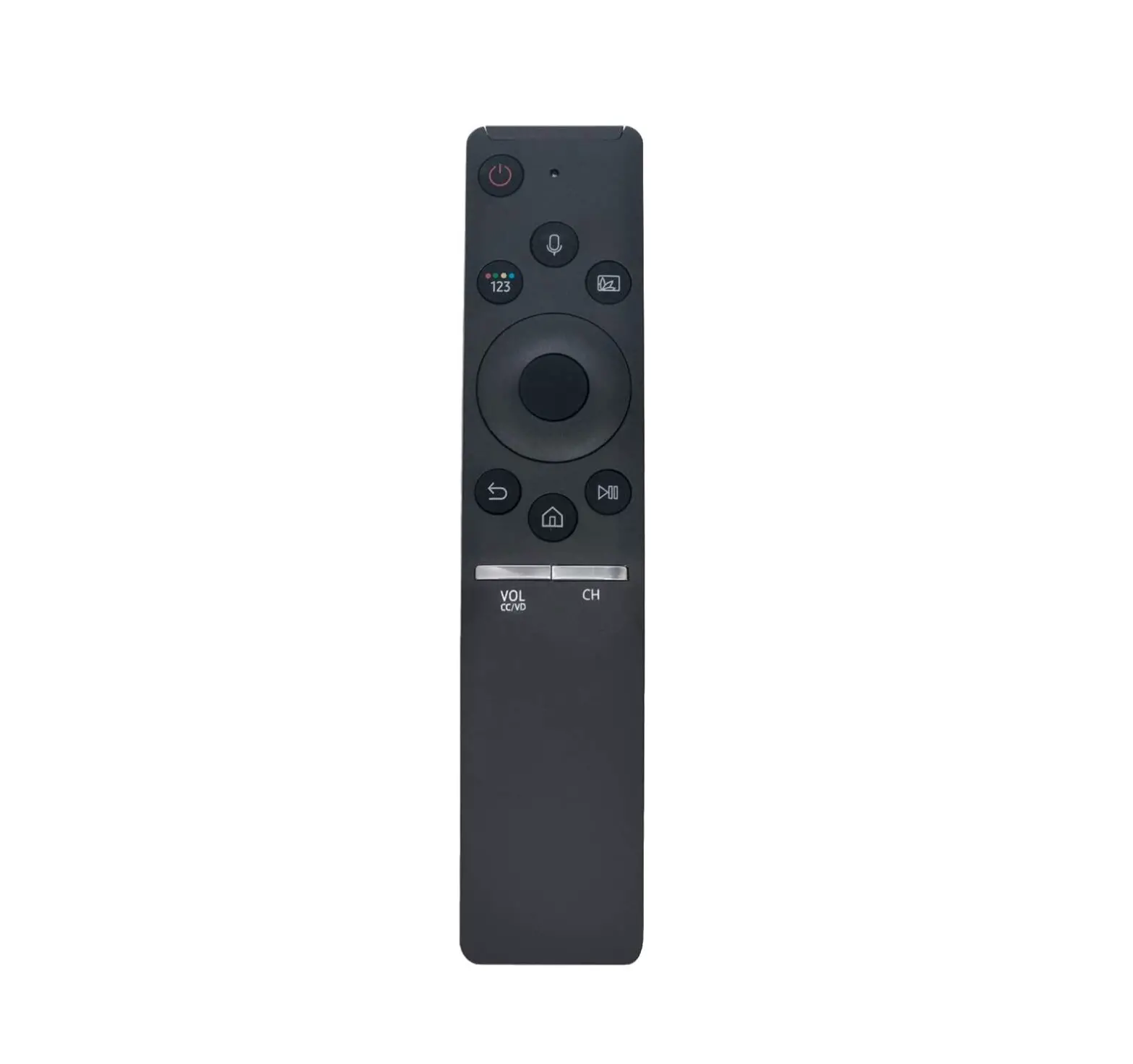
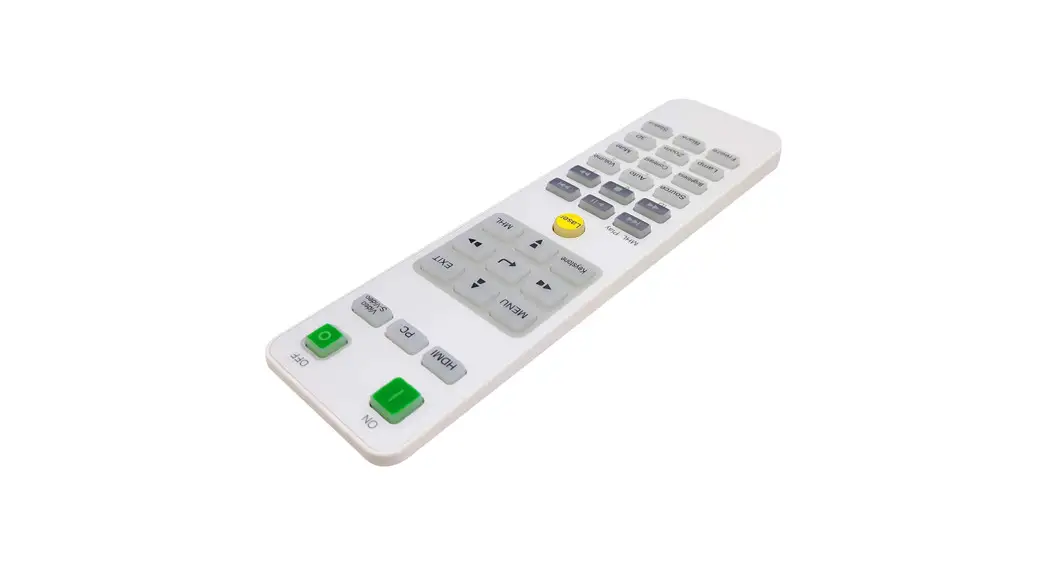
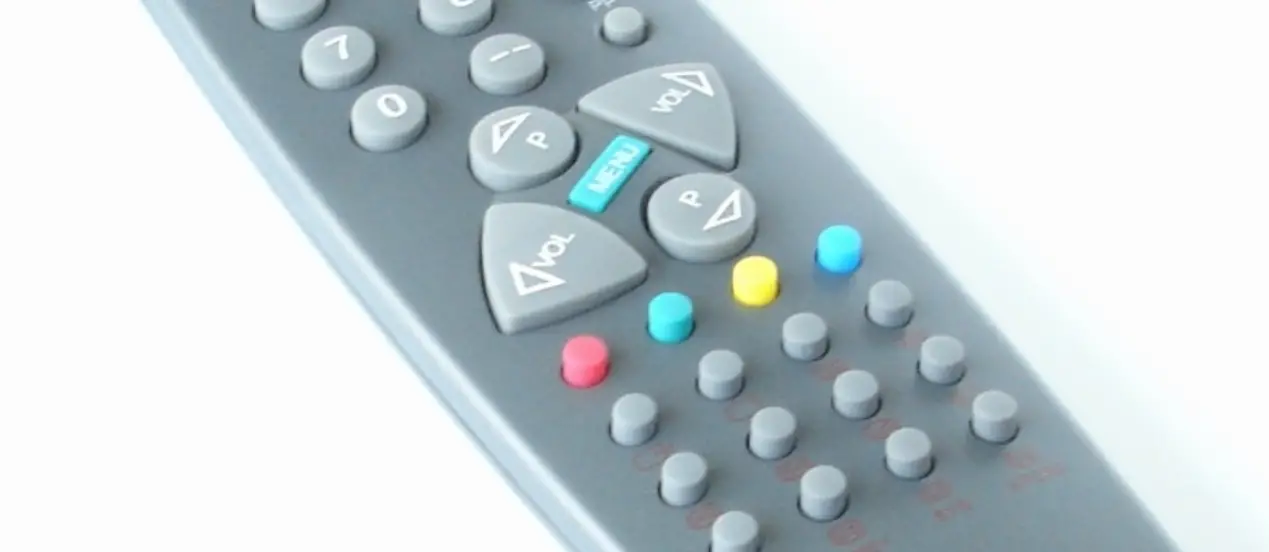
B066A-018-433M 433M Remote Control
Product Information:
The 433M remote control is a wireless device used to control
various electronic devices. It operates on a frequency of 433MHz,
allowing for long-range transmission. The remote control is
equipped with buttons and a signal transmitter to send commands to
compatible devices.
Product Usage Instructions:
To use the 433M remote control, please follow the steps
below:
- Ensure that the electronic device you wish to control is
compatible with the 433M remote control. - Insert the required batteries into the remote control,
following the polarity markings inside the battery
compartment. - Place yourself within the effective range of the device you
want to control. - Identify the buttons on the remote control corresponding to the
desired functions of the electronic device. - Press the appropriate button on the remote control to send a
command. - Verify that the electronic device responds accordingly.
Important tips and considerations:
- Make sure there are no obstacles between the remote control and
the device being controlled, as this may affect signal
transmission. - Avoid exposing the remote control to extreme temperatures or
humidity, as it may damage the internal components. - Replace the batteries when they are depleted to ensure optimal
performance. - Refer to the user manual of the specific electronic device for
any additional instructions or compatibility requirements.
If you encounter any issues or have further questions about
using the 433M remote control, please refer to the complete user
manual or contact our customer support for assistance.
·
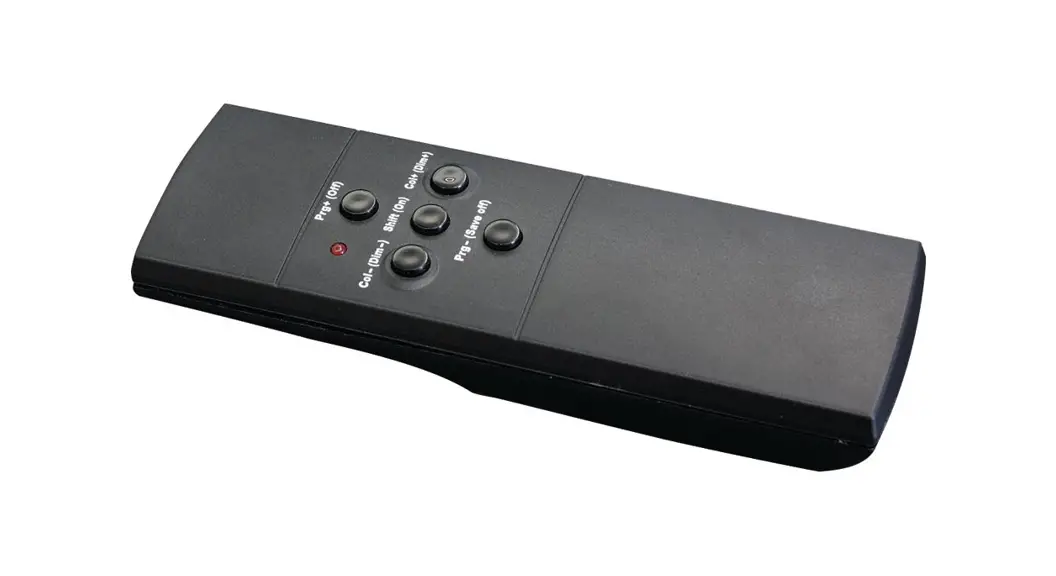
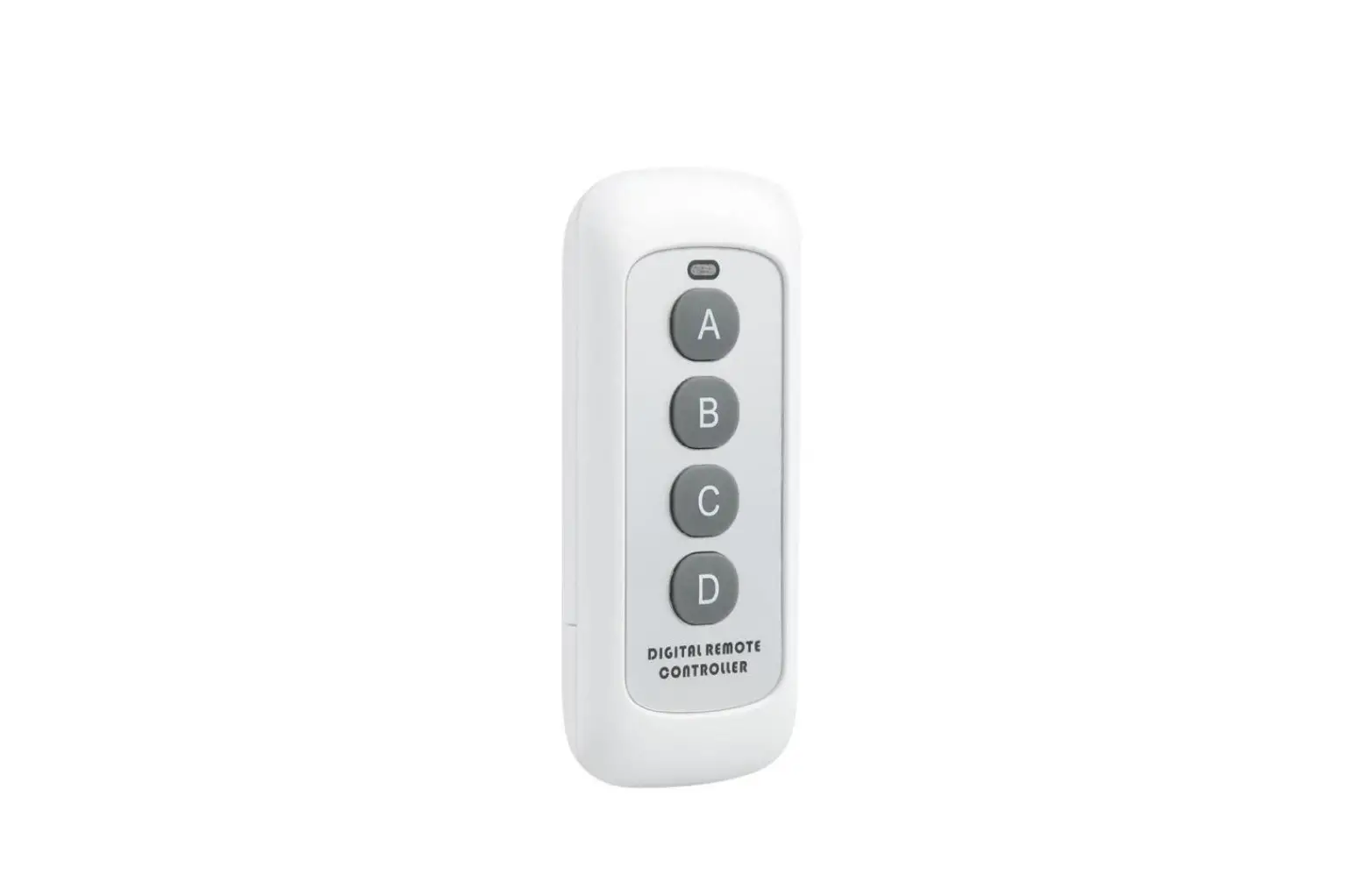
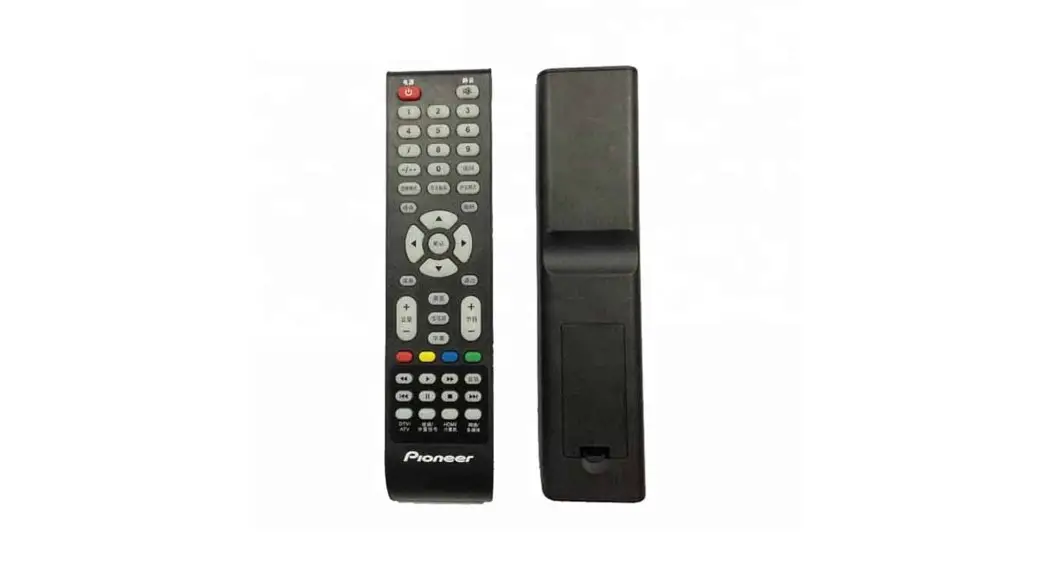
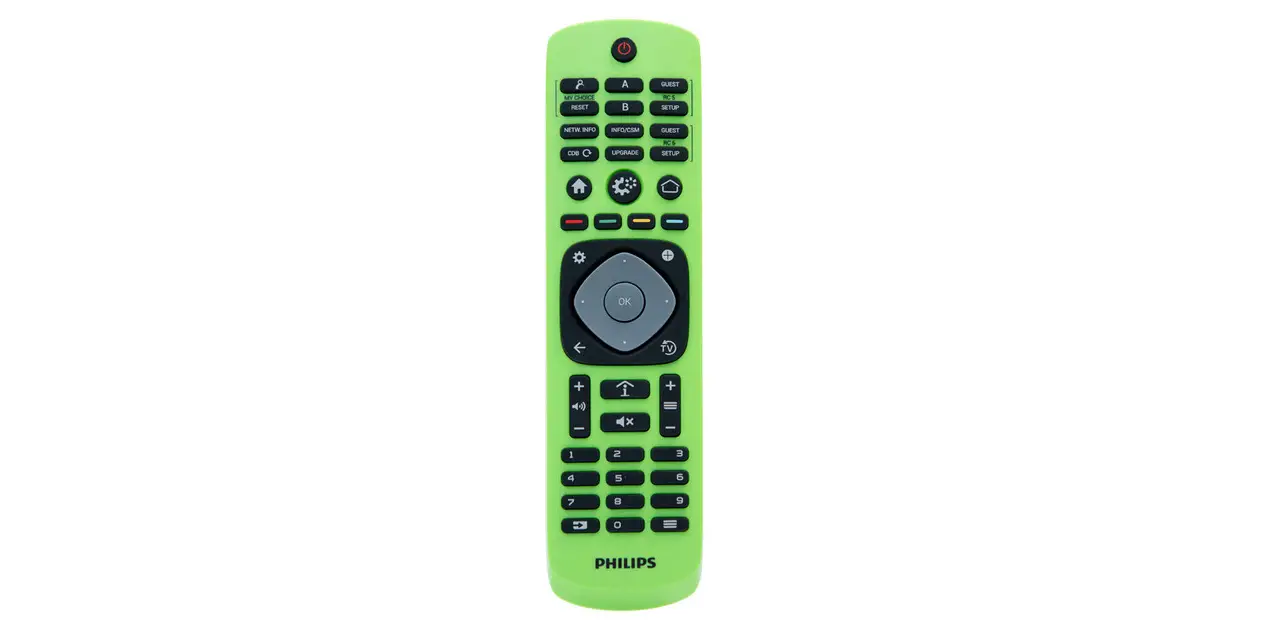
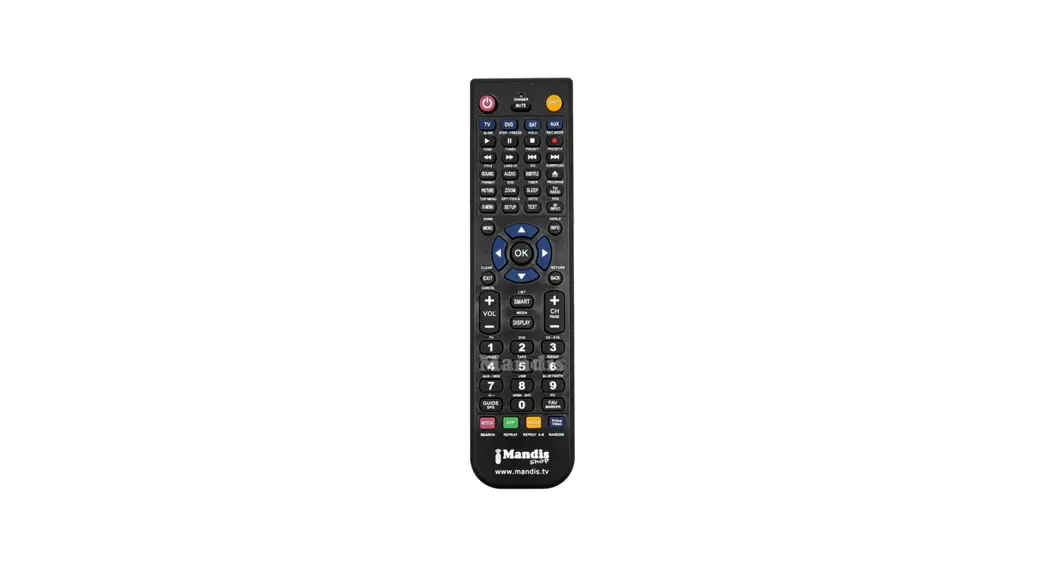
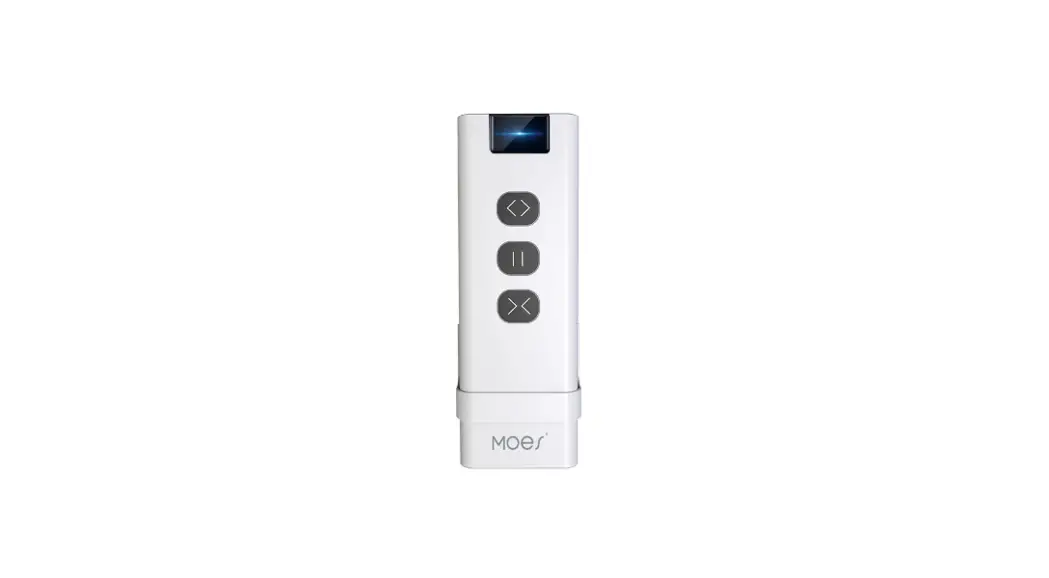
433M remote control instruction manual Pictures of objects:
Parameters: Product Model: B066A-018-433M Operating voltage: DC3V (one 2032 button battery) Operating current: less than 20mA when transmitting Operating frequency: 433±1MHz Operating Temperature:-3070 operation life:>10000times Standby current: less than 1A Size: 61.5mm*29mm*12mm Remote control response time:<5ms Instructions for operation: 1: Press the ON button, the indicator light is red, send signal, open the machine, release to stop sending.
2: Press the OFF key, the indicator light is red, send signal, close the machine, release to stop sending. 3: When the emission indicator light is slightly bright, it indicates that the battery voltage is low, and it is necessary to replace a new battery. Application production scene: 1: wireless mouse. 2: remote control toys. 3: Smart furniture., etc.
Warning:
This device complies with Part 15 of the FCC Rules. Operation is subject to the following two conditions: (1) this device may not cause harmful interference, and (2) this device must accept any interference received, including
interference that may cause undesired operation .
This device has been tested and found to comply with the limits for a Class B digital device, pursuant to Part 15 of the FCC Rules. These limits are designed to provide reasonable protection against harmful interference in a residential installation. This device generates, uses and can radiate radio frequency energy and, if not installed and used in accordance with the instructions, may cause harmful interference to radio communications. However, there is no guarantee that interference will not occur in a particular
installation. If this device does cause harmful interference to radio or television reception, which can be determined by turning the device off and on, the user is encouraged to try to correct the interference by one or more of the following measures: –Reorient or relocate the receiving antenna. –Increase the separation between the device and receiver. –Connect the device into an outlet on a circuit different from that to which the receiver is connected. –Consult the dealer or an experienced radio/TV technician for help
Changes or modifications not expressly approved by the party responsible for compliance could void the user’s authority to operate the equipment