T1XX NFC Reader Module
Product Information
Product Name: NFC
Version: 1.0
Release Date: Jul, 5th, 2023
Manufacturer: DIAS Automotive Electronic
Systems Co.,Ltd.
Product Overview
The NFC module is designed to enable near field communication
between a vehicle and an NFC card or mobile phone. It operates in
LPCD mode to wake up the NFC device on the vehicle side when a
compatible card or phone is detected. It then enters the standard
Polling mode, where it can activate other vehicle systems such as
opening or closing doors.
Technical Specifications
| Parameter | Description |
|---|---|
| LPCD mode | Enables NFC wake-up function |
| Polling mode | Activated when a matching card is detected |
| LIN communication | Informs VKM (Vehicle Key Module) |
| CAN communication | Informs BCM (Body Control Module) |
Product Usage Instructions
1. Setup-Up
To set up the NFC module, follow these steps:
- Ensure that the NFC module is properly connected to the
vehicle’s system. - Make sure that the NFC card or mobile phone is within close
proximity to the NFC module. - Wait for the NFC module to detect the card or phone and enter
Polling mode.
2. Swipe Care
When using the NFC module, be careful to swipe the NFC card or
mobile phone smoothly and without too much force. This will ensure
proper detection and activation of the Polling mode.
3. Query Version
To query the version of the NFC module, follow these steps:
- Establish LIN communication with the VKM.
- Send a query command to the NFC module.
- Receive the version information from the NFC module.
3.3.1 LIN Communication
LIN communication is established between the NFC module and the
VKM. This allows for data exchange and control commands.
3.3.2 Query Version
The query version command is used to retrieve the version
information of the NFC module.
4. FCCID
The FCCID (Federal Communications Commission ID) of the NFC
module is not provided in this user manual. Please refer to the
product label or contact the manufacturer for this information.
5. Product Information
Additional product information is available in the user manual’s
catalog section.
NFC USER MANUAL
NFC USER MANUAL
VERSION 1.0
RELEASE DATE
Jul,5th,2023
DIAS Automotive Electronic Systems Co.,Ltd.
NFC USER MANUAL
CATALOG
1
Product Overview ……………………………………………………………………………………………………………………………….. 1
1.1 Product Introduction …………………………………………………………………………………………………………………….. 1
1.2 Technical Specification………………………………………………………………………………………………………………….. 1
2 Hardware Introduction …………………………………………………………………………………………………………………………………. 1
2.1 Appearance Introduction………………………………………………………………………………………………………………….. 1
2.1.1 Interface…………………………………………………………………………………………………………………………………… 2
2.2 Assembly Introduction …………………………………………………………………………………………………………………. 2
3 Operation Instruction……………………………………………………………………………………………………………………………………. 3
3.1 Setup-Up…………………………………………………………………………………………………………………………………………… 3
3.2 Swipe Care………………………………………………………………………………………………………………………………………… 3
3.3 Query Version………………………………………………………………………………………………………………………………….. 4
3.3.1 LIN Communication…………………………………………………………………………………………………………………. 4
3.3.2 Query Version ……………………………………………………………………………………………………………………………. 5
4 FCCID …………………………………………………………………………………………………………………………………………………………………. 5
5 Product Informaiton ……………………………………………………………………………………………………………………………………… 5
DIAS Automotive Electronic Systems Co.,Ltd.
NFC USER MANUAL
1 Product Overview
1.1 Product Introduction
In LPCD mode, the near field communication module can wake up the NFC device on the vehicle side when the NFC card or mobile phone is near, and then enter the standard Polling mode. When a matching card is detected, the polling mode is activated. LIN informs VKM and CAN informs BCM to open or close the door.
1.2 Technical Specification
Product specifications are as follows Table:1-1 Product specification parameter
Product name NFC Reader Module
Model
T1XX
Dimension
Product Features Material
PC+ABS
Weight
Power Supply
DC 616V
Waterproof class
Processor
32bit 120MHz
Storage
RAM
32KB
ROM
External Interface 1 LIN1 KL301 GND
Consumption Detecting Period(30ms) : <0.45mA
Ambient
Operating Temperature
-4085
Storage Temperature
Communication Mode
ISO/IEC 14443A/B/MIFIARE
Digital Key Protocol
ICCE
Operating Frequency
13.56MHz
85×19×6mm <80g IP6K8 512KB
-5590
2 Hardware Introduction
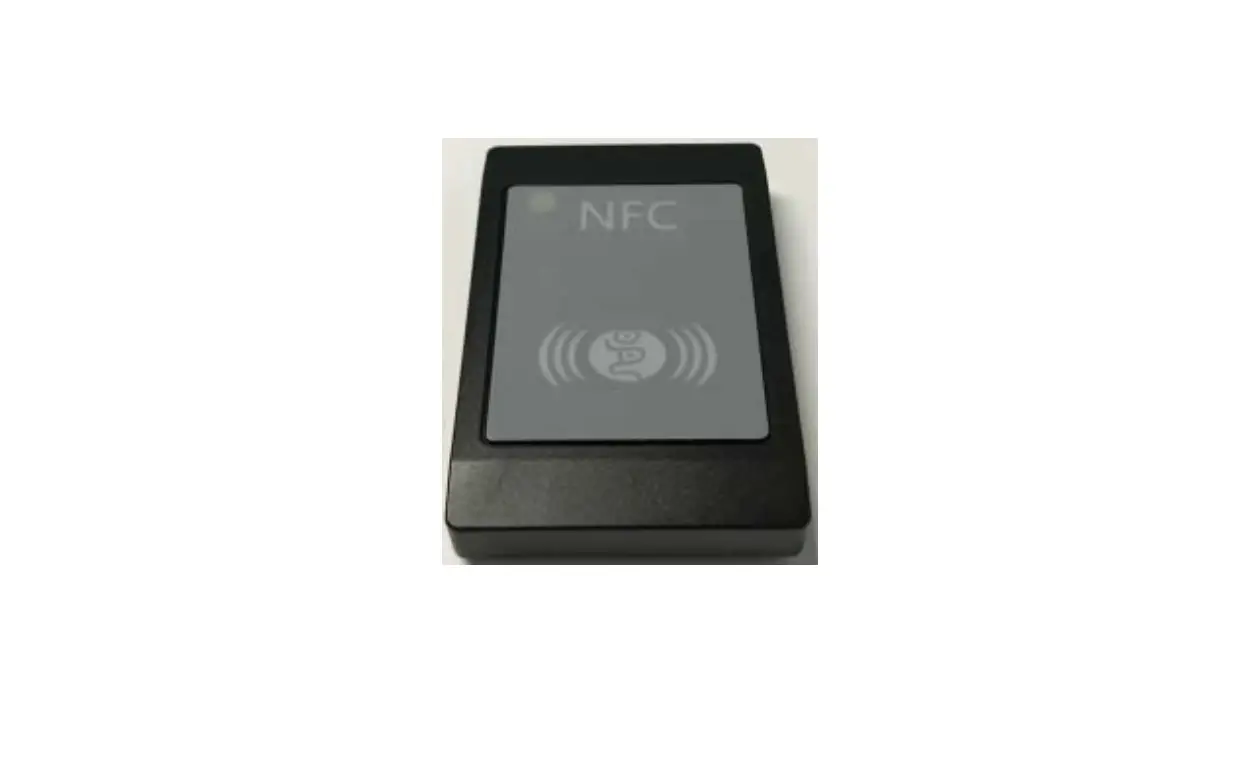
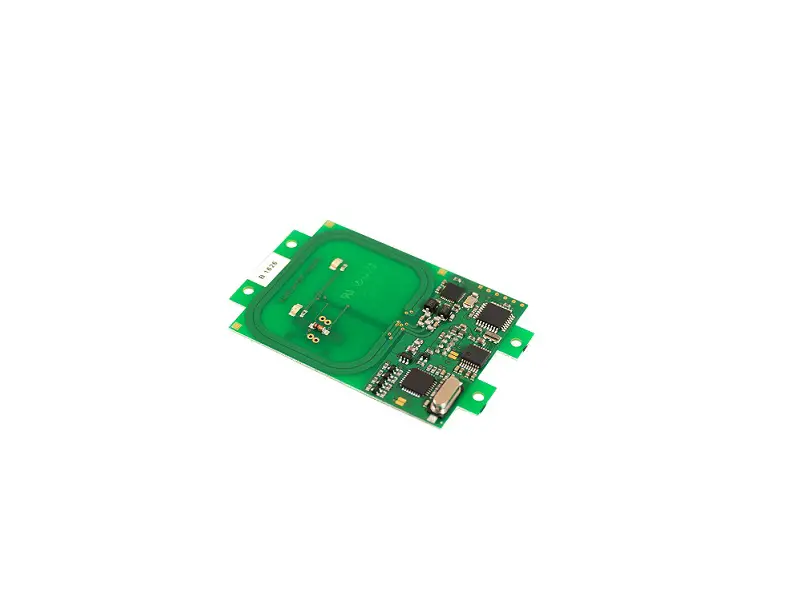
2.1 Appearance Introduction The dimensions of the NFC body are about 85 x 19 x 6mm, and the front and rear shells are affixed with double-sided tape. The sides are LIN, ground, and power interfaces, as shown in Figure2-1.
DIAS Automotive Electronic Systems Co.,Ltd.
1
NFC USER MANUAL
2.1.1 Interface
Figure 2-1 T1XX Appearance
Interface definition
SN
Name
1
LIN
2
Power
3
GND
Figure 2-2 Interface
Tale2-1: Interface Definition Description LIN signal Supply power KL30. GND
2.2 Assembly Introduction
The T1XX is placed inside the door handle and do not require extra fixing. Figure 2-3 show the installation positions.
DIAS Automotive Electronic Systems Co.,Ltd.
2
NFC USER MANUAL
Figure 2-3 Place in Doorhandle
3 Operation Instruction
The NFC valid card is placed near the NFC module, and the NFC module transmits information to the ECU with SE at the end of the car through LIN, and unlocks the car after the NFC card is certified.
3.1 Setup-Up
Before the module can start normally, it is necessary to prepare a power supply, a valid NFC card, a wire harness, and a LIN communication tool. In addition to connecting the NFC reader module, the wiring harness also needs to connect to the LIN communication tool. After the power supply is powered on, if the current is about 20mA, the NFC module is started. Figure 3-1 shows the following
Figure 3-1Power On Setup 3.2 Swipe Care
Place a valid NFC card close to the NFC module, as shown in Figure 3-2
DIAS Automotive Electronic Systems Co.,Ltd.
3
NFC USER MANUAL
3.3 Query Version
Figure 3-2 NFC Polling
3.3.1 LIN Communication
Connect the DB9 port of Kvaser Lin on the wiring harness, connect the USB port of Kvaser Lin on the PC, and power on the device. The port shown in Figure 3-3 is identified in the device manager on the PC
Figure 3-3 Ports on the Kavser Lin device Click “Connect Device” in the LIN FLASH tool. “LIN Hardware Init OK” is displayed in Figure 3-4, indicating that the Kvaser Lin device is normal.
DIAS Automotive Electronic Systems Co.,Ltd.
4
NFC USER MANUAL
Figure 3-4 Kavser Lin Normal 3.3.2 Query Version Click “App Version Number” in the LIN FLASH tool, and the message “62 f1 95 02 06 01 04 14 00.” is displayed in Figure 3-5. Indicates that the version information of F195 is read.
Figure 3-5 Query Version Normal
4 FCCID
Model T1XX
FCC ID 2BBZ4NFCT1XX
Table 3-1 FCCID
5 Product Informaiton
DIAS Automotive Electronic Systems Co.,Ltd. ProductNFC READER MODULE ModeT1XX
DIAS Automotive Electronic Systems Co.,Ltd.
5
NFC USER MANUAL
Please take attention that changes or modification not expressly approved by the party responsible for compliance could void the user’s authority to operate the equipment.
This device complies with Part 15 of the FCC Rules. Operation is subject to the following two conditions: (1) This device may not cause harmful interference, and (2) This device must accept any interference received, including interference that may cause undesired operation.
DIAS Automotive Electronic Systems Co.,Ltd.
6