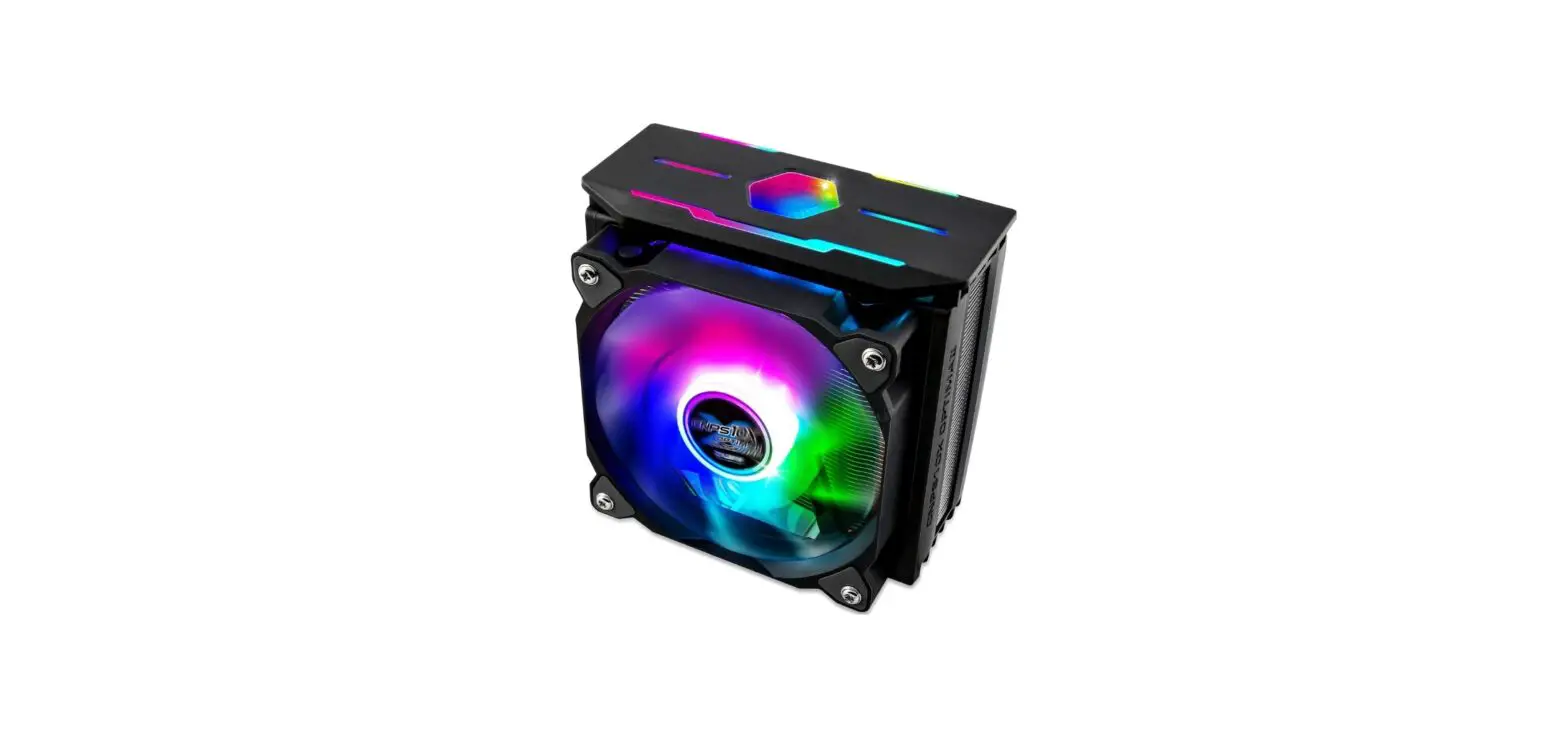
ZALMAN LGA2066 Spectrum RGB LED User Manual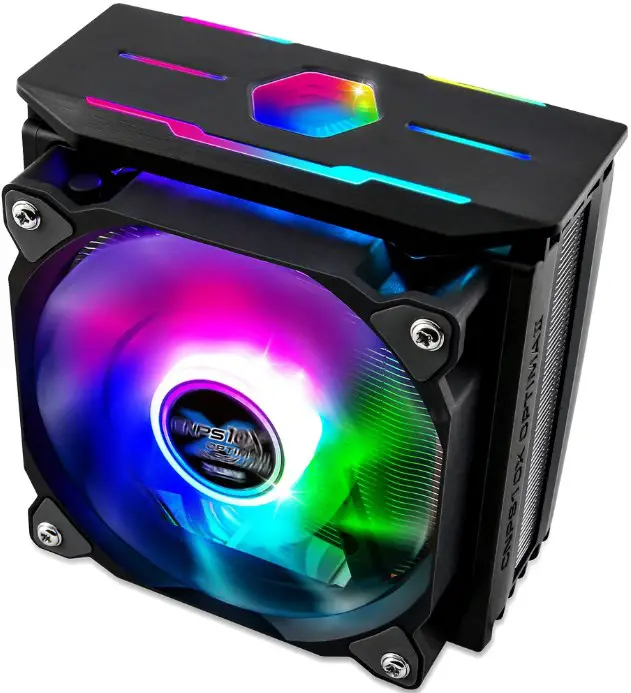
Precautions
- Avoid tempering with objects or hands into the fan while it is in operation to prevent product damage and injuries.
- Do not eat the thermal grease, and avoid its contact with skin and eyes. If contact is made with skin, wash off with water. If irritation persists, seek medical attention.
- To prevent possible injuries, gloves must be worn while handling this product.
- Excessive force exerted on the fan may cause damage to the fan and/or system.
- Use and keep product away from reach of children.
- Check the components list and condition of the product before installation. If any problem is found, contact the retailer to obtain a replacement.
- Our company assumes no responsibility for any problem that occurs due to the use of the product for purposes other than its designated purposes and/or the carelessness of the consumer.
- Zalman Tech Co., Ltd. Is not responsible for any damages due to overclocking CPU such as, CPU and system components.
- During transportation of the system, the cooler must be removed. Zalman Tech Co., Ltd. is not responsible for any damages that occur during the transport of a system.
- Product design and specifications may be changed to improve quality and performance without notice.
Size Specification
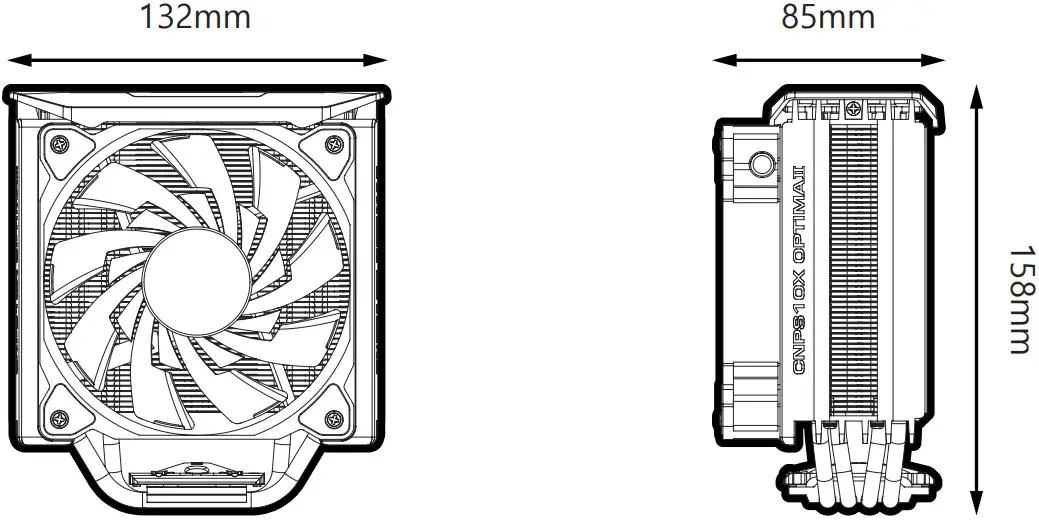
Specifications
| Model | CNPS10X OPTIMAⅡ | |
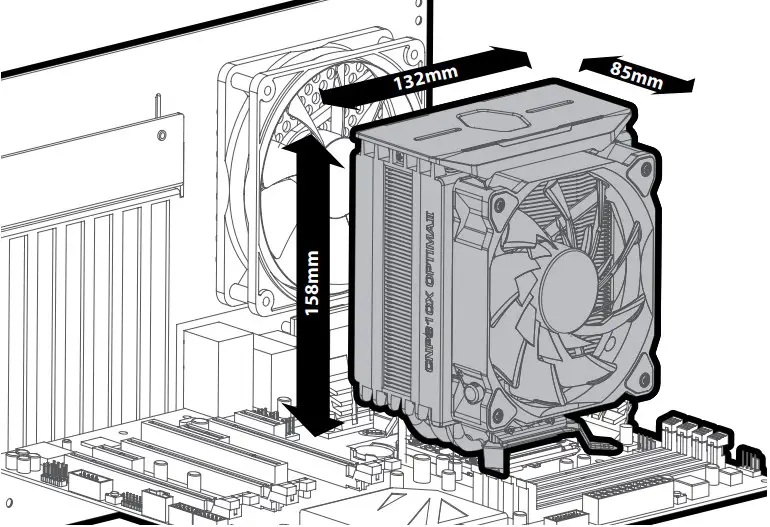
| Dimensions | 132(L) x 85(W) x 158(H)mm | |
| Weight | 740g | |
| Material | Pure Copper, Pure Aluminum, PC | |
| Fan | Dimensions | 120 x 120 x 25(H)mm |
| Speed | 800 ~ 1,500 ±10% RPM | |
| Max Noise Level | 27 dB(A) ±10% | |
| Bearing Type | Hydraulic Bearing | |
| Control Method | PWM Control | |
| Connector | 4-Pin | |
| Rated Voltage | 12 V DC | |
| Socket | Intel | LGA2066/2011-V3/2011/1700/1200/115X/1366 |
| AMD | AM5/AM4/AM3+/AM3/FM2+/FM2 | |
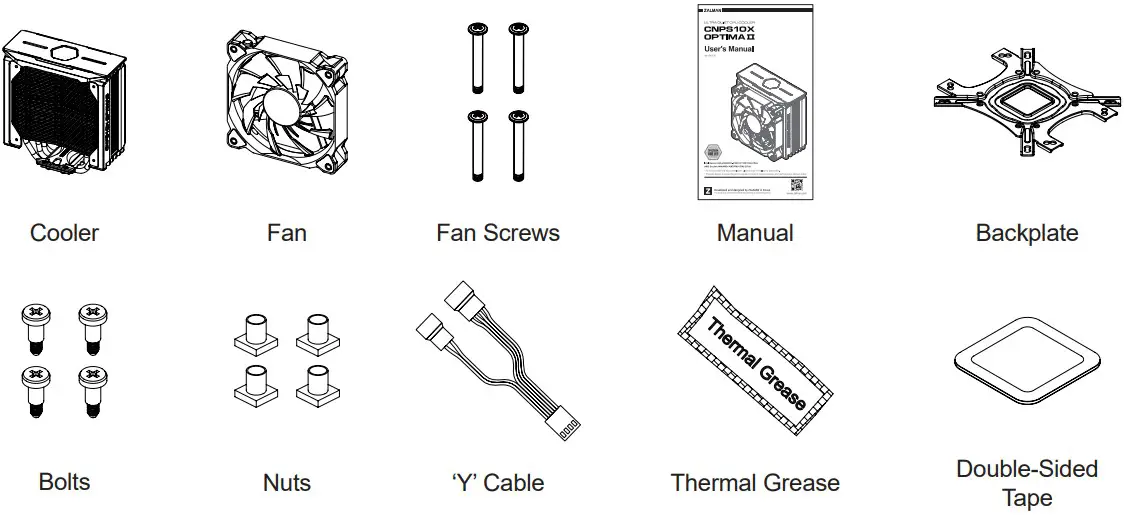
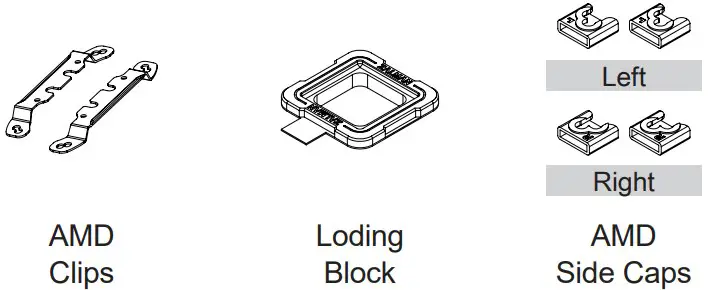
Components

Installation Requirements
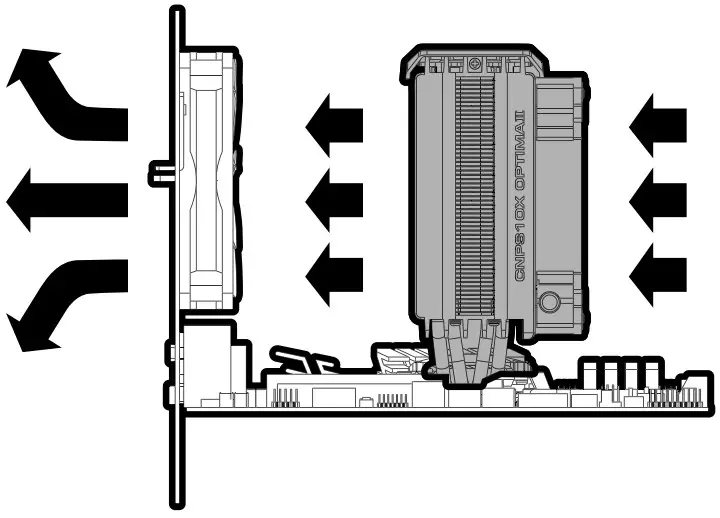
Cooler Orientation
Intel Users
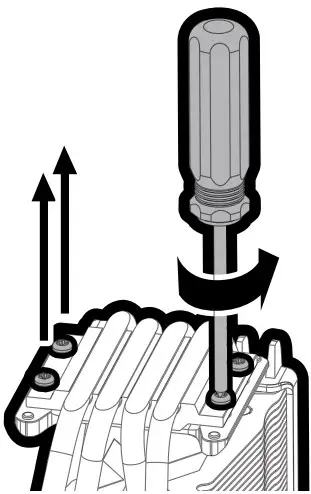
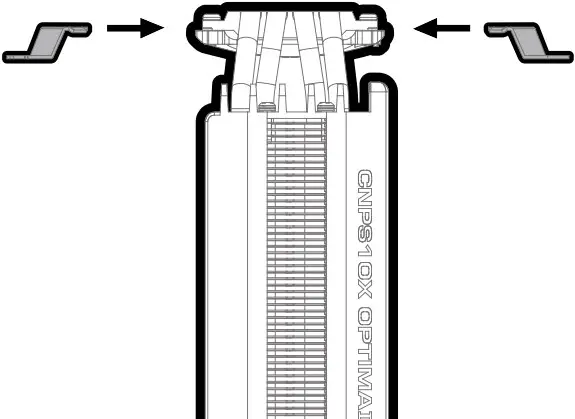
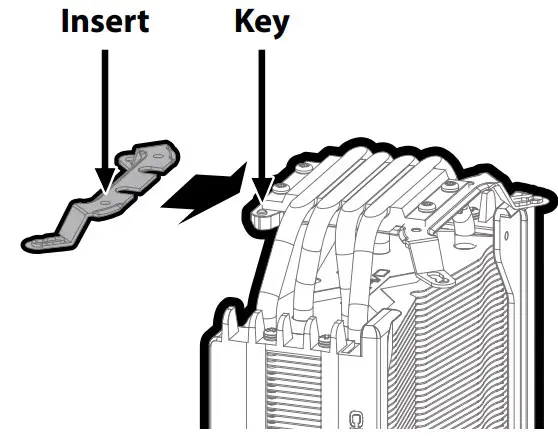
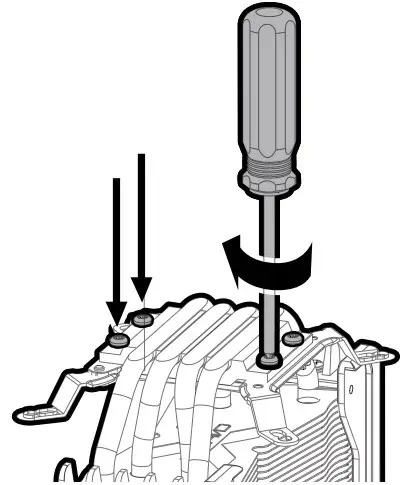
Intel Standoffs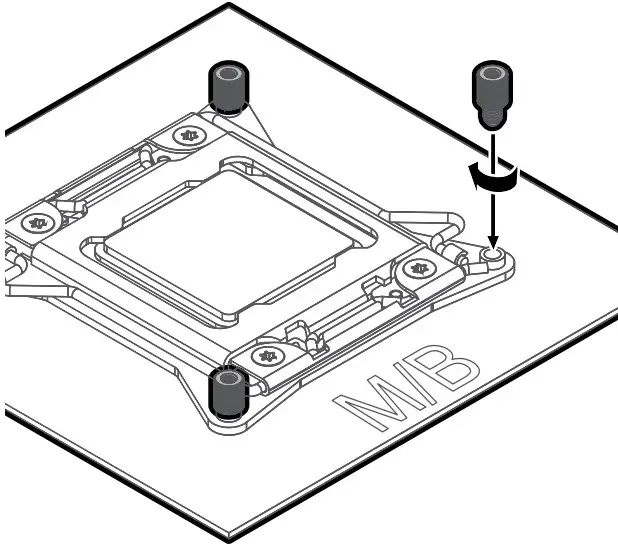
※ Caution
Backplate is not needed for LGA2066 / 2011-V3 / 2011 sockets.
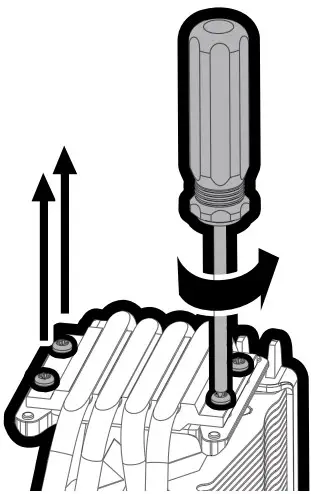
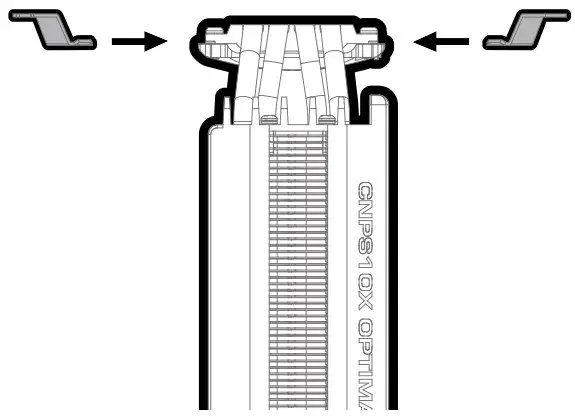
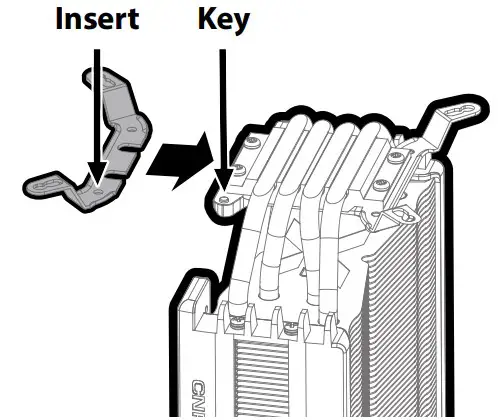
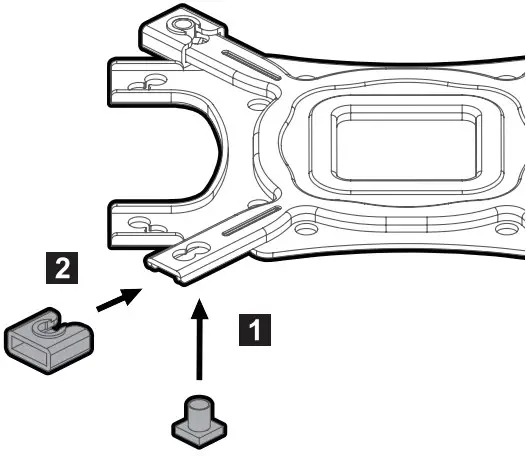
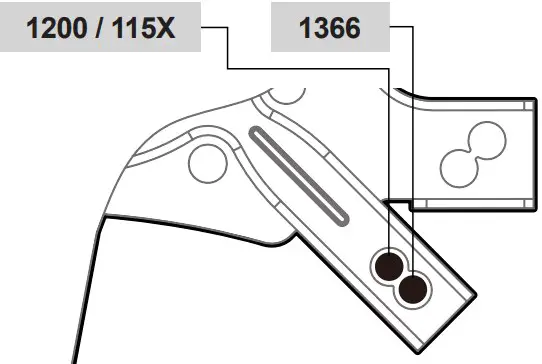
※ Caution
Backplate is not needed for LGA2066 / 2011-V3 / 2011 sockets
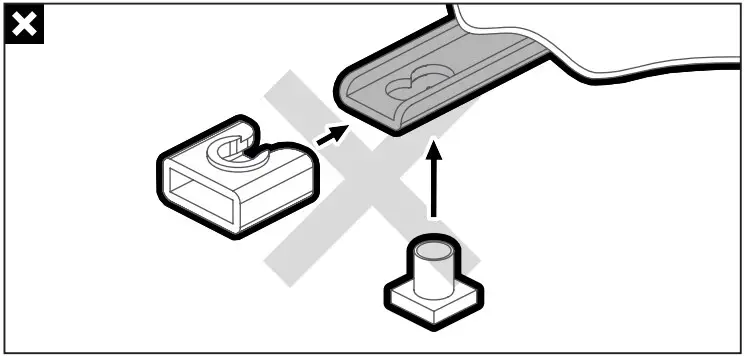
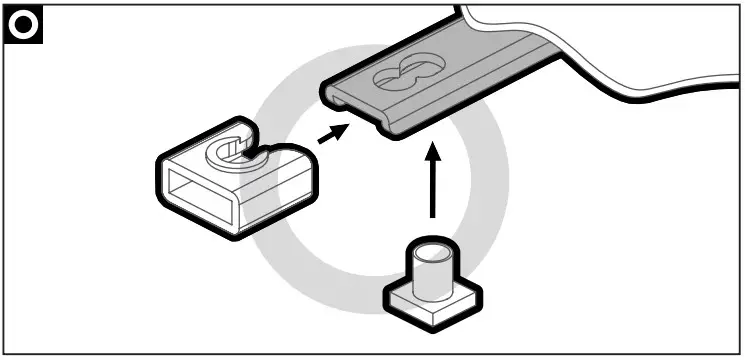
※ Caution
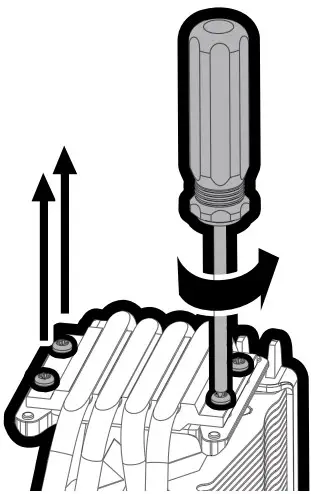
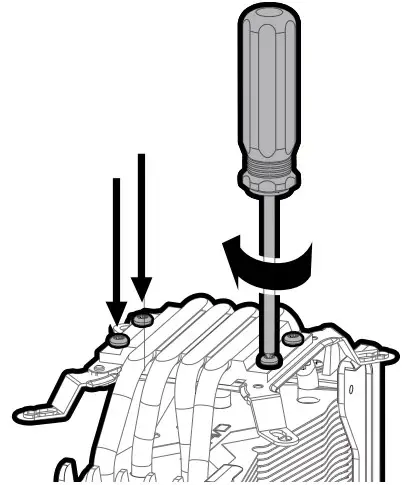
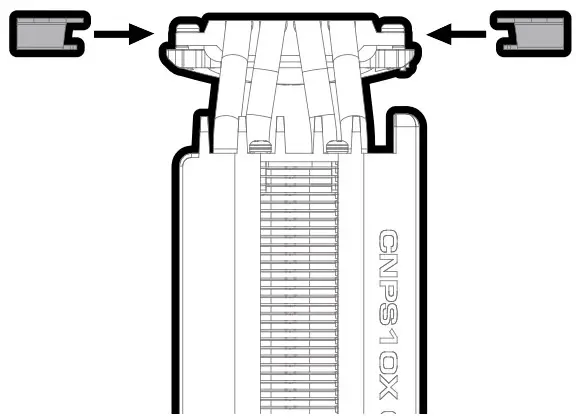
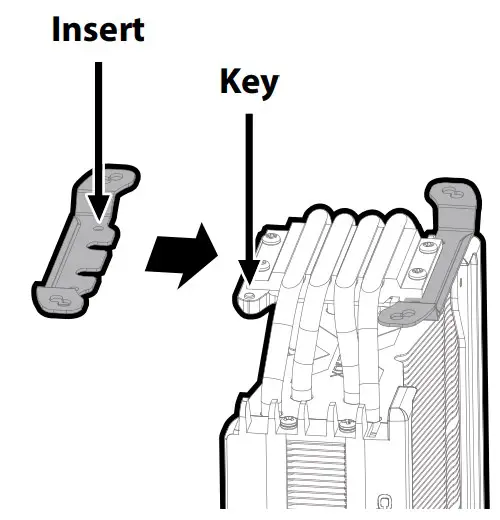
Take note of the orientation of the nuts and the side caps.
- Double-Sided Tape
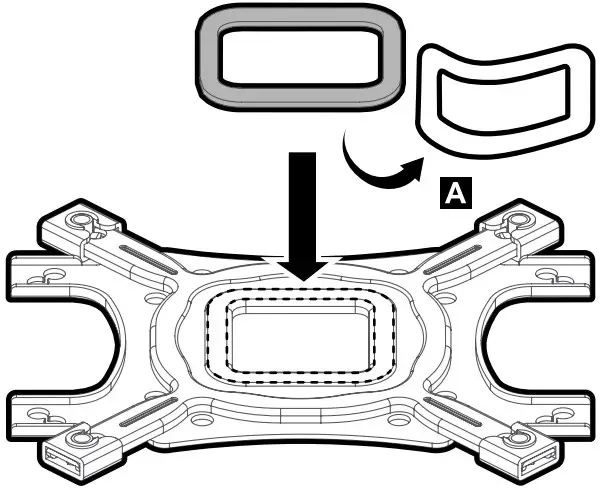
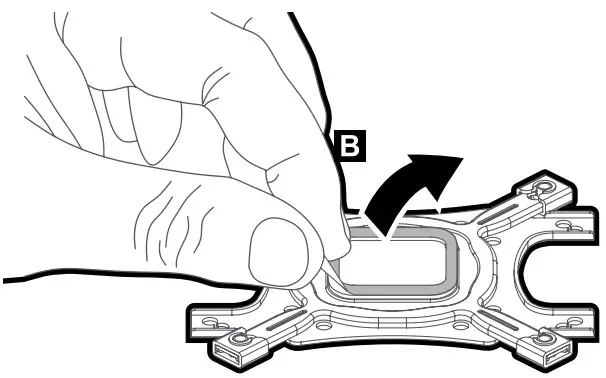
- Double-Sided Tape
- LGA 1200 / 115X / 1366
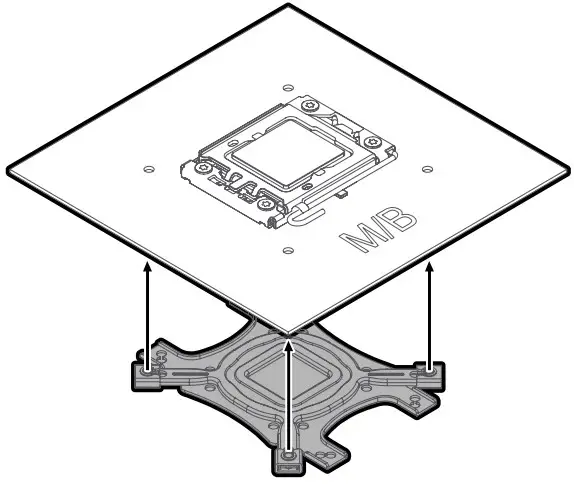
- LGA 1700
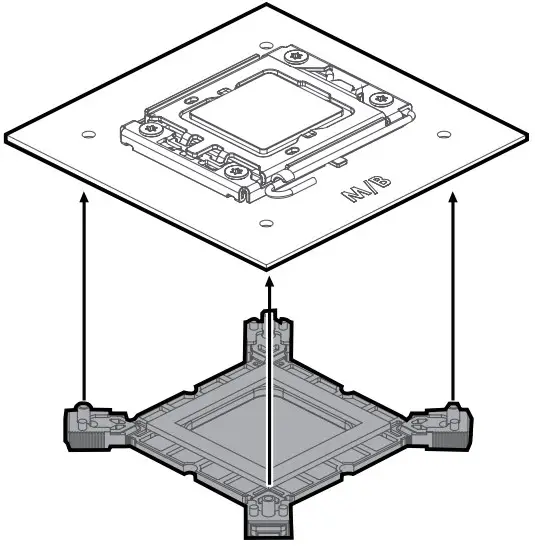
LGA 2066 / 2011-V3 / 2011 / 1700 / 1200 / 115 X / 1366
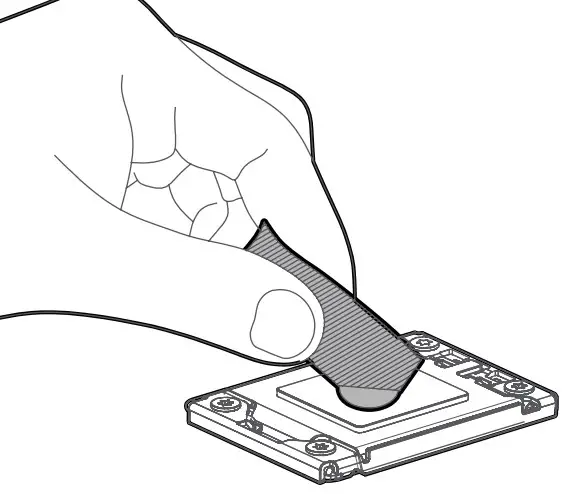
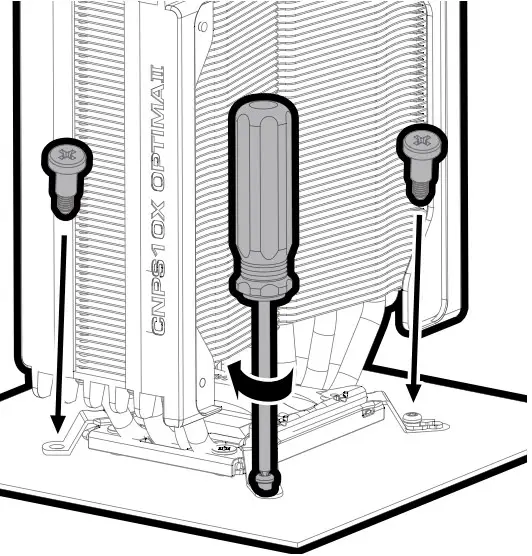
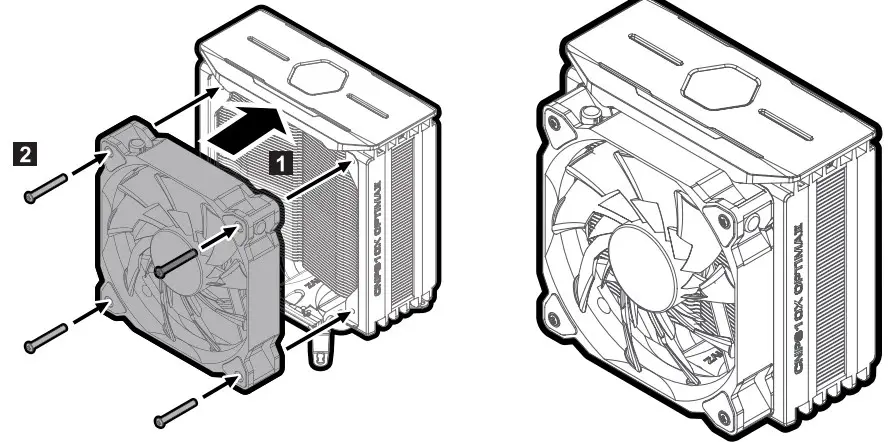
※ Caution
Do not tighten the screws strongly when assembling the fan.
AMD Users
Cable Connection

Fan Specifications
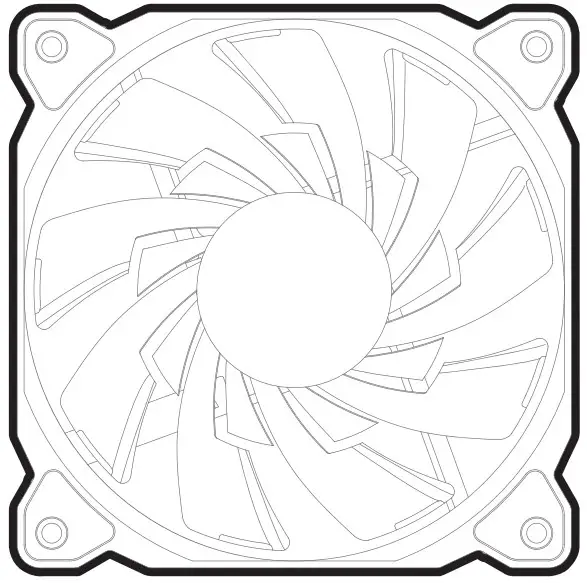
Dimensions : 120 x 120 x 25(H)mm
Speed : 800 ~ 1,500 ±10% RPM
Max Noise Level : 27 dB(A) ±10%
Bearing Type : Hydraulic Bearing
Control Method : PWM Control
Max Airflow : 61.52CFM ±10%
Connector : 4-Pin
Rated Voltage : 12 VDC
 zalman.com