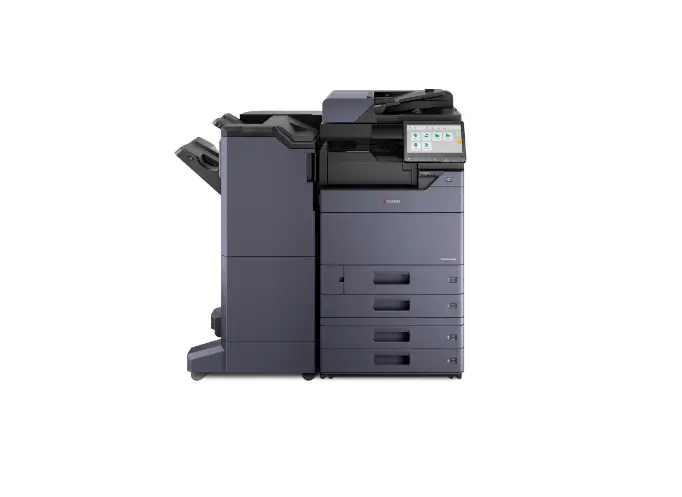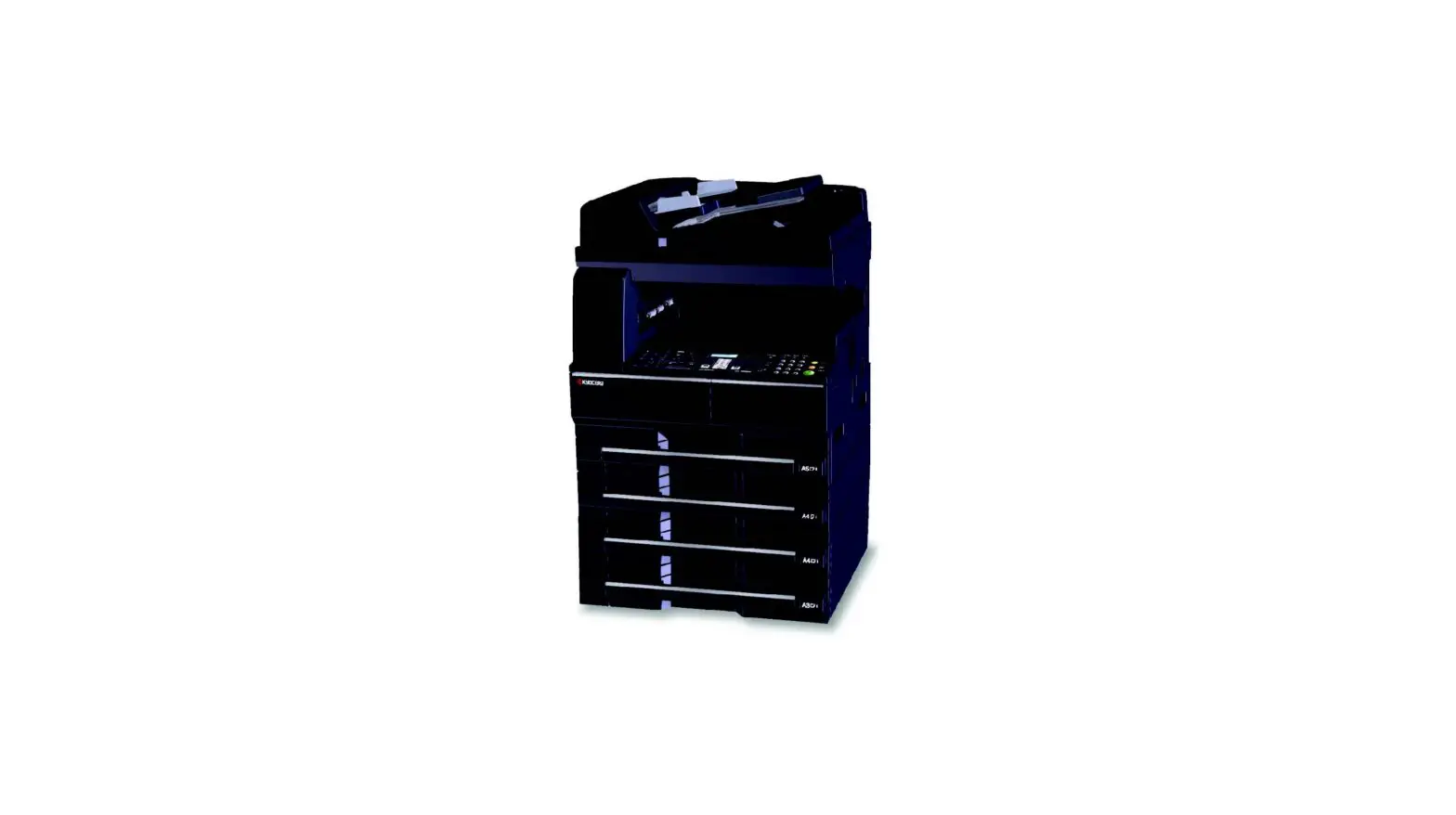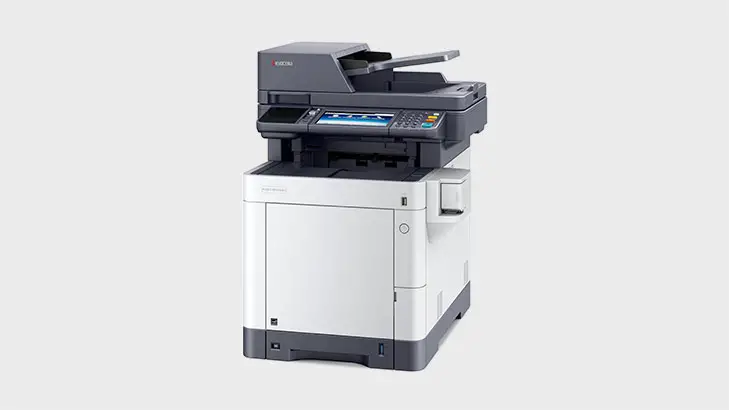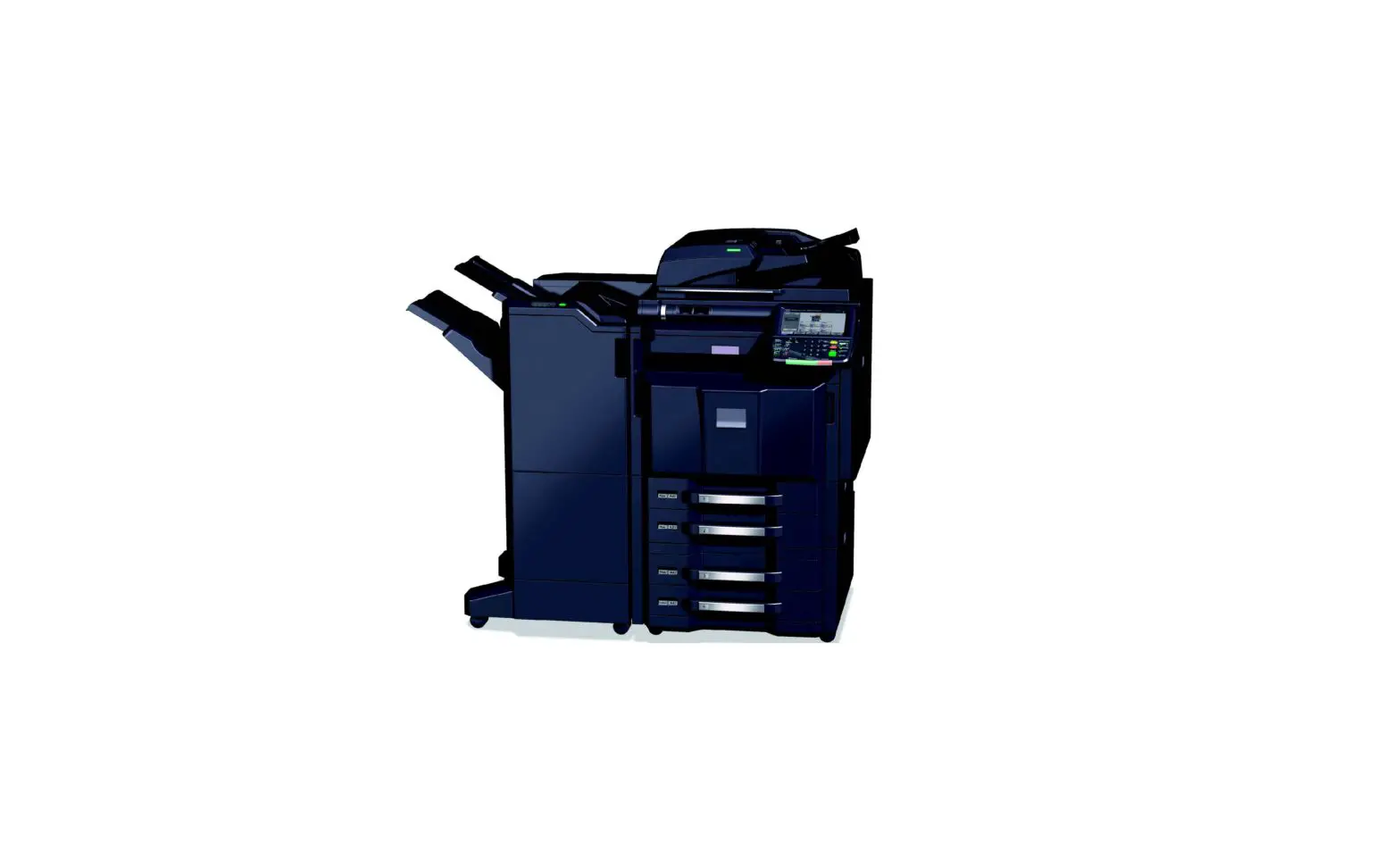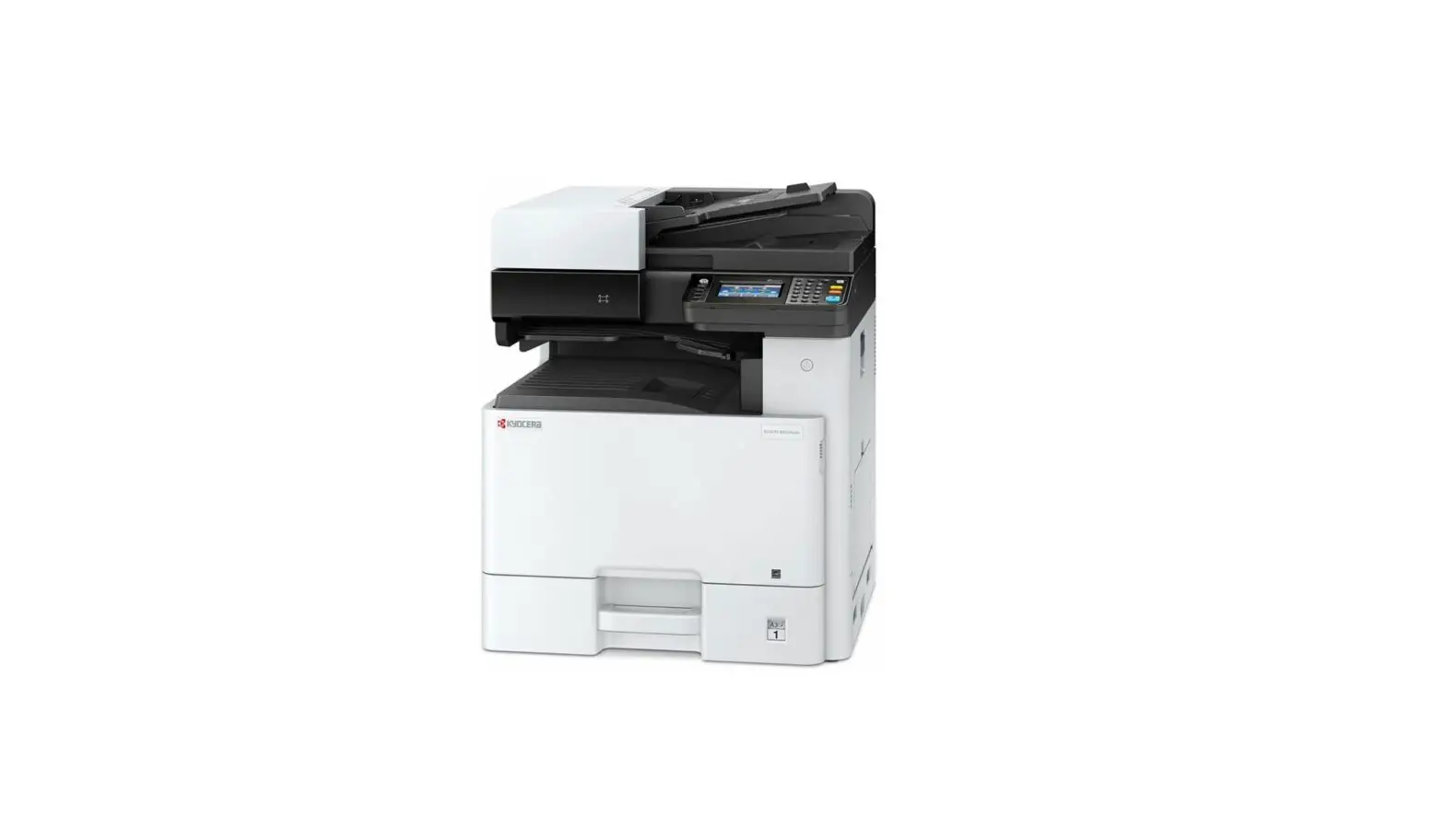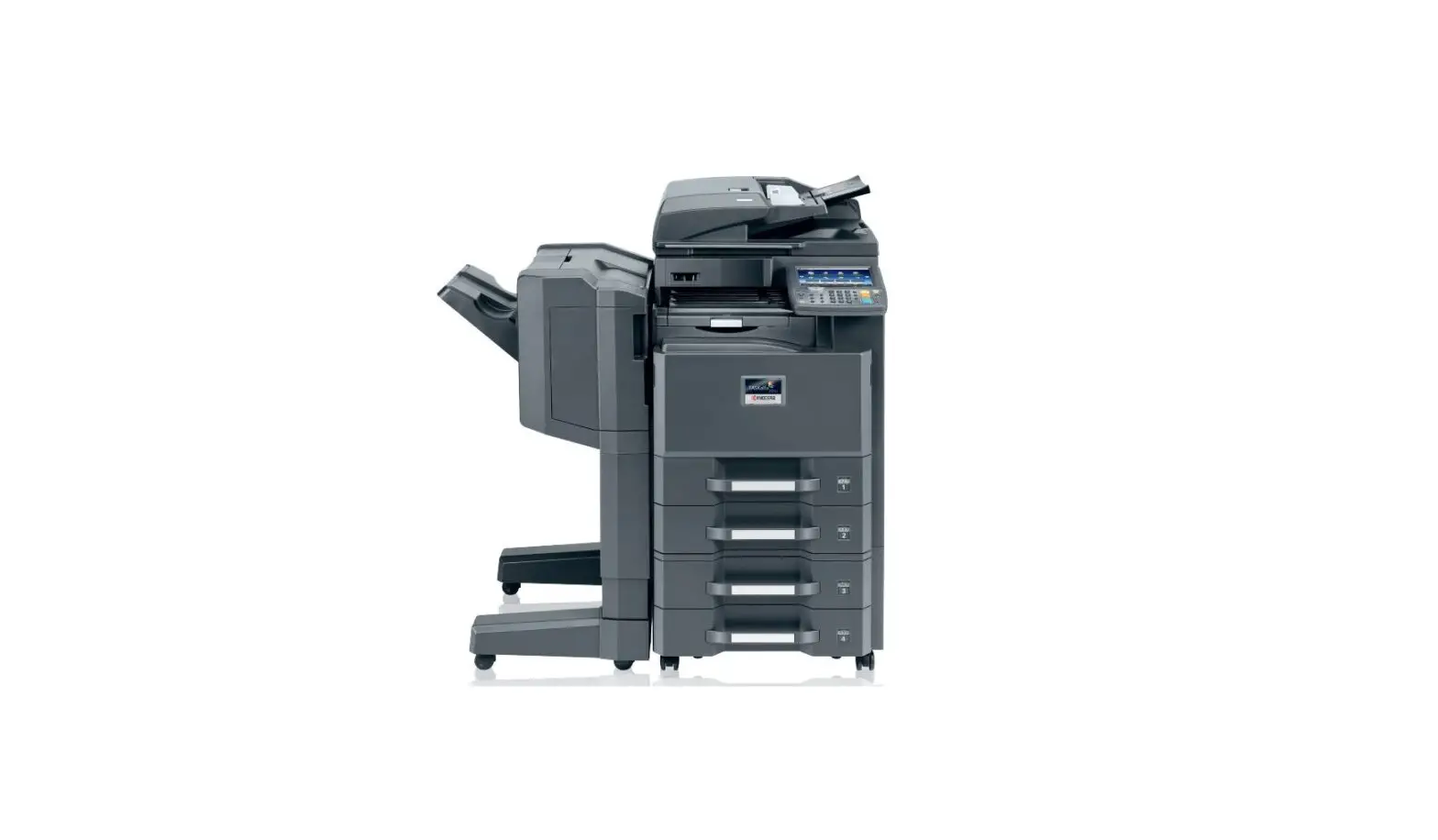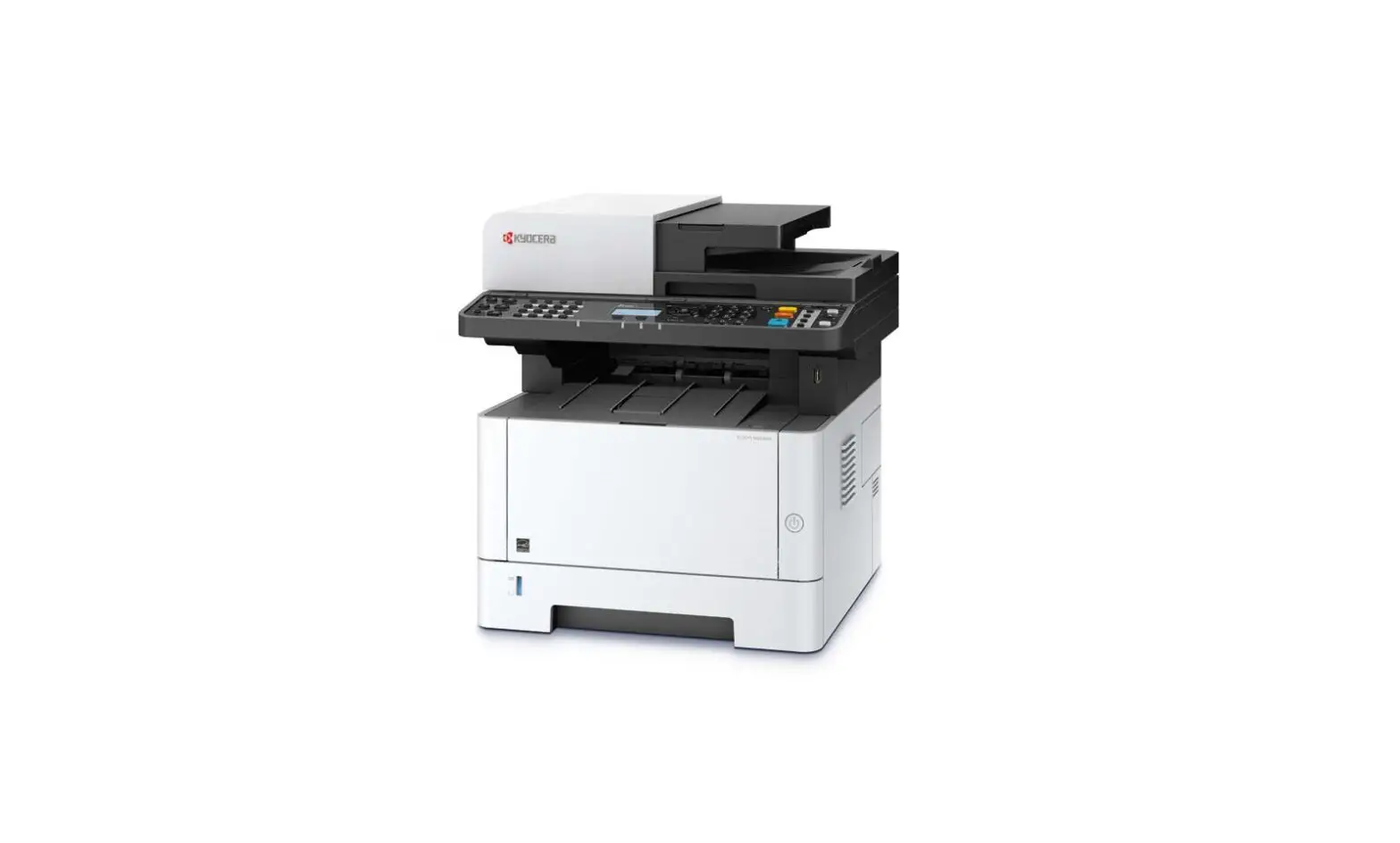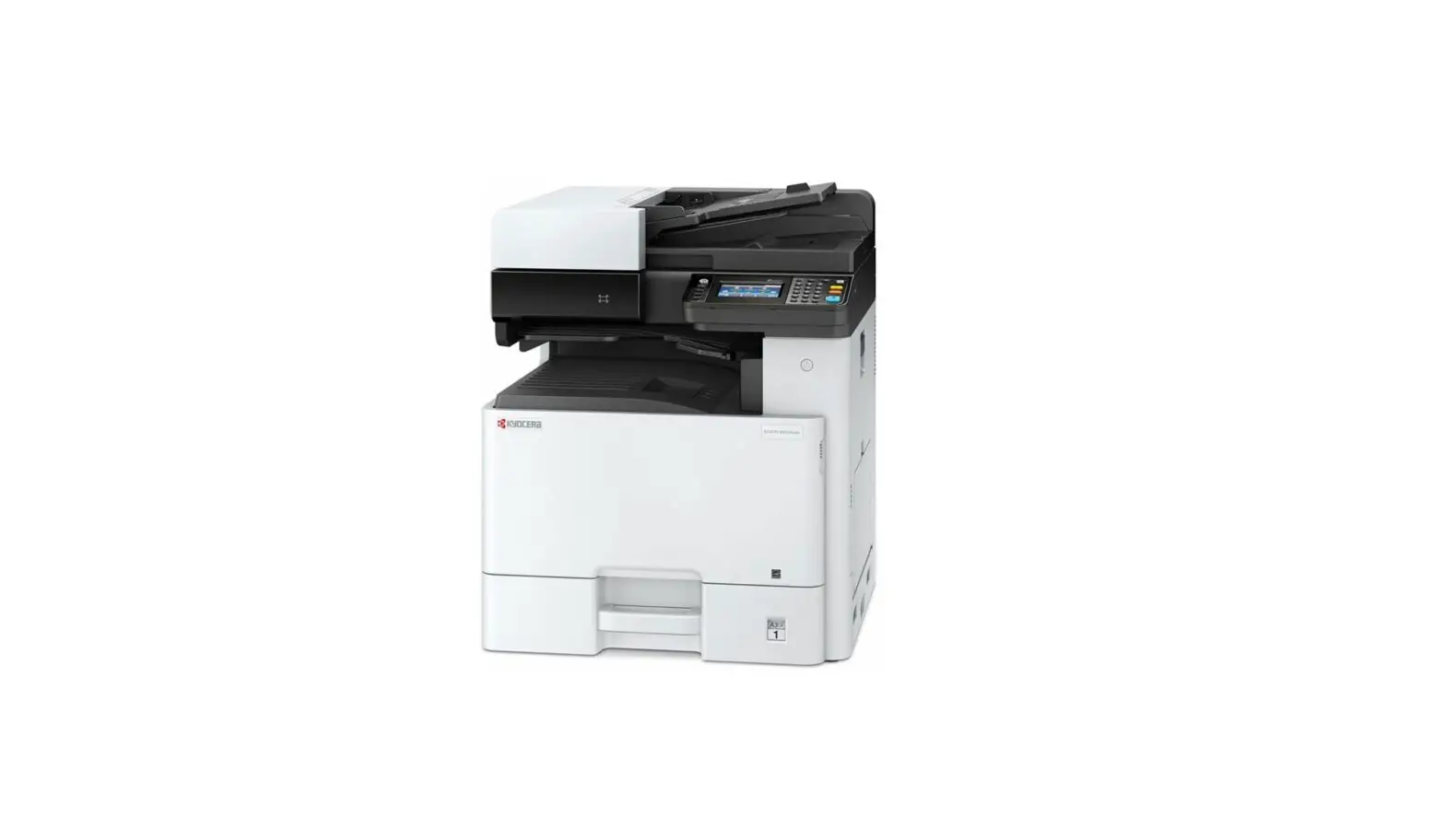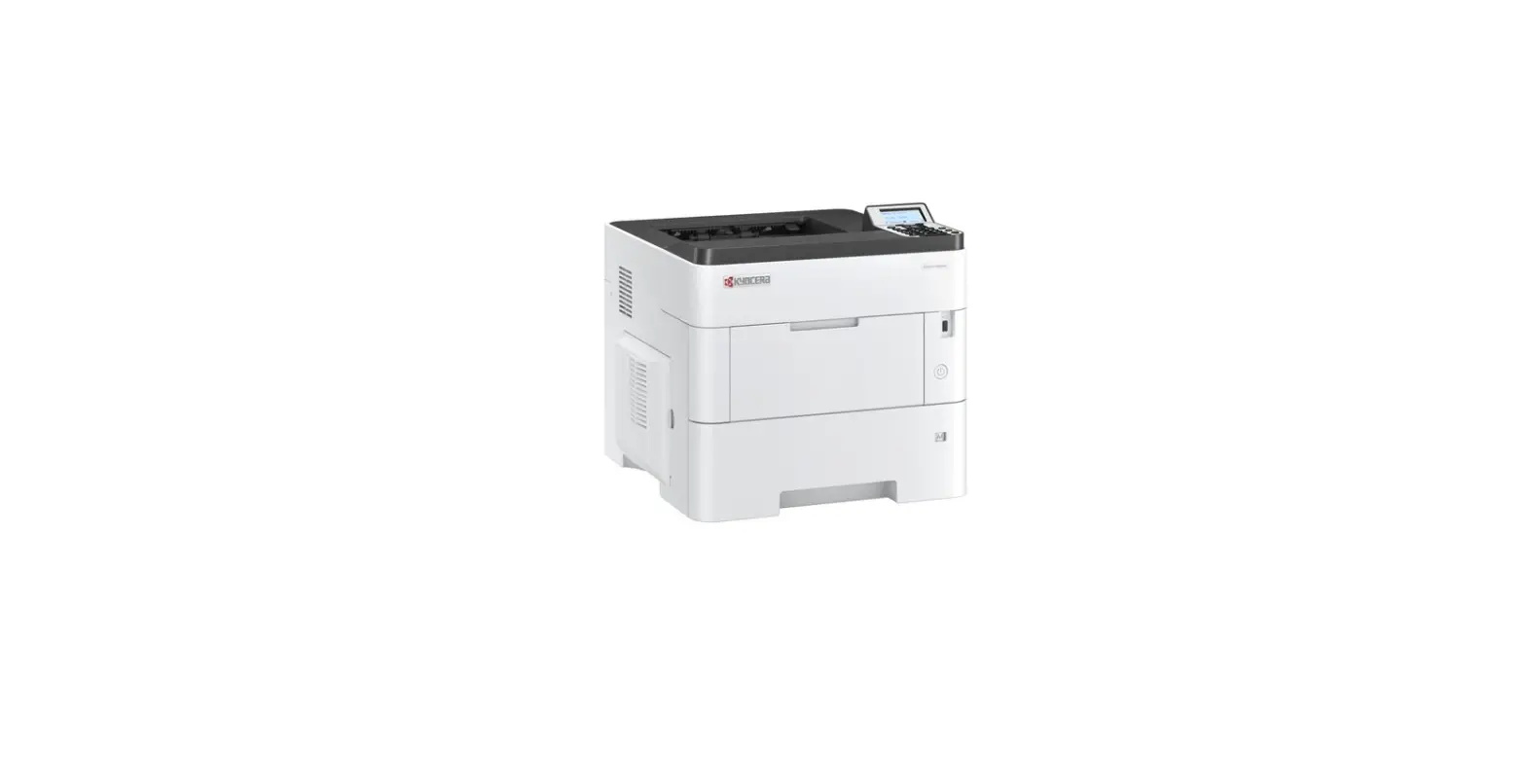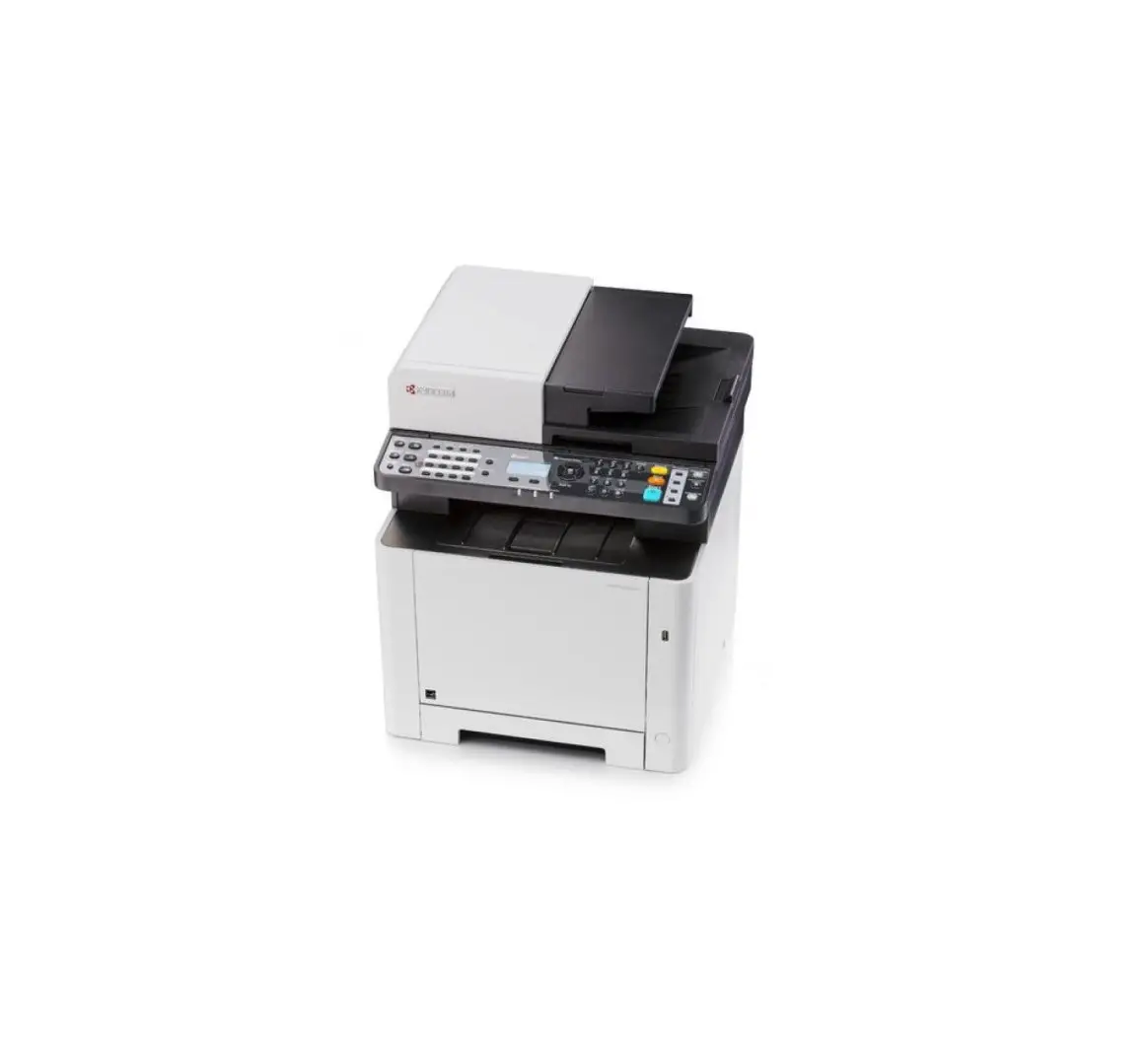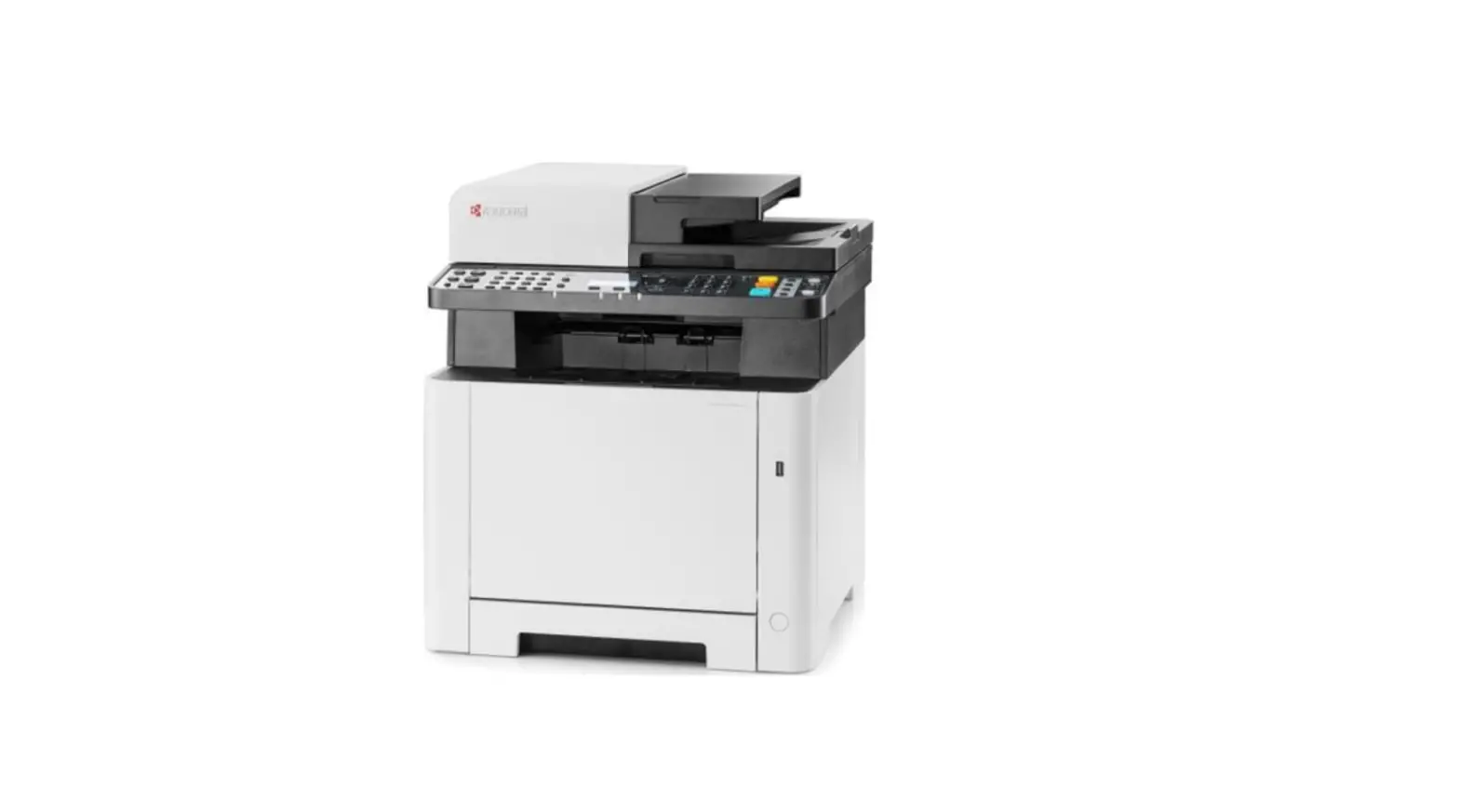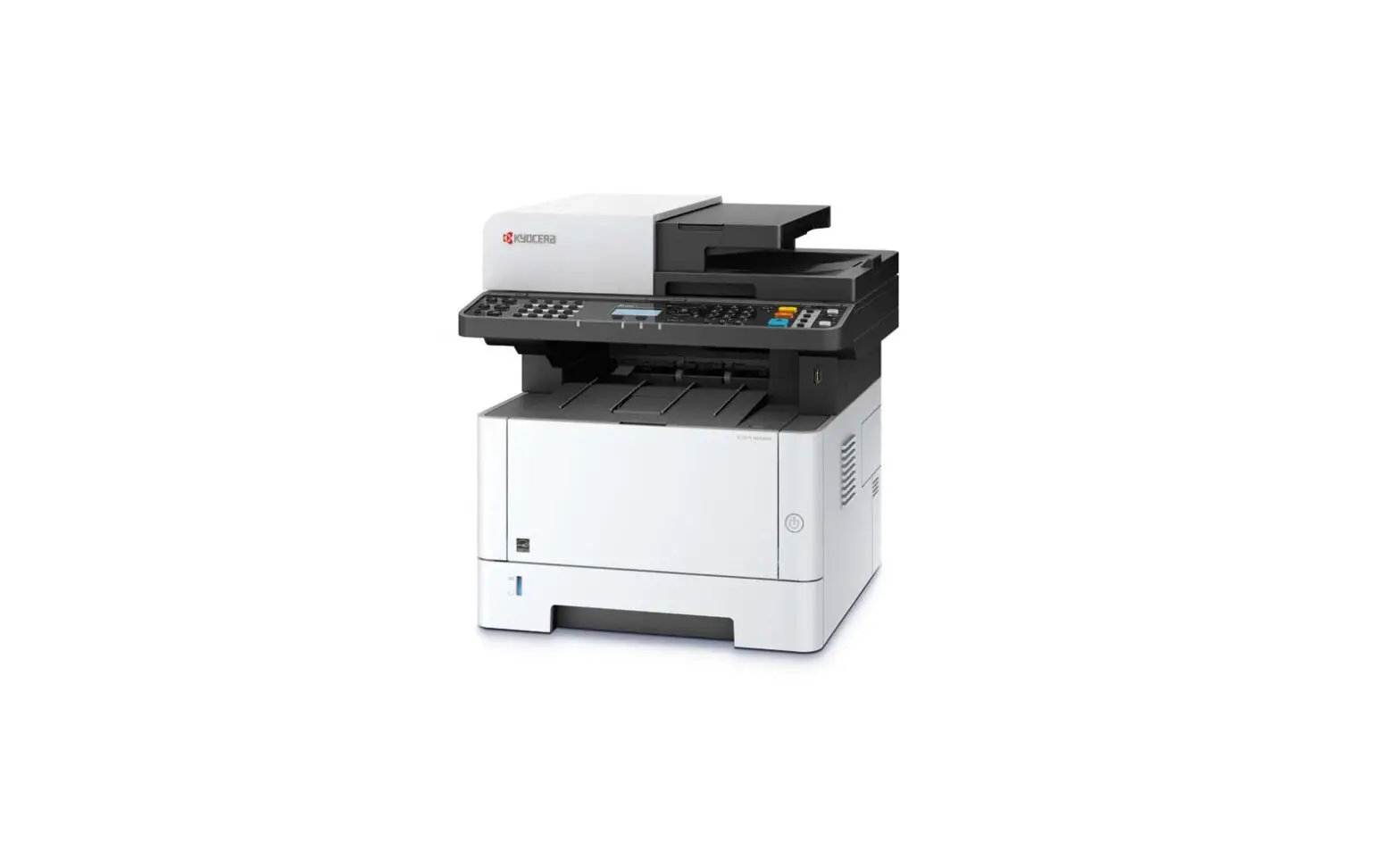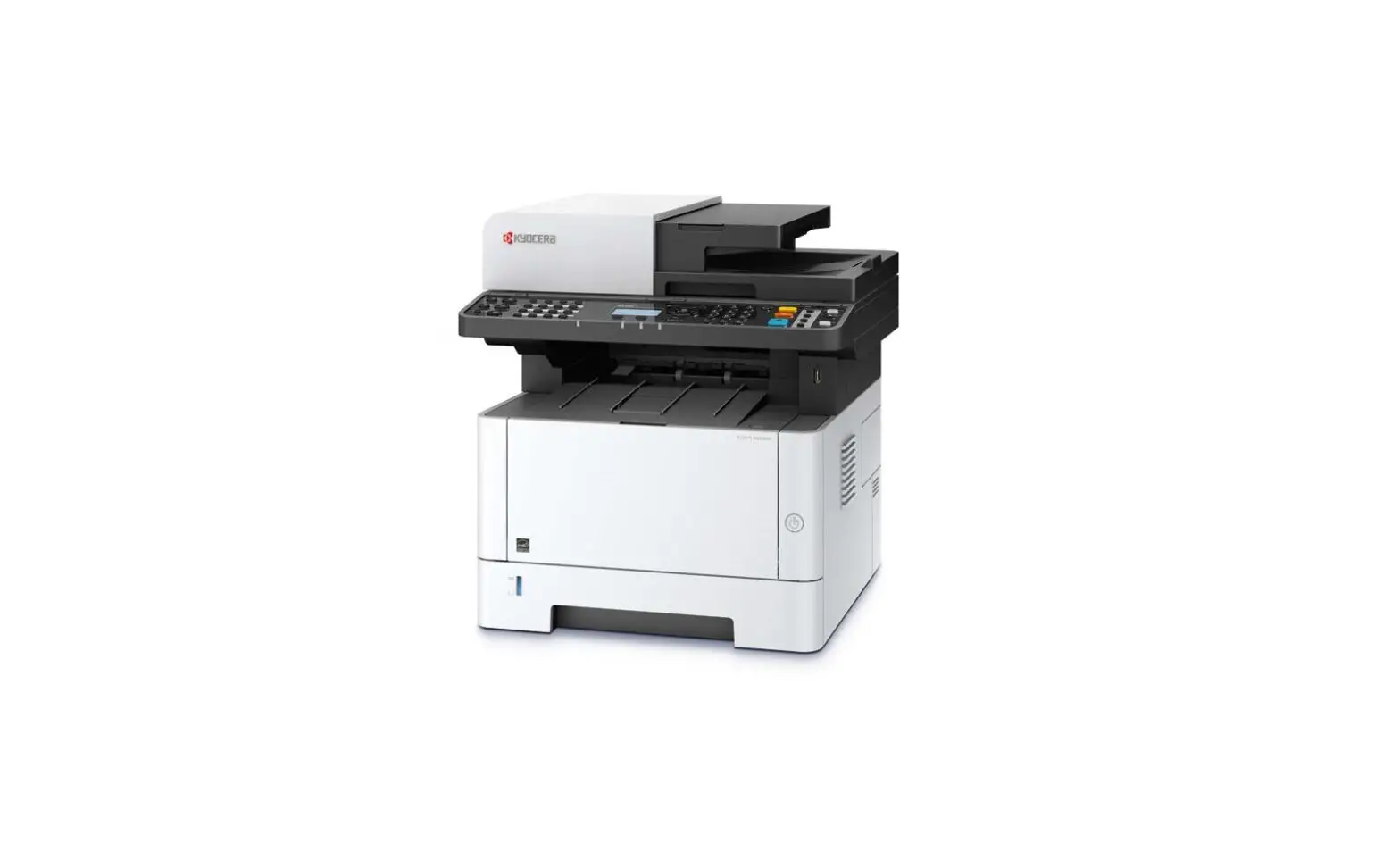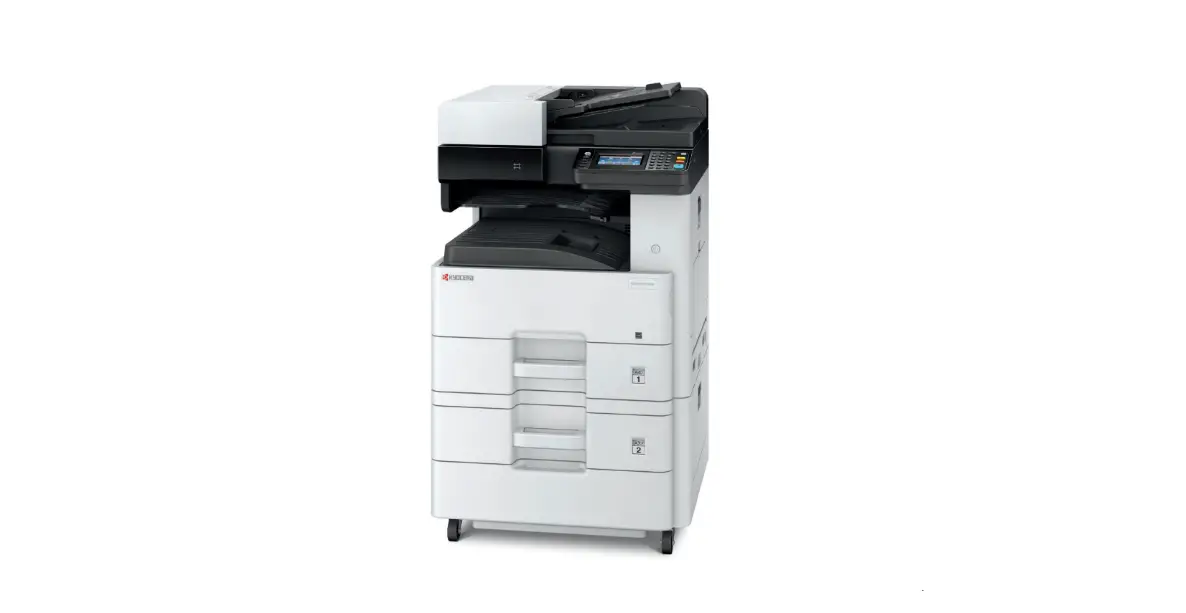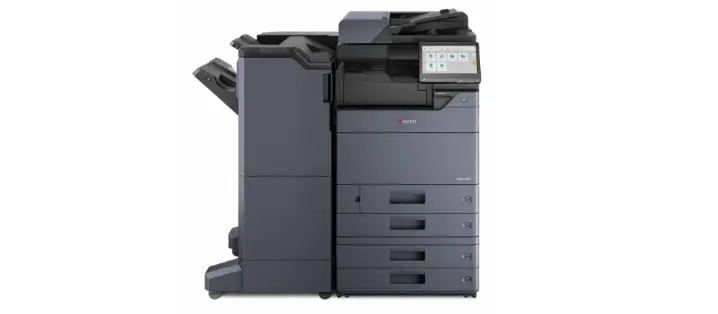

KYOCERA 2554ci Multifunction Printer
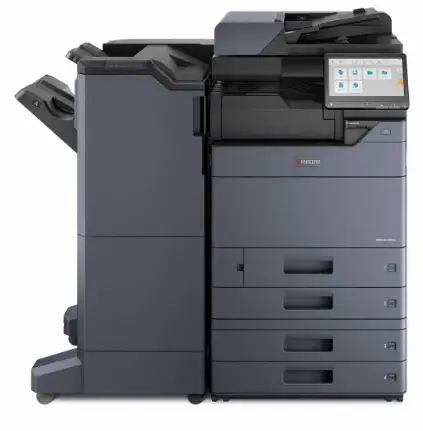
Cautionary Labels
The machine bears any of the following labels.
NOTE: Do not remove these labels.
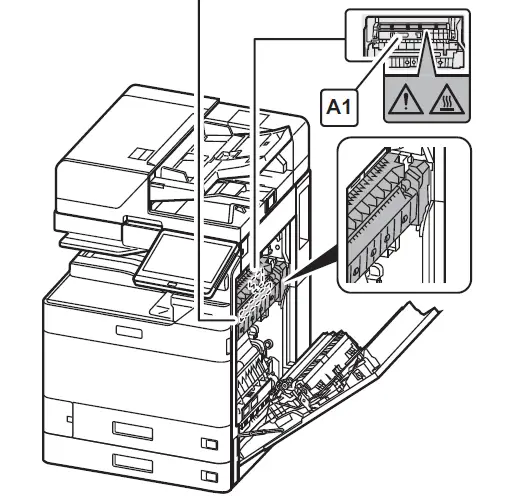
CAUTION: Hot surface
High temperature inside. Do not touch parts in this area, because there is a danger of getting burned. A1 should not be touched until one minutes passes after open the right cover.
Safety Guide
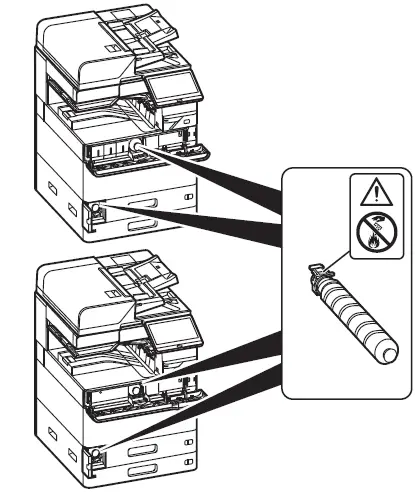
Do not attempt to incinerate parts which contain toner. Dangerous sparks may cause burns.
Environment
CAUTION
To keep the machine cool and facilitate changing of parts and maintenance, allow access space as shown below. Leave adequate space, especially around the side cover, to allow air to be properly ventilated from the machine.
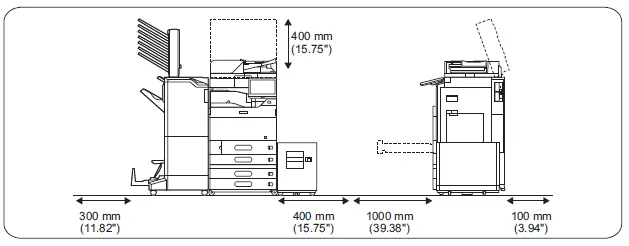
| Model | 7054ci | 2554ci / 3554ci / 4054ci / 4004i / 5054ci / 5004i / 6054ci 6004i / 7004i | |
| Power Source | 120 V Specification Model: 230 V Specification Model: | 120 V 60 Hz 16 A 220 – 240 V 50/60 Hz 10 A | 120 V 60 Hz 12 A 220 – 240 V 50/60 Hz 7.2 A |
| Operating Environment | Temperature: 10 to 32.5 °C (50 to 90.5 °F) Relative Humidity: 10 to 80% | ||