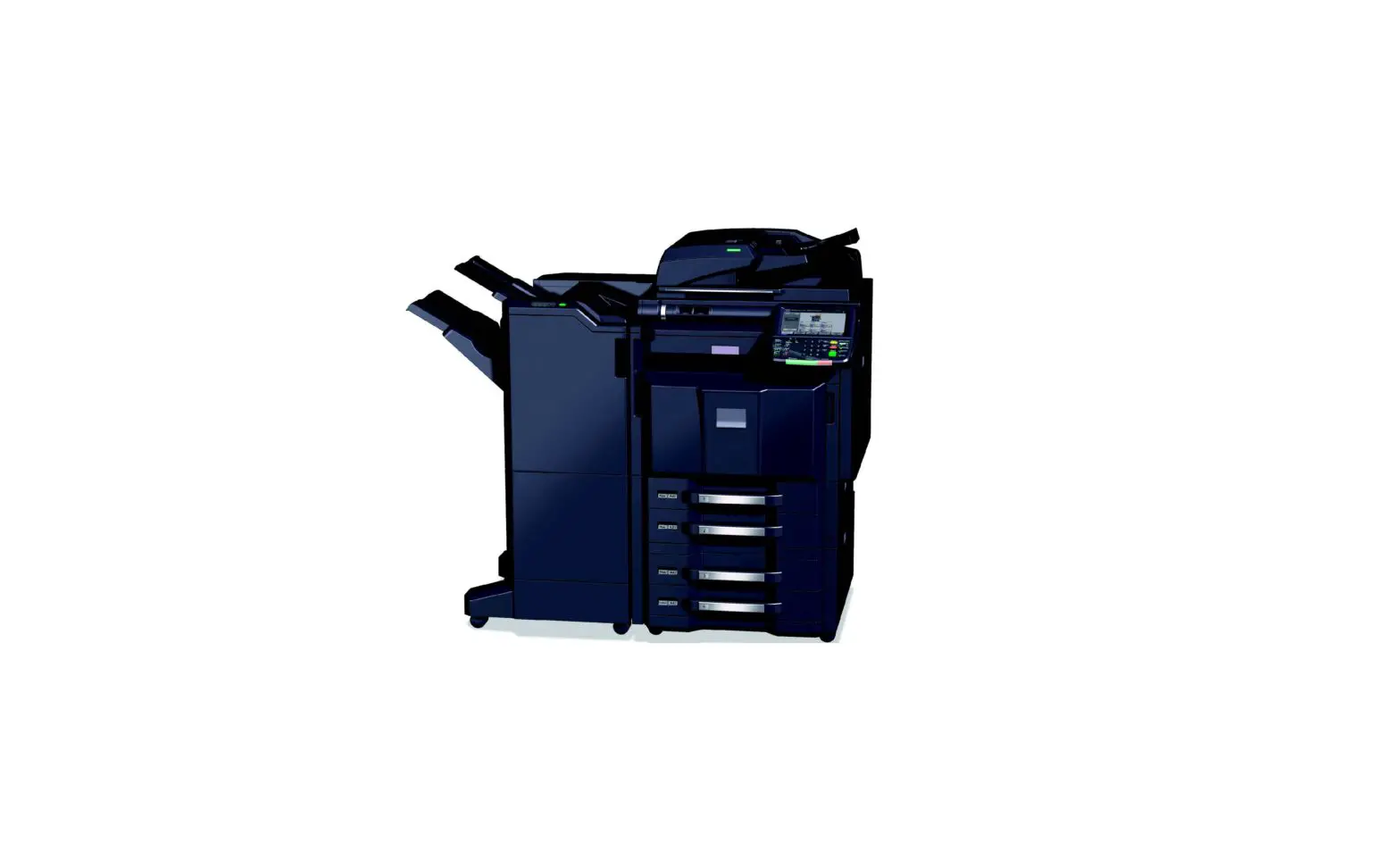
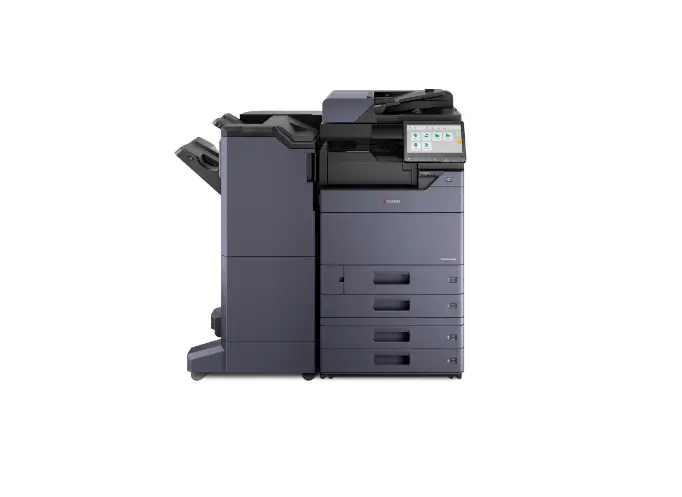
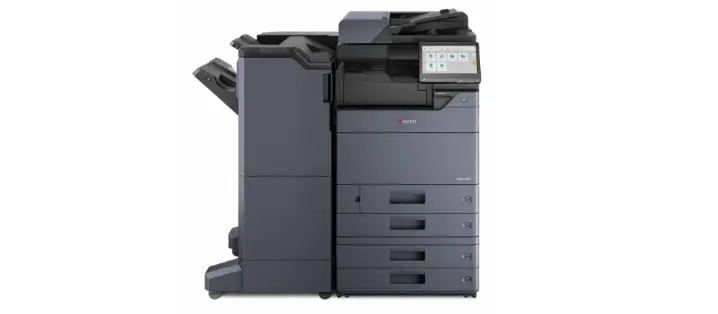
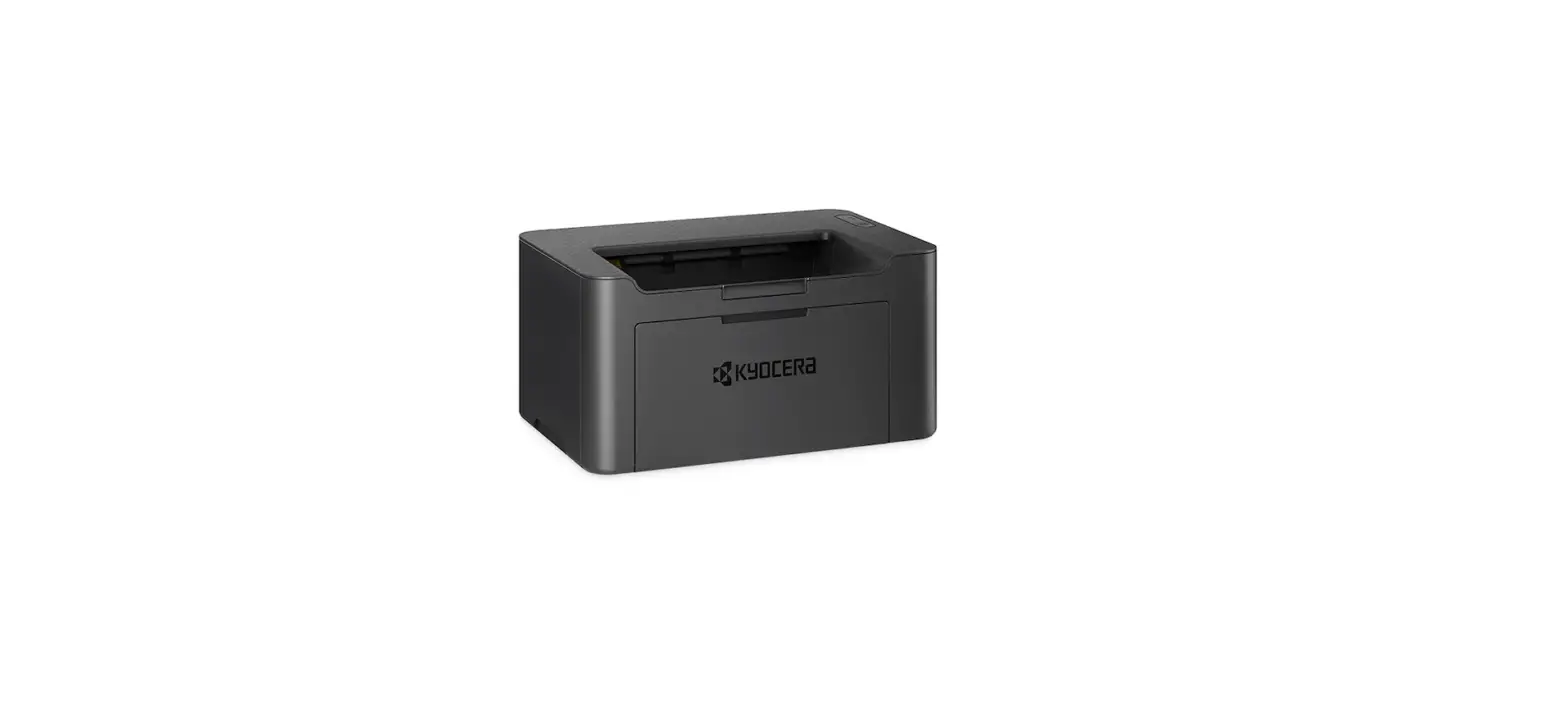
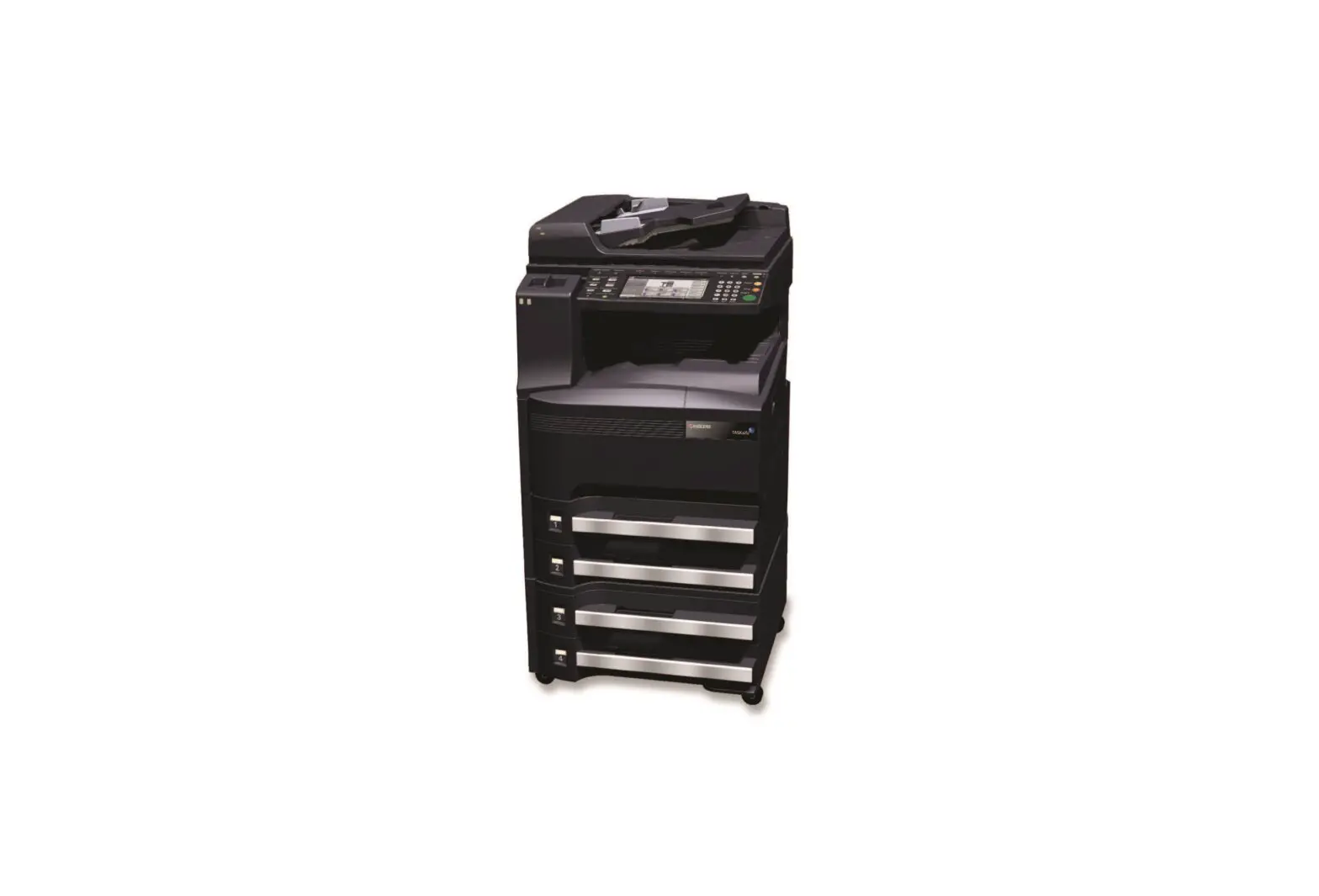
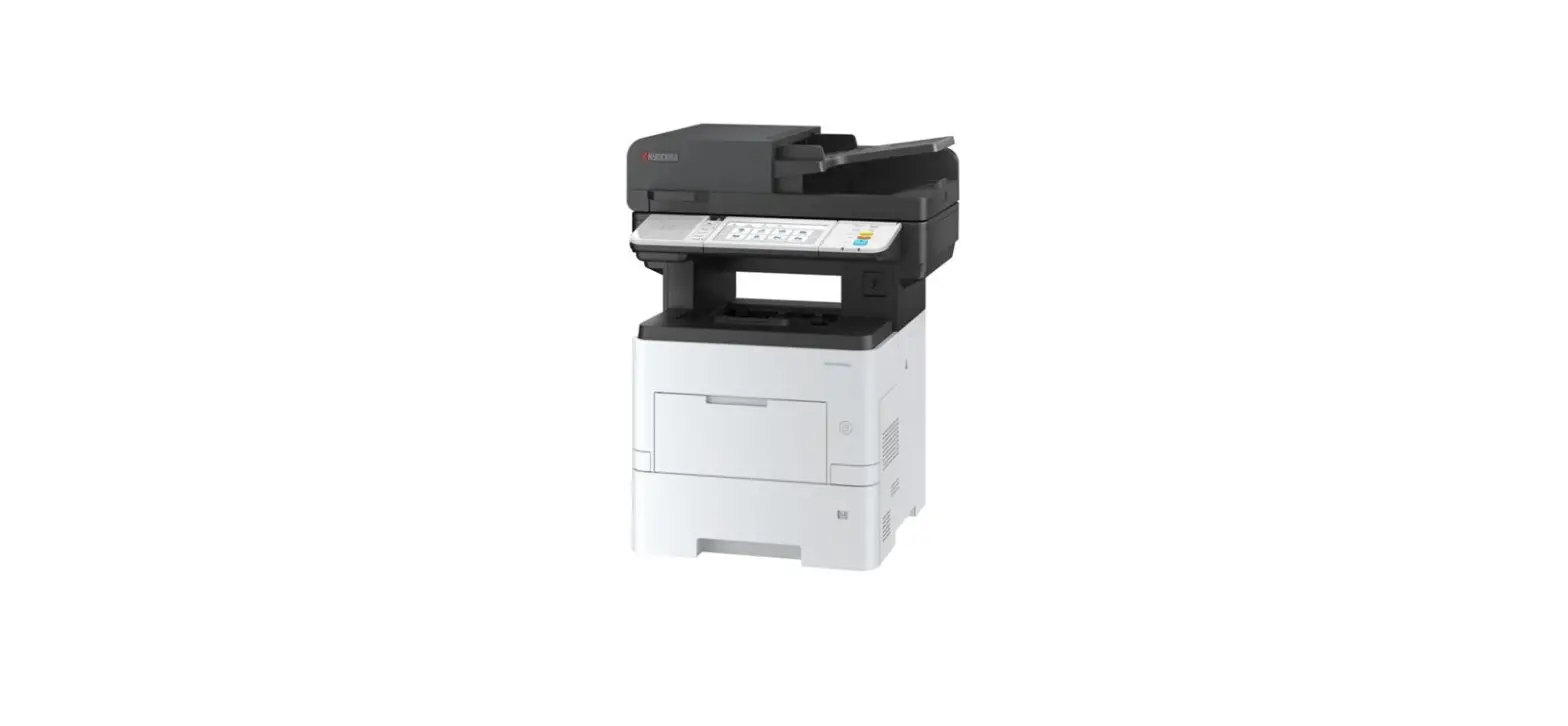
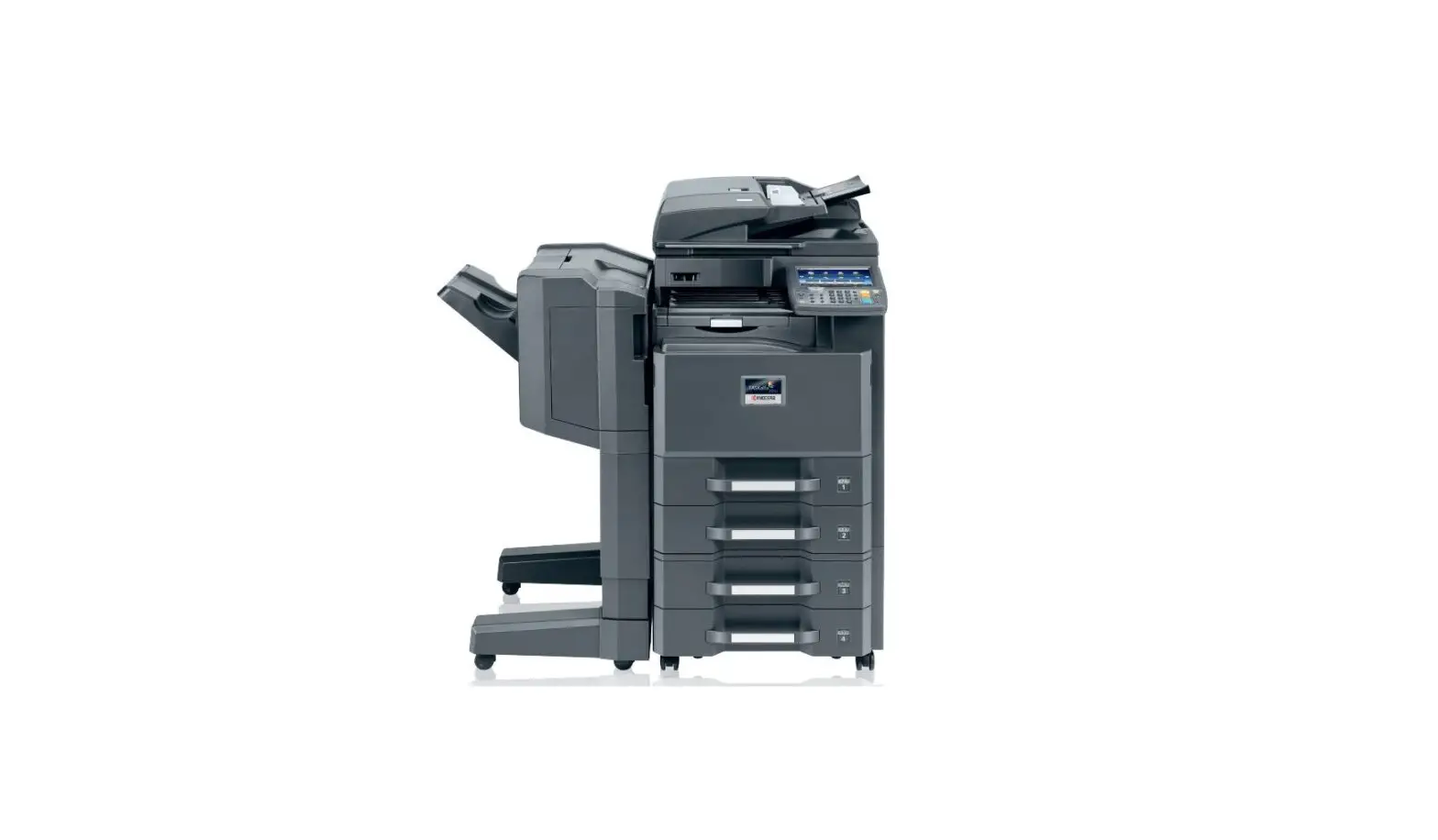
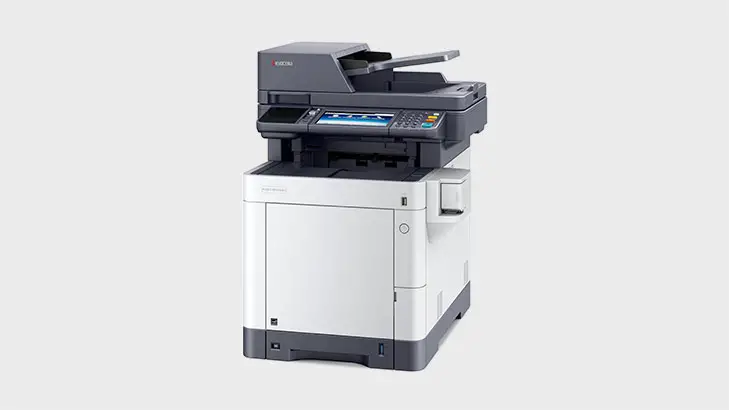
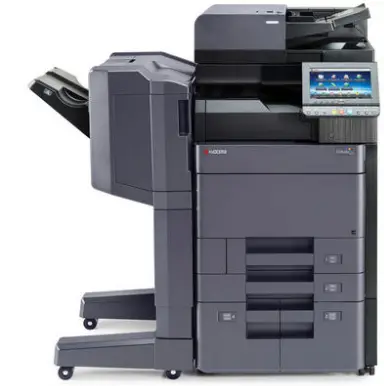
KYOCERa TASKalfa 5002i Printer Driver
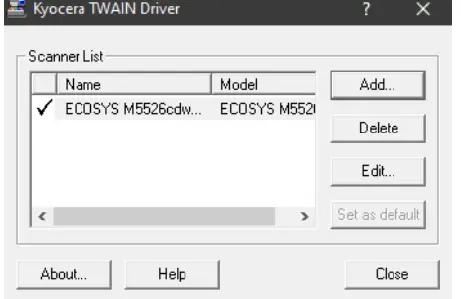
How to configure the TWAIN driver
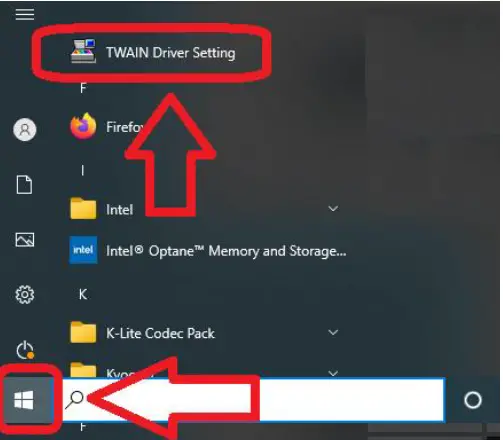
If using a USB connection
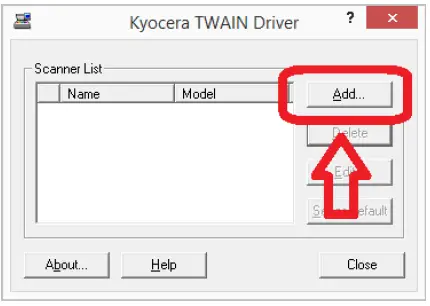
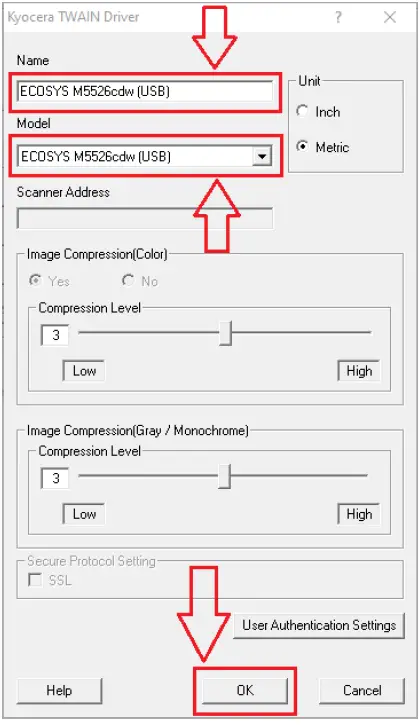
- Select the printer model (USB) from the Model list not) models
- Input a suitable value into the Name field
- Select OK

If using a NETWORK connection
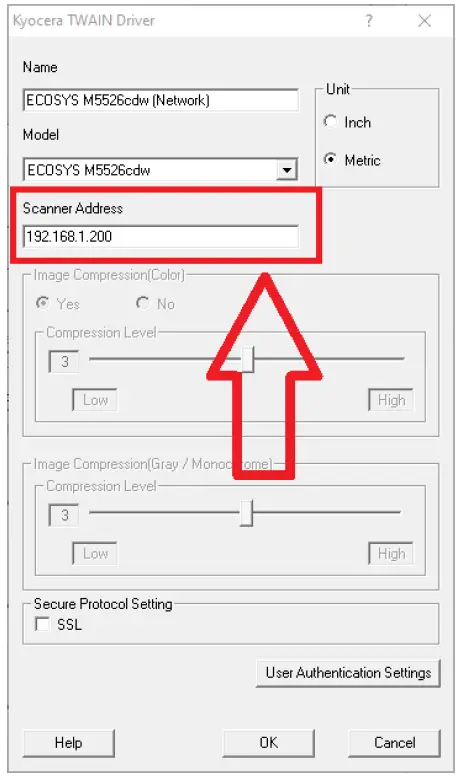



If using a USB connection
Download manual
Here you can download full pdf version of manual, it may contain additional safety instructions, warranty information, FCC rules, etc.