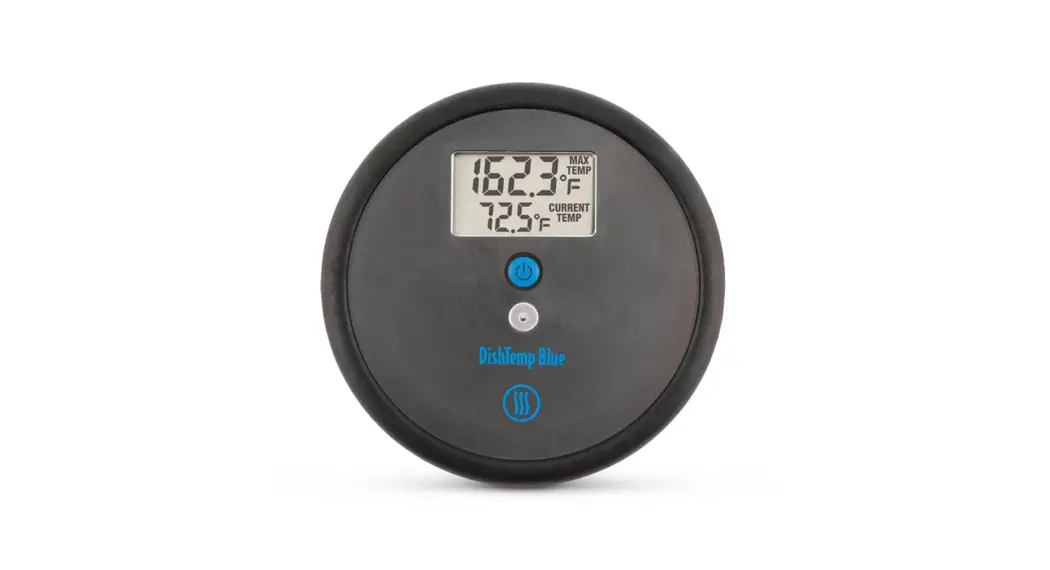
 DishTemp® Blue
Operating Instructions
DishTemp Blue Plate Simulating Dishwasher Thermometer
- Single press
 to turn on, hold for 3 seconds to turn off.
 - Power unit off to reset MAX TEMP reading before each use.
- Position DishTemp with other dishware at start of cycle.
- Make note of MAX TEMP reading at the end of cycle before powering off.
- Press and hold for 5 seconds with the unit turned off to switch from °F to °C.
Cautions/Tips:
Do not expose DishTemp to temperatures above 200°F (93°C).
Replace battery with CR2032 coin cell when low battery  indicator illuminates.
Carefully reposition battery gasket when replacing battery.
Turn off when not in use to conserve battery power.
thermoworks.com | 801-756-7705 | [email protected]
 Professional Thermometers from the Temperature Experts | ThermoWorks