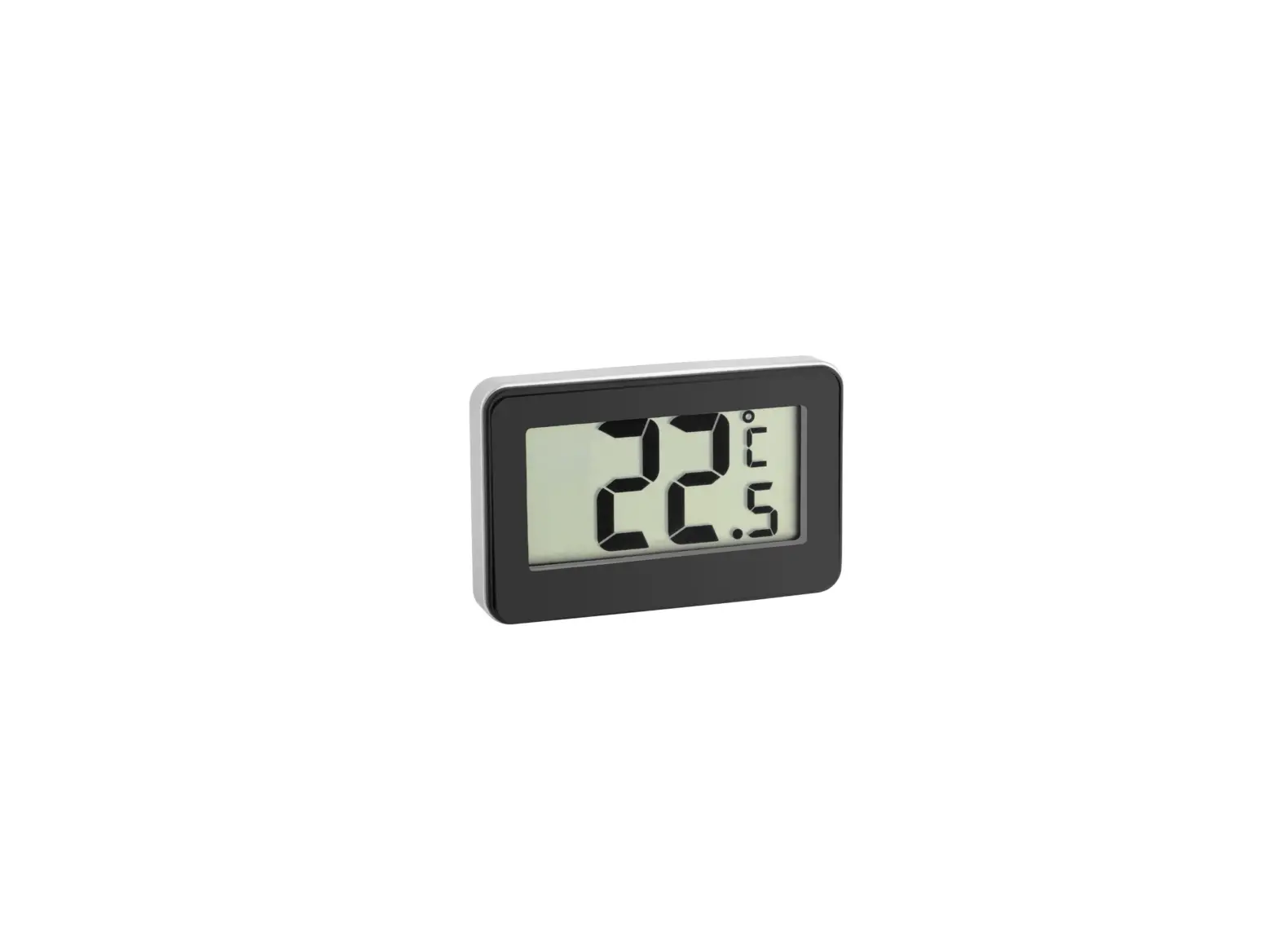
TCK512BTFP Thermocouple Thermometer
TCK512BTFP Thermocouple Thermometer
Congratulations on your purchase of the TCK512BTFP Thermocouple
Thermometer. This thermometer is powered by replaceable AAA 1.5V
batteries and is a handy temperature measurement device for a
variety of applications. It includes an LCD display, thermocouple
probe, battery cover, slide switch, trimmer resistor, battery cover
pad, and BLE key.
Operation
All necessary information is displayed on the LCD screen. The
individual symbols have the following meanings:
- Display for current measured values
- Minus (negative measured values)
- Battery status indicator
- Temperature unit
- BLE sign
The thermocouple probe swings back to switch off the
thermometer. You can fine-tune accuracy through the trimmer
resistor.
Caution
The thermometer should be protected from electrostatic discharge
and thermal shock caused by large or abrupt ambient temperature
changes. Allow 30 minutes for the unit to stabilize before use when
exposed to thermal shock. Do not leave the unit on or near objects
of high temperature. Keep out of reach of all children.
The thermometer incorporates visual diagnostic messages for
error messages. Error 5-9 require a reset of the thermometer. To
reset it, turn the instrument off, remove the battery and wait for
a minimum of one minute, reinsert the battery, and turn on. If the
error message remains, please contact the service department for
further assistance. Hi’ or `Lo’ is displayed when the temperature
being measured is outside of the measurement range.
Batteries
The thermometer incorporates visual low battery indication as
follows:
- Battery OK: measurements are possible
- Battery Low: battery needs to be replaced; measurements are
still possible - Battery Exhausted: measurements are not possible
When the `Low Battery’ icon indicates the battery is low, the
battery should be replaced immediately with AAA, 1.5V batteries.
You must turn the instrument off (swing back the temperature
thermocouple probe) before replacing the batteries. Place the
battery cover before power on (swing out the foldable thermocouple)
to prevent the unstable power supply of loose batteries.
The thermometer can be used continuously for 48 hours.
Bluetooth App Operating Instructions
To use the Bluetooth app, turn on the thermometer and press the
BLE Key (7) to start the Bluetooth broadcast. In broadcast mode,
the BLE key will flash blue light first, and the light will change
to blue-green during connecting. After the app is successfully
connected with the device, the light will change from blue-green to
green for 8 seconds.
Each broadcast time of the FI512FBTP thermocouple thermometer is
30 seconds. During the broadcast, if pairing failed, the Bluetooth
of thermometer will be in sleep mode until the broadcast time is
over. When pairing successful, the Bluetooth of thermometer will be
in sleep mode until the thermometer is turned off. Once
disconnecting, the thermometer will reactivate the broadcast for 30
seconds.
TCK512BTFP Thermocouple Thermometer Operating Instructions
Congratulations on the purchase of the product. We hope that you can make use of this product for a long time and it helps you with your work. Information that is useful and important for understanding the function is highlighted in the instructions text. Powered by a replaceable AAA 1.5V batteries, the thermometer is a handy temperature measurement device for a whole range of measurement and control applications.
LCD Thermocouple Probe Battery Cover Slide Switch Trimmer Resistor Battery Cover Pad BLE Key
OPERATION
1. Power on Swing out the foldable thermocouple probe () greater than an angle of 20° for use.
2. Display LCD All necessary information is displayed on the LCD. The individual symbols have the following meanings: 2.1 Display for current measured values 2.2 minus (negative measured values) 2.3 Battery status indicator 2.4 Temperature unit 2.5 BLE sign
3. °C/°F Please open the battery cover. Insert a pointed object to press left the slide switch (), you can change the LCD display from °C to °F. Oppositely, press right the slide switch to change the LCD display from °F to °C.
4. Power off The thermocouple probe () swings back to switch off.
TRIMMER RESISTOR Fine tune accuracy through the trimmer resistor ().
HACCP CHECK The “HACCP CHECK” feature is incorporated in our thermometer temperature to indicate critical temperature zone. The LED backlight indicates a food product stays in a safe or unsafe HACCP “Danger Zone” temperature. The green and red LED backlight will always be lit before power off. A green LED backlight indicates a safe cool or frozen condition below 4°C (40°F) or indicates a safe holding temperature above 60°C (140°F). When temperature is between 4°C and 60°C, the red LED backlight indicates that the temperature is fallen within the HACCP “Danger Zone” from 4°C to 60°C (40~140°F).
CAUTION The thermometer should be protected from the following:
1. Electro Static Discharge 2. “Thermal shock” caused by large or abrupt ambient temperature changes.
– Allow 30 minutes for unit to stabilize before use when exposed to “thermal shock”. 3. Do not leave the unit on or near objects of high temperature. 4. Keep out of reach of all children.
STORAGE & CLEANING Clean the device with a damp cloth. Do not use any solvents such as Acetone as they corrode the plastic. Isopropyl alcohol may be used to disinfect. Do not submerge any part of the thermometer. The thermometer should be stored at room temperature between -20°C to +65°F (-4°C to +149°F).
LCD ERROR MESSAGES The thermometer incorporates visual diagnostic messages as follows:
`Er2′ is displayed when the thermometer is exposed to rapid changes in the ambient temperature. `Er3′ is displayed when the ambient temperature exceeds the range of 0°C~50°C. The thermometer should be allowed plenty of time (minimum 30 minutes) to stabilize to the working/room temperature.
Error 5~9, for all other error messages it is necessary to reset the thermometer. To reset it, turn the instrument off, remove the battery and wait for a minimum of one minute, reinsert the battery and turn on. If the error message remains please contact the Service department for further assistance.
`Hi’ or `Lo’ is displayed when the temperature being measured is outside of the measurement range.
BATTERIES The thermometer incorporates visual low battery indication as follows:
`Battery OK’: measurements are possible
`Battery Low’: battery needs to be replaced; measurements are still possible
`Battery Exhausted’: measurements are not possible
BATTERY REPLACEMENT When the `Low Battery’ icon indicates the battery is low, the battery should be replaced immediately with AAA, 1.5V batteries.
Note: You must turn the instrument off (swing back the temperature thermocouple probe ) before replacing the batteries. Place the battery cover before power on (swing out the foldable thermocouple ) to prevent the instable power supply of loose batteries.
1. Pull out the Battery Cover Pad () 2. Loosen the screw and pull out the Battery Cover () 3. Replace and reinstall with new batteries 4. Place the Battery Cover () back and fasten the screw 5. Plug the Battery Cover Pad () to avoid failure of waterproof If the device is not to be used for a long time, turn the power off, remove and store the batteries in a cool, dry place. Dispose of used batteries properly and keep away from children. Disposal of batteries into fire or hot oven, or mechanically crushing or cutting of batteries, that can result in an explosion. Leaving batteries in an extremely high temperature surrounding environment that can result in an explosion or the leakage of flammable liquid or gas. Risk of explosion if battery is replaced by an incorrect Type.
SPECIFICATION Measurement Range Operating Range Accuracy (Tamb=25°C) Resolution Response Time (90%) Battery Life Dimensions Weight
-50~300°C (-58~+572°F) 0~50°C (32~+122°F) -30~150°C: +0.5°C/0.9°F, otherwise +1°C/1.8°F or 1% of reading, whichever is greater 0.1°C/0.1°F 3 sec.
TCP: 48 hours continuous use
161.05 x 40.20 x 29.32 mm (6.34 x 1.58 x 1.15 inch)
117.9 grams (4.16 oz) including batteries (AAA*2 pcs)
BLUETOOTH APP OPERATING INSTRUCTIONS Turn on the thermometer, press the BLE Key (7 ) to start the Bluetooth broadcast. In broadcast mode, “BLE key” will flash blue light first, the light will be changed to blue-green during connecting. After the APP is successfully connected with the device, the light will change” from blue-green to green” for 8 seconds.
** Each broadcast time of the FI512FBTP thermocouple thermometer is 30 seconds. During the broadcast, if “pairing failed”, the Bluetooth of thermometer will be in “sleep mode” until the broadcast time is over. When “pairing successful”, the Bluetooth of thermometer will be in sleep mode until the thermometer is turned off. Once disconnecting, the thermometer will reactivate the broadcast for 30 seconds.
< For Android >
1. Download “LightBlue” APP from the Google Play. (Figure 1)
2. Turn on “Bluetooth” of the android device and the thermometer.
3. Launch the ” LightBlue ” APP on the android device.
4. Choose “Scigiene” device. (Figure 2) 5. Pair the thermometer with the android device & click “Notify”. (Figure 3)
(Figure 1)
6. Click “Hex” conversion of units. (Figure 4)
7. Click “UNSUBSCRIBE”. Simply aim the thermometer at the target, press Meas. key to display the surface temperature. Start to sync the
temperature data to the android device via Bluetooth at the same time. (Figure 5)
EX.: Convert Hex to UFT-8 String
(Figure 2)
(Figure 3)
(Figure 4)
(Figure 5)
< For iOS >
1. Download “LightBlue” APP from the App Store. (Figure 6)
2. Turn on “Bluetooth” of the iOS device and the thermometer.
3. Launch the “LightBlue” APP on the iOS device.
4. Choose “Scigiene” device. (Figure 7)
(Figure 6)
5. Pair the thermometer with the iOS device & click “Notify”. (Figure 8)
6. Click “hex” conversion units (Figure 9 & 10)
7. Click “Listen for notifications”. Simply aim the thermometer at the measure target with Lens and press Meas. key to display the surface
temperature. Start to sync the temperature data to the IOS device via Bluetooth at the same time. (Figure 11& 12)
EX.: Convert Hex to UFT-8 String
(Figure 7)
(Figure 8)
(Figure 9)
(Figure 10)
DATA FORMAT
1. Nordic BLE Module UUID:
6e400001: -b5a3-f393-e0a9-e50e24dcca9e:
UART Service 6e400002: -b5a3-f393-e0a9-e50e24dcca9e: RX
6e400003: -b5a3-f393-e0a9-e50e24dcca9e: TX Characteristic BLE Module APP
2. Ambient Temperature:
Ex: AMB=25.9°C
Byte No 1
2
3
4
5
6
7
8
9
10 11
ASCII A M B ,
2
5
.
9
,
C CR
HEX 0x41 0x4D 0x42 0x2C 0x32 0x35 0x2E 0x39 0x2C 0x43 0x0D
Ex: AMB=78.6°F
Byte No 1
2
3
4
5
6
7
8
9
10 11
ASCII A M B ,
7
8
.
6
,
F
CR
HEX 0x41 0x4D 0x42 0x2C 0x37 0x38 0x2E 0x36 0x2C 0x46 0x0D
3. Probe Measurement Temperature:
Ex: COT=25.0°C
Byte No 1
2
3
4
5
6
7
8
9
10 11
ASCII C
O
T
,
2
5
.
0
,
C CR
HEX 0x43 0x4F 0x54 0x2C 0x32 0x35 0x2E 0x30 0x2C 0x43 0x0D
12 LF 0x0A
12 LF 0x0A
12 LF 0x0A
Ex: COT=77.0°F
Byte No 1
2
ASCII C O
HEX 0x43 0x4F
3 T 0x54
4 , 0x2C
5 7 0x37
6 7 0x37
7 . 0x2E
8 0 0x30
9 , 0x2C
10 F 0x46
11 CR 0x0D
12 LF 0x0A
4. Battery Level:
Ex: BAT=25%
Byte No 1
2
3
4
5
6
7
8
9
ASCII B
A
T
,
2
5
% CR LF
HEX 0x42 0x41 0x54 0x2C 0x32 0x35 0x25 0x0D 0x0A
5. going OFF: Display “going OFF” before the thermometer power off.
Byte No 1
2
3
4
5
6
7
8
9
10 11
ASCII g
o
i
n
g
O F
F
CR LF
HEX 0x67 0x6F 0x69 0x6E 0x67 0x20 0x4F 0x46 0x46 0x0D 0x0A
(Figure 11)
(Figure 12)
BLUETOOTH GENERAL SPECIFICATION
Item
Specification
Chipset
Nordic nRF51822
Power Rating
DC 1.8V to 3.6V
Operation Temp.
-30 ~ 85°C
Storage Temp.
-40 ~ 85°C
Humidity non-operating 95 % Maximum
Frequency and Power 2402-2480 MHz; 40 ch; 3.0mW
Certification
CE-RED Contain FCC ID: SH6MDBT40 Contain IC ID: 8017A-MDBT40 CMIIT ID: 2015DJ2435 TELEC(MIC): 204-420020 NCC: CCAM15LP0230T1