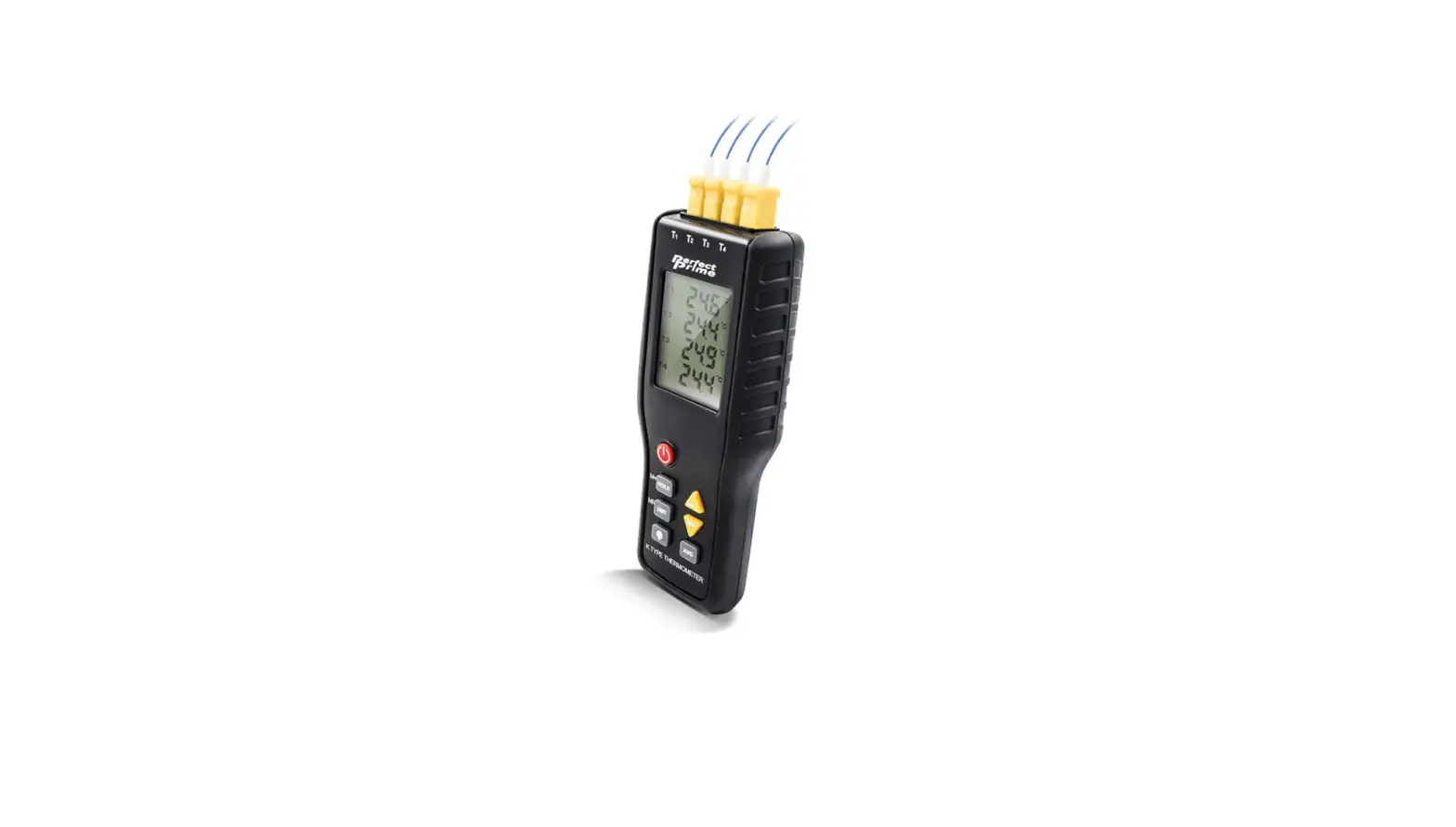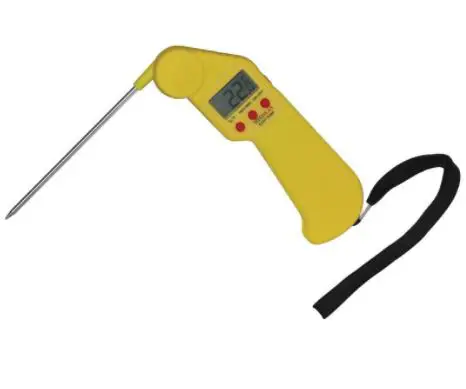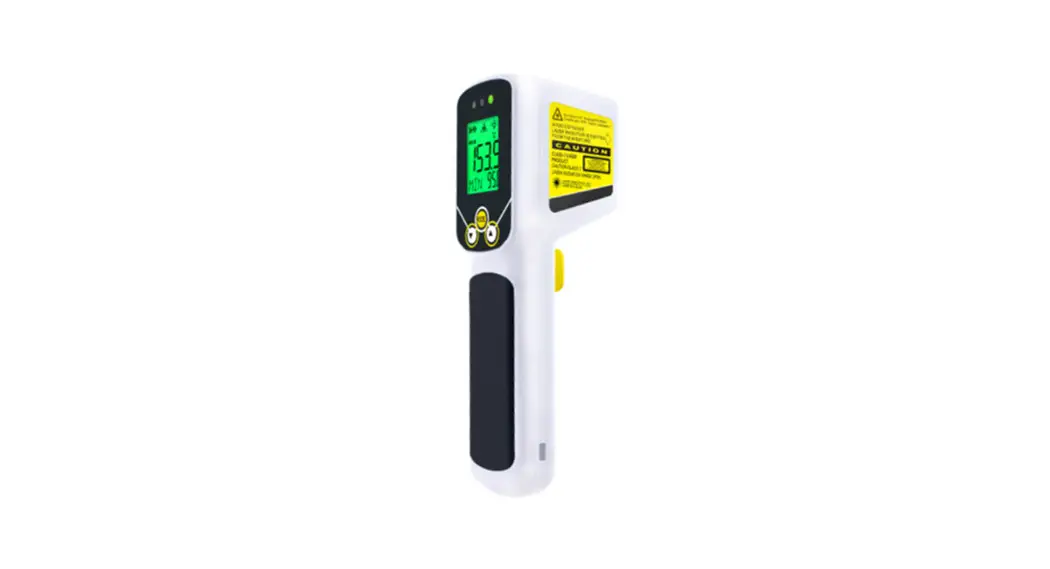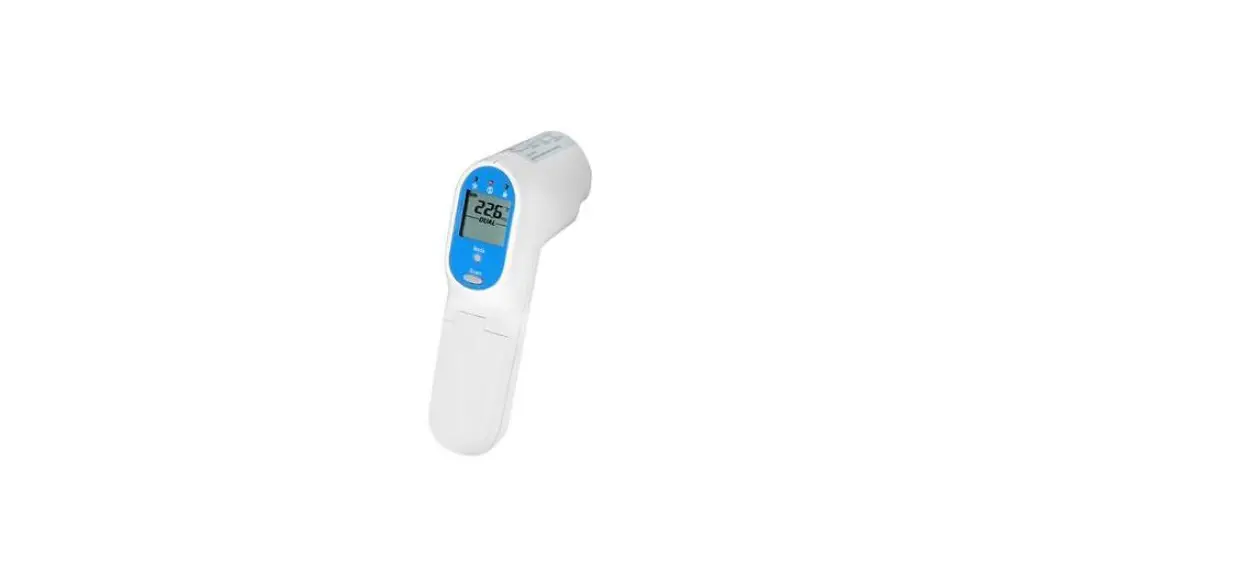

Scigiene FI512FBTP Thermocouple Thermometer
Product Information
The Bluetooth Thermocouple Thermometer is a wireless thermometer that allows you to easily measure temperatures using your smartphone or tablet. It comes with a BLE key that enables Bluetooth broadcasting, allows the thermometer to connect to your device in just a few simple steps. The thermometer is compatible with both iOS and Android devices and comes with an app that can be downloaded from the App Store or Google Play.
Specifications
| Item | Specification |
|---|---|
| Chipset | Nordic BLE Module |
| Power Rating | 3V DC CR2032 Battery |
| Operation Temperature | -20°C to 60°C (-4°F to 140°F) |
| Storage Temperature | -30°C to 70°C (-22°F to 158°F) |
| Humidity (non-operating) | 0% to 95% |
| Frequency and Power | 2.4GHz, ≤4dBm |
Data Format
The thermometer uses a Nordic BLE Module UUID with UART service and RX/TX characteristics. The data format includes probe measurement temperature, battery level, and display going OFF before the thermometer powers off.
Product Usage Instructions
For Android Devices
- Download the LightBlue app from Google Play.
- Turn on Bluetooth on both the thermometer and your Android device.
- Launch the LightBlue app on your Android device.
- Choose a Scigiene device.
- Pair the thermometer with your Android device and click Notify.
- Click hex conversion of units.
- Click UNSUBSCRIBE to start syncing the temperature data to your Android device via Bluetooth.
- Aim the thermometer at the target and press the Meas. key to display the surface temperature.
For iOS Devices
- Download the LightBlue app from the App Store.
- Turn on Bluetooth on both the thermometer and your iOS device.
- Launch the LightBlue app on your iOS device.
- Choose a Scigiene device.
- Pair the thermometer with your iOS device and click Notify.
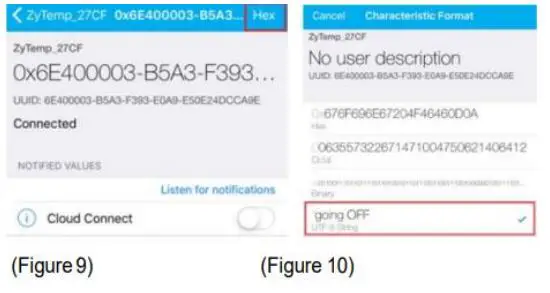
- Click hex conversion of units.
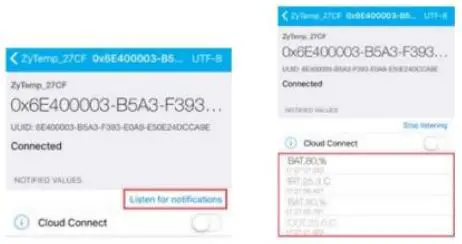
- Click Listen for notifications to start syncing the temperature data to your iOS device via Bluetooth.
- Aim the thermometer at the target with Lens and press the Meas. key to display the surface temperature.
BLUETOOTH APP OPERATING INSTRUCTIONS
Turn on the thermometer, and press the BLE Key (7○ ) to start the Bluetooth broadcast. In broadcast mode, the “BLE key” will flash blue light first, and the light will be changed to blue-green during connecting. After the APP is successfully connected to the device, the light will change” from blue-green to green” for 8 seconds. Each broadcast time of the FI512FBTP thermocouple thermometer is 30 seconds. During the broadcast, if “pairing failed”, the Bluetooth of the thermometer will be in “sleep mode” until the broadcast time is over. When “pairing is successful”, the Bluetooth of the thermometer will be in sleep mode until the thermometer is turned off. Once disconnecting, the thermometer will reactivate the broadcast for 30 seconds.
For Android
- Download the “LightBlue” APP from Google Play. (Figure 1)
- Turn on the “Bluetooth” of the Android device and the thermometer.
- Launch the “LightBlue” APP on the Android device.
- Choose the “Scigiene” device. (Figure 2)
- Pair the thermometer with the Android device & click “Notify.” (Figure 3)
- Click “Hex” conversion of units. (Figure 4)
- Click “UNSUBSCRIBE.” Simply aim the thermometer at the target, and press Meas. key to display the surface temperature. Start to sync the temperature data to the Android device via Bluetooth at the same time. (Figure 5)


EX: Convert Hex to UFT-8 String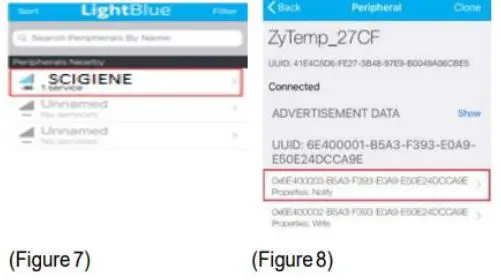
DATA FORMAT
Nordic BLE Module UUID:
- 6e400001: -b5a3-f393-e0a9-e50e24dcca9e: UART Service
- 6e400002: -b5a3-f393-e0a9-e50e24dcca9e: RX
- 6e400003: -b5a3-f393-e0a9-e50e24dcca9e: TX Characteristic BLE Module → APP
Ambient Temperature:
Ex: AMB=25.9°C
| Byte No | 1 | 2 | 3 | 4 | 5 | 6 | 7 | 8 | 9 | 10 | 11 | 12 |
| ASCII | A | M | B | , | 2 | 5 | . | 9 | , | C | CR | LF |
| HEX | 0x41 | 0x4D | 0x42 | 0x2C | 0x32 | 0x35 | 0x2E | 0x39 | 0x2C | 0x43 | 0x0D | 0x0A |
Ex: AMB=78.6°F
| Byte No | 1 | 2 | 3 | 4 | 5 | 6 | 7 | 8 | 9 | 10 | 11 | 12 |
| ASCII | A | M | B | , | 7 | 8 | . | 6 | , | F | CR | LF |
| HEX | 0x41 | 0x4D | 0x42 | 0x2C | 0x37 | 0x38 | 0x2E | 0x36 | 0x2C | 0x46 | 0x0D | 0x0A |
Probe Measurement Temperature:
Ex: COT=25.0°C Byte No
| Byte No | 1 | 2 | 3 | 4 | 5 | 6 | 7 | 8 | 9 | 10 | 11 | 12 |
| ASCII | C | O | T | , | 2 | 5 | . | 0 | , | C | CR | LF |
| HEX | 0x43 | 0x4F | 0x54 | 0x2C | 0x32 | 0x35 | 0x2E | 0x30 | 0x2C | 0x43 | 0x0D | 0x0A |
Ex: COT=77.0°F
| Byte No | 1 | 2 | 3 | 4 | 5 | 6 | 7 | 8 | 9 | 10 | 11 | 12 |
| ASCII | C | O | T | , | 7 | 7 | . | 0 | , | F | CR | LF |
| HEX | 0x43 | 0x4F | 0x54 | 0x2C | 0x37 | 0x37 | 0x2E | 0x30 | 0x2C | 0x46 | 0x0D | 0x0A |
Battery Level:
Ex: BAT=25%
| Byte No | 1 | 2 | 3 | 4 | 5 | 6 | 7 | 8 | 9 |
| ASCII | B | A | T | , | 2 | 5 | % | CR | LF |
| HEX | 0x42 | 0x41 | 0x54 | 0x2C | 0x32 | 0x35 | 0x25 | 0x0D | 0x0A |
going OFF: Display “going OFF” before the thermometer power off.
| Byte No | 1 | 2 | 3 | 4 | 5 | 6 | 7 | 8 | 9 | 10 | 11 |
| ASCII | g | o | i | n | g | O | F | F | CR | LF | |
| HEX | 0x67 | 0x6F | 0x69 | 0x6E | 0x67 | 0x20 | 0x4F | 0x46 | 0x46 | 0x0D | 0x0A |
BLUETOOTH GENERAL SPECIFICATION
| Item | Specification |
| Chipset | Nordic nRF51822 |
| Power Rating | DC 1.8V to 3.6V |
| Operation Temp. | -30 ~ 85°C |
| Storage Temp. | -40 ~ 85°C |
| Humidity non-operating | 95 % Maximum |
| Frequency and Power | 2402-2480 MHz; 40 ch; 3.0mW |
|
Certification | CE-RED Contain FCC ID: SH6MDBT40 Contain IC ID: 8017A-MDBT40 CMIIT ID: 2015DJ2435 TELEC(MIC): 204-420020 NCC: CCAM15LP0230T1 |
- 1295 Morningside Avenue, Unit 16-18
- Scarborough, ON M1B 4Z4 Canada
- Phone: 416-261-4865 Fax: 416-261-7879
- www.scigiene.com.