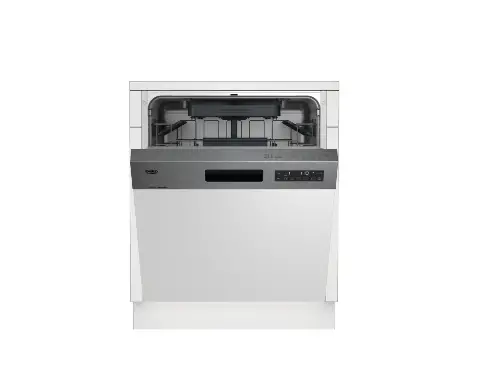
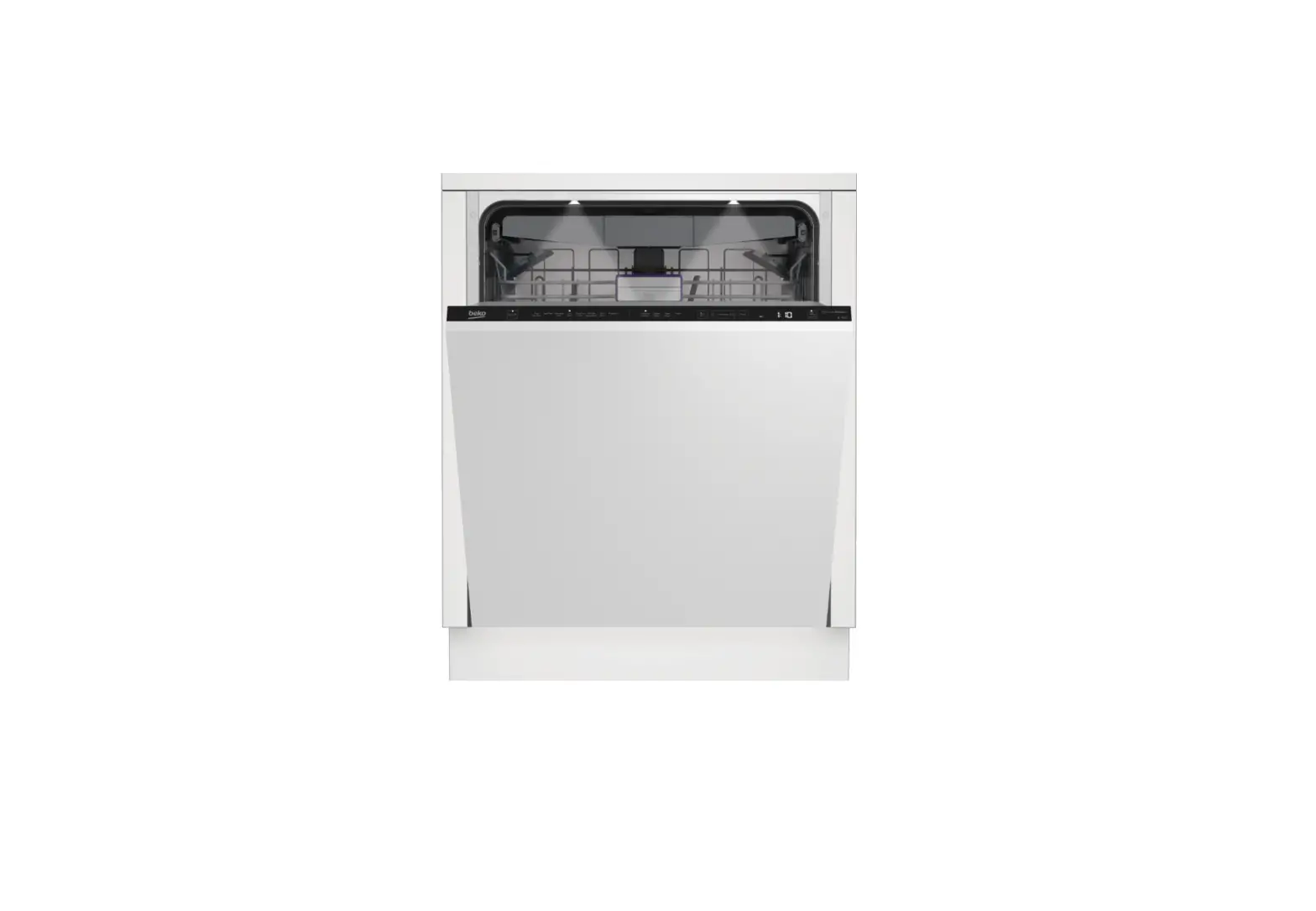
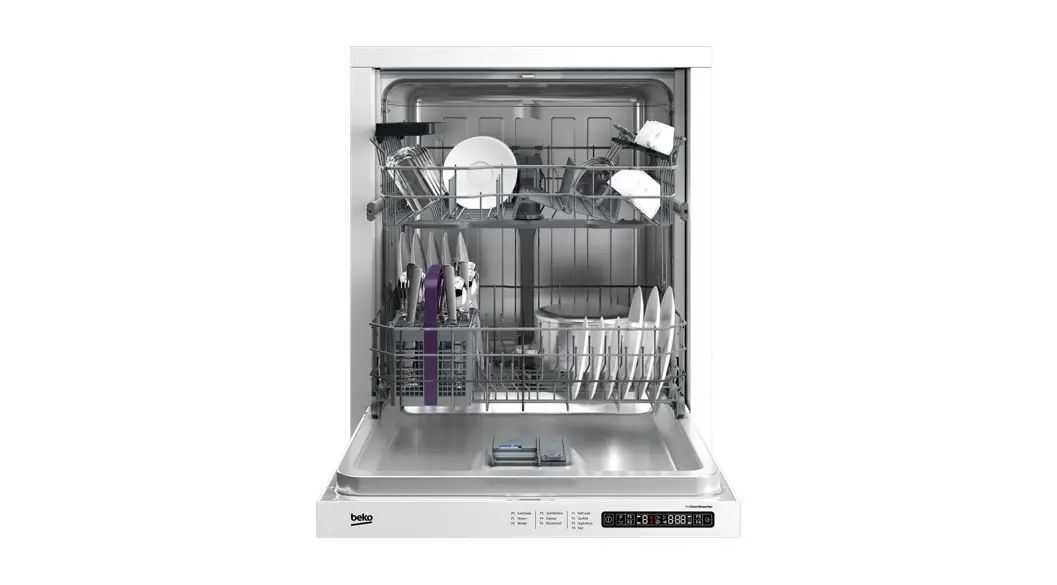
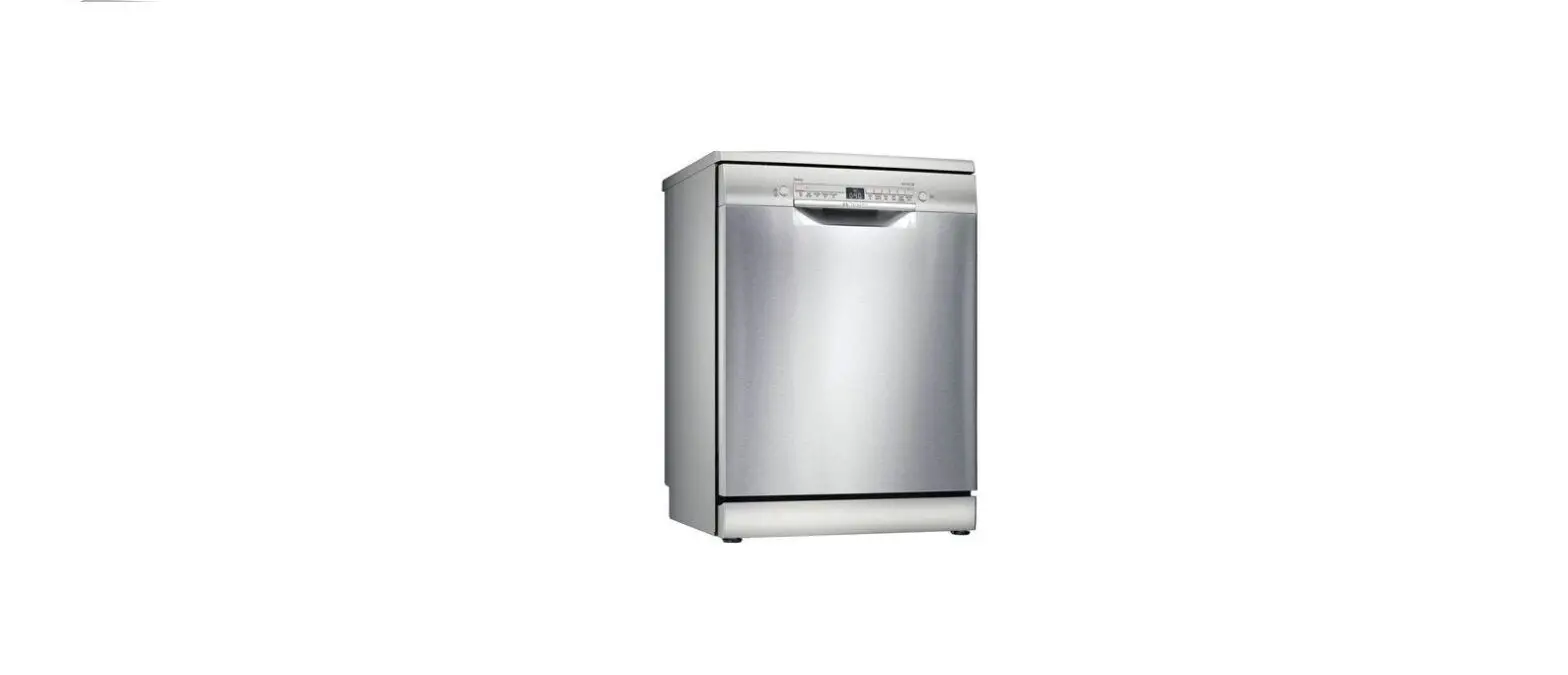
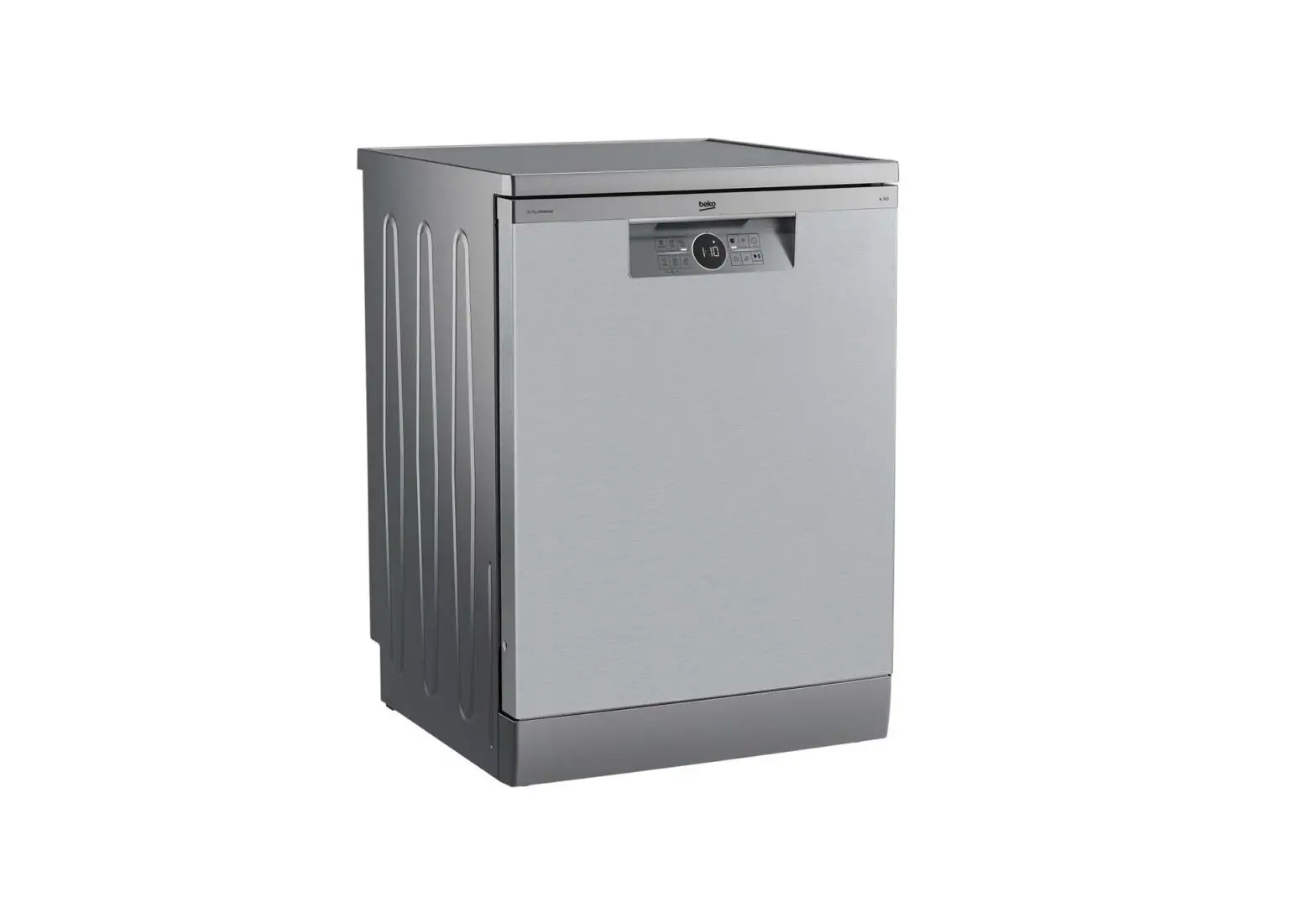
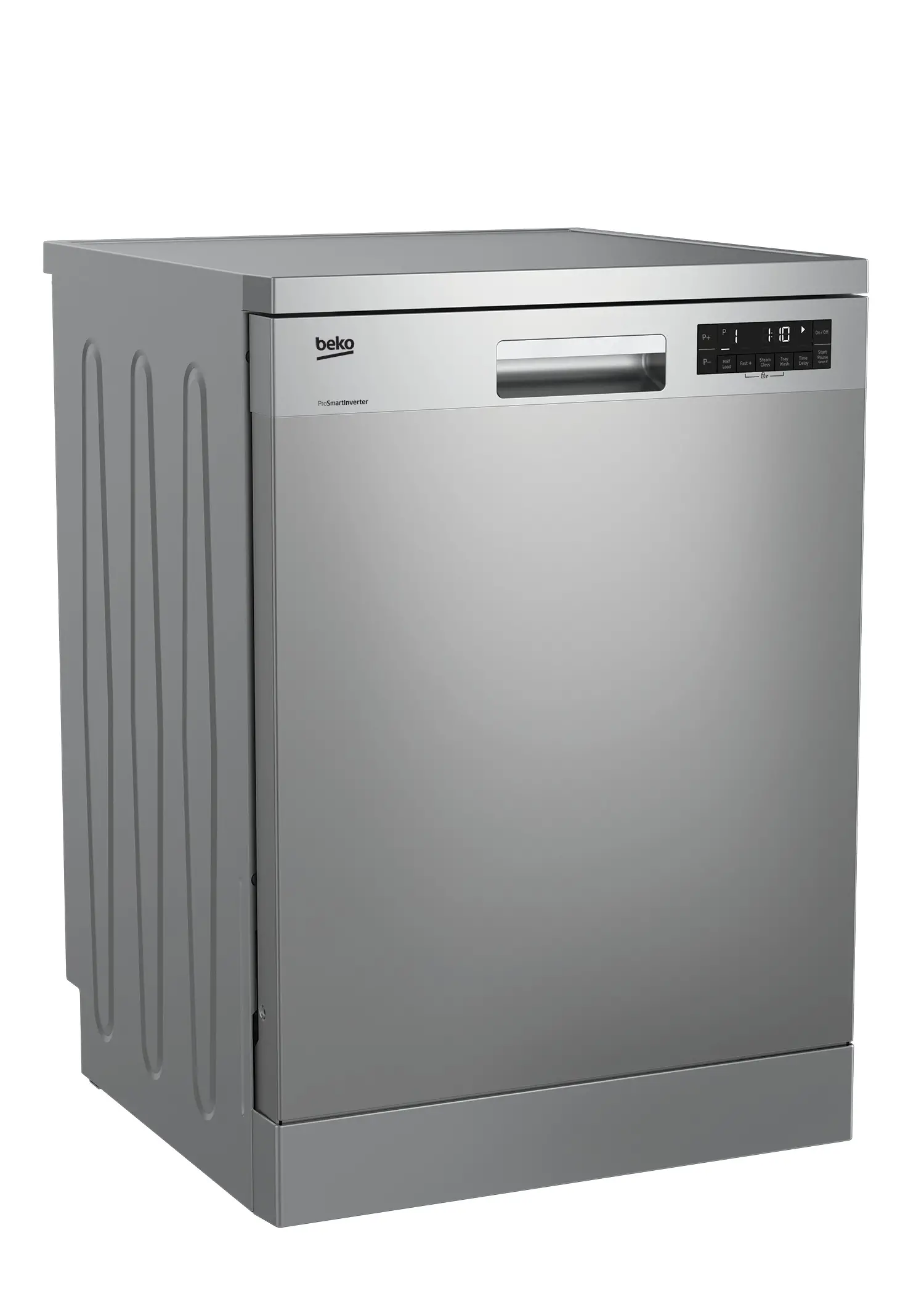
BDFS26046XQ Dishwasher
Product Information
The product is a dishwasher with various features and functions
to provide efficient cleaning of dishes. It has an On/Off button,
Start/Hold/Cancel key, Function Selection Buttons (F1 Hygiene
Intense function, F2 AquaIntense Function, F3 Delay function, F4
Fast+ Function), SelfDry Function, Screen, Program Working
Indicator, Low Rinse Aid Warning Indicator, Low Salt Warning
Indicator, Settings Selection Key/Program Key, Program Selection
Keys, Child (Key) Lock Function, Child (Key) Lock Indicator,
SelfDry Indicator. It also has six program options with different
cleaning temperatures, durations, and average consumption values.
The product also has a water softening system that can be adjusted
according to the water hardness level in the region.
Product Usage Instructions
Before using the product, read the Safety Instructions section
in the user manual. Do not touch the machine screen with wet
hands.
To use the product:
- Select the appropriate program from the Program Selection Keys
based on the degree of soiling of the dishes. - Press the Start/Hold/Cancel key to start the program.
- If needed, select one of the Function Selection Buttons (F1
Hygiene Intense function, F2 AquaIntense Function, F3 Delay
function, F4 Fast+ Function) to enhance the cleaning process. - Monitor the progress of the program through the Program Working
Indicator. - If the Low Rinse Aid Warning Indicator or Low Salt Warning
Indicator lights up, refill the corresponding container. - If needed, use the Settings Selection Key/Program Key to adjust
the settings of the product. - If needed, use the Child (Key) Lock Function to prevent
accidental changes to the program. - After the program is complete, open the dishwasher and remove
the cleaned dishes.
To adjust the water softening system:
- Determine the water hardness level in the region using the
Water Hardness Level Indicator table. - Press the Selection key to switch the water hardness level to
the desired position (r1 to r5). - Perform the same hardness level adjustment with the
Regeneration Adjustment Switch. - If moving to a new location, adjust the water hardness level of
the dishwasher according to the information above.
Quick Guide Operation of the product
Read “Safety Instructions” section first!
10 9
8 7 65
3
1
P1 P2 P3 P4 P5 P6
F1 F2 F3 F4
11
12 13 14
1. On / Off Button 2. Start / Hold / Cancel Key 3. Function Selection Buttons
F1 Hygiene Intense function F2 AquaIntense Function F3 Delay function F4 Fast+ Function 4. SelfDry Function 5. Screen 6. Program Working Indicator 7. Low Rinse Aid Warning Indicator 8. Low Salt Warning Indicator 9. Settings Selection Key/Program Key (When it is used for Settings, the key led is disabled.) 10. Program Selection Keys 11. Child (Key) Lock Function 12. Child (Key) Lock Indicator 13. Not in use 14. SelfDry Indicator
Do not touch machine screen with wet hands.
4
2
Programme number Programme name Cleaning temperature
Degree of Soiling
Programme Data and Average Consumption Values Table
1
2
3
4
5
6
Auto
Intensive
Eco *
Delicate
Quick&Shine (#)
Mini (#)
45-65 ºC
Determines the soiling degree of the dishes and sets the temperature and amount of the washing
water as well as the washing time
automatically. Suitable for all types of dishes.
70 ºC
Suitable for heavily soiled dishes, pots and pans.
50 ºC
Suitable for washing dishes with normal amount of soil. It is the most efficient program in terms of combined power and water consumption. This is used for assessing the compliance with EU’s eco-design directive.
40 ºC
Special programme for gentle cleaning of delicate
glassware.
60 ºC
Daily washing programme for normally soiled dishes
in the fastest way.
35 ºC
Suitable for lightly soiled daily dishes that are
scraped or pre-cleaned.
Prewash Wash Dry
Duration (min)
Medium to high
High
Medium
Low
Medium
Low
+
+
+
+
–
–
+
+
+
+
+
+
+
+
+
+
+
–
130-195
191
220
125
58
30
Water (I)
9,8-13,2
15,2
8,9
13,8
10,6
10,0
Energy (kWh)
0,80-1,10
1,13
0,593
0,85
0,9
0,74
Loading Capacity: 10
The consumption values shown in the table were determined under standard conditions. Differences may therefore occur under practical conditions. * Reference programme for testing institutes. The tests in accordance with EN 50242/60436 must be carried out with a full water softener salt dispenser and a full rinse aid reservoir, and using the test programme. The values given for programmes other than Eco 50°C programme are indicative only. (#) Additional functions might cause changes in programme durations.
Quick Guide Adjusting the water softening system
Washing, rinsing and drying performance of your dishwasher will improve when the water softening system is adjusted correctly. To adjust the system, first learn the water hardness in your region and adjust as indicated below.
· Unpack the test strip.
· Open the tap and let the water flow for approx. 1 minute.
Level 0 Level 1
· Dip in the test strip into the water for 1 second.
Level 2
· Take out the strip from the water and shake it.
Level 3
· Wait for 1 minute.
Level 4
· Make the necessary adjustment according to the test Level 5
strip.
After the determination of the water hardness: 1. Press the On/Off key and P2 program key simultaneously for 3 seconds and enter the Settings menu after turning your machine on with On/Off key, depending on the model you may enter the Settings Menu by pressing the P3 key for 3 seconds. 2. Move to “r” position on the screen by pressing the P2 key. 3. Set to a proper level by selecting one of the “r:1″,”r:2″,”r:3″,”r:4” or “r:5” positions with the P3 program key. 4. To save, exit the settings menu by pressing on/off key of your machine for 3 seconds. Your settings shall be saved automatically.
Water hardness level adjustment table
Hardness Level Level 0 Level 1 Level 2 Level 3 Level 4
Level 5
English Water Hardness °dE
German Water Hardness °dH
French* Water Hardness °dF
Water Hardness Level Indicator
0-5 6-9 10-15 16-19 20-24 25-62
0-4 5-7 8-12 13-15 16-19 20-50
0-8 9-13 14-22 23-27 28-34 35-90
Press the Selection key to switch the water hardness level to position 1. (r1)
Press the Selection key to switch the water hardness level to position 2. (r2) Press the Selection key to switch the water hardness level to position 3. (r3) Press the Selection key to switch the water hardness level to position 4. (r4)
Press the Selection key to switch the water hardness level to position 5. (r5)
Perform the same hardness level adjustment that you have set on the control panel also with the regeneration adjustment switch. For example, if you have adjusted to “3” in the control panel, also set the regeneration adjustment switch to 3.
Regeneration Adjustment Switch
Level 0 Level 1 Level 2 Level 3 Level 4 Level 5
1
1
2
3
4
5
· If the hardness level of the water that you use is above 50°dH or if you are using well water, than it is recommended to use filter and water purification devices.
· If the hardness level of the water that you use is below 7°dH, there is no need to use salt in your dishwasher. In this case, the Salt Indicator light on the control panel of your dishwasher will light continuously.
· If the water hardness is set to level 1, the Salt Indicator will light continuously although it is not necessary to use salt. If you use salt under this condition, salt will not be consumed and the lamp will not illuminate.
When moving, you will need to set the water hardness level of your dishwasher again according to the information above, depending on the water hardness of the place you have moved to. If the water hardness level of your machine is adjusted previously, your machine will display the most recent hardness level adjustment.
15 8659 0100_AA_BEKO_45B7_EN/ 23-06-22.(14:36)
![Beko Dishwasher User Manual [dis16r10, Dis15020, Dis15q20]](https://static-data1.manualsee.com/1/img/186/63057/2021/02/Beko-Dishwasher-User-Manual-DIS16R10-DIS15020-DIS15Q20.jpg "Beko Dishwasher User Manual [dis16r10, Dis15020, Dis15q20]")