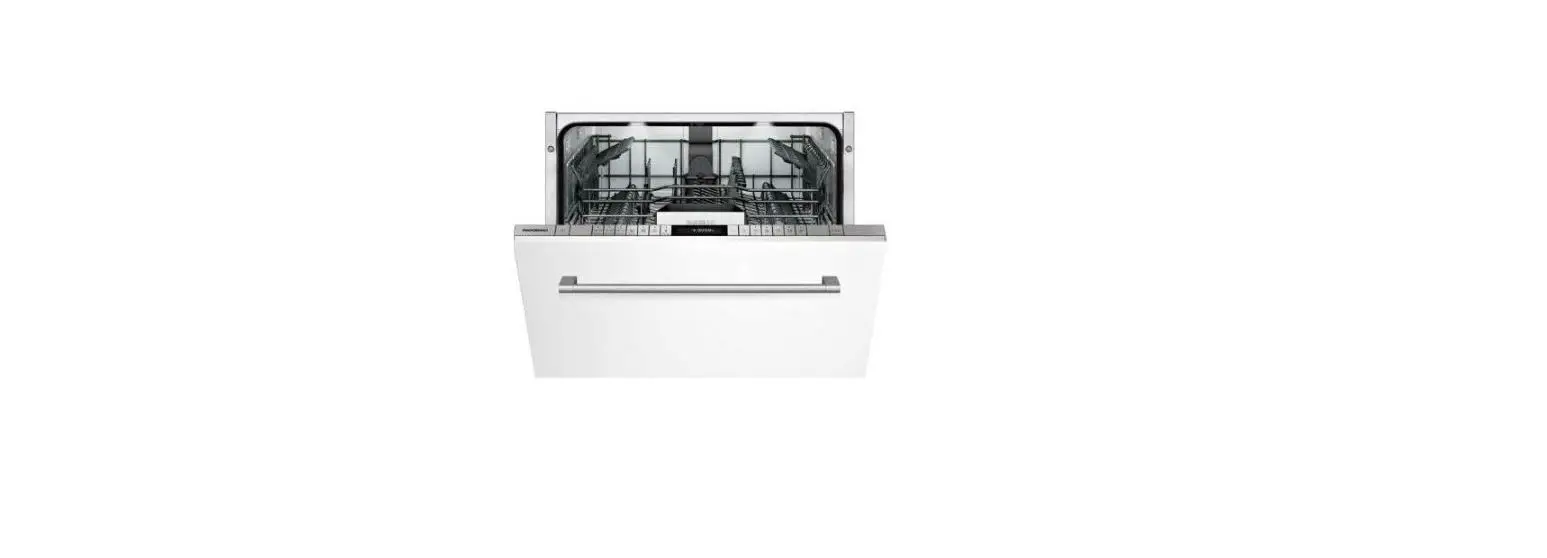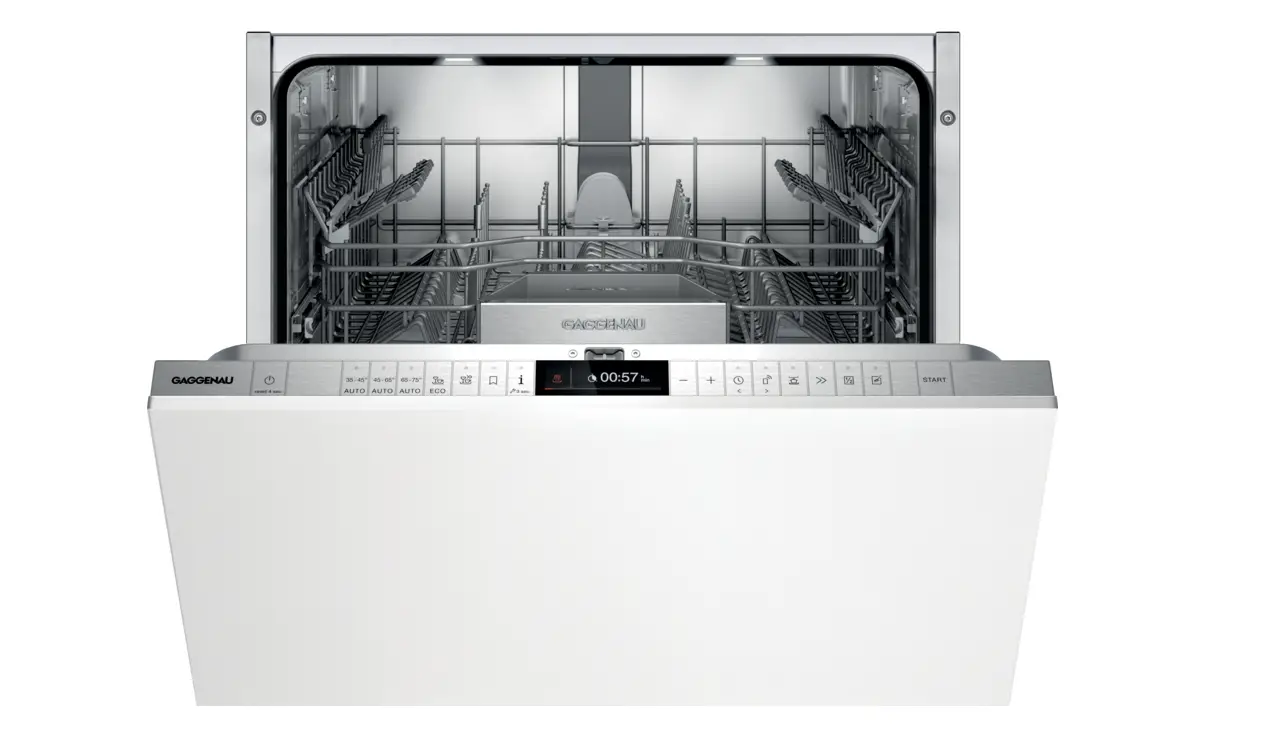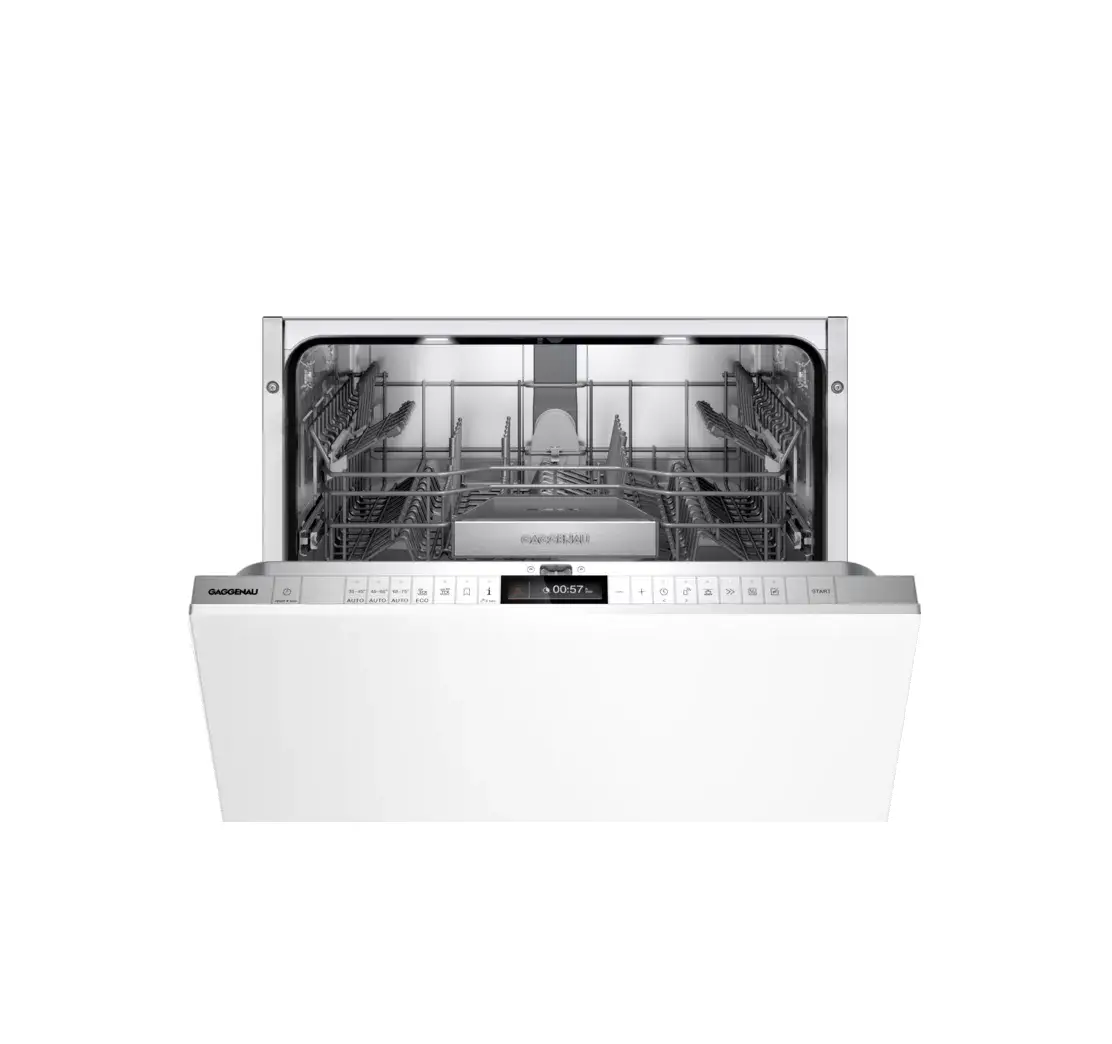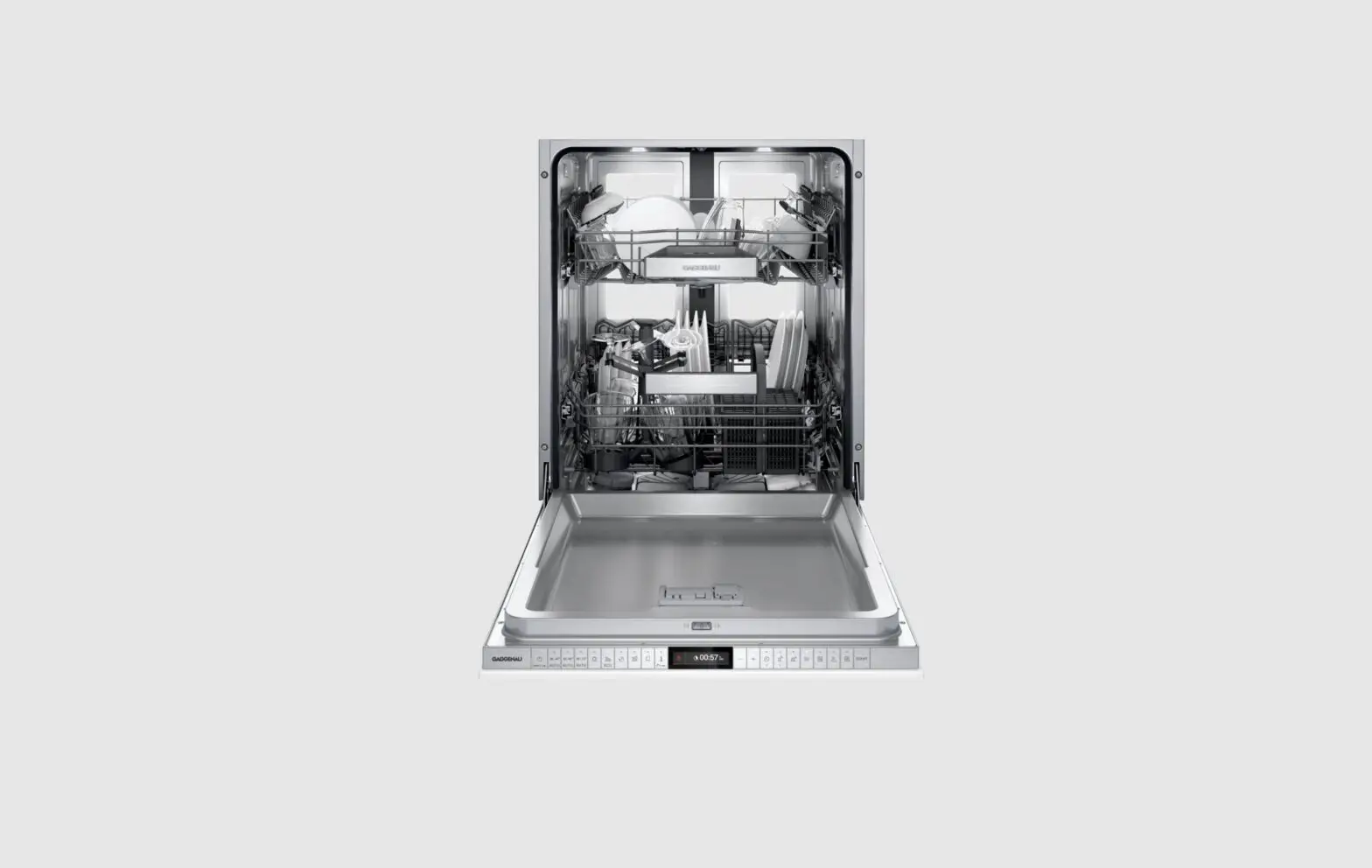
GAGGENAU DF481101 Dishwasher User Guide

Before using for the first time, read the instruction manual and the safety information it contains.
Setting up Home Connect
Tip: Connect your appliance to a mobile device. You can conveniently change all settings using the Home Connect app.
- Install the Home Connect app on your mobile device and follow the instructions.


- Scan the QR code with the Home Connect app.



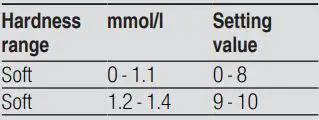
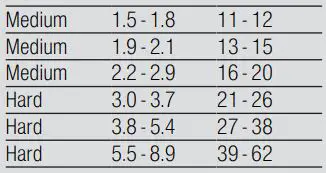
Overview of water hardness settings
You can find an overview of the water hardness values that can be selected here. A table of country-specific units can be found in the instruction manual.
Setting the water softening system
- Press .
- To open the basic settings, press for approx. 3 seconds.
- Press repeatedly until the display shows “Water hardness”.
- Press or repeatedly until the right water hardness has been set.
- To save the settings, press for approx. 3 seconds.
Programmes
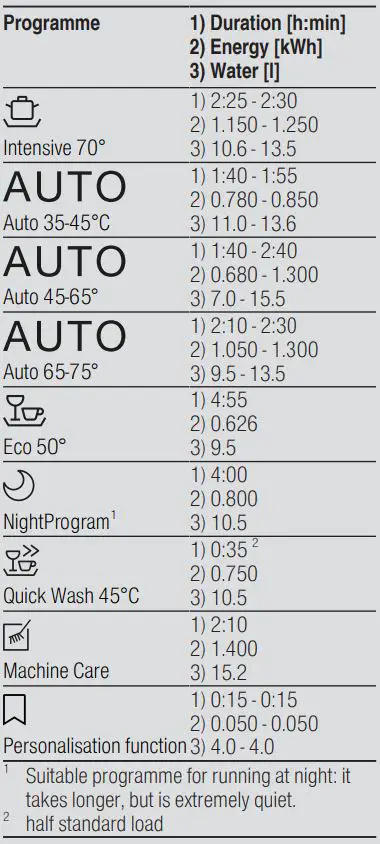
The programme data has been measured in the laboratory according to European standard EN 60436. The consumption figures depend on the programme and additional function selected. The runtime will change if the rinse aid system is switched off or rinse aid needs to be added.
How to use your appliance
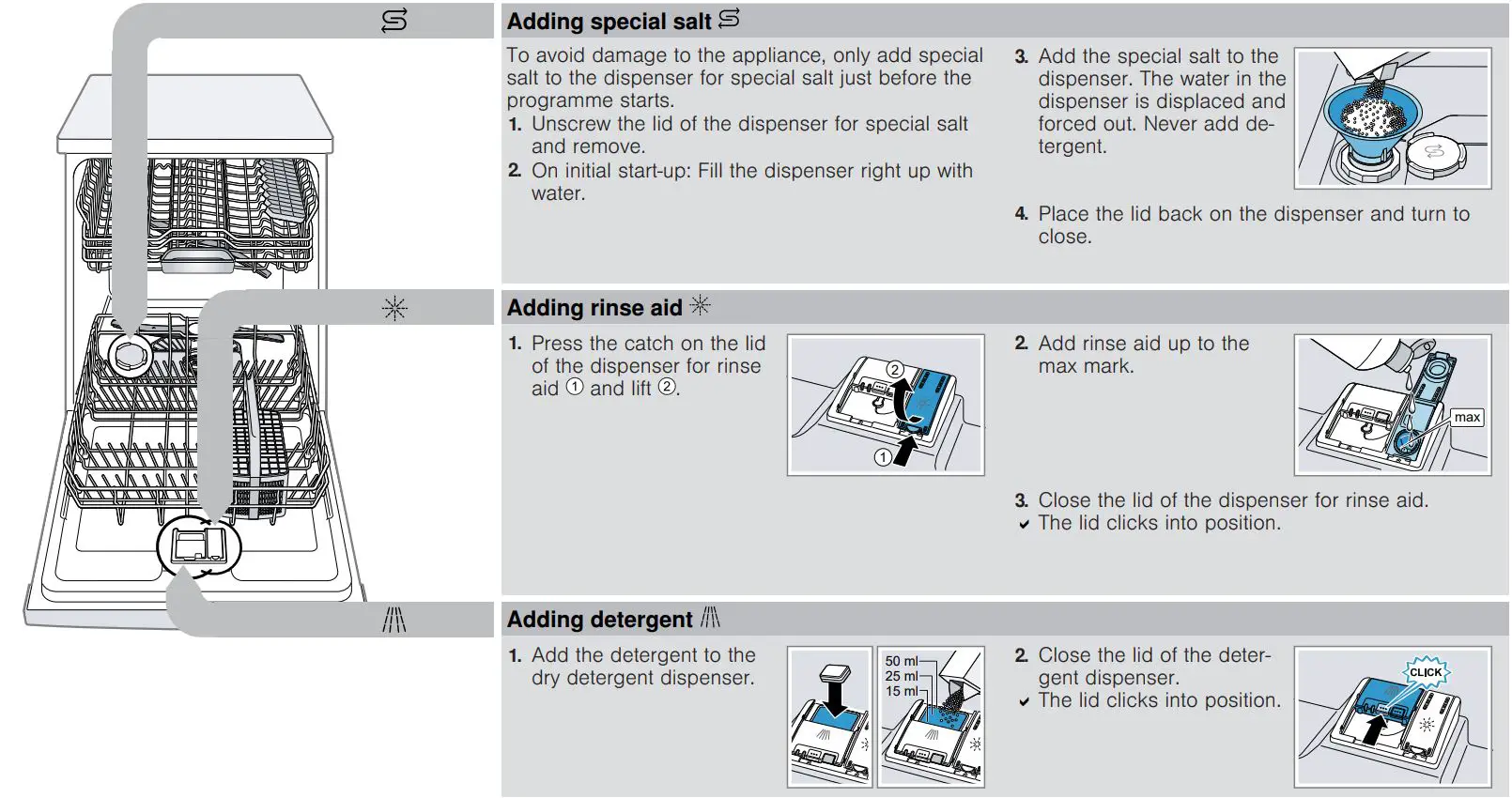
- Load the tableware.
Only clean tableware that is suitable for dishwashers. Remove large remnants of food from
the tableware. Check that the spray arms can rotate freely. - Add detergent.
- Switch on the appliance .
- Select the programme.
- Start the programme .
- Remove the tableware at the end of the programme.
- To cancel the programme, press for approx. 4 seconds.
The programme is cancelled and ends after approx. 1 minute.
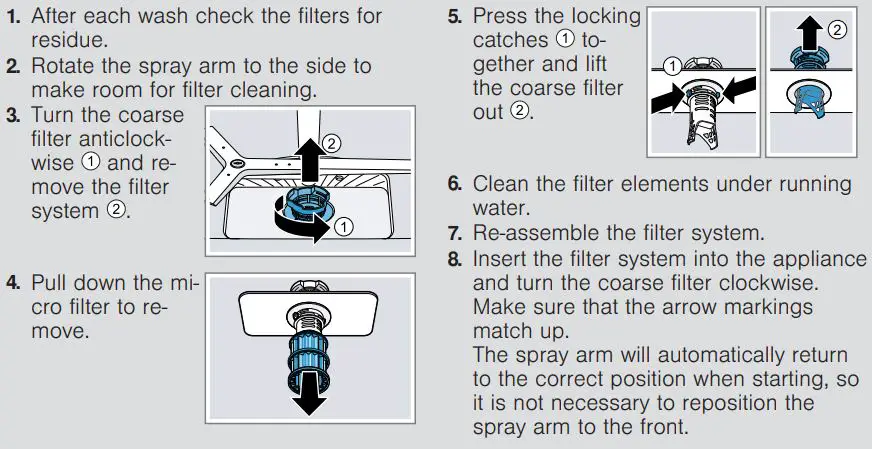
Cleaning filters
Cleaning the spray arms
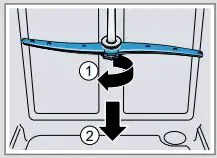
- Unscrew the upper spray arm and pull down to remove .

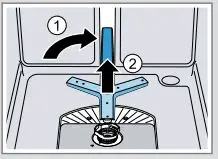
- Position the lower spray arm as shown , grip in the middle and pull up to remove .

- Check the outlet nozzles on the spray arms for blockages under running water and remove any foreign bodies.
- Insert the lower spray arm again and push down.
Ensure that the spray arm is in the correct position.
a The spray arm clicks into position. - Insert the upper spray arm and screw it firmly in place.
Clean wastewater pump
- Disconnect the appliance from the power supply.
- Remove the filter system.
- Scoop out any water.
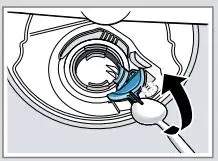
- Prise off the pump cover using a spoon and grip it by the crosspiece.

- Lift the pump cover inwards at an angle and remove.
- Remove any remnants of food and foreign bodies in the area of the impeller.
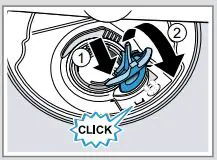
- Insert the pump cover and press down . a The pump cover clicks into position.
- Install the filter system.
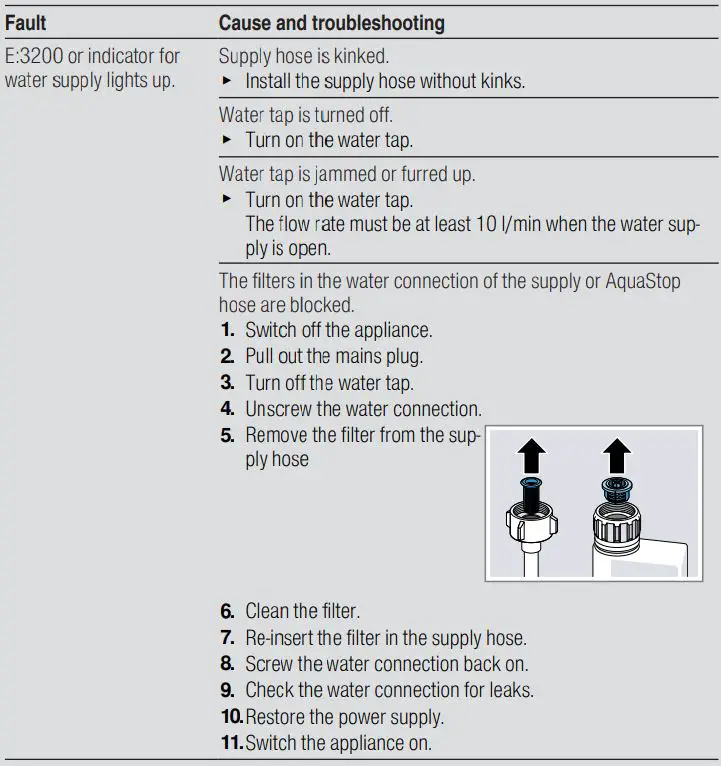
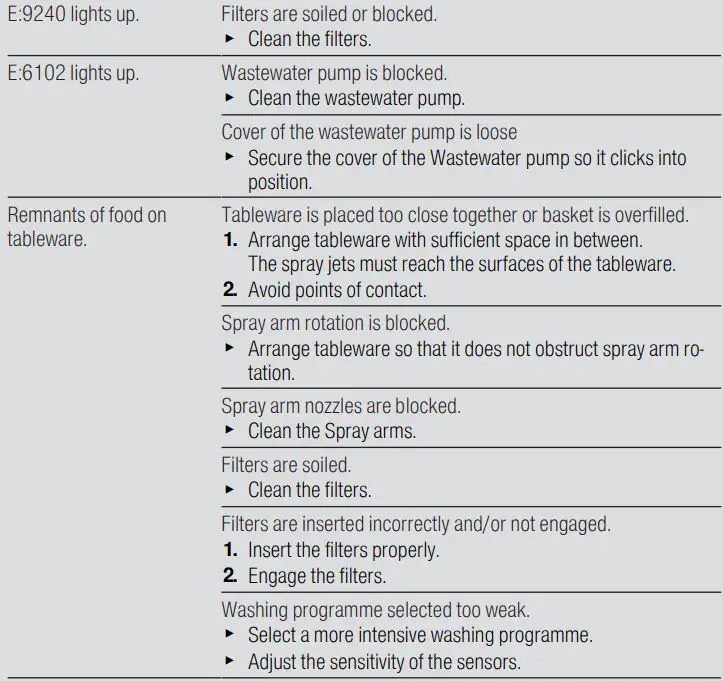
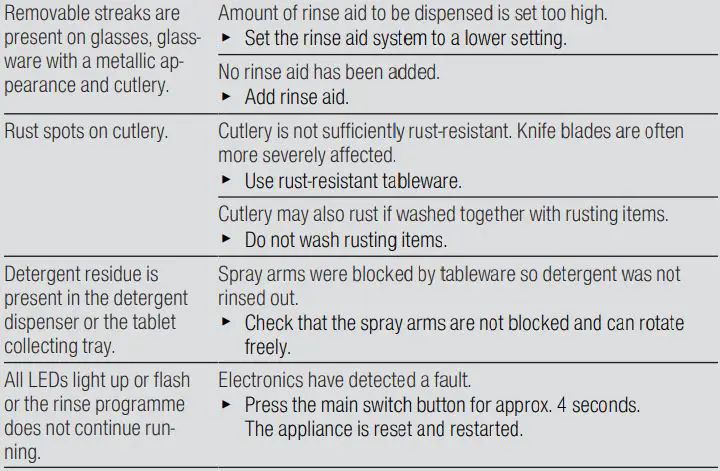
Troubleshooting