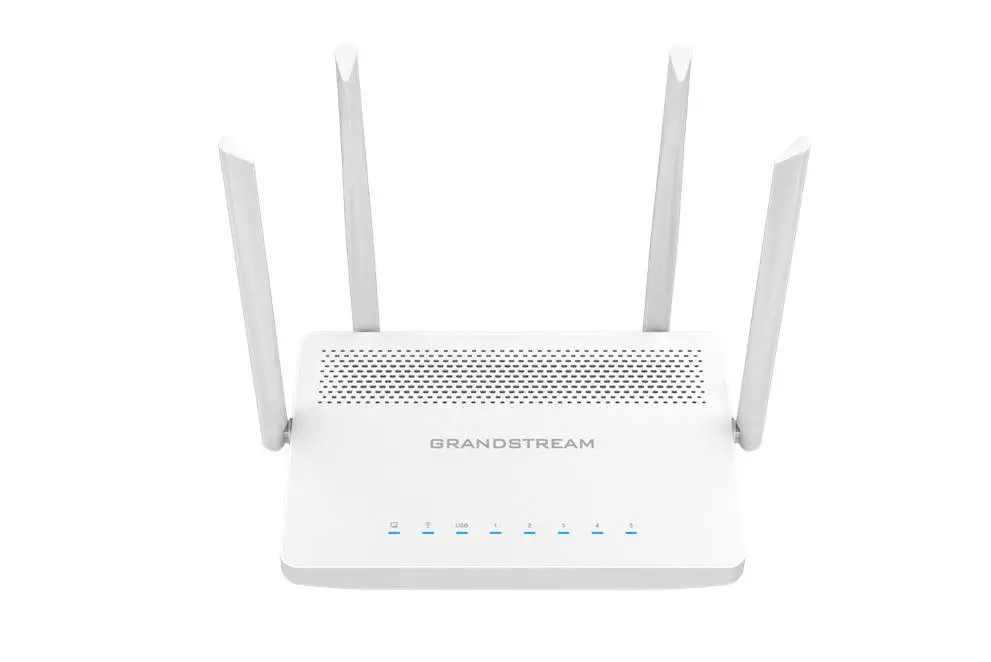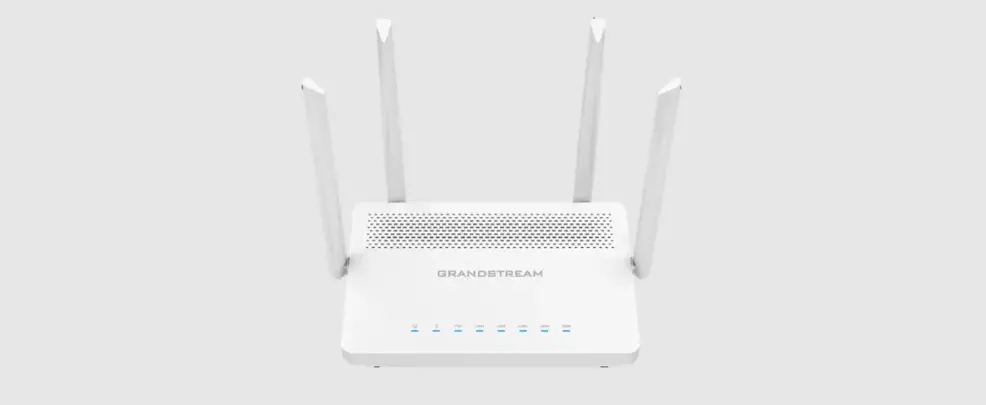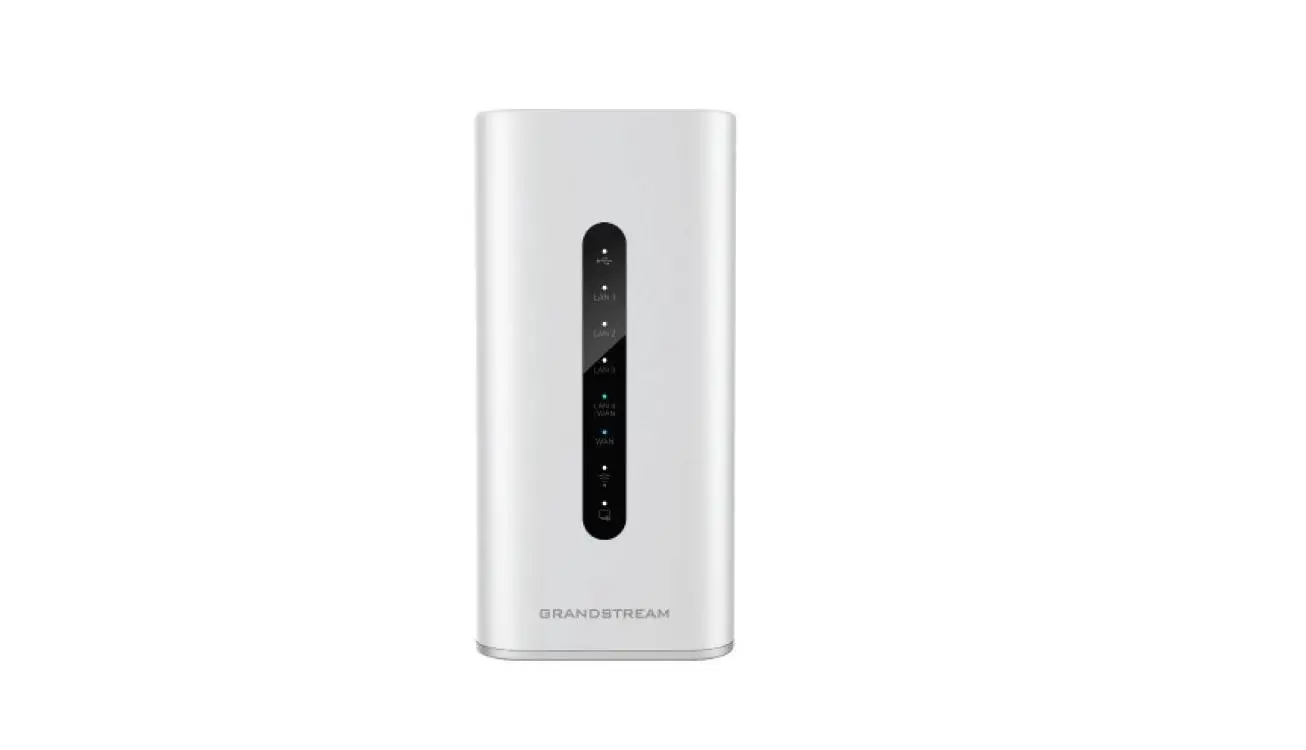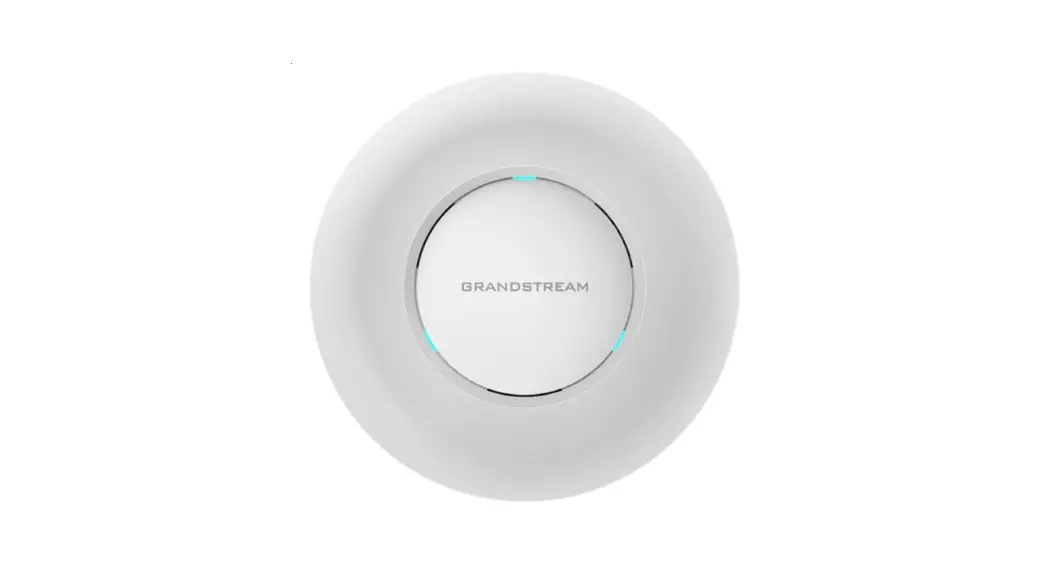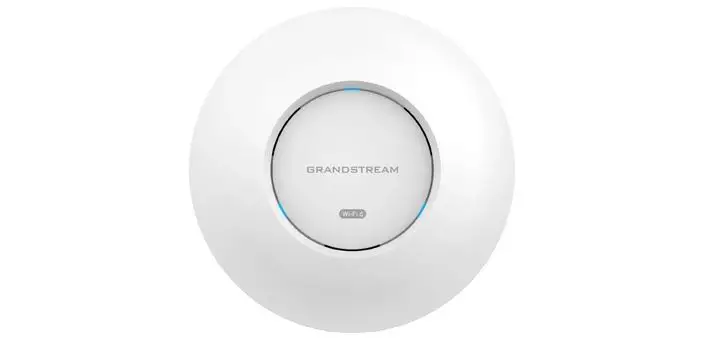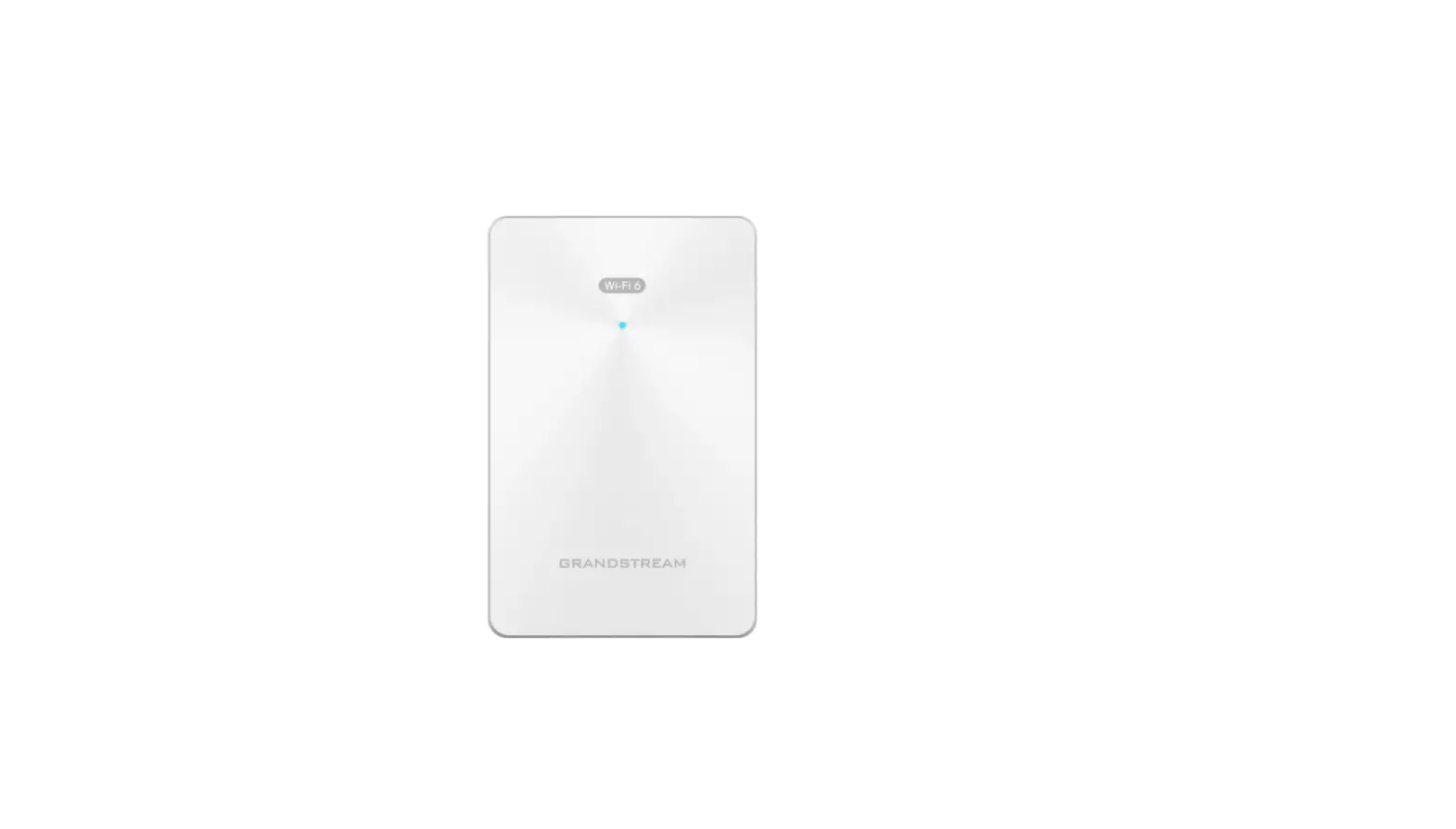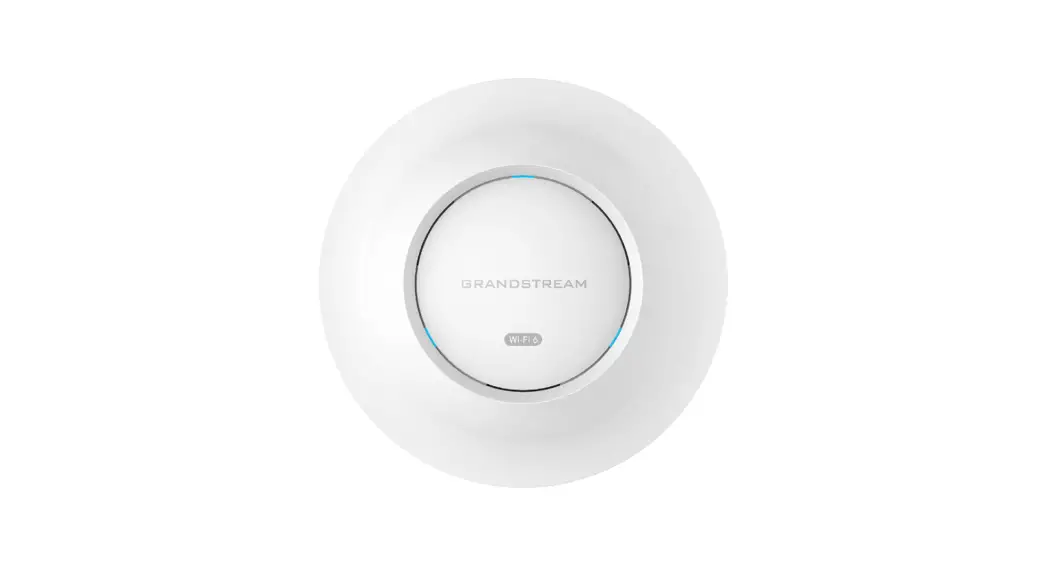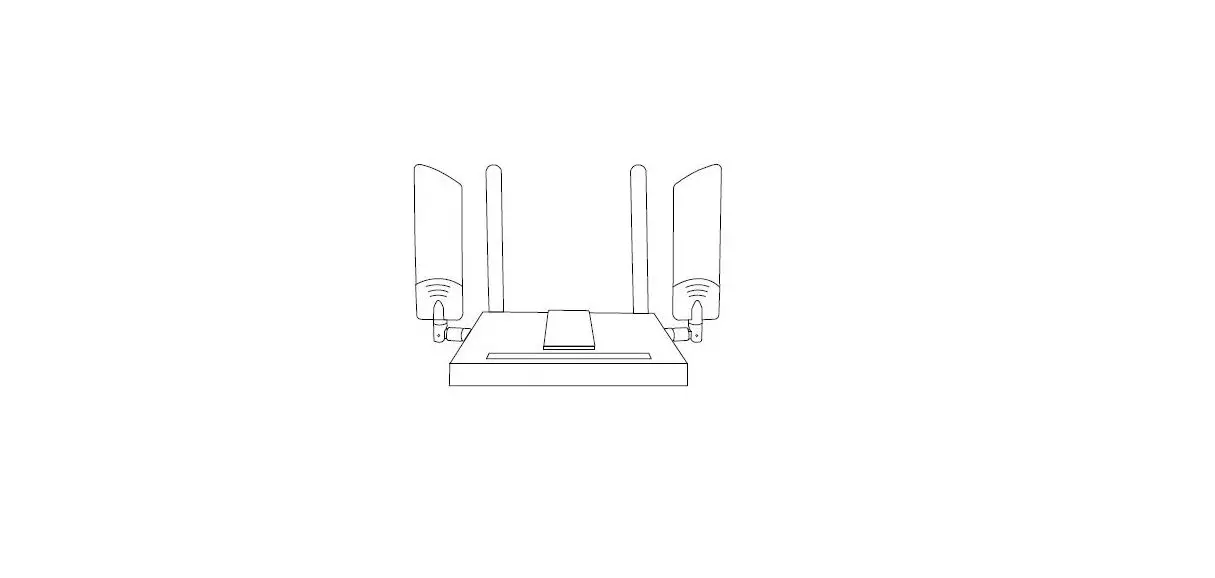

GRANDSTREAM GWN7052 Dual-band Wi-Fi Router
OVERVIEW
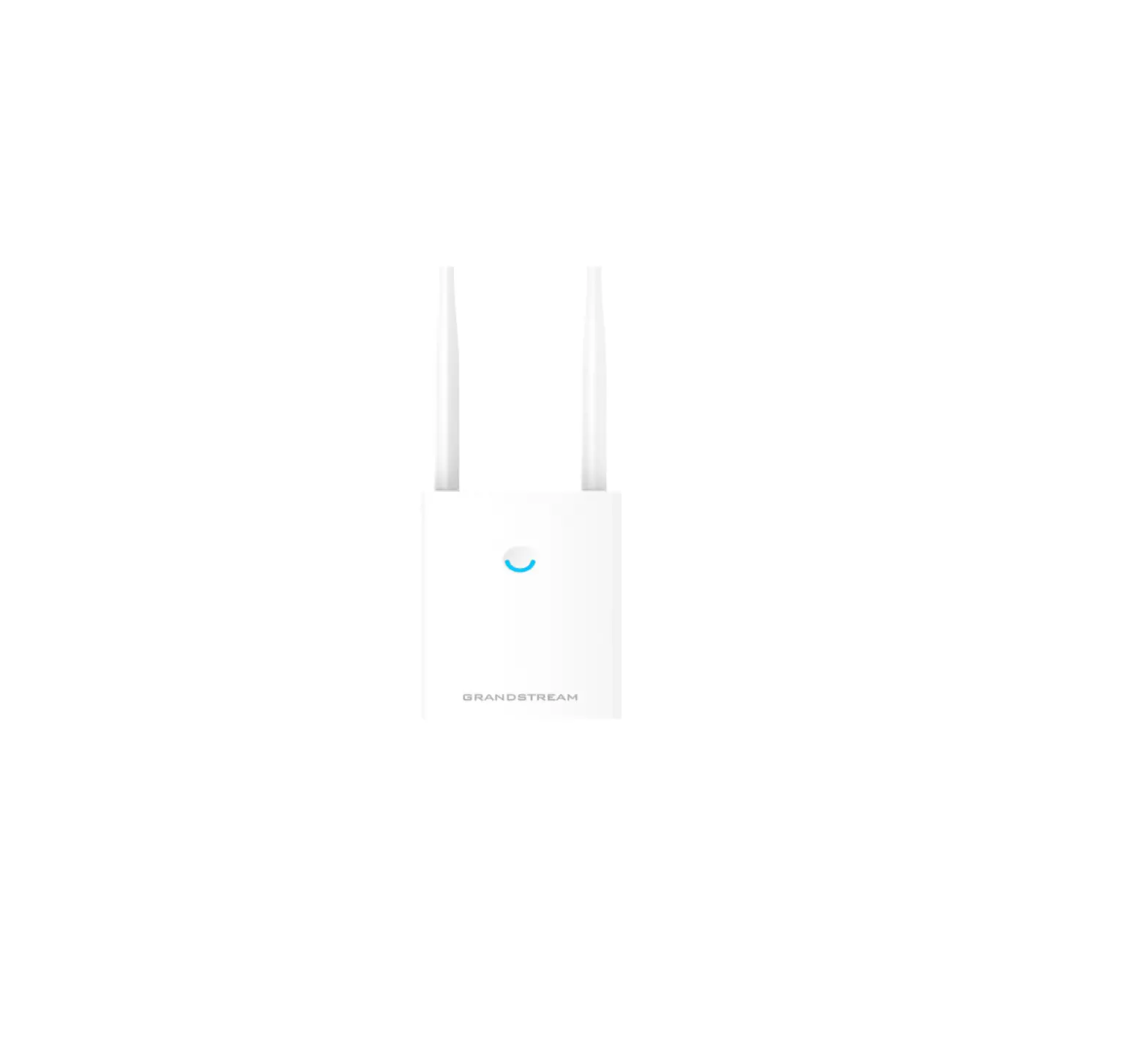
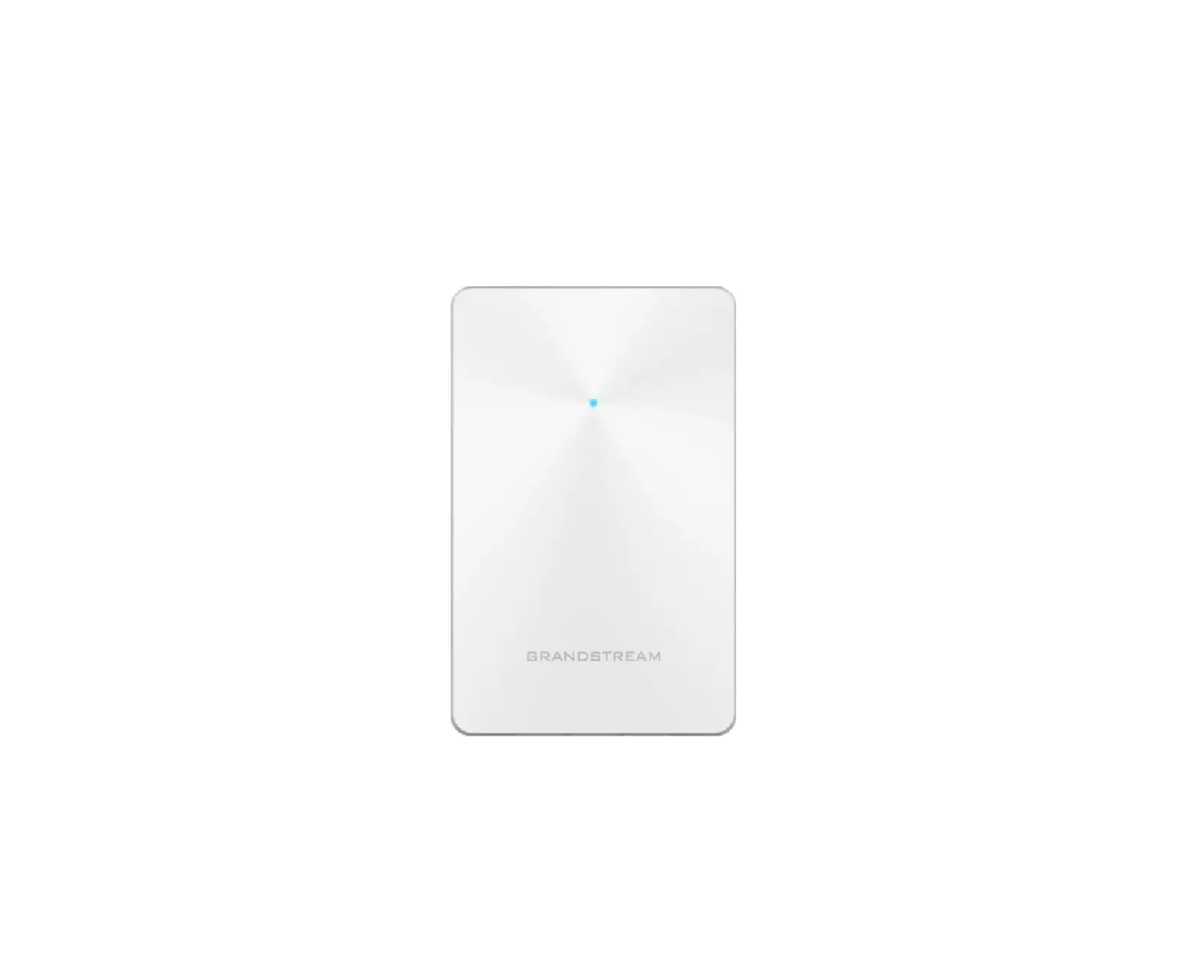
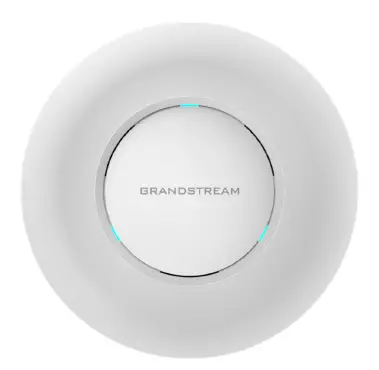
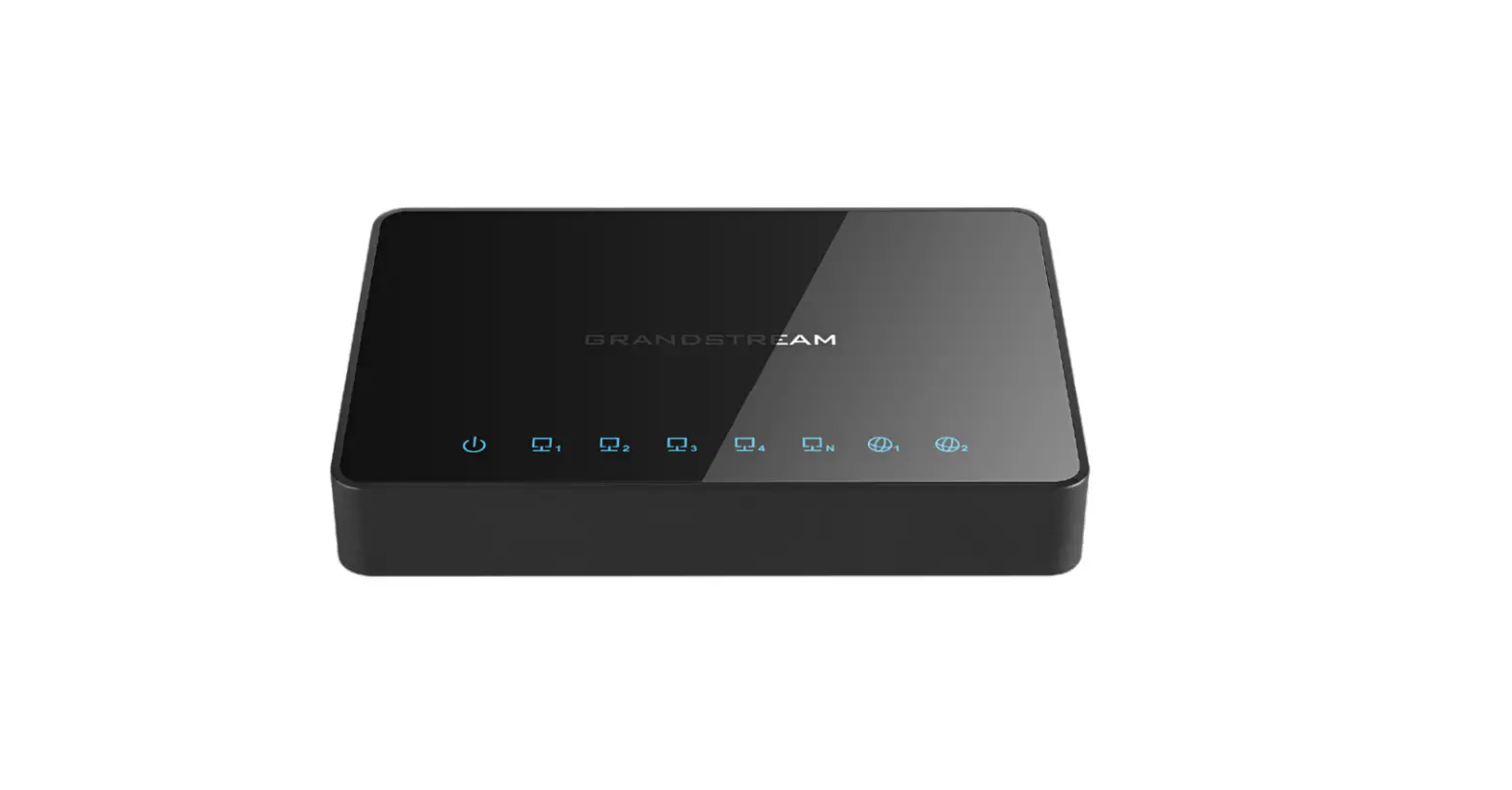
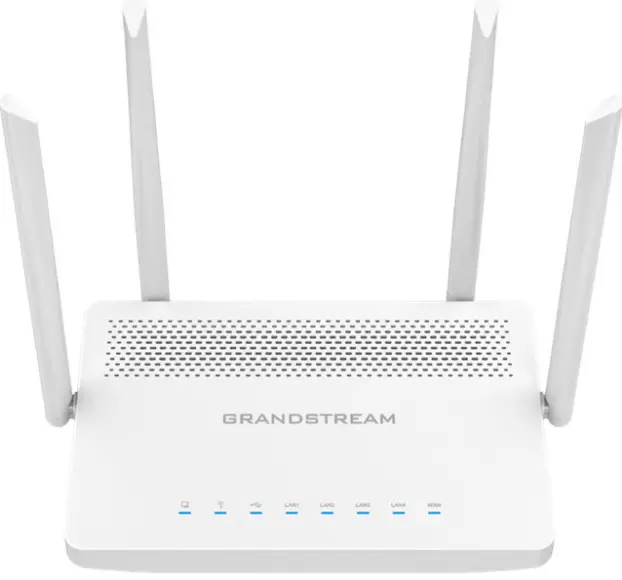
The GWN7052 is a secure dual-band router powered by 802.11ac Wi-Fi technology. It features a dual-core 880MHz processor to provide Wi-Fi speeds of up to 1.266 Gbps to 100 wireless devices, allowing the GWN7052 to power smart office, smooth 4K Ultra HD streaming, web meetings, video conferences and more. It supports VPN to allow remote employees to securely connect to the corporate network from home or branch offices. The GWN7052 also provides enterprise-grade security features to ensure secure Wi-Fi and VPN access, including unique security certificates and random default passwords. To ensure easy installation and management, the GWN7052 includes a built-in controller embedded within the product’s web user interface. It is also supported by GWN.Cloud, Grandstream’s free cloud Wi-Fi management platform. By combining accelerated Wi-Fi speeds, mesh networking and wired AP connections with advanced features including VPN and advanced QoS, the GWN7052 is the ideal router for a growing home and business network
PRECAUTIONS
- Do not attempt to open, disassemble, or modify the device.
- Do not expose this device to temperature outside range of 0 °C to 50 °C for operation and -10 °C to 60 °C for storage.
- Do not expose the GWN7052 to environments outside of the following humidity range: 10-90% RH (non-condensing).
- Do not power cycle your GWN7052 during system boot up or firmware upgrade. You may corrupt firmware images and cause the unit to malfunction.
PACKAGE CONTENTS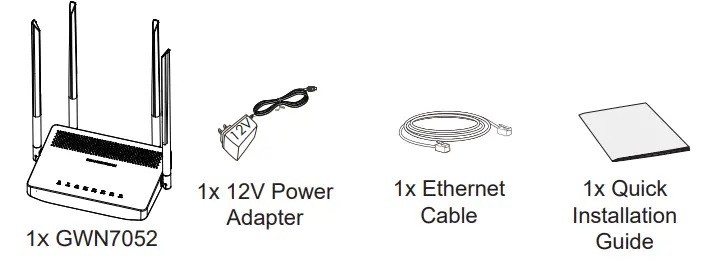
GWN7052 PORTS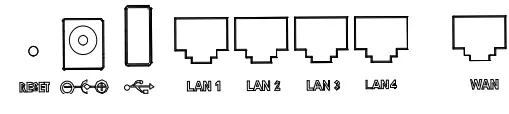
| Port | Description |
| WAN | 1x 10/100/1000Mbps Ethernet port. |
| LAN 1/2/3/4 | 4x 10/100/1000Mbps Ethernet ports. |
| USB | Used for USB storage device. |
| DC12V | Power adapter connector (DC 12V, 1A) |
| RESET | Factory reset pinhole. Press for 5 seconds to reset factory default set- tings. |
CONNECTING THE GWN7052
- Power the GWN7052

- GWN7052 can be powered on using the right PSU (DC 12V, 1A).

- Power the GWN7052
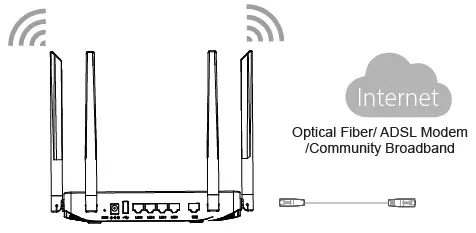
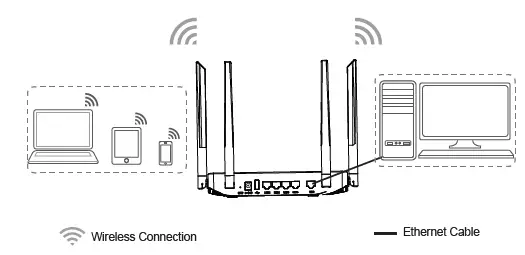
Connect to the Internet
- Connect to WAN port to an optical fiber broadband modem, ADSL broadband modem or community broadband interface.
- Connect to GWN7052 Default Network
ACCESSING THE CONFIGURATION INTERFACE
Now that you are connected to the GWN7052’s SSID or to LAN port with network cable, you can access into its configuration interface with: myrouter.grandstream.com or default IP address 192.168.80.1. Then enter password to login.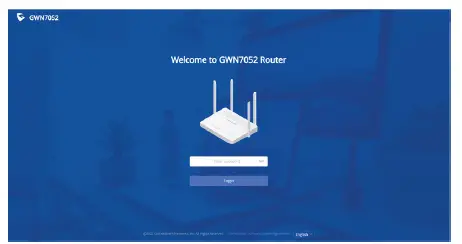
Notes:.
- It is customer’s responsibility to ensure compliance with local regulations for frequency bands, transmit power others.
- To manage GWN7052 over cloud, please refer to https://www.gwn.cloud
- The GNU GPL license terms are incorporated into the device firmware and an be accessed via the Web user interface of the device at my_device_ip/gpl_license. It can also be accessed here: https://www.grandstream.com/legal/open-source-software
- To obtain a CD with GPL source code information please submit a written request to: [email protected]
- Refer to online documents and FAQ for more detailed information:https://www.grandstream.com/our-products
 Grandstream Networks - IP Voice, Data, Video & Security
 Welcome to Amazon Linux 2
 Grandstream Networks - Networking & Unified Communications
 gwn
gwn