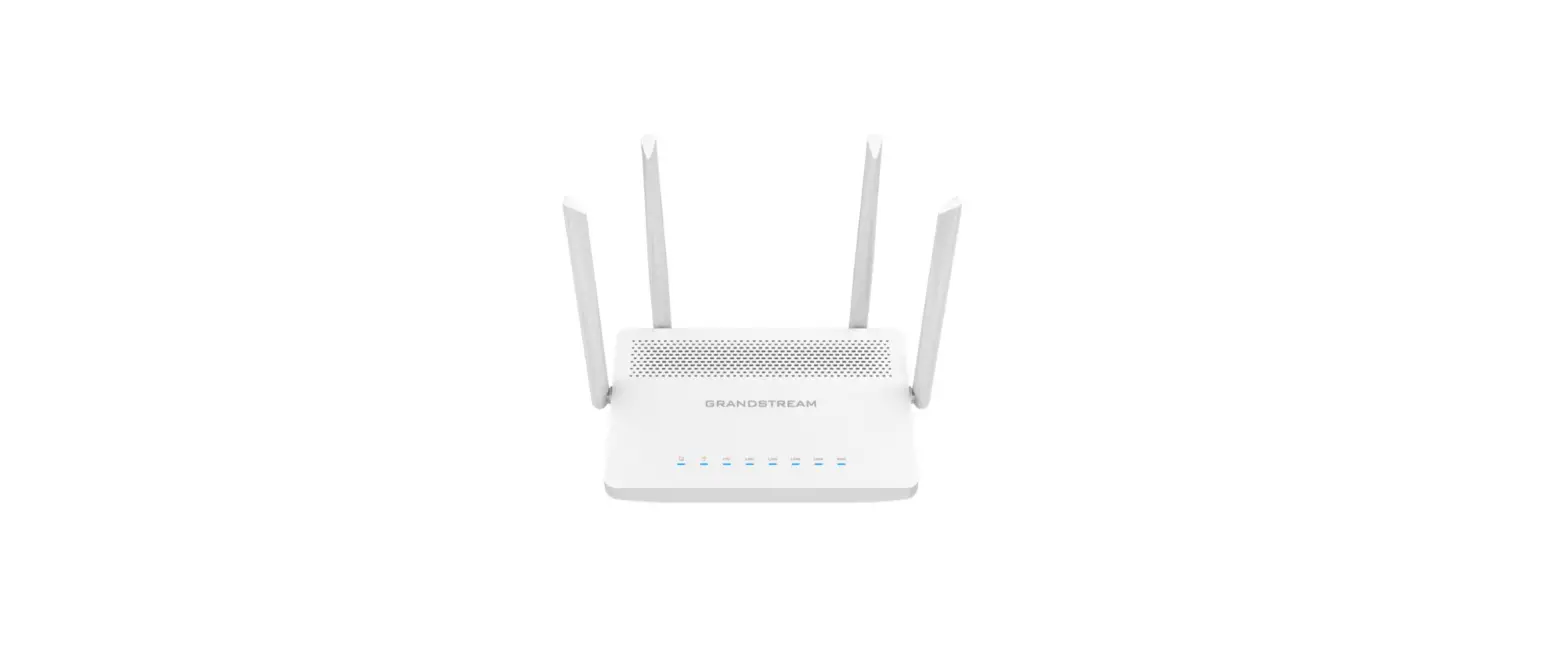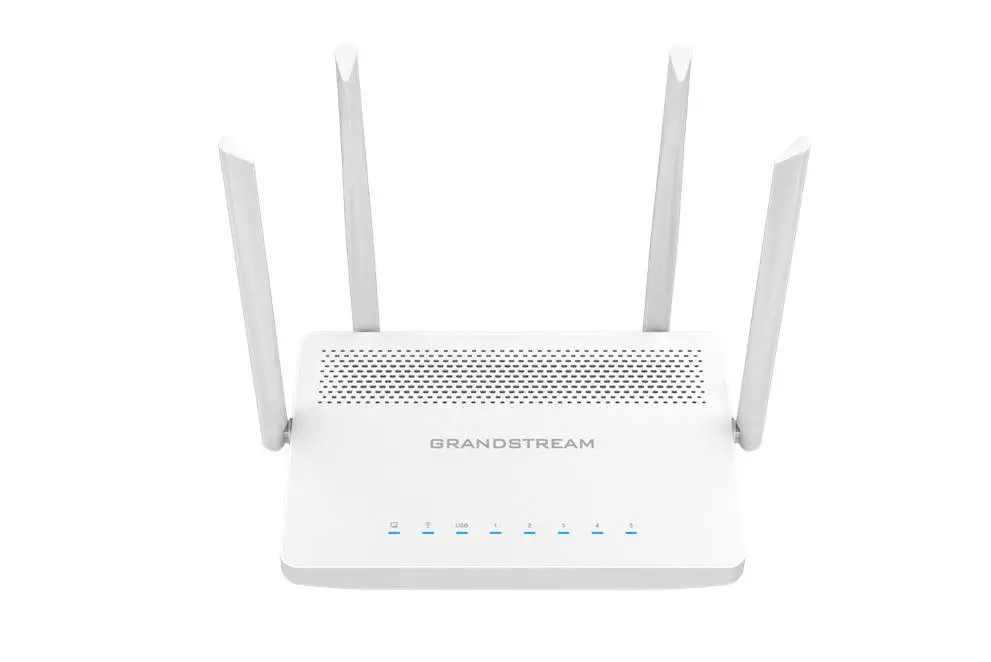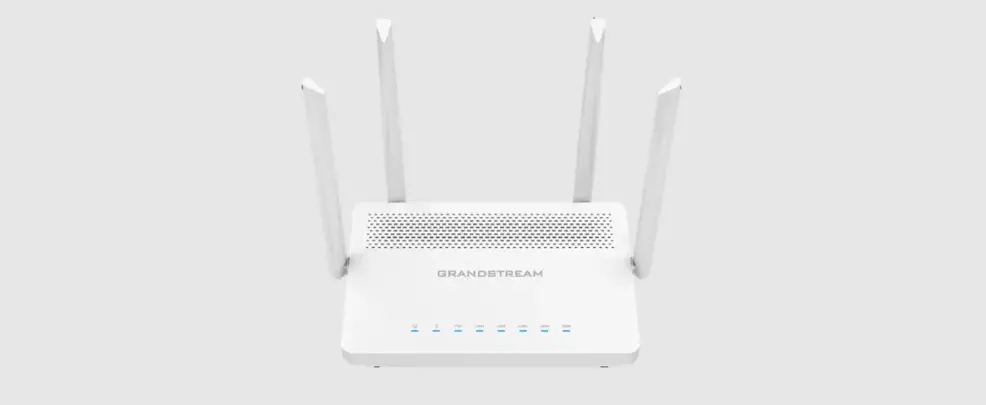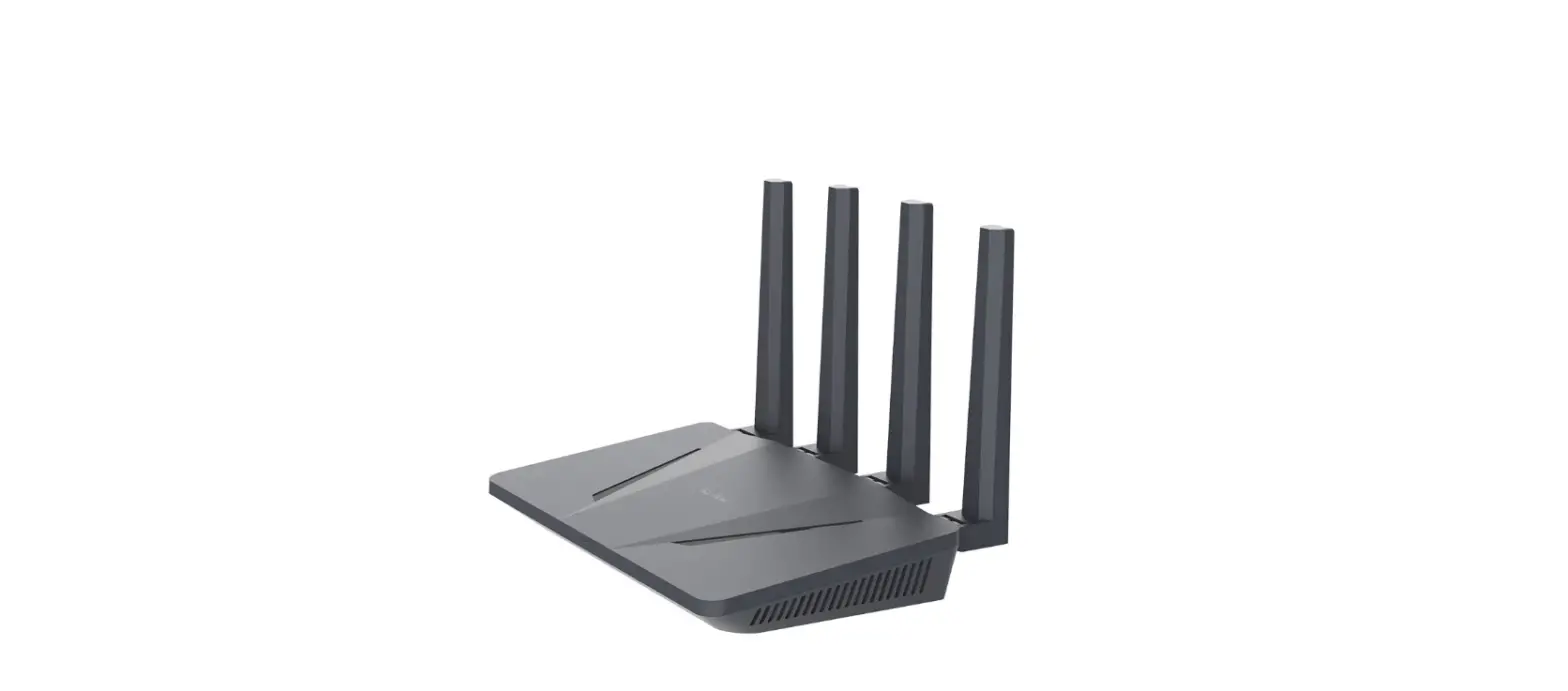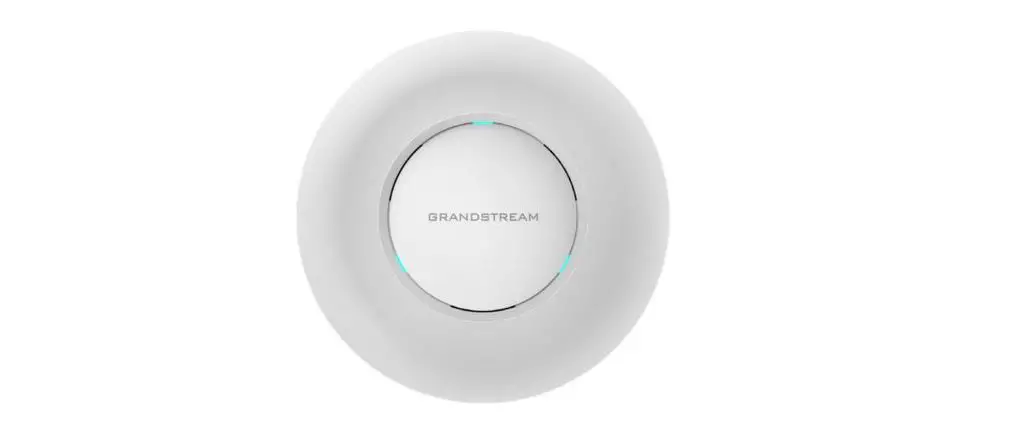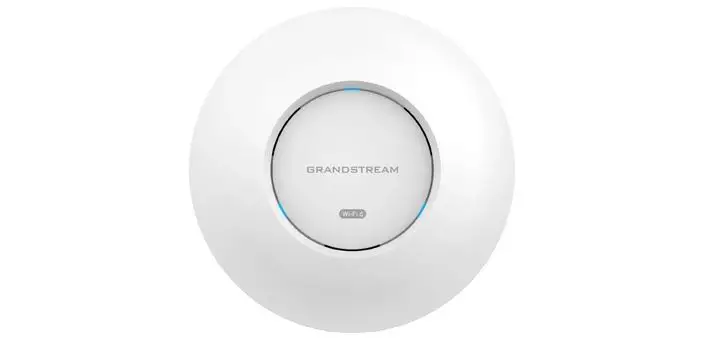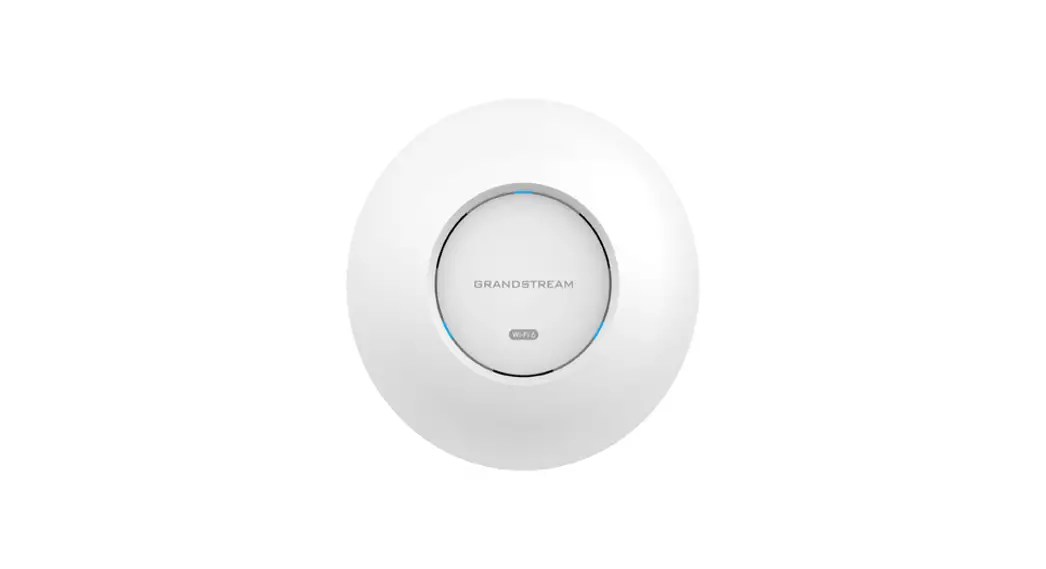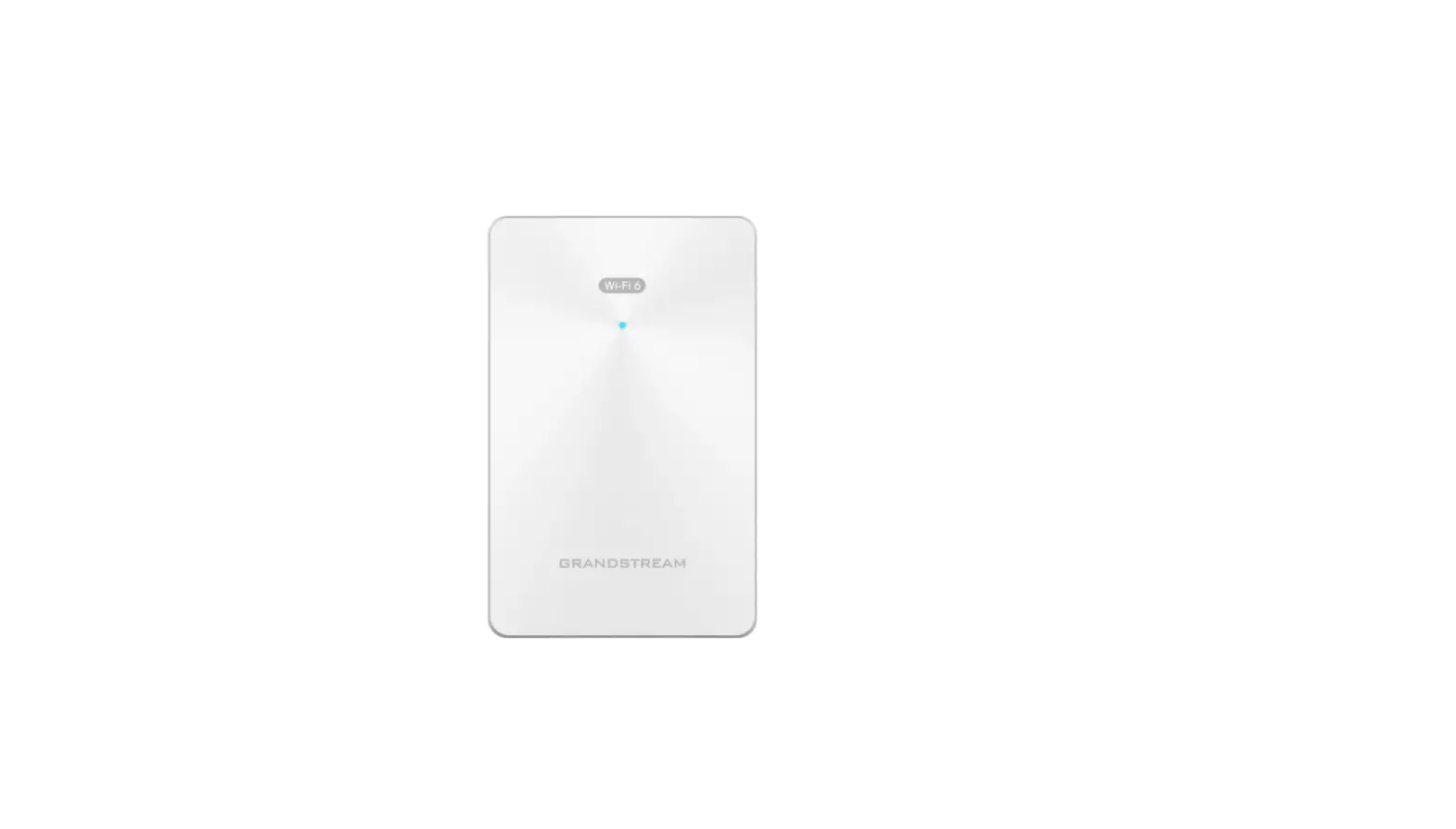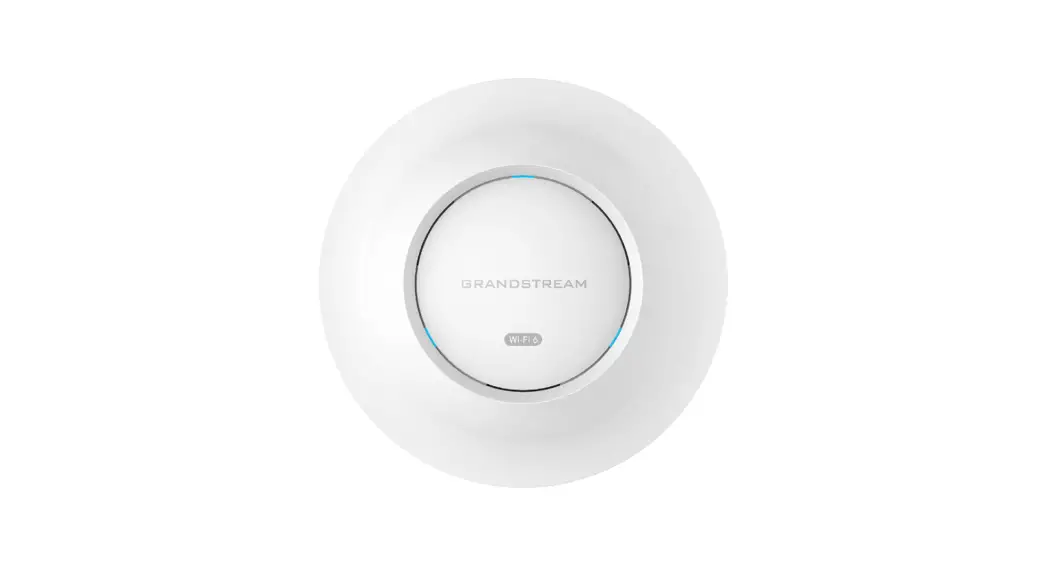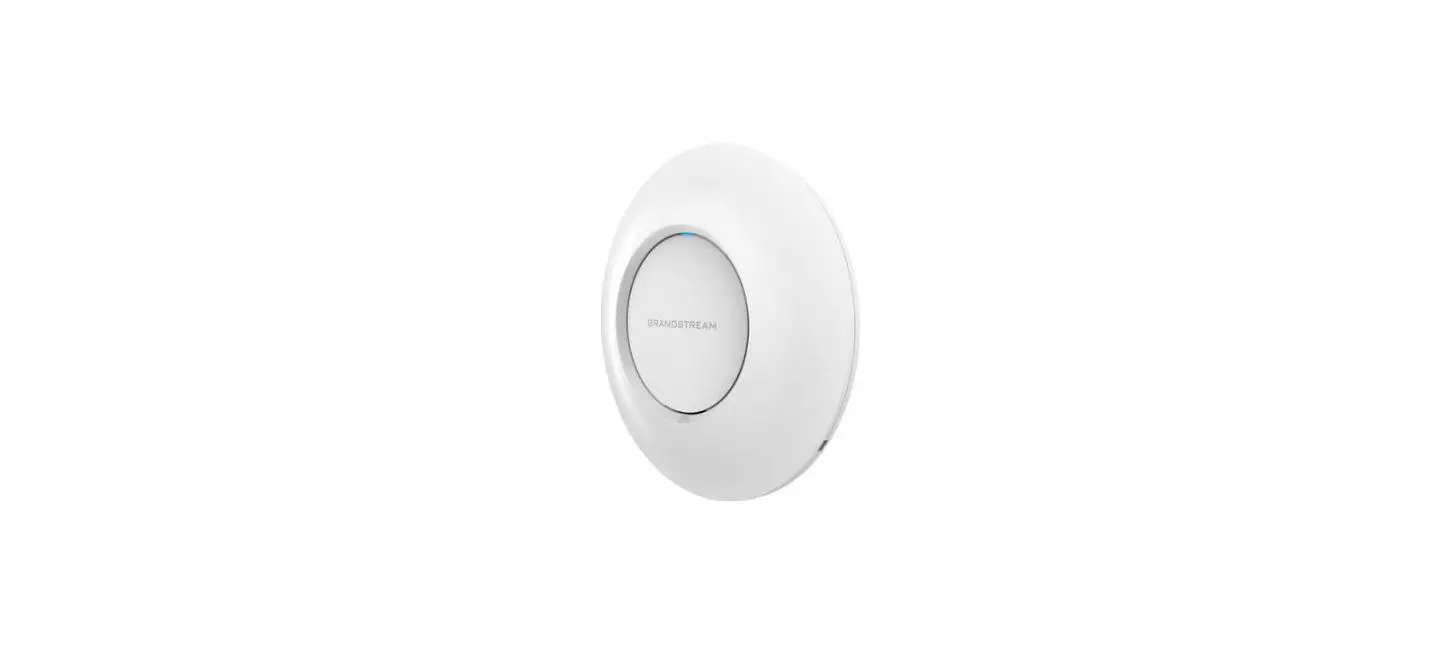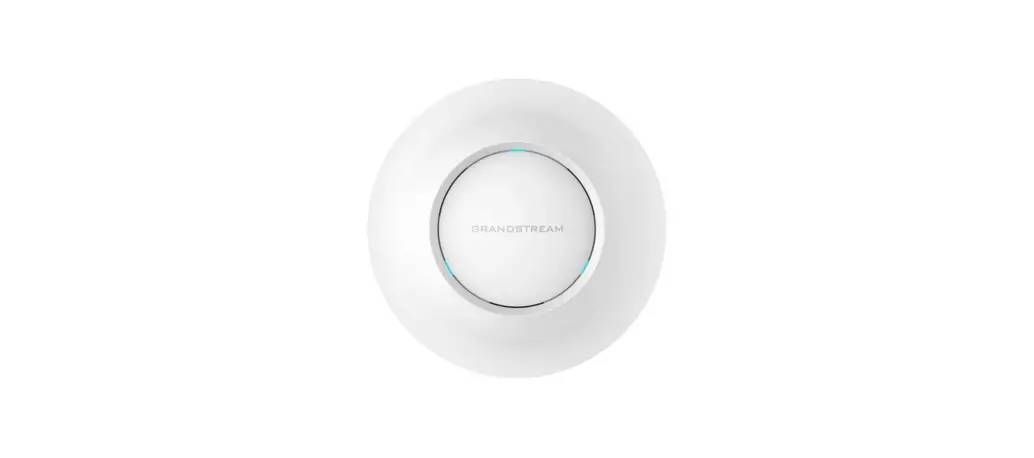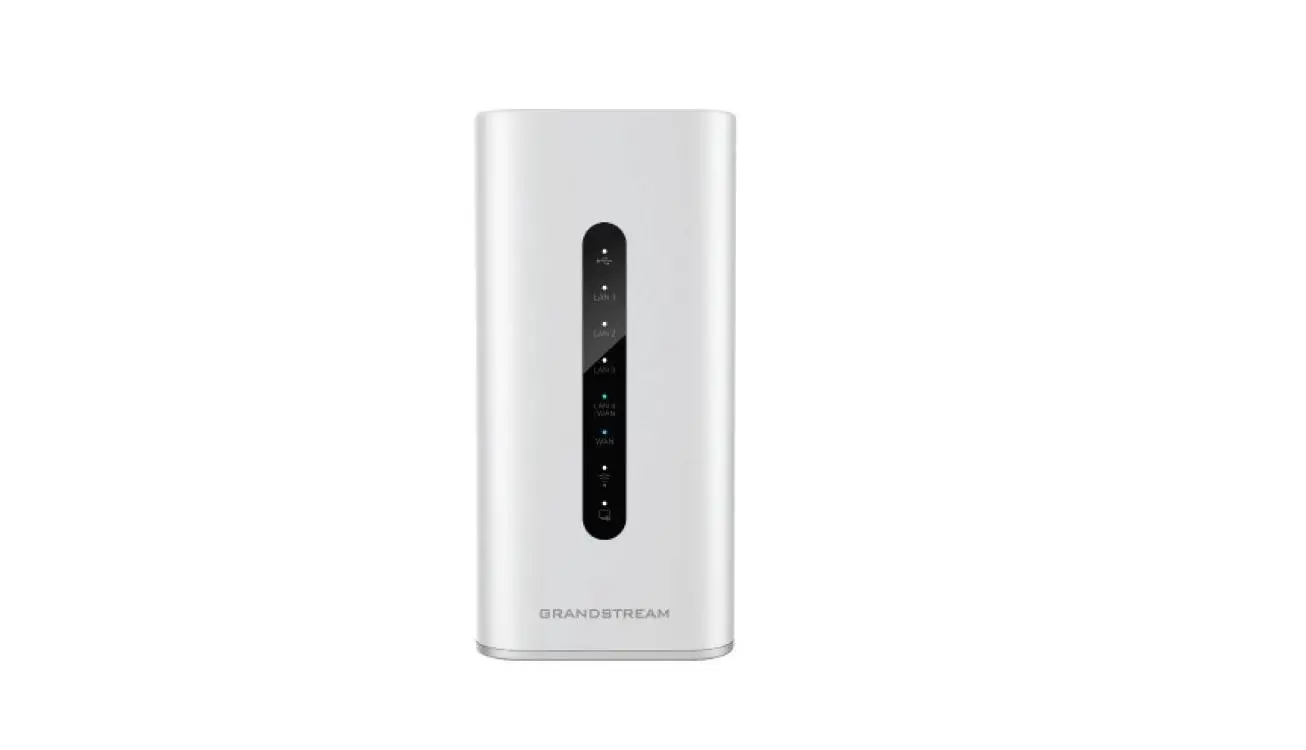

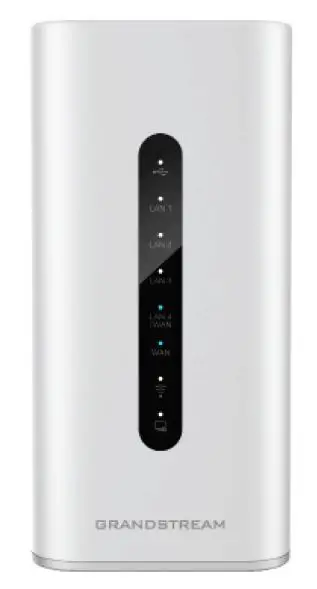
GRANDSTREAM GWN7062 Dual-Band Wi-Fi 6 Router
OVERVIEW
The GWN7062 is a router powered by the latest Wi-Fi 6 (802.11ax) standard with 4 times increased data capacity in a dense environment to provide powerful signal strength and handle up to 256 devices in your growing network. It offers dual-band 2×2 MU-MIMO with DL/UL OFDMA technology and combines both wireless Mesh networking and wired AP connection to expand Wi-Fi signal to every corner, including outdoor areas. Blazing-fast combined Wi-Fi speeds up to 1.8Gbps and 64-bit 1.2GHz quad-core processor powers smart product automation, smooth 4K UHD streaming, online gaming and more. The GWN7062 is supported by GWN Cloud and GWN Manager, Grandstream’s cloud and on-premise Wi-Fi management platform. With support for dual Gigabit WAN ports, mesh networks, advanced security and VPN, GWN7062 is an ideal Wi-Fi 6 router for wireless network deployment with small-to-medium sized businesses.
PRECAUTIONS
- Do not attempt to open, disassemble, or modify the device.
- Do not expose this device to temperatures outside range of 0 °C to 40 °C for operation and -30 °C to 60 °C for storage.
- Do not expose the GWN7062 to environments outside of the follow-ing humidity range: 10-90% RH (non-condensing).
- Do not power cycle your GWN7062 during system boot up or firm-ware upgrade. You may corrupt firmware images and cause the unit to malfunction.
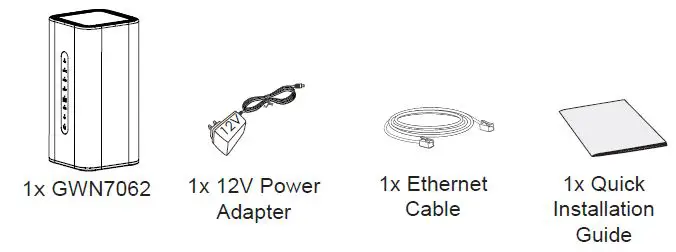
PACKAGE CONTENTS
GWN7062 PORTS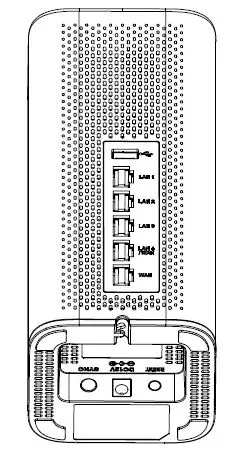
| Port | Description |
| USB | Used for USB storage device. |
| LAN 1/2/3 | 3x 10/100/1000Mbps Ethernet ports. |
| LAN 4 /WAN | 1x 10/100/1000Mbps Ethernet port. |
| WAN | 1x 10/100/1000Mbps Ethernet port. |
| RESET | Factory reset button. Press for 5 seconds to reset factory default set- tings. |
| DC12V | Power adapter connector (DC 12V, 1.5A) |
| SYNC | Press for 5 seconds to pair all unpaired APs that can be found under the LAN port |
CONNECTING THE GWN7062
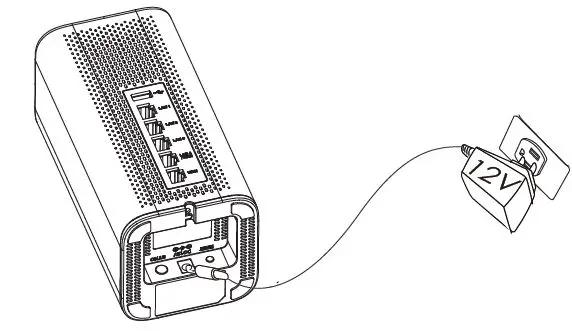
- Power the GWN7062
GWN7062 can be powered on using PSU with output: DC 12V,1.5A.
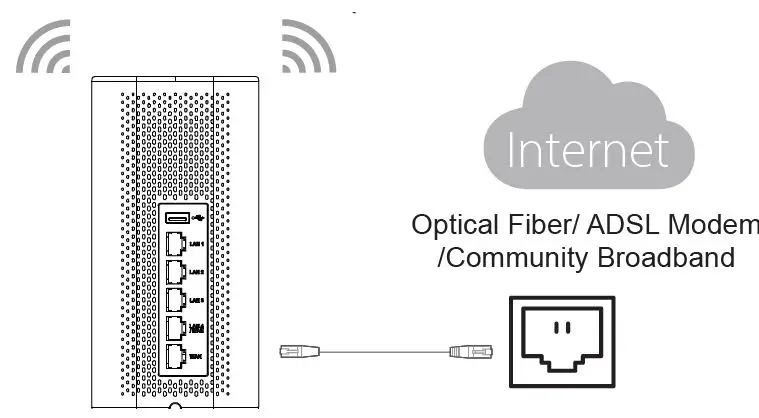
- Connect to the Internet
Connect to WAN port to an optical fiber broadband modem, ADSL broadband modem or community broadband interface.
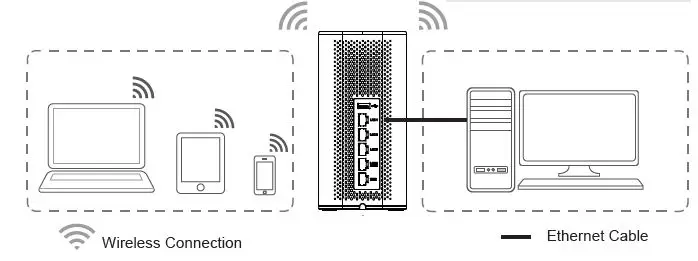
Connect to GWN7062 Default Network
- Wireless Connection Connect your laptop, smartphone or tablet to the SSID.
- Wired Connection Connect your computer to one of the LAN ports (1,2,3 or 4).

Note: SSID’s default password information is printed on the MAC tag at the bottom of the unit.
ACCESSING THE CONFIGURATION INTER- FACE
Now that you are connected to the GWN7062’s SSID or to a LAN port with a network cable, you can access into its configuration interface with: myrouter.grandstream.com
or default IP address 192.168.80.1. Then enter the password to login.
Note: GWN7062’s default password information is printed on the MAC tag at the bottom of the unit.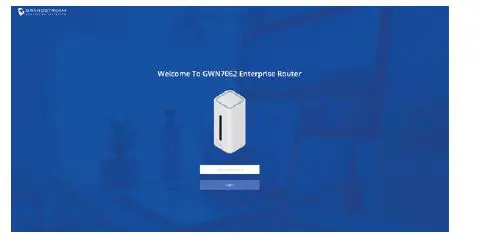
Notes:
- Make sure that the GWN7062 is not already paired with another GWN7062 as Mesh node router, otherwise the configuration interface cannot be accessed.
- If the GWN7062 is already paired, make sure to unpair it first, or do a factory reset.
- It is the customer’s responsibility to ensure compliance with local regulations for frequency bands, transmit power others.
- To manage GWN7062 over cloud, please refer to https://www.gwn.cloud.
- To manage GWN7062 over an on-premise controller, please refer to https://www.grandstream.com/products/networking-solutions/wi-fi-management/product/gwn-manager
The GNU GPL license terms are incorporated into the device firmware and an be accessed via the Web user interface of the device at
my_device_ip/gpl_license. It can also be accessed here: https://www.grandstream.com/legal/open-source-software To obtain a CD with GPL source code information please submit a written request to: [email protected]
Refer to online documents and FAQ for more detailed information: https://www.grandstream.com/our-products
 Open Source Software
 Welcome to Amazon Linux 2
 Grandstream Networks - Networking & Unified Communications
 gwn
gwn