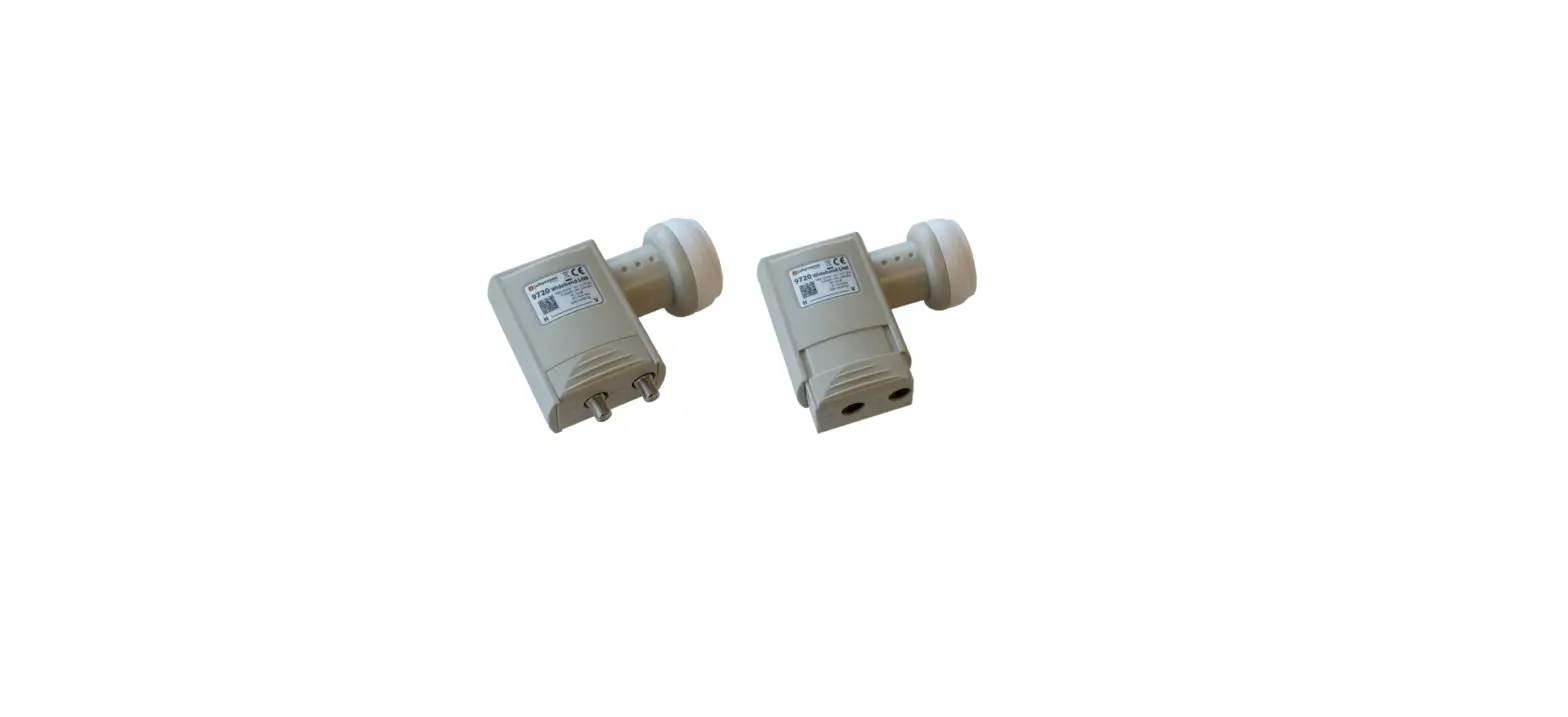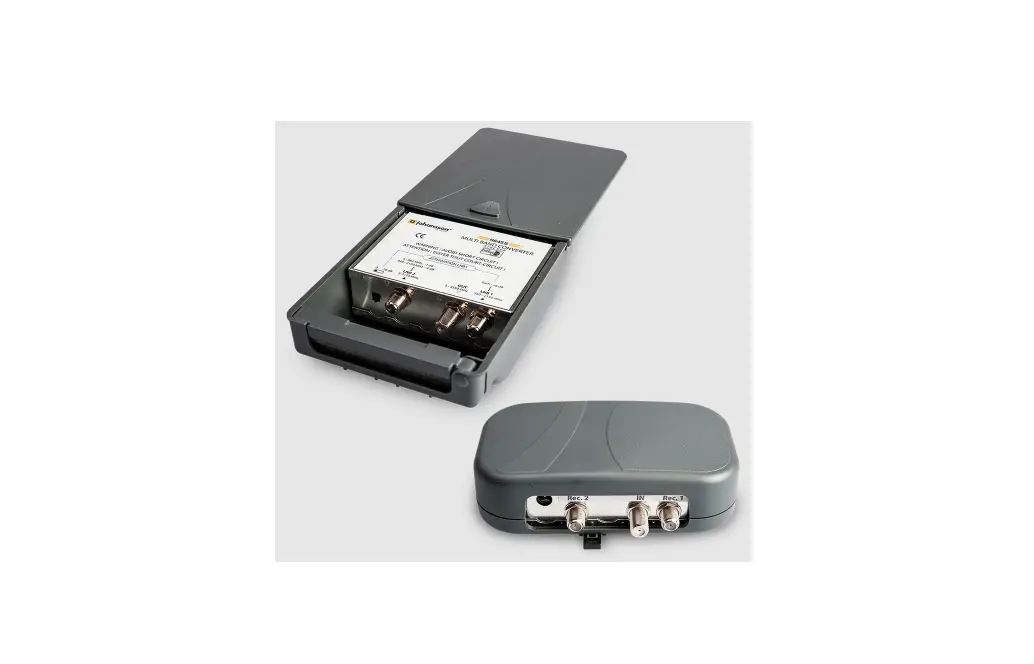

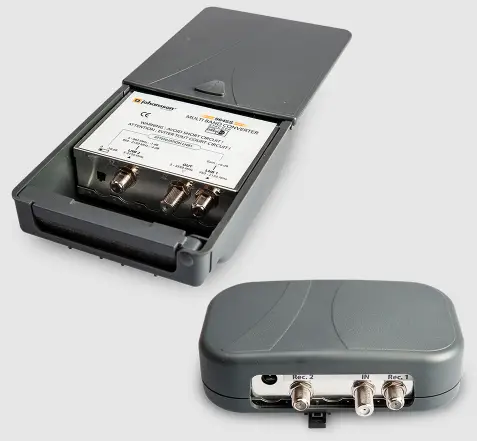
johansson Multi Band Converter 9645 Kit
ABOUT
No part of this manual may be copied, reproduced, transmitted, transcribed or translated into any language without permission. Unitron reserves the right to change the specifications of the hardware and software described in these manuals at any time. Unitron can not be held liable for any damages resulting from the use of this product. Specifications are subject to change without notice. 03/13 © Unitron – Frankrijklaan 27 – B-8970 Poperinge – Belgium
SAFETY INSTRUCTIONS
WARNING
Read carefully these instructions before connectiong the unit
To prevent fire, short circuit, shock hazard:
- Do not expose the unit to rain or moisture.
- Install the unit in a dry location without infiltration or condensation of water. Do not expose it to dripping or splashing.
- Do not place objects filled with liquids, such as vases, on the appartus.
- If any liquid should accidentally fall into the cabinet, disconnect the power plug.
- Refer to qualified technician before it’s further operation.
To avoid any risk of overheating:
- Install the unit in a well aery location and keep a minimum distance of 15 cm around the apparatus for sufficient ventilation.
- Do not place any items such as newspapers, table-cloths, curtains,… on the unit that might cover the ventilation holes.
- The unit must not be exposed to any source of heat (sun, heater,…).
- Do not place any naked flame sources, such as lighted candles, on the apparatus.
- Do not install the product in a dusty place.
Pull out power plug to make the different connections of cables. To avoid electrical shock, do not open the housing.
Cleaning:
- Only use a dry soft cloth to clean the cabinet.
- Do not use solvent.
Servicing:
- For preparing and servicing refer to qualified personnel.
INTRODUCTION
FEATURES
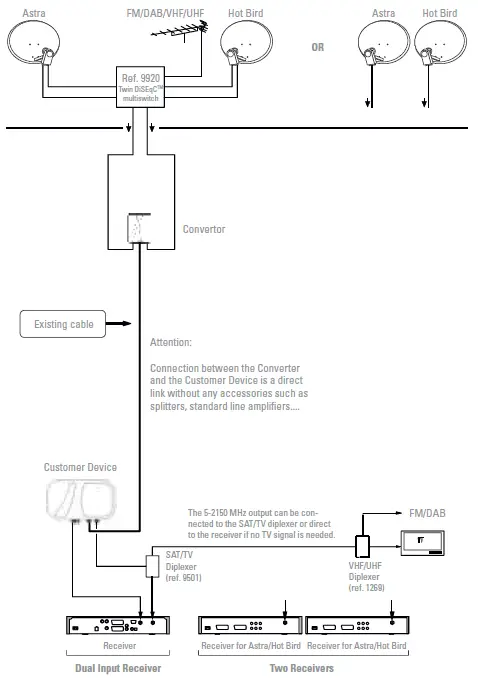
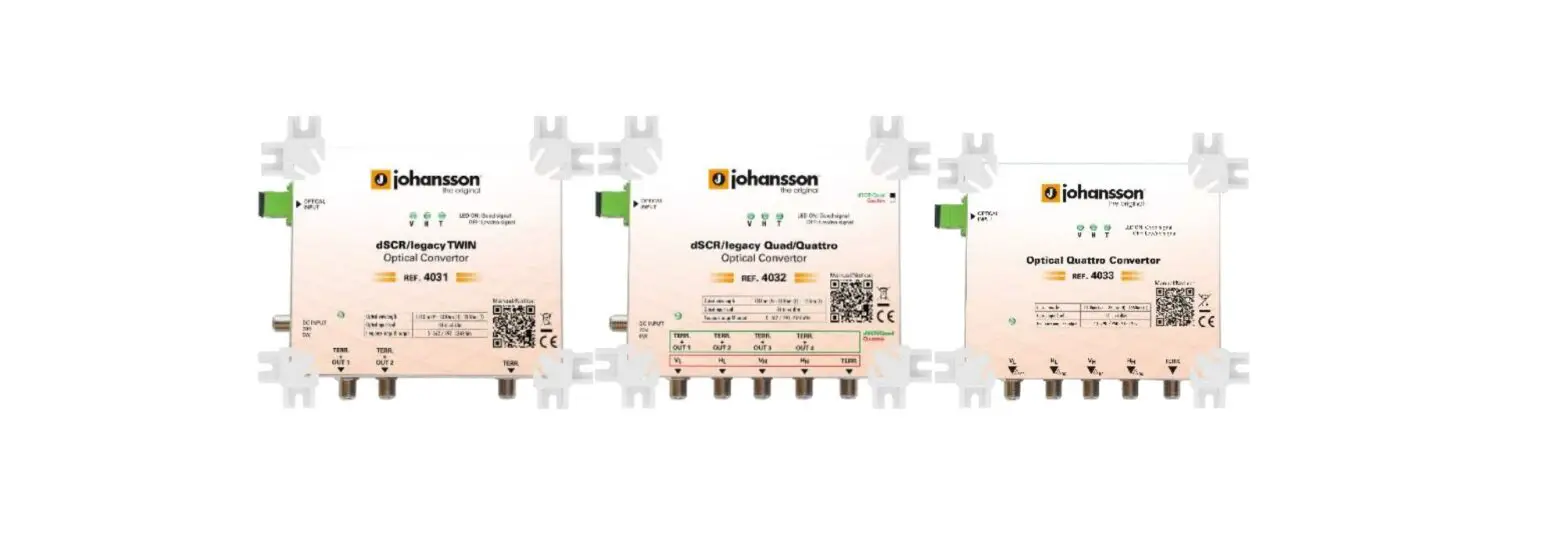
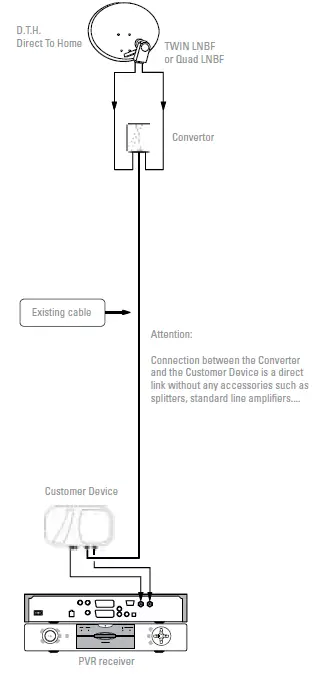
The Multi-Band Converter allows you to upgrade the installation with a TWIN (or quad) LNBF to be connected with a dual tuner input digital receiver with recorder (PVR) on existing cable.
DiSEqCTM function allows to receive signals from 2 satellites (e.g. Astra/Hot Bird).
PACKAGE CONTENTS
Be sure all items listed below are included:
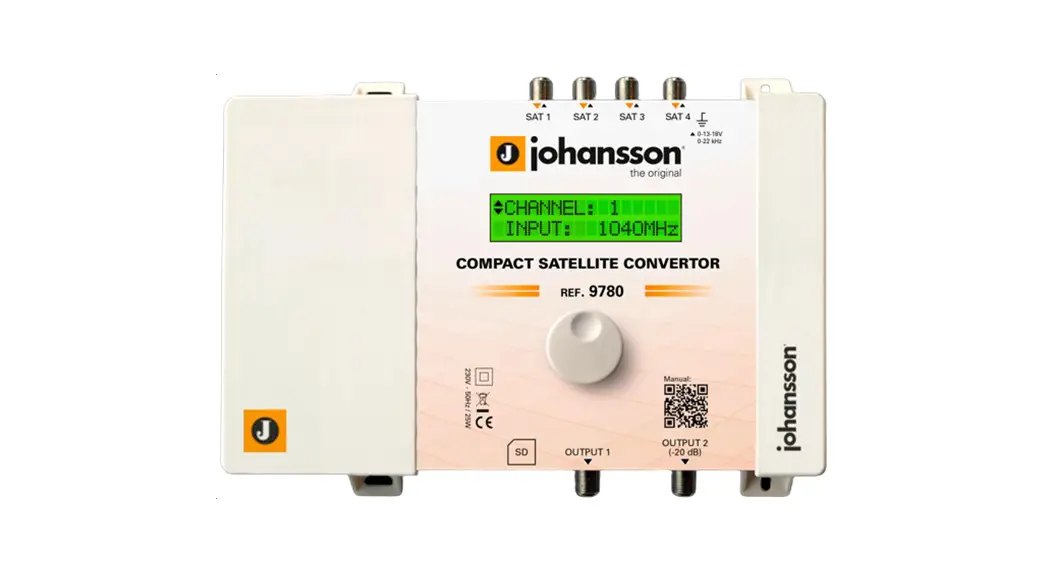
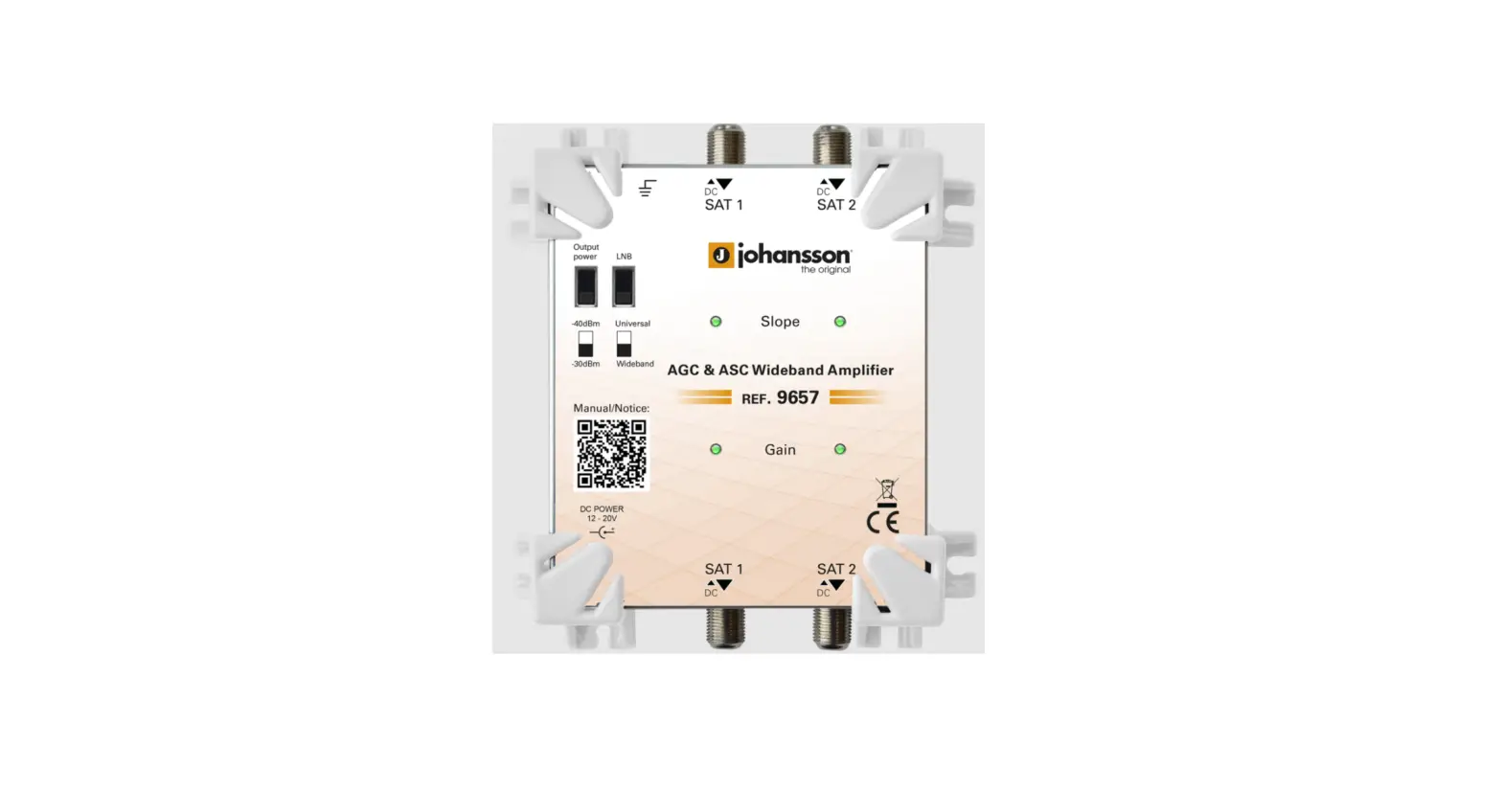
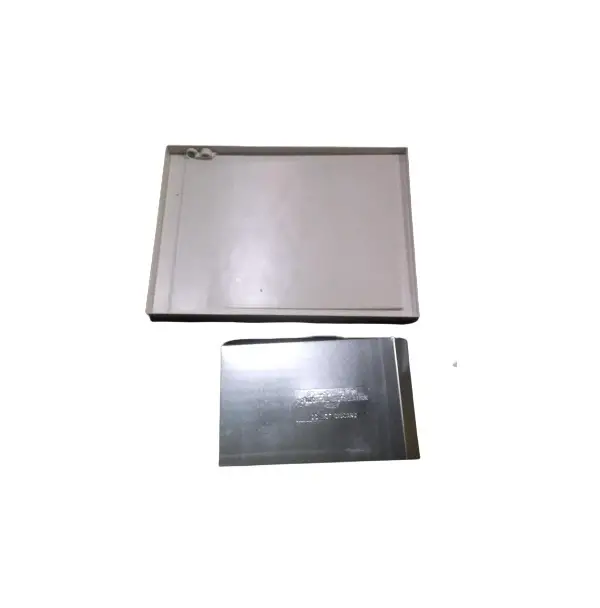
- 1 Stacker (converter)
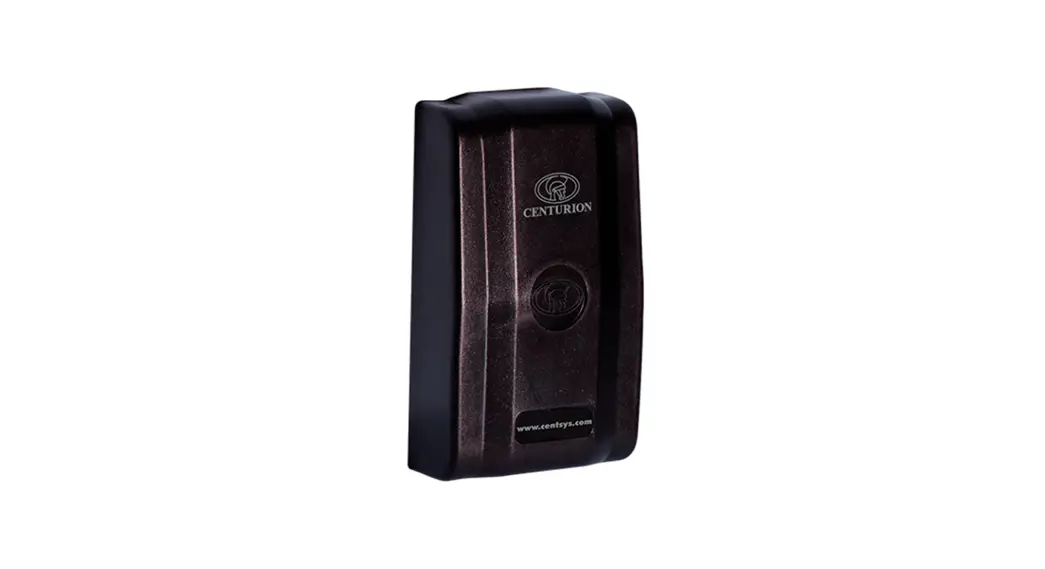
- 1 Destacker (customer device)
- 1 Manual
TECHNICAL SPECIFICATIONS
CONVERTER
| INPUTS | MHz | 1 x 5-2150 1 x 950-2150 |
| OUTPUT | MHz | 5-3550 MHz with “F” High Quality connector |
| INSERTION LOSS/GAIN | dB | Terr.: -1/Sat.: -4 Converted SAT.: +6 |
| MAX. INPUT/LEVEL | dBµV | pos. 1 (0 dB) = 88 dBµV | pos. 2 (10 dB att.) = 98 dBµV |
| POWER CONSUMPTION | W | 0,7 |
| DIMENSIONS | mm | 125 x 115 x 45 |
CUSTOMER DEVICE
| INPUT | MHz | 5-3550 MHz with “F” High Quality connector |
| OUTPUTS | MHz | 1 x 5-2150 1 x 950-2150 |
| INSERTION LOSS/GAIN | dB | Terr.: -1/Sat.: -4 Converted SAT.: +4 |
| MAX. INPUT/LEVEL | dBµV | 93 dBµV |
| CONSUMPTION | W | 0,7 |
| DIMENSIONS | mm | 140 x 90 x 40 |
| GENERAL SPECIFICATIONS | – | Operating system up to 75 m CT100 or 17 VAtC coaxial cable |
CONVERTER MOUNTING
Make connections between LNB and Converter with 2 short F/F coaxial cables.
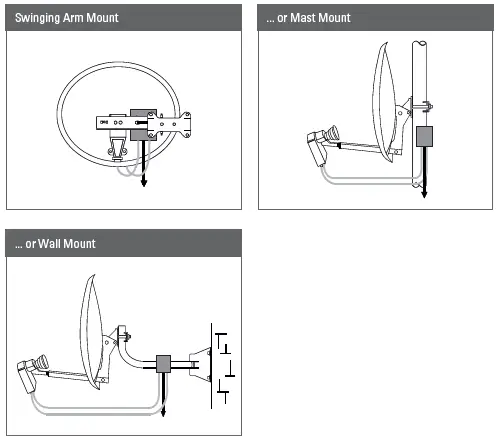
CUSTOMER DEVICE MOUNTING
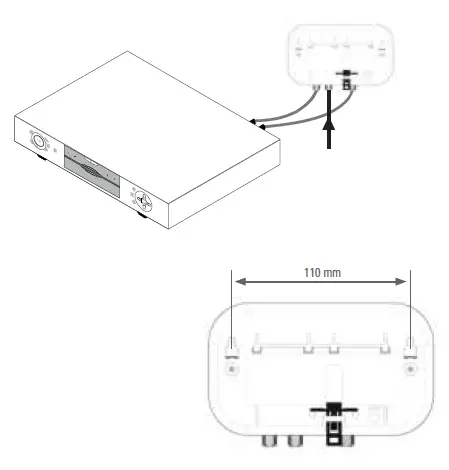
APPLICATIONS
ONE SATELLITE
TWO SATELLITES