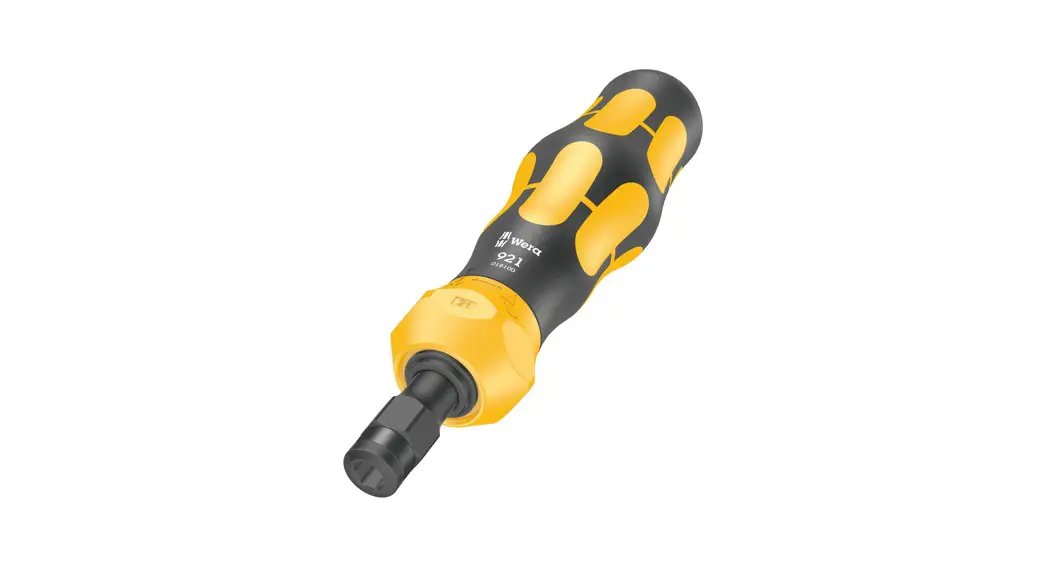

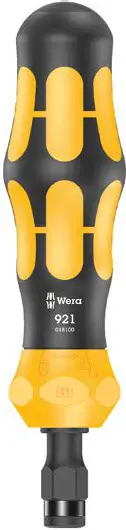
User manual for impact driver 921
To loosen the screw:
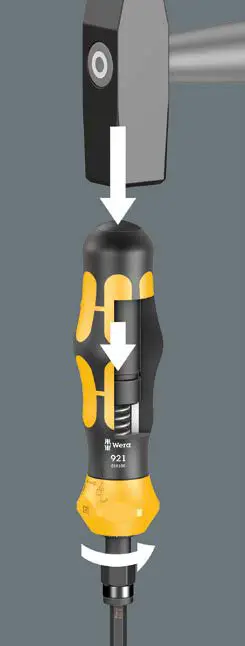
Make sure that the impact wrench function is switched on (open lock symbol). Insert the bit into the impact driver, position the bit in the screw profile, turn the impact driver in the loosening direction and hit the impact driver‘s impact cap with a fitter’s hammer (up to 700 g). Each hit moves the screw by 40°.
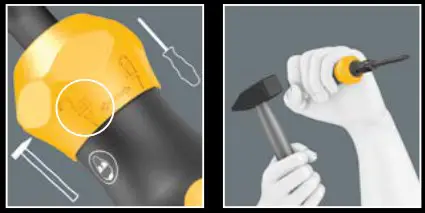
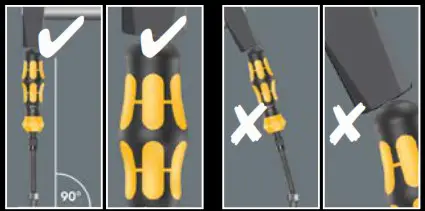
Position the tool straight without exerting any force.
The 921 impact driver must be held perpendicular to the screw head.
Do not twist the impact driver when using it.
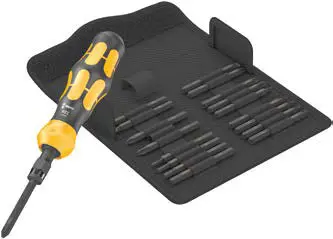
Use the 921 impact driver only with Wera impact driver bits. Make sure to use the right bit for the respective screw size.
When the impact wrench function is deactivated, a spanner (size 13) can be attached to the hexagonal bolster for greater power transmission.
The maximum loosening torque that can be transferred with the 921 impact driver is 25 Nm.
Please note that a significantly higher torque may be required to loosen rusted screws and nuts.
Don’t use as pry bar. Wear approved safety goggles and gloves.

Wera Werkzeuge GmbH Korzerter Straße 21–25 D-42349 Wuppertal Germany
www.wera.de
www.weratools.com
www.wera-tools.co.uk
11190761 – 00000177 – 01
 Safety Instructions: Safety instructions
 Wera: Wera Tools
 Wera: Wera Tools
 Wera: Wera Tools