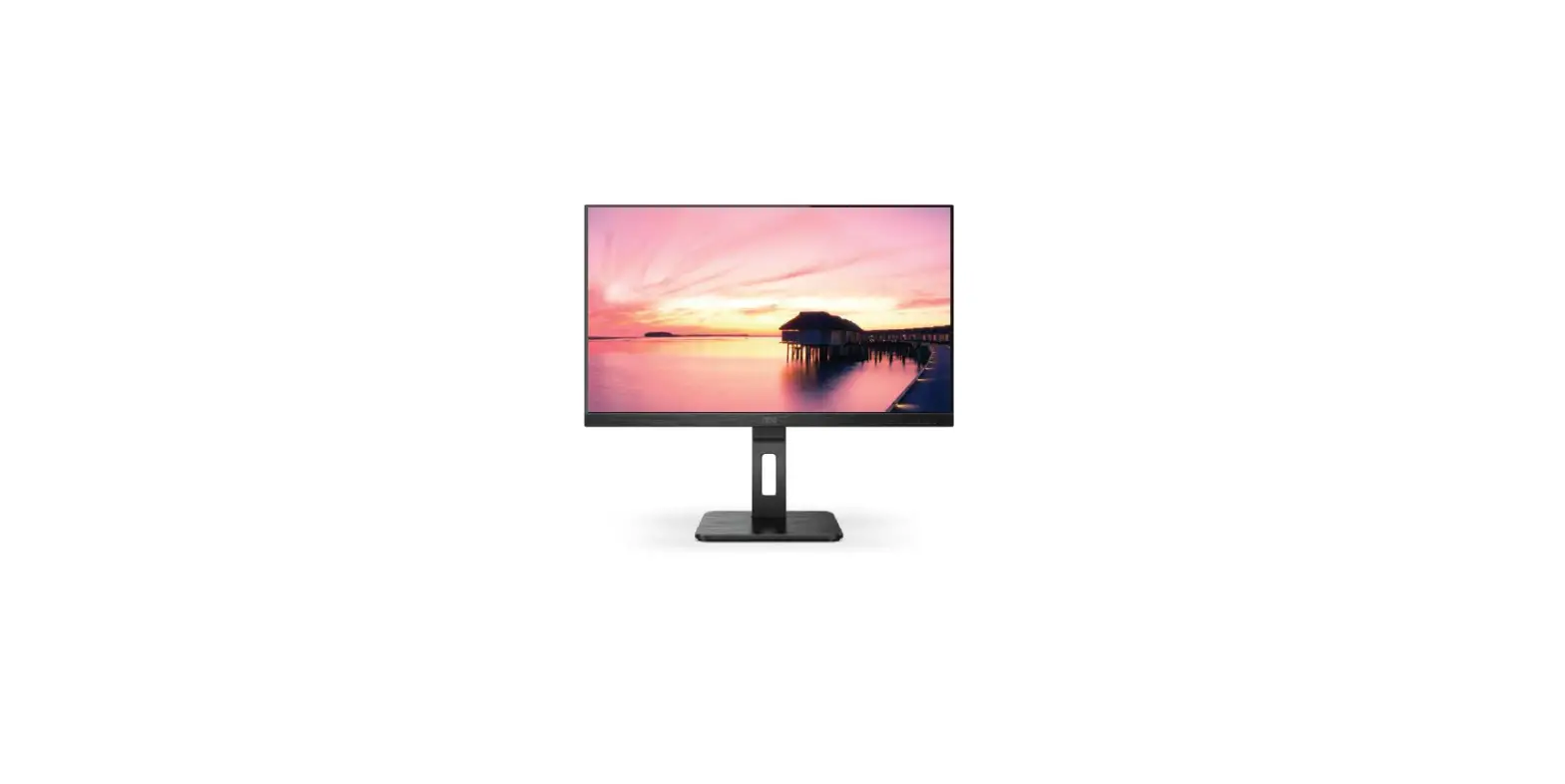
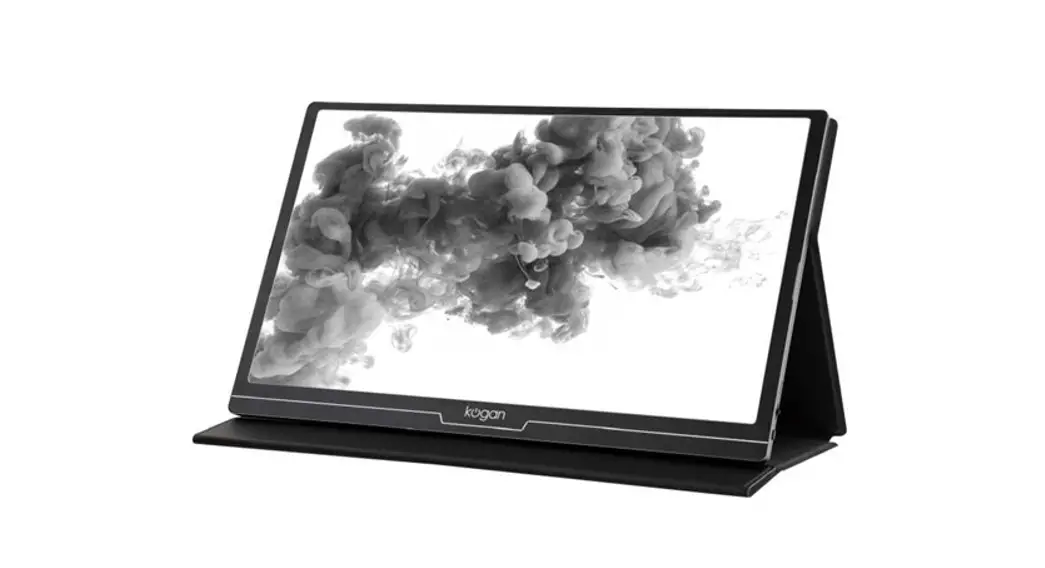
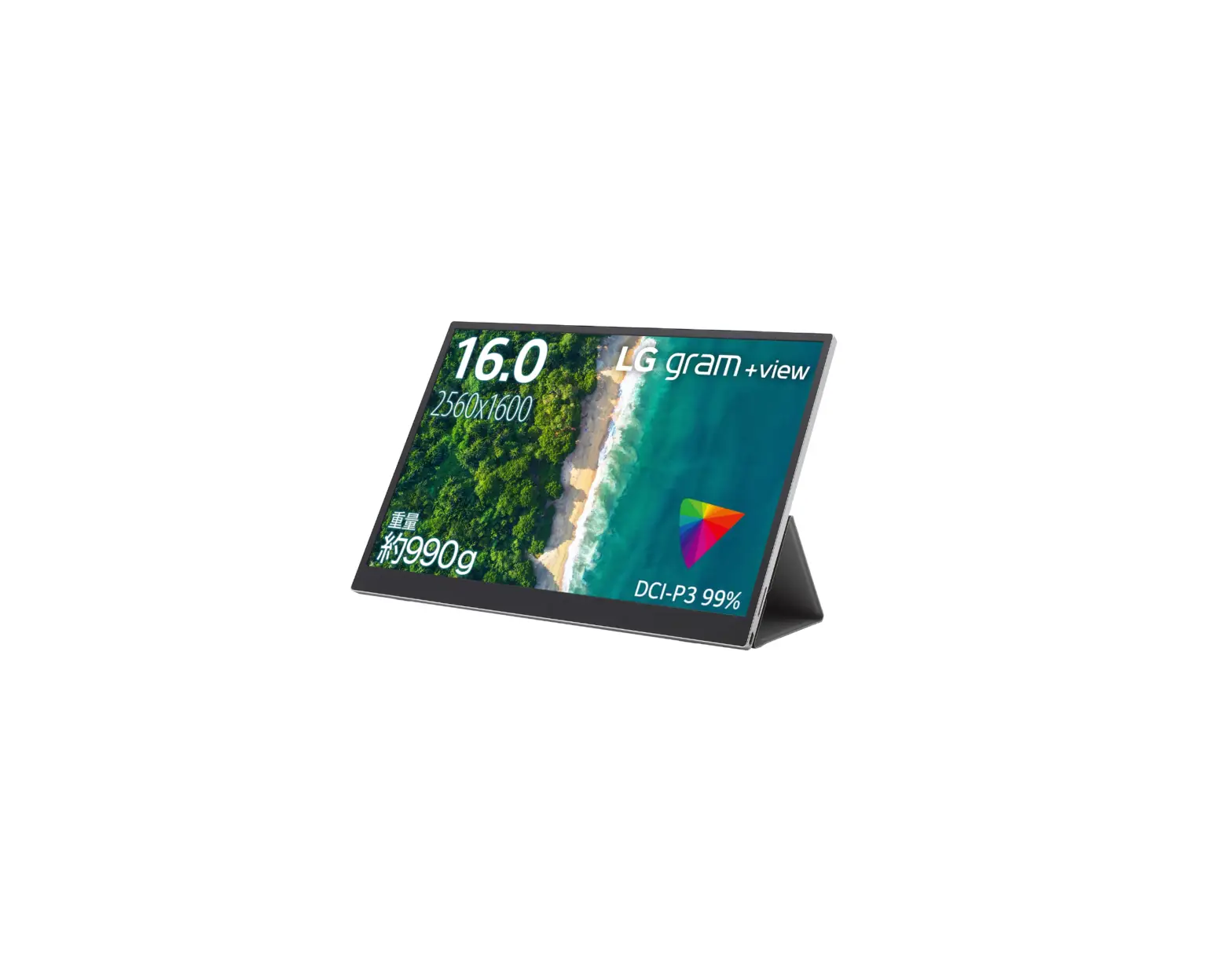
17.3 Inch Portable Dual Type-c IPS Monitor
Product Information:
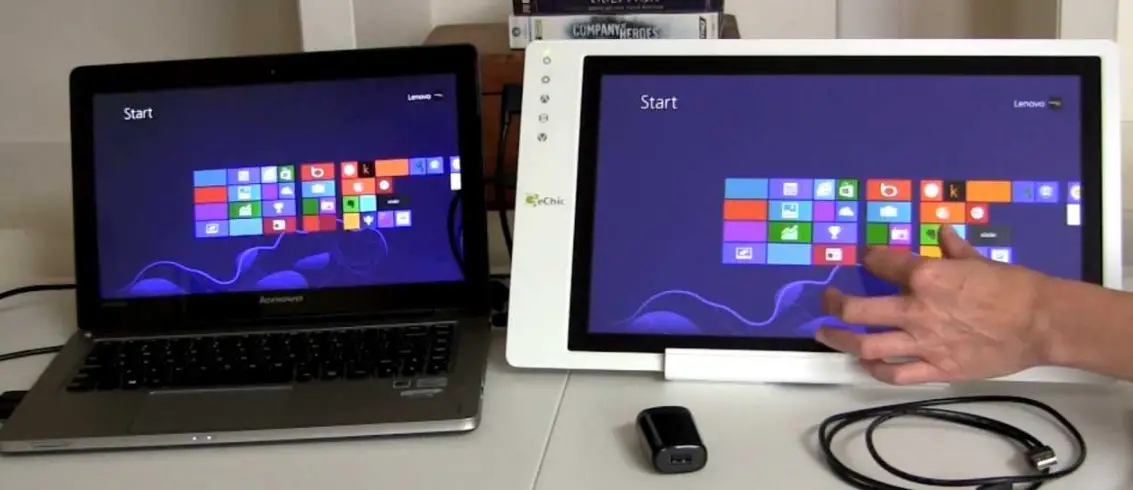
The product is a monitor that can be powered using a USB-C
cable. It is compatible with iPhone models ranging from iPhone 5 to
iPhone 14. The monitor can also be connected to devices using a
mini HDMI to HDMI cable.
Product Usage Instructions:
- Powering the Monitor:
- Connect one end of the USB-C cable to the monitor’s power input
port. - Connect the other end of the USB-C cable to a power source such
as a wall adapter or a computer’s USB port.
- Using a mini HDMI to HDMI cable, connect one end of the mini
HDMI cable to the monitor’s HDMI input port. - Connect the other end of the mini HDMI cable to the iPhone’s
Lightning to HDMI adapter. - Plug the Lightning to HDMI adapter into the iPhone’s Lightning
port.
compatible iPhone models (from iPhone 5 to iPhone 14).
Note: Make sure to use appropriate cables and adapters for
connecting the monitor to your device.
power the monitor by USB-C cable
from iphone 5 to iphone 14
power the monitor by USB-C cable
Connect with mini HDMI to HDMI
from iphone 5 to iphone 14
power the monitor by USB-C cable
Connect with mini HDMI to HDMI
from iphone 5 to iphone 14
power the monitor by USB-C cable
Connect with mini HDMI to HDMI
from iphone 5 to iphone 14
power the adapter by lighting cable