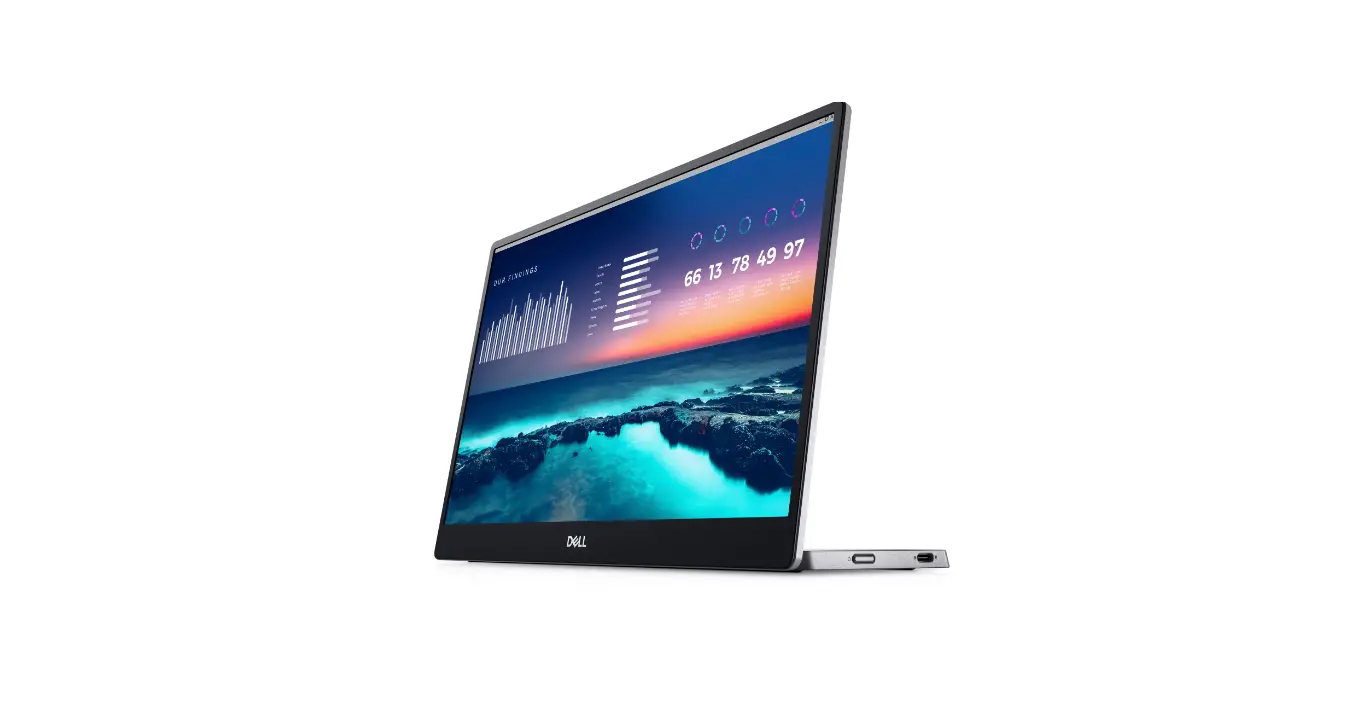
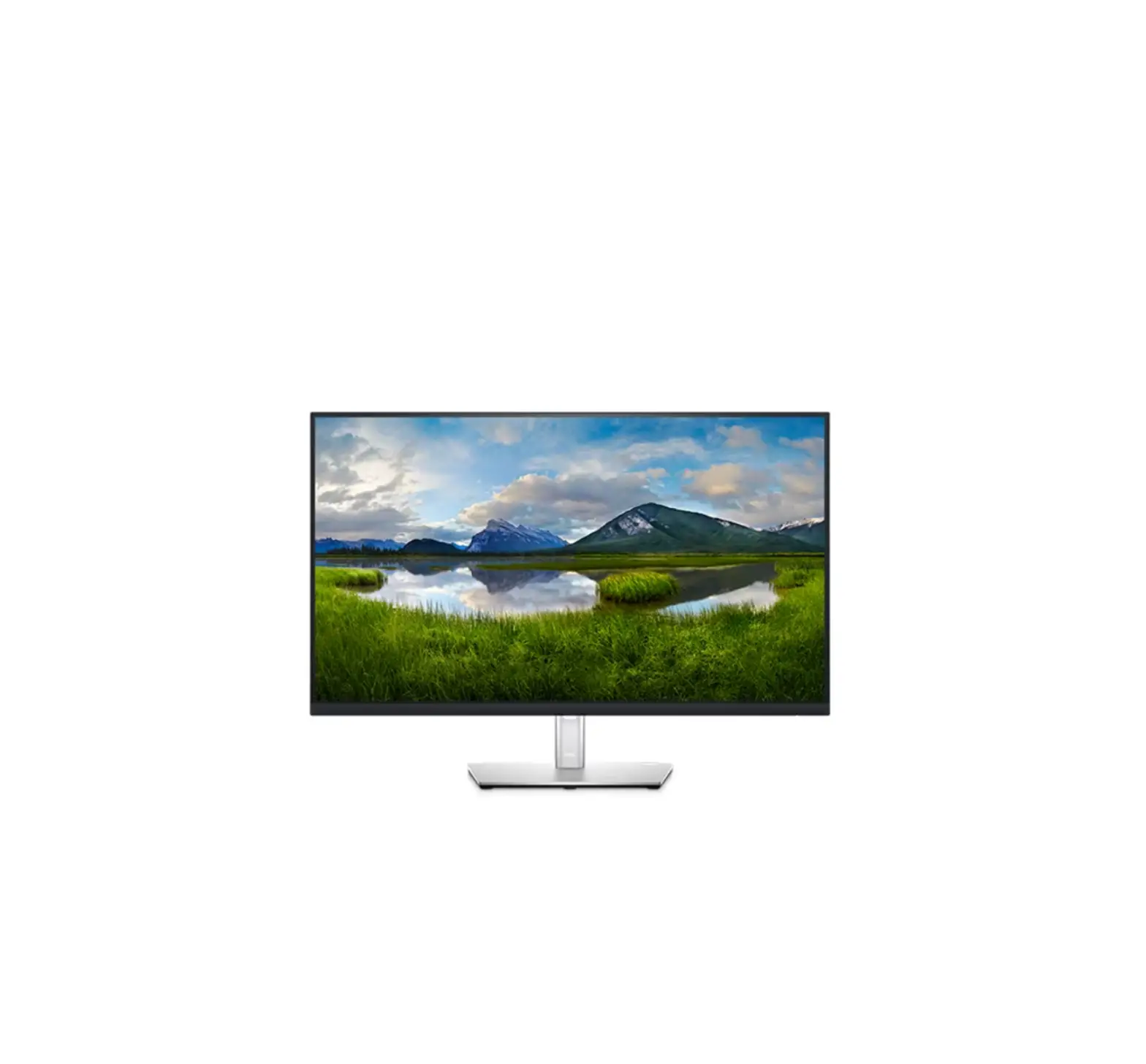
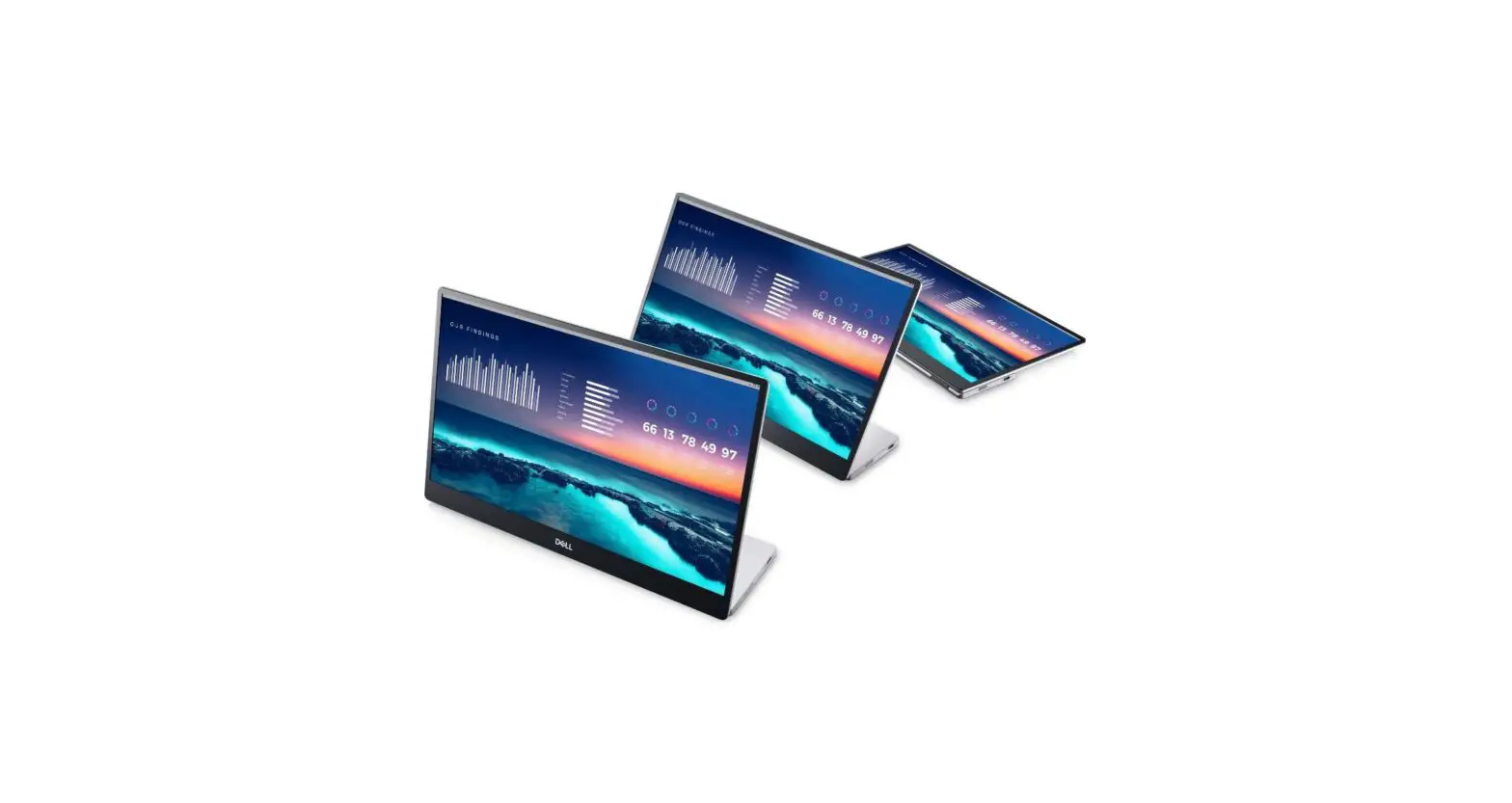
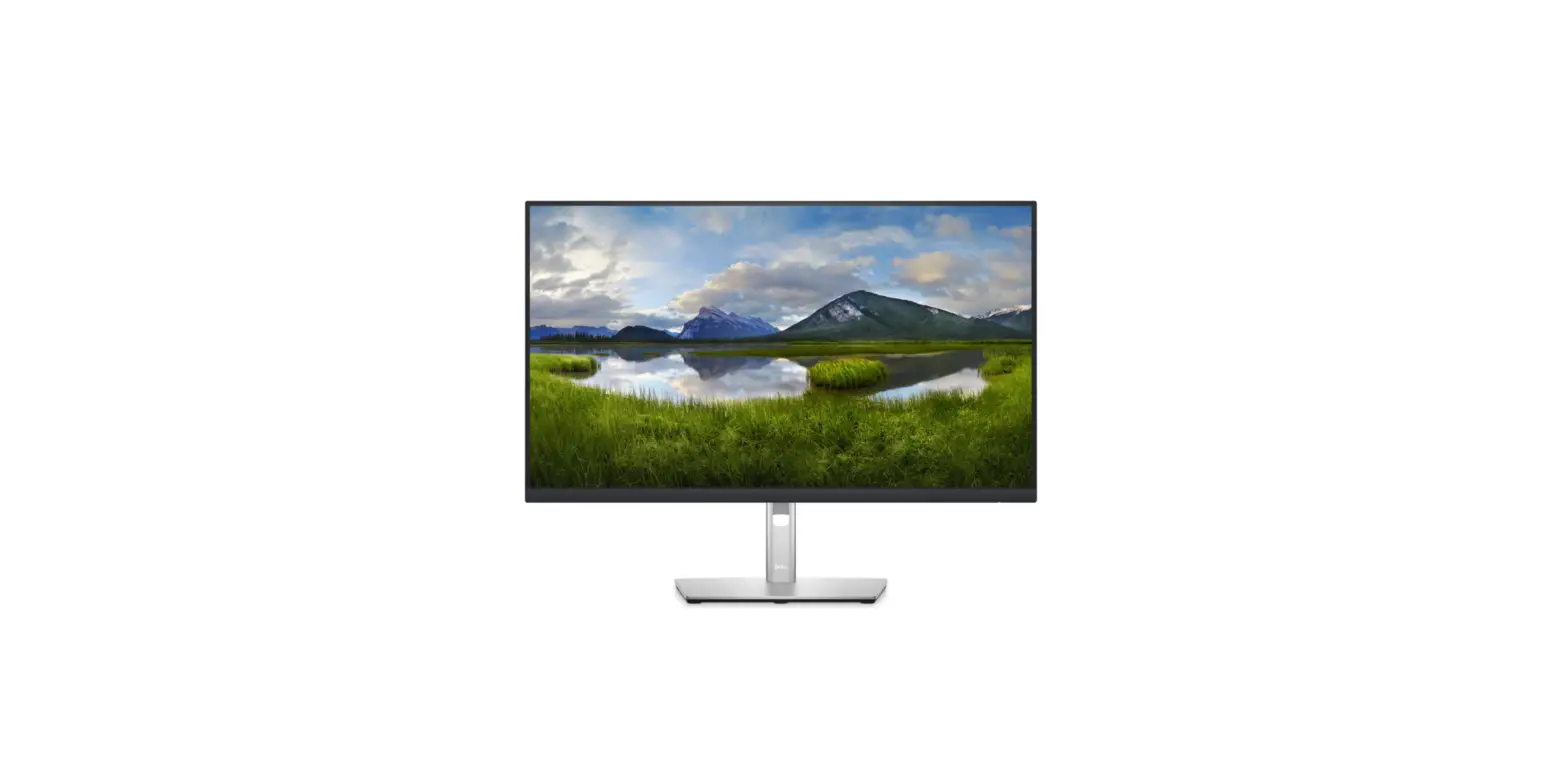
P1424H Portable Monitor
Product Information
The DELL P1424H is a monitor that features a detachable base and
panel for easy disassembly. It contains various components and
materials that may require selective treatment for disposal or
recovery.
Product Material Information
- Capacitors / Condensers (containing PCB/PCT): Not used
- Mercury containing components: Not used
- Batteries: Not used
- Printed circuit boards (with surface greater than 10 square
cm): Product has printed circuit boards - Component contain toner, ink and liquids
- Plastic containing BFR
- Component and waste contain asbestos
- CRT Component contain CFC, HCFC, HGC and HC
- Gas discharge lamps
- LCD display > 100 cm2
- External electric cable
- Component contain refractory ceramic fibers
- Component contains radio-active substances
- Electrolyte capacitors (height > 25mm, diameter >25mm):
Not used
Tools Required
- Screwdriver (Philip head with 5 mm & 3 mm)
- Screwdriver (Hexagonal to remove VGA connectivity)
- Soldering iron
- Knife
Product Usage Instructions
Teardown Instruction
Chapter 8-TEARDOWN INSTRUCTION
- Tear the rubber
- Tear off the rubber attached to the lower cover of the
bracket
- Tear off the rubber attached to the lower cover of the
- Remove the base screws
- Take the electric screwdriver and remove the base screws using
a star-shaped screwdriver head
- Take the electric screwdriver and remove the base screws using
- Remove the mainboard screws
- Take the electric screwdriver and remove the mainboard screws
using a cross-shaped screwdriver head
- Take the electric screwdriver and remove the mainboard screws
- Separate mainboard
- Take out the mainboard from the upper cover of the base
- Remove the cable hook and pull out the cable
- Remove the power button and menu button
- Remove the power button and menu button
- Remove the front frame
- Remove the front frame in sequence with both hands at the same
time - Sequence: sky side, right side, ground side, left side
- Remove the front frame in sequence with both hands at the same
- Tear pull adhesive
- Tear off the pull adhesive at positions 1~3 by clamping the
pull glue with pliers and pulling it out - Take out the panel from the back cover
- Tear off the pull adhesive at positions 1~3 by clamping the
- Separate panel
- Remove the cable hook and pull out the cable
- Remove the upper cover of base screws
- Take the electric screwdriver and remove the upper cover of
base screws using a cross-shaped screwdriver head - Separate the upper cover of the base
- Take the electric screwdriver and remove the upper cover of
- Remove the Hinge screws
- Take the electric screwdriver and remove the Hinge screws at
positions 1~6 using a cross-shaped screwdriver head
- Take the electric screwdriver and remove the Hinge screws at
- Take out the cable
- Take out the cable from the back cover
DELL P1424H Teardown Instruction
Chapter 8-TEARDOWN INSTRUCTION
1.Tear the rubber
aTear off the rubber attached to the lower cover
of the bracket”1~2″
4. Separate mainboard
aTack out the mainboard from the upper cover of the
base bRemove the cable hook, pull out the cable;
2. Remove the base screws ake the electric screwdriver and remove the
base screws at positions “1~9” bque of electric screwdriver: 1.1±0.1kgf.cm,
Screwdriver head: star
5.Remove the pwer button and menu button
aRemove the pwer button and menu button
S5
3. Remove the mainboard screws
aSeparate the lower cover of the bracket bTake the electric screwdriver and remove the mainboard screws at positions “1~4″ crque of electric screwdriver:1.1±
0.1kgf.cm,Screwdriver head: Cross
6. Remove the front frame
S6
aRemove the front frame in sequence with both hands at the same time
bder: sky sideright sideground side left side
38
DELL P1424H Teardown Instruction
7.Tear pull adhesive
S7
aTear off the pull adhesive at positions”1~3” (Clamp the pull glue with pliers and pull it out)
bTack out the panel from the back cover
10.Remove the Hinge screws
S10
aTake the electric screwdriver and remove the Hinge screws at positions “1~6”
bTorque of electric screwdriver: 1.1±0.1kgf.cm,
Screwdriver head: Cross
8. Separate panel
aRemove the cable hook, pull out the cable;
S8
11.Take out the cable
S11
aTack out the cable from the back cover
9. Remove the upper cover of base
screws
S9
aTake the electric screwdriver and remove the
upper cover of base screws at positions “1~6”
bTorque of electric screwdriver: 1.1±0.1kgf.cm,
Screwdriver head: Cross
cSeparate the upper cover of the base
39
DELL P1424H Teardown Instruction
1. Product Material Information
The following substances, preparation, or components should be disposed of or recovered separately from other WEEE in
compliance with Article 4 of EU Council Directive 75/422/EEC.
Capacitors / Condensers (containing PCB/PCT)
Not used
Mercury containing components
Not used
Batteries
Not used
Printed circuit boards (with surface greater than 10 square cm)
Product has printed circuit boards (with surface greater than 10 square cm)
Component contain toner, ink and liquids Plastic containing BFR Component and waste contain asbestos CRT Component contain CFC, HCFC, HGC and HC Gas discharge lamps LCD display > 100 cm2 External electric cable Component contain refractory ceramic fibers Component contains radio-active substances Electrolyte capacitors (height > 25mm, diameter >25mm)
Not used
Not used Not used Not used Not use Product LCD greater than 100cm2 Product has external cables Not used Not used Product has electrolyte capacitors (height > 25mm)
2. Tools Required
List the type and size of the tools that would typically can be used to disassemble the product to a point where components and materials requiring selective treatment can be removed. Tool Description: – Screwdriver (Philip head with 5 mm & 3 mm) – Screwdriver (Hexagonal to remove VGA connectivity) – Soldering iron – Knife
40