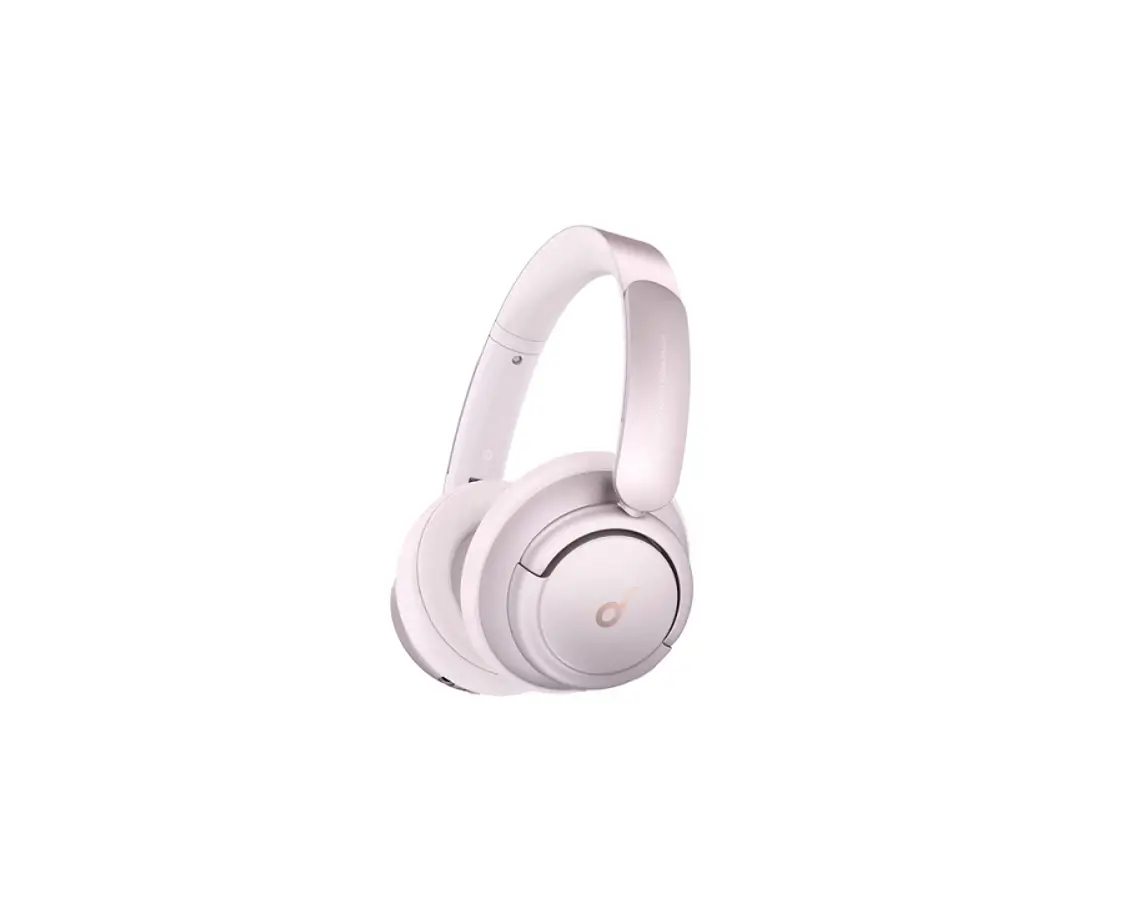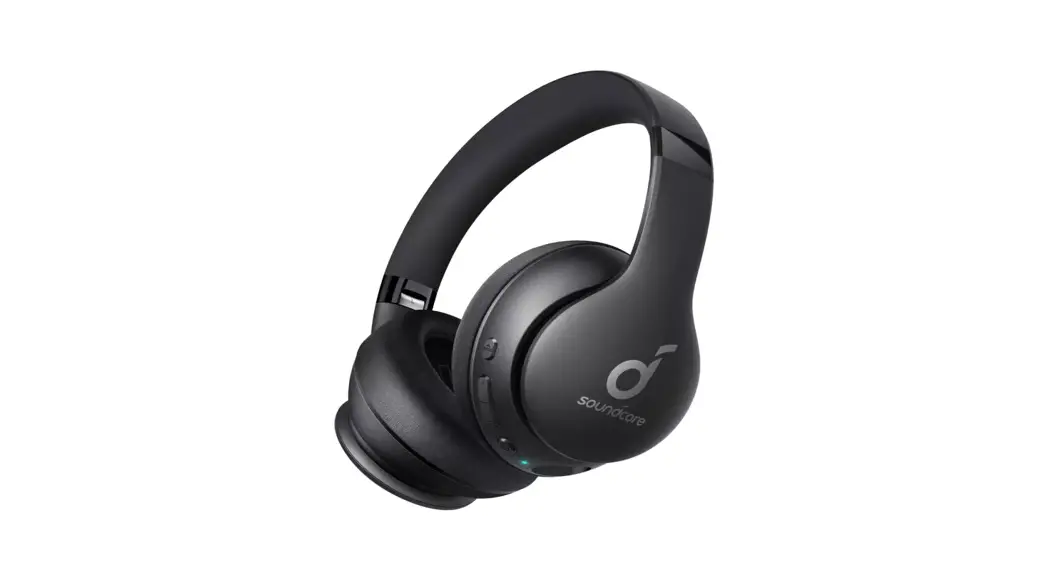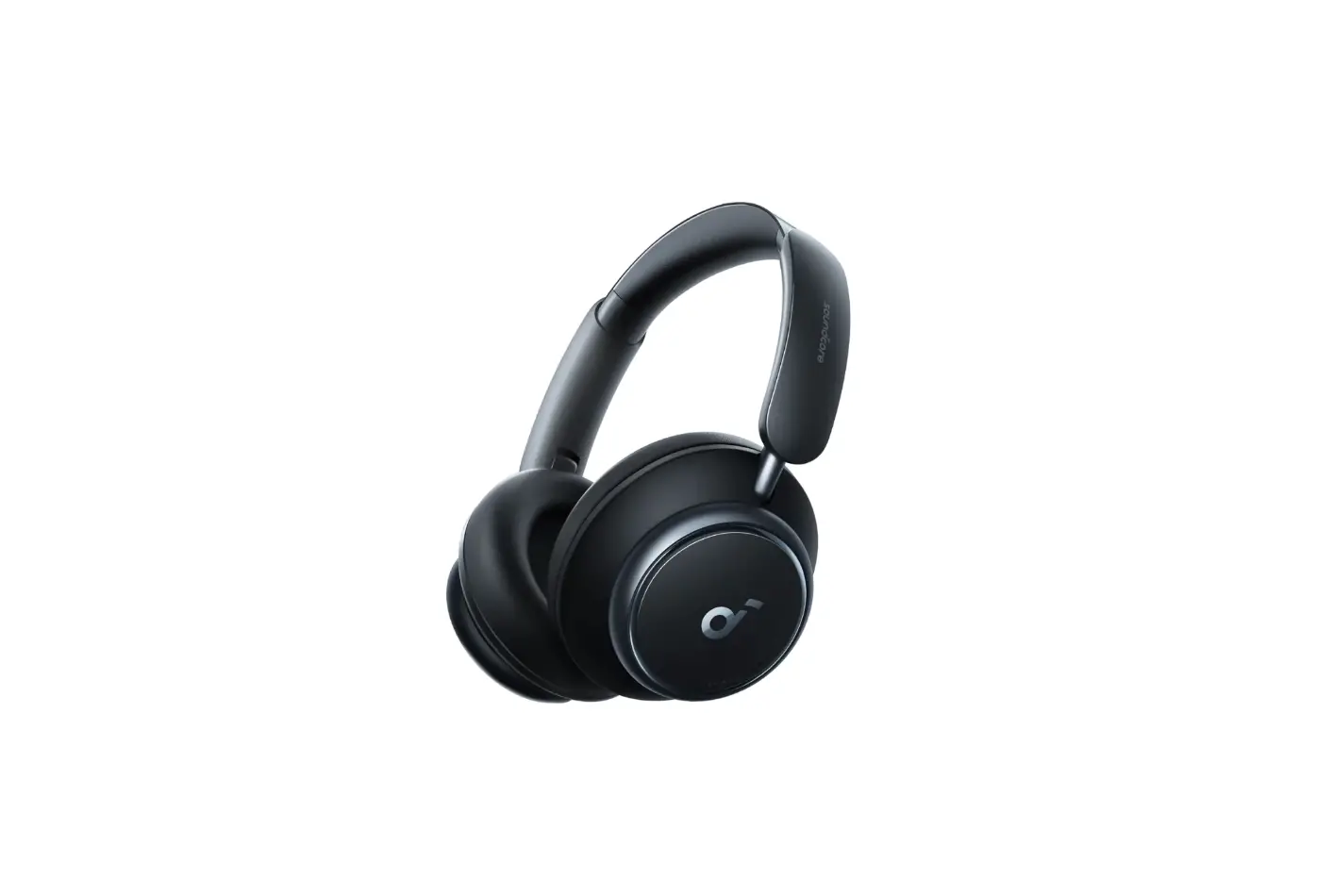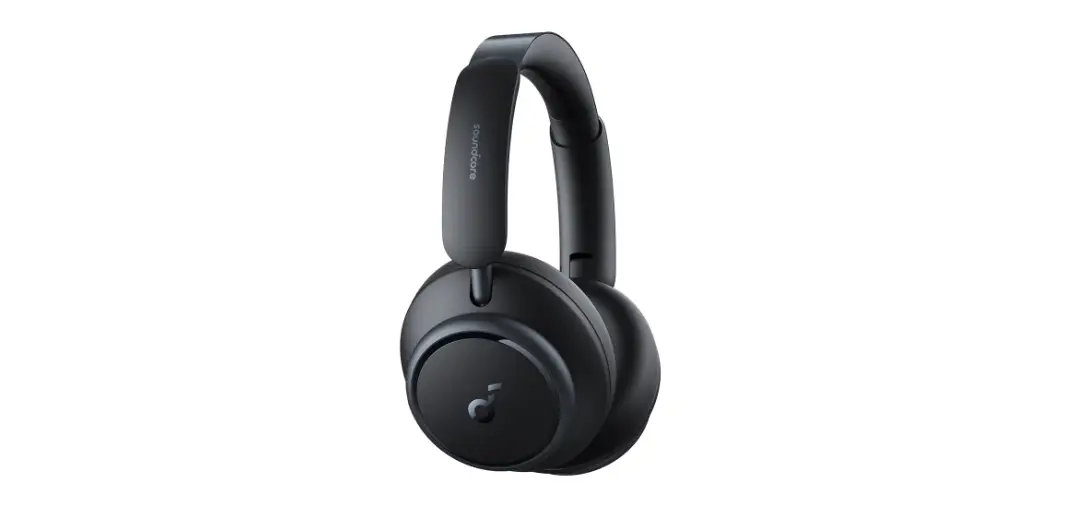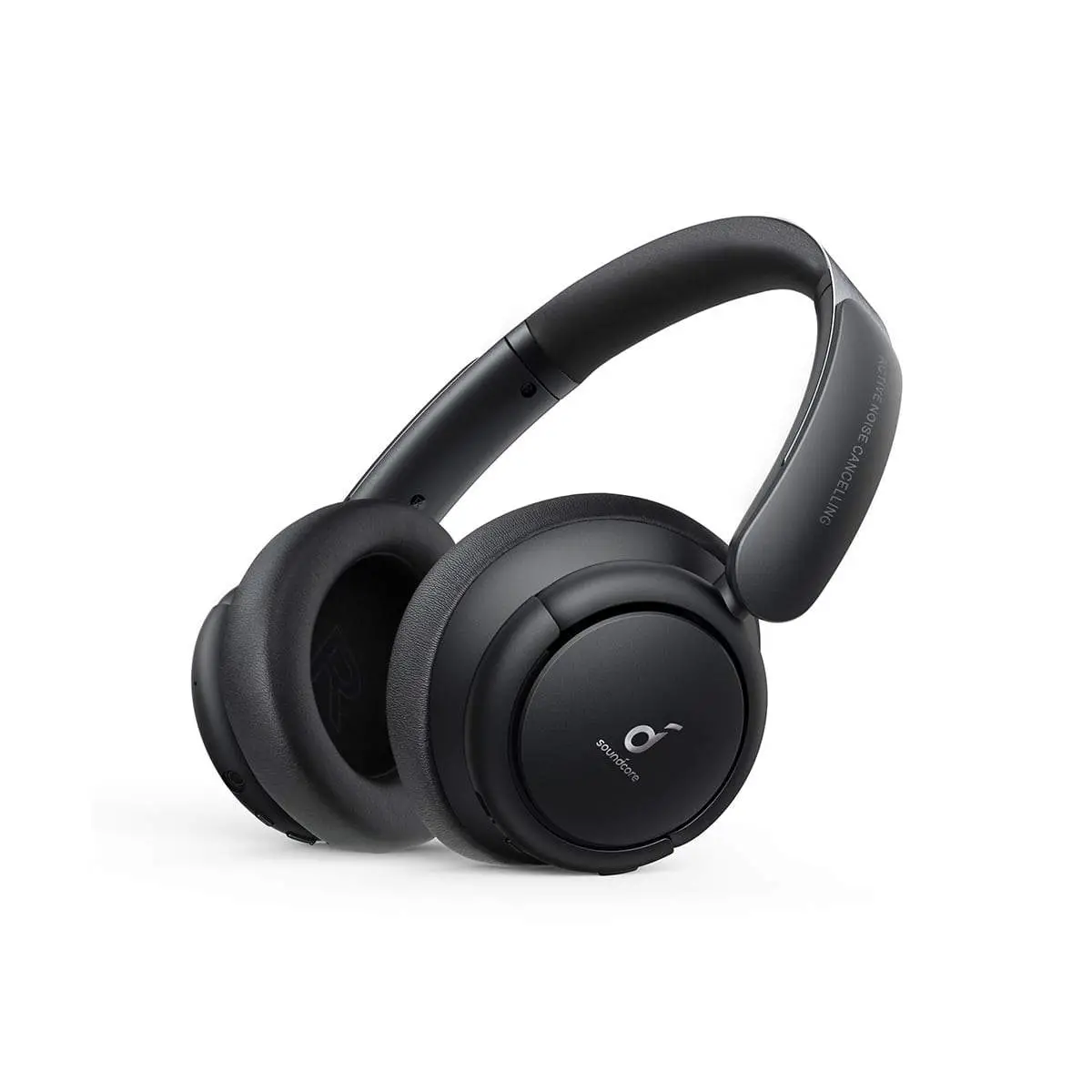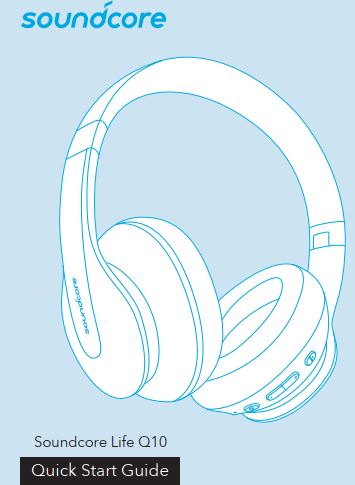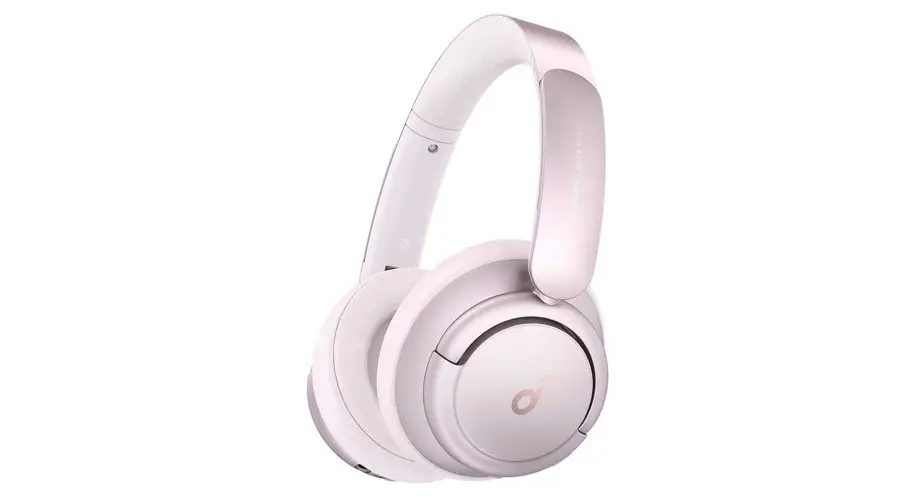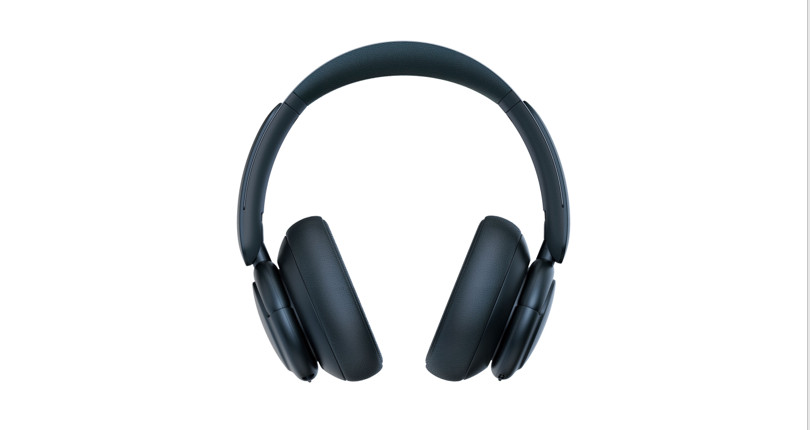

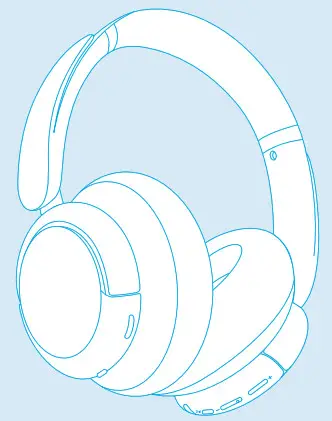
 Soundcore Life Q35
Quick Start Guide
For FAQs and more information, please visit: soundcore.com/support

@SoundcoreAudio
@soundcoreaudio
@sondcoreaudio
 SUPPORT
 SUPPORT
For FAQs, detailed user manual and more information, please visit www.soundcore.com/support
 APP
APP
 APP
APP Google Play and the Google Play logo are trademarks of Google Inc.
Apple and the Apple logo are trademarks of Apple Inc.
Download the Soundcore app to adjust EQ settings, switch ANC mode, update firmware, and explore more.
 CHARGING
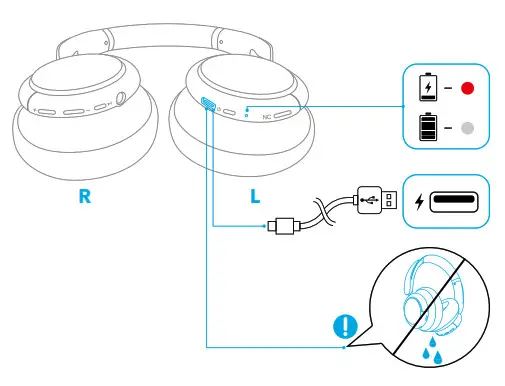 Fully dry off the USB port before charging.
 POWERING ON/OFF
 POWERING ON/OFF
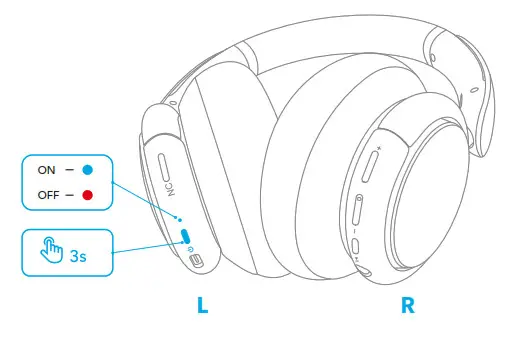 Press and hold the power button for 3 seconds to power on/off.
 PAIRING
 PAIRING
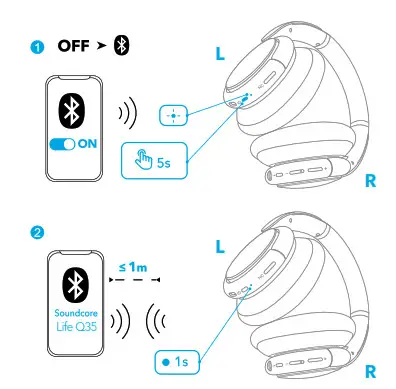 When powered off, press and hold the power button for 5 seconds until the LED flashes blue to enter the Bluetooth pairing mode.
 DUAL PAIRING
 DUAL PAIRING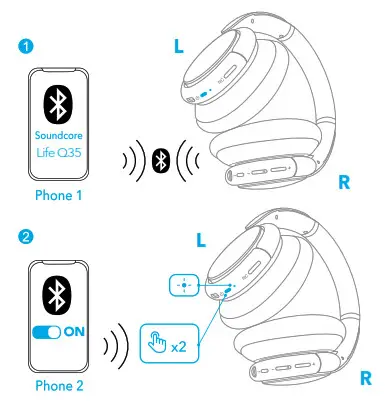
When successfully connected with the first device, press twice the power button to pair with another device.
 NFC
NFC
 NFC
NFC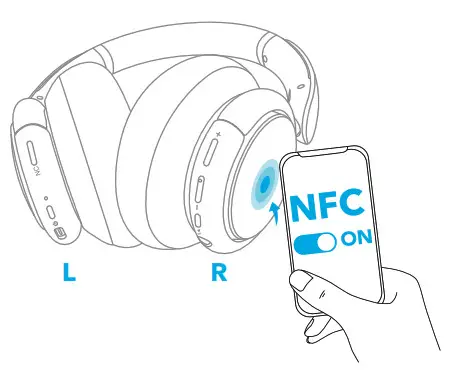 For NFC pairing, enable NFC on your smartphone (iOS devices excluded) and gently tap it on the right panel of the headphone.
NOISE CANCELLATION
 NOISE CANCELLATION
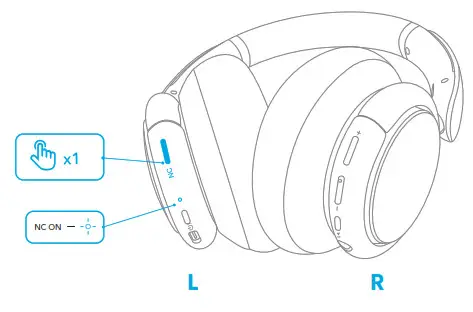 Press the NC button to turn on/off the ANC (Active Noise Cancellation) mode.
TRANSPARENCY
 TRANSPARENCY
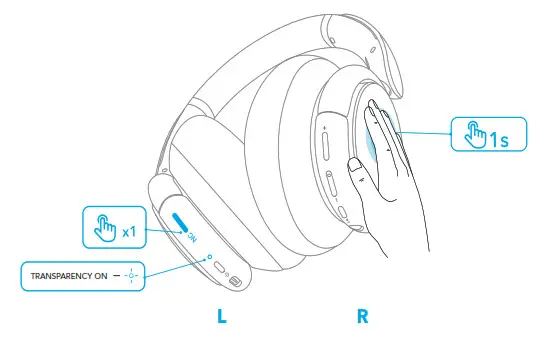 To stay aware of your surroundings while listening to music, activate the transparency mode by holding the right panel for 1 second or pressing the NC button.
 BUTTON CONTROLS
 BUTTON CONTROLS
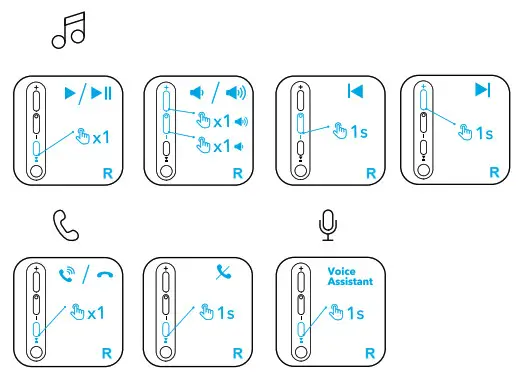 ×1: Press once
1s: Press and hold for 1 second
 AUTO-PAUSE
 AUTO-PAUSE
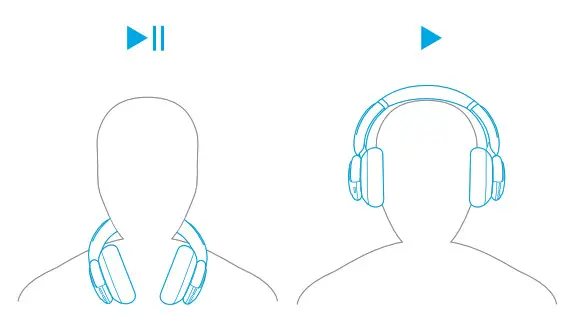 Auto-pause music playback when removing the headphones, wear them again to resume.
AUX
 AUX
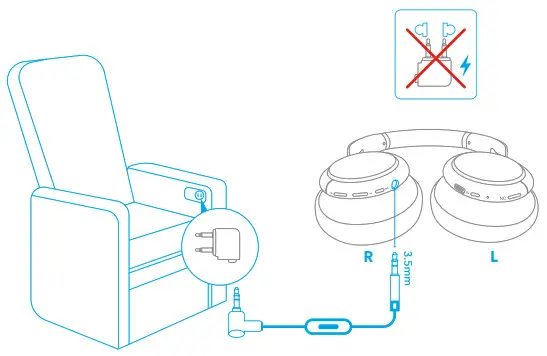
AUX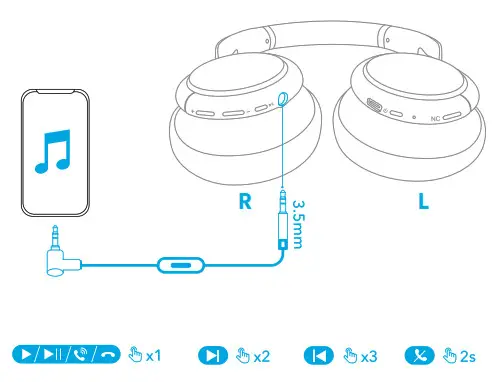 Play audio on an external device by plugging in a 3.5mm AUX cable with remote control.
 RESET
RESET
 RESET
RESET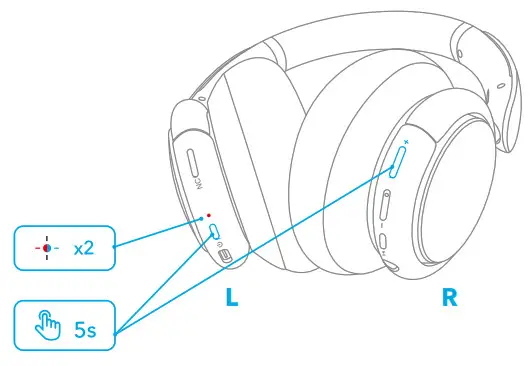 Press the power button and volume up button simultaneously for 5 seconds to reset the headphone.


Customer Service
18-month limited warranty
Lifetime technical support
Our warranty is additional to the legal rights consumers have buying this product. [email protected]
[email protected] (For Middle East and Africa Only) +1(800)988 7973(US) Mon-Fri 9:00-17:00 (PT)
+44(0) 1604 936200 (UK) Mon-Fri 6:00-11:00 (GMT)
Input: 5V 0.65A
0.65A
Charging time: 2 hours
Playtime (varies by volume level and content): 40 hours (ANC mode), 60 hours (Normal mode)
Anker Innovations Limited
Room 1318-19, Hollywood Plaza, 610 Nathan Road, Mongkok, Kowloon, Hong Kong
ANKER TECHNOLOGY (UK) LTD
Suite B, Fairgate House, 205 Kings Road, Tyseley, Birmingham, B11 2AA, United Kingdom
Anker Innovations Deutschland GmbH
Georg-Muche-Strasse 3, 80807 Munich, Germany
 Soundcore EN
 Anker (アンカー) Japan公式サイト – Anker Japan公式サイト
 Soundcore EN