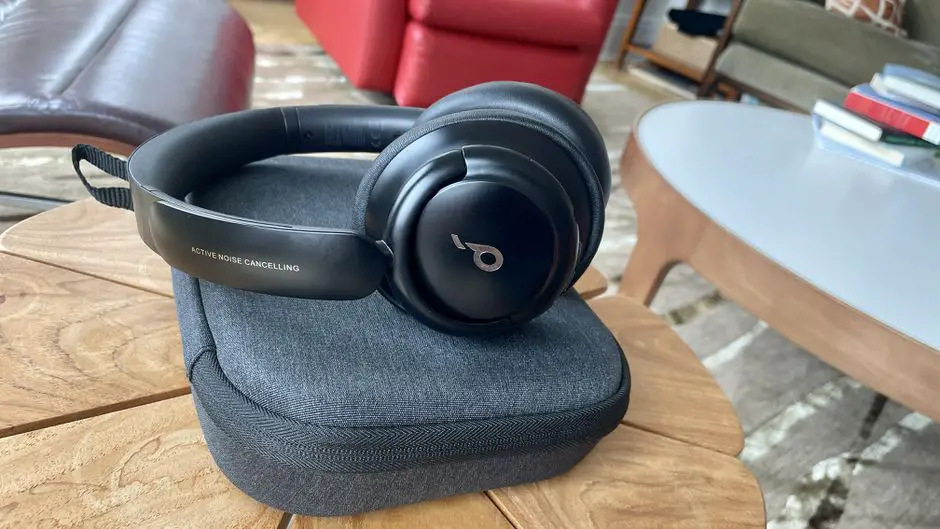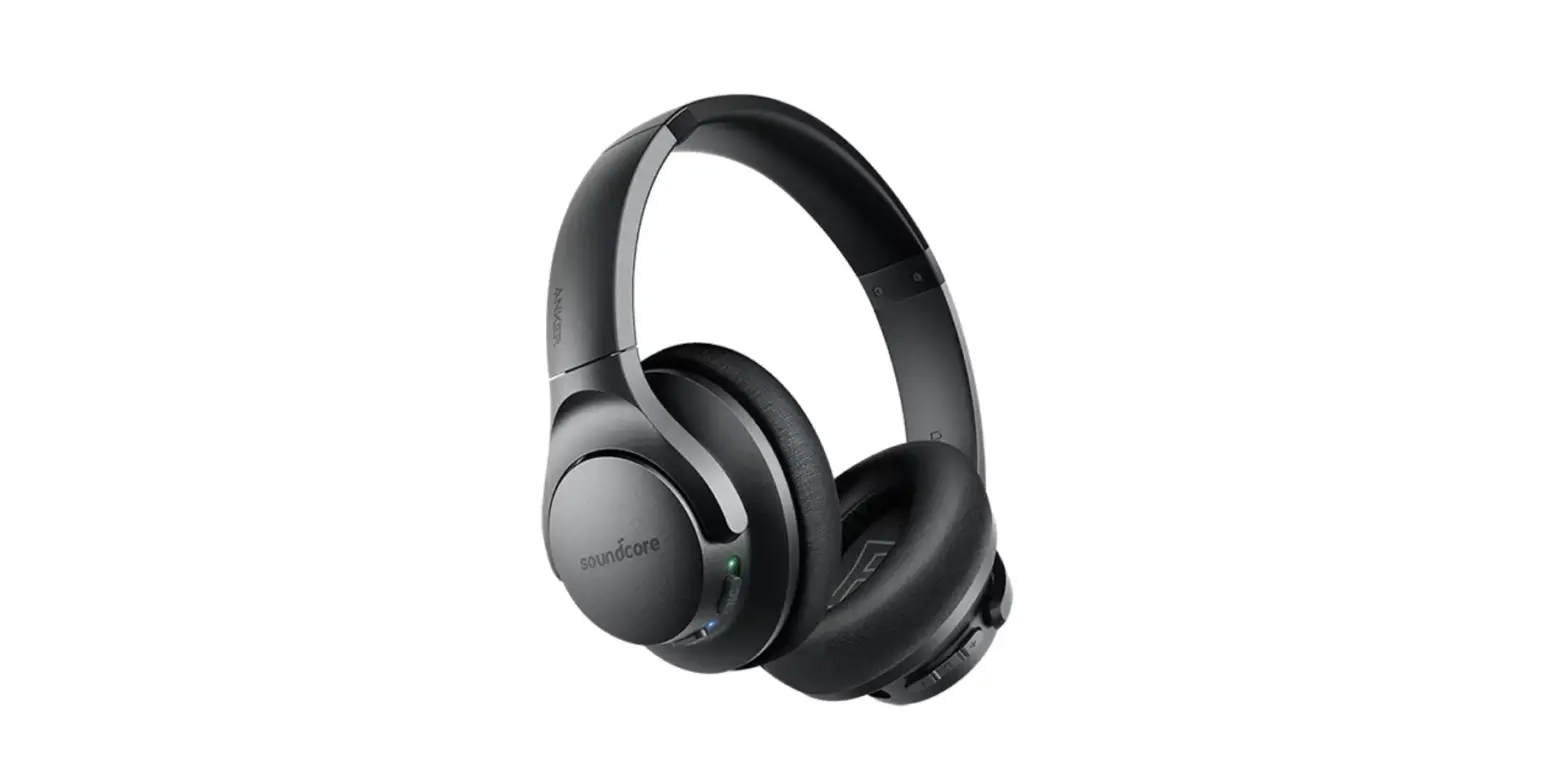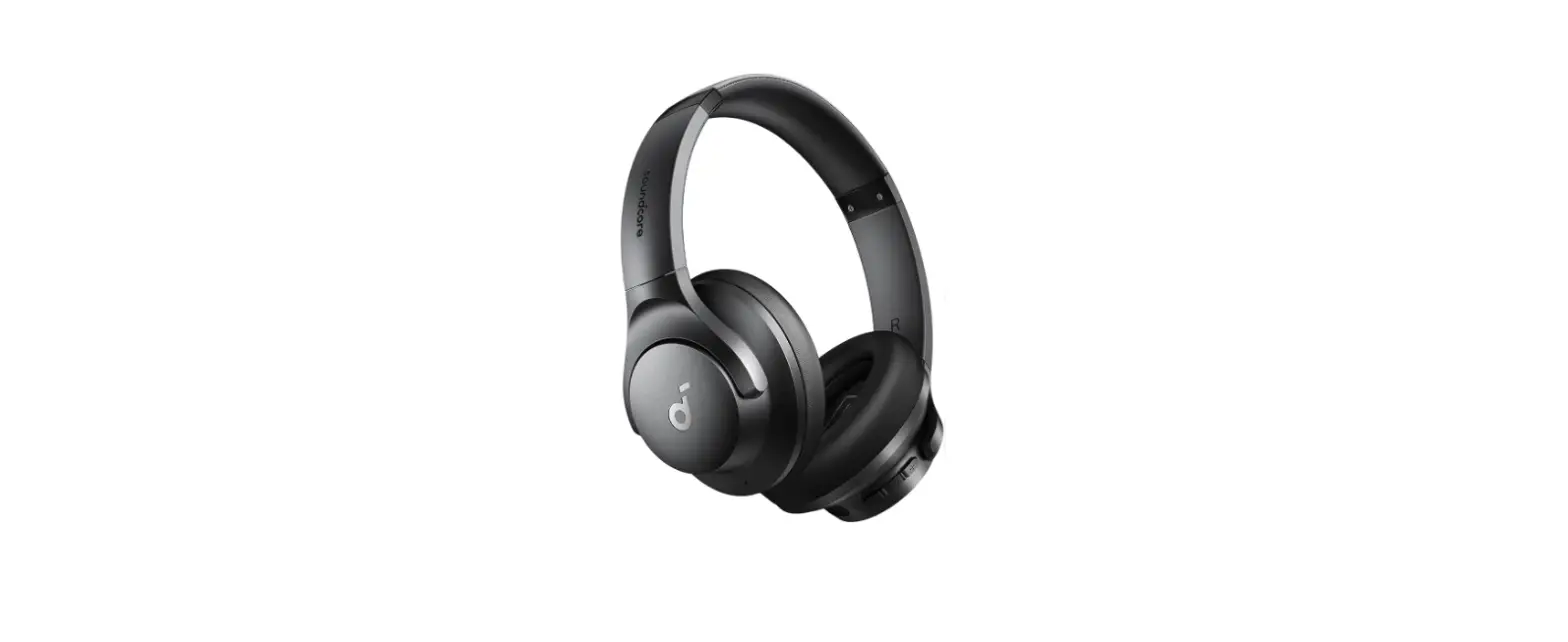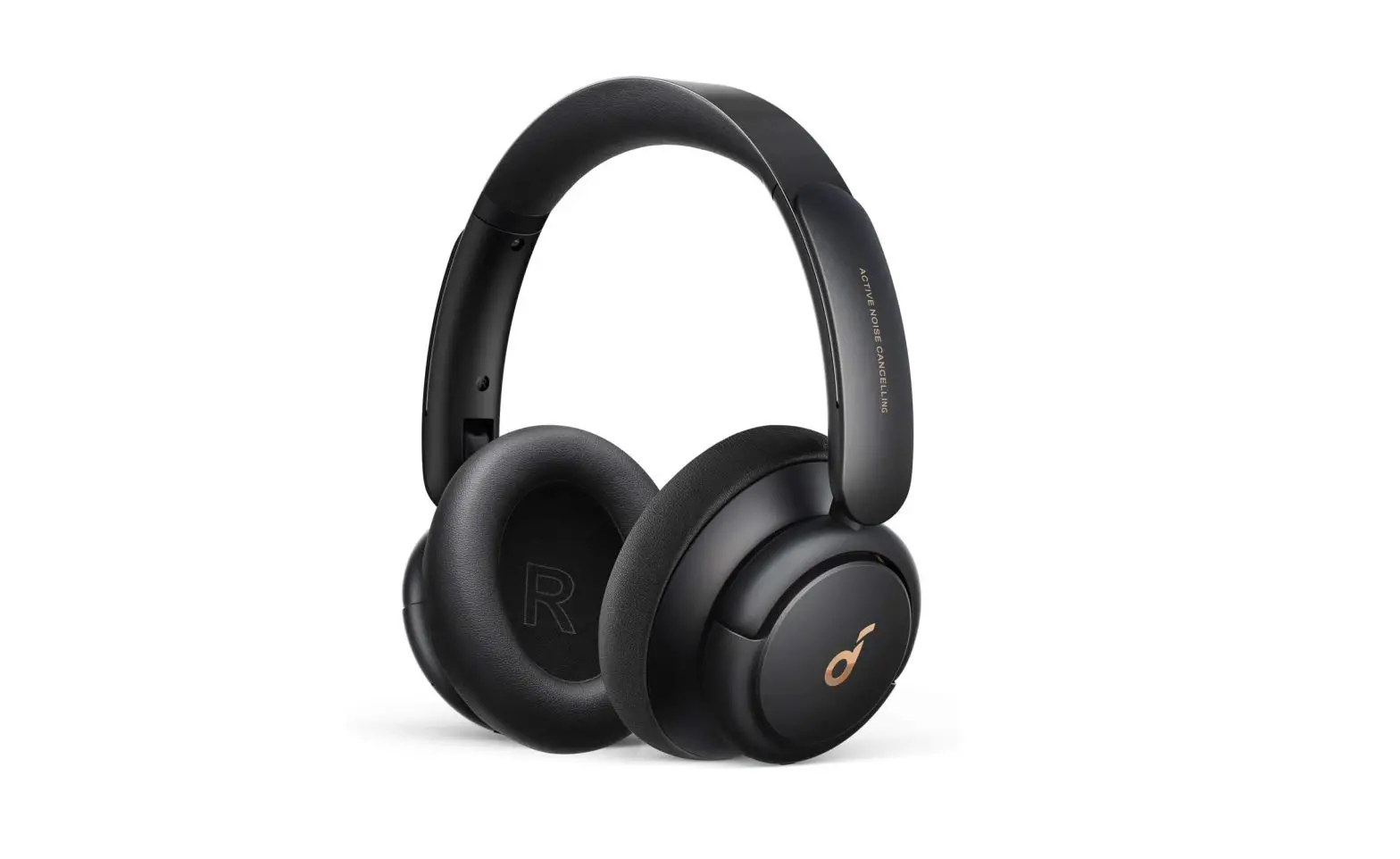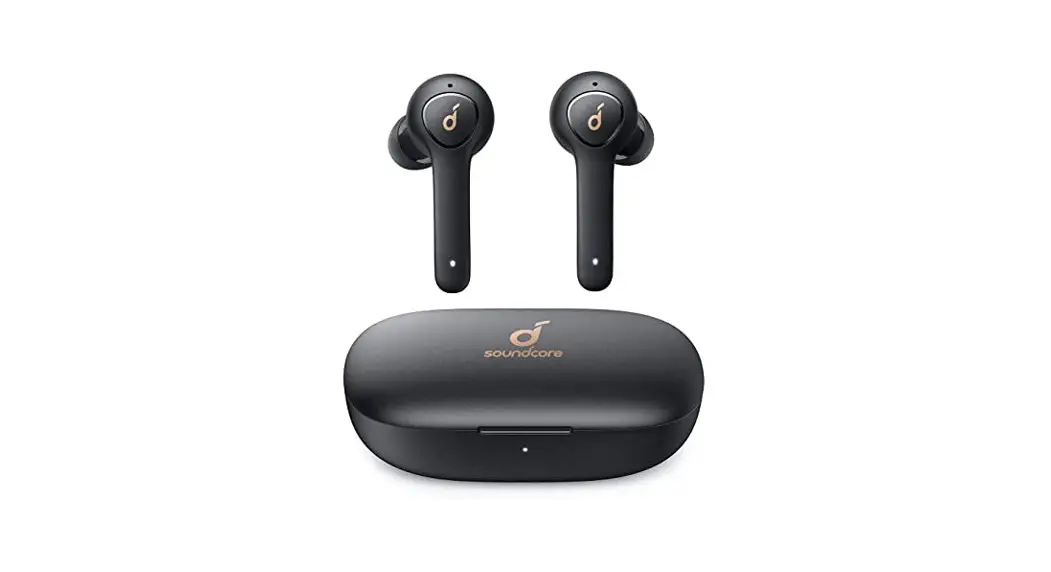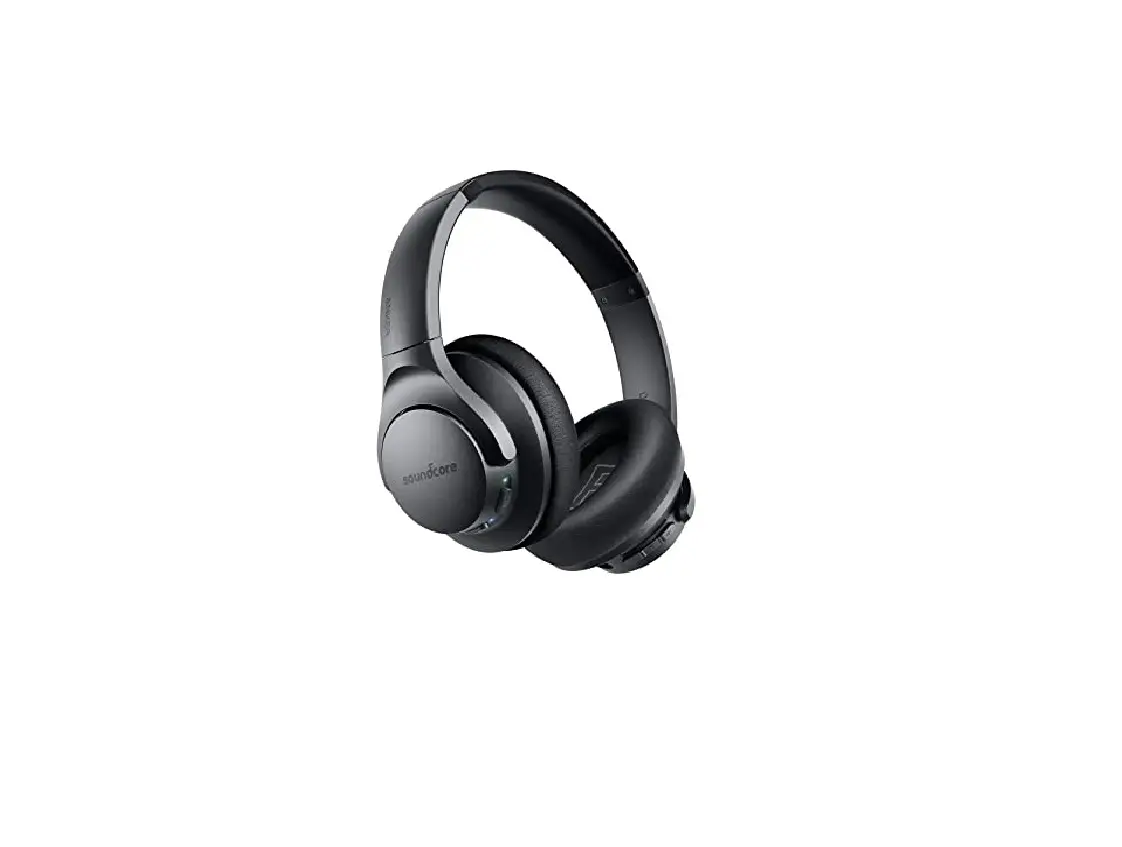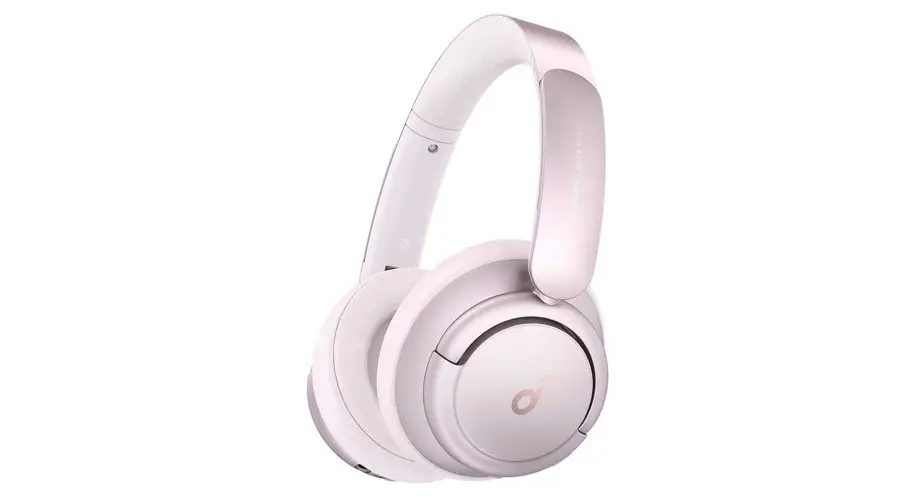


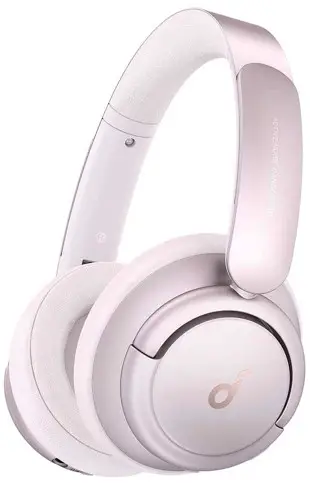
Soundcore Life Q35
Quick Start Guide
 SUPPORT
 SUPPORT
For FAQs, a detailed user manual, and more information, please visit www.soundcore.com/support
 CHARGING
 CHARGING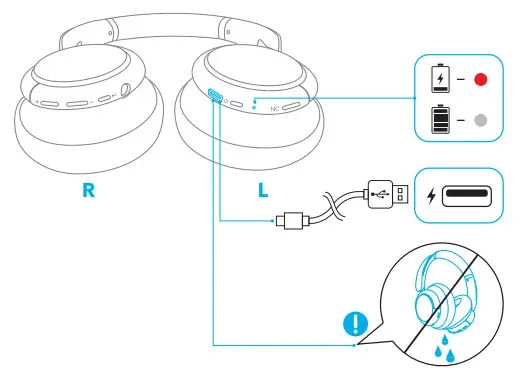
Fully dry off the USB port before charging.
 POWERING ON/OFF
 POWERING ON/OFF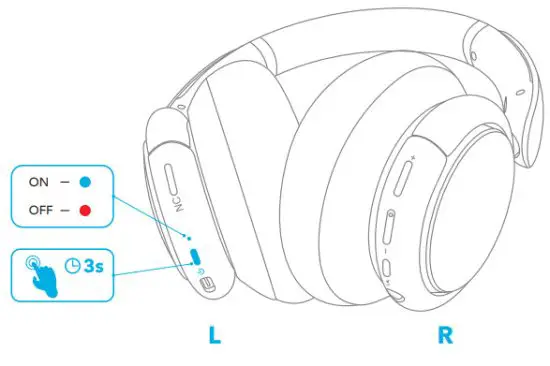
Press and hold the power button for 3 seconds to power on/off.
 PAIRING
 PAIRING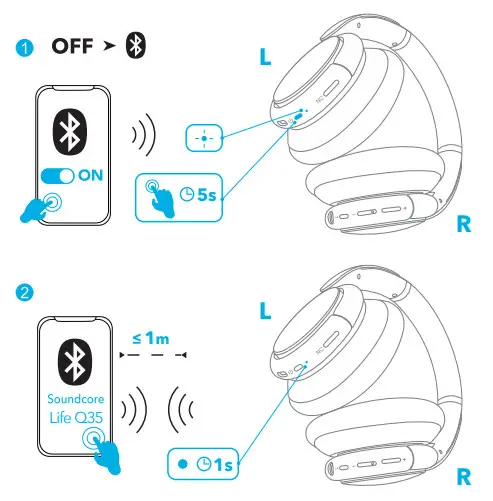
When powered off, press and hold the power button for 5 seconds until the LED flashes blue to enter the Bluetooth pairing mode.
DUAL PAIRING
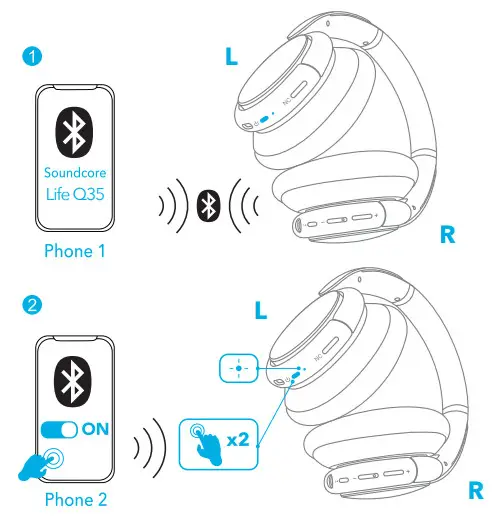
When successfully connected with the first device, press twice the power button to pair with another device.
 NFC
NFC
 NFC
NFC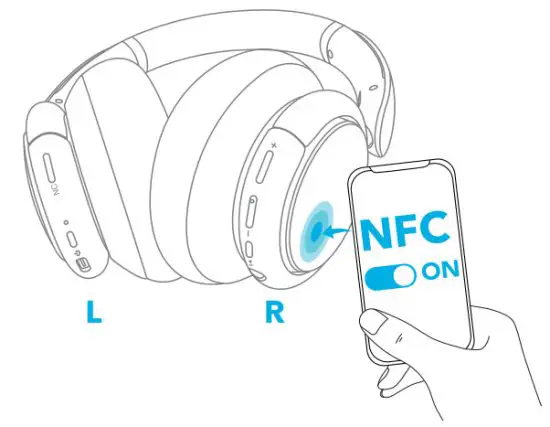 For NFC pairing, enable NFC on your smartphone (iOS devices excluded) and gently tap it on the right panel of the headphone.
 NOISE CANCELLATION
 NOISE CANCELLATION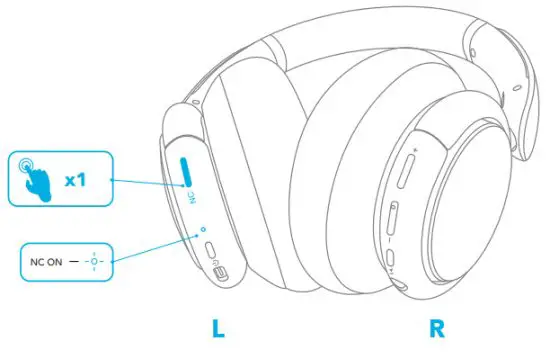
Press the NC button to turn on/off the ANC (Active NoiseCancellation) mode.
 TRANSPARENCY
 TRANSPARENCY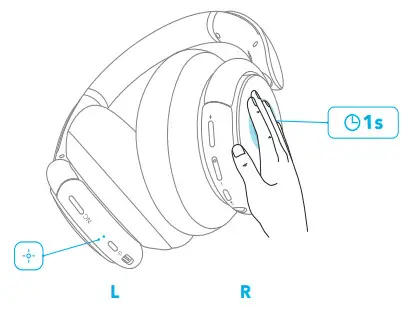
To talk to people nearby without taking off headphones, activate the human vocal mode by pressing the right panel.
 BUTTON CONTROLS
 BUTTON CONTROLS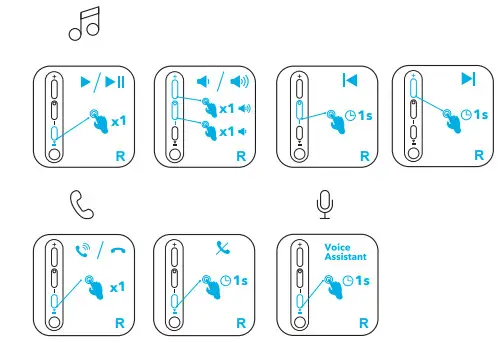
×1: Press once
1s: Press and hold for 1 second
 AUX
AUX
 AUX
AUX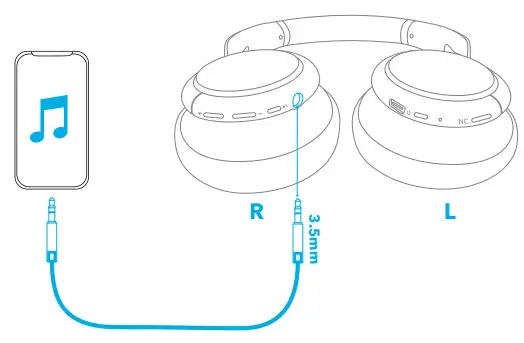
Play audio on an external device by plugging in a 3.5mm AUX cable.
 APP
APP
 APP
APP
Download the Soundcore app to adjust EQ settings, trace HearID, switch ANC mode, update firmware, and explore more.
 RESET
RESET
 RESET
RESET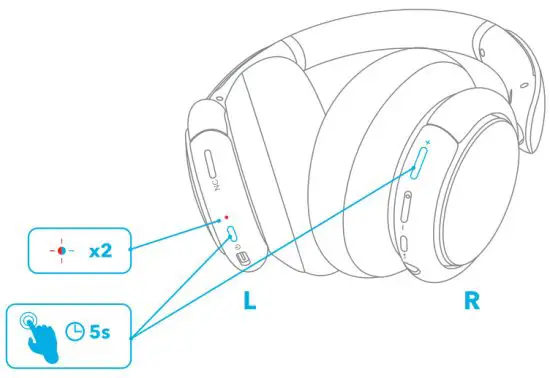
Press the power button and volume up button simultaneously for 5 seconds to reset the headphone.
 Customer Service
18-month limited warranty
Lifetime technical support
Our warranty is additional to the legal rights consumers have buying this product.
Important Safety Information
- Avoid dropping.
- Do not disassemble.
- Do not submerge in water.
- The product should not be exposed to dripping or splashing.
- Avoid extreme temperatures.
- The product should not be exposed to excessive heat such as sunshine, fire or the like.
- Use original or certified cables.
- Clean with a dry, soft lint-free cloth. Do not use any corrosive cleaner or oil.
- Do not use the product outdoors during thunderstorms.
Hearing Safety
- To avoid hearing damage, do not listen for extended periods at high volume.
- Do not turn the volume so high that you’re unable to hear your surroundings.
- Do not use earphones while driving.
- You should use caution or temporarily discontinue use in potentially hazardous situations.
Notice
This product complies with the radio interference requirements of the European Community.
CAUTION
Disposal of a battery into fire or a hot oven, or mechanically crushing or cutting of a battery, that can result in an explosion;
Leaving a battery in an extremely high temperature surrounding environment that can result in an explosion or the leakage of flammable liquid or gas;
A battery subjected to extremely low air pressure may result in an explosion or the leakage of flammable liquid or gas.
This symbol means the product must not be discarded as household waste and should be delivered to an appropriate collection facility for recycling. Follow local rules and never dispose of the product and rechargeable batteries with normal household waste. Correct disposal of old products and rechargeable batteries helps prevent negative consequences for the environment and human health.
FCC Warning
This device complies with part 15 of the FCC Rules. Operation is subject to the following two conditions: (1) this device may not cause harmful interference, and (2) this device must accept any interference received, including interference that may cause undesired operation.
Any changes or modifications not expressly approved by the party responsible for compliance could void the user’s authority to operate the equipment.
NOTE: This equipment has been tested and found to comply with the limits for a Class B digital device, pursuant to Part 15 of the FCC Rules. These limits are designed to provide reasonable protection against harmful interference in a residential installation. This equipment generates, uses, and can radiate radio frequency energy and, if not installed and used in accordance with the instructions, may cause harmful interference to radio communications. However, there is no guarantee that interference will not occur in a particular installation.
If this equipment does cause harmful interference to radio or television reception, which can be determined by turning the equipment off and on, the user is encouraged to try to correct the interference by one or more of the following measures:
— Reorient or relocate the receiving antenna.
— Increase the separation between the equipment and receiver.
— Connect the equipment into an outlet on a circuit different from that to which the receiver is connected.
— Consult the dealer or an experienced radio/TV technician for help.
The device has been evaluated to meet general RF exposure requirements. The device can be used in portable exposure conditions without restriction
The following importer is the responsible party
Company Name: Fantasia Trading LLC
Address: 5350 Ontario Mills Pkwy, Suite 100, Ontario, CA 91764
Telephone: +1 (800) 988 7973
IC NOTICE TO CANADIAN USERS
This device contains license-exempt transmitter(s)/receiver(s) that comply with Innovation, Science, and Economic Development Canada’s license-exempt RSS(s).
Operation is subject to the following two conditions: (1) This device may not cause interference. (2) This device must accept any interference, including interference that may cause undesired operation of the device.
Radiation Exposure Statement
The product complies with the Canada portable RF exposure limit set forth for an uncontrolled environment and is safe for intended operation as described in this manual.
This device has been tested for compliance with IC SAR values at a typical operating condition.
Declaration of Conformity
Hereby, Anker Innovations Limited declares that the product type A3027 is in compliance with Directive 2014/53/EU. The full text of the EU declaration of conformity is available at the following internet address: www.soundcore.com
Maximum output power: 9.0dBm
Frequency band: 2.4G band (2.402GHz-2.480GHz)
Anker Innovations Limited
Room 1318-19, Hollywood Plaza, 610 Nathan Road, Mongkok, Kowloon, Hong Kong
Trademark
The Bluetooth® word mark and logos are registered trademarks owned by the Bluetooth SIG, Inc. and any use of such marks by Anker Innovations Limited is under license. Other trademarks and trade names are those of their respective owners.
* Additional Legal Rights for Consumers
For consumers, who are covered by consumer protection laws or regulations in their country of purchase or, if different, their country of residence, the benefits conferred by Soundcore’s Limited Warranty are in addition to all rights and remedies conveyed by such consumer protection laws and regulations, including but not limited to these additional rights.
For FAQs and more information, please visit https://www.soundcore.com/.
References
 soundcore Headphones & Speakers - Hear it, Feel it - soundcore US
-
Soundcore EN
 Anker (アンカー) Japan公式サイト – Anker Japan公式サイト
-
soundcore Headphones & Speakers - Hear it, Feel it - soundcore US
-
soundcore Headphones & Speakers - Hear it, Feel it - soundcore US
-
Soundcore EN
-
Anker (アンカー) Japan公式サイト – Anker Japan公式サイト
-
soundcore Headphones & Speakers - Hear it, Feel it - soundcore US
 soundcore Headphones & Speakers - Hear it, Feel it - soundcore US
 Anker (アンカー) Japan公式サイト – Anker Japan公式サイト
 soundcore Headphones & Speakers - Hear it, Feel it - soundcore US