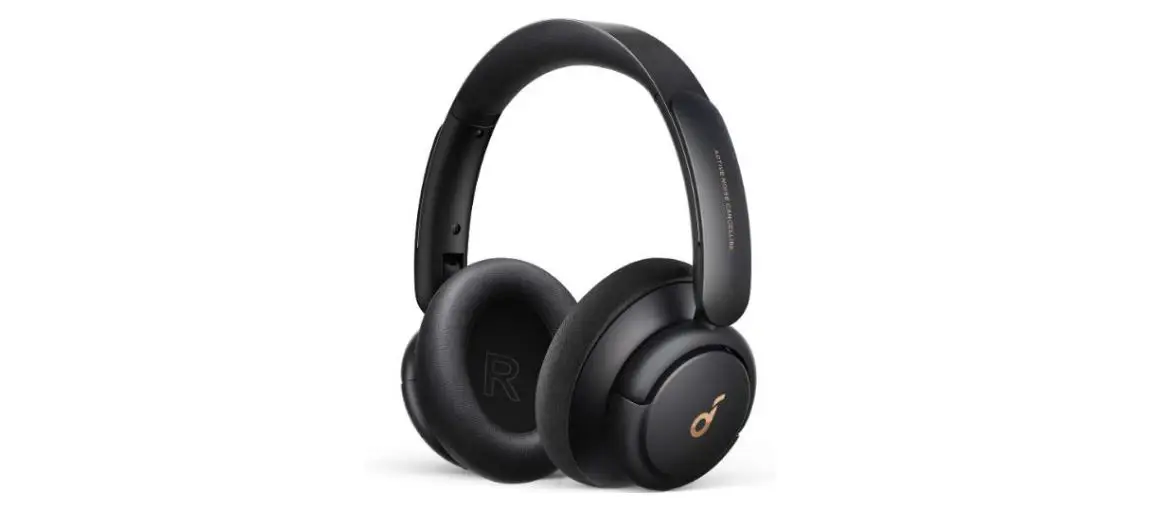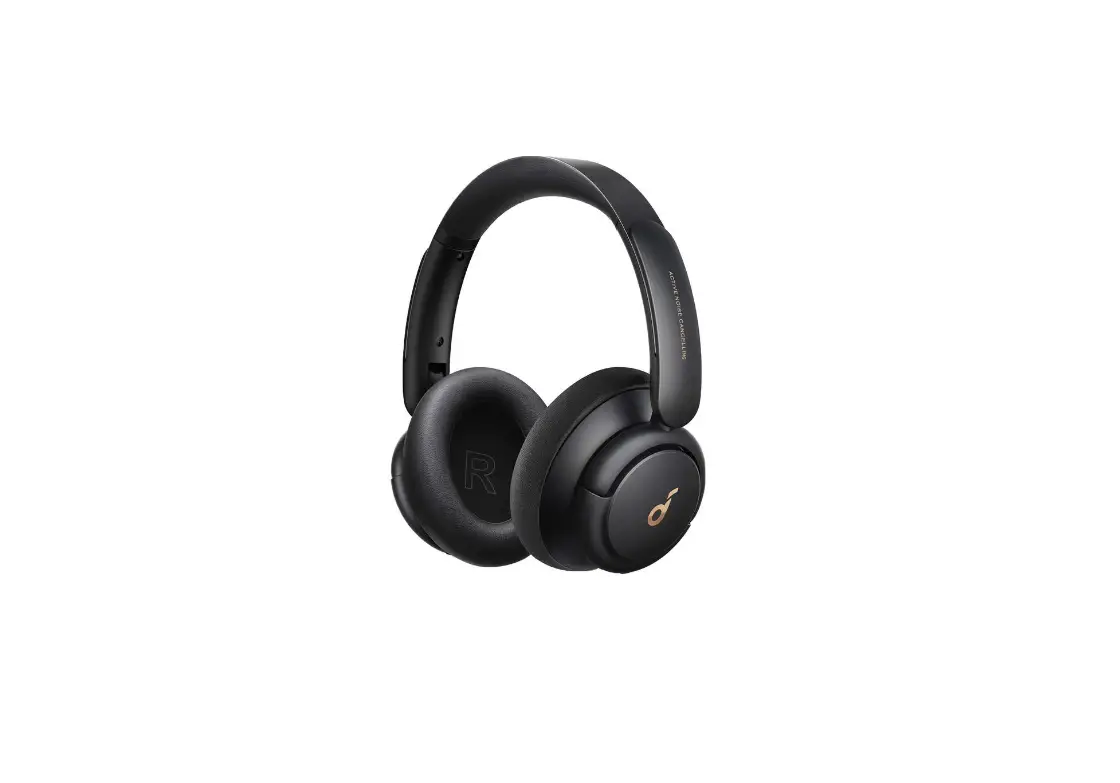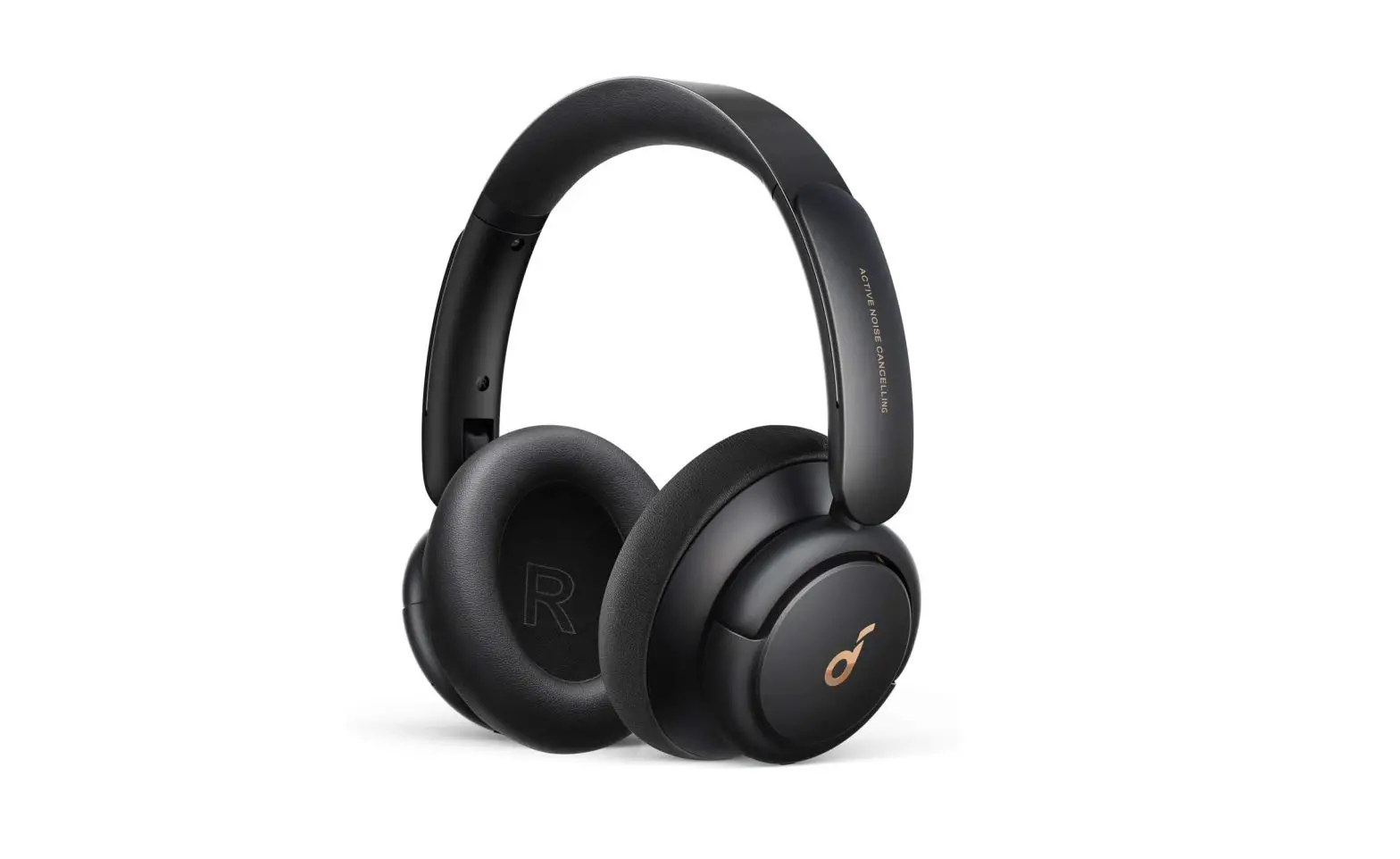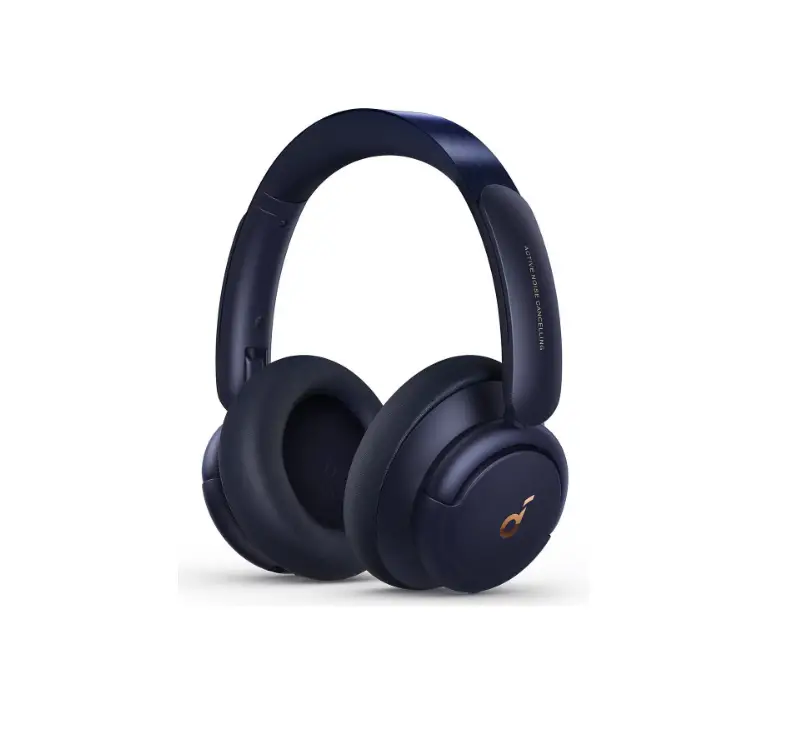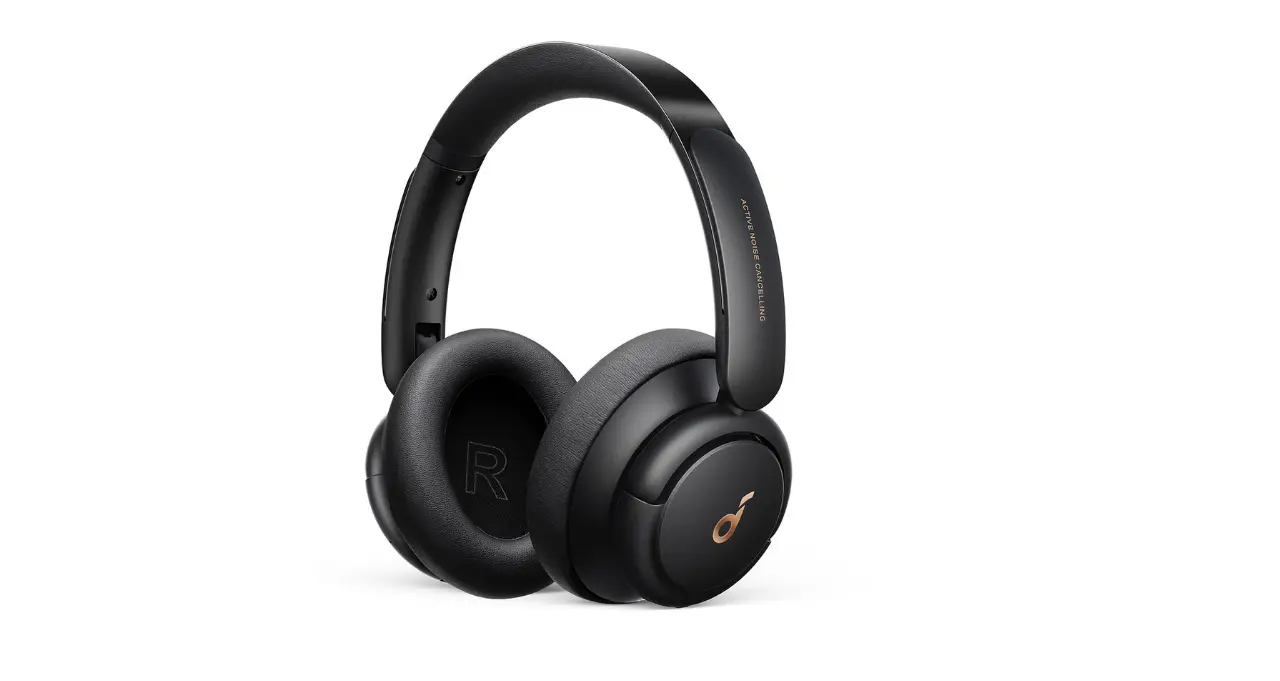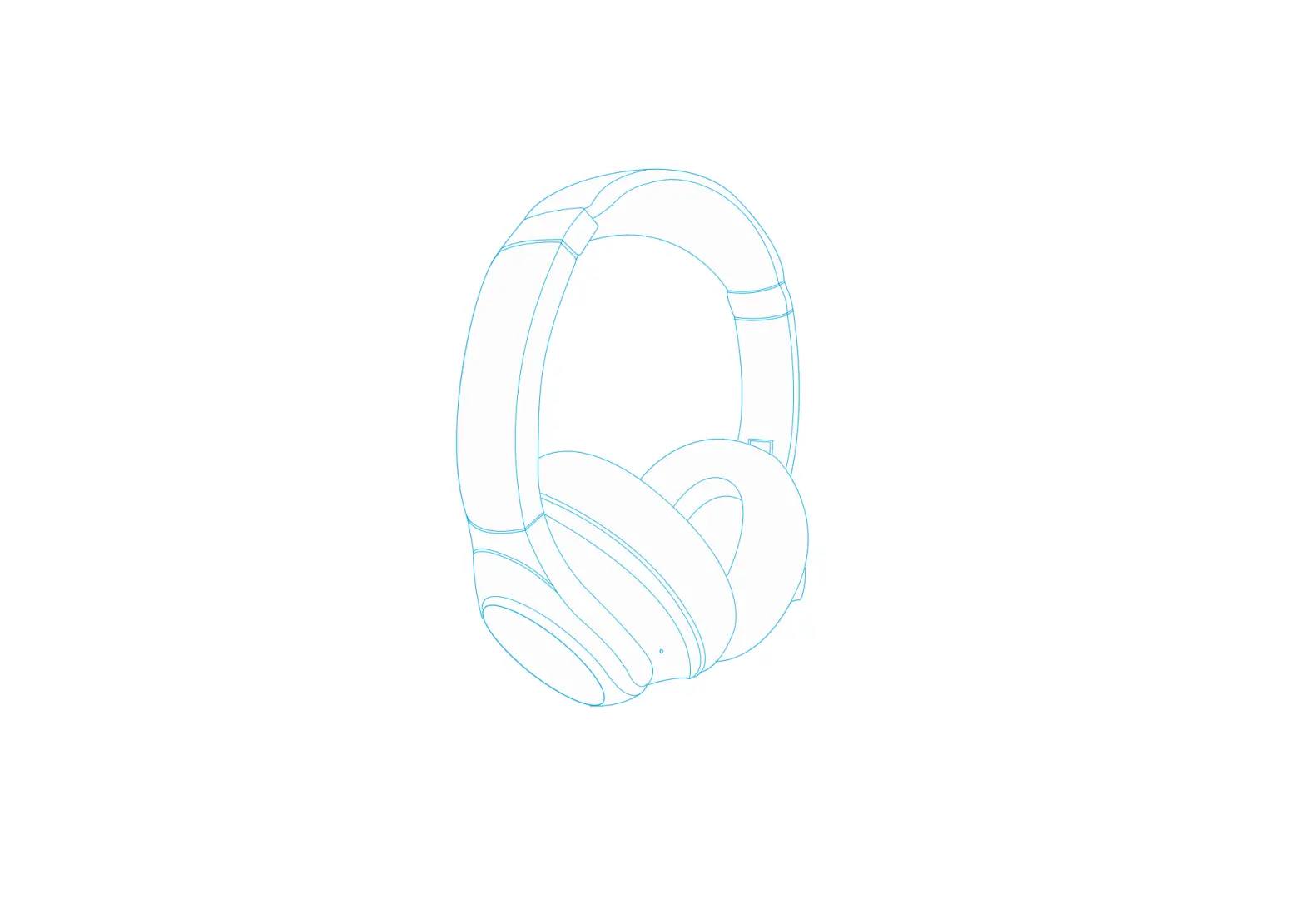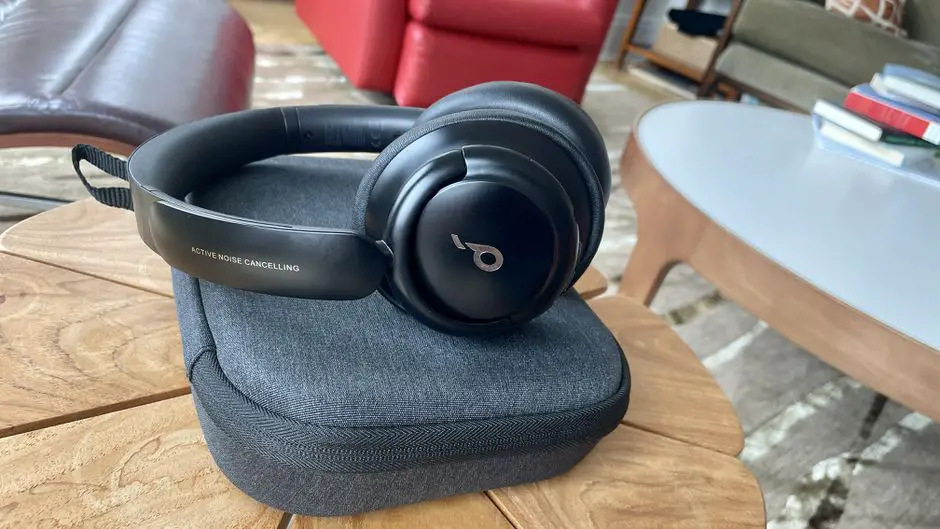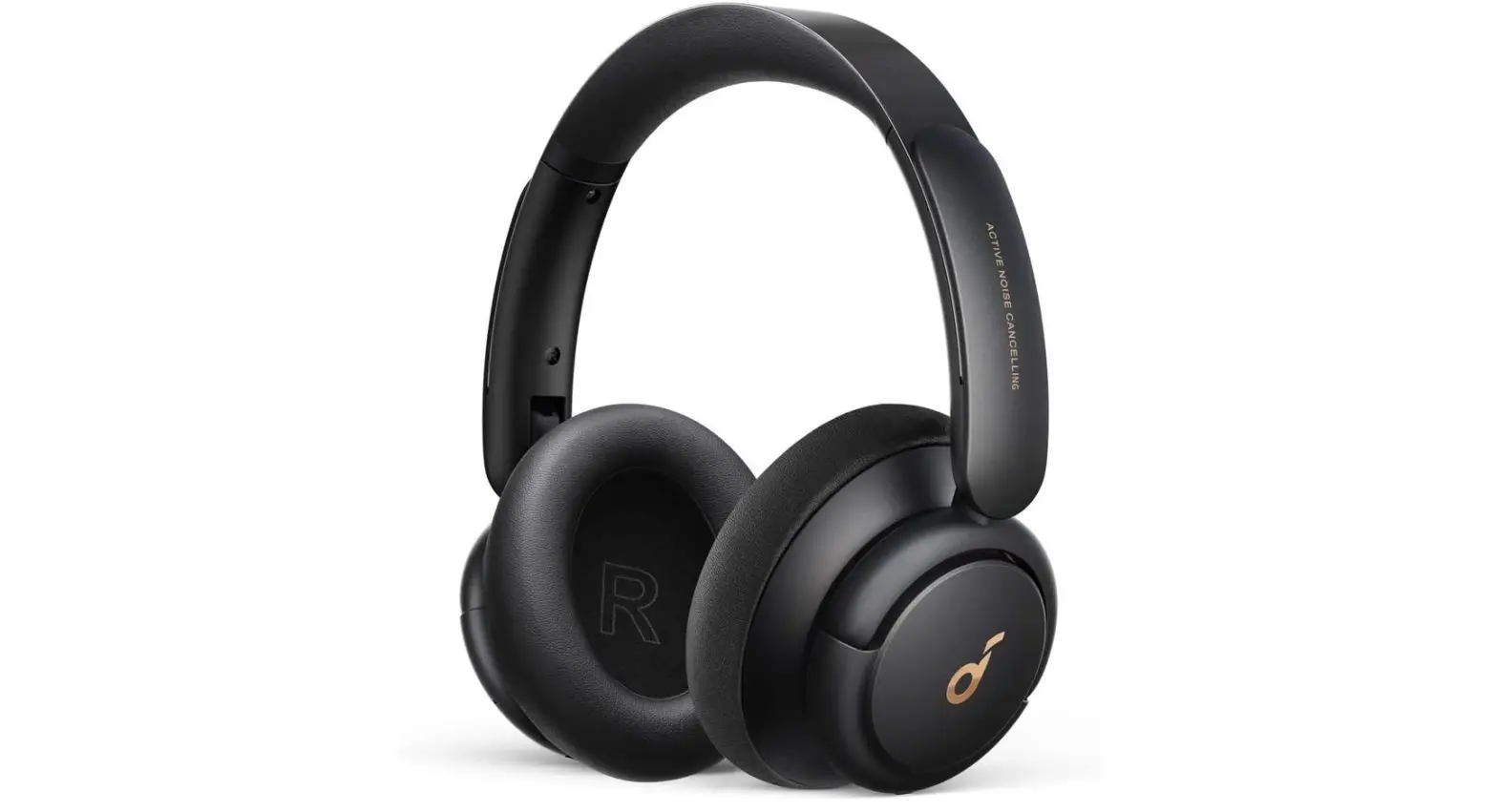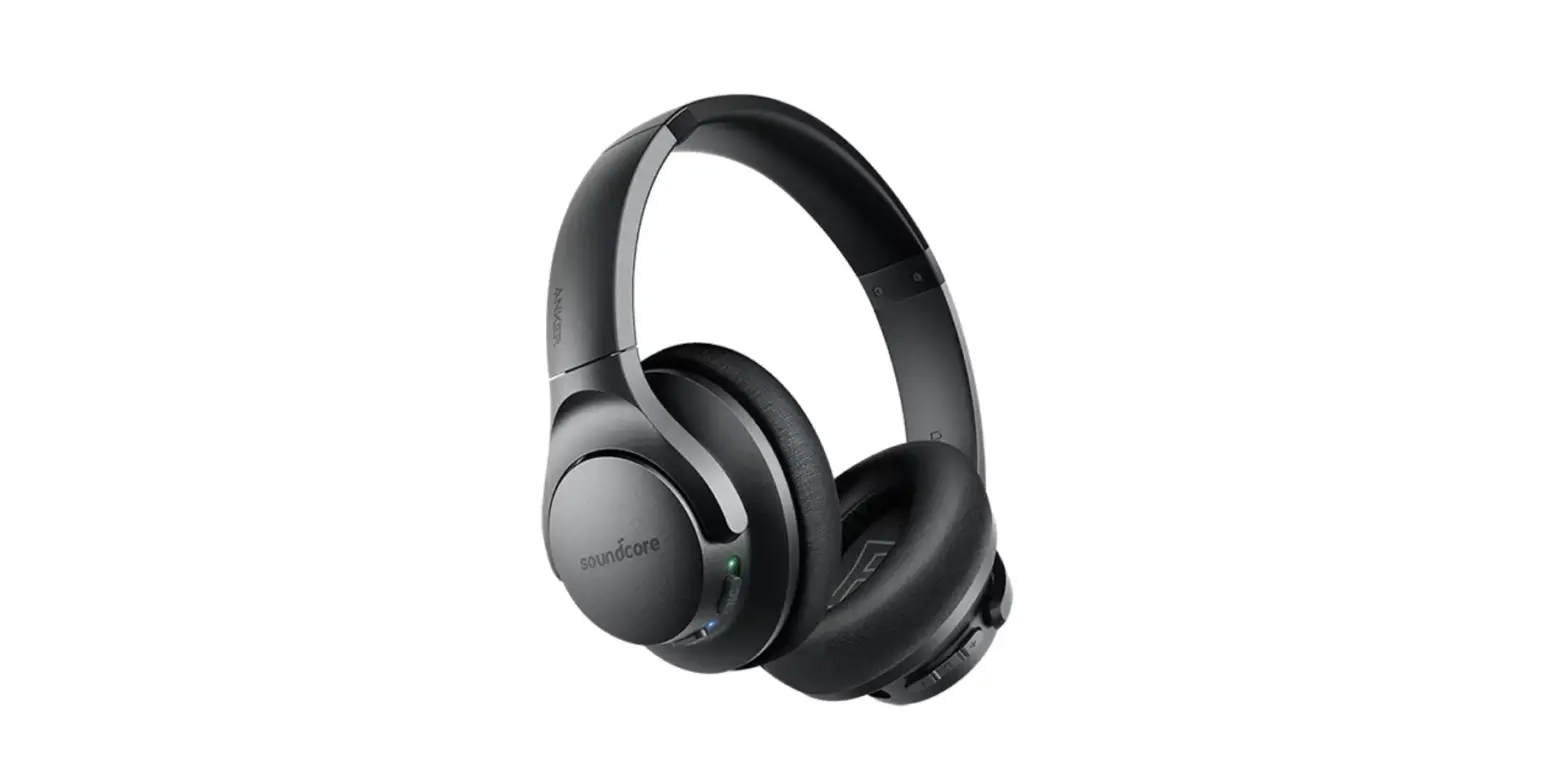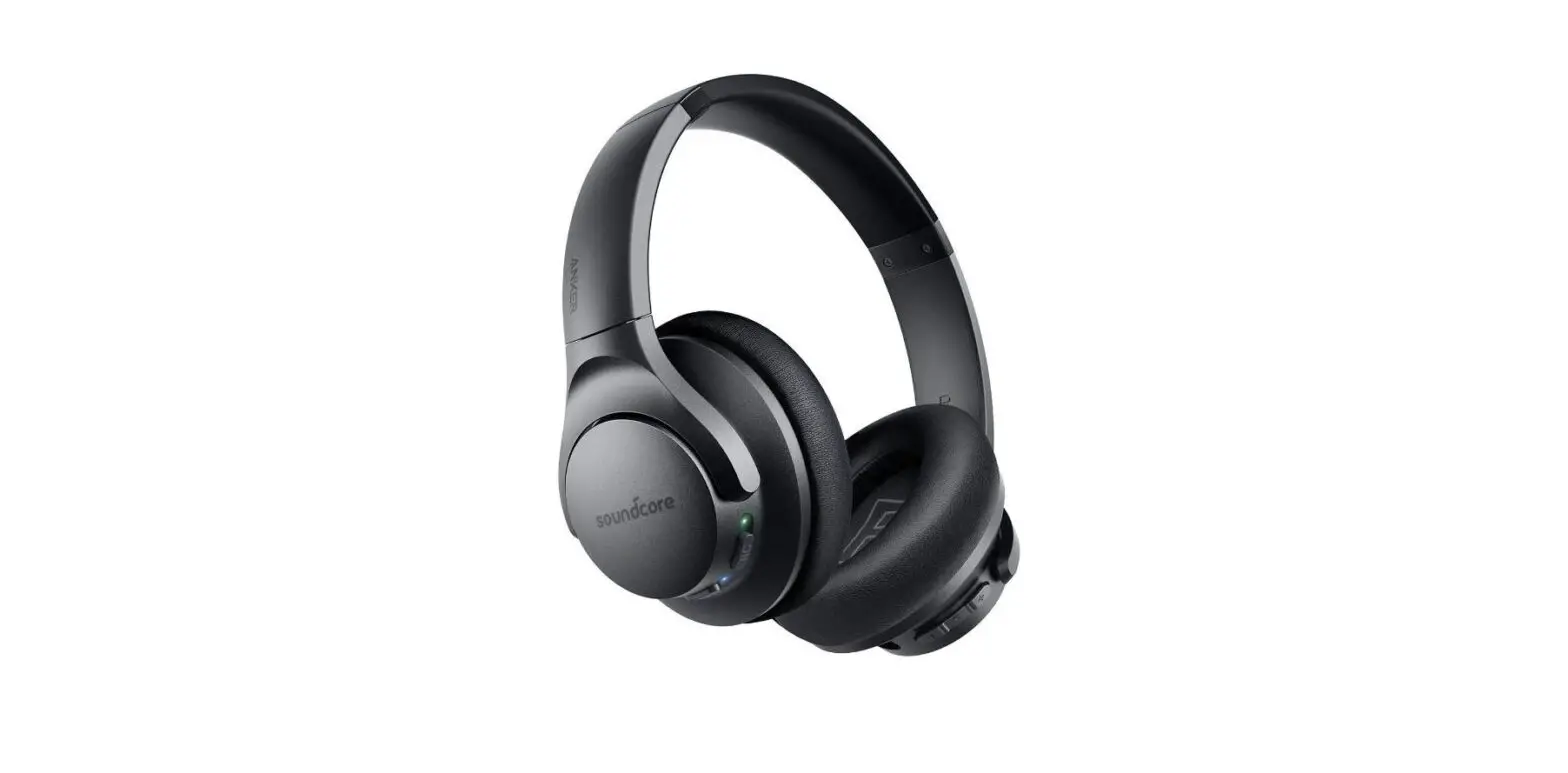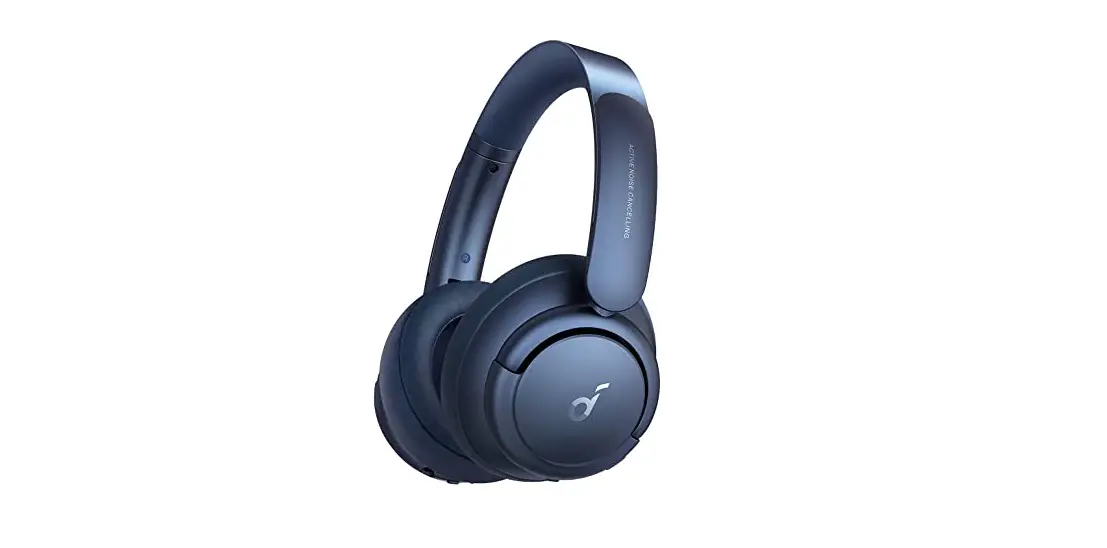
soundcore A3028 Life Q30 Hybrid Active Noise Cancelling Headphones User Manual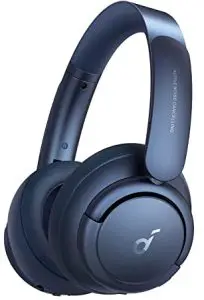
Charging
- Fully dry off the USB port before charging.
- Use a certified USB-C charging cable and charger to prevent any damage.
- Do not power on your headphone while charging.

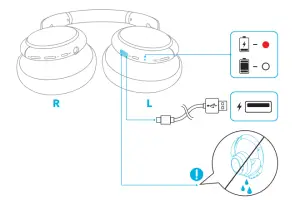
 | Flashing red once every 60 seconds | Low battery |
 | Steady red | Being charged |
 | Steady white | Fully charged |
Powering On/Off
Press and hold the power button for 3 seconds to power on/off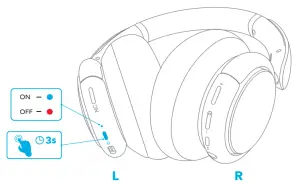
Bluetooth Pairing
- When powered off, press and hold the power button for 5 seconds until the LED flashes blue to enter the Bluetooth pairing mode.
- Select “Soundcore Life Q30” on your device Bluetooth list to connect.

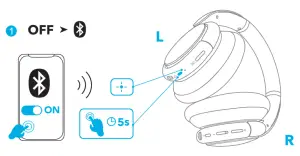
 | Flashing blue | Bluetooth pairing |
 | Steady blue | Bluetooth connected |
Pairing with another device
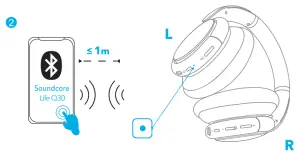
When successfully connected with the first device, press twice the power button to pair up with another device.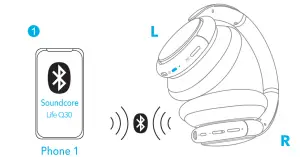
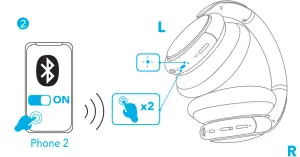
- Your Soundcore headphone can only play music on one mobile device at a time. To play from another connected device, pause the device that’s currently active first.
- Each time you power on your Soundcore headphone, it will automatically connect to your last successfully connected device if available within the Bluetooth range.
 | ||
| Play/Pause |  | Press |
| Next track |  | Press and hold for 1 second |
| Previous track |  | Press and hold for 1 second |
| Volume up/down |  | Press |
 | ||
| Answer/End a call |  | Press |
| Put the current call on hold and answer a new incoming call | ||
| Reject a call | | Press and hold for 1 second |
| Switch between held call and active call | ||
| ||
| Activate Siri or other voice assistant software | | Press and hold for 1 second |
NFC Mode
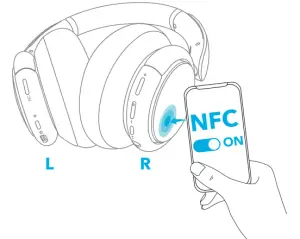
Near Field Communication (NFC) is a technology that enables short range wireless communication between various NFC compatible devices, such as mobile phones and IC tags. If your Bluetooth device supports NFC, you can connect it with your headphone easily.
- Enable the NFC feature on your Bluetooth device (iOS devices excluded).
- Tap the right panel of your headphones with the back of your Bluetooth device

Noise Cancellation Mode
To reduce ambient noise, turn on the active noise cancellation mode by pressing the NC button. Press the NC button again to turn off.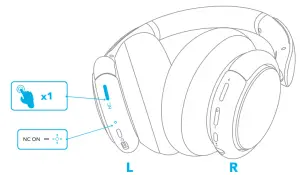
Transparency Mode
To stay aware of your surroundings by allowing ambient sounds in, touch the right panel for 1 second to activate the transparency mode.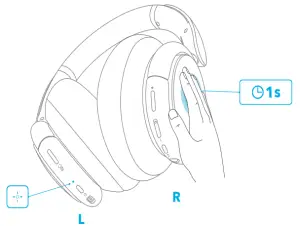
AUX Mode
Play audio on an external device by plugging in a 3.5mm AUX cable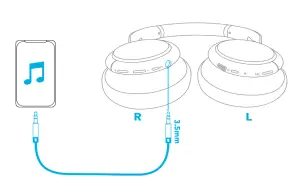
- When the headphone is out of battery, you can still listen to music but ANC mode is unavailable
Soundcore App
Download the Soundcore app to enhance your experience.
EQ settings: There are more than 20 EQ settings you can choose from in the app to optimize your experience while enjoying different music genres.
Noise cancellation: Choose an active noise cancellation mode to reduce ambient noise according to your surroundings.
- Transport: Targets low-end frequencies like engine and road noise for peaceful journeys and
- Outdoor: Reduces ambient sounds in cities for less
- Indoor: Reduces voices and mid-frequency noise from coffee shops and other inside spaces.
Transparency: Stay aware of your surroundings by allowing ambient sounds in.
White noise soundscape: Tailor your own white noise soundscape when you need to rest.
Firmware update: You will be informed once the new version of firmware is detected when you connect the headphones with the app.

Google Play and the Google Play logo are trademarks of Google Inc.
Apple and the Apple logo are trademarks of Apple Inc.
Reset
You might need to reset your headphone if you experience any connectivity problems or function issues.
Press and hold the power button and volume up button simultaneously for 5 seconds until the LED indicator flashes blue and red alternately twice.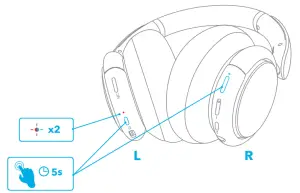
Specifications
Specifications are subject to change without notice.
Input | 5V |
Charging Time | 2 hour |
| Playtime (With ANC mode turned on) | 40 hour |
Playtime (With ANC mode turned off) | 60 hour |
| Device Size | 40 mm × 2 |
Frequency Response | 20 Hz-20 kHz (Bluetooth) 16 Hz-40 kHz (AUX) |
| Impedance | 16 Ω |
Bluetooth Version | V5.0 |
| Bluetooth Range | 15 m / 49.5 ft |
 0.65 A