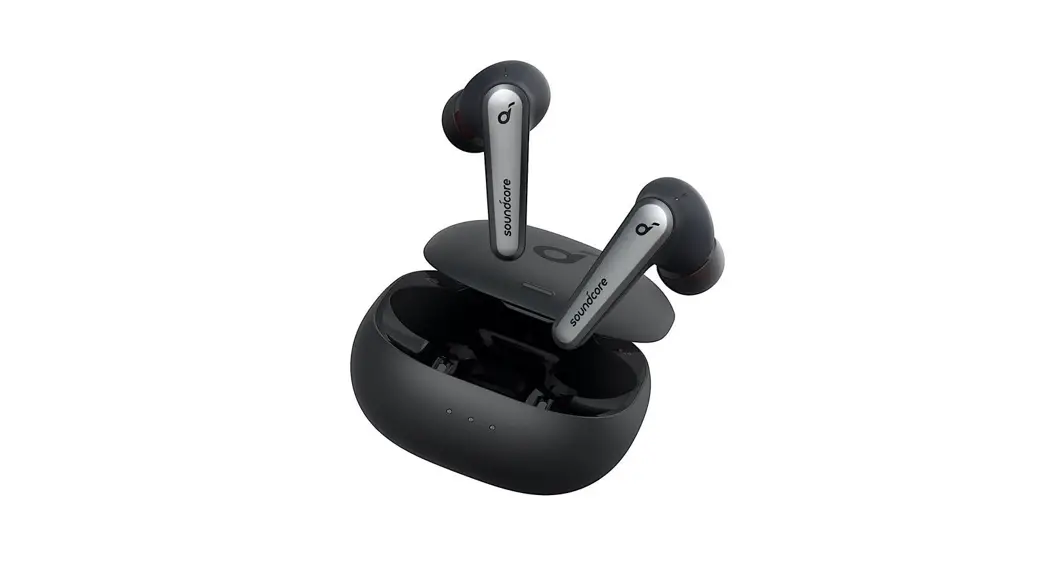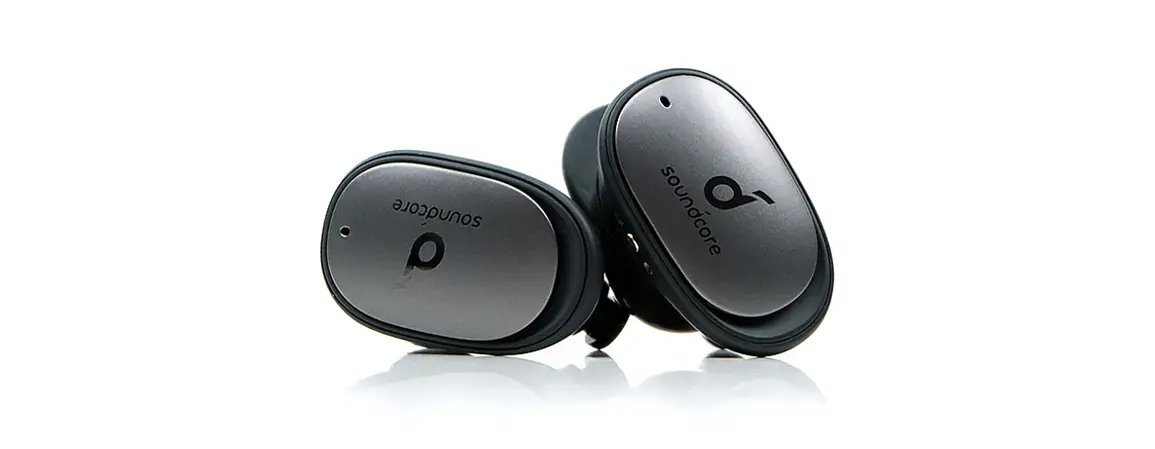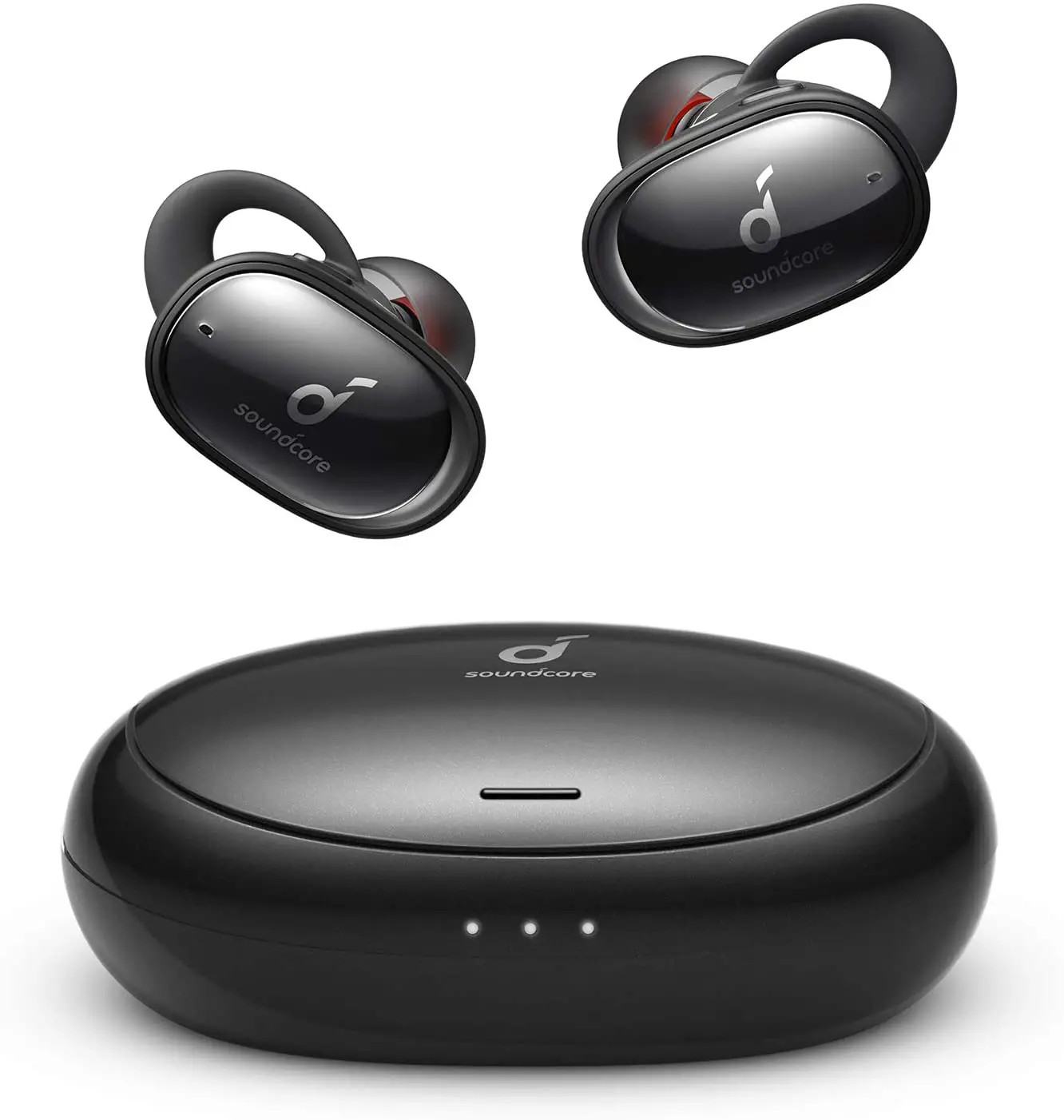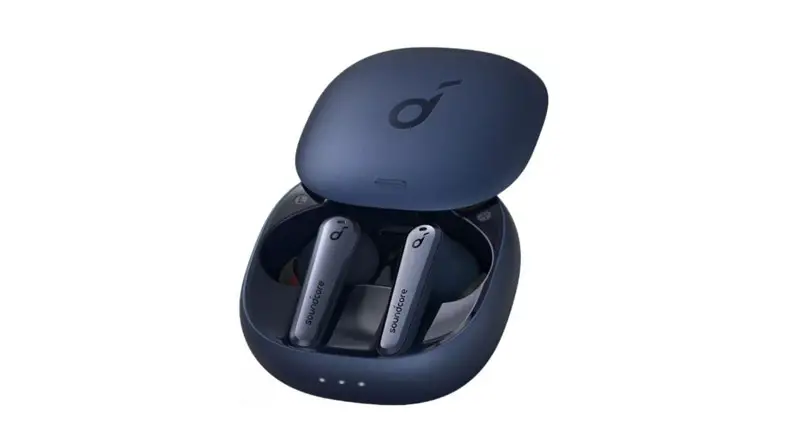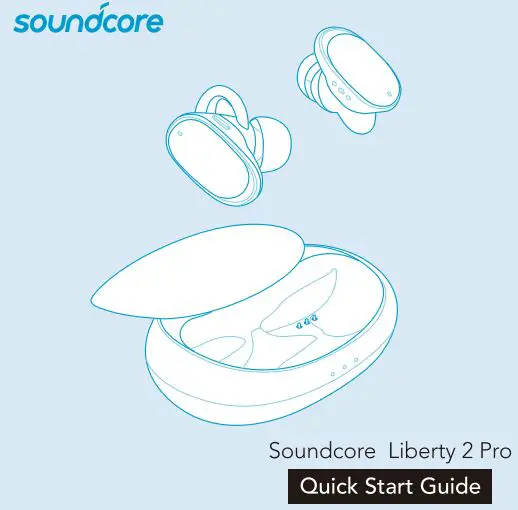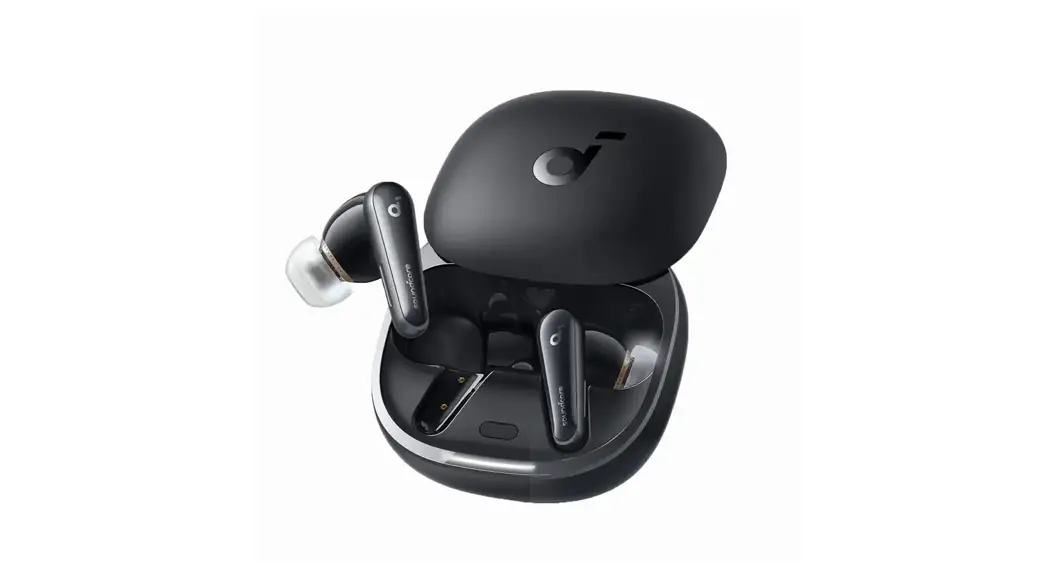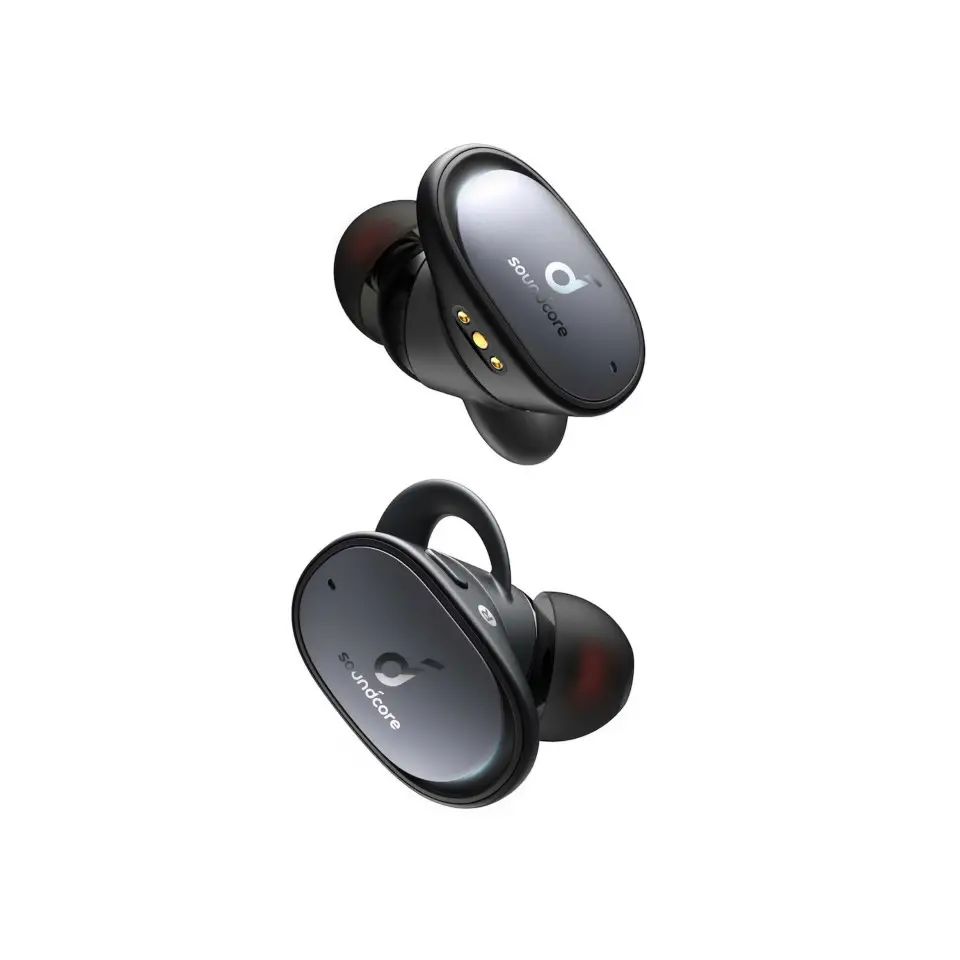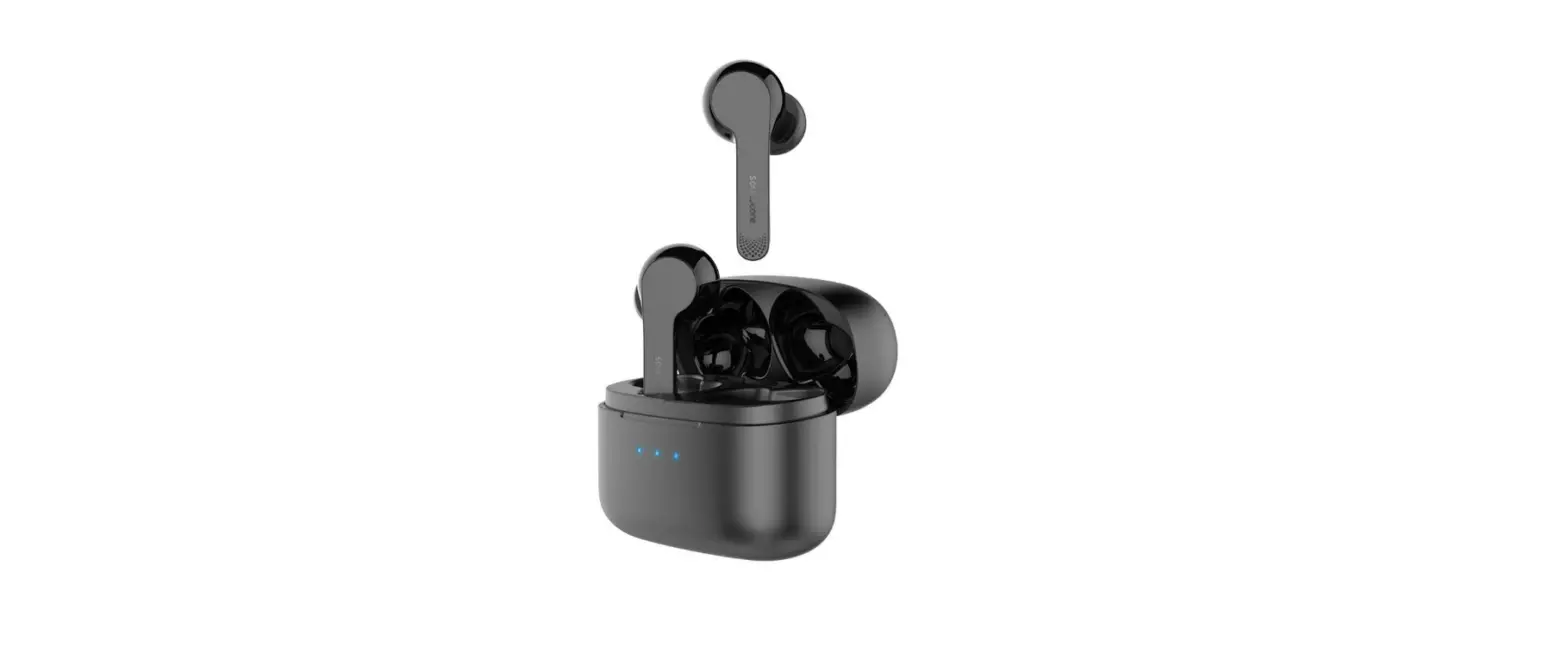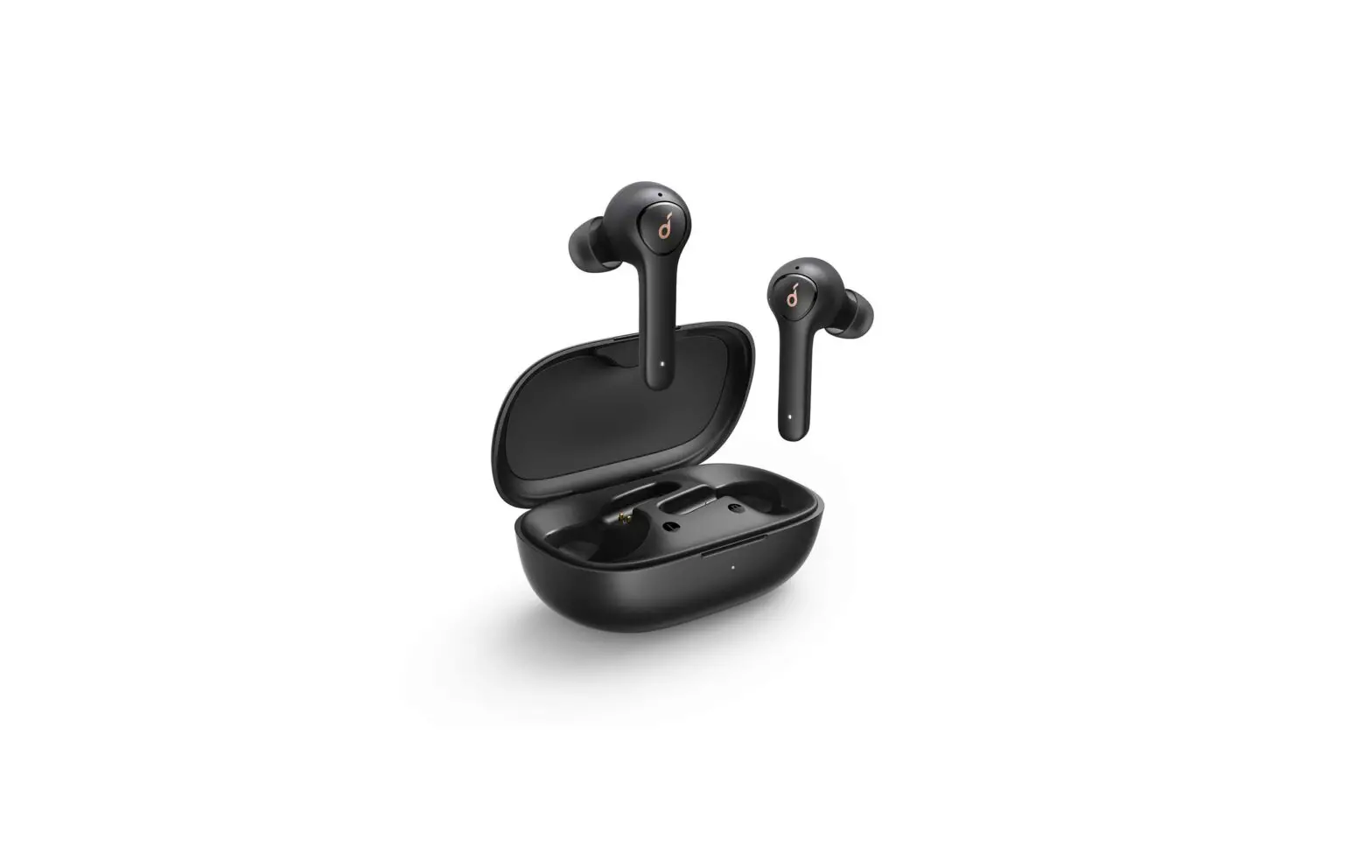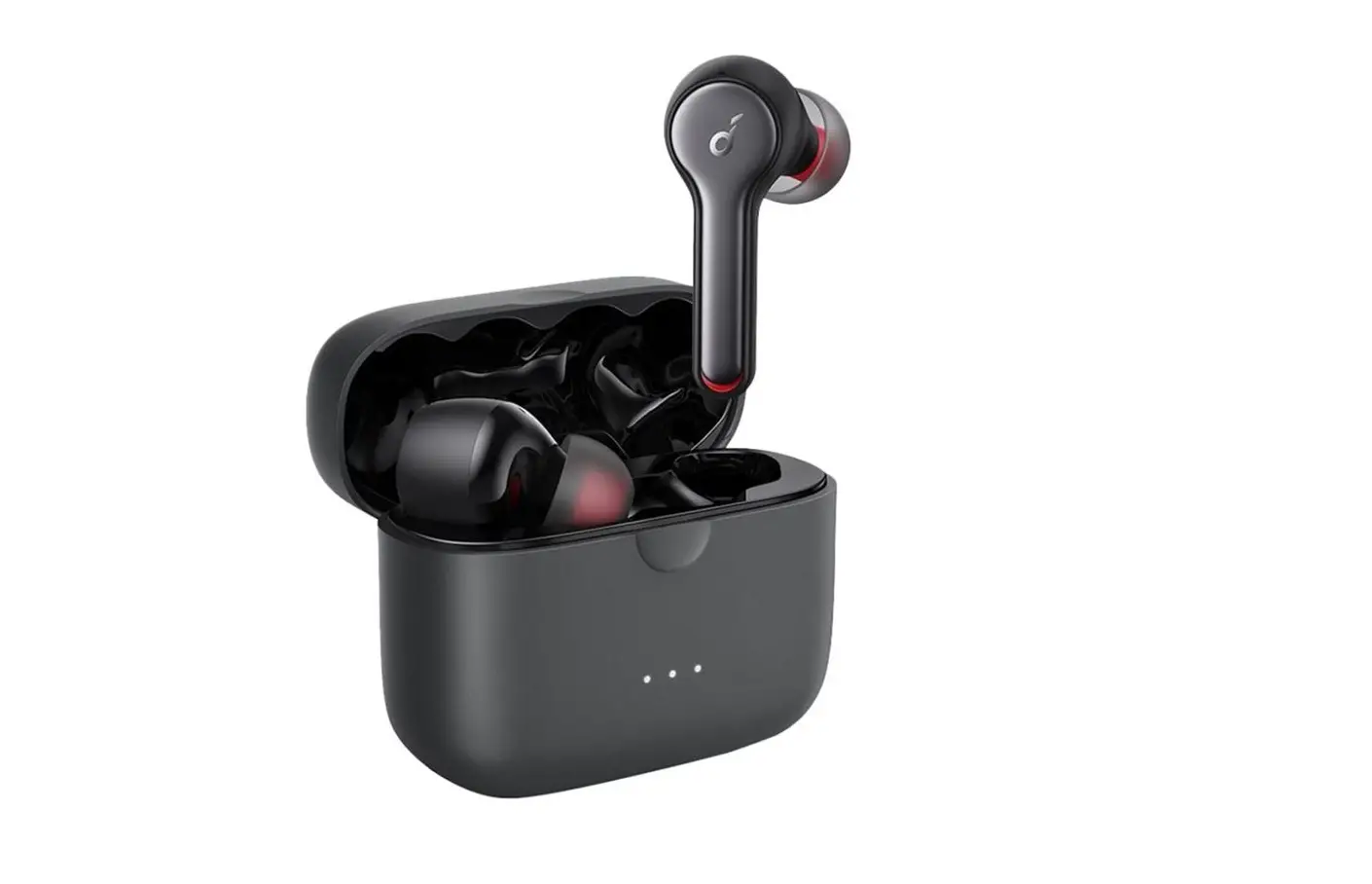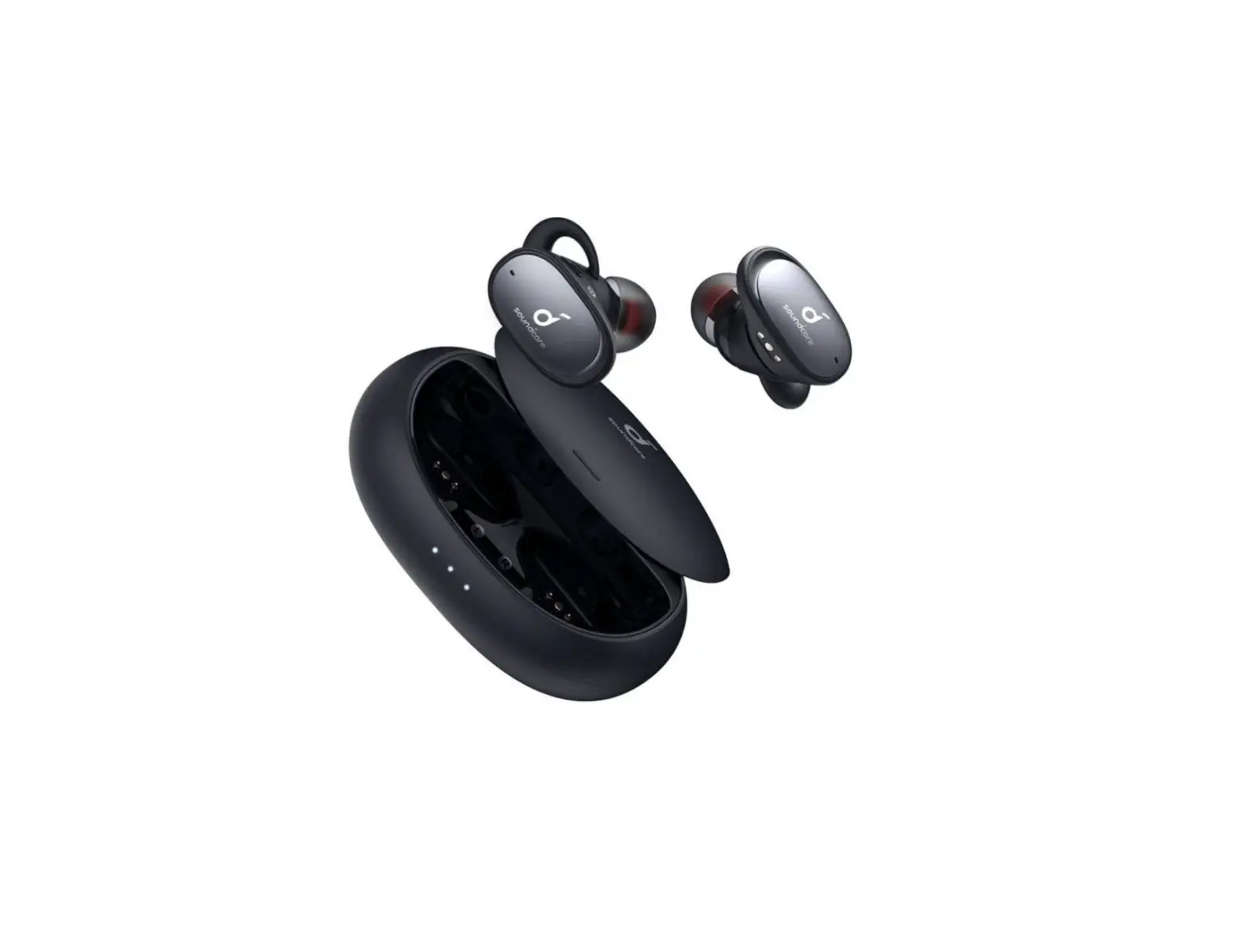
Soundcore Liberty 2 Pro User Guide


 SUPPORT
 SUPPORT
For FAQs, detailed user manual and more information, please visit www.soundcore.com/support
 WEARING
 WEARING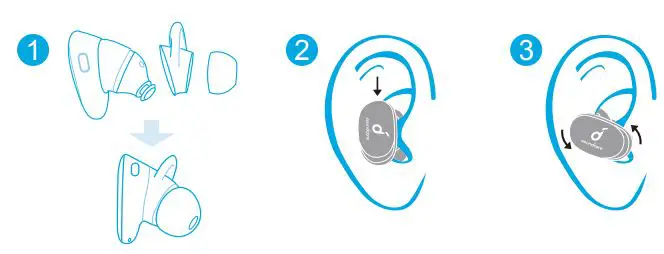
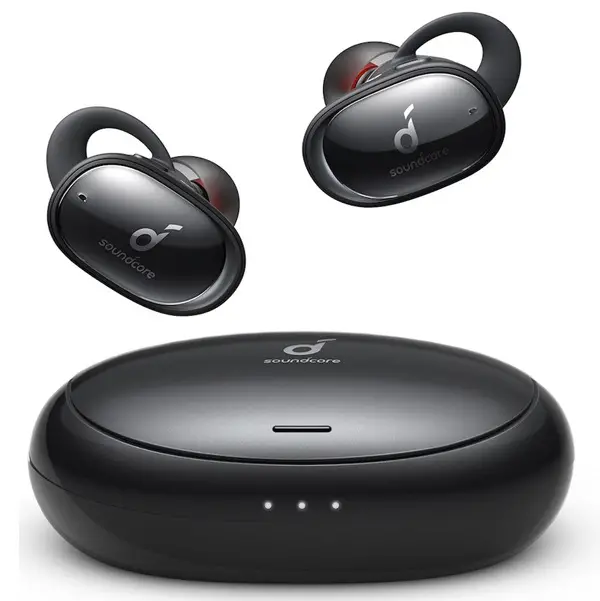
Choose the Ear Tips and Ear Wings that fit your ears best. Adjust the earbuds to ensure the microphone is directed towards your mouth.
 CHARGING
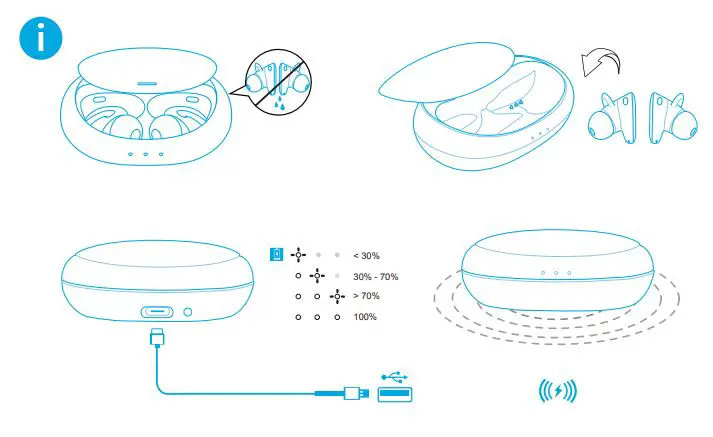
Fully dry off the earbuds before charging. Wireless charging is supported for the charging case. Position the center of the charging case at the center of your wireless charger. Make the appropriate adjustment and select the best position for wireless charging.
 POWERING ON/OFF
 POWERING ON/OFF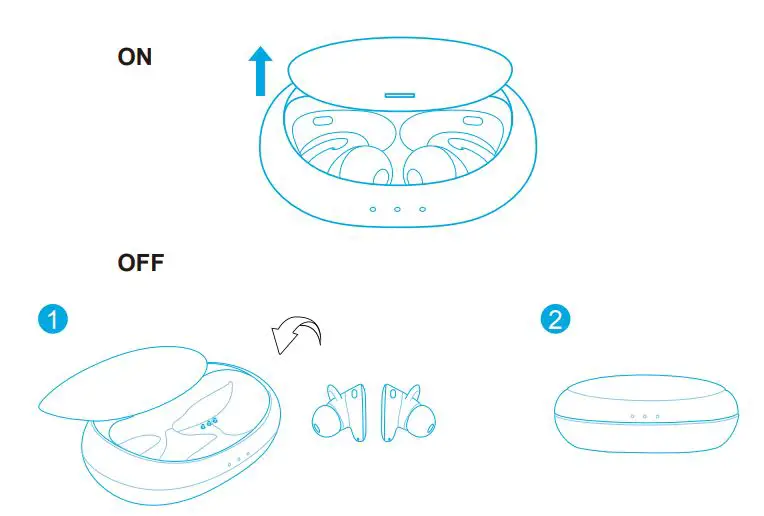
Open or close the charging case to power on/off.
 PAIRING
 PAIRING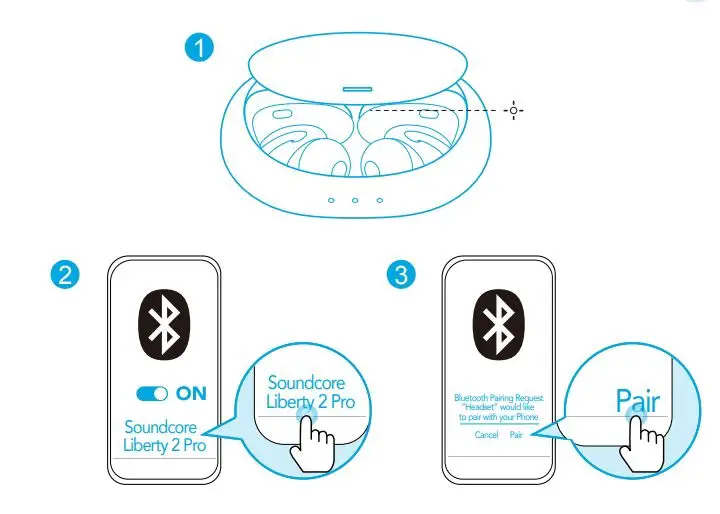
Open the charging case and keep it open. Find “Soundcore Liberty 2 Pro” in Bluetooth list on your device. Confirm to pair when a notification pops up, otherwise the secondary earbud may not be used separately.
 BUTTON CONTROLS
 BUTTON CONTROLS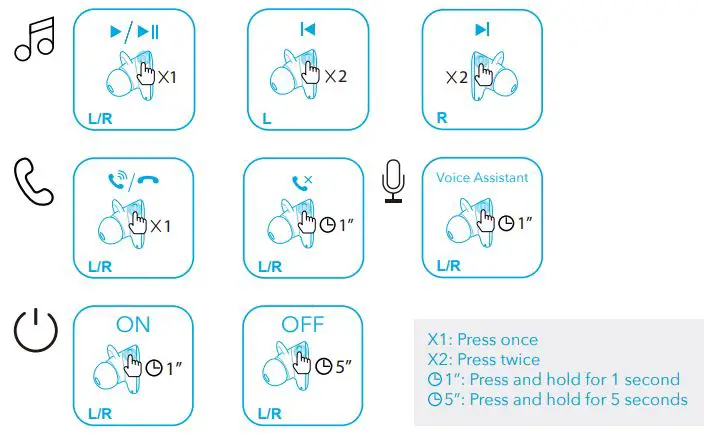
All of the controls in stereo mode can be customized in the Soundcore App.
PAIRING
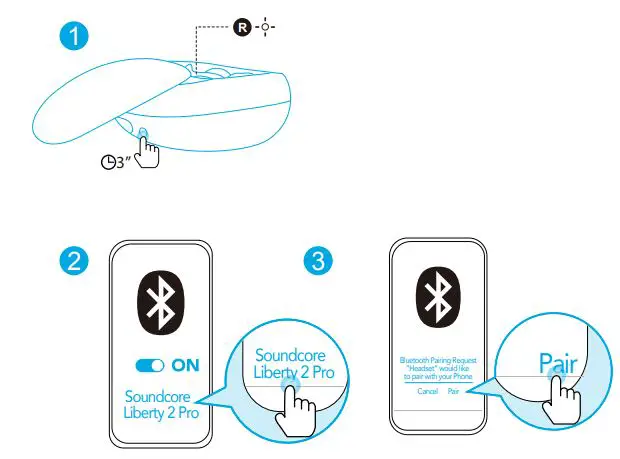
Pairing with another device: Place the earbuds into the charging case and keep it open. Press and hold the button on the case for 3 seconds until the LED indicator on the right earbud flashes white.
 RESET
RESET
 RESET
RESET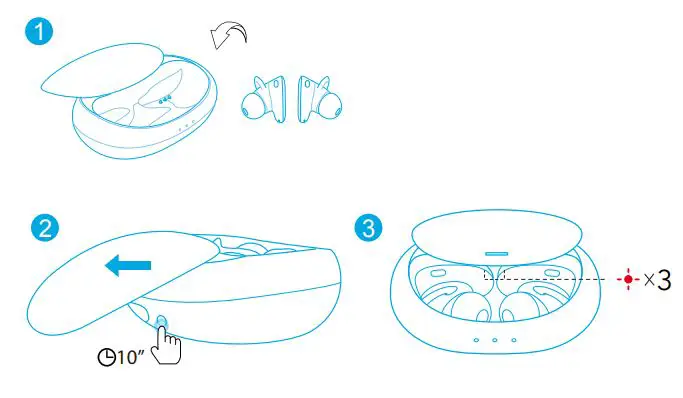
Reset if the earbuds cannot connect with each other properly or cannot connect with your device properly. Place the earbuds into the charging case and keep it open. Press and hold the button on the case for 10 seconds until the LED indicators on earbuds flash red 3 times.
 APP
APP
 APP
APP


Google Play and the Google Play logo are trademarks of Google Inc.

Apple and the Apple logo are trademarks of Apple Inc.
Download the Soundcore App for Hear ID, UI customization, EQ settings, and earbuds firmware update. Make sure the earbuds firmware is always up-to-date before using. Enable Bluetooth permission while using the App.
 LED LIGHT GUIDE
 LED LIGHT GUIDE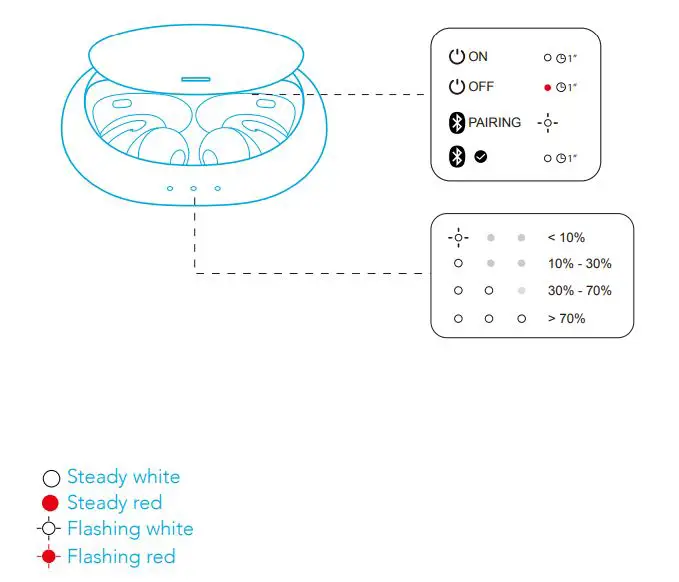
 Customer Service
18-month limited warranty
Lifetime technical support
Our warranty is additional to the legal rights consumers have buying this product.
 [email protected]
[email protected] (For Middle East and Africa Only)
 + 1 (800) 988 7973 (US) Mon-Fri 9:00-17:00 (PT)
+44 (0) 1604 936200 (UK) Mon-Fri 6:00-11:00 (GMD
+49 (0) 69 9579 7960 (DE) Mon-Fri 6:00 – 11:00
+971 42463266 (Middle East & Africa) Sun-Thu 9:00 – 17:30 (GMT+4)
+971 8000320817 (UAE) Sun-Thu 9:00 – 17:30 (GMT+4)
+966 8008500030 (KSA) Sun-Thu 8:00 – 16:30 (GMT+3)
+965 22069086 (Kuwait) Sun-Thu 8:00 – 16:30 (GMT+3)
+20 8000000826 (Egypt) Sun-Thu 7:00 – 15:30 (GMT+2)
Input: 5V= 0.5A
Charging time: 1.5 hours
Playtime (varies by volume level and contents): 8 hours
Anker Innovations Limited
Room 1318-19, Hollywood Plaza, 610 Nathan Road, Mongkok, Kowloon, Hong Kong
ANKER TECHNOLOGY (UK) LTD
Suite B, Fairgate House, 205 Kings Road, Tyseley, Birmingham, B11 2AA, United Kingdom
 soundcore Headphones & Speakers - Hear it, Feel it - soundcore US
 Soundcore EN
 Anker (アンカー) Japan公式サイト – Anker Japan公式サイト