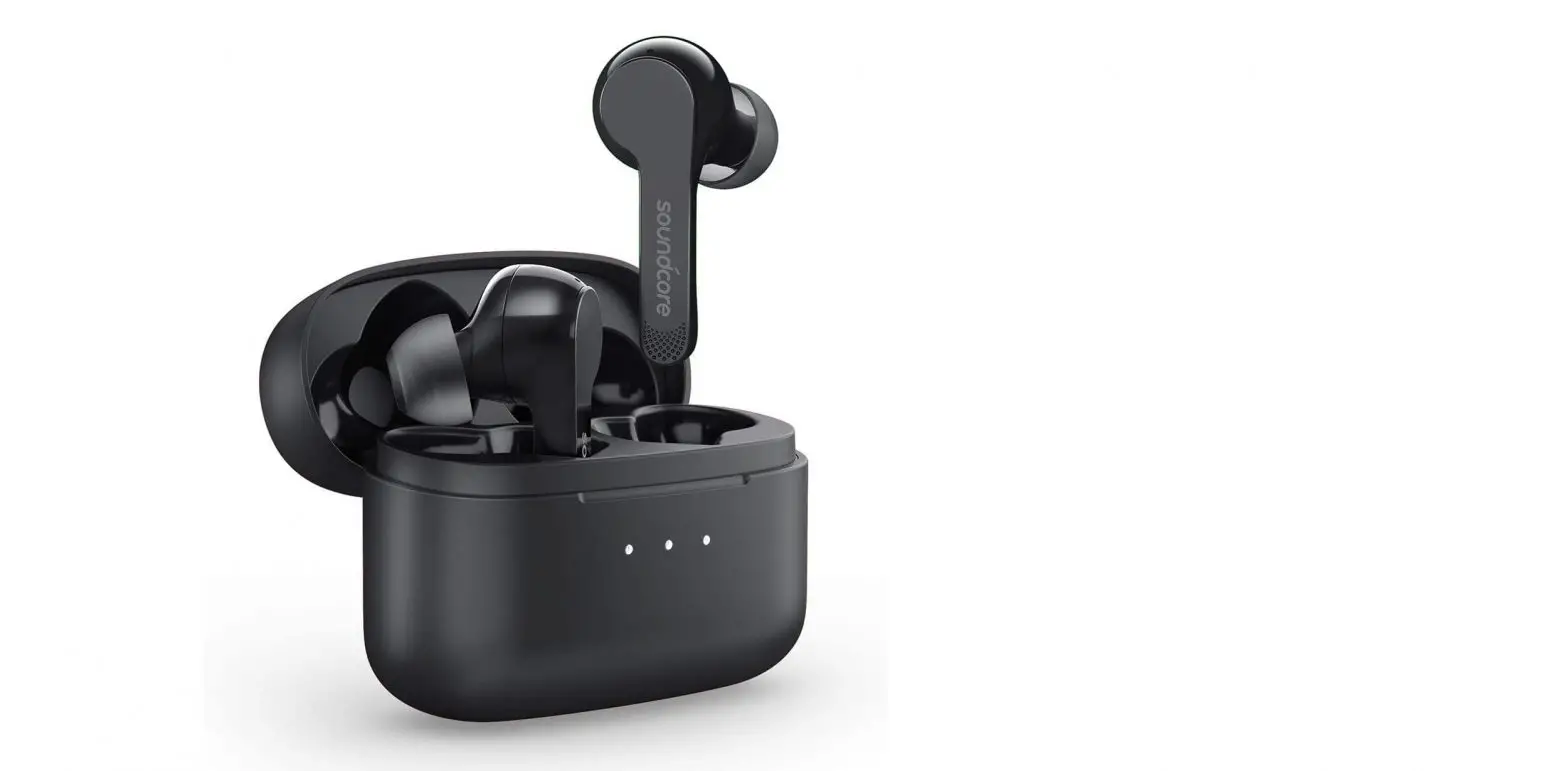

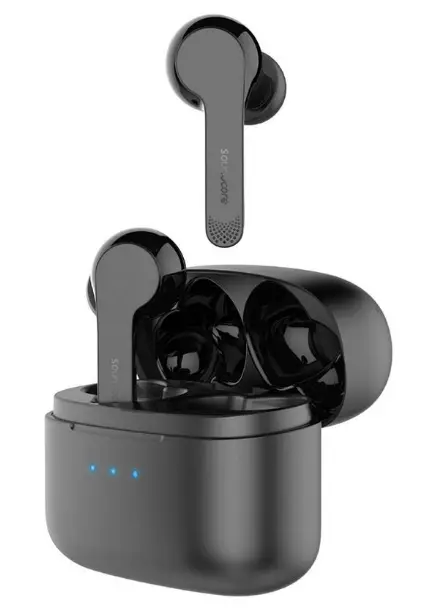
SoundCore A3902 Liberty Air User Manual
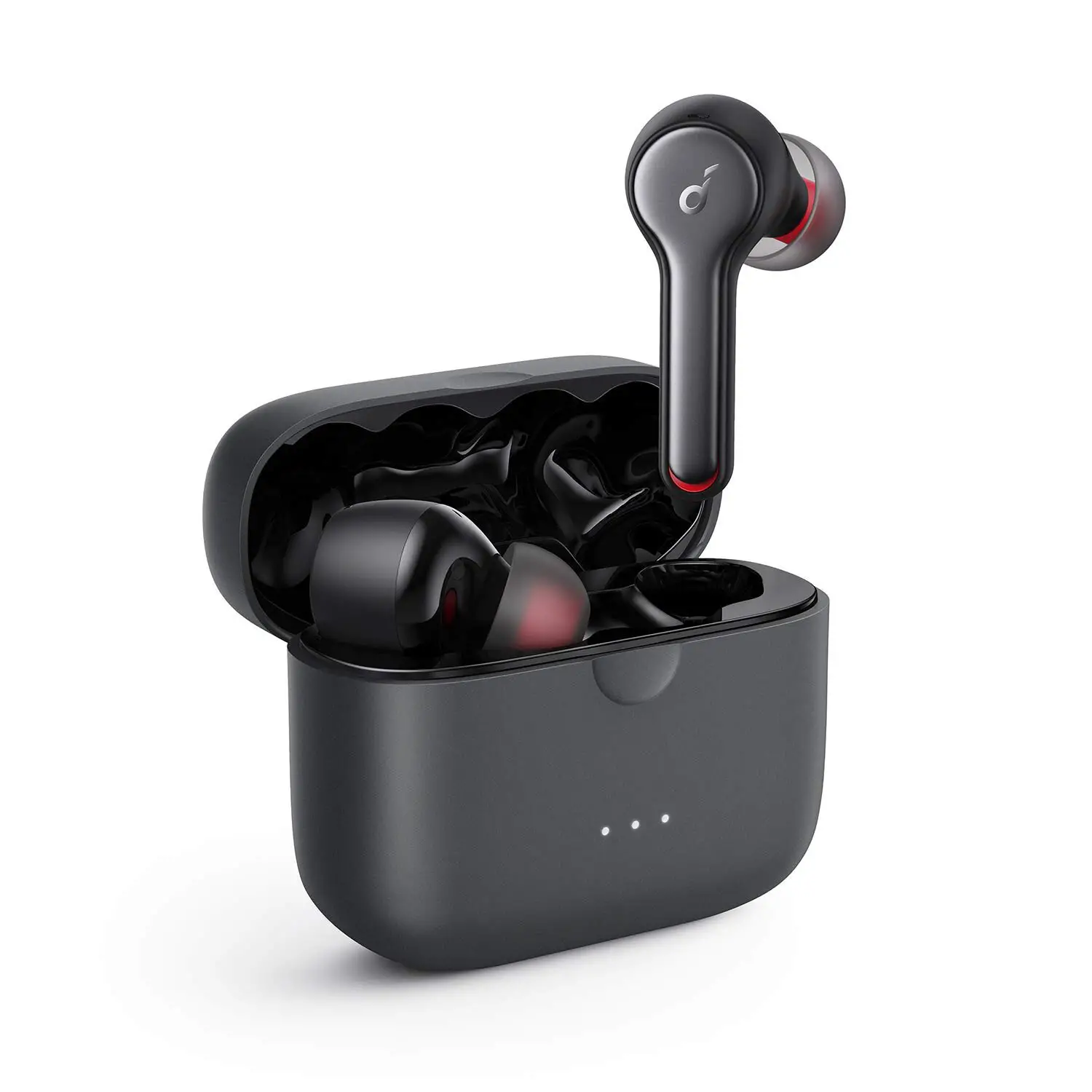
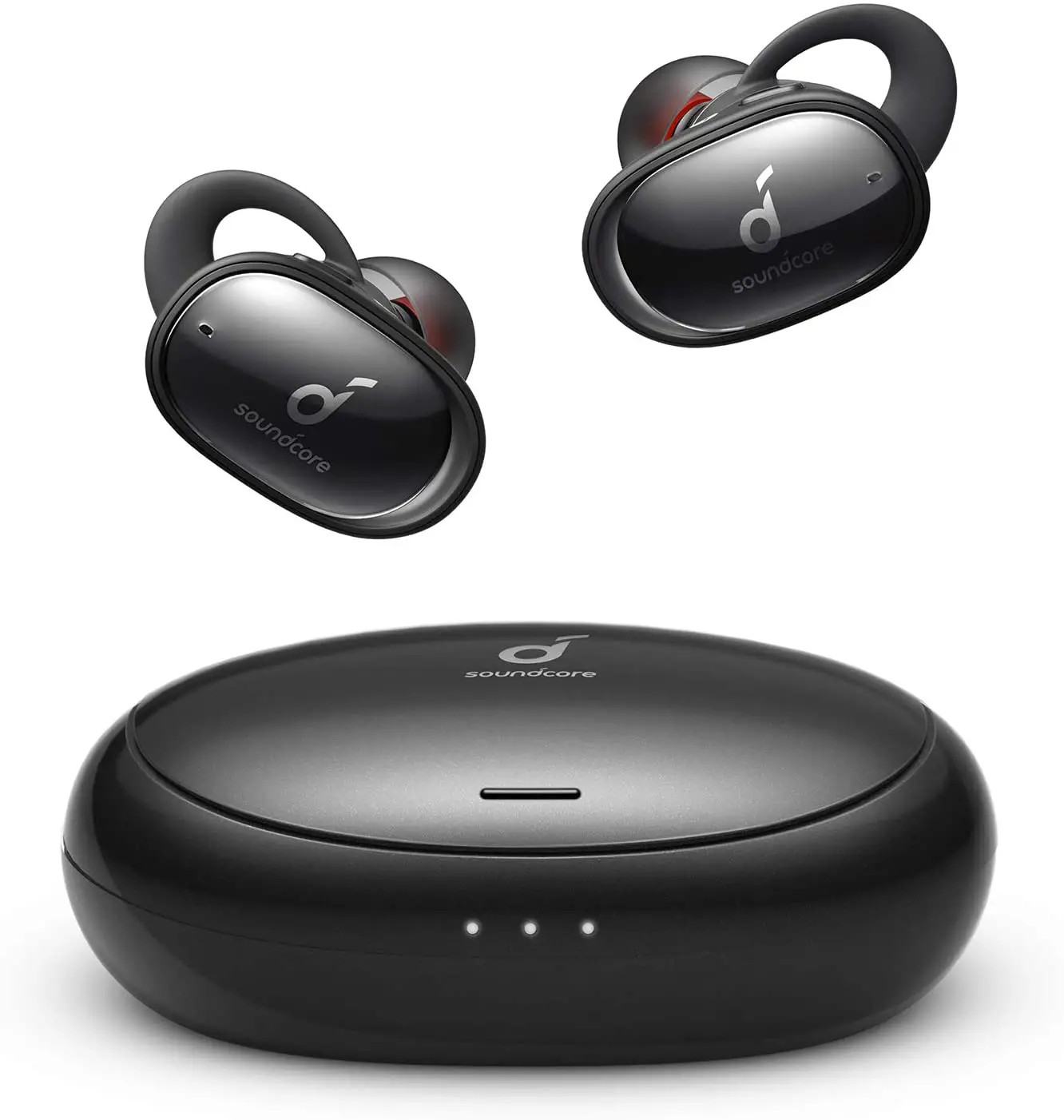
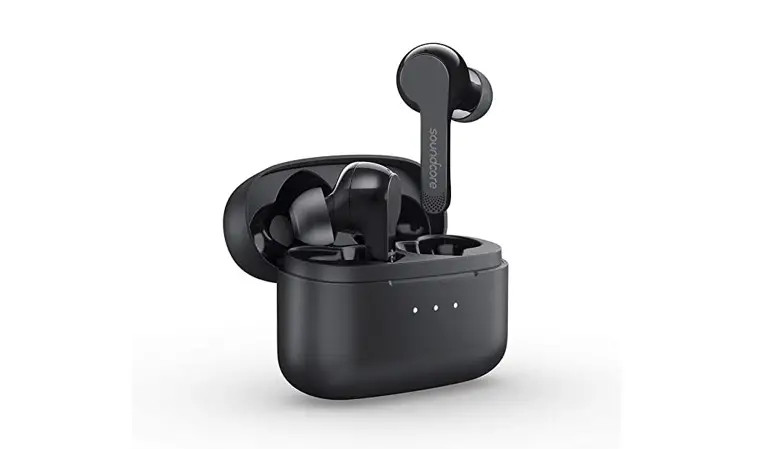
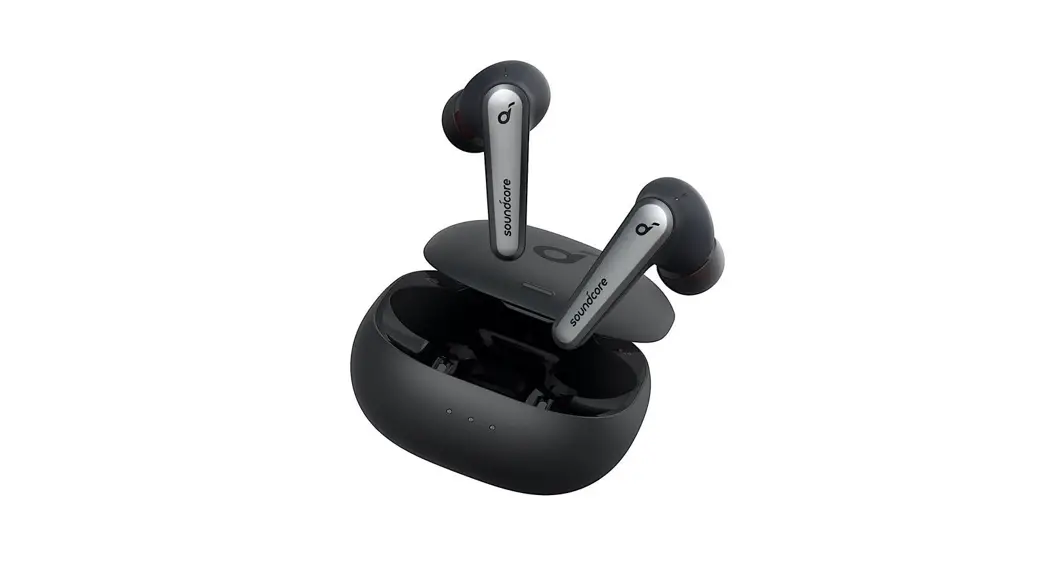
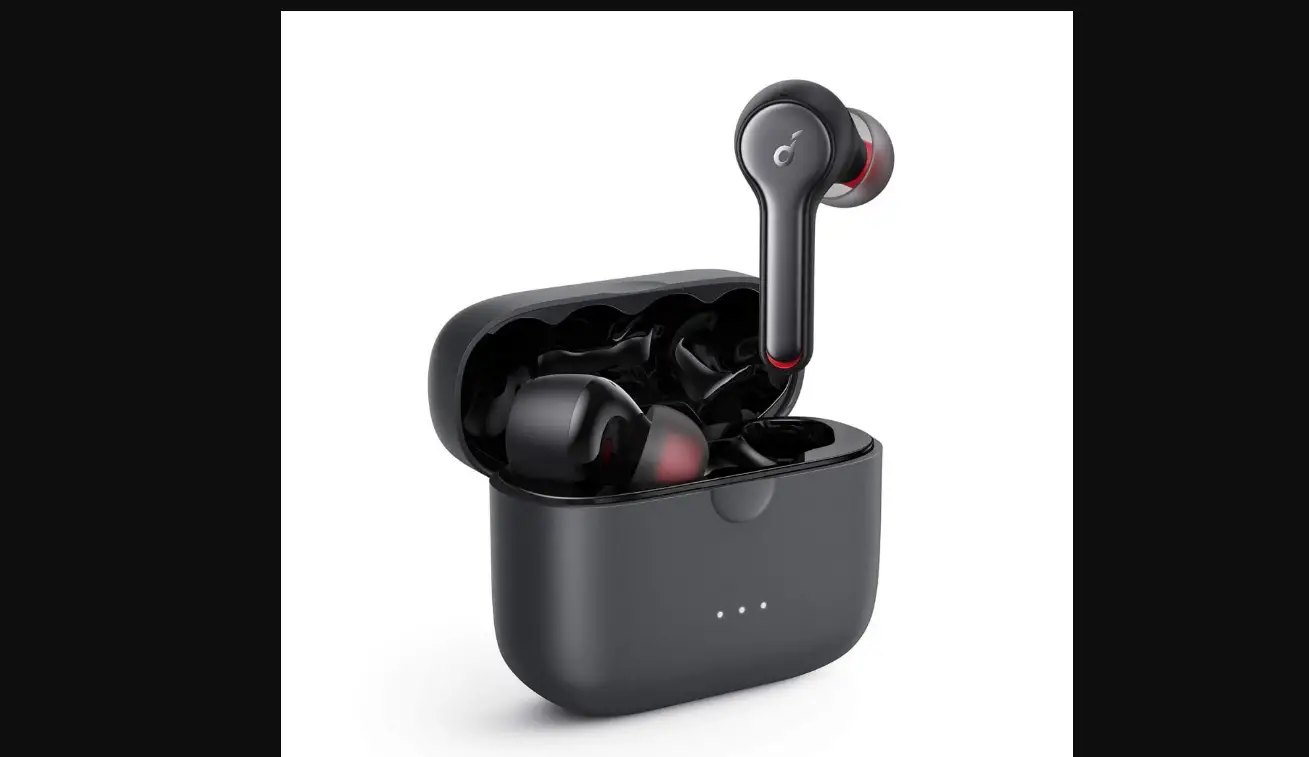
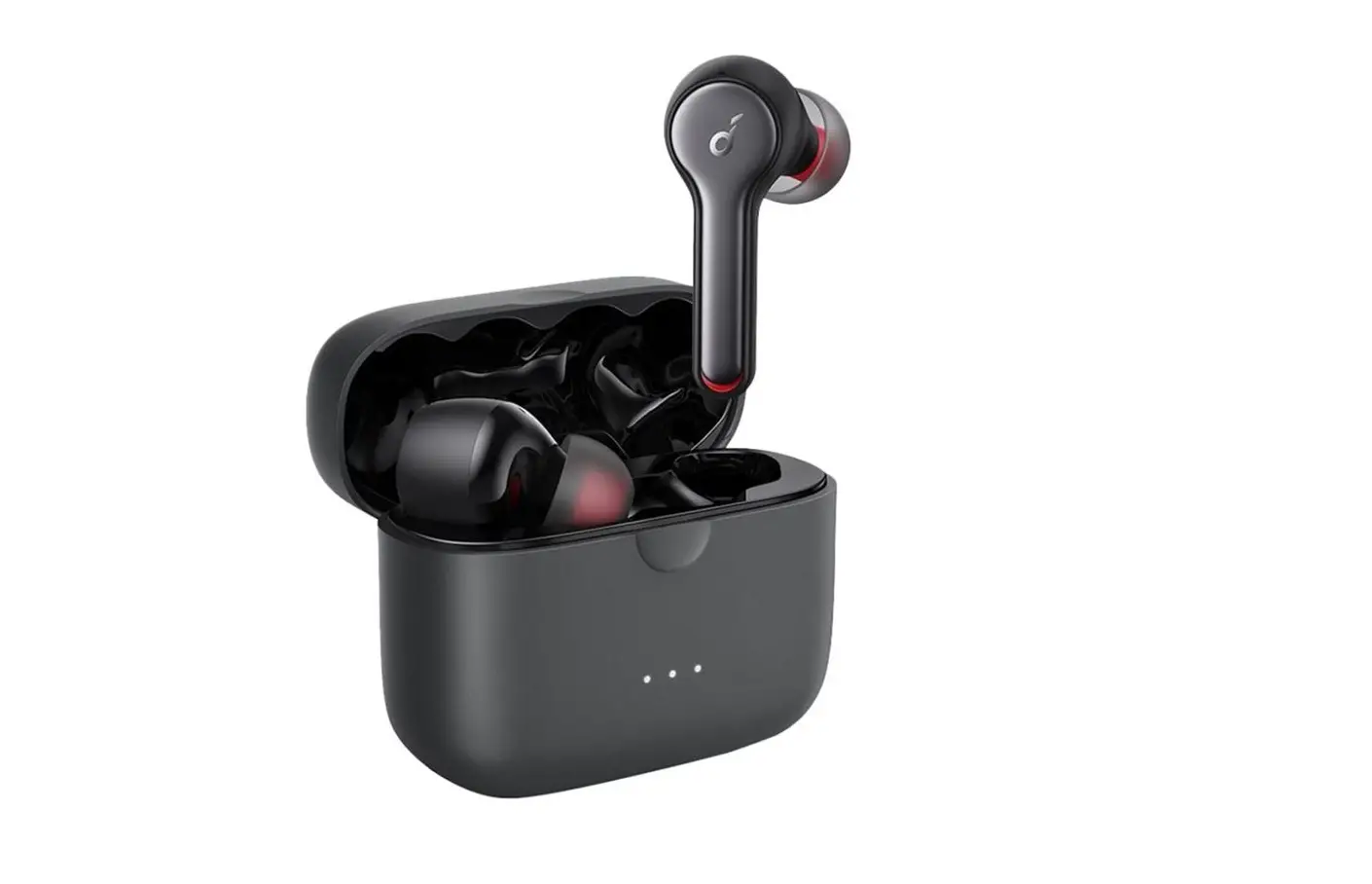
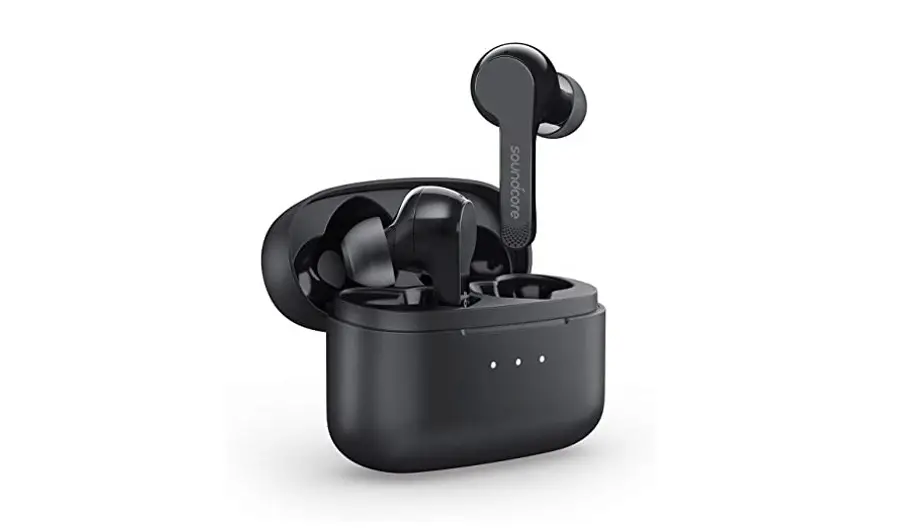
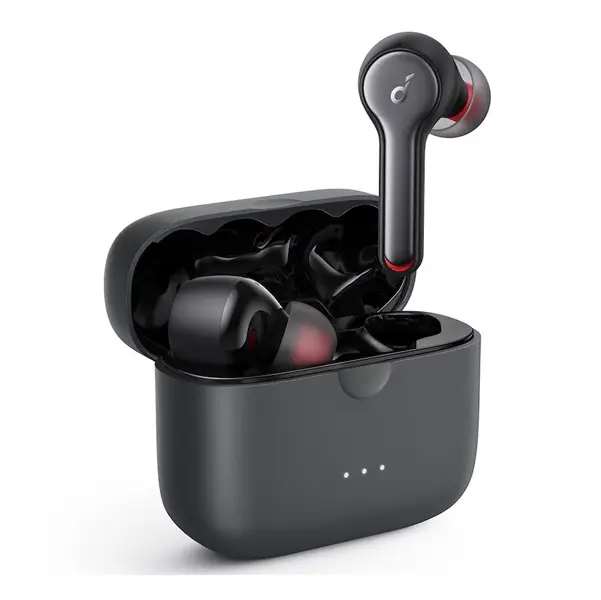
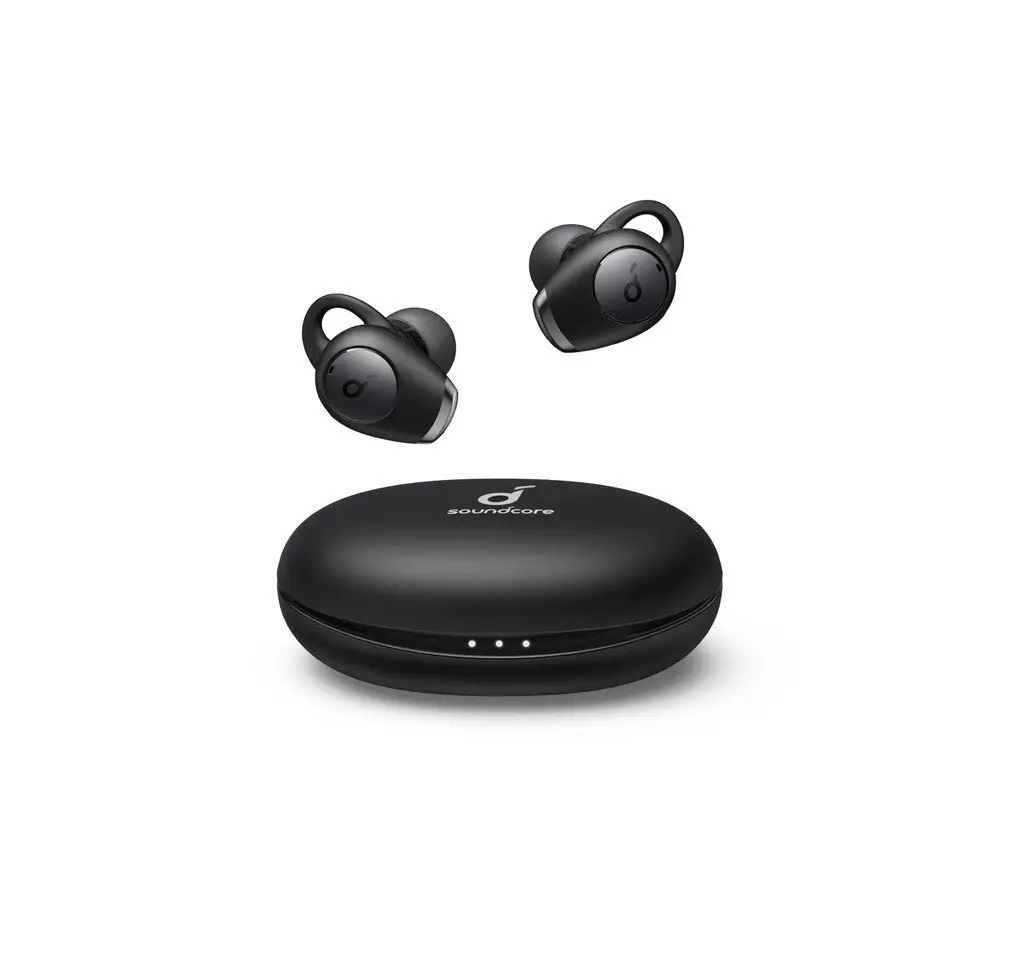
WHATS INBOX?
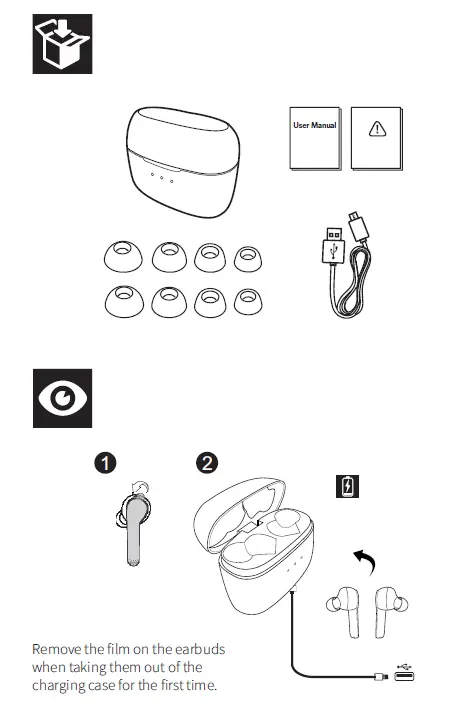
INSTALLATION
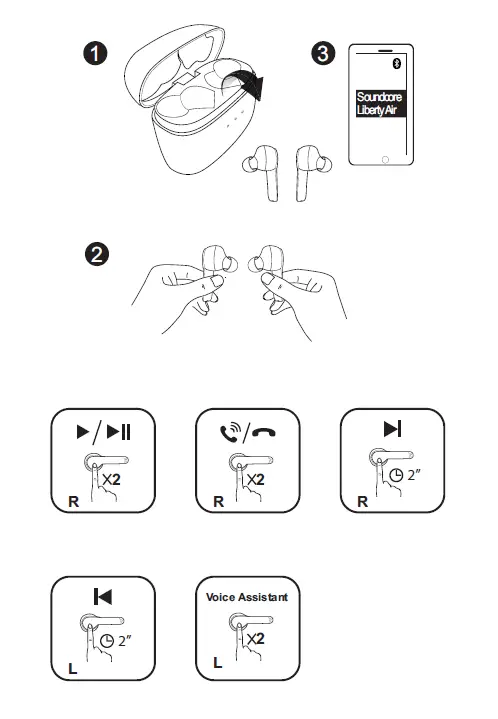
Wearing
- Insert the earbuds into the inner canal of your ears.
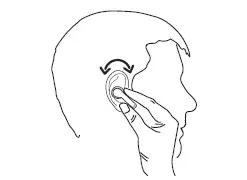
- Turn and find the most comfortable position.
Charging
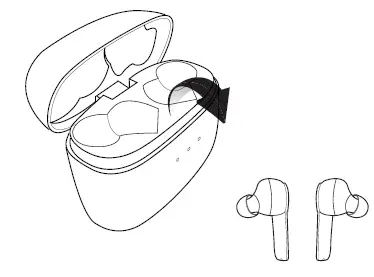
- Remove the film on the earbuds when taking them out of the charging case for the first time.
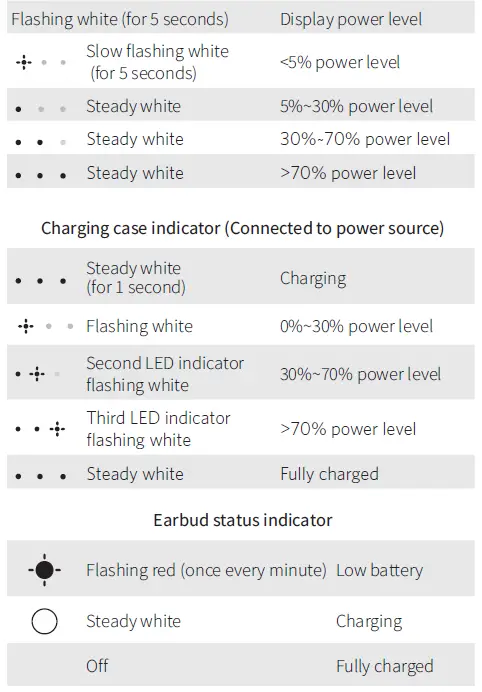
- Open or close the charging case to activate the LED battery indicator.

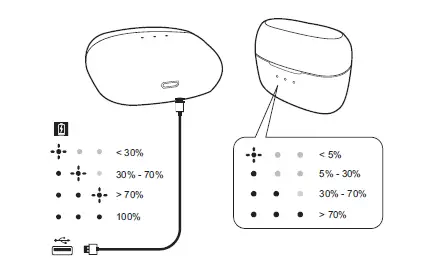
Charging case indicator (When opened or closed)
Turn On / Off
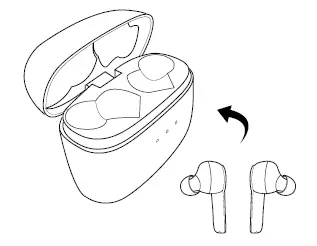
- The earbuds switch on automatically when taken out of the charging case. To manually switch on, tap the multifunction touchpad on both your earbuds once.

- The earbuds switch off automatically when placed back in the charging case.

Pairing
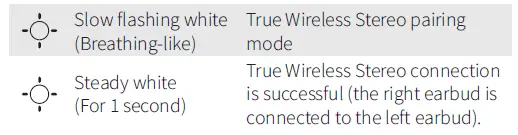
- True Wireless Stereo connection


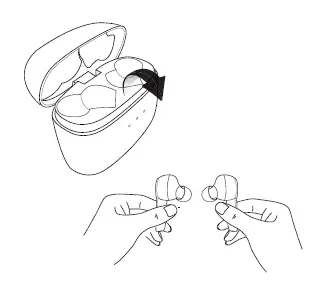
Bluetooth connection (Device)
Enter pairing mode when earbuds are switched on.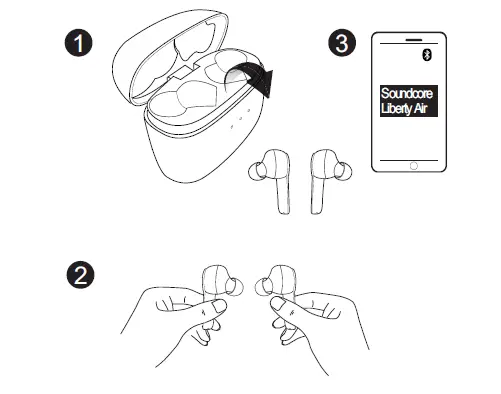

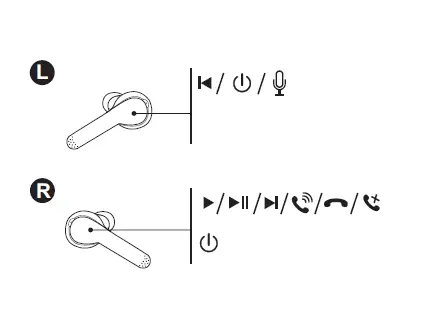
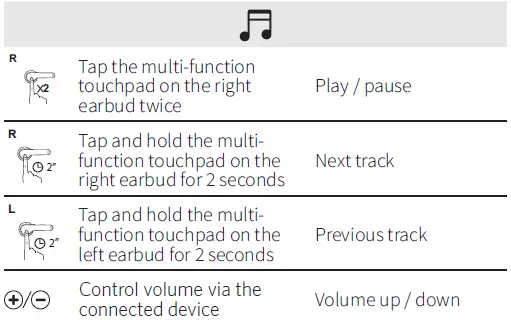
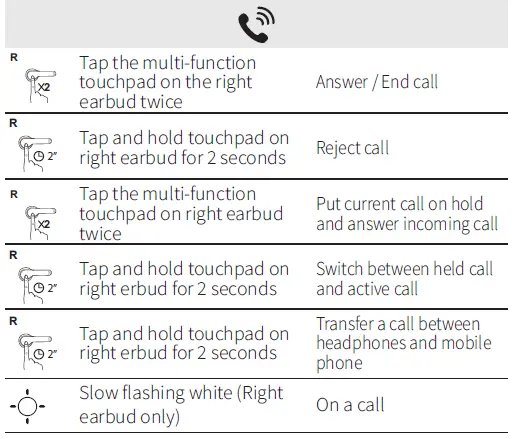
Controls
Reset
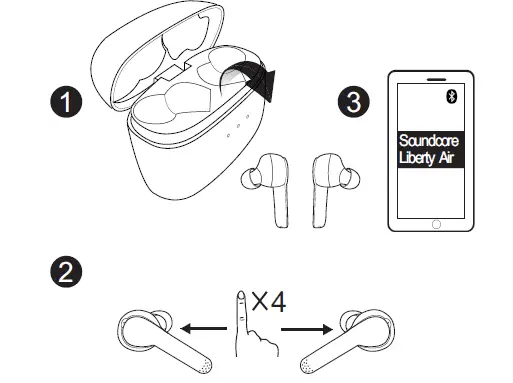
Reset the earbuds if you can only hear sound on one side:
- Delete the “Soundcore Liberty Air” in device’s bluetooth list, and turn off the bluetooth on your device.
- Only take one earbud out of the charging case. Tap the multifunction touchpad on the earbud for 4 times. Repeat the same on the other earbud.
- Put both earbuds into the charging case.
- Then take both earbuds out of the charging case, place them near each other, then the LED indicator will start flashing in white(breathing-like).
- Once the LED indicator on right earbud flashes white, go to the Bluetooth® pairing list on your device and select “Soundcore Liberty Air”.
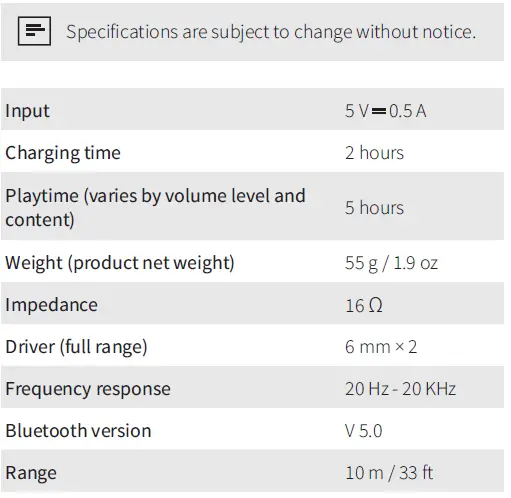
Specifications
Customer Service
[email protected]
- + 1 (800) 988 7973 (US) Mon-Fri 9:00 – 17:00 (PT)
- + 44 (0) 1604 936200 (UK) Mon-Fri 6:00 – 11:00 (GMT)
- + 49 (0) 69 9579 7960 (DE) Mon-Fri 6:00 – 11:00
Declaration of Conformity
Hereby, Anker Innovations Limited declares that the radio equipment type A3902 is in compliance with Directive 2014/53/EU. The full text of the EU declaration of conformity is available at the following internet address: https://www.soundcore.com/ Maximum output power: 4dBm Frequency band: 2.4G band (2.4000GHz-2.4835GHz)FCC ID: 2AOKB-A3902 IC: 23451-A3902 204-820407
Anker Innovations Limited
Room 1318-19, Hollywood Plaza, 610 Nathan Road, Mongkok, Kowloon, Hong Kong For questions on the product, please check the FAQ page on our website: https://www.soundcore.com/products/variant/liberty-air/A3902011 https://www.soundcore.com/products/variant/liberty-air/A3902021


![Anker Soundcore Liberty Neo [a3911] User Manual](https://static-data1.manualsee.com/1/img/1/12877/2020/11/Anker-Soundcore-Liberty-Neo-A3911-featured-1568x766.png "Anker Soundcore Liberty Neo [a3911] User Manual")