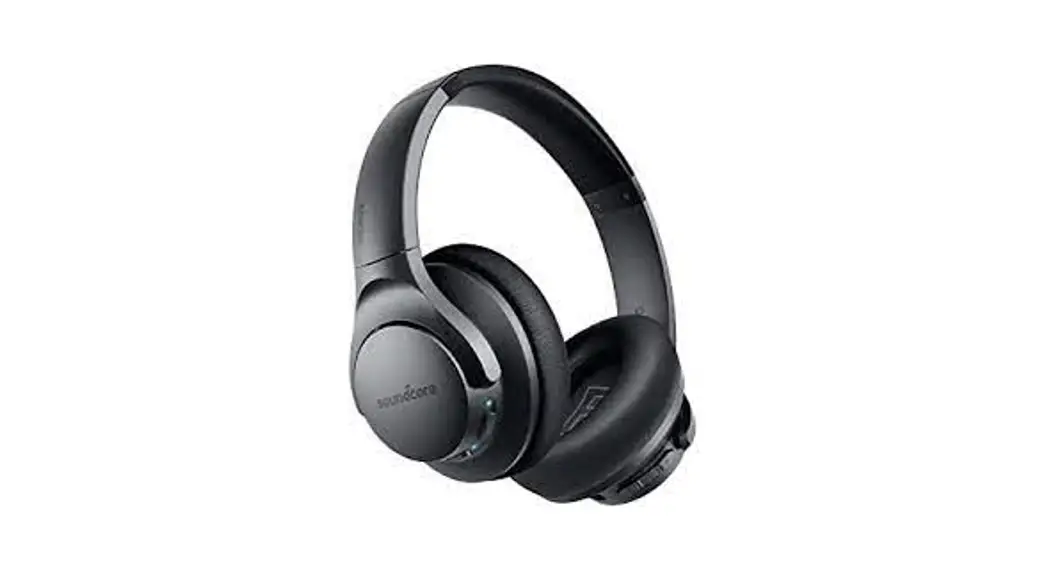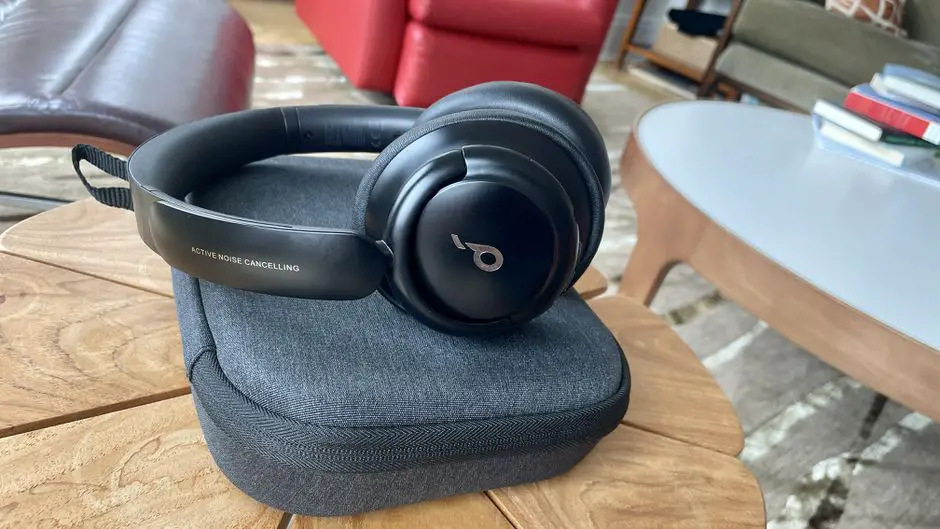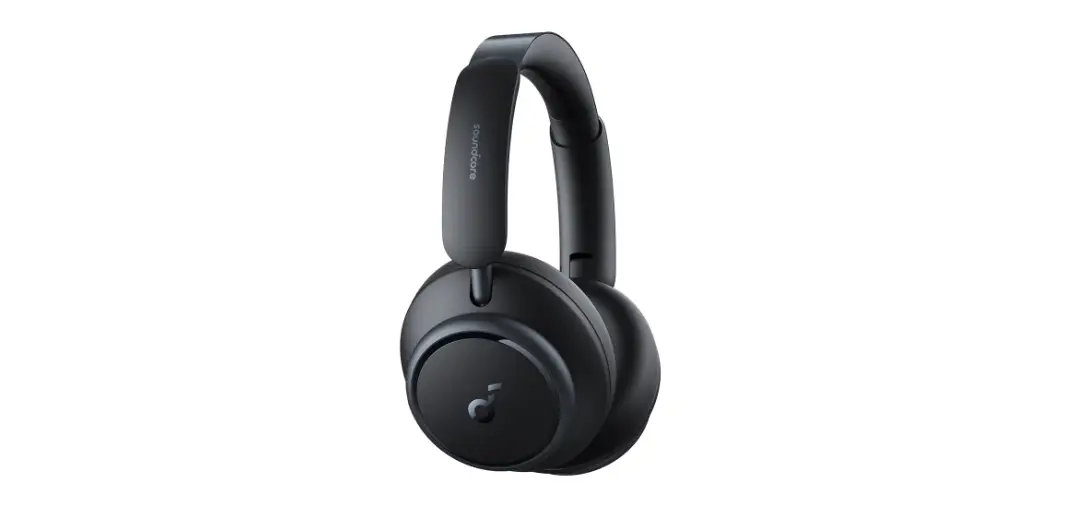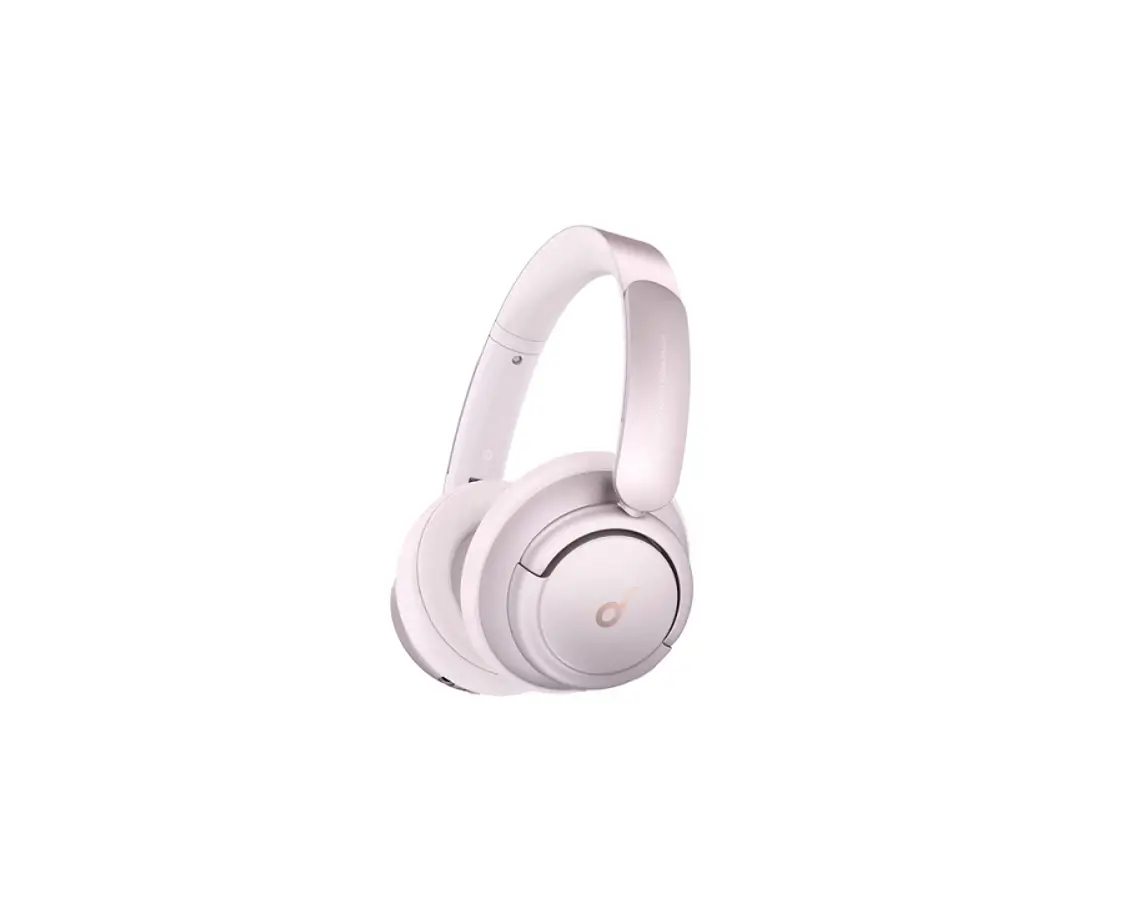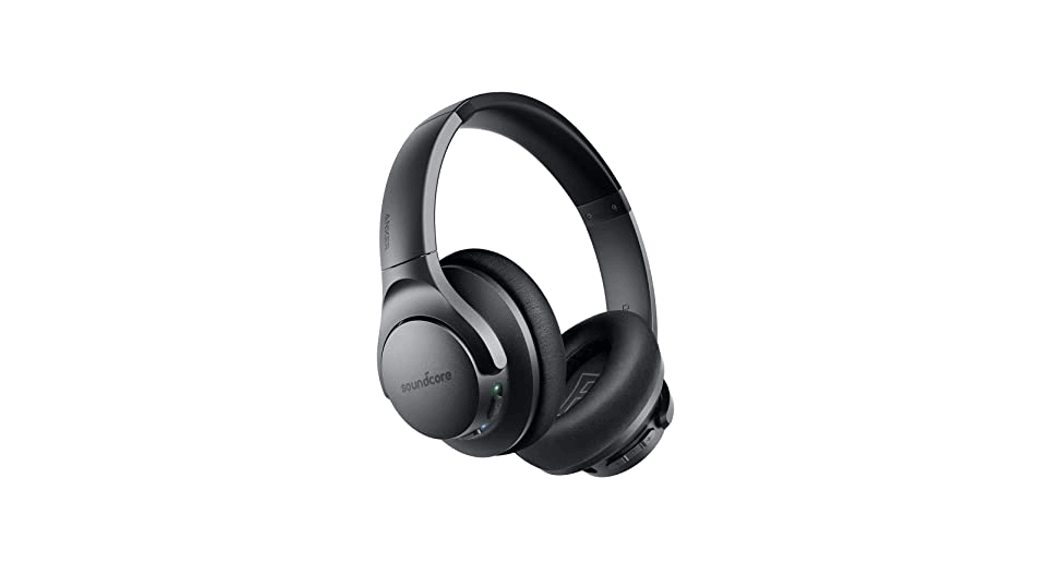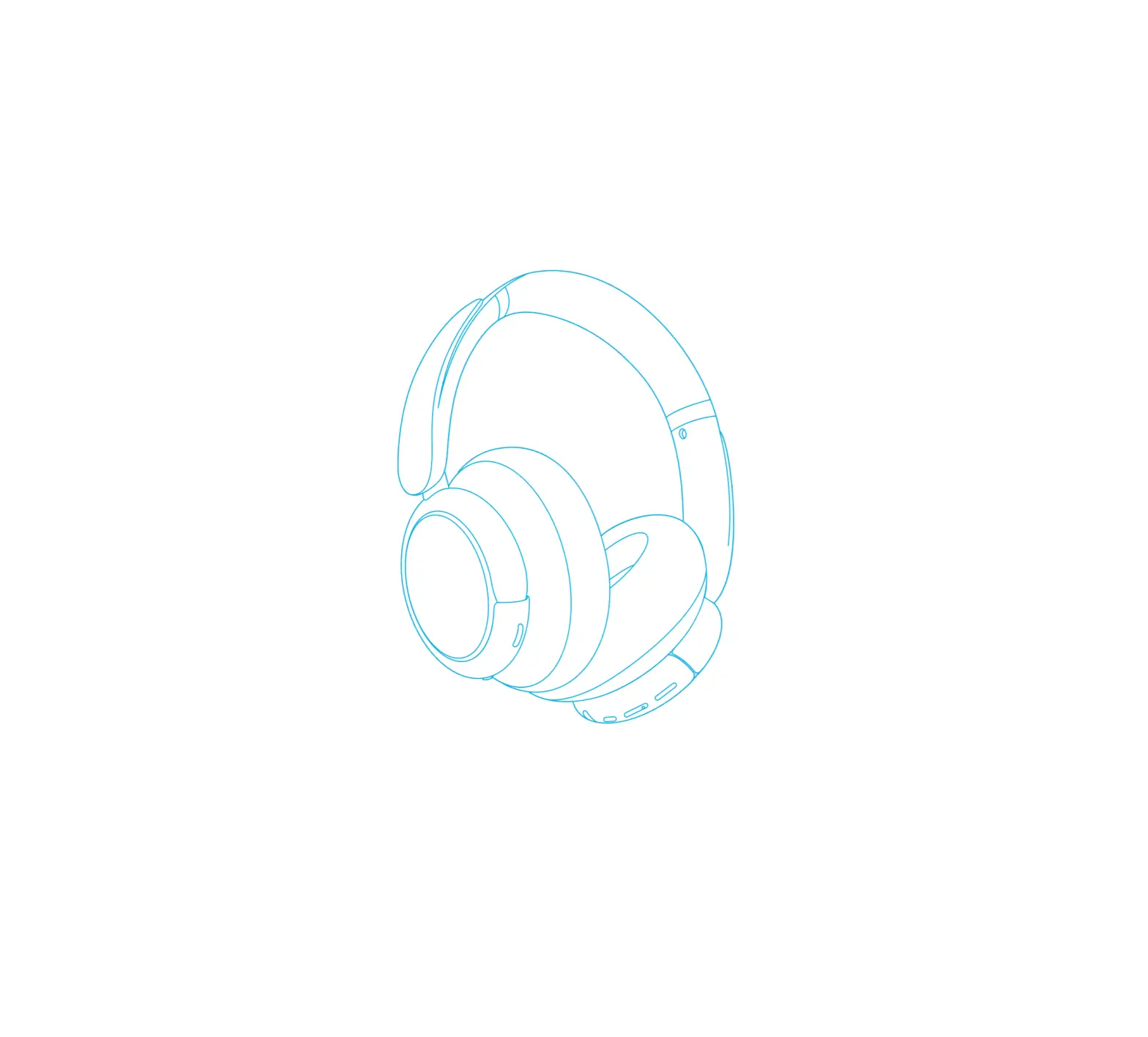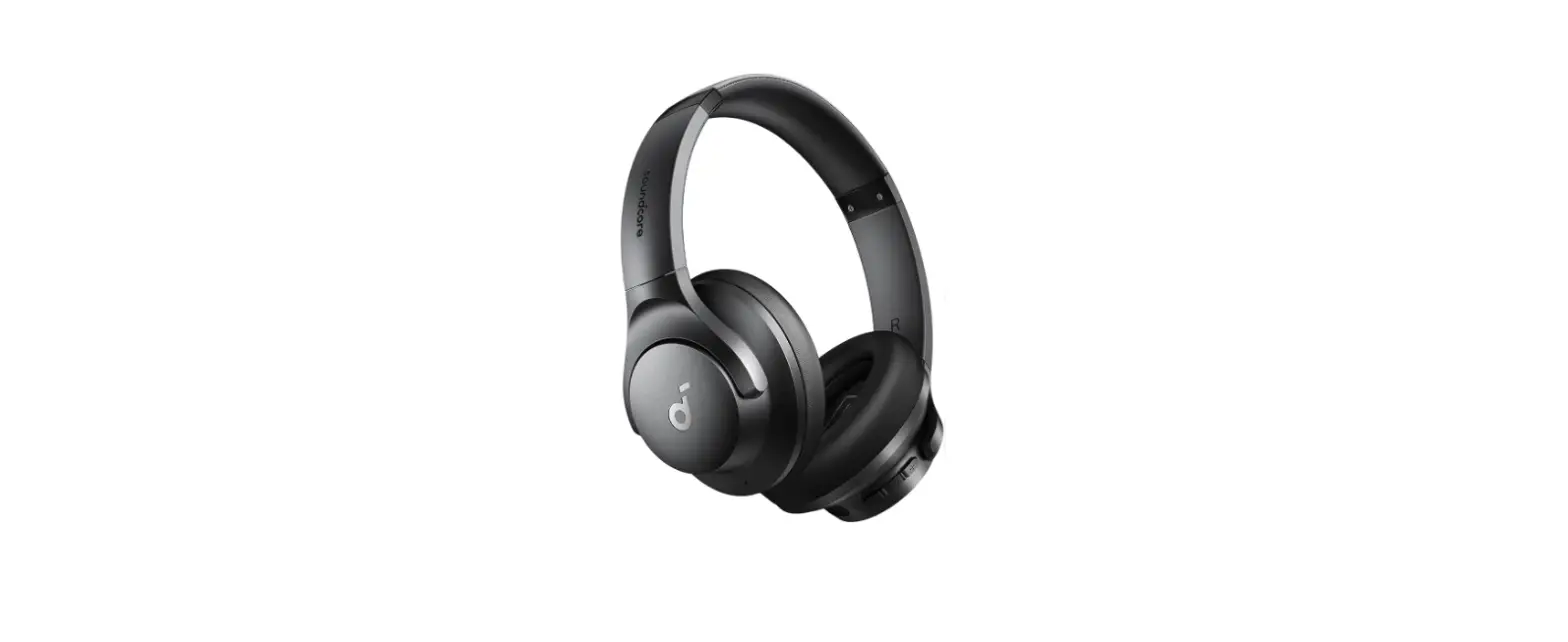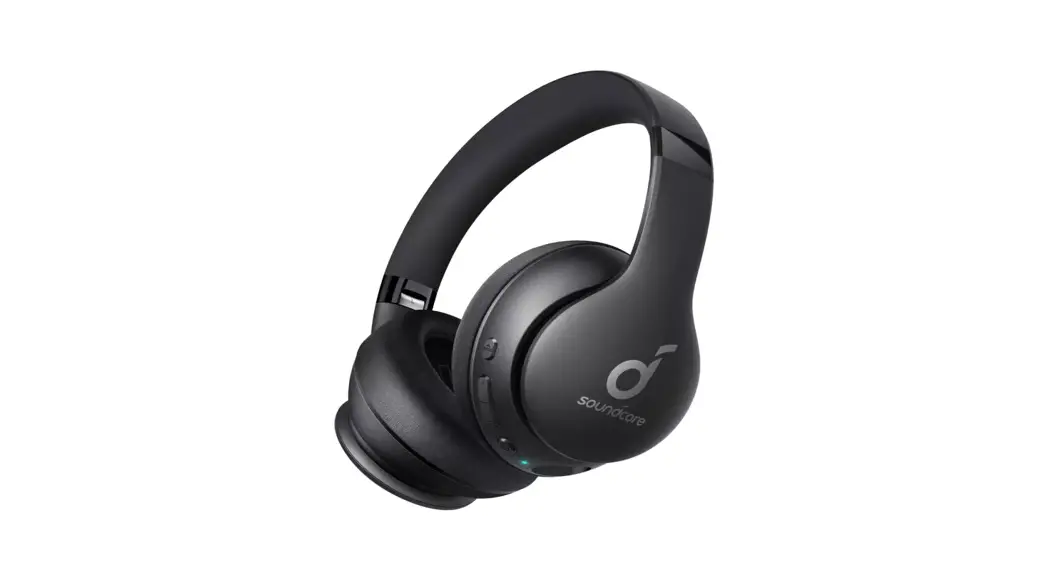

Life Q20 Headphones
User Manual 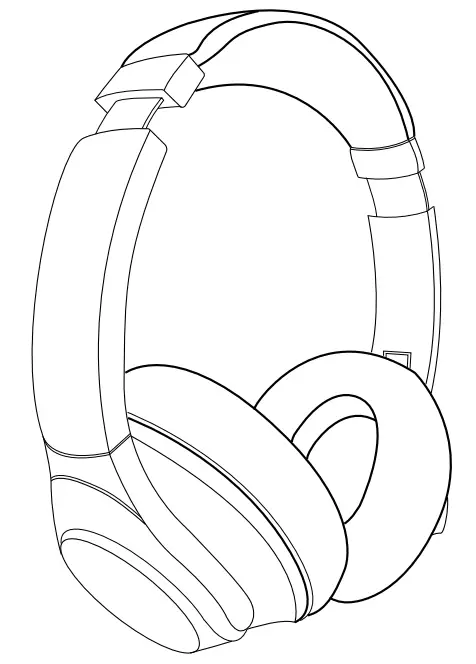
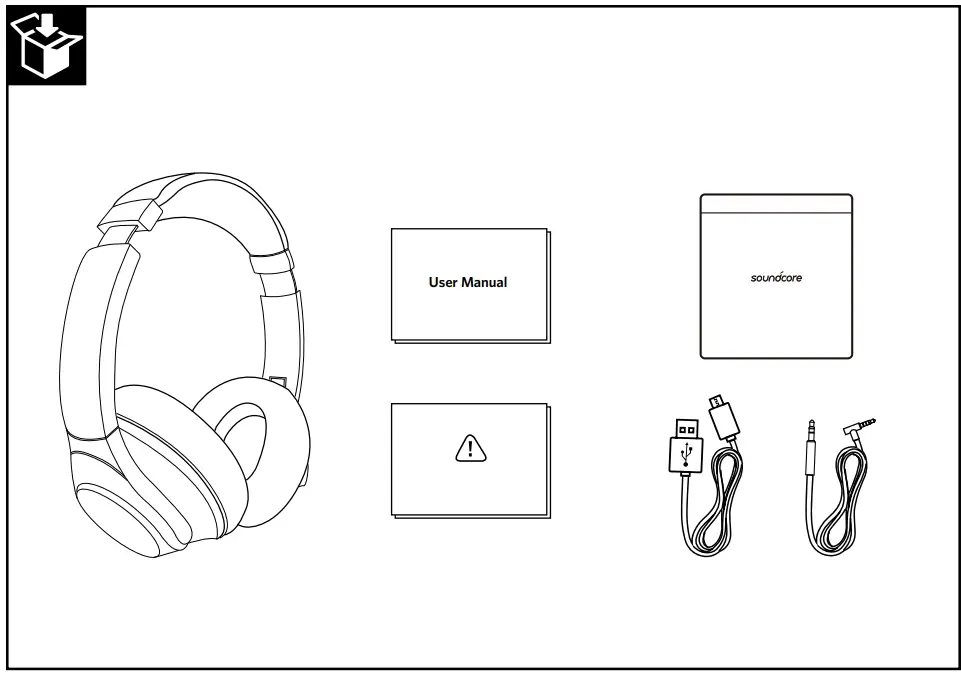
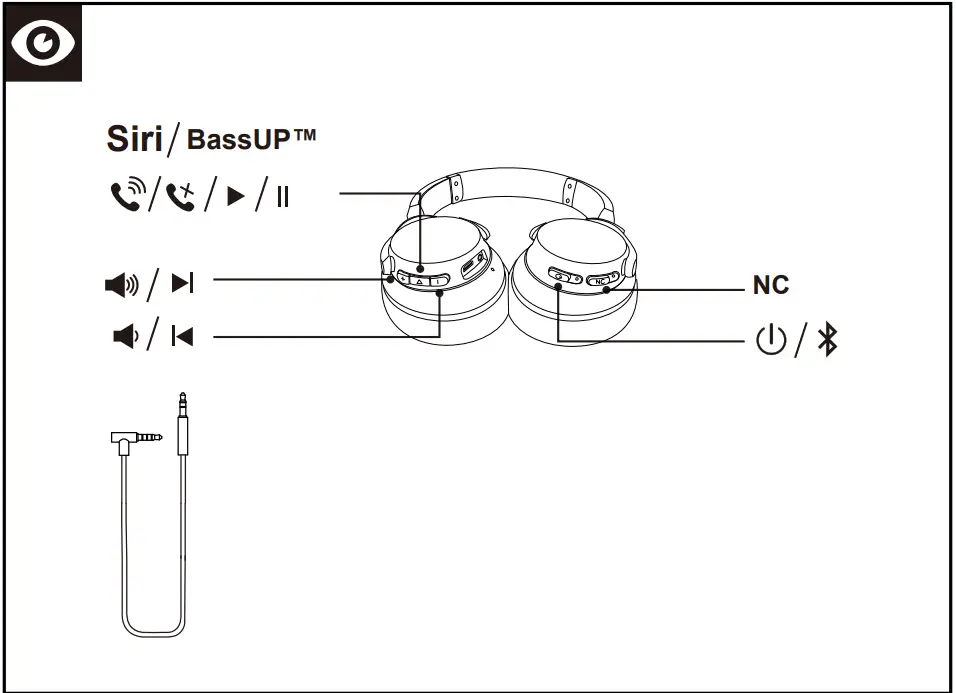
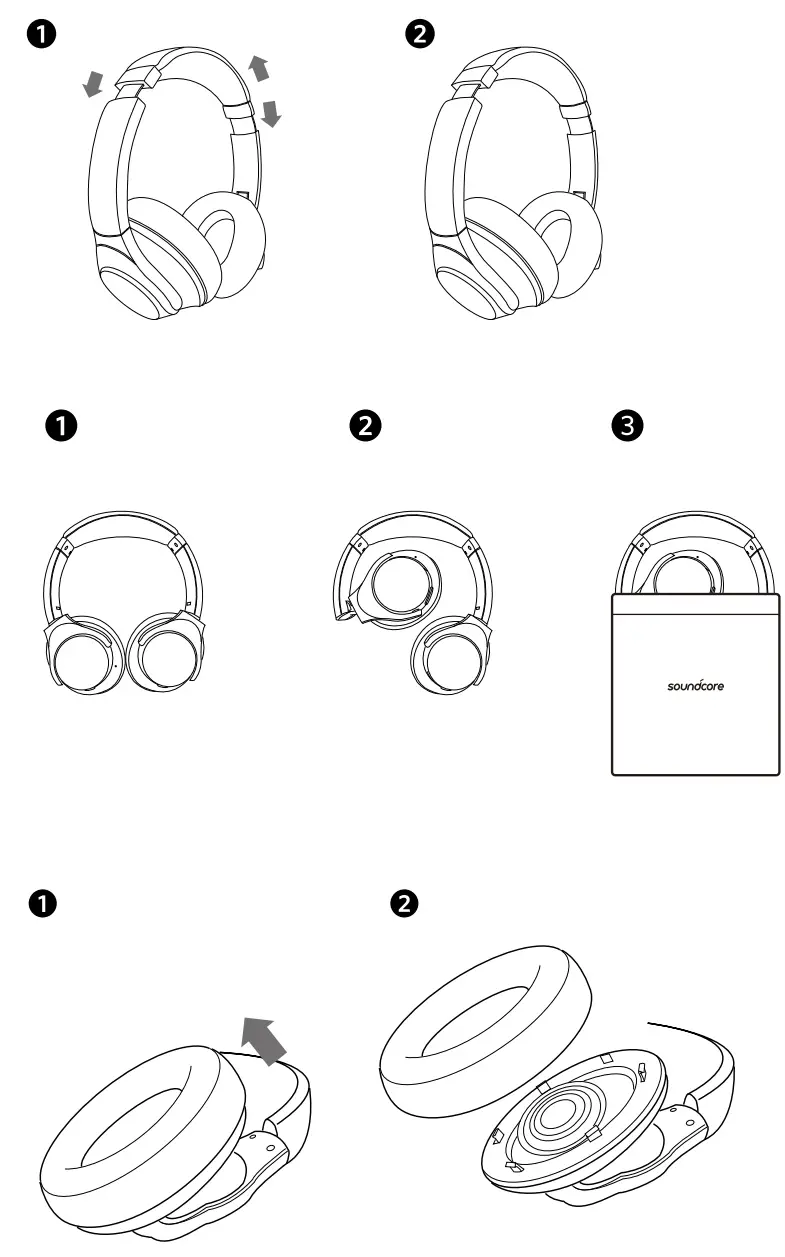
 Powering On / Off
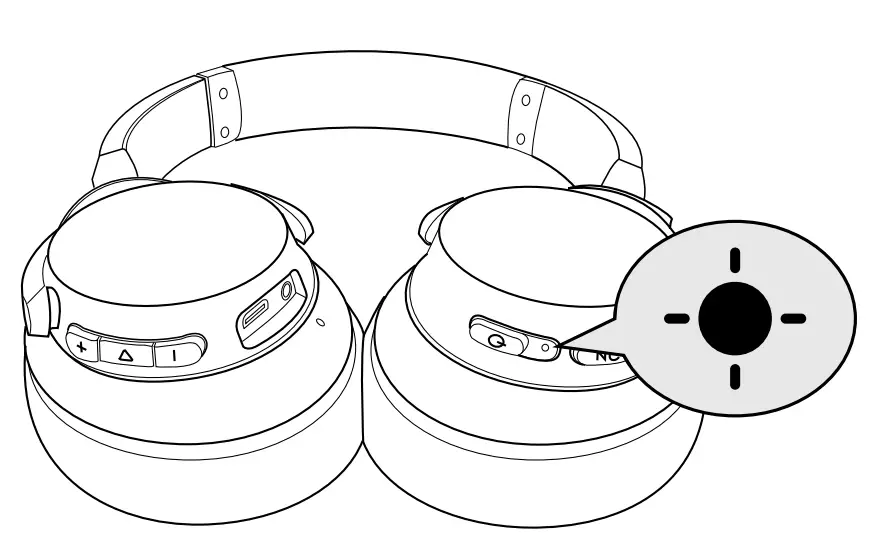
| Power On |  | Press and hold for more than 3 seconds | Flashing blue (Status indicator) |
| Power Off | | Press and hold for 3 seconds | Steady red for 1 second (Status indicator) |
| ANC On |  | Press and hold for more than 1 second | Steady green (NC LED indicator) |
| ANC Off | | Press and hold for more than 1 second | NC LED indicator off |
 Pairing
 Pairing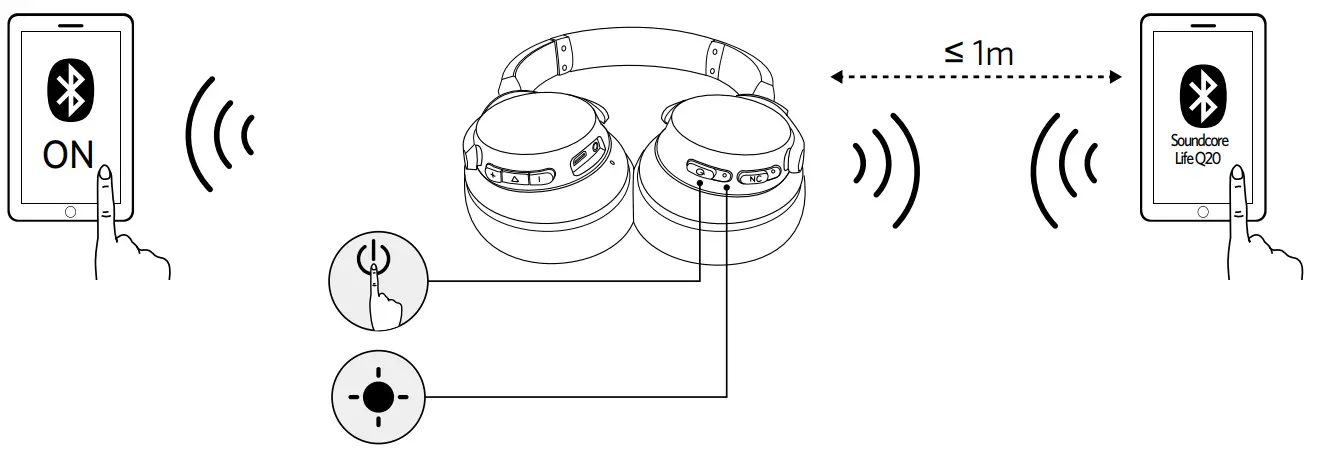
Enter Bluetooth pairing mode when Life Q20 is off 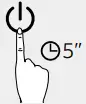 Press and hold for 5 seconds
 | Rapidly flashing blue | Pairing mode |
 | Steady blue | Connected to a device(but is not playing music) |
| OFF(Status indicator) | Connected to a device(playing music) | |
| Rapidly flashing blue | Connected to a device(Incoming call) |
 Controls
 Controls
Bluetooth mode
Bluetooth mode | |
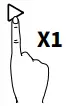 Press Press | Play / pause Note: the status indicator will light up in blue for 2 seconds, then turn off. |
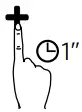 Press and hold for 1 second Press and hold for 1 second | Next track |
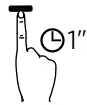 Press and hold for 1 second Press and hold for 1 second | Previous track |
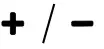 Press Press | Volume up / down |
| Default mode | Normal Equalizer |
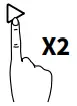 Press the multi-function key twice Note: Press twice again to switch back to Normal Equalizer. Press the multi-function key twice Note: Press twice again to switch back to Normal Equalizer. | BassUP™(Dual Equalizer) |
| Press and hold for 1 second | ANC mode (Active noise canceling mode) activation |
| ANC mode (Active noise canceling mode) deactivation | |
Active Noise Cancelling mode (ANC) blocks the noise from the surrounding environment while wearing Soundcore Life Q20.
 Mobile phone Mobile phone | |
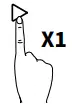 Press Press | Answer / End call |
| Put the current call on hold and answer an incoming call | |
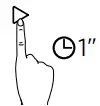 Press and hold for 1 second Press and hold for 1 second | Reject call |
| Switch between held call and active call | |
 Slow flashing blue (Status indicator) Slow flashing blue (Status indicator) | On a call |
| Slow flashing blue (Status indicator) | Incoming call |
 | |
| Press and hold for 1 second | Activate Siri / other voice control software |
Aux-in
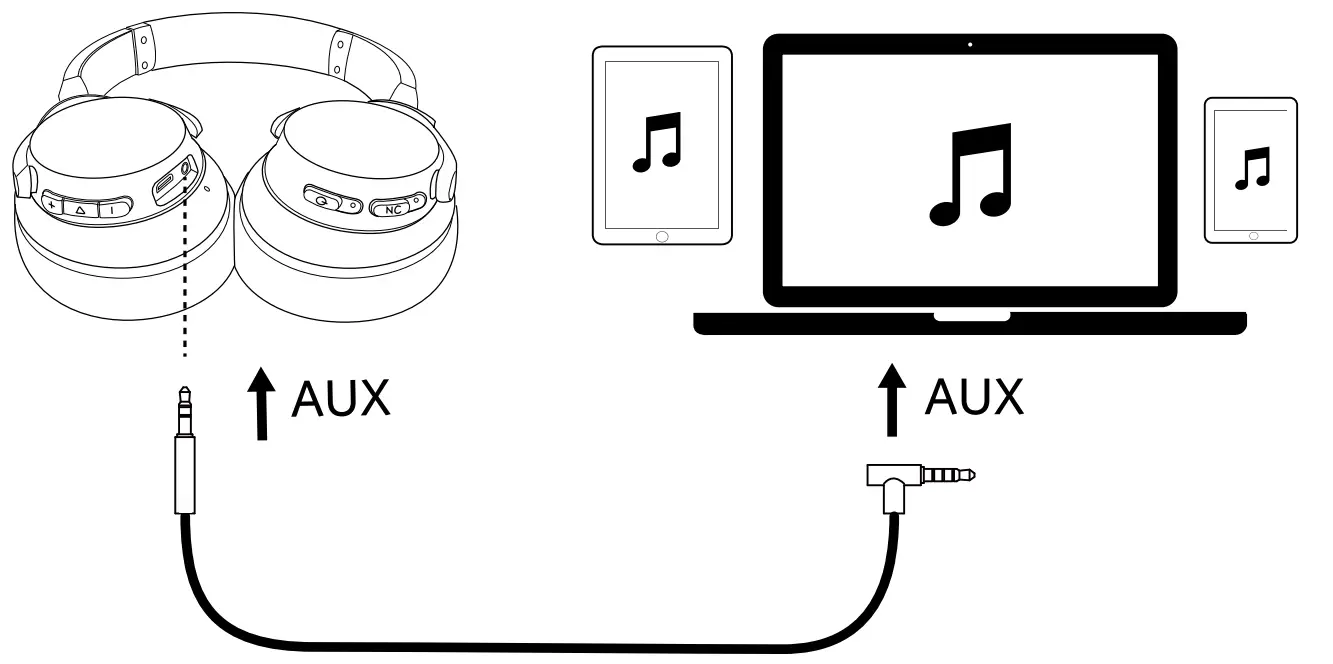
Plugging in an audio cable will automatically switch to AUX mode, and Bluetooth mode and ANC will turn off.
 Charging Your Headphones
 Charging Your Headphones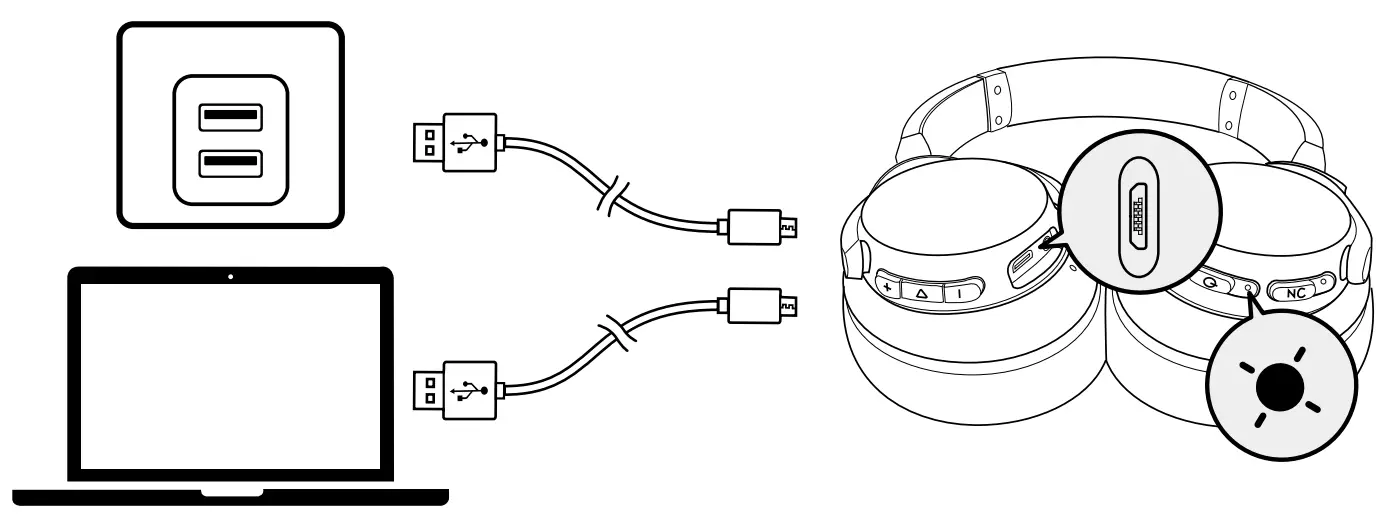
 Notification sound (Tone) : There are only 2 hours of playtime left. You will hear a voice prompt every 30 minutes. Notification sound (Tone) : There are only 2 hours of playtime left. You will hear a voice prompt every 30 minutes. | Low battery |
| Flashing red once every 60 seconds (Bluetooth LED indicator) | |
| Steady red (Status indicator) | Charging Note: Do not switch on Life Q20 while charging. |
| Off (Status indicator) | Fully charged |
Specifications
 Specifications are subject to change without notice.
| Input | 5 V 0.65 A | Impedance | 16Ω |
| Charging time | 3 hours | Driver (full range) | 40 mm x 2 |
| Playtime (Bluetooth with ANC mode on) | 40 hours | Frequency response | 16 Hz – 40 KHz |
| Playtime (Bluetooth with ANC mode off) | 60 hours | Bluetooth version | V 5.0 |
| Playtime (Connected to audio cable with ANC mode on) | 35 hours | Range | 15 m / 49.21 ft |
| Weight | 268 g / 9.5 oz |
Customer Service
 18-month limited warranty
 Lifetime technical support
 [email protected]
 +1 (800) 988 7973 (US) Mon-Fri 9:00 – 17:00 (PT)
+44 (0) 1604 936200 (UK) Mon-Fri 6:00 – 11:00 (GMT)
+49 (0) 69 9579 7960 (DE) Mon-Fri 6:00 – 11:00
For FAQs and more information, please visit: soundcore.com/support
 @SoundcoreAudio
 @soundcoreaudio
 @soundcoreaudio
 Soundcore EN