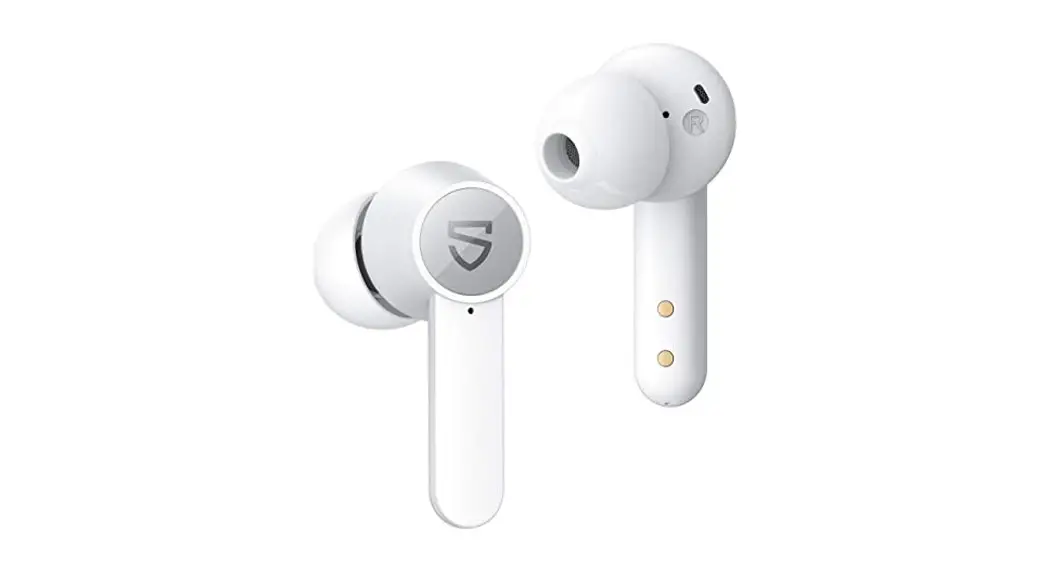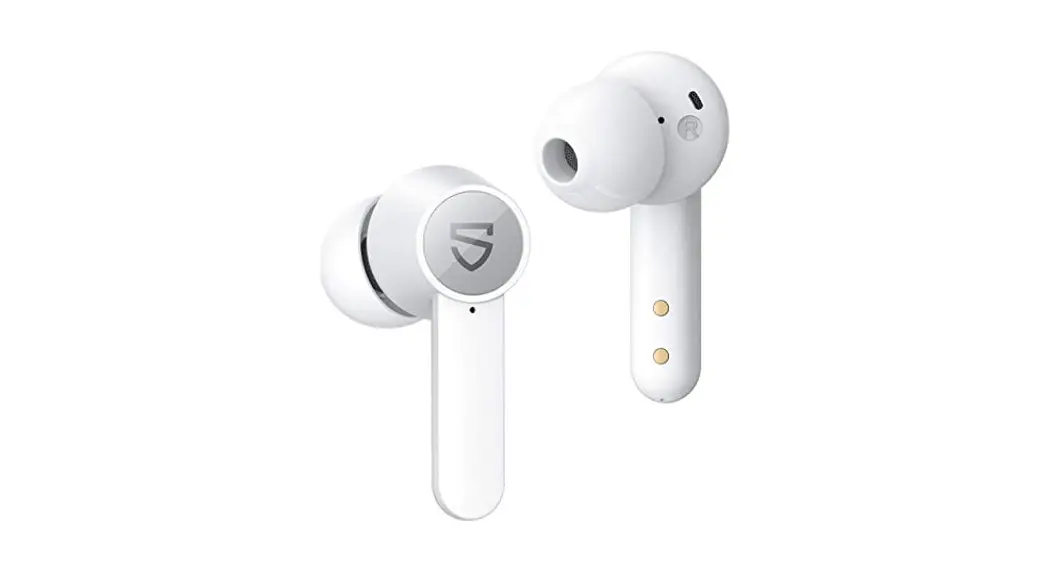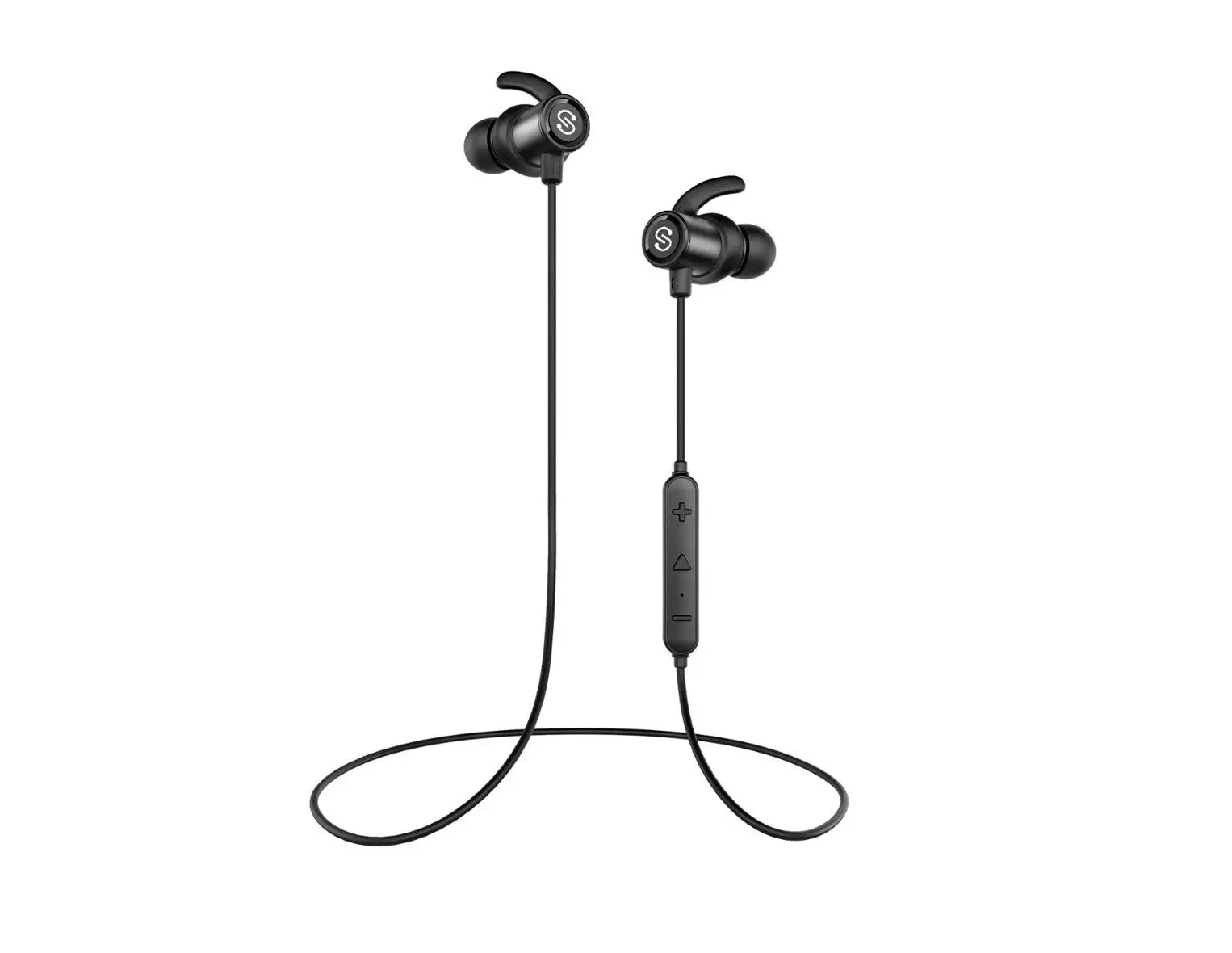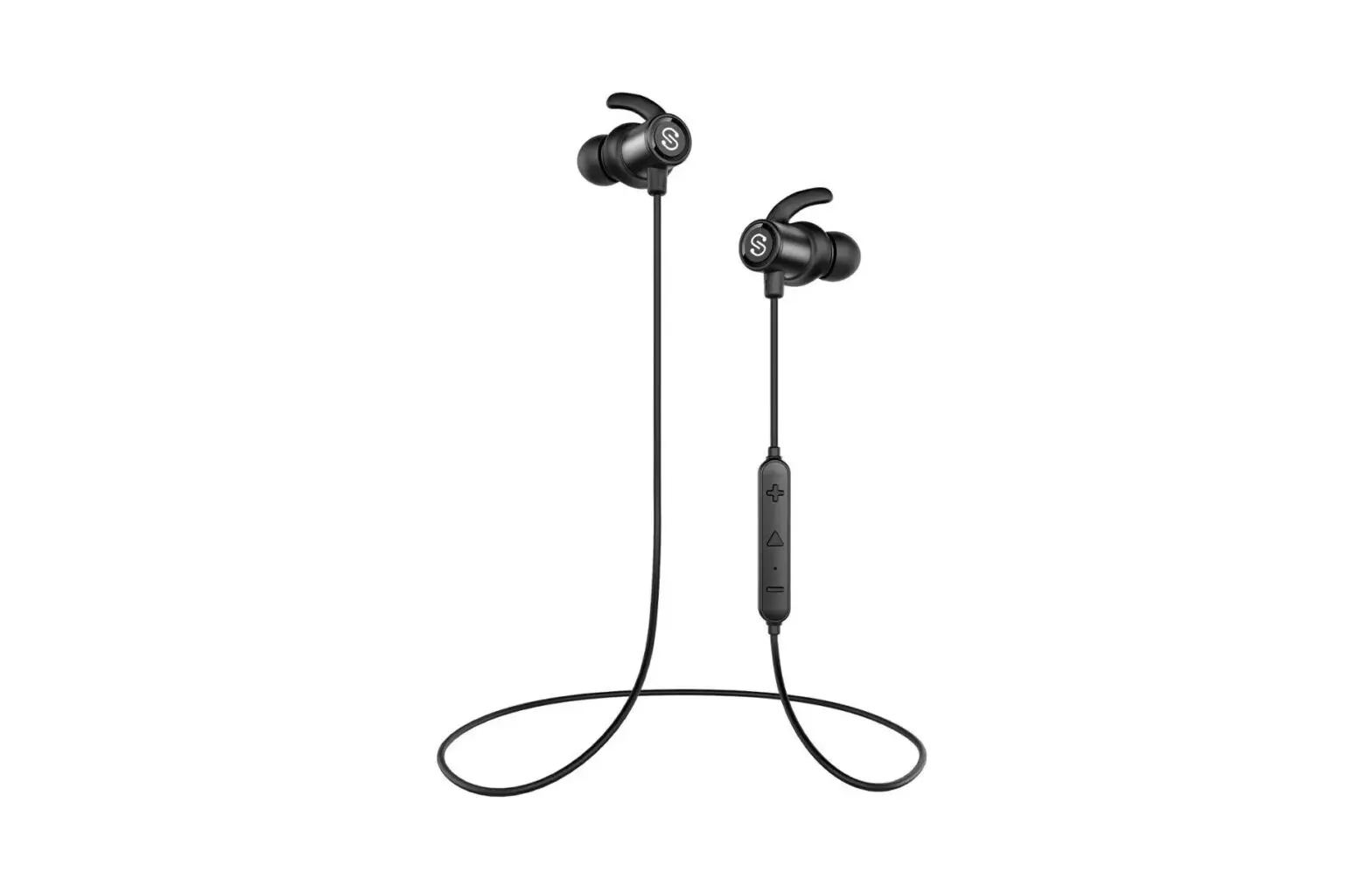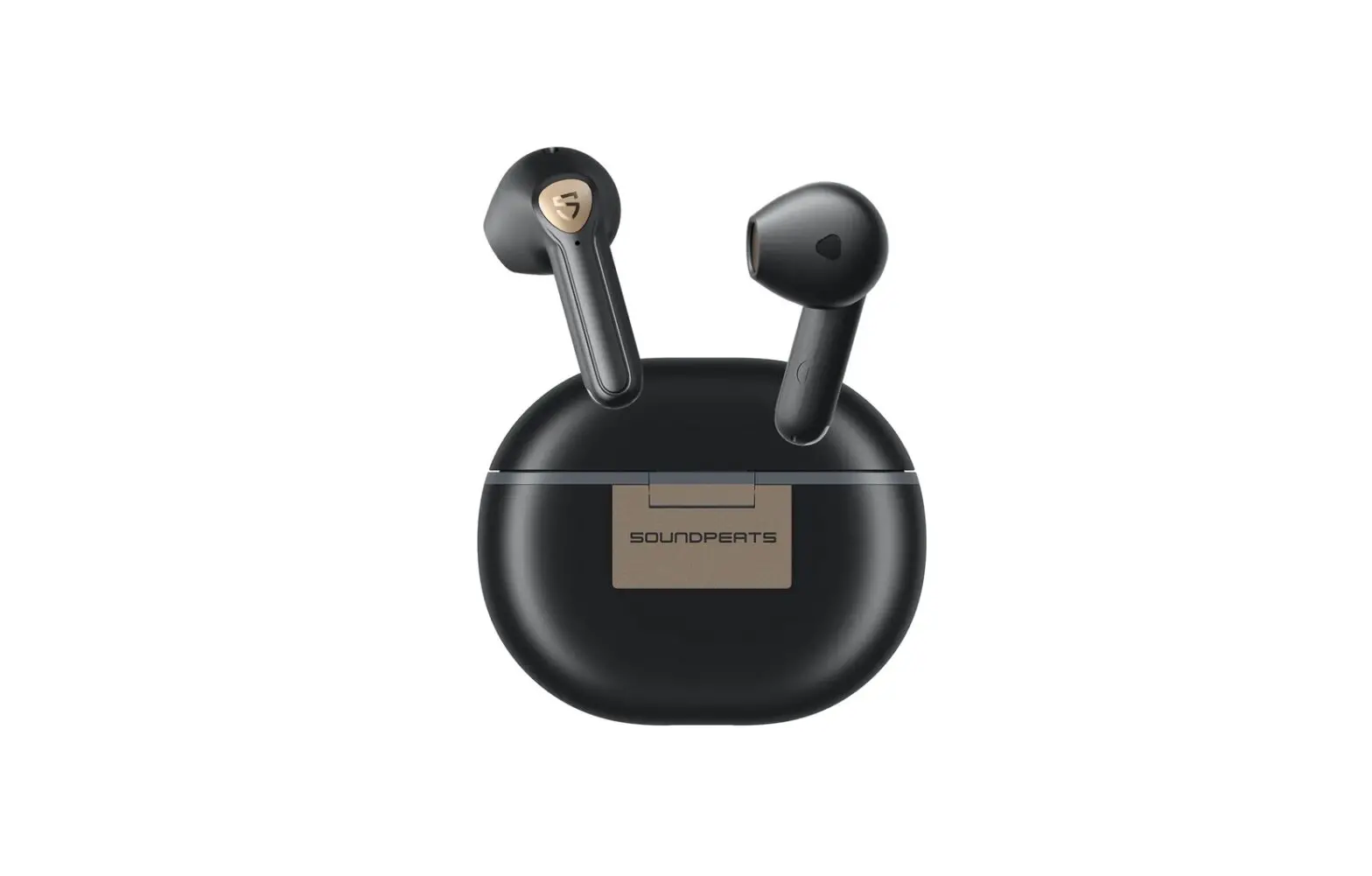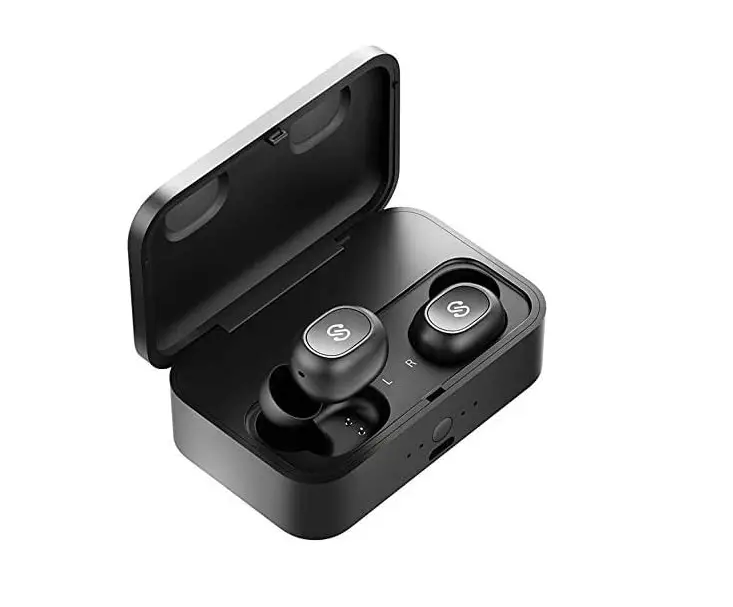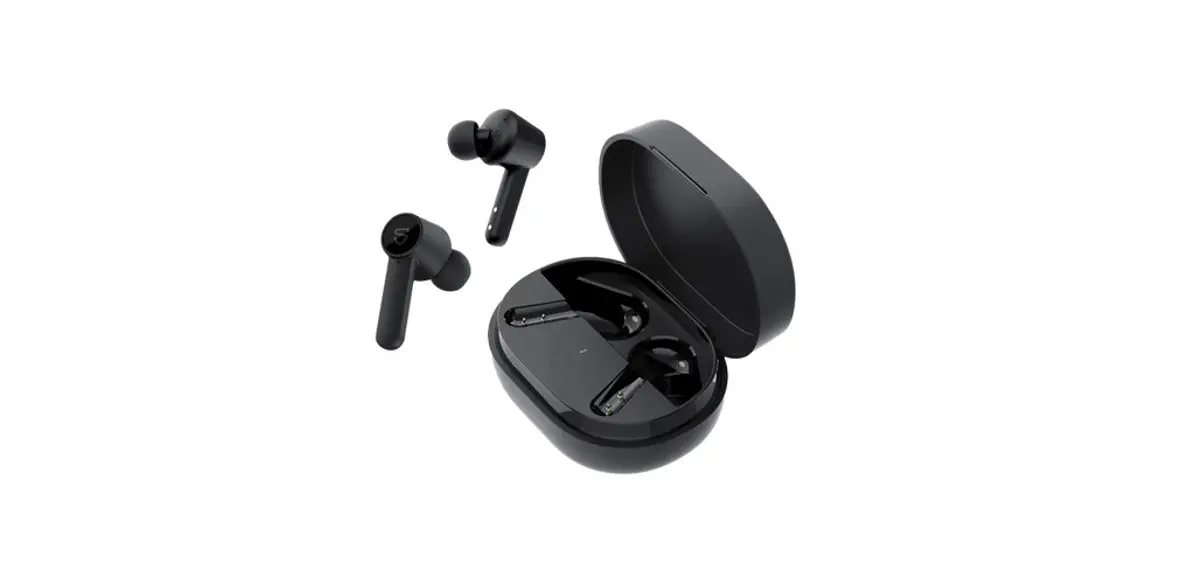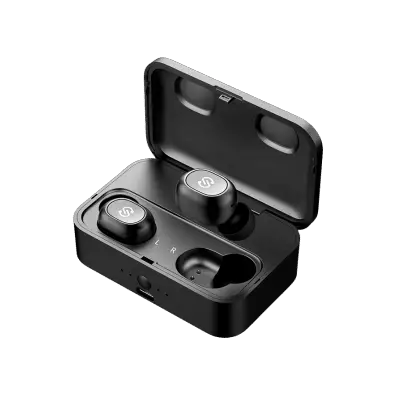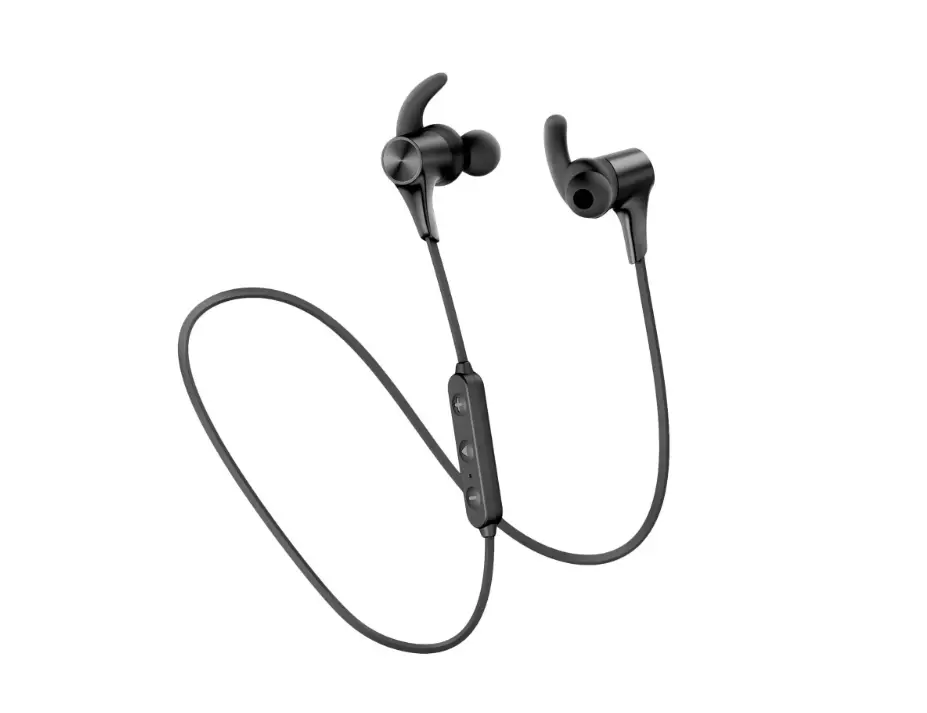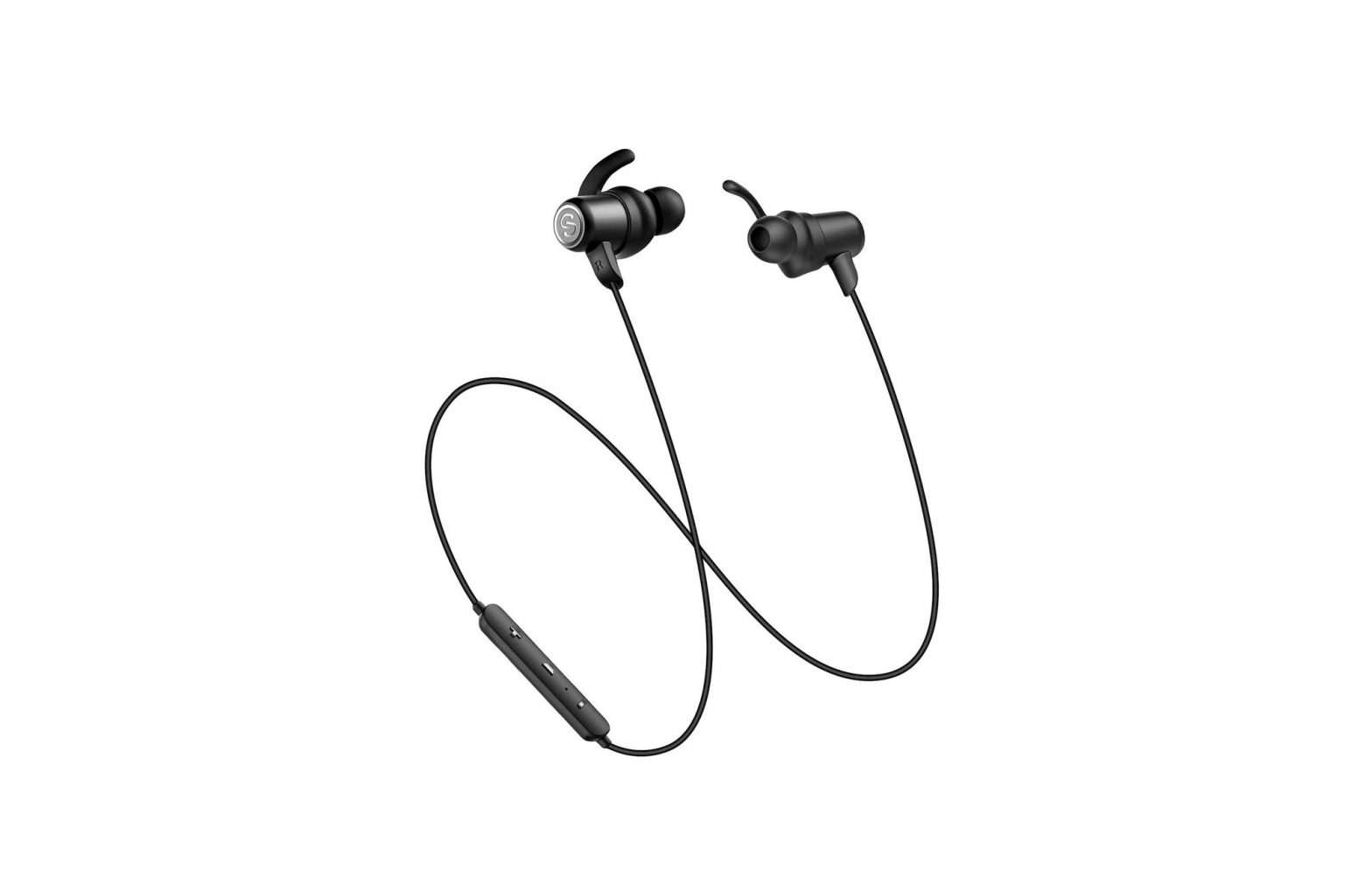
SOUNDPEATS Q35 HD Earphones User Manual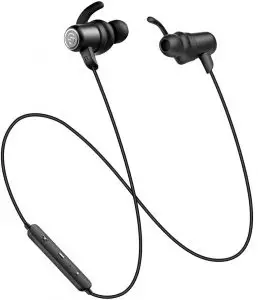
Introduction
Thank you for choosing SOUNDPEATS Q35 HD Bluetooth earphones. Please read the manual carefully, and keep it for further reference. If you need any assistance, please contact our customer support team by emailing [email protected].
Package Content
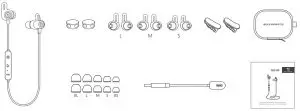
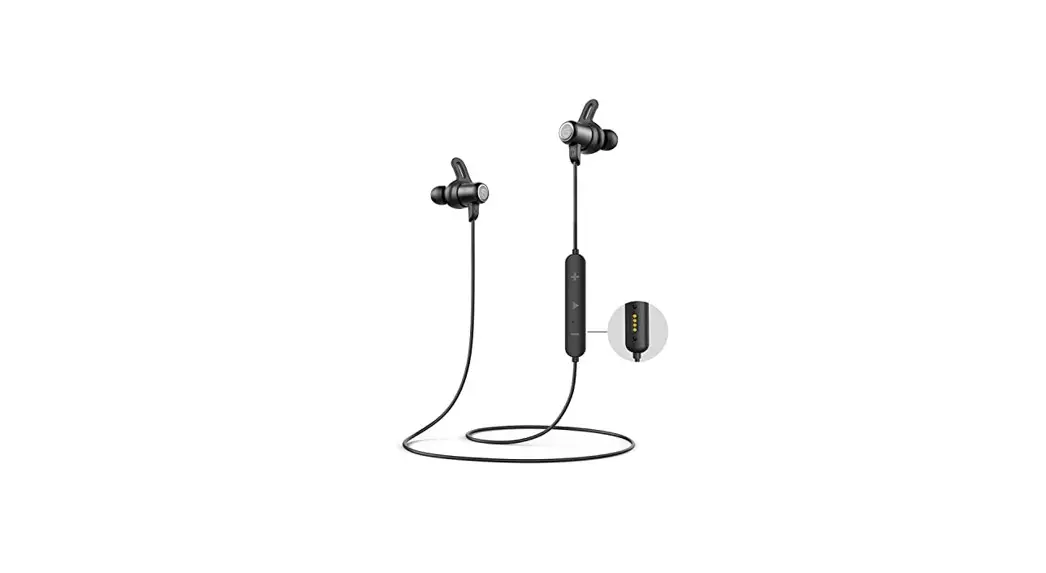
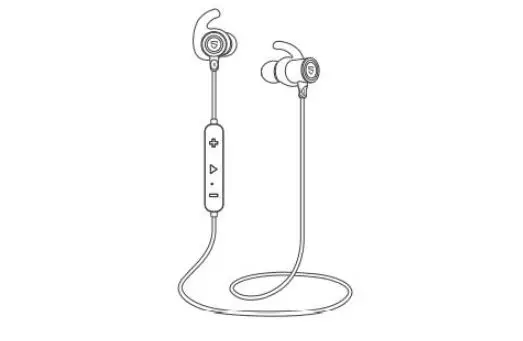
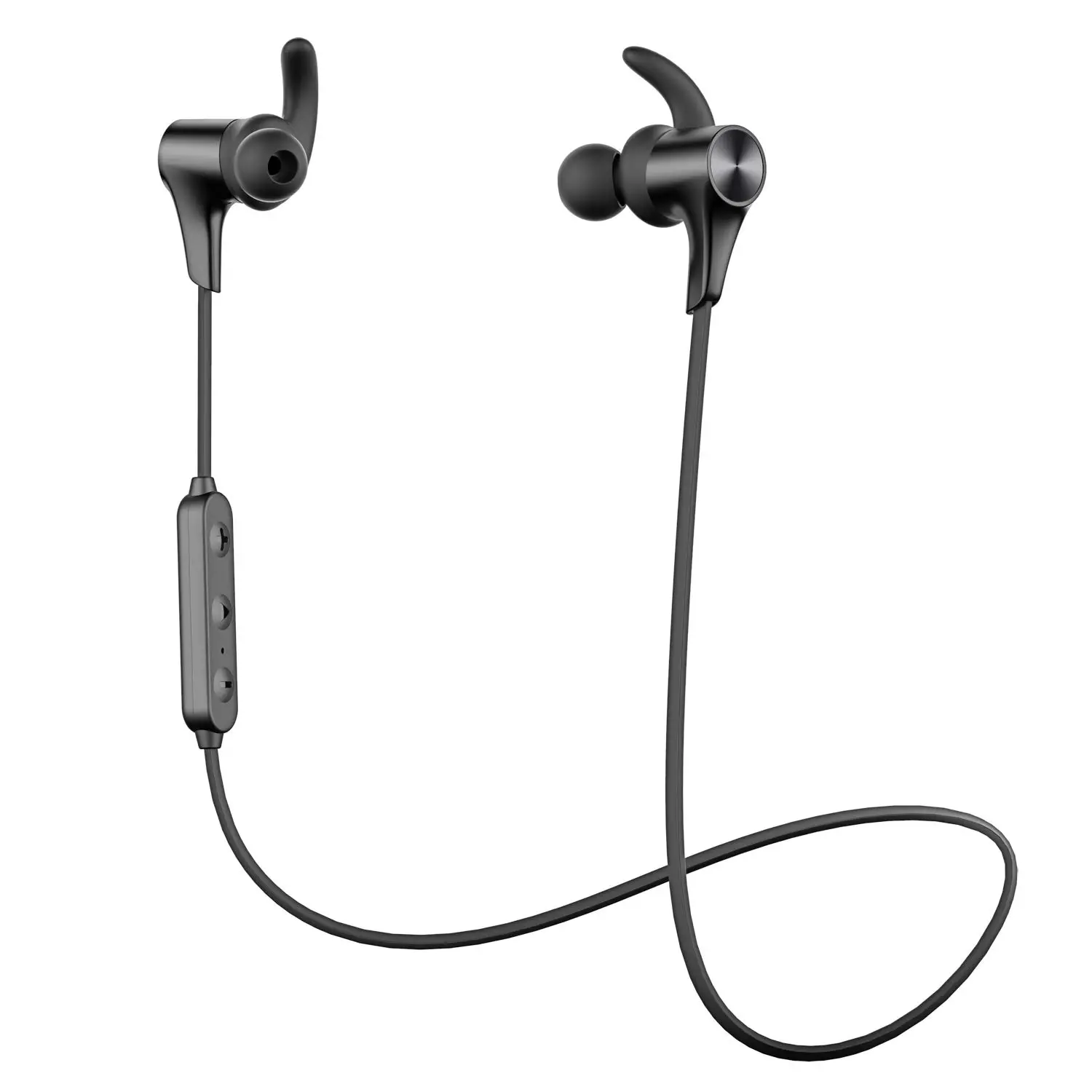
Product Diagram
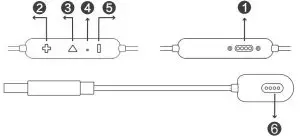
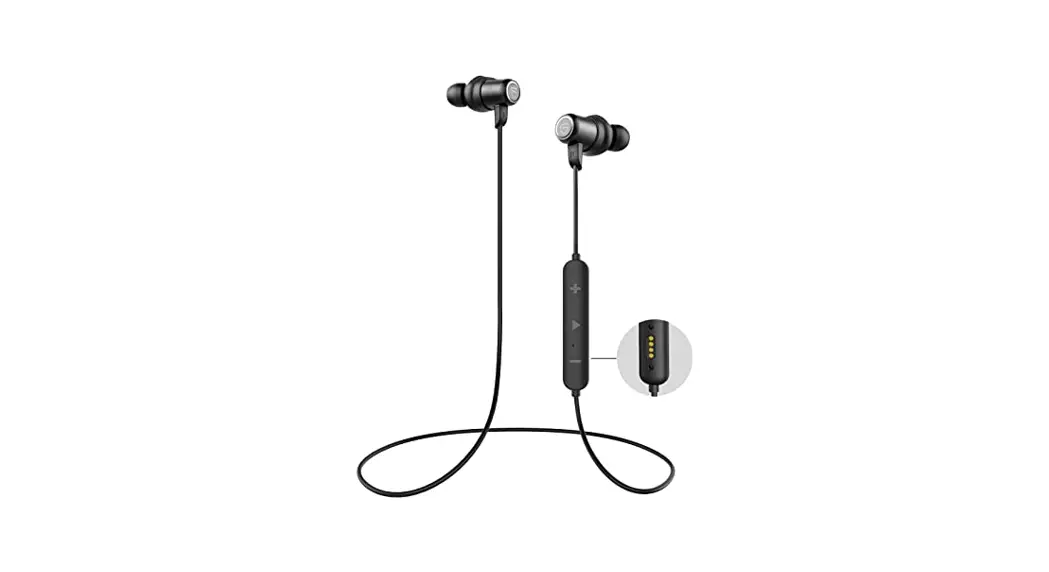
- Charging Contactor
- Volume+ / Next Track
- Multifunctional Button
- LED Indicator / Microphone
- Volume- / Previous Track
- Charging Slot
Specifications
| Technology | BT5.0、HSP、HFP、A2DP、AVRCP |
| Bluetooth Chipset | Qualcomm® Qcc 3034 |
| Audio codec | SBC, Qualcomm® aptX™, Qualcomm® aptX™ HD |
| Working Time | UP to 14 hours(Varies by volume level and audio) |
| Charging Time | About 2 hours |
| Power Capacity | 55mAh*2 |
| Maximum Working Range | 10m(33 feet) |
| Dimension (L * W * H) | 25 x 0.98 x 1.26 inches / 635 x 25 x 32 mm |
| Weight | 15.0g |
Function | Operation |
| Power On | Press and hold the Multifunctional button for 3 seconds until the LED indicator flash blue |
| Power Off | Press and hold the Multifunctional button for 3 seconds until the LED indicator flash red |
| Play/Pause | Press the Multifunctional button once |
| Volume +/- | Press the +/- button once |
| Play Next/Previous | Long press the +/- button for 2 seconds |
| Answer/Hang Up Phone Call | Press the Multifunctional button once |
| Reject Phone Call | Long press the Multifunctional button for 1.5 seconds |
| Switch Phone Calls | Double click the Multifunctional button to switch to another phone call when you are in a call |
| Activate Siri | Double click the Multifunctional Button |
| Reset | Press and hold the Multifunctional button for 3 seconds when the headphones is being charged |
LED indicator
| Status | LED Indicator |
| Charging | LED indicator is solid red |
| Fully charged | LED indicator is solid blue |
| Low battery | LED indicator flashes red once every 6 seconds |
| Reset | LED indicator flashes blue twice quickly |
Wearing the earphones
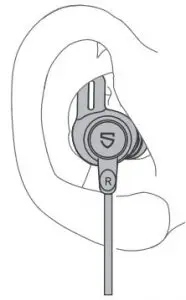
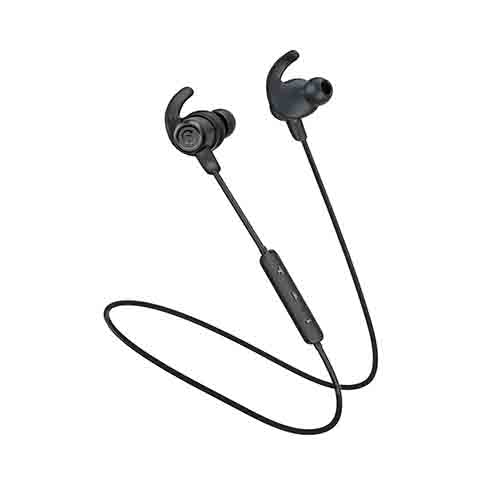
- Identify the right and left earpieces.
- Insert the earbuds into your ears,adjust the ear fins direction and put them into your ears.
- Adjust each earpiece until it fits flush in your ear the ear tip seals in the ear canal.
Getting Started
Pairing
To pair the headphones with your device, you must first bring it into pairing mode.
- Please turn off other Bluetooth devices nearby, and make sure the earphones and your Bluetooth device are close enough (within 3 feet).
- Press and hold the multifunction button for about 3 seconds until the LED indicator flashes blue with a voice prompt “power on”, now the earphone is in pairing mode.
- Activate the Bluetooth function on your device and search for the nearby Bluetooth connection, “SOUNDPEATS Q35 HD” should be listed in the search result. Select the name to connect. Once connected, only the blue LED will flash slowly, and you will hear a voice prompt “connected”.
Note:
- The Q35 HD earphones will stay in pairing mode for 3 minutes at most if no pairing device is found. Afterwards, it will power off automatically.
- If you want to disconnect the Q35 HD earphone with your device, just simply press and hold the volume+ and volume- buttons simultaneously for 3 seconds. Then it will disconnect with your device and go into pairing mode.
Charging
The earphones are partially charged at the factory. Please make sure they are fully charged before first use.
- When the charging contactor of the earphone and the USB charging slot are in contact, the earphone starts to charge, at the same time the LED indicator will flash red.
- The headset is fully charged when the LED indicator turns blue.
Note:
To ensure charging safety, we recommend to use the USB charging adapter with current 5V1A. Please do not use any type of quick charger to charge the earphones.
Warranty
We warrant this device 12 MONTHS from date of the original purchase for manufacturer defects.
If the device fails due to a manufacturing defect, please contact seller directly to initiate return and warranty process.
The following are excluded from SOUNDPEATS warranty cover:
- Device purchased as second hand, used or from unauthorized seller.
- Damage resulted from misuse and abusive action.
- Damage resulted from chemical, fire, radioactive substance, poison, liquid.
- Damage resulted from natural disaster.
- Damage caused to any third party / person / object and beyond.
We are only provide after sale service for products purchased directly from SOUNDPEATS OR SOUNDPEATS authorized distributor. If you have purchased from a different seller, please contact them for any exchange or refund request.


Please scan the below QR code for more detail user manual in PDF format.
https://soundpeatsaudio.com/downloads/
Qualcomm
Qualcomm aptX, Qualcomm TrueWireless and Qualcomm cVc are products of Qualcomm Technologies, Inc. and/or its subsidiaries.
Qualcomm and Qualcomm TrueWireless are trademarks of Qualcomm Incorporated, registered in the United States and other countries.
FCC Statement
This equipment has been tested and found to comply with the limits for a Class B digital device, pursuant to Part 15 of the FCC rules. These limits are designed to provide reasonable protection against harmful interference in a residential installation. This equipment generates uses and can radiate radio frequency energy and, if not installed and used in accordance with the instructions, may cause harmful interference to radio communications. However, there is no guarantee that interference will not occur in a particular installation. If this equipment does cause harmful interference to radio or television reception, which can be determined by turning the equipment off and on, the user is encouraged to try to correct the interference by one or more of the following measures:
- Reorient or relocate the receiving antenna.
- Increase the separation between the equipment and receiver.
- Connect the equipment into an outlet on a circuit different from that to which the receiver is connected.
- Consult the dealer or an experienced radio/TV technician for help.
This device complies with part 15 of the FCC rules. Operation is subject to the following two conditions:
- This device may not cause harmful interference.
- this device must accept any interference received, including interference that may cause undesired operation.
Changes or modifcations not expressly approved by the party responsible for compliance could void the user’s authority to operate the equipment.
Customer Support
MANUFACTURER
Shenzhen SoundSOUL Information Technology Company Limited
 Room 1308-1309, Building B, Huihai Square, Chuangye Road, Longhua District, Shenzhen, China. 518109


 SOUNDPEATS TrueWireless Earbuds & Headphones for Sound.
 Downloads - SOUNDPEATS