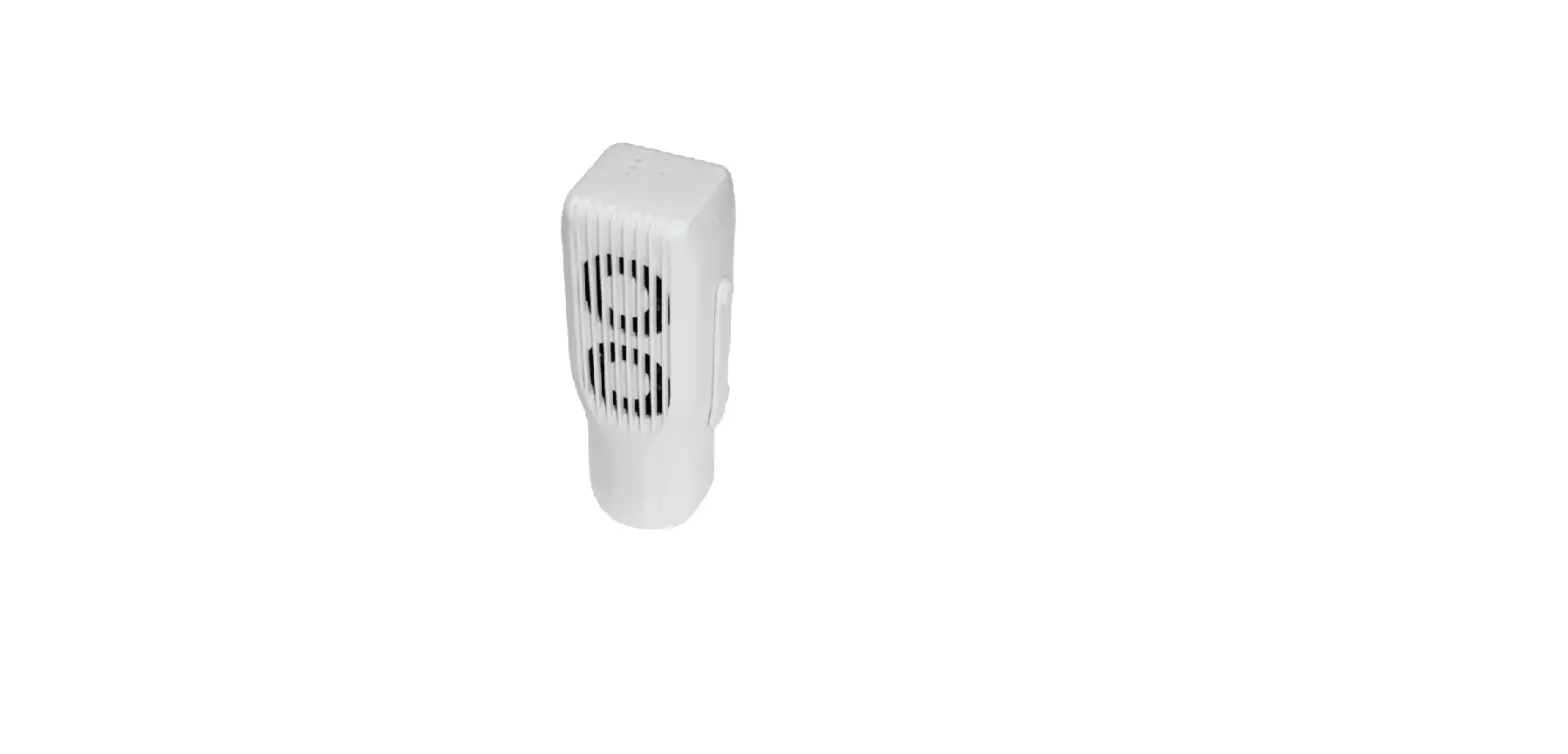
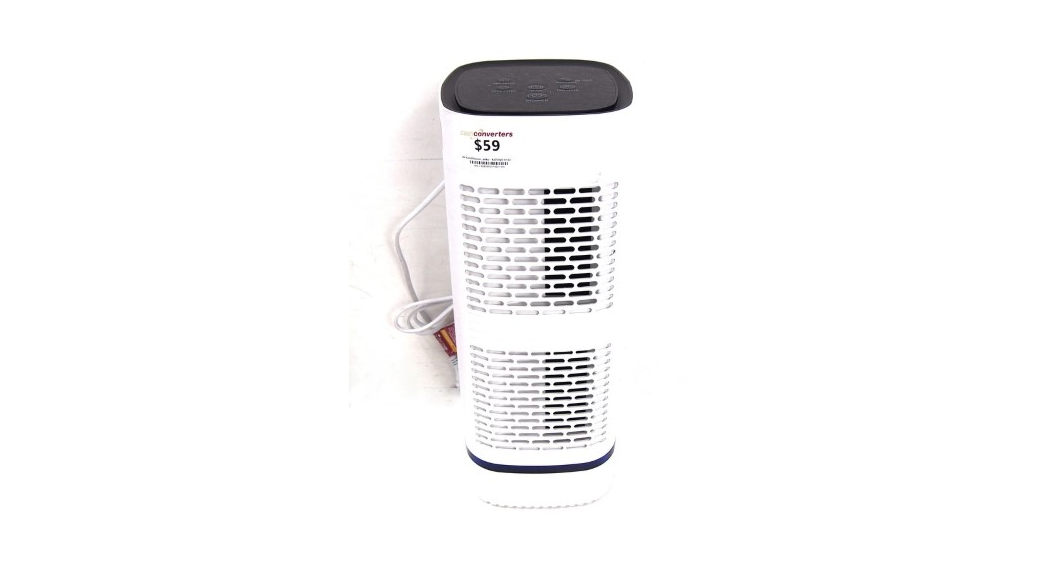
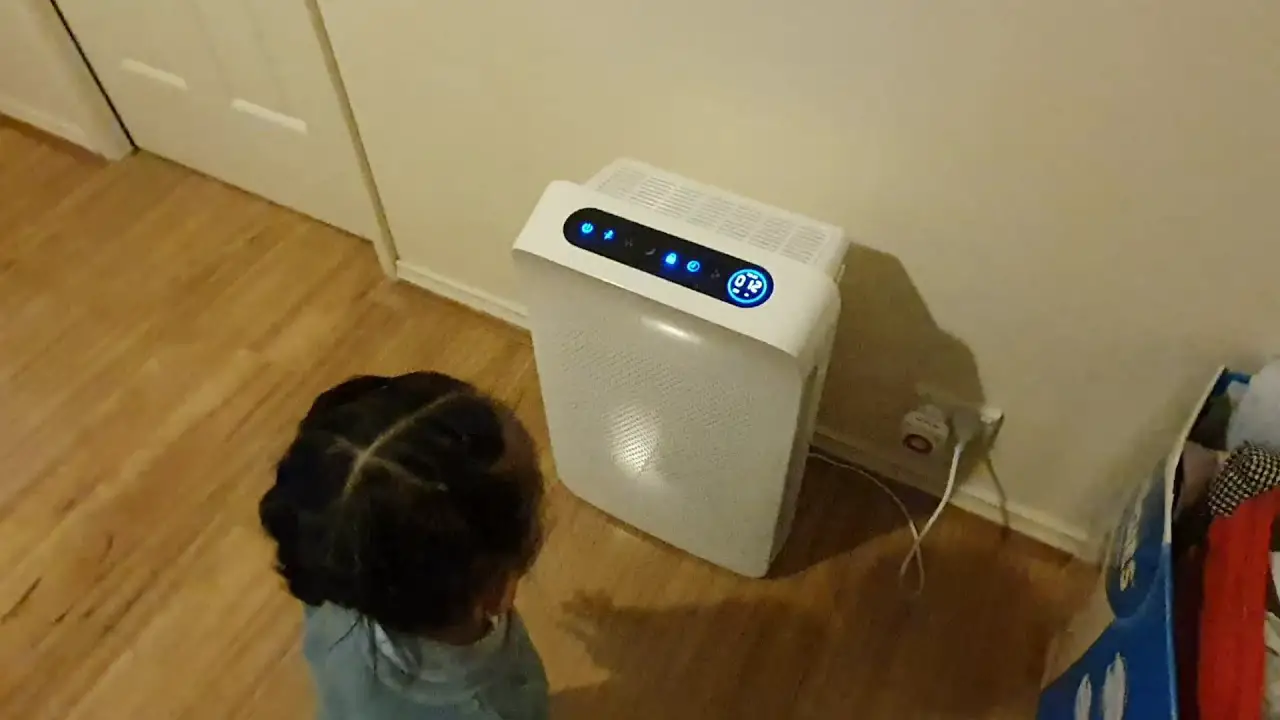
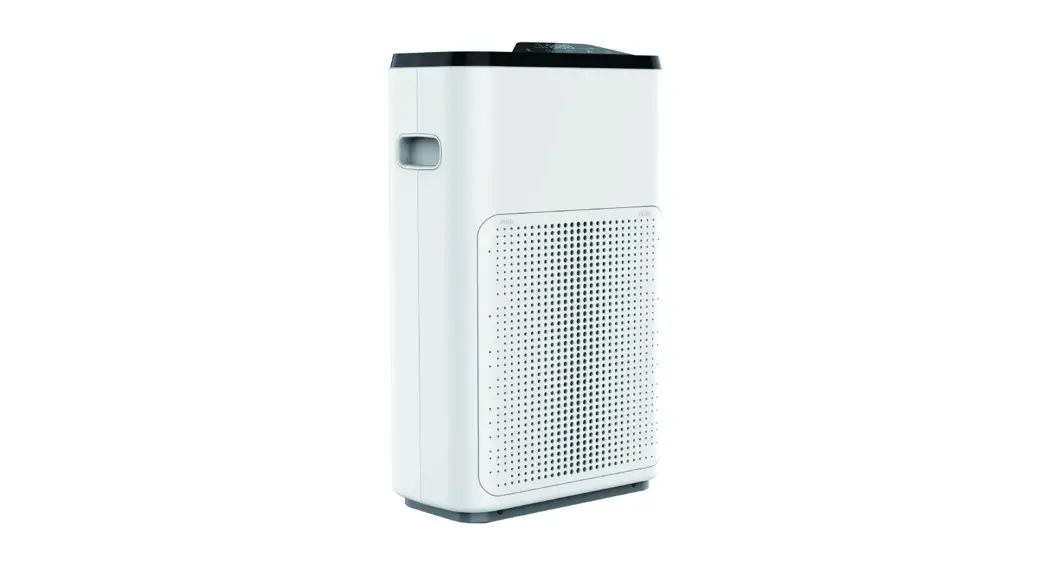
Room, Lift Air and Surfaces Purifier
Air and Surfaces Purifier
User Manual
For your safety and optimal functioning of the device,
please read this user manual carefully.
The appearance and specifications of the product may be
changed without prior notice due to product improvements.
Product Information
The Nuvohla Room/Lift is an air and surface purifier that
utilizes hydroxyl radicals to produce a unique active air and
surface purification solution. It deactivates bacteria, viruses,
fungi, odours, and VOCs indoors. The device has been developed to
operate 24 hours a day, providing high air quality required by
living beings. The effectiveness of this technology regarding the
inhibition of viruses and bacteria has been tested in independent
laboratories, and case studies have been carried out in hospitals,
educational establishments, and vet clinics, among others. The
nuvohla purifier does not require filters or UV lamps for its
operation.
Product Model
- Nuvohla Room/Lift
Specifications
| Consumption | Sound | Protection area | Usage location | Weight | Size |
|---|---|---|---|---|---|
| 3.6Wh | Less than 40 dB | 30-50 m2 (depending on contamination and environmental conditions) | Indoor | 0.5kg | 204 x 147 x 65 mm (H x W x D) |
Product Usage Instructions
Index
- Product features
- Technology
- Components
- Warnings and precautions
- Installation and assembly
- Operating modes
- Replacement and spare parts
- Checks before contacting the after-sales service SAT
- Warranty
- Product identification
Warnings and Precautions
- Carefully read the user manual before turning on the
device. - Ensure the cartridge is correctly inserted before use.
- If the cartridge is not inside the device, a flashing and two
fix red-light signal will be activated. - When the cartridge runs out, replace it immediately to maintain
optimal performance. - The red-light indicator will be activated, and the device will
automatically stop after three months from cartridge
installation.
Installation and Assembly
The nuvohla purifier can be installed on a wall or surface. The
mounting of the foot of the unit is required for Room model only.
Mounting the support is required for wall installation. Refer to
the user manual for detailed instructions.
Operating Modes
The device operates in four different modes based on indoor air
quality:
- Blue: Excellent air quality
- Green: Good air quality
- Orange: Moderate air quality
- Red: Poor air quality
Replacement and Spare Parts
The nuvohla purifier requires replacement of the cartridge when
it runs out. The lifetime of the cartridge varies depending on the
heat/humidity conditions of the environment. Refer to the user
manual for detailed instructions.
Warranty
The nuvohla purifier comes with a warranty. Refer to the user
manual for detailed information.
Product Identification
The product model, consumption, sound, protection area, usage
location, weight, and size are indicated on the device.
Air and surfaces purifier
User Manual
* For your safety and optimal functioning of the device, please read this user manual carefully. * The appearance and specifications of the product may be changed without prior notice due to product improvements.
Air and surface purifier
nuvohla room/lift
Product Model Consumption Sound Protection area Usage location Weight Size
Nuvohla Room / Lift
3.6Wh Less than 40 dB
30/50 m² Indoor use only
0,5kg 204 x 147 x 65 mm (H x W x D)
Introduction
This device’s technology has been developed following the theory of the “natural purifier” present in the atmosphere, known as hydroxyl radical OH·. This OH· technology provides a unique air and surfaces purification solution, continuously inhibiting indoor bacteria, viruses, fungi, odours and other volatile organic compounds. The performance of the nuvohla purifier promotes a high air quality level, protecting the whole family.
Before turning on the device, carefully read this user manual to get all the information you know for precises and safety.
Index
1. Product features 2. Technology 3. Components 4. Warnings and precautions 5. Installation and assembly 6. Operating modes 7. Replacement and spare parts 8. Checks before contacting the after-sales service SAT 9. Warranty 10. Product identification
1. Product features
· Powerful purification and deodorisation
Hydroxyl radicals produce a chemical reaction which provides a unique active air and Surface purification solution. It deactivates bacteria viruses, fungi, odours and VOCs indoors.
· Constant high air quality level
Indoor pollution is produced by human activity and continuously added from outside. People need clean air. nuvohla purifier has been developed to operate 24 hours a day and guarantee the high air quality required by living beings.
· Proven technology
The effectiveness of this technology regarding the inhibition of viruses and bacteria has been tested in independent laboratories. In addition, case studies have been carried out in hospitals, educational establishments and vet clinics, among others.
· Easy to use and economical to maintain
The maintenance required for nuvohla is the replacement of the cartridge when it runs out. The lifetime of the cartridge varies depending on the heat/humidity conditions of the environment. The electrical power consumption of the device is low. nuvohla does not require filters or UV lamps.
· Contamination level detection
Depending on the indoor air quality, a LED-light will show different colours: blue, green, orange and red.
· Error detection system
In case the cartridge is incorrectly inserted or is not inside the device, a flashing and two fix red-light signal will be activated.
· Cartridge replacement alarm signal
One week before the cartridge runs out, the replacement indicator will be activated and can be replaced. When 3 months have elapsed since cartridge installation, the red-light indicator will be activated and the device will automatically stop.
· Additional features
– Wall and surfaces mounting pack available – Wide coverage: the area of effect of the nuvohla purifying device is 30-50 m2
depending on the contamination and environmental conditions
2. Technology
Hydroxyl radicals are generated from sunlight and are called “nature’s detergent”. These natural substances are easily extinguished in the environment with other contaminants after inactivation. How does hydroxyl radical work?
Step 1: Hydroxyl radicals surround the protective coating of bacteria and viruses.
Step 2: Hydroxyl radicals react with hydrogen from bacteria or virus protective coating.
Step 3: Converts pollutants into H2O.
3. Components
nuvohla pack consists of:
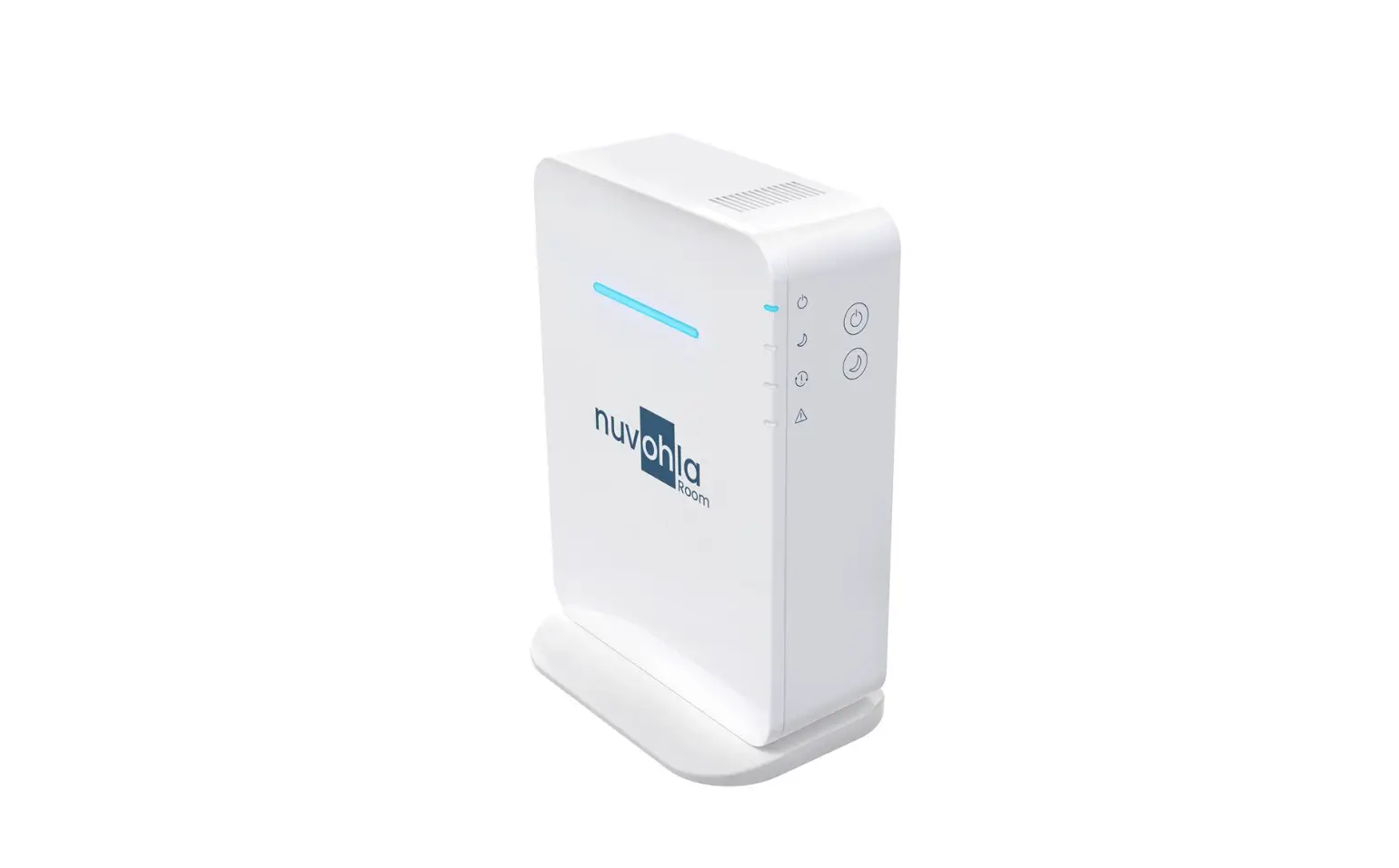
nuvohla Room
nuvohla Lift
4. Installation
On surface installation. Mounting of the foot of the unit (Room model only).
Wall installation. Mounting the support.
Left image corresponds to nuvohla Room and right image to nuvohla Lift.
After mounting the bracket (stand or wall support), the power supply must be connected to the device and to the main socket.
In case of nuvohla Room, finally, to start up the equipment, press the power button.
5. Warnings and precautions
WARNING: Improper use of this device can result in serious injury (including death) such as electric shock, fire, or damage to the device. Follow the instructions in this manual carefully.
Do not use any other transformer than the one included in the packing.
Do not overload electrical outlets, the extension cord or the device.
Insert completely the plug into the socket, improper adjustment of the plug may cause sparks and result in fire.
When disconnecting the device from the socket, pull the plug, not the cable.
Do not handle the device, plug it in or unplug it from the socket if your hands
are wet or if there is water around it.
Do not step, jump or walk on the power wire of the device.
Unplug the device and call the service centre when the cable or plug is damaged.
Check the socket is free of water and/or dust before plug it.
Do not bend the power supply cable or place any objects on top of it.
Keep the device away from fire, candles, heaters, chemicals, abrasives, fumes, smoke, sprays, butane gas or any other compound that may cause a deflagration or explosion.
Do not use the device with extreme humidity conditions.
Stop the device and disconnect it from the power supply when an unusual noise or
odour is detected. Switch off and disconnect the device in case of catastrophic events such as flood, fire, etc.
CAUTION: Improper use of this device may result in property damage, malfunction or poor performance. Carefully follow the instructions in this manual.
This device is only suitable for indoor use (5-40°C) and must not be used outdoors.
Do not install the device in any unstable location such as on inclined or too high
surfaces.
Do not insert any objects into the device that are not supplied with the
packing unless the replacement cartridges.
Never attempt to cover the ventilation grilles.
Keep the device at least 1.5 metres away from any light source, avoid
direct sunlight.
Disconnect the device from the power supply before handling or moving it.
When replacing empty cartridges, they may contain a minimal amount of purifying solution. Please DO NOT
ingest the contents and avoid ingestion by other living beings.
Please, discard empty cartridge properly into the recycling container indicated in accordance with the regulations of each
country.
6. Operating modes
6.1 Room
Air and surfaces purifier nuvohla room has three air quality sensor settings and two operating modes: ON/OFF mode and Night mode.
On the upper half front of the device, you will find a horizontal RGB light signal indicating the air quality status.
ON mode
When the device is connected to the power supply and the power button is pressed, the “warm up time” of the air quality sensor is activated for 3 minutes. The ON/OFF LED indicator lights blue and the front RGB LED changes its intensity in blue (or remains off depending on configuration 1-2-3). If during the warm up time the night mode is activated, the front RGB LED turns off and the fan speed is reduced.
After this time, the RGB light signal will stop the latency (except in night mode which remains off) and will work as explained in each configuration.
Night mode:
Night mode light signal turns GREEN. All other lights are turned off. Operates at lower speed and reduces the sound level.
Cartridge change:
The cartridge change light signal is RED. It lights up one week before it runs out. The RGB light signal operates normally depending on each configuration.
Alarm warning: In case the cartridge runs out or is not inside the device, the RED error
light signal will remain. In addition, the RGB led will be flashing in red. The green or blue LED and the device stops. On the right side there are the 4 signal lights indicating:
CONFIGURATION 1 (factory default)
* According to substances present in the air: perfumes, colognes, deodorants, alcohol, hydroalcoholic gel, tobacco smoke, etc.
CONFIGURATION 2 Disables the sensor for volatile organic compounds (air pollutants) and
the front RGB light signal always remains blue. CONFIGURATION 3
Disables the sensor for volatile organic compounds (air pollutants) and the front RGB light signal remains off.
HOW TO CHANGE THE CONFIGURATION
To find out in which configuration the device is operating, press and hold the Night mode icon until the side indicator lights up. To change the configuration, press and hold the night mode for at least 5 seconds, and while holding down the night mode, press the ON/OFF button as many times as necessary to choose the desired mode: – Configuration 1 red light signal (error alarm). – Configuration 2 red light signal (error alarm) + red light signal (cartridge
change). – Configuration 3 green light signal (night mode) + red light signal (cartridge
change) + red light signal (error alarm).
Power failure After a power failure, when power is restored, the device resumes the
configuration and mode in which it was previously. For example: if the device is in configuration 2 and night mode and there is a power failure, when the power is restored, it will return to configuration 2 and night mode.
In addition, it always does the 3-minute warm up time, even if it is in night mode or in configuration 3 when it is not visible.
6.2 Lift
The device
Cartridge change:
Alarm warning:
7. Replacements and spare parts
Nuvohla purifier works thanks to the cartridge inserted in the unit. It must be inserted into the space indicated by lifting the non-adhesive end of the label and leaving this side facing outwards for easy removal. After three months of operation with the same cartridge, the device emits a light signal indicating that the cartridge is empty and must be replaced1. How to remove the cartridge? The nuvohla room/lift device has two accesses to the cartridge: – Rear access: a small access door that opens outwards by pressing the
upper tab.
The cartridge is removed by grasping the label with your fingers and pulling it out of the device.
– Front access: at the base of the device there are two Phillips screws that need to be unscrewed so that the front cover of the device can be removed by pulling it off from the bottom. An access door like the one on the back of the device is then visible. The process of changing the cartridge is the same.
To insert the cartridge and close the device, follow the process in reverse.
.
8. Failures and solutions
Before contacting the customer service, please check all the points listed below in detail. If you do not find the solution to your problem on this list, we will be able to find a solution to your problem.
SYMPTOM No light is illuminated
Most common problems and solutions
PROBLEM/FAILURE
SOLUTION
Is the power supply Correctly connect the transformer
connected?
included in the box with the device to the
power supply and to the device (p. 8).
In case the device is the room model, is it switched on?
Press ON button
Many LEDs light but the fan does not rotate
Non original or expired cartridge Incorrectly inserted cartridge
Air quality indicator is always blue
Configuration 2 selected The air quality parameters are correct It is a Lift device
Air quality indicator does not light up The air quality indicator is always red
Configuration 3 selected
The device is too close to a source of pollution
Insert an original cartridge supplied by an authorised dealer of nuvohla Open one of the cartridge access doors and make sure the cartridge is correctly positioned. Change configuration (operation section p. 14) The device is working correctly, but the air quality is very good and there is no change in quality The Lift model always displays the RGB LED in blue unless there is a warning (p. 15). Change configuration (operation section p. 15)
Change the location of the device.
9. Warranty
Our warranty is valid for two years from the date of delivery (invoice). The guarantee is limited to the repair or replacement from our warehouse of products which may be faulty due to production defects. Installation costs shall be borne by the purchaser. Products which in our opinion have been improperly used, incorrectly handled, improperly installed, connected to voltages other than the rated voltage, modified or repaired by unauthorised personnel or which have been damaged during transport are excluded from all warranty claims.
10. Product identification
All nuvohla devices have their unique identification on its back, by means of a label that indicates:
· Unique serial number for each device, essential to facilitate spare parts or technical information.
· Product name · Name and address of the manufacturer · Power consumption · Power supply
In case you detect errors or ambiguities on this manual, we will be pleased to receive your feedback, it helps us to improve our documentation even more. Airtècnics reserves the right to change any of the specifications in this manual.