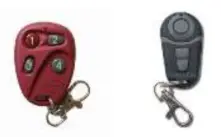
 MK700 Instructions
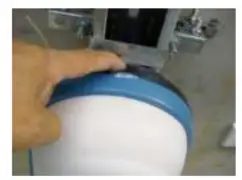
- Please open the Forza motor by pushing the dark red button located on the motor.

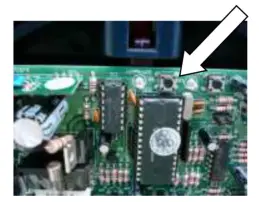
- Inside the motor, you will see a receiver board, locate the SW1 button and press this once.

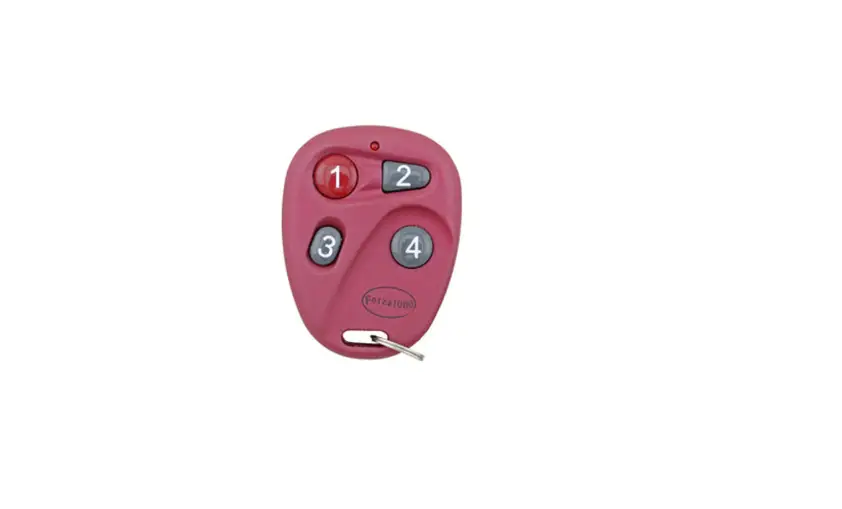
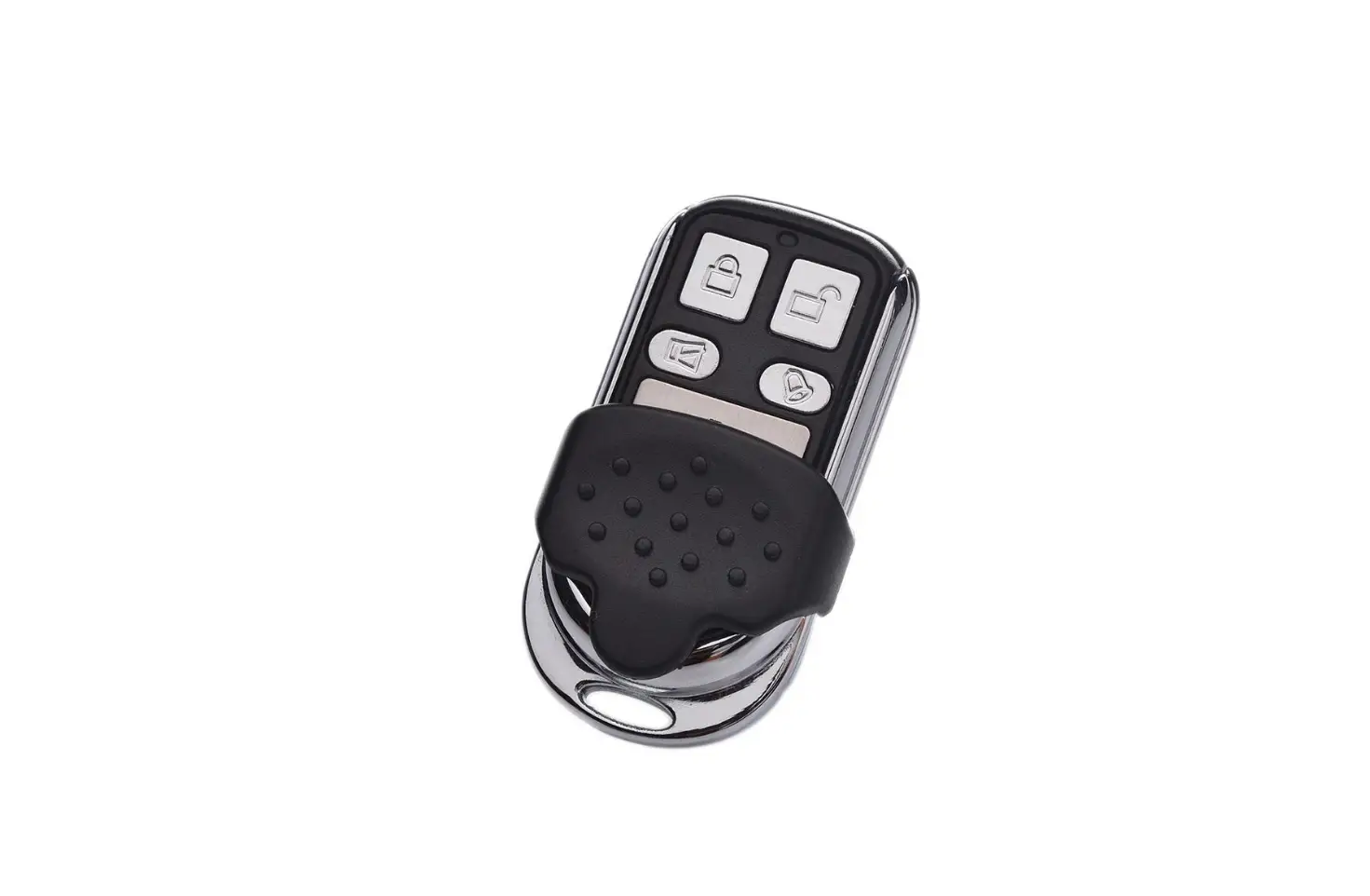
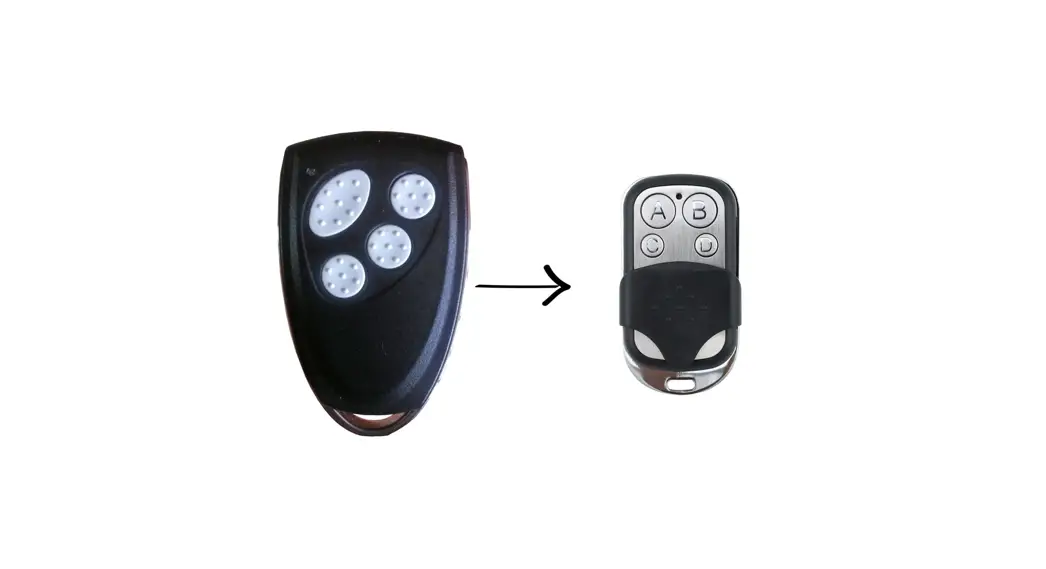
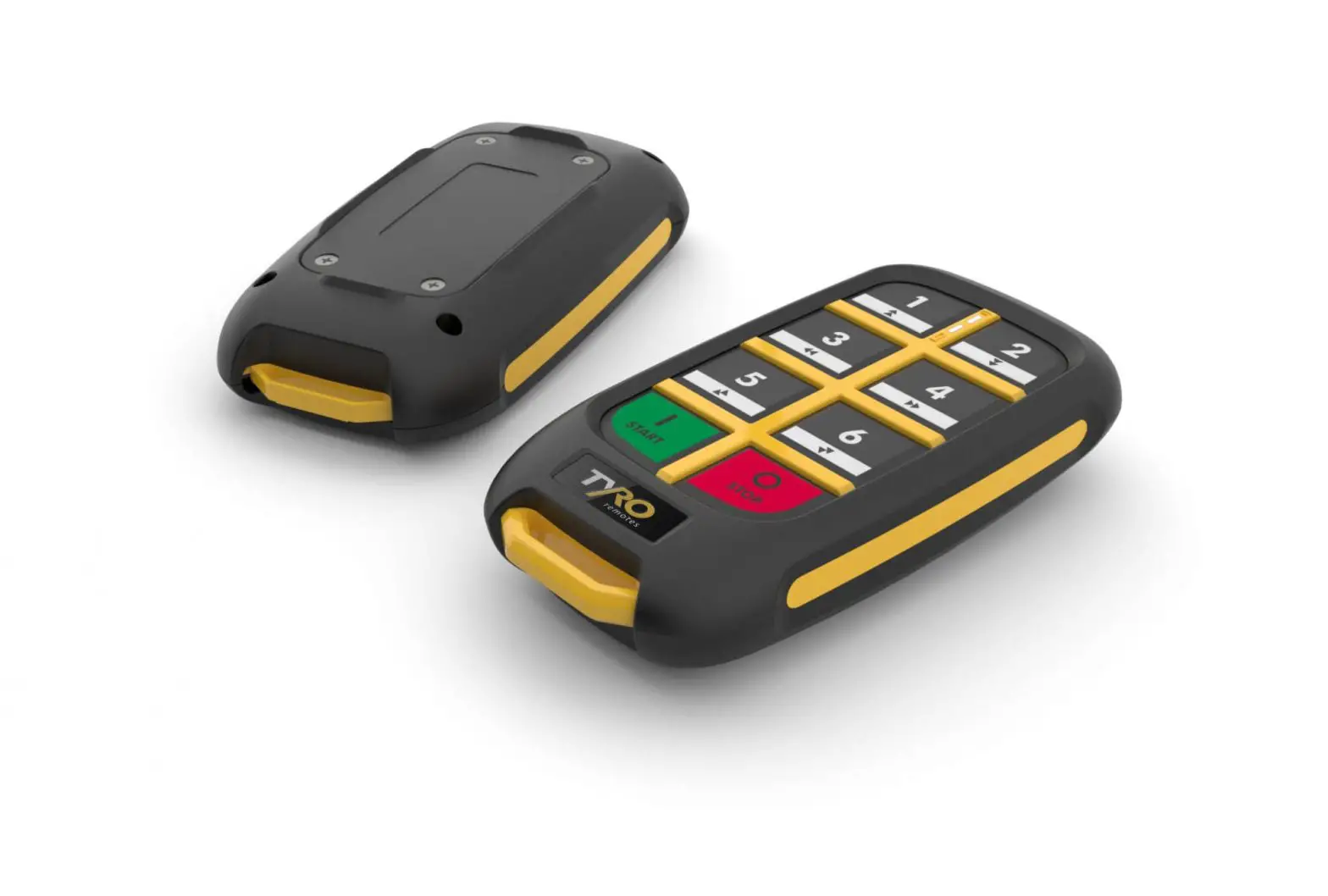
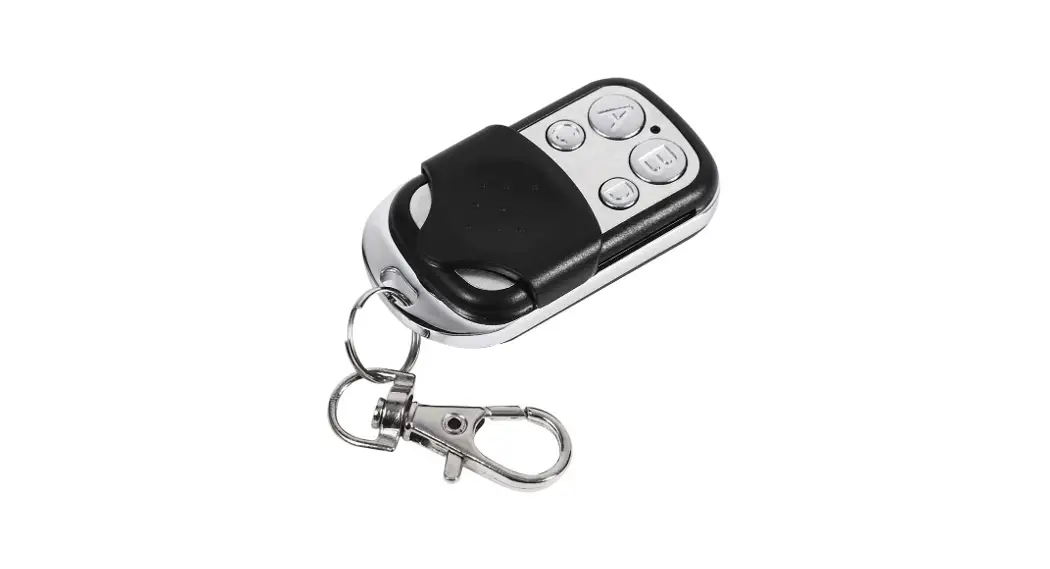
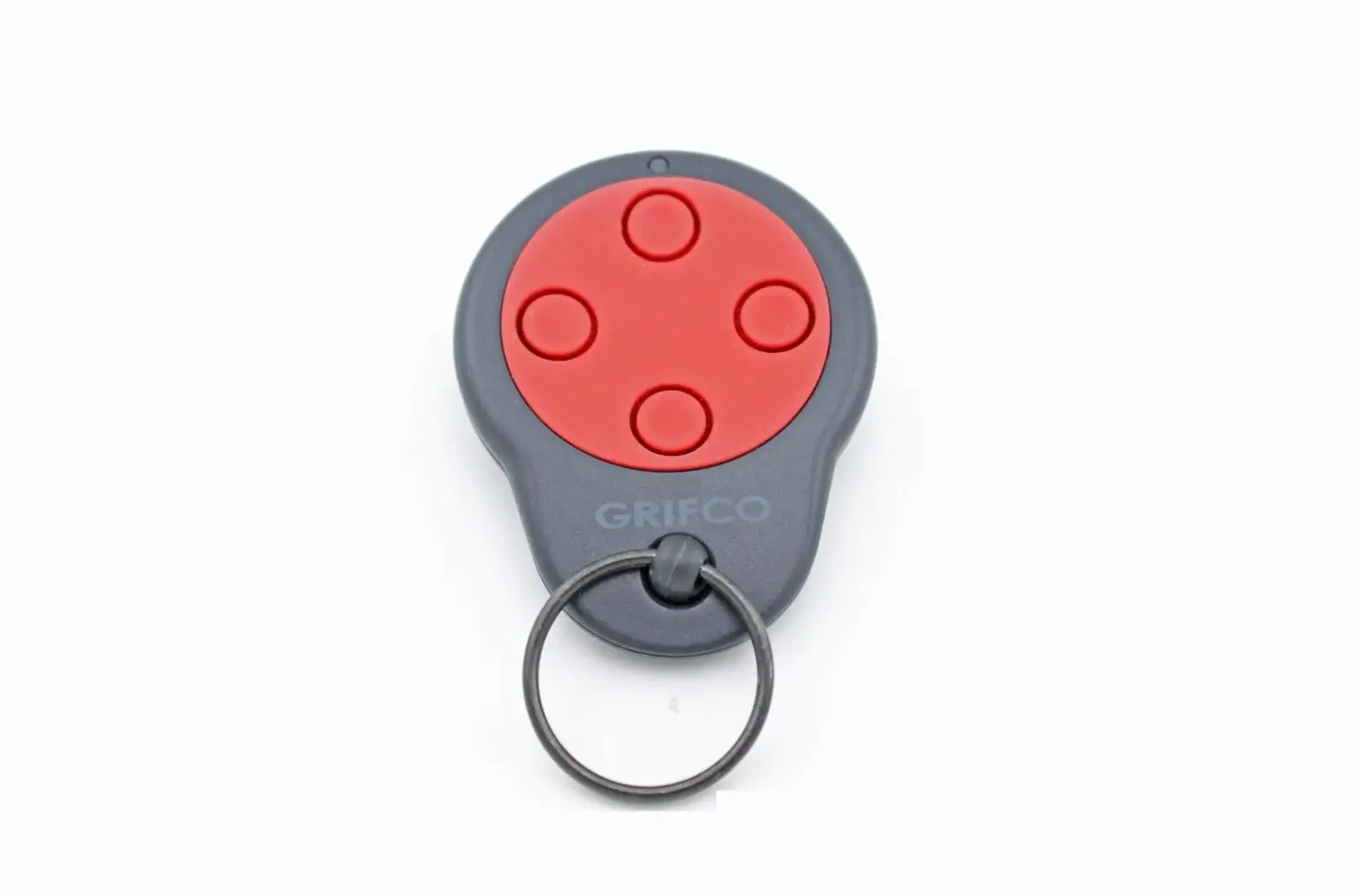
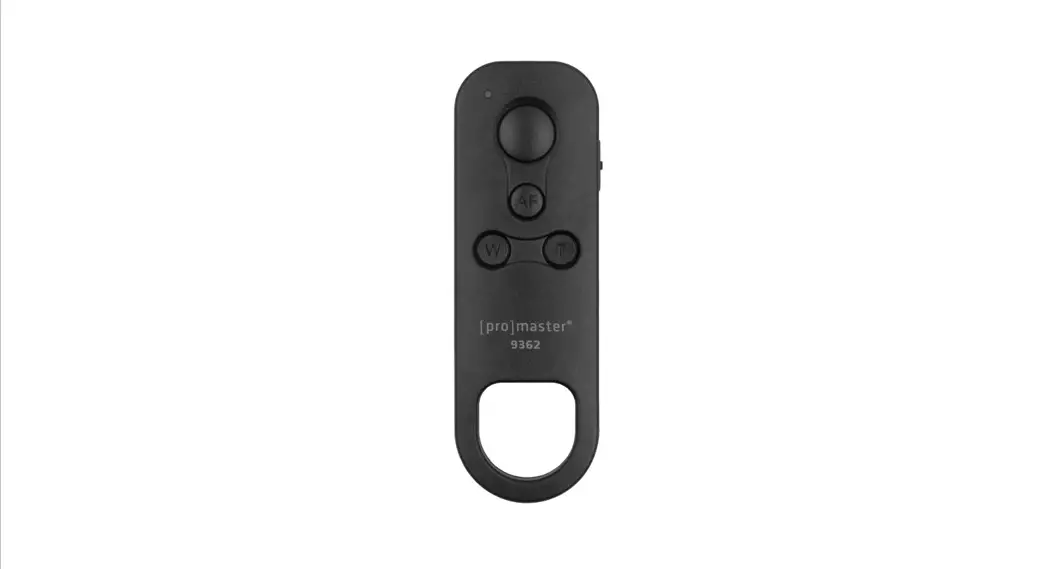
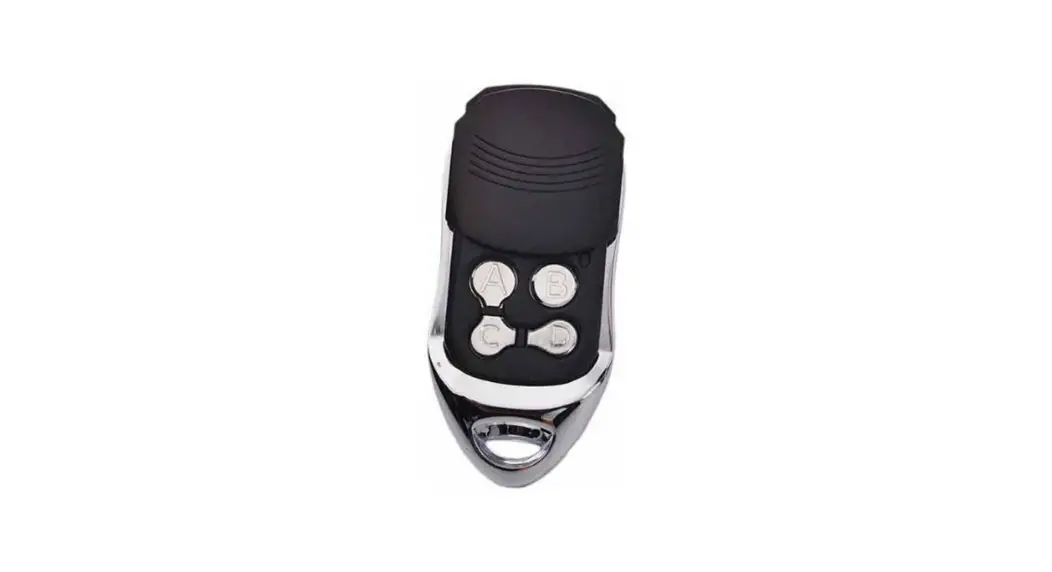
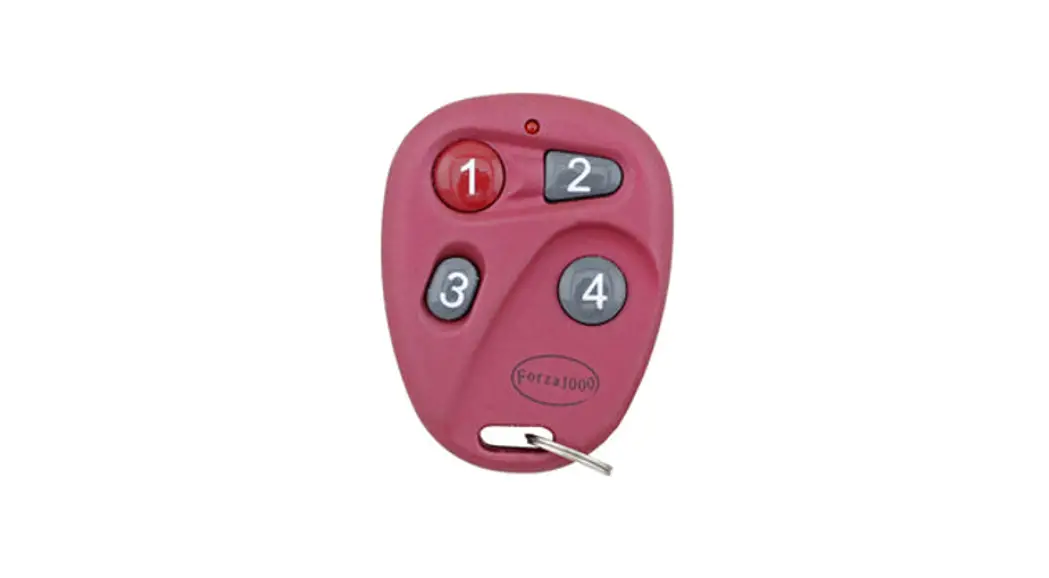
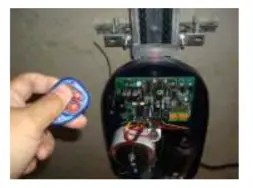
- Next press one of the buttons on the new remote (any button) twice.
- Please wait a few seconds and test the new remote. Then put the cover back.
 WARNING
To prevent possible SERIOUS INJURY or DEATH:
- Battery is hazardous: NEVER allow children near batteries
- If the battery is swallowed, immediately notify a doctor.
To reduce the risk of fire, explosion, or chemical burn: - Replace ONLY with the same size and type of battery
- DO NOT recharge, disassemble, heat above 100° C, or incinerate Battery will cause SEVERE or FATAL injuries in 2 hours or less if swallowed or placed inside any part of the body.
For Gates/Main Doors of unit complexes, the S1 (program) button is usually located in the stand-alone receiver ( it can be found near the motor), as the picture is shown below:
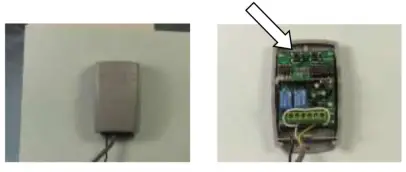 As the arrow pointing, the SW1 (Learn_1) button is inside the receiver, then you can follow the same instructions above.