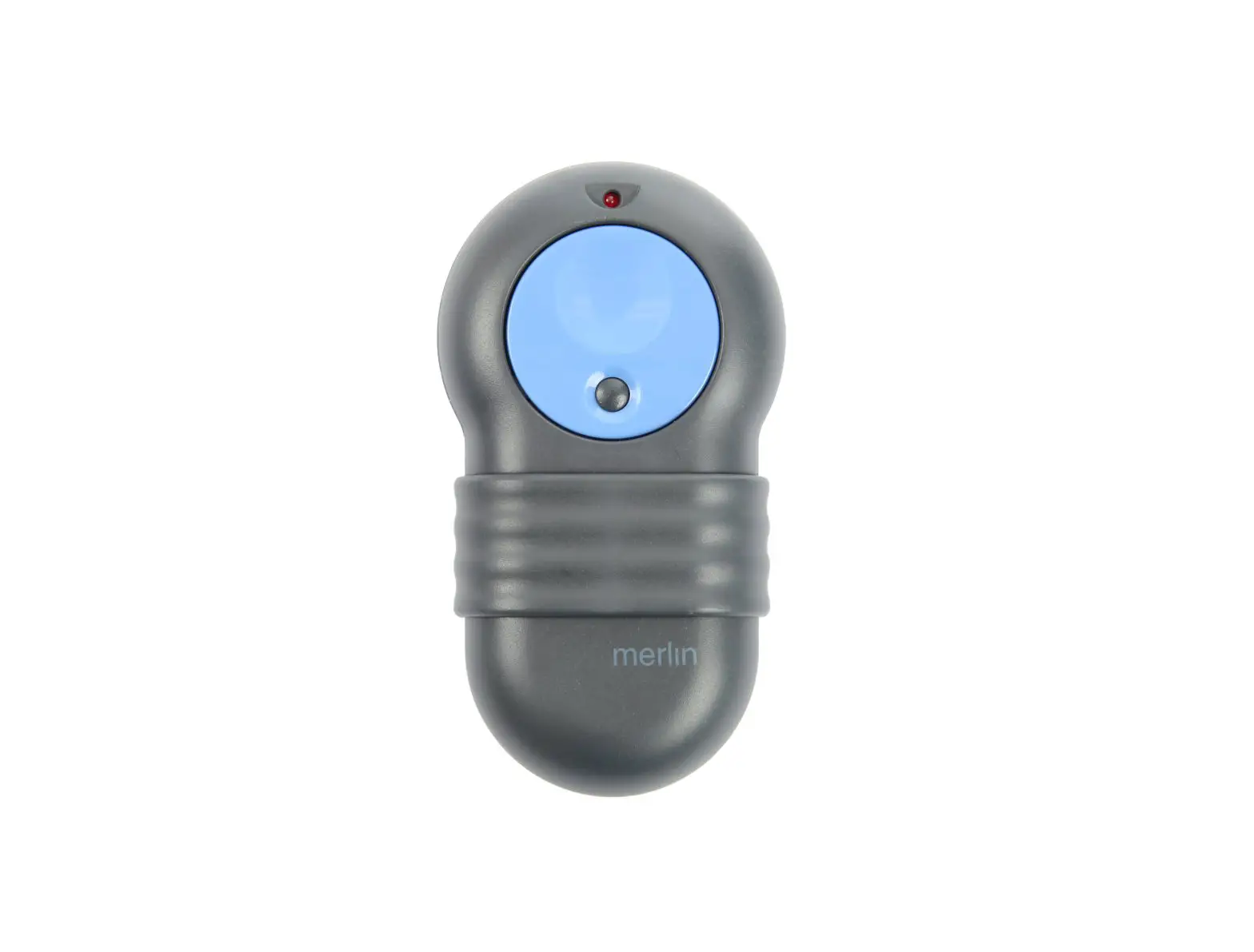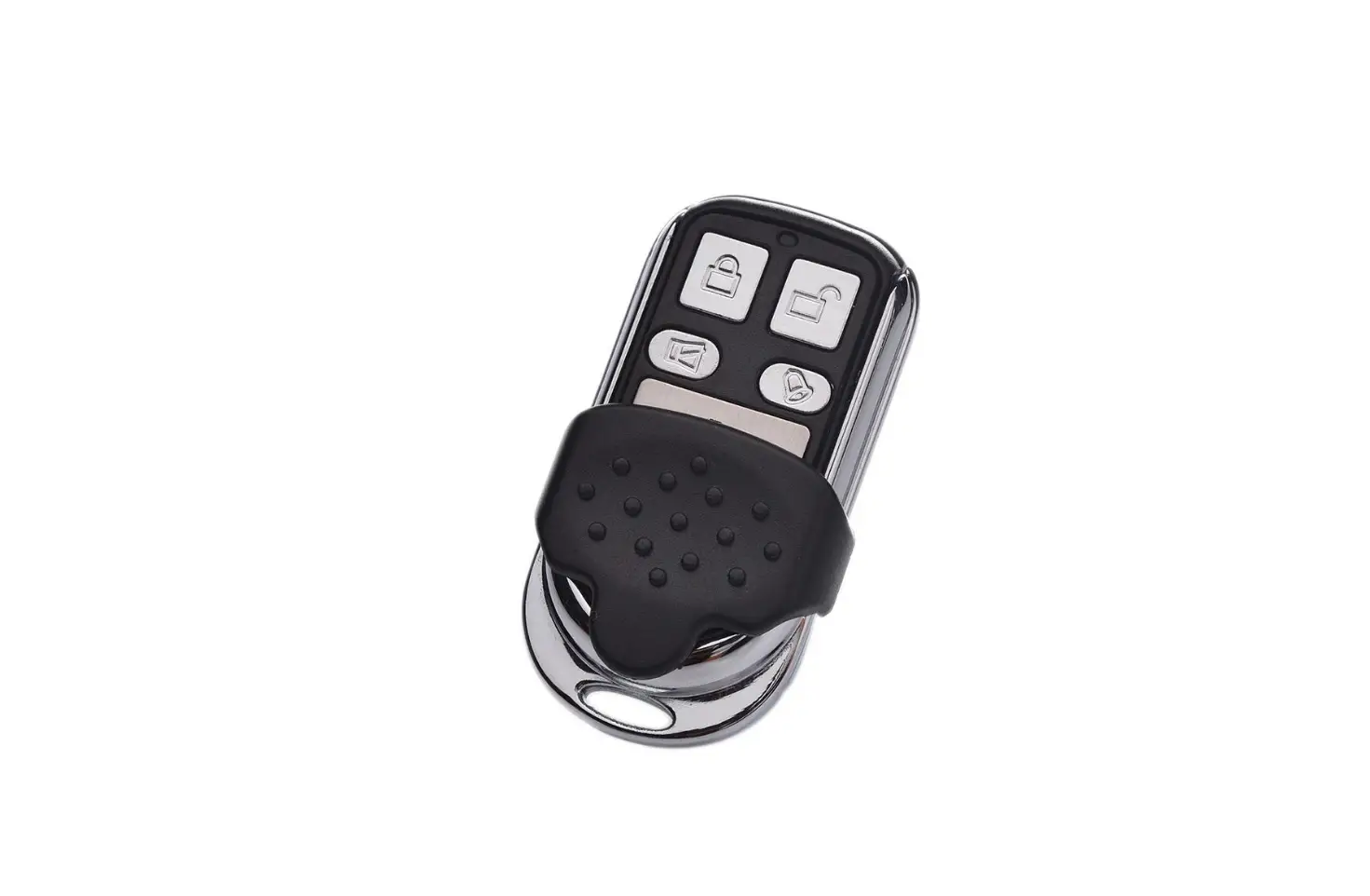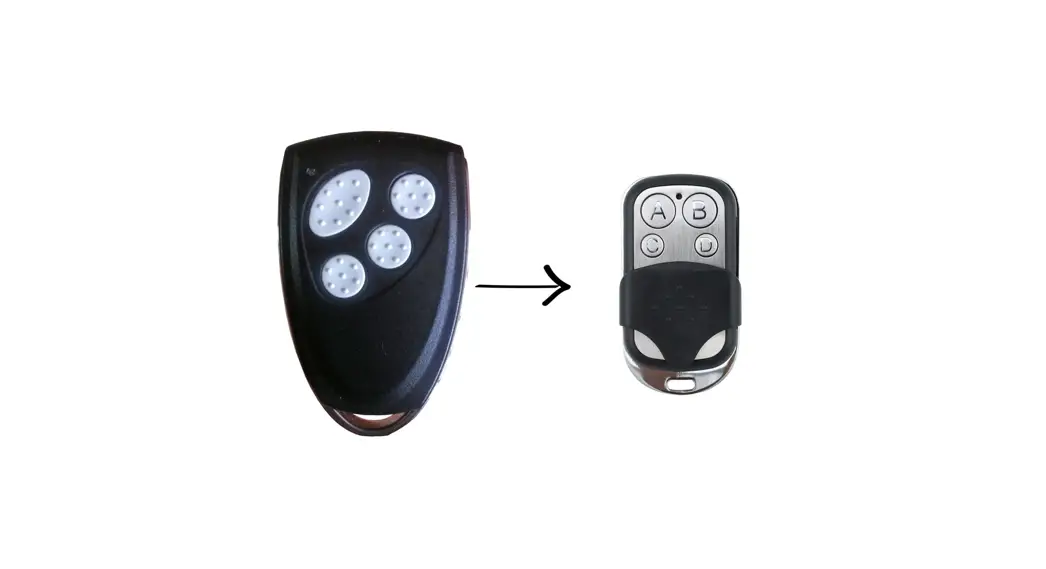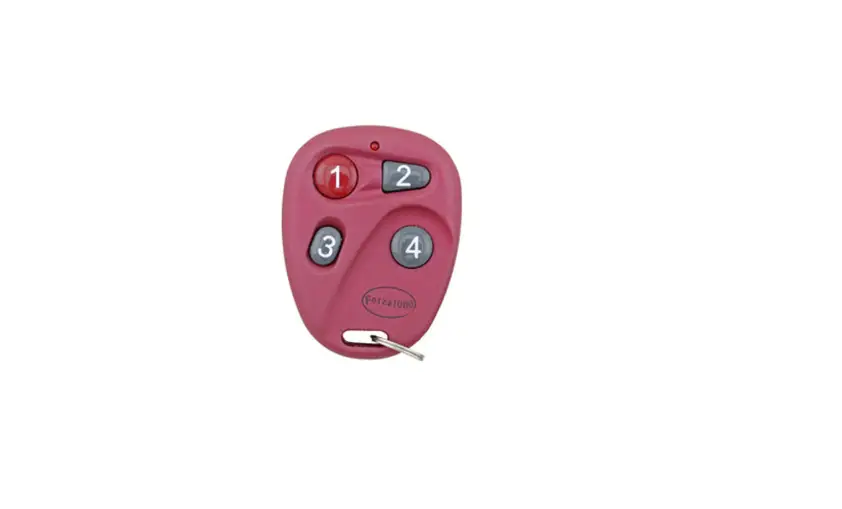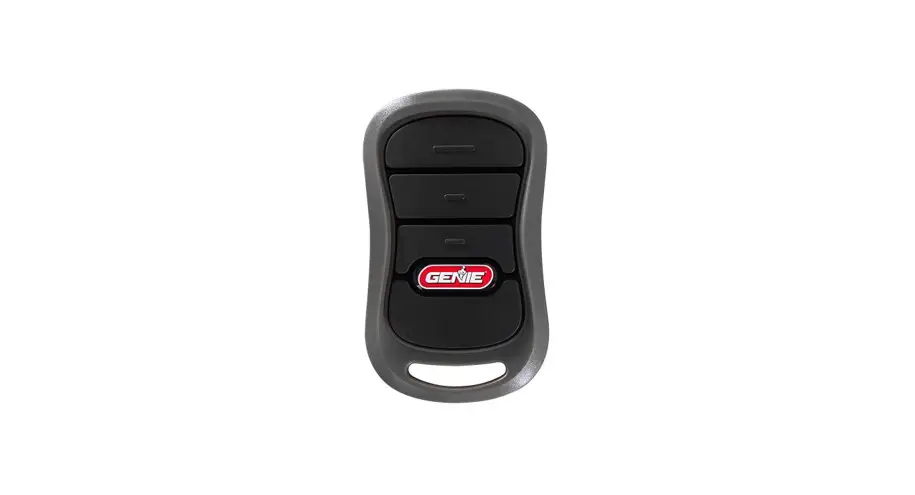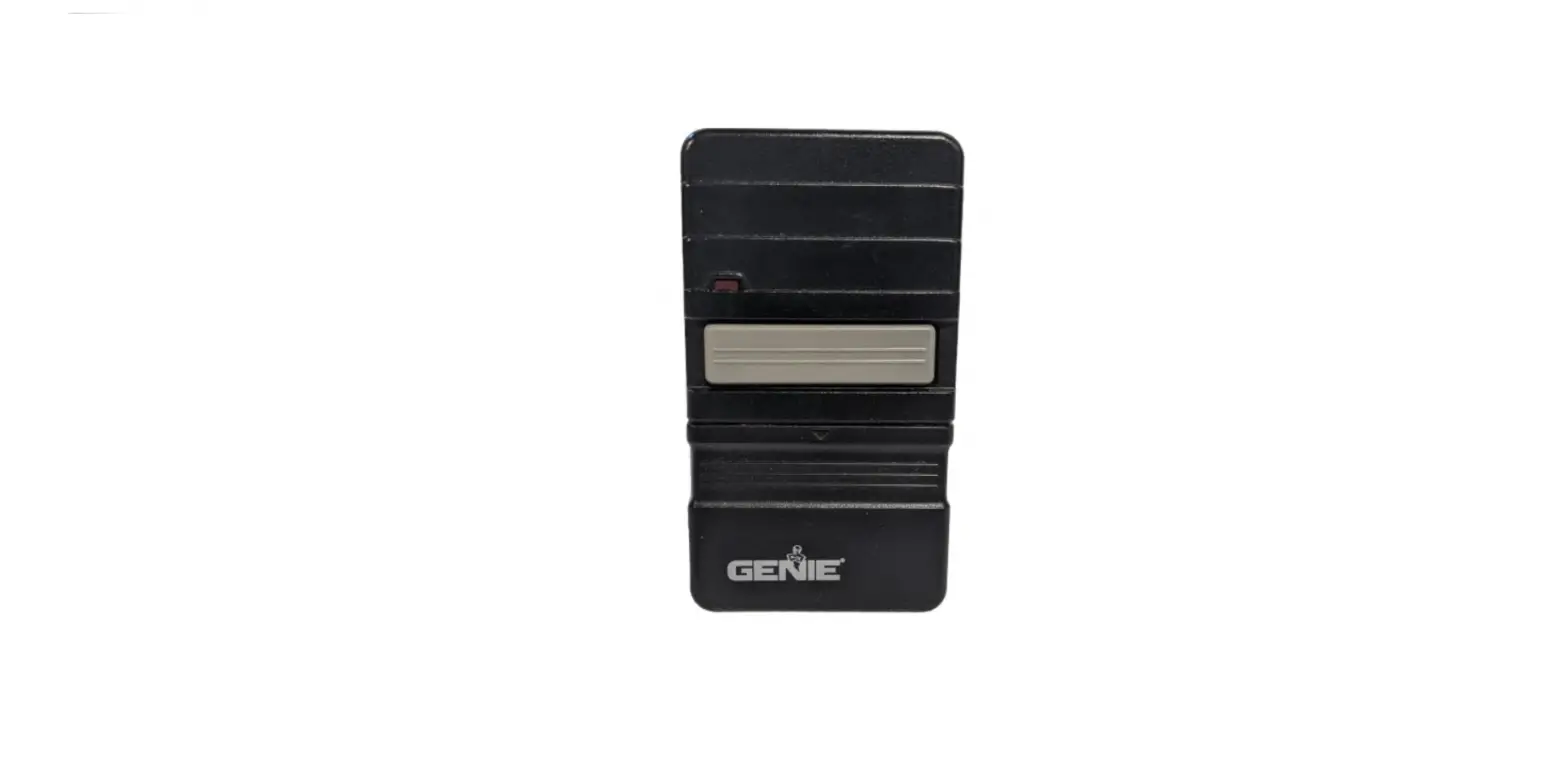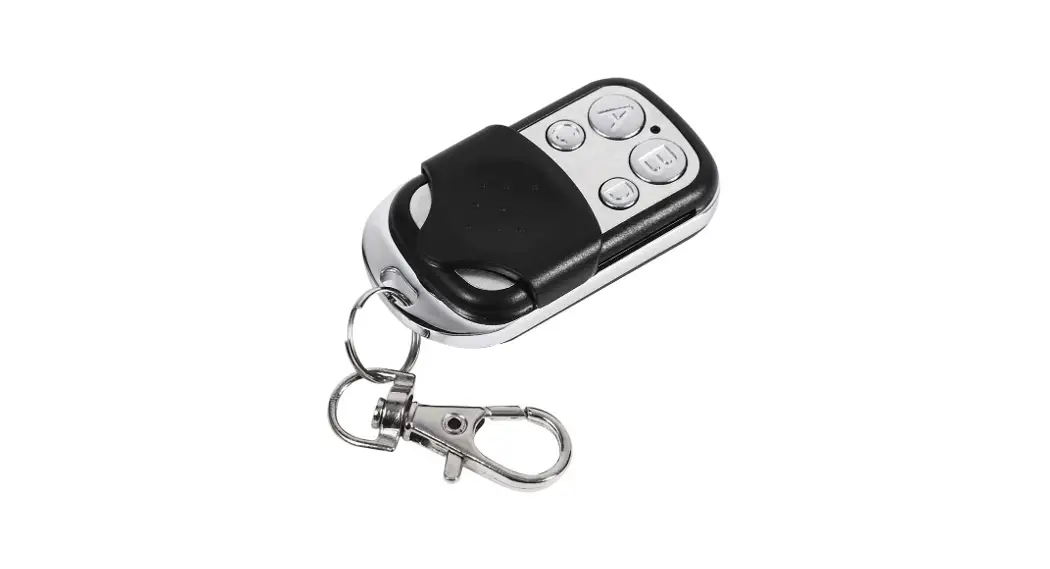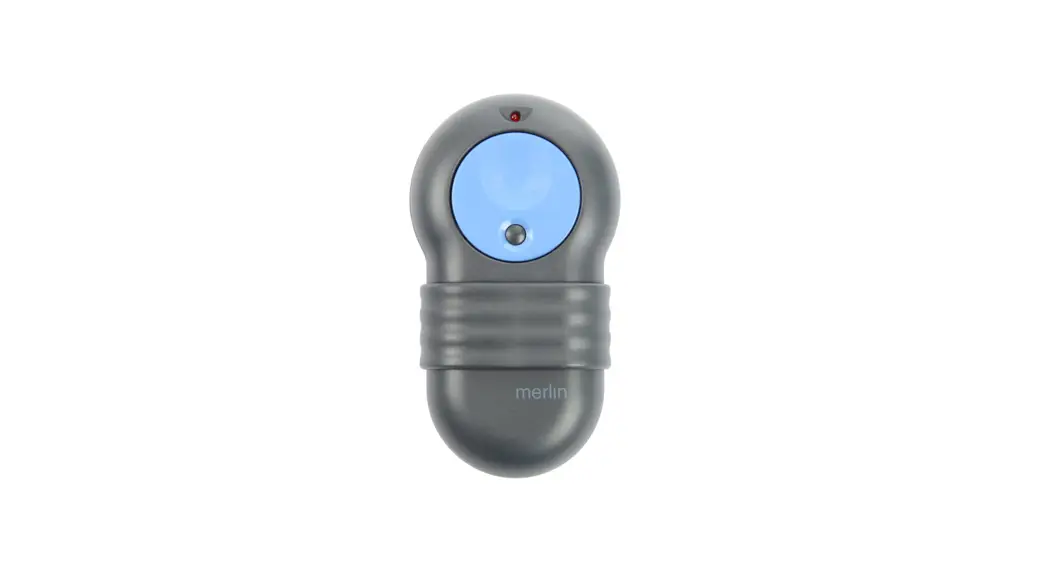
 M802 Garage Remote Programming
Instructions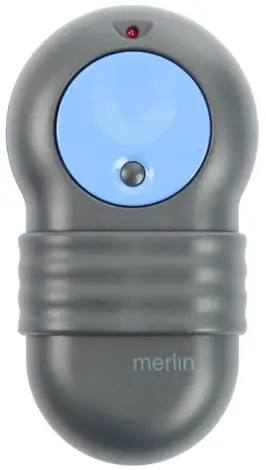
Coding Instructions
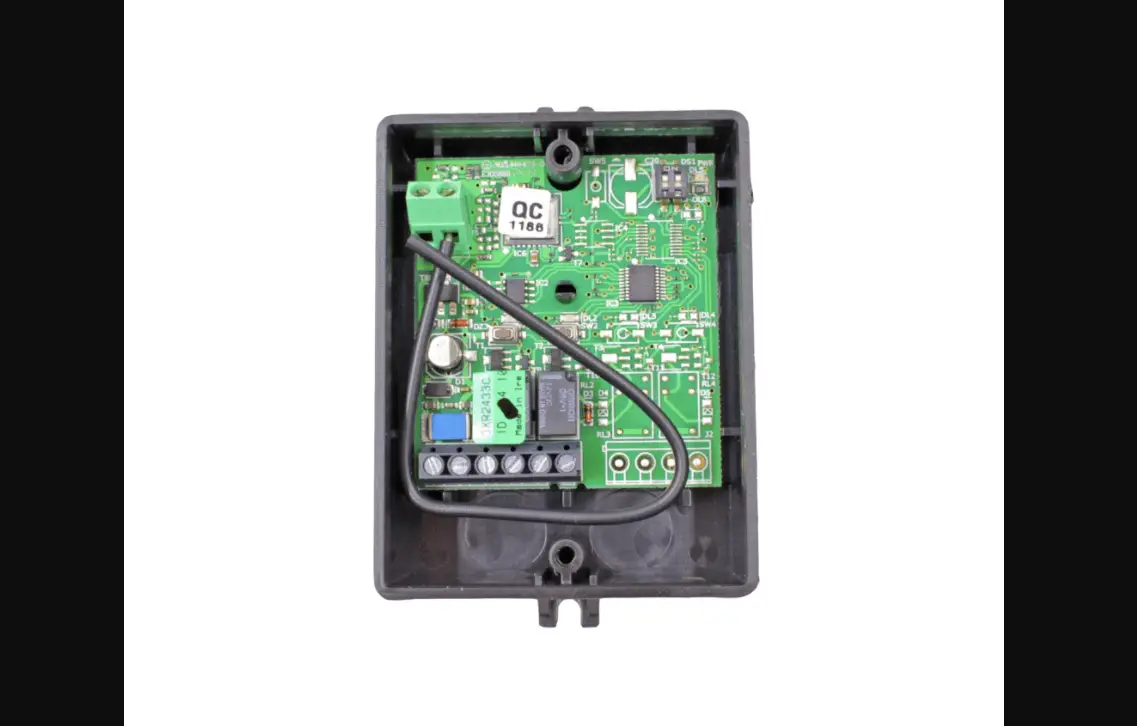
- Open the original working remote (which may be located under the battery cover or you may need to remove the screws at the back of the remote). Please note: If you do not have an original remote you will need to locate the DIP switches on the motor or receiver.
- Open the new remote (may be located under the battery cover or you may need to remove the screws at the back of the remote).
- Change the DIP switches in the new remote, by moving these up or down to match the switches in either your old remote or your motor.
- Close the remotes and test.
WARNING
 To prevent possible SERIOUS INJURY or DEATH:
– Battery is hazardous: NEVER allow children near batteries.
– If the battery is swallowed, immediately notify a doctor.
To reduce the risk of fire, explosion, or chemical burn:
– Replace ONLY with the same size and type of battery
– DO NOT recharge, disassemble, heat above 100° C, or incinerate
The battery will cause SEVERE or FATAL injuries in 2 hours or less if swallowed or placed inside any part of the body.
 Garage Door Remotes | Car Remotes | Free Shipping AU Wide – Remote Pro