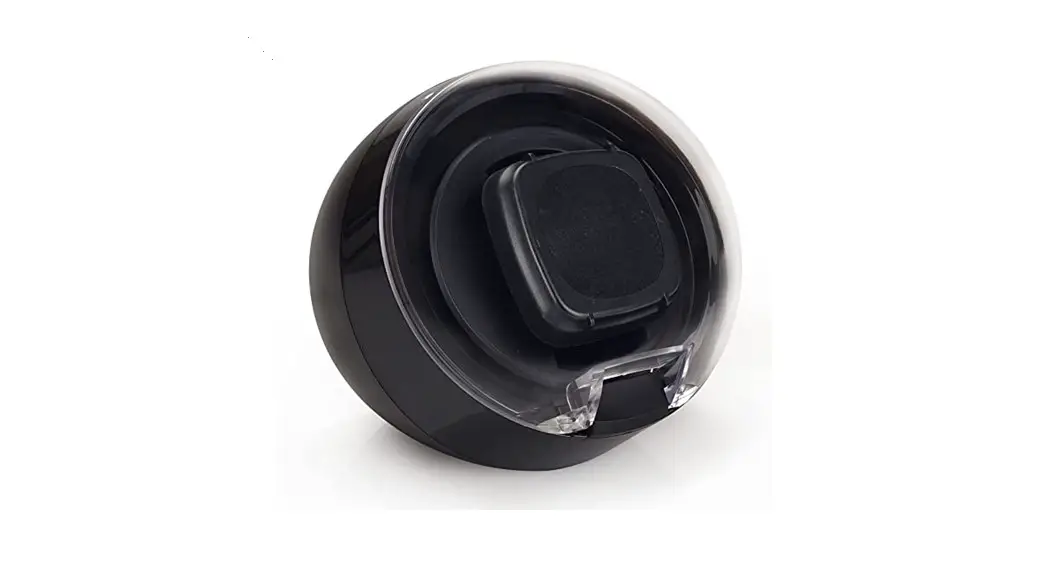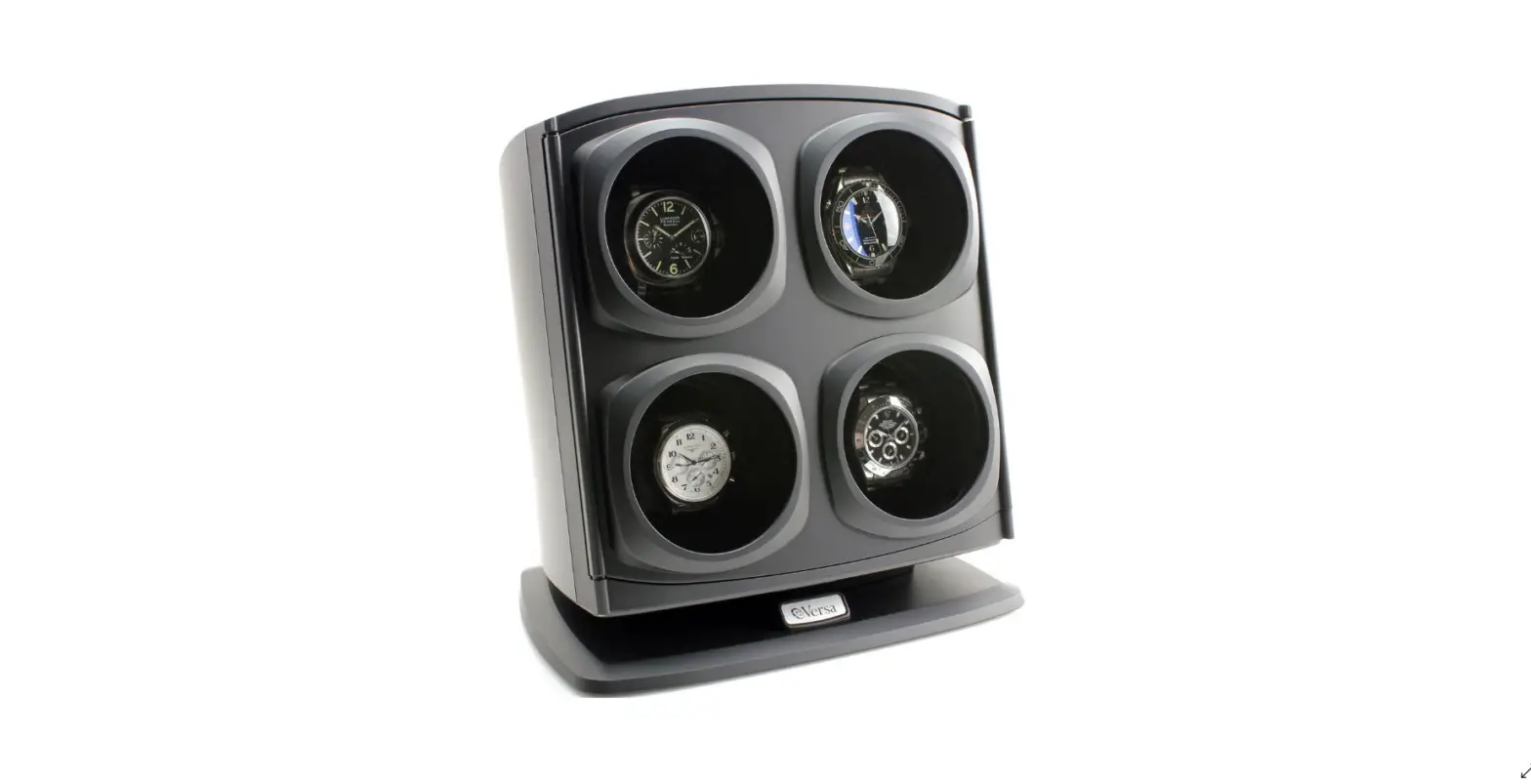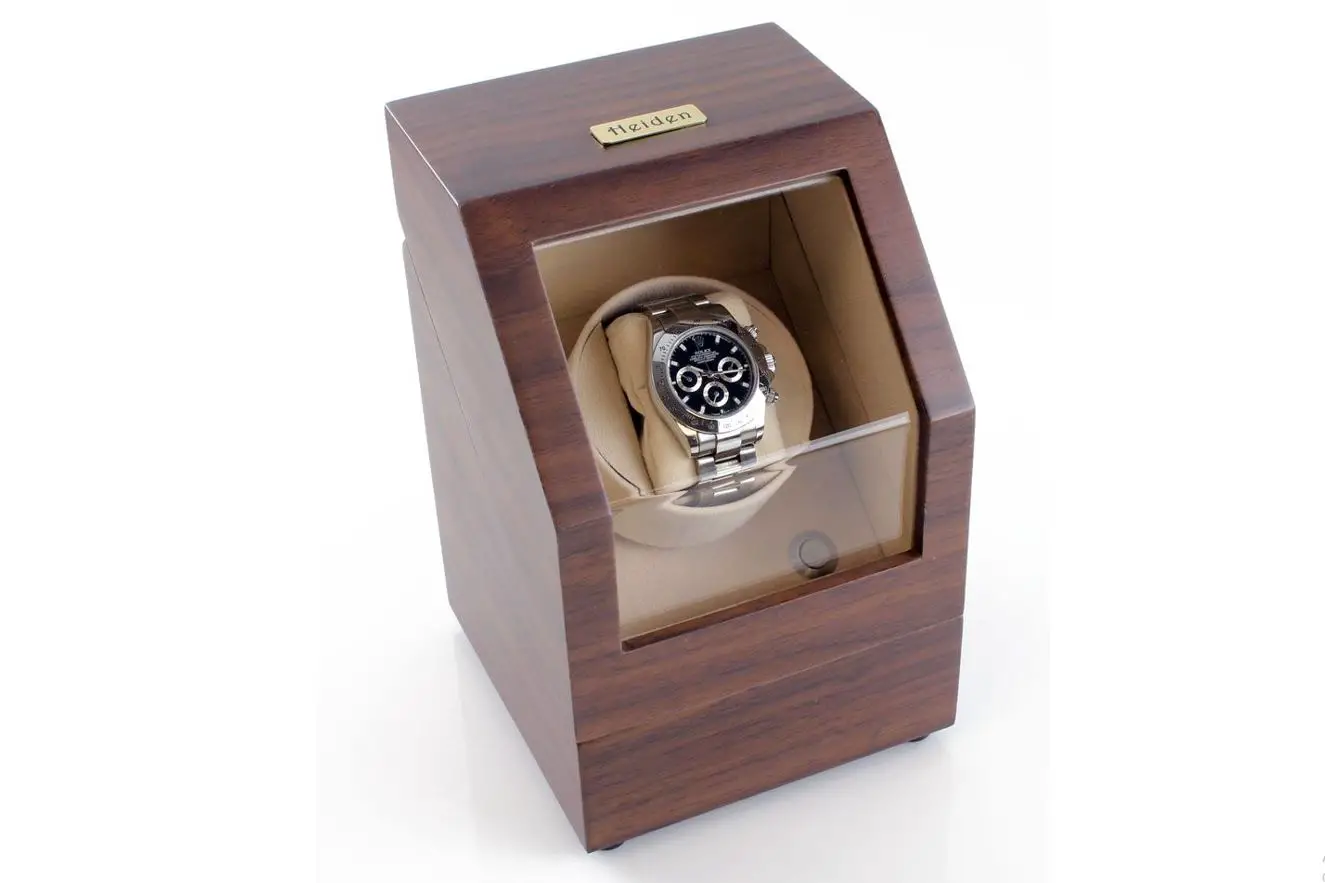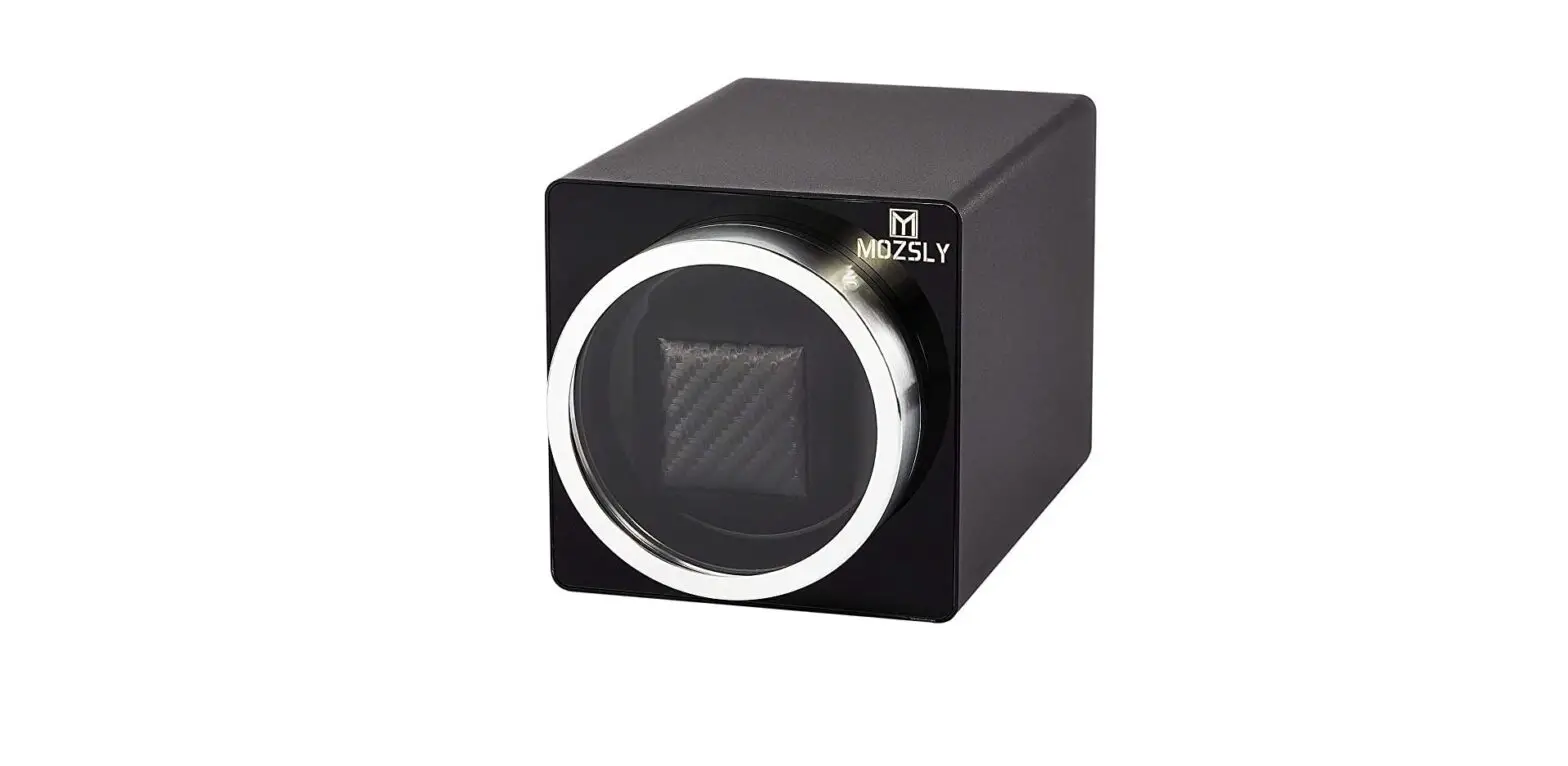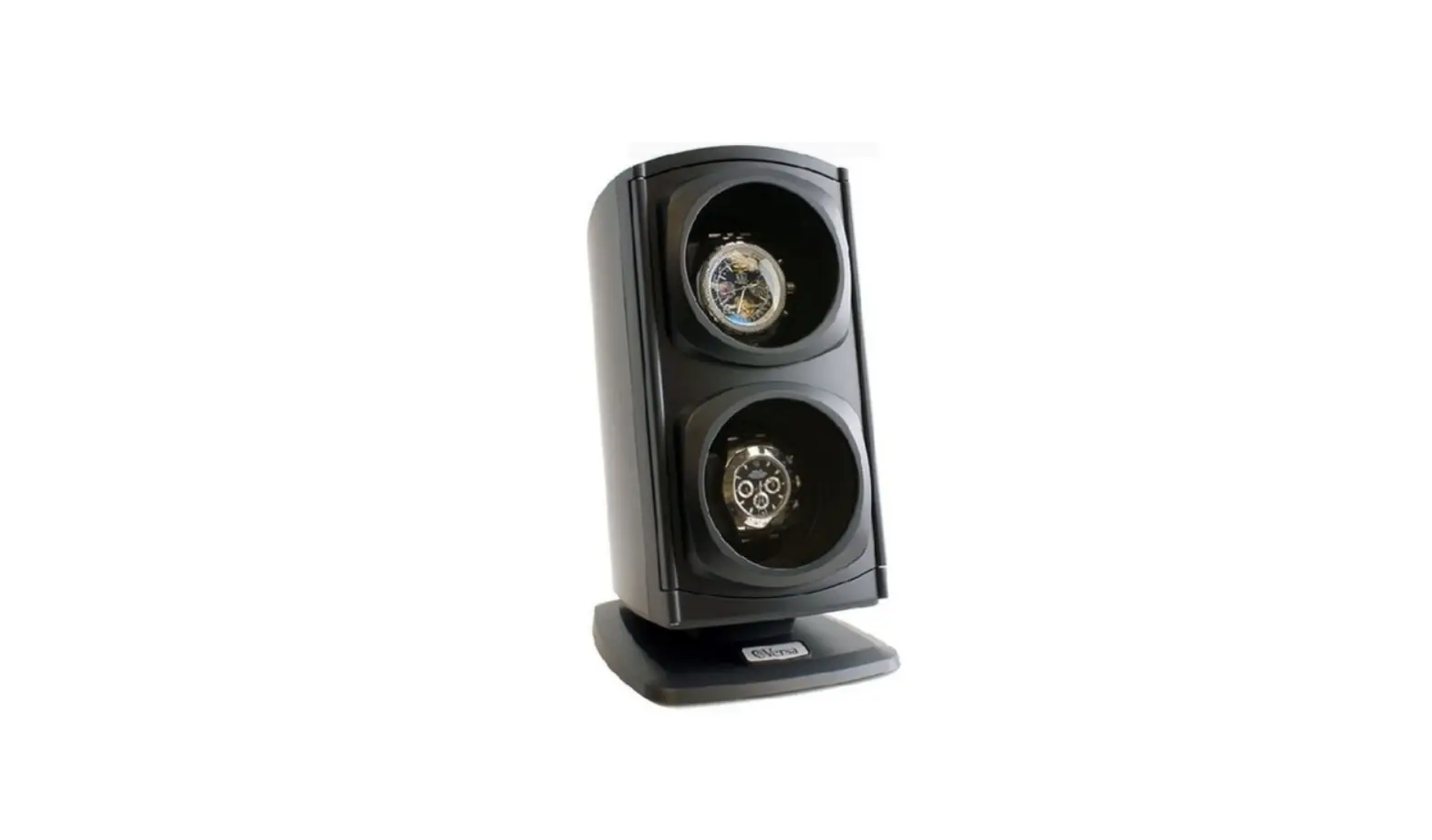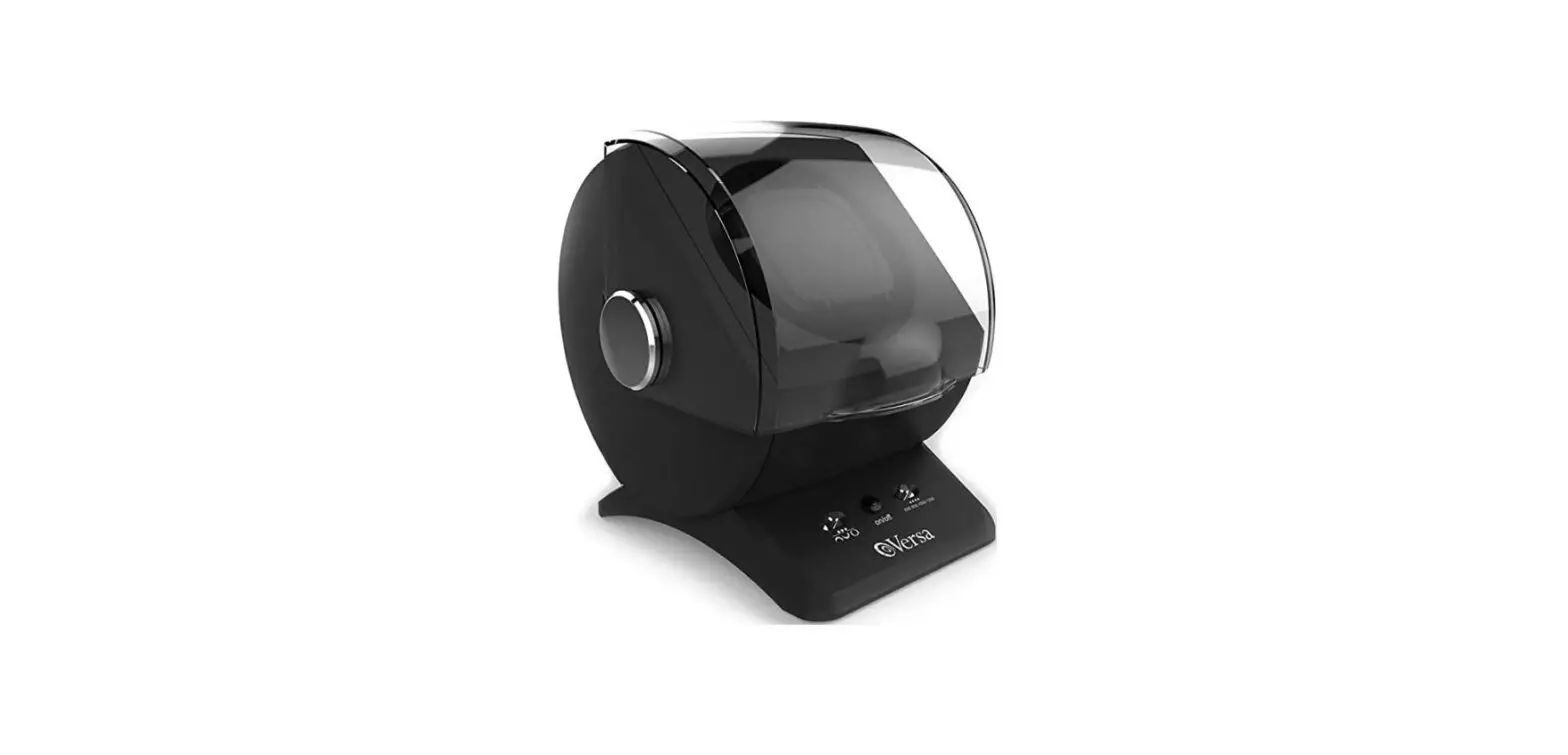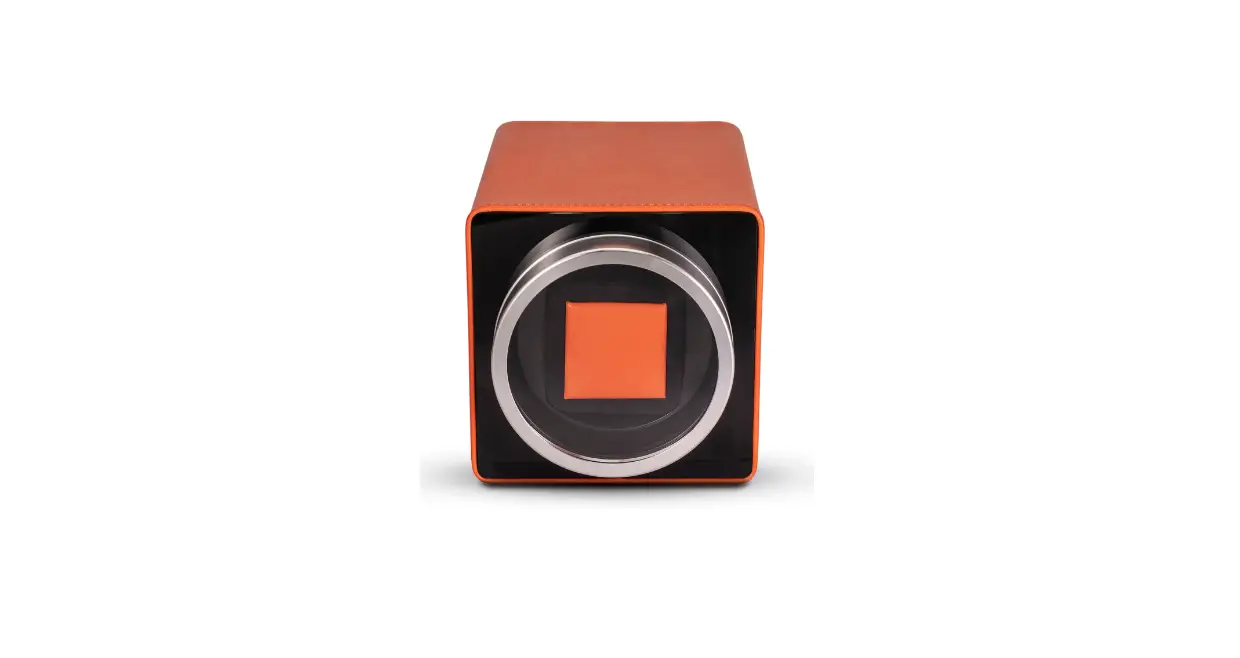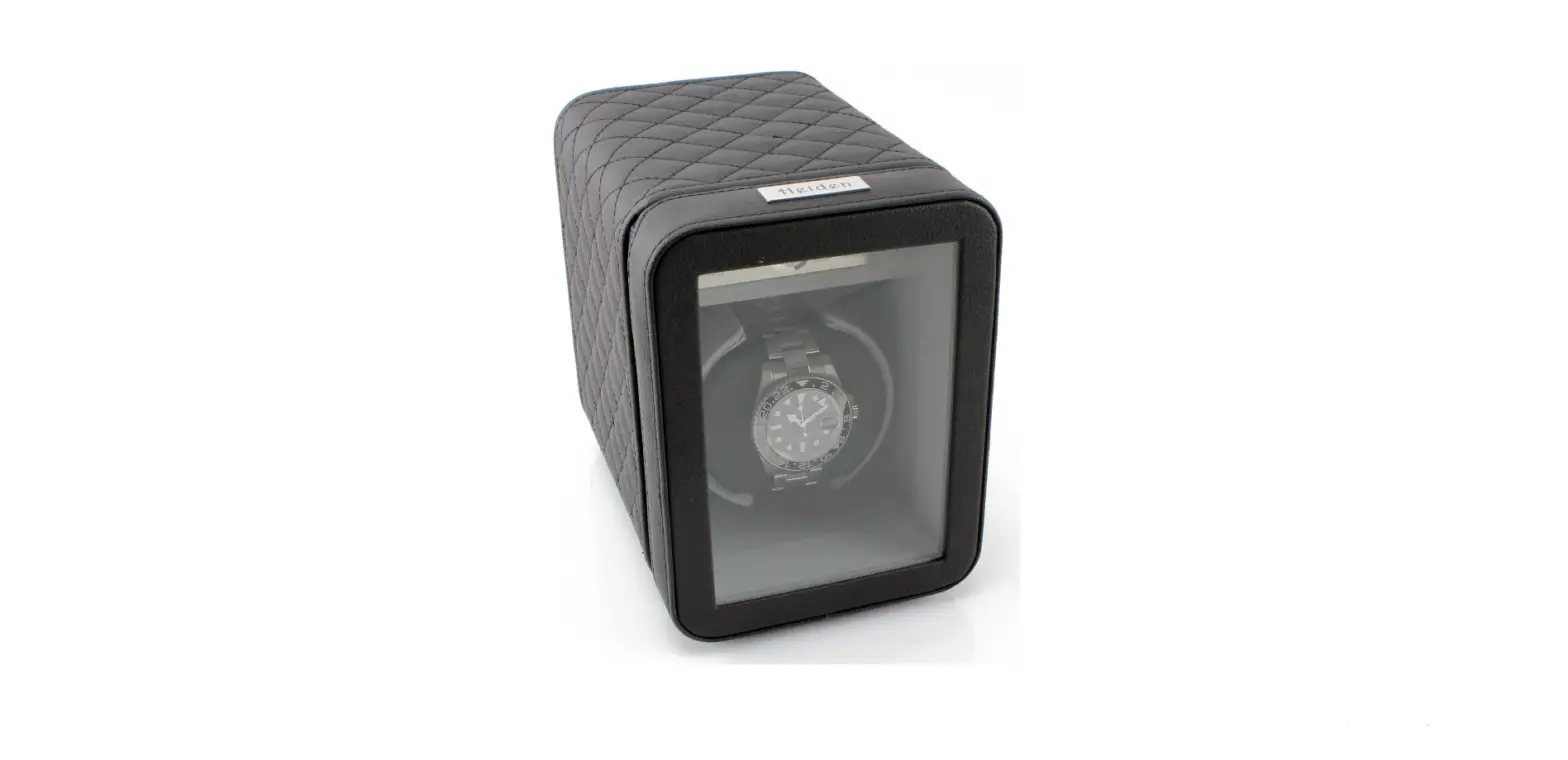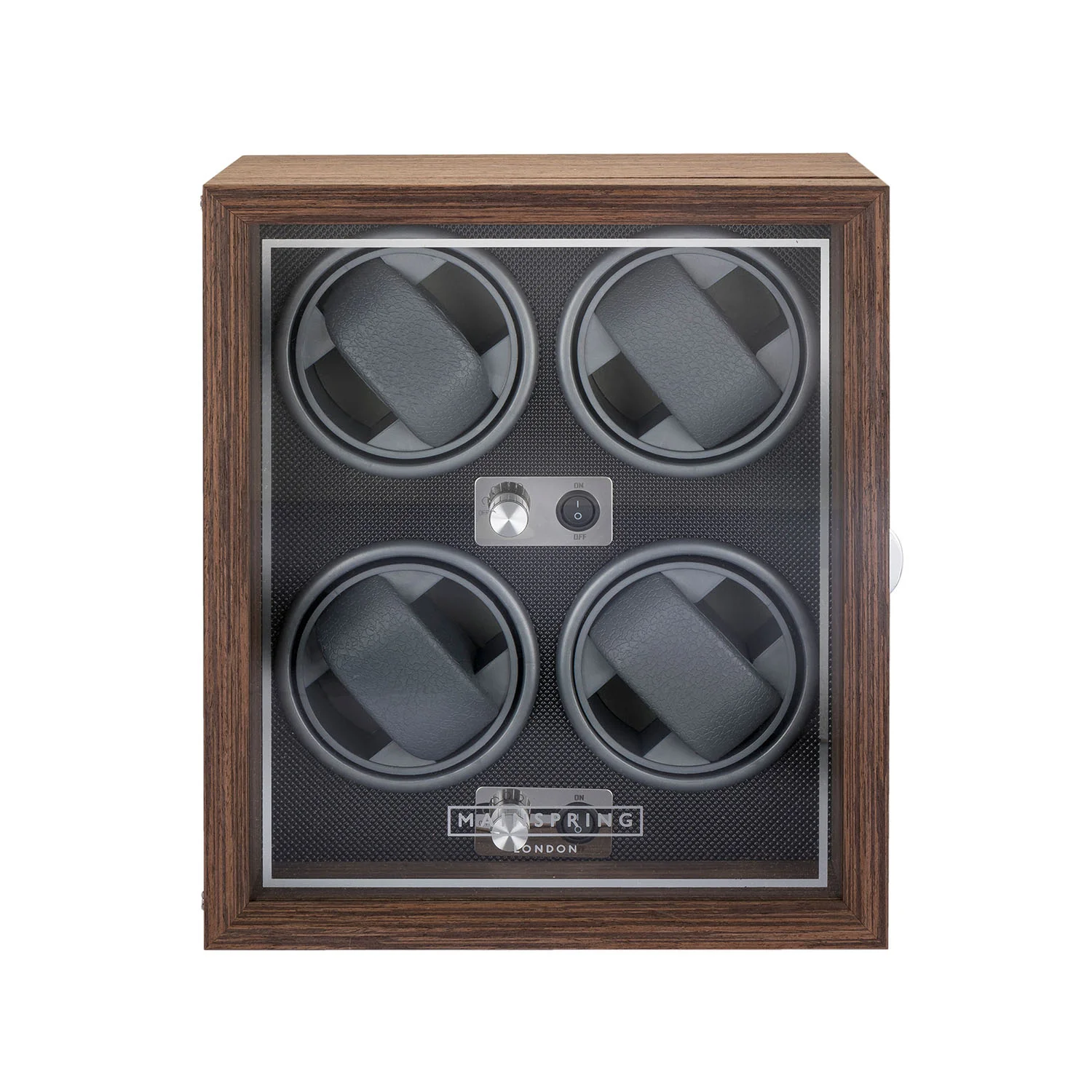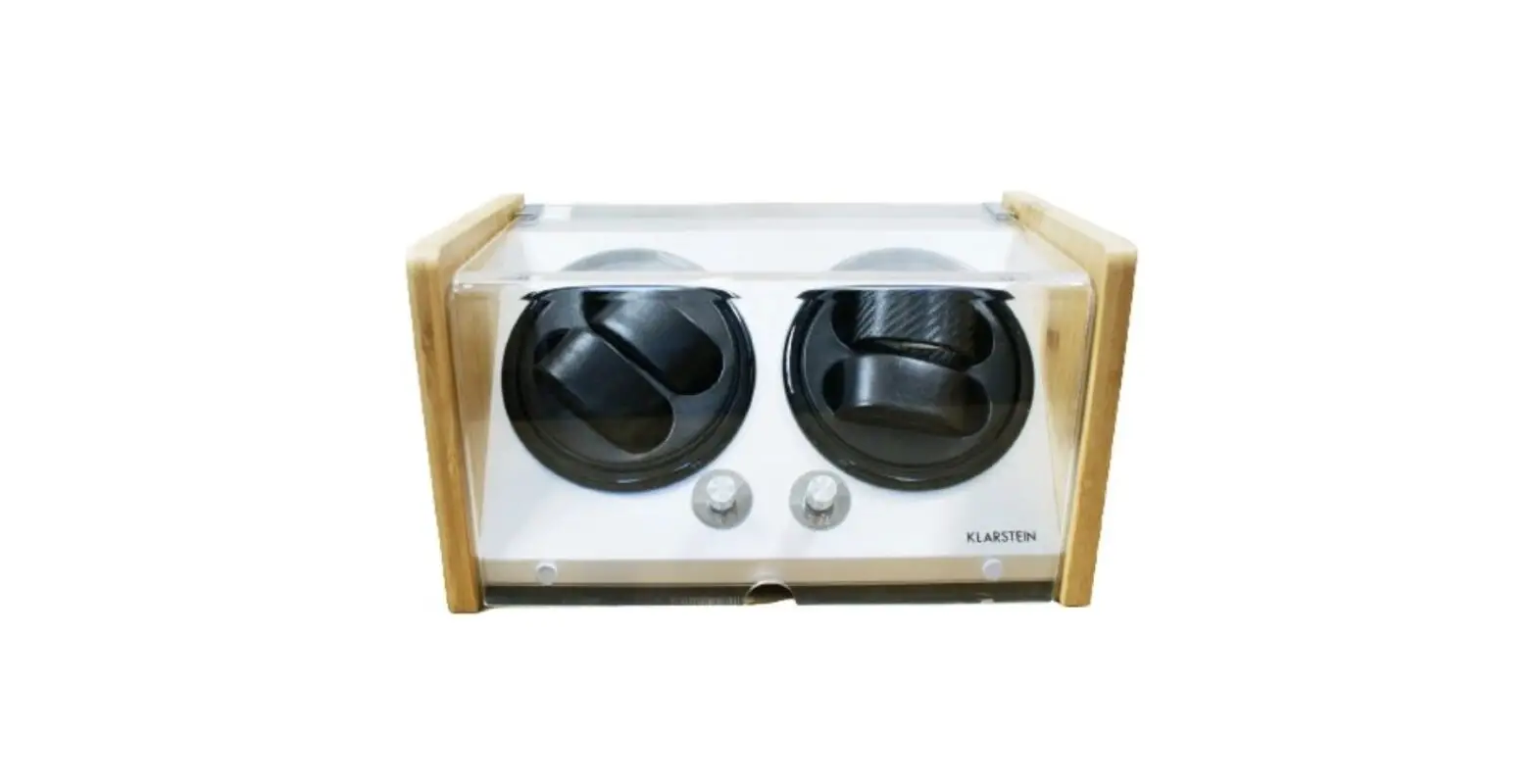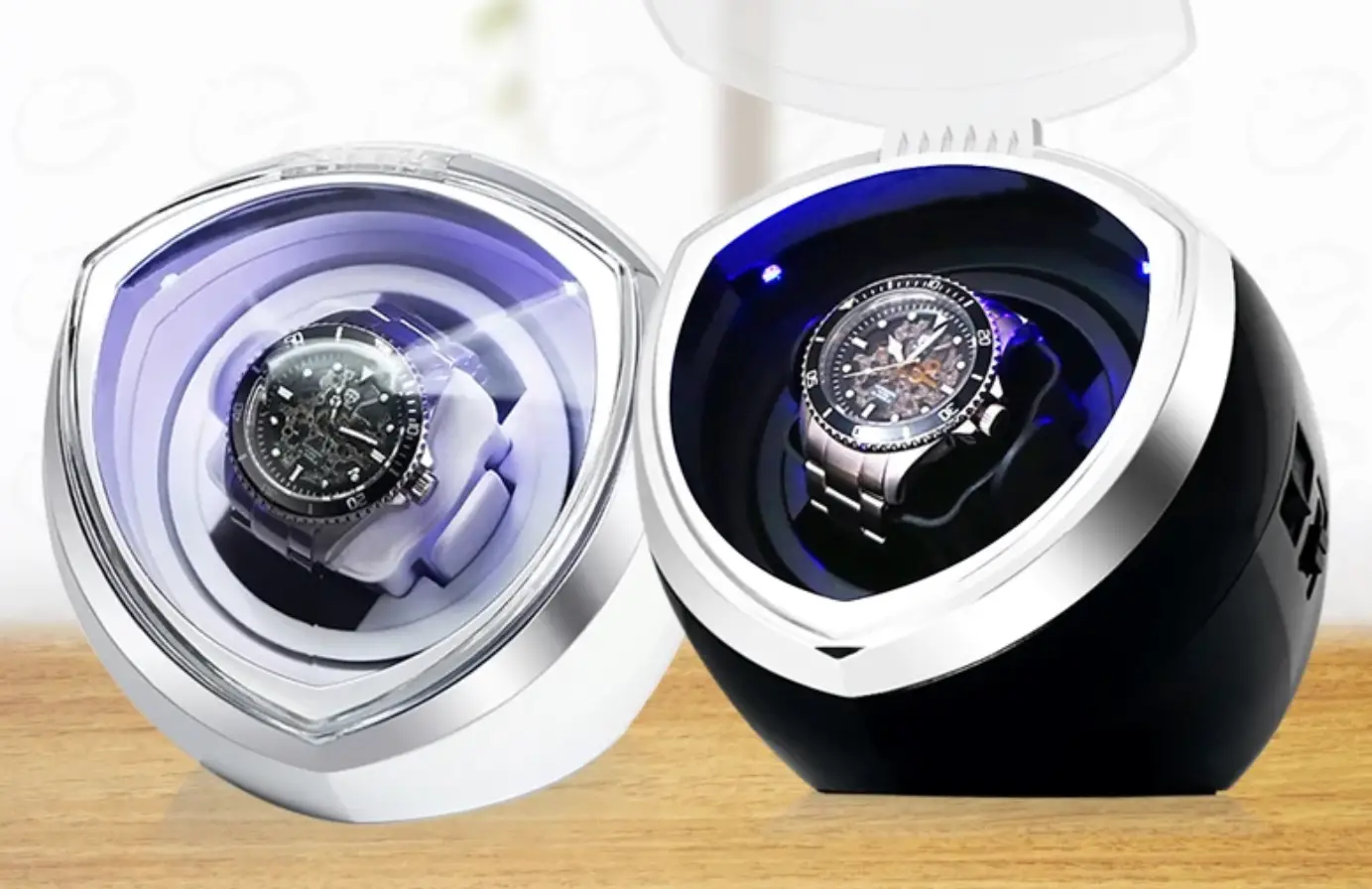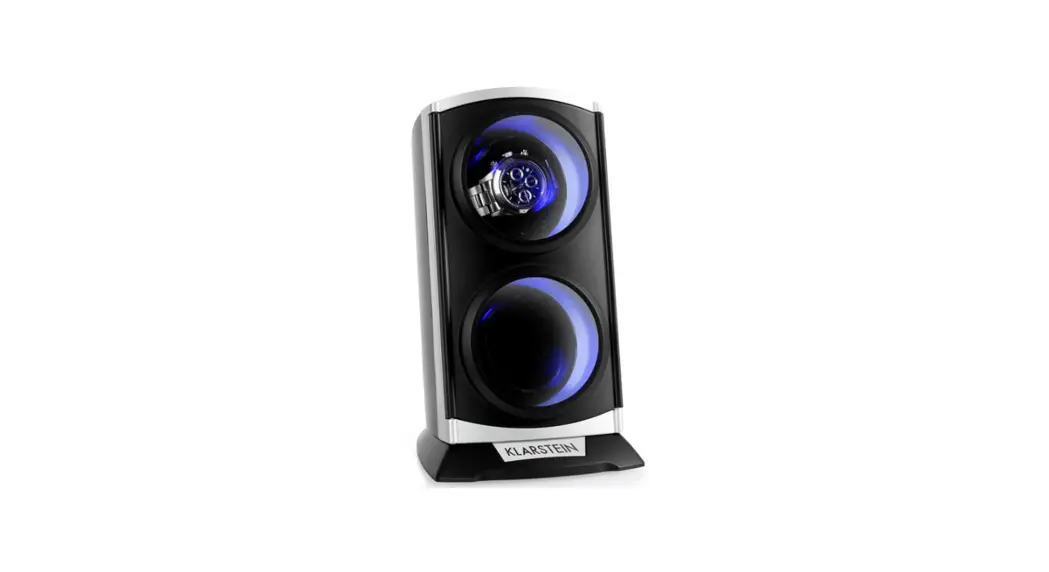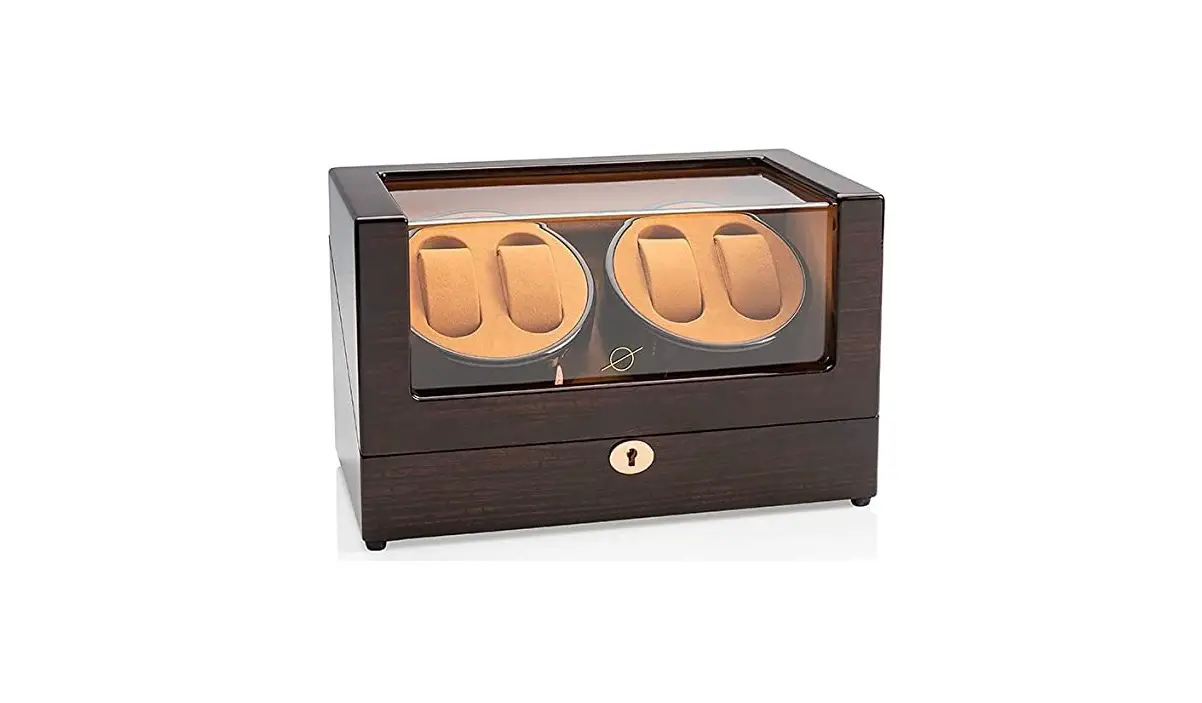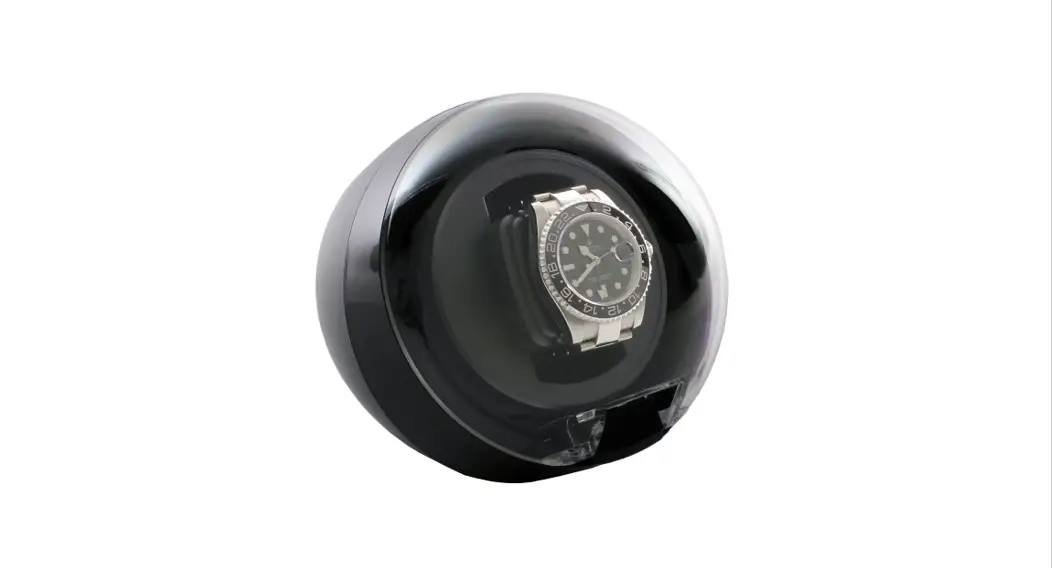

Automatic Watch Winder
VR001, VR002
Instruction Manual
AC OPERATION
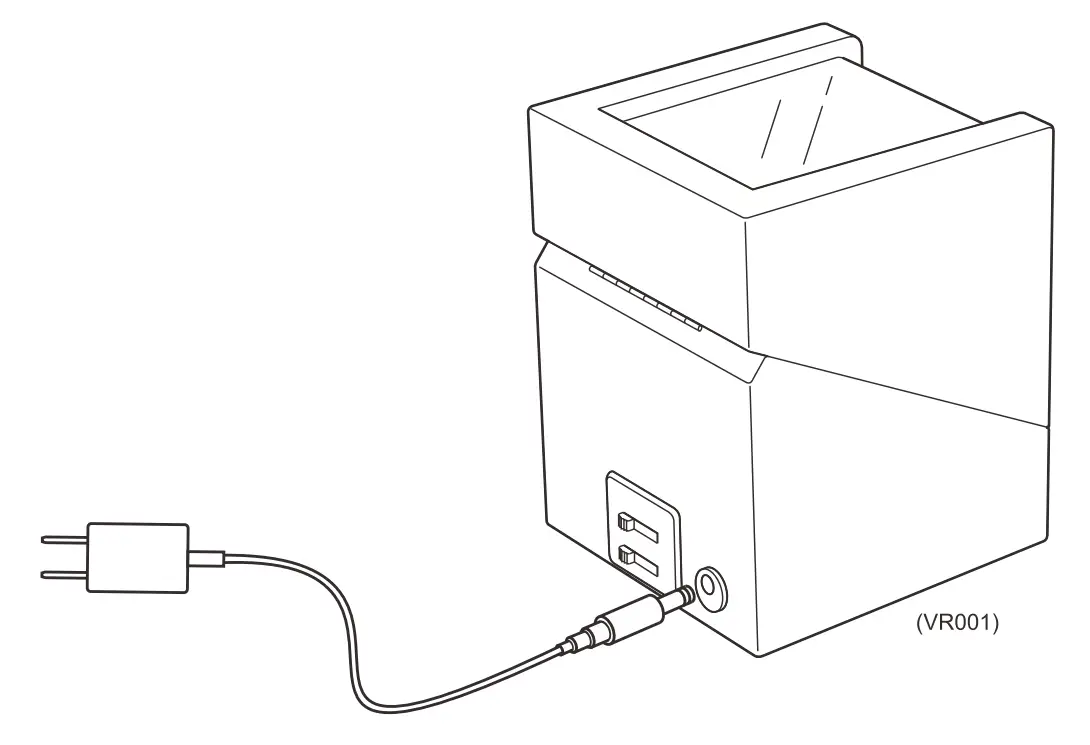 Plug in the AC power adapter to the wall and insert the DC power jack into the back of the unit.
Note: Disconnect the AC power adapter when the winder is not in use.
LOADING THE WATCH ON THE WATCH PILLOW
Take out the watch pillow and squeeze it to a suitable size, then fasten the watch on it. 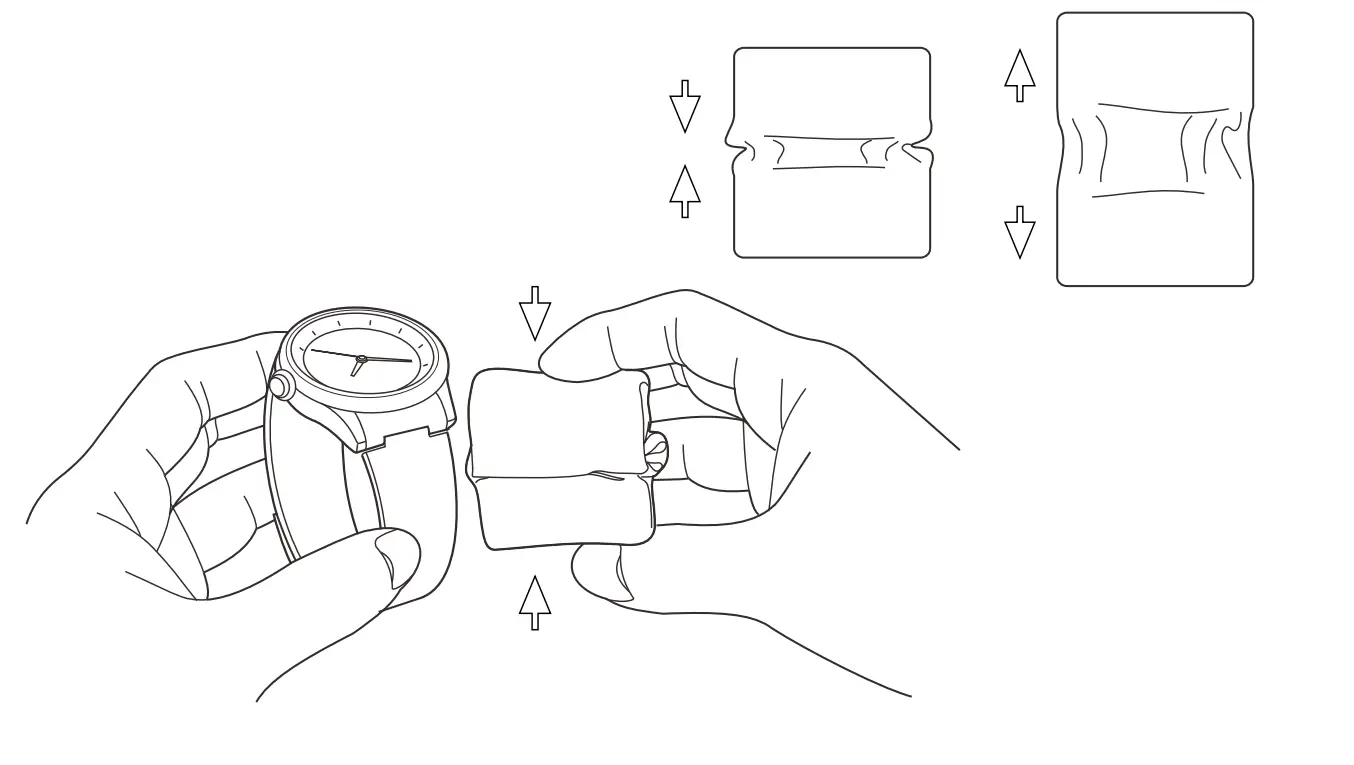
PLACING YOUR WATCH ON THE WINDER
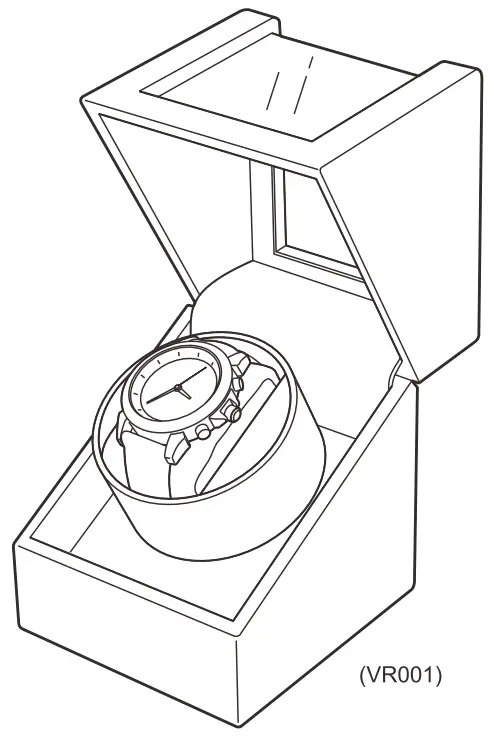
Insert watch and watch pillow into the watch winder holder.
MODES OF WINDING
Slide the switches to select the winding modes. There are 4 turning modes (TPD – turns per day) and 3 direction modes (clockwise, counterclockwise, and both directions) to wind your watch.
TURN ON THE POWER
Slide the switch from OFF to the right to turn on the watch winder and start winding.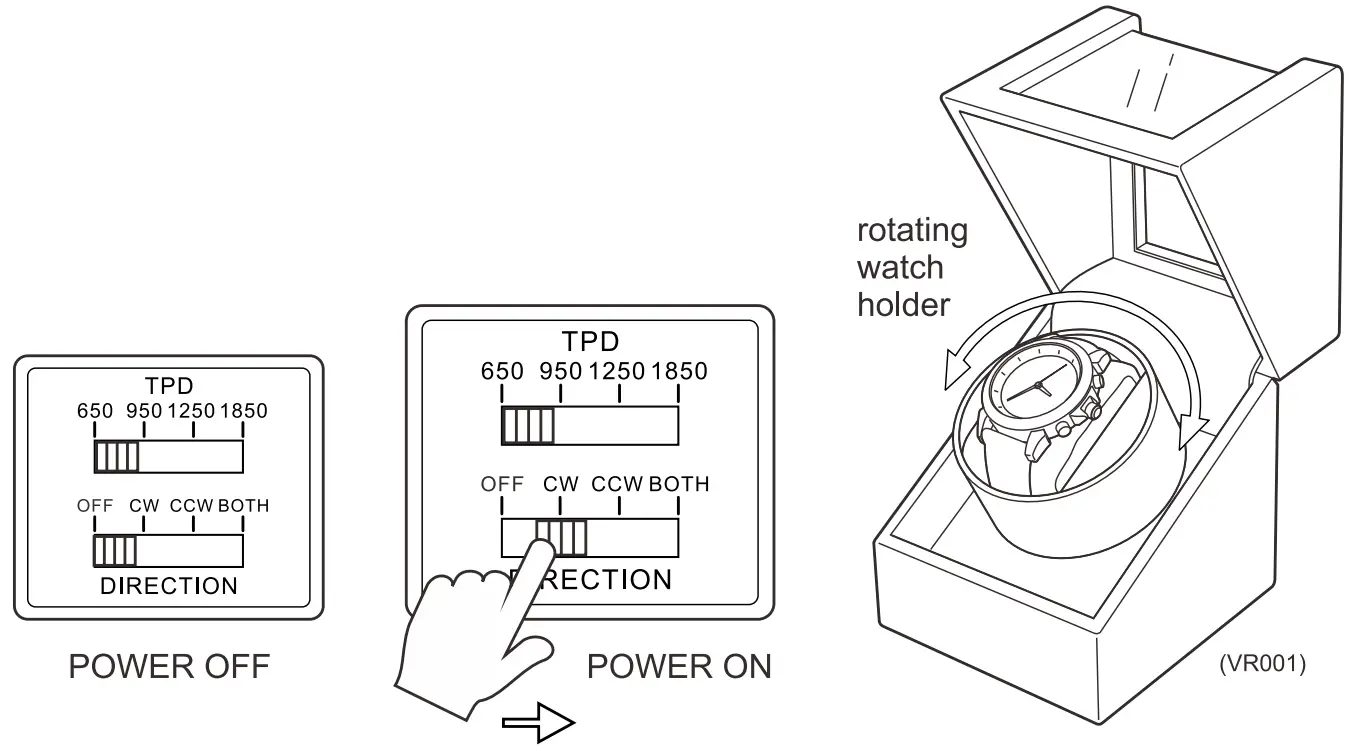
MODES SPECIFICATIONS
| TPD (Approximately) | Cycles Per Day | Counterclockwise winding | Clockwise winding | Bidirectional winding | Resting Time (Approximately minutes) |
| 650 | 24 | 2:51 min | 2:51 min | 1:26 min | 57:09 min |
| 950 | 24 | 4:10 min | 4:10 min | 2:05 min | 55:50 min |
| 1250 | 24 | 5:29 min | 5:29 min | 2:44 min | 54:31 min |
| 1850 | 24 | 8:06 min | 8:06 min | 4:03 min | 51:54 min |
Data is based on using an AC adapter. Values may vary depending on the weight of different watches.
Please note that the watch winder is programmed to turn, rest and turn again for each setting. The watch winder will not turn constantly to prevent over-winding of your watch. This is the normal operation for the watch winder.
MAINTENANCE
Do not expose the watch winder to direct sunlight, extreme temperatures, water, or other moisture which may damage the winder.
Clean the winder surfaces with the microfiber pouch that comes with the package.
Do not use solvent-based cleaning agents.
Please do not open the watch winder or attempt to repair it.
We’re Here To Help!
 We’re Here To Help
 www.versawatchwinders.com/contact_us.php
 [email protected]
 818-787-1188 Mon-Fri 9 AM-5 PM PST al
Tips for your new watch winder!
All automatic watches have different TPD requirements but on average most automatic watches need a minimum of 650-1200 TPD.
All of our watch winders are set to accommodate this minimum requirement.
To find the right setting for your watch we recommend the following procedure:
- Manually wind the watch by turning the crown 20-30 times. The watch winder will not wind a completely dead watch.
- Set the winder to the lowest TPD setting and bi-directional rotation. Place the watch in the winder and make sure it is seated properly and securely in the holder.
- Turn the winder on and periodically check to make sure the time is correct. Most automatics have a maximum of 40 hours of power reserve when fully wound so if the time is correct after 2 full days, this is the proper setting for your watch.
- If the time is incorrect, please set it to the next highest TPD setting and try again.
- If the time is incorrect, please set it to clockwise only and try again.
- If the time is incorrect, please set it to counter-clockwise only and try again.
- If the watch works while it is being worn but does not work in the winder, it may need to be serviced. When a watch is worn, the movements it experiences are not as smooth as in a watch winder, so while a watch may work when it’s worn it may not work when in the winder. Watch winders move very smoothly so if the lubrication inside the watch has congealed from not being in use, the watch may need to be serviced.
- If you still have problems or issues please feel free to contact us.
Below is a list of popular watch brands and common settings for most of their watches. Specific models from some brands may have exceptions and may not work on the setting listed below. If this is the case please contact us and we will try to determine the correct setting for your particular model.
BD=BI-DIRECTIONAL, CW=CLOCKWISE, CCW=COUNTER CLOCKWISE
| WATCH COMPANY | ROTATION DIRECTION | TURNS PER DAY | WATCH COMPANY | ROTATION DIRECTION | TURNS PER DAY |
| Ball | BD | 650-800 | Louis Vuitton | BD | 650-800 |
| Baume & Mercier | BD or CW or CCW | 650-800 | Luminox | BD or CW | 650-800 |
| Bell & Ross 1 | BD or CW | 650-800 | Montblanc | BD or CW | 800 or higher |
| Blancpain | CW or CCW | 800 or higher | Omega | BD or CW | 650-800 |
| Breitling | BD or CW | 650 800 | Oris | BD or CW | 650 800 |
| Carl Bucherer | BD | 650-800 | Panerai | BD or CW | 800 or higher |
| Cartier | BD or CW | 650-800 | Patek Philippe | CCW | 800 or higher |
| Chanel | BD | 650-800 | Rolex | BD | 650-800 |
| Chopard | BD or CW | 800 or higher | Tag Heuer | BD or CW | 800 or higher |
| Concord | BD or CW | 650-800 | Tissot | BD or CW | 650-800 |
| Corum | BD or CW | 650-800 | Time | BD or CW | 800 or higher |
| Hamilton | BD or CW | 800 or higher | Ulysse Nardin | BD or CW | 800 or higher |
| Hublot | BD or CW | 800 or higher | Vacheron Constantin | BD or CW or CCW | 650 1000 |
| Invicta | BD or CW | 800 or higher | Xemex | BD or CW | 650-800 |
| IWC | BD or CW | 800 or higher | Zenith | BD | 650-800 |
| Jaeger LeCoultre | BD or CCW | 650-800 | Zeno | BD or CW | 650-800 |
BD-BI-DIRECTIONAL, CW=CLOCKWISE, CCW-COUNTER CLOCKWISE
 Share Your Honest Review To Help Others Make a Purchase Decision
Step 1 – Find the product you purchased on Amazon.com
Step 2 – Click on customer reviews
Step 3 – Click on “Write a customer review”
OR
Step 1 – Visit Amazon.com and login into your account
Step 2 – Go to “Orders”
Step 3 – Find the item and click on “View Details” and click on “Write a product review”
If you purchased from another website, please visit the website and post your product review on their website.