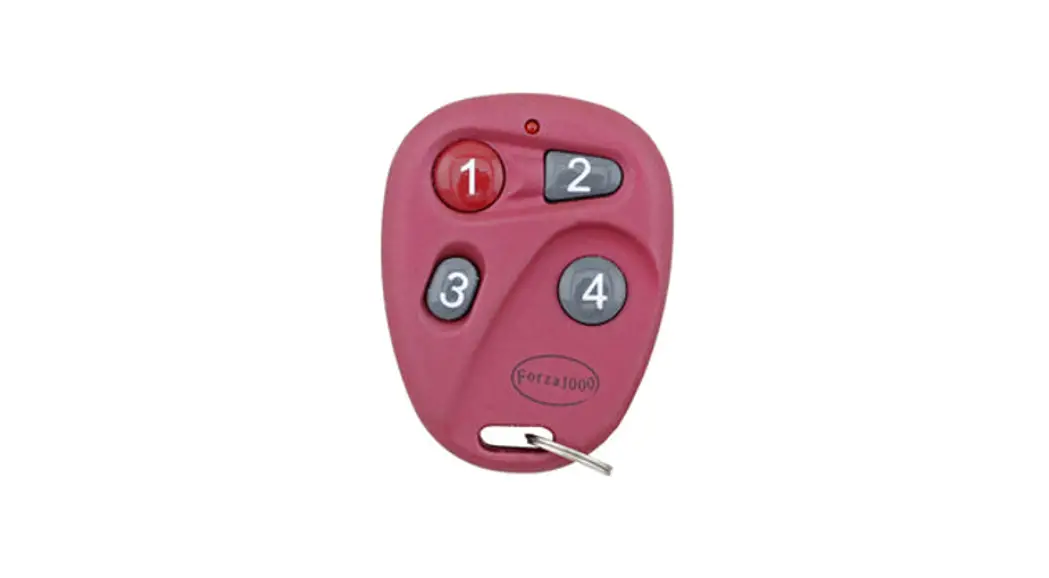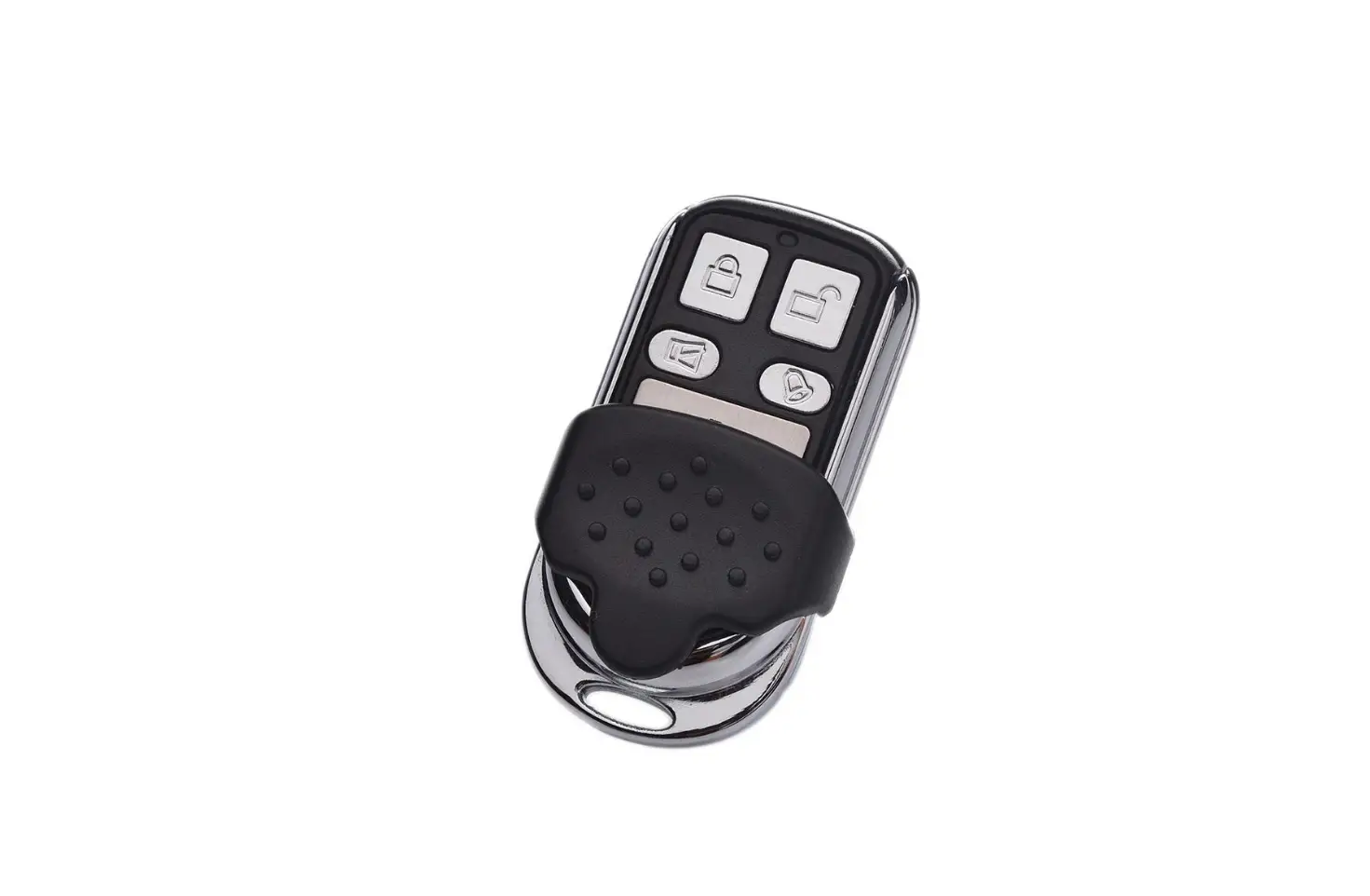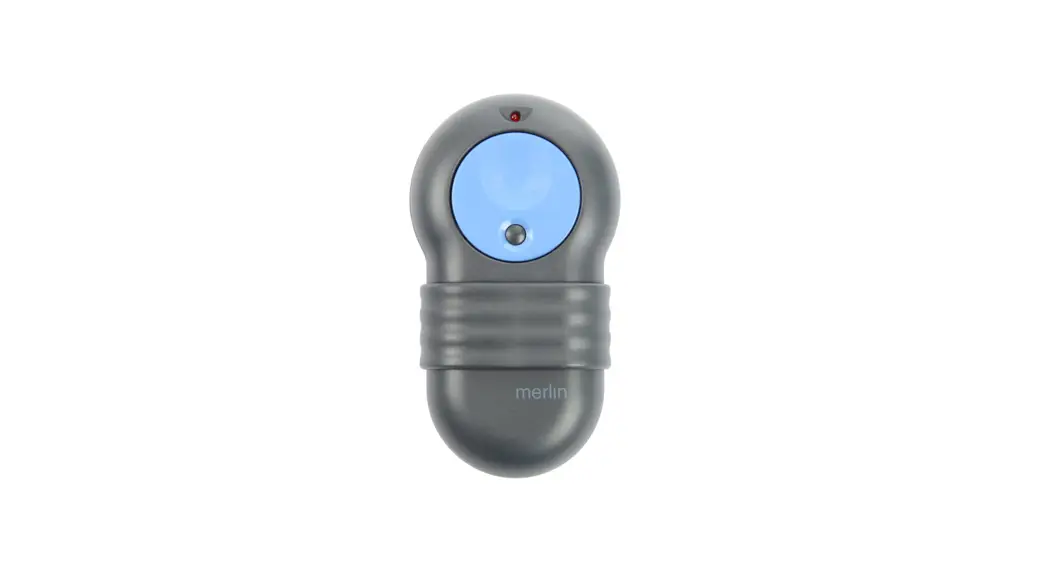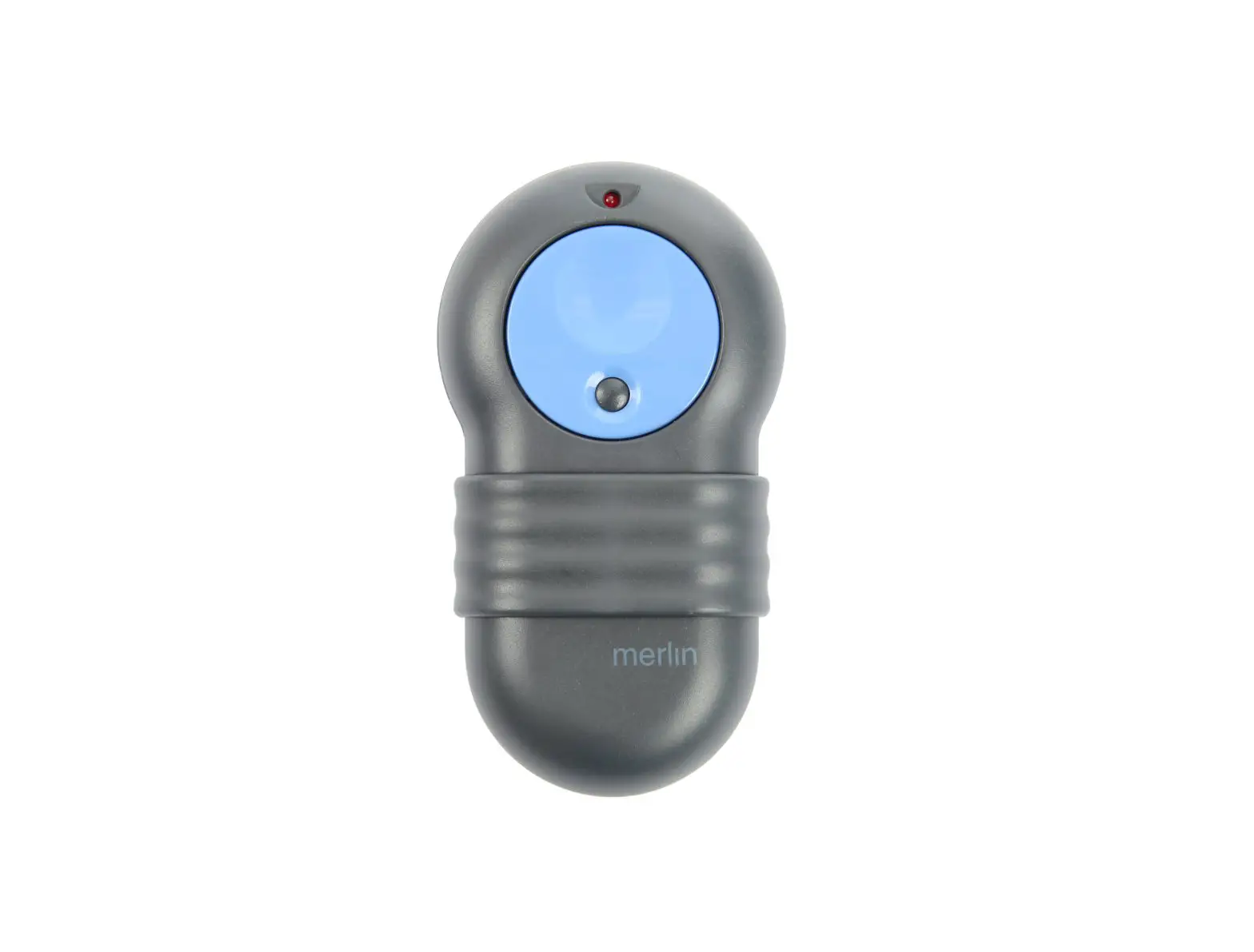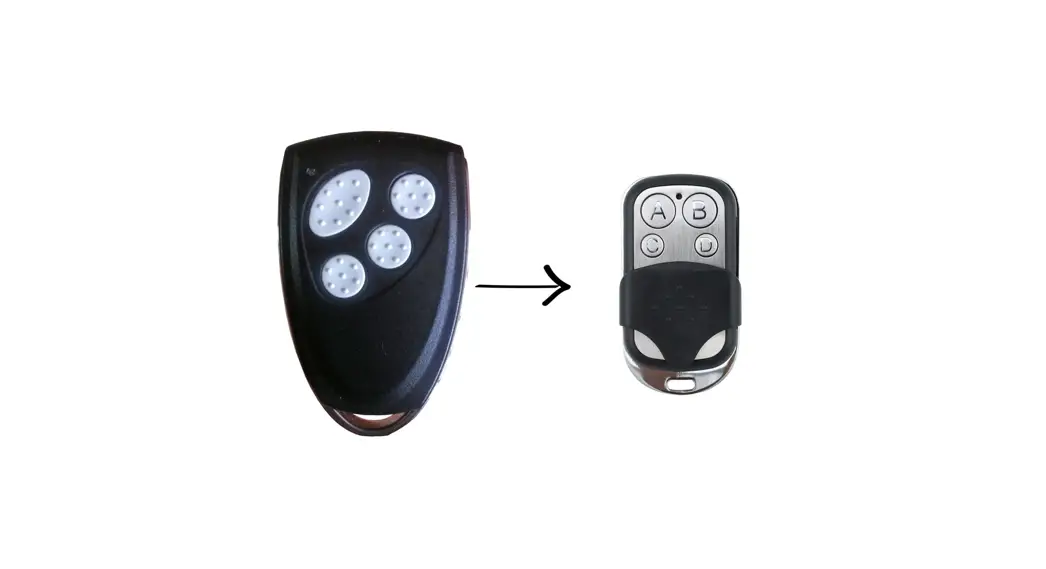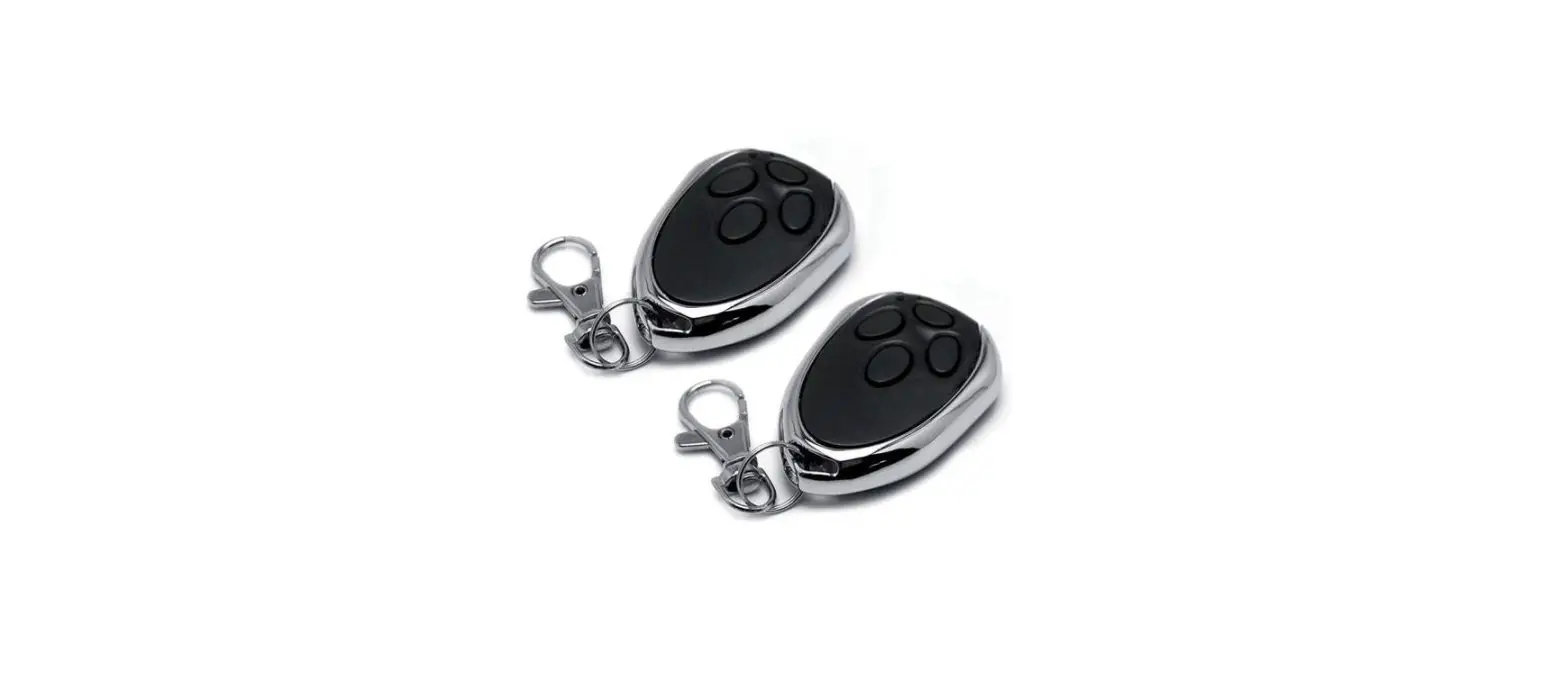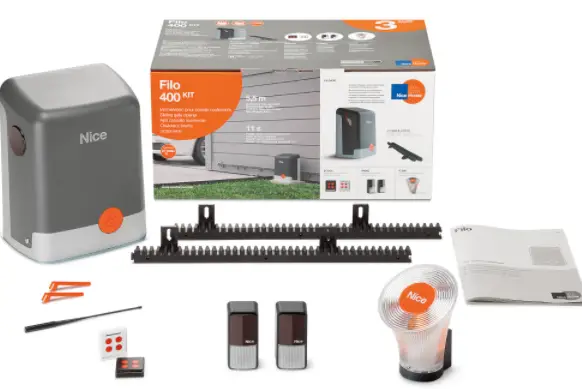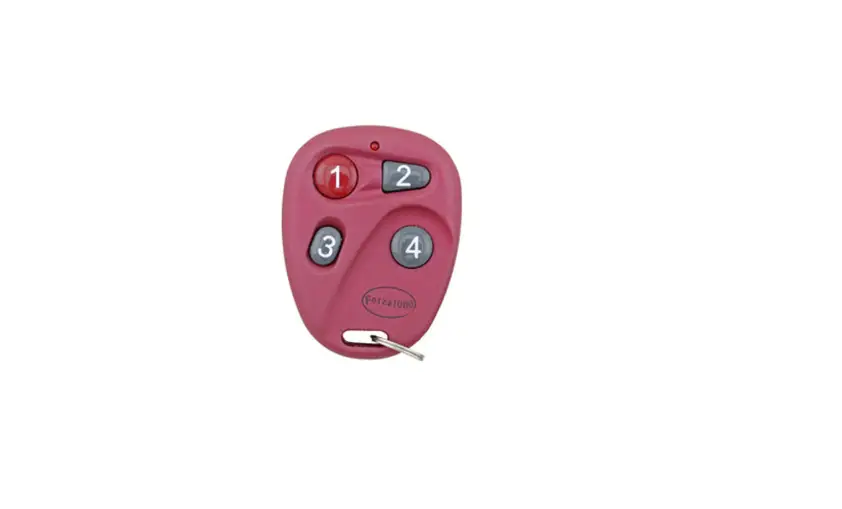

motepro MK700 Forza Red Garage Remote 
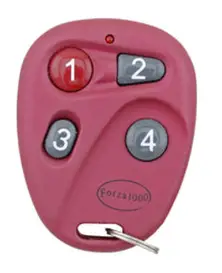
Instructions
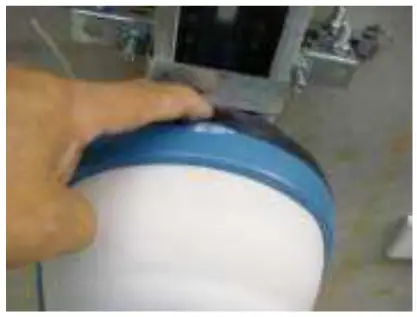
- Please open the Forza motor by pushing the dark red button located on the motor.

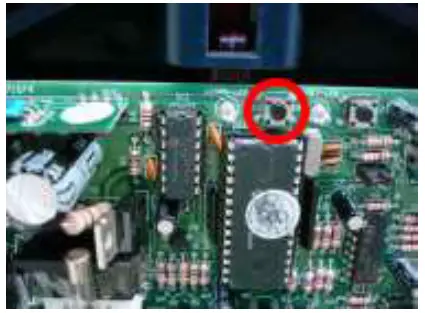
- Inside the motor, you will see a receiver board, locate the SW1 button and press this once.
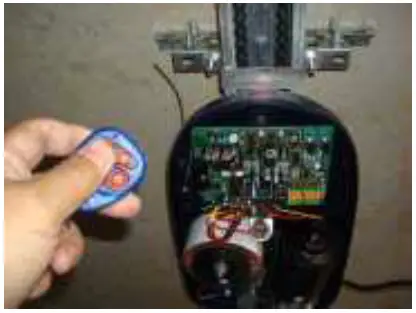
- Next press one of the buttons on the new remote (any button) twice.

- Please wait a few seconds and test the new remote.

- Put the cover back.
Please note that for unit complexes, the S1
(program) the button is usually located in the stand-alone receiver. This can be found near the motor, as shown by the picture below.
As the arrow pointing, the SW1 (Learn_1) button is inside the receiver, then you can follow the same instructions above. 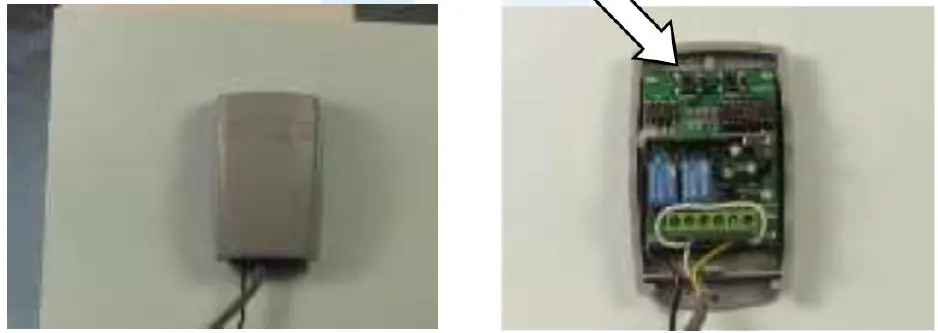
WARNING!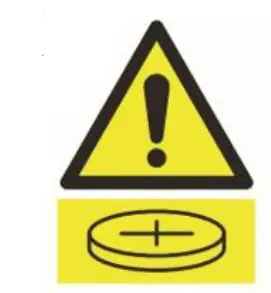
This product may contain a coin/button cell battery. Keep products and batteries away from children. The battery can cause severe or fatal injuries in 2 hours or
less if swallowed or placed inside any part of the body. Seek immediate medical attention if it is suspected that a coin/button battery has been swallowed or placed inside of any part of the body.
 Garage Door Remotes | Car Remotes | Free Shipping AU Wide – Remote Pro