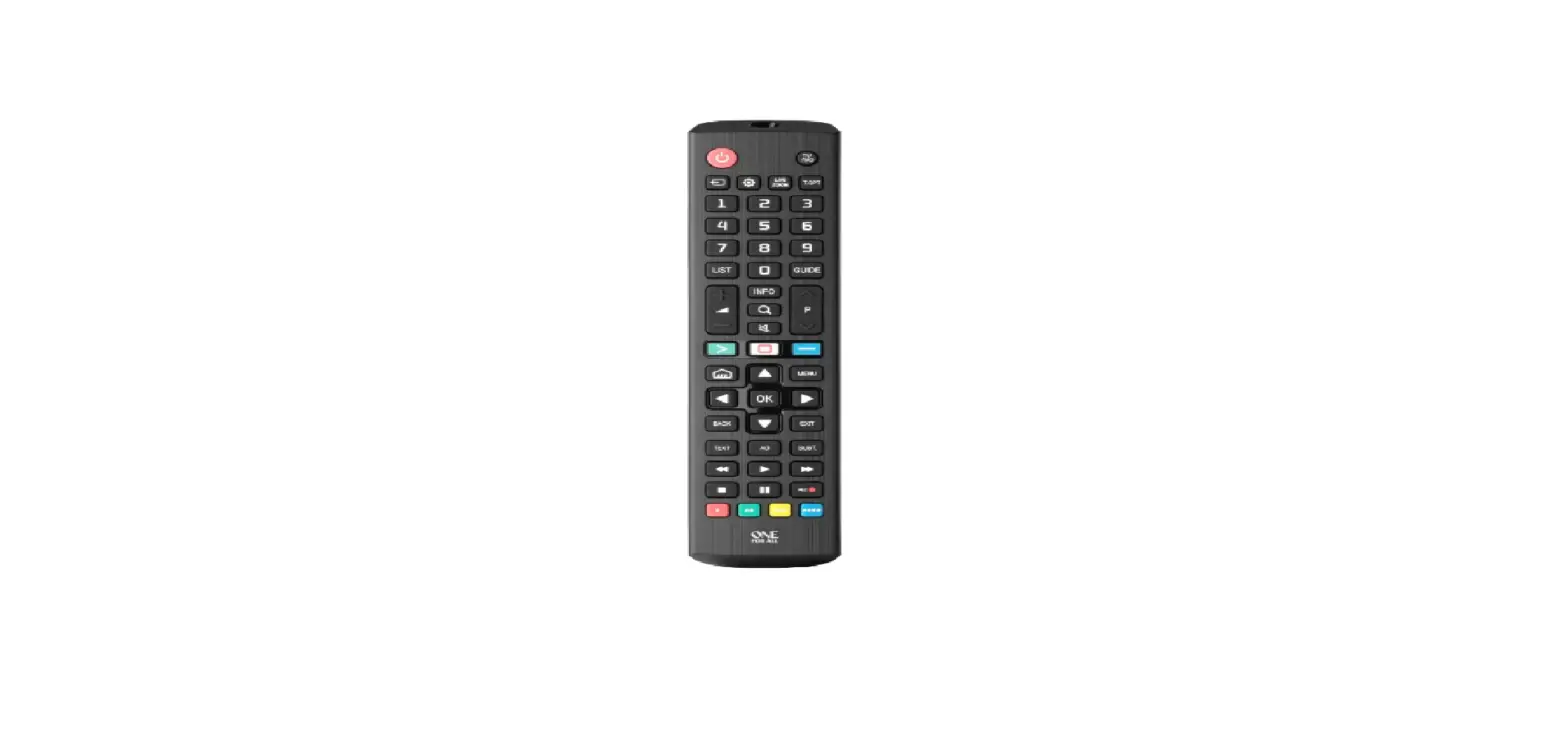
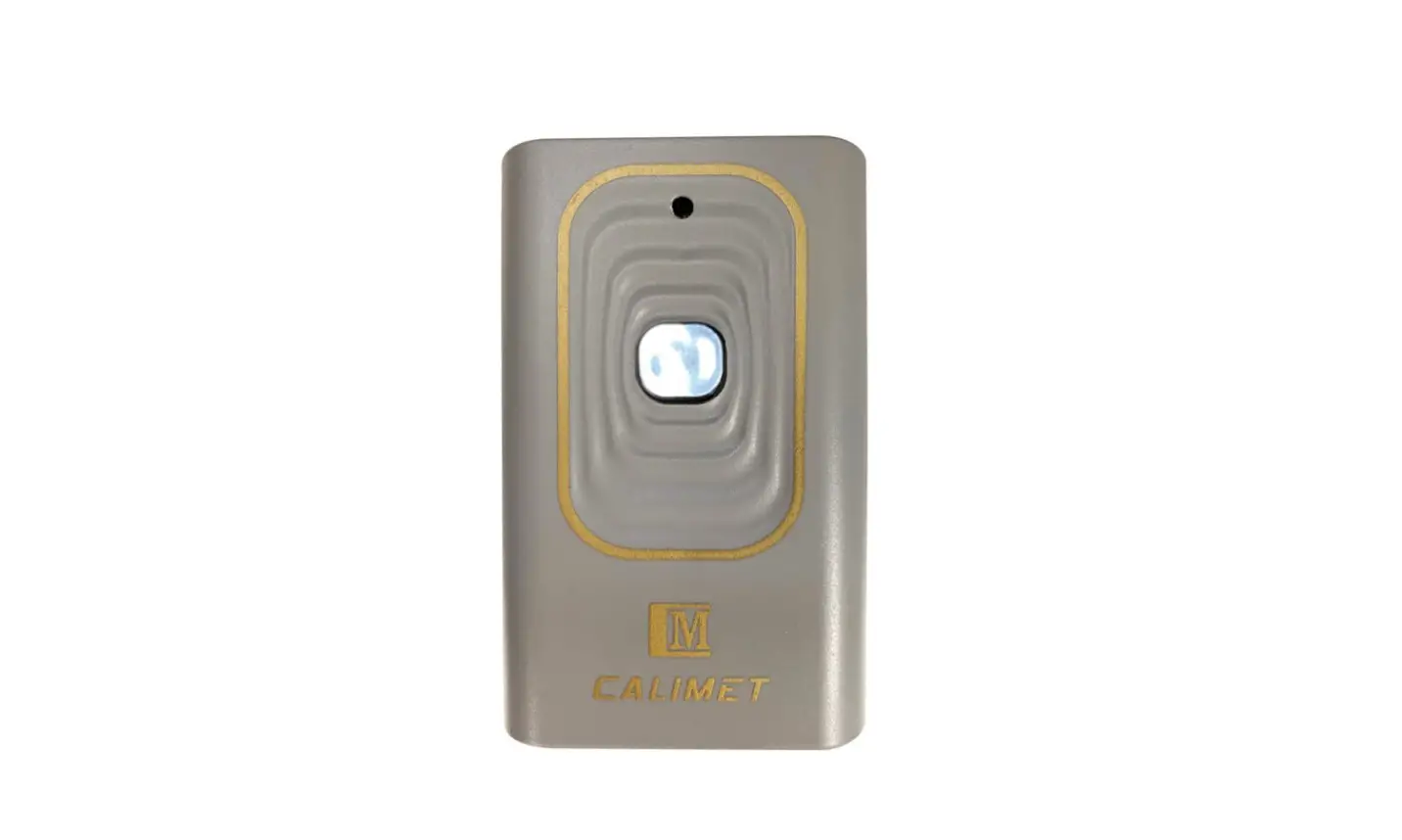
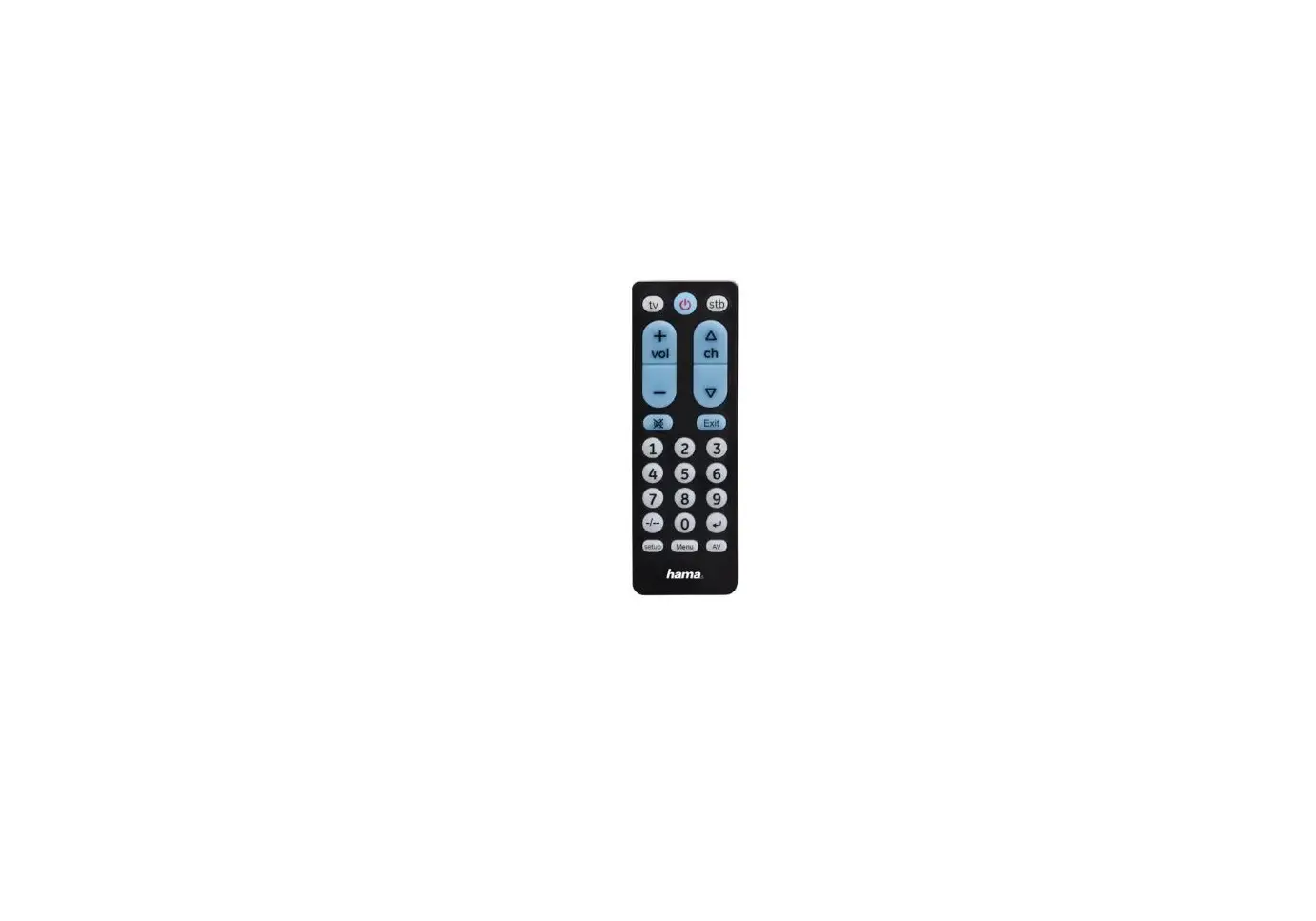
MST-F304A Remote Control
Product Information
The MST-F304A is a remote control device that complies with Part
15 of the FCC Rules. It is designed to operate with compatible
equipment and provides wireless control functionality. The device
has been evaluated to meet general RF exposure requirements,
allowing it to be used in portable exposure conditions without any
restrictions.
Product Usage Instructions
- Ensure that the compatible equipment is powered on and in the
appropriate mode for remote control. - Point the MST-F304A remote control towards the equipment.
- Press the desired button on the remote control to activate the
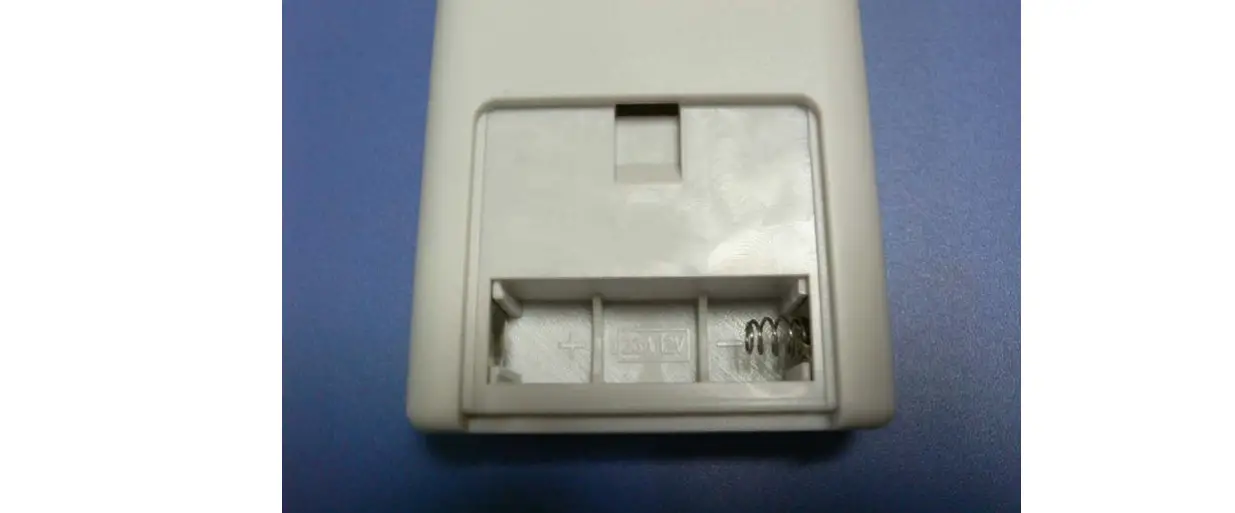
corresponding function on the equipment. - If the equipment does not respond, check the battery level of
the remote control and replace the batteries if necessary. - Keep the remote control within a reasonable range of the
equipment for optimal signal transmission. - Do not expose the remote control to excessive moisture or
direct sunlight, as it may affect its performance. - Ensure that there are no obstructions between the remote
control and the equipment, as this may weaken the signal. - If experiencing any issues with interference, such as undesired
operation, ensure that there are no other wireless devices nearby
that may cause interference. - Do not attempt to make any changes or modifications to the
MST-F304A remote control, as doing so may void your authority to
operate the equipment and could lead to non-compliance with
regulations.
For detailed information on specific functions and
compatibility, refer to the user manual provided with your
equipment.
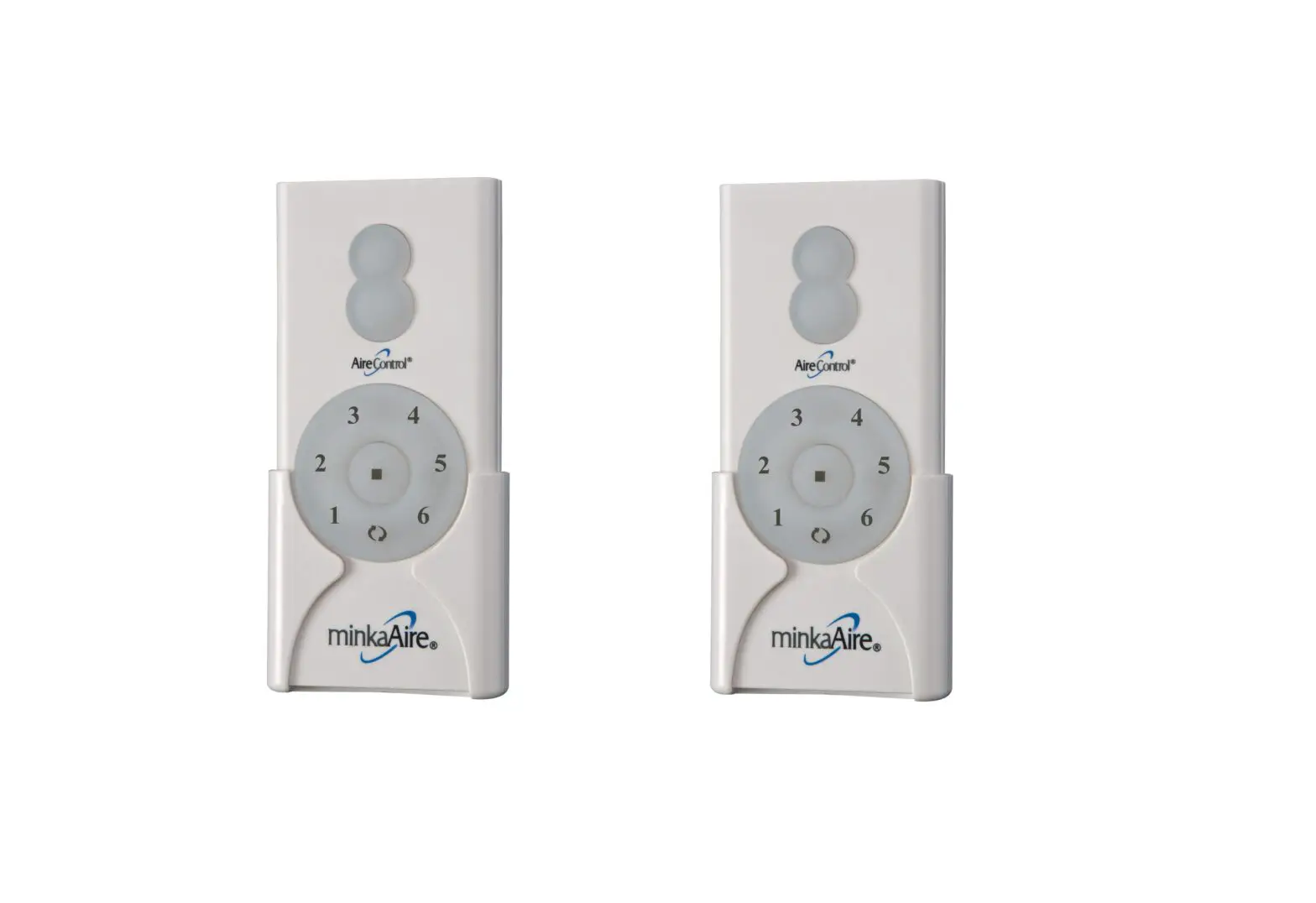
MST-F304A Remote control operation instruction
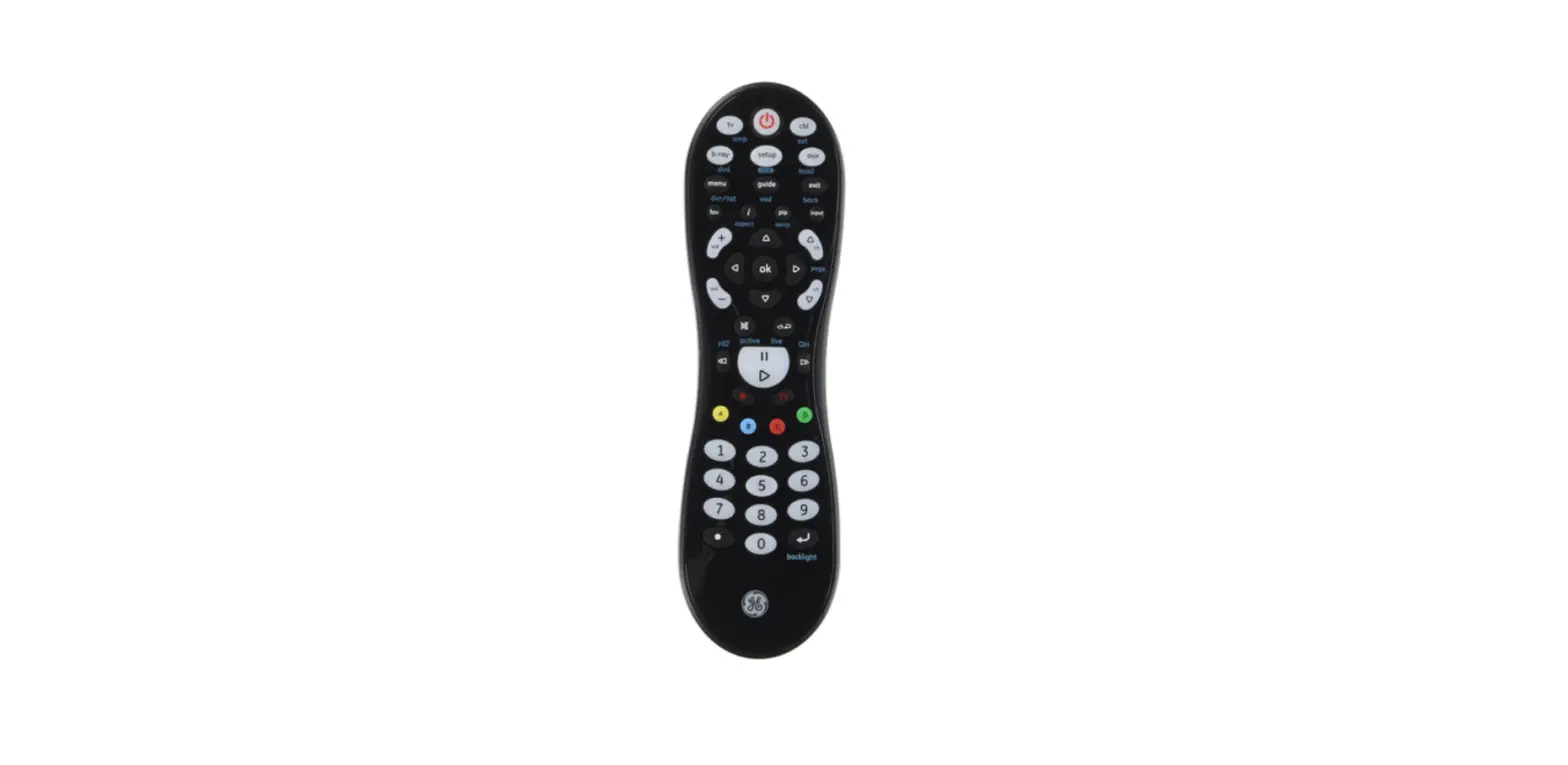
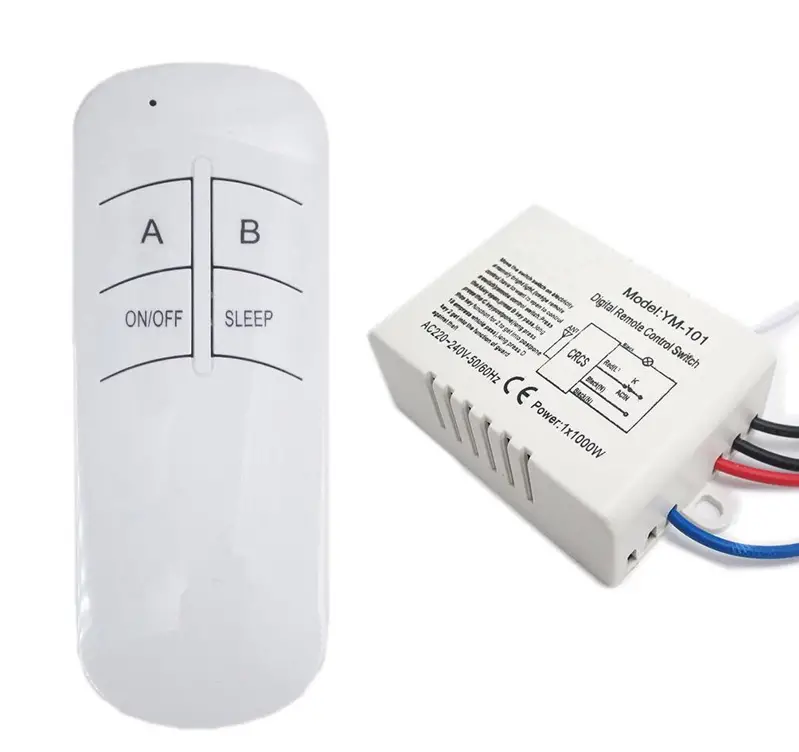
As shown in the figure: 1 button: to turn light ON or OFF 21 button: for fan LOW speed 30 buttonto turn fan OFF 42 buttonfor fan MEDIUM speed 53 buttonfor fan HIGH speed 6REDLED: Indicator light: When pressing the button, this light will light up and the remote control will send instructions. Restore electrical power.Within 30 seconds of restoring electrical power, press and hold the ” 0 ” button on the remote controtransmitterfor 5seconds or until ight on the fan blinkstwiceUsethe remote control transmitter to test the liaht and fan functions to confirm the learning process is complete. Tap button quickly to turn lights off or on. Hold button down to increase or decrease or decrease lights. If you press button in excess of 0.7seconds, it becomes a dimmer. The lights vary cyclically in 8 seconds. The light button has an auto resume function, which keeps the light at the same brightness as the last time it was turned off.
This device complies with Part 15 of the FCC Rules. Operation is subject to the following two conditions: (1) this device may not cause harmful interference, and (2) this device must accept any interference received, including interference that may cause undesired operation
NOTE: This equipment has been tested and found to comply with the limits for a Class B digital device, pursuant to Part 15 of the FCC Rules. These limits are designed to provide reasonable protection against harmful interference in a residential installation. This equipment generates, uses and can radiate radio frequency energy and, if not installed and used in accordance with the instructions, may cause harmful interference to radio communications. However, there is no guarantee that interference will not occur in a particular installation. If this equipment does cause harmful interference to radio or television reception, which can be determined by turning the equipment off and on, the user is encouraged to try to correct the interference by one or more of the following measures: — Reorient or relocate the receiving antenna. — Increase the separation between the equipment and receiver. — Connect the equipment into an outlet on a circuit different from that to which the receiver is connected. — Consult the dealer or an experienced radio/TV technician for help.
Warning: changes or modifications not expressly approved by the party responsible for compliance could void the user’s authority to operate the equipment
The devices has been evaluated to meet general RF exposure requirement the device can be used in portable exposure condition without restriction