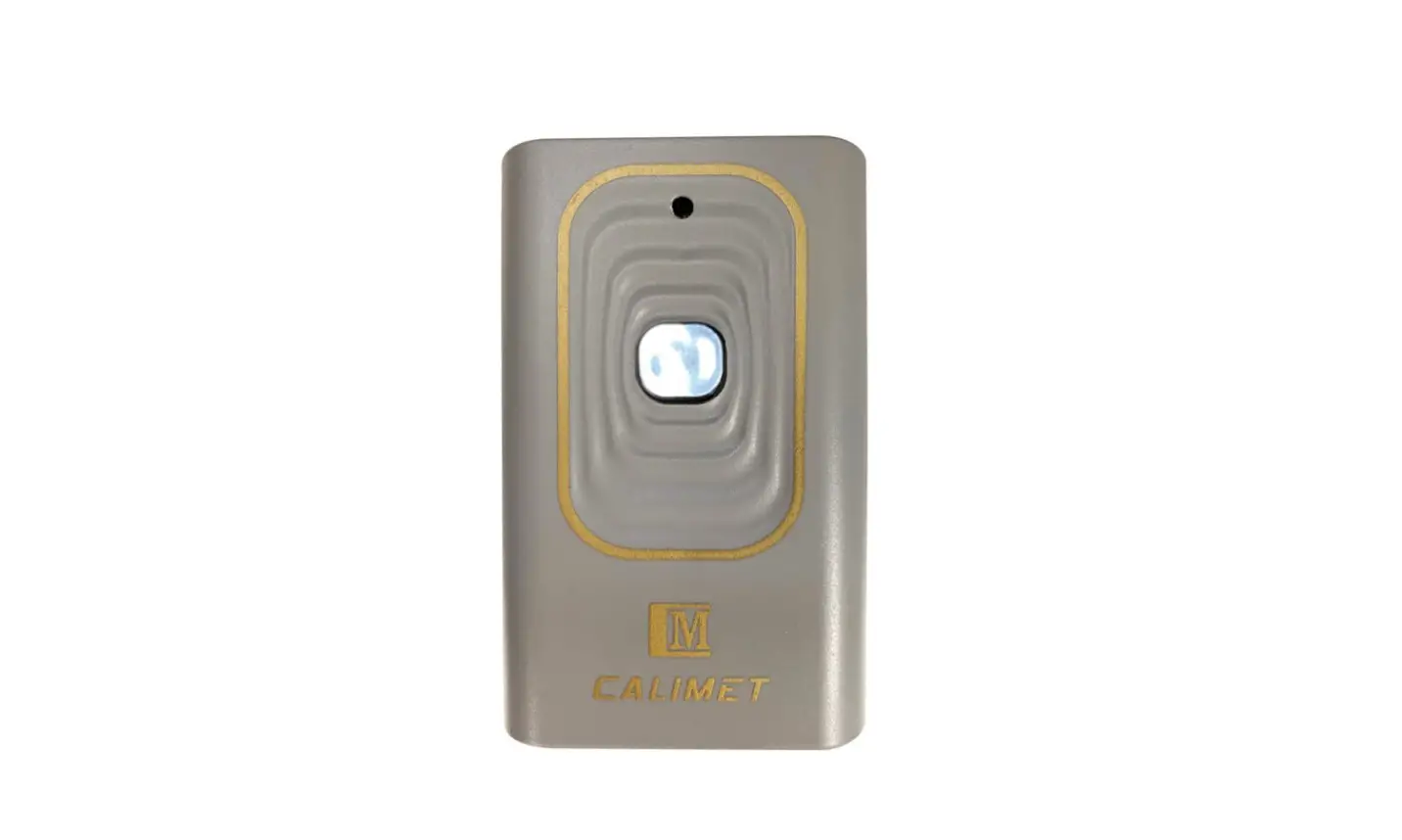
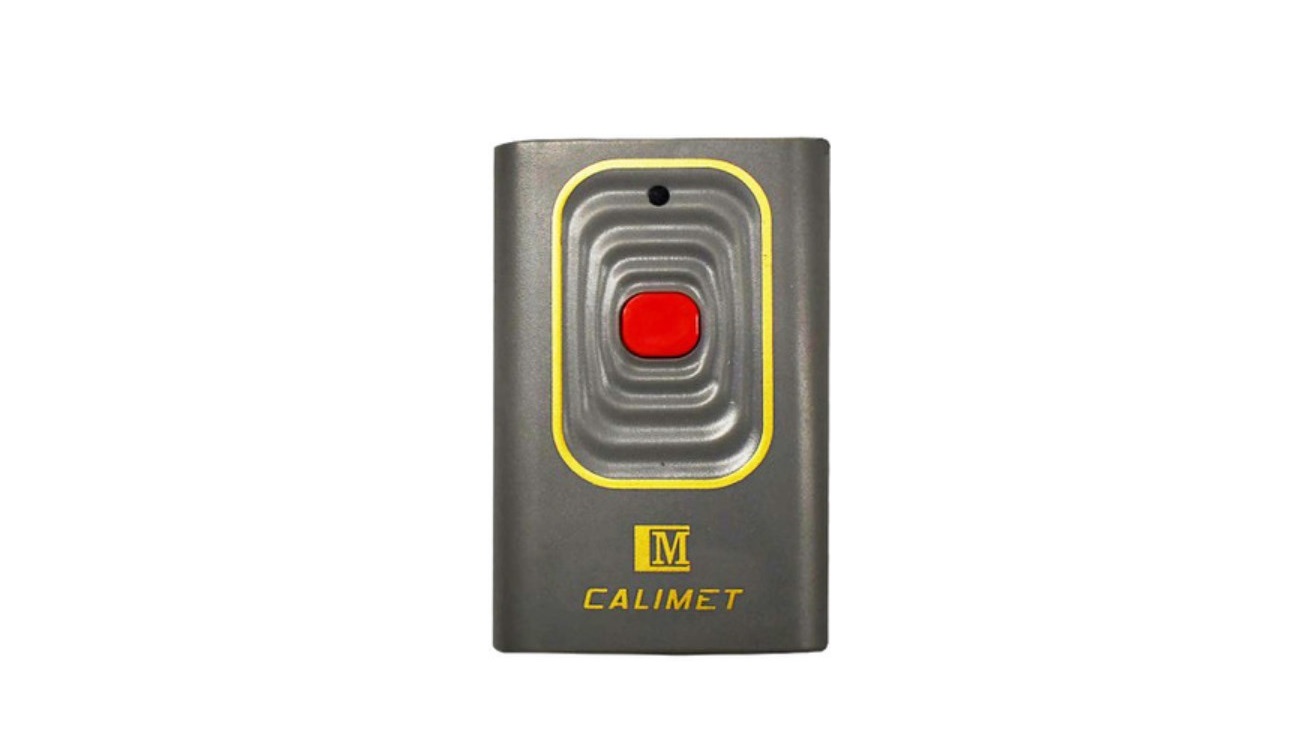
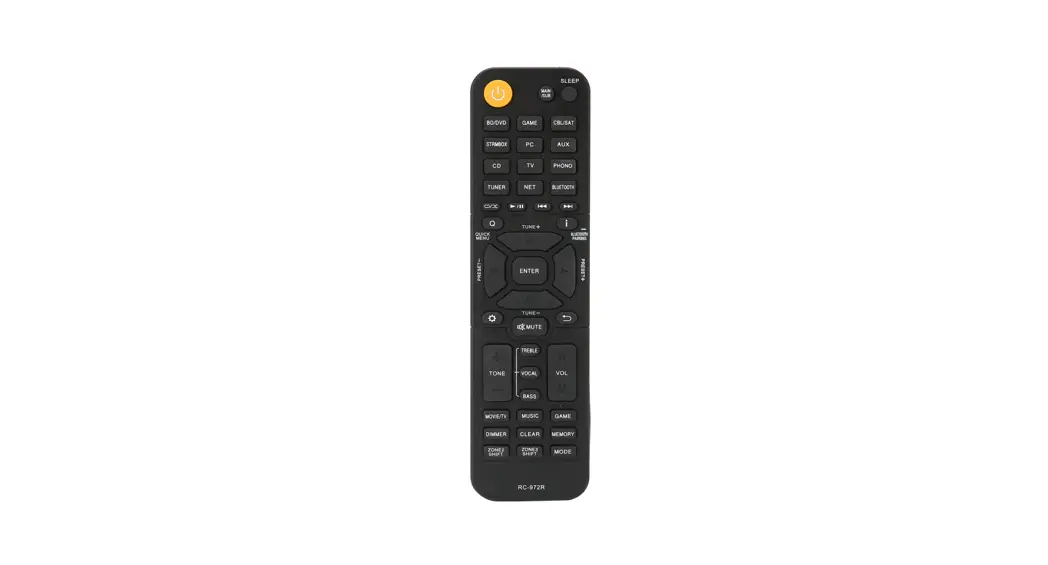
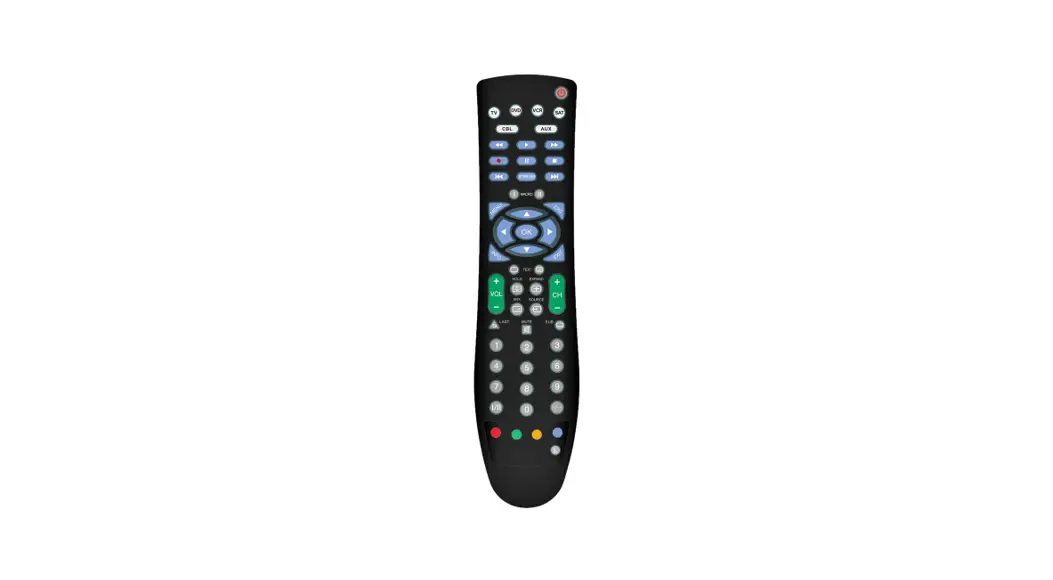
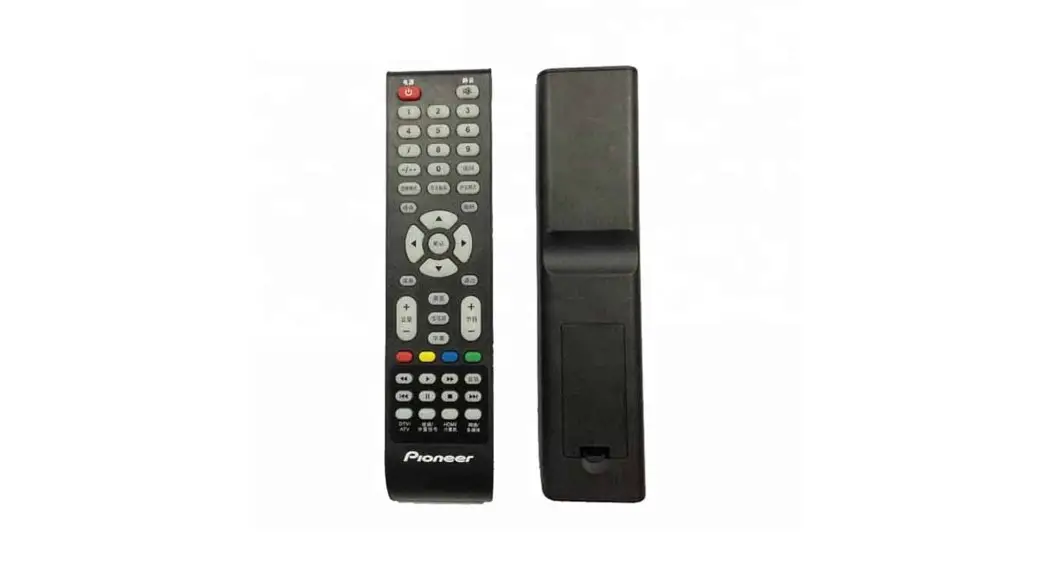
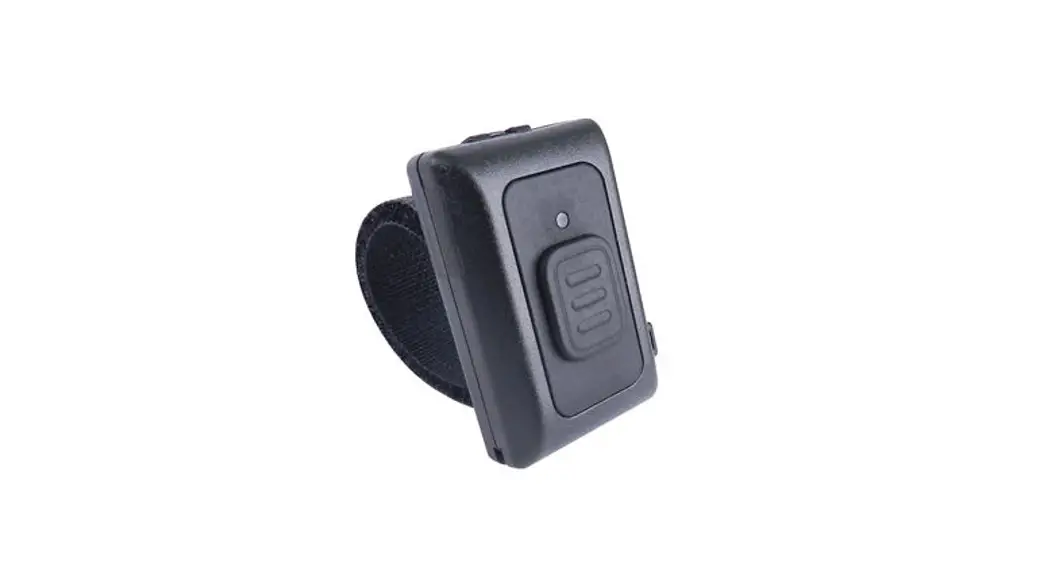
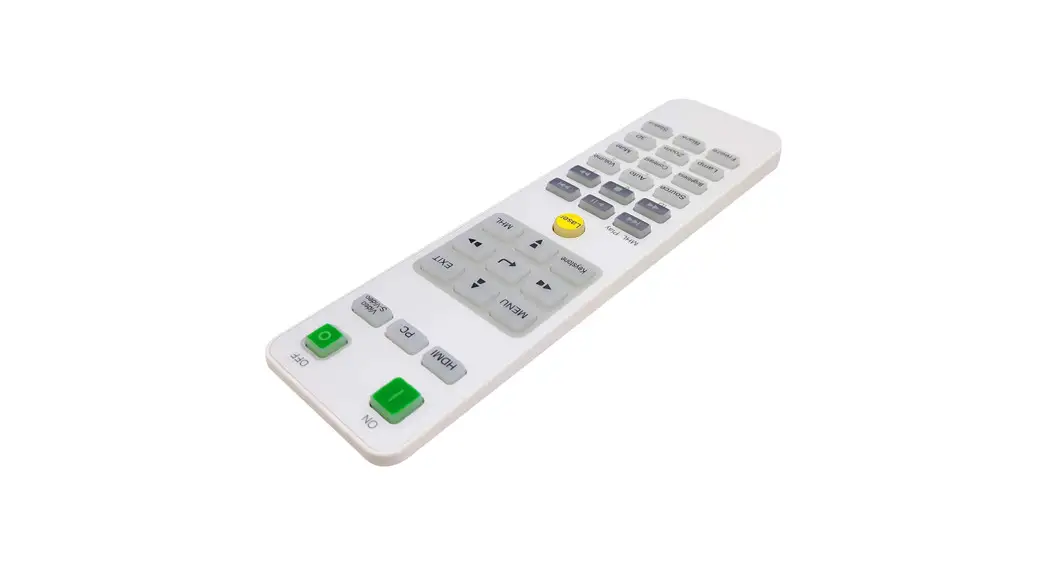
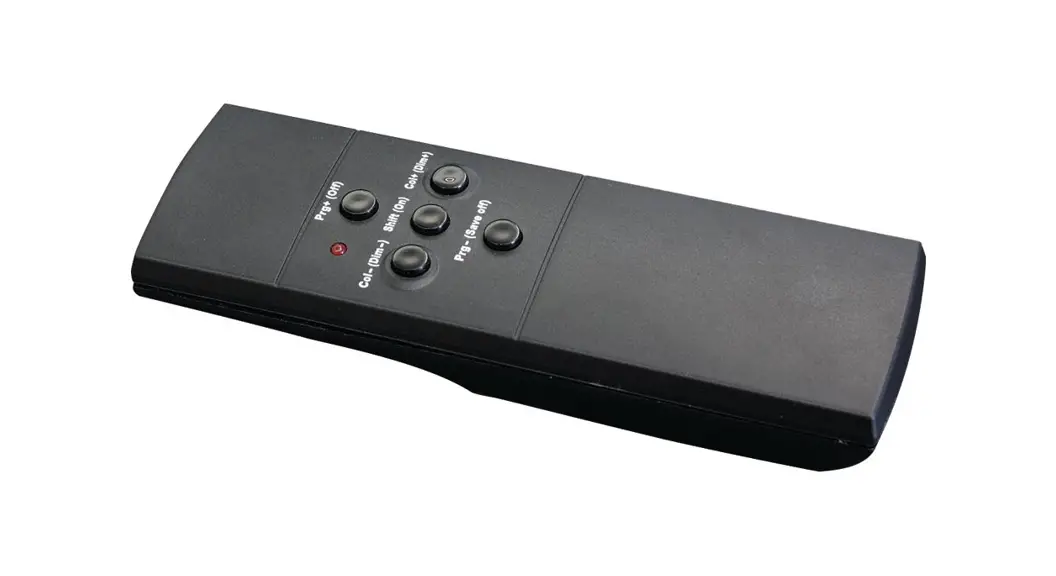
CM9-510 Remote Control
Remote Control Instruction Manual
Model: CM9-510
Product Information
The remote control is designed to connect to your gate opener
for easy access and control. The model number of the remote control
is CM9-510.
Product Usage Instructions
- Open the gate opener cover and lift the panel to locate the
circuit board. - On the circuit board, find the black STUDY button. It is
generally located in the middle left side, but on some circuit
boards, it may be located on the top right side. - Press and hold the button on the remote control.
- Press and hold the STUDY button on the circuit board until the
flashing light becomes solid, which takes approximately 1.5-2
seconds. Then release both the remote control button and the STUDY
button. - Congratulations! The remote control is now successfully
connected to the gate opener.
If the connection process did not work, it may be because the
STUDY button was held down for too long. Please ensure that you
hold the button for 1.5 to 2 seconds only.
Removing Existing Remotes
To remove existing remote controls:
- Press and hold the STUDY button for 8 seconds.
- Observe the light state: flashing-solidflashing. This indicates
that the removal process is complete and all existing remote
controls have been removed.
Video Instructions
For visual guidance on how to connect your remote control to
your gate opener, please watch the video tutorial.
Remote Control Instruction Manual
Connect your remote control to your gate opener
CM9-510
A. Open the gate opener cover, and lift the panel to find the circuit board.
B. On the circuit board, look for the black “STUDY” button, generally located in the middle left side (for some circuit boards it may be located on the top right side).
C. Press and hold the button on the remote control.
D. Press and hold the STUDY button on the circuit board until the flashing light becomes solid, about 1.5-2 seconds. Then stop holding both the remote control and study button.
G. You are now finished. The remote is now connected to the gate opener.
If that didn’t work, it’s because the STUDY key was held down for too long. 1.5 to 2 seconds is enough.
Finished.
Removing Existing Remotes
Press the STUDY key and hold for 8 seconds, watch the light state: flashing-solidflashing, the removal is done. All existing remote controls have been removed.
Video Instructions
Visit the link below to watch a video on how to connect your remote to your gate opener.