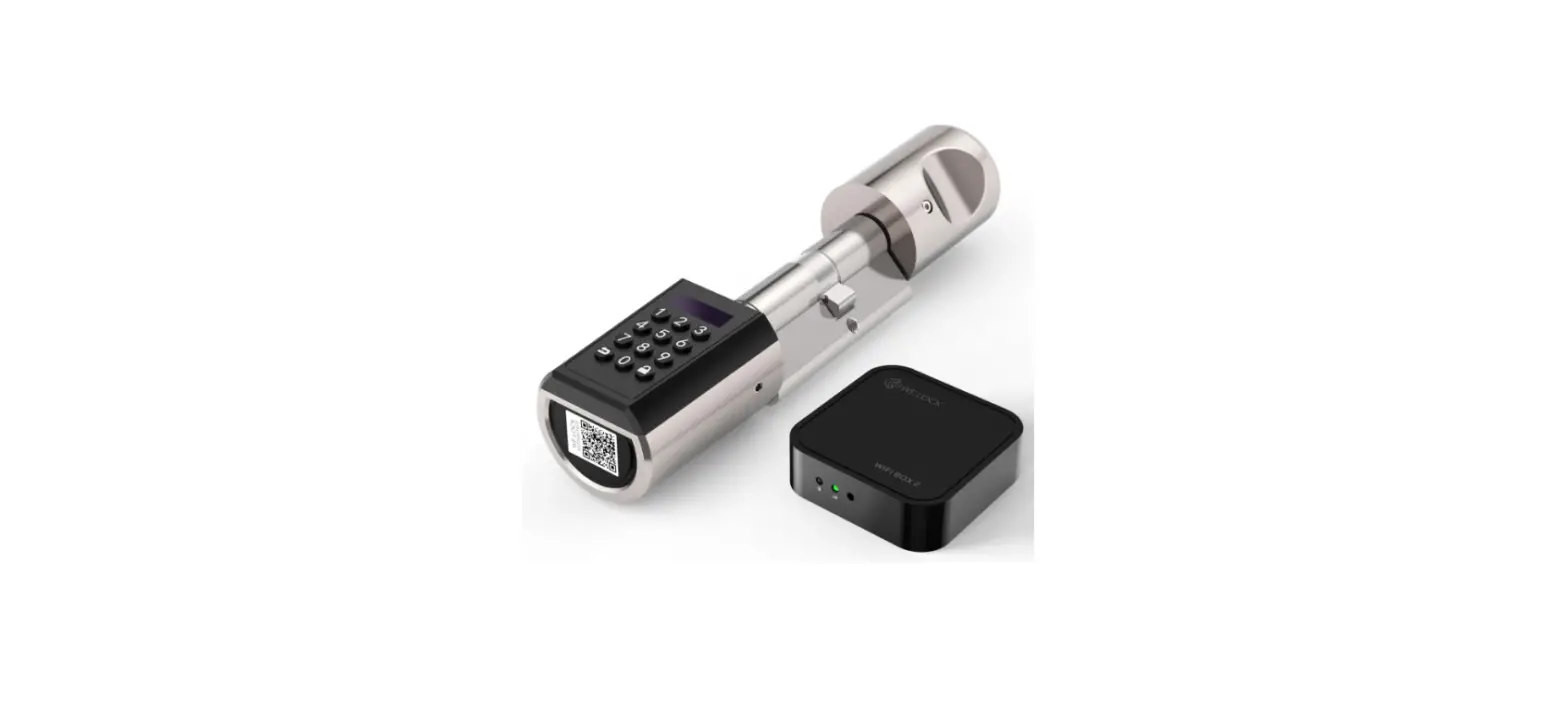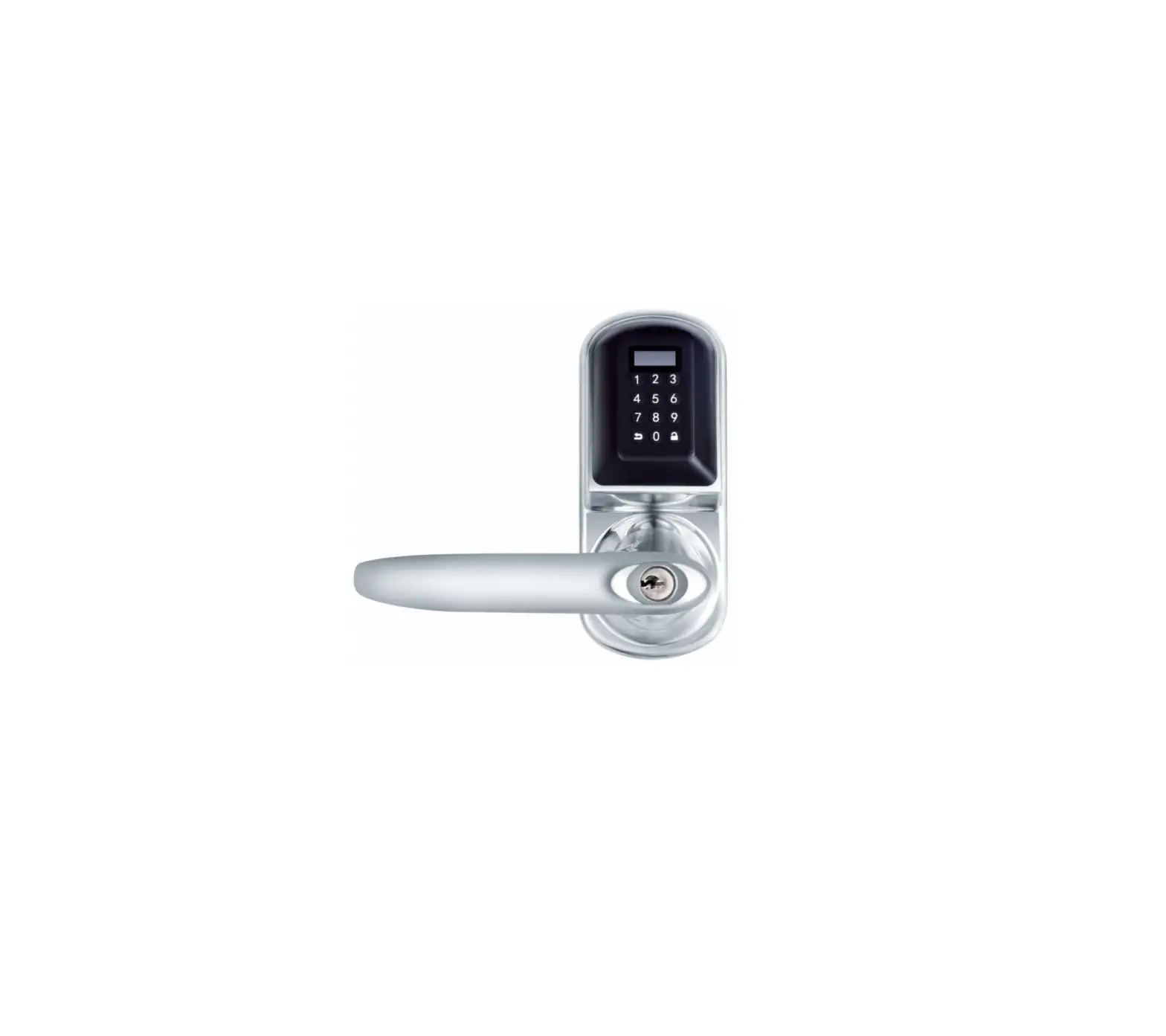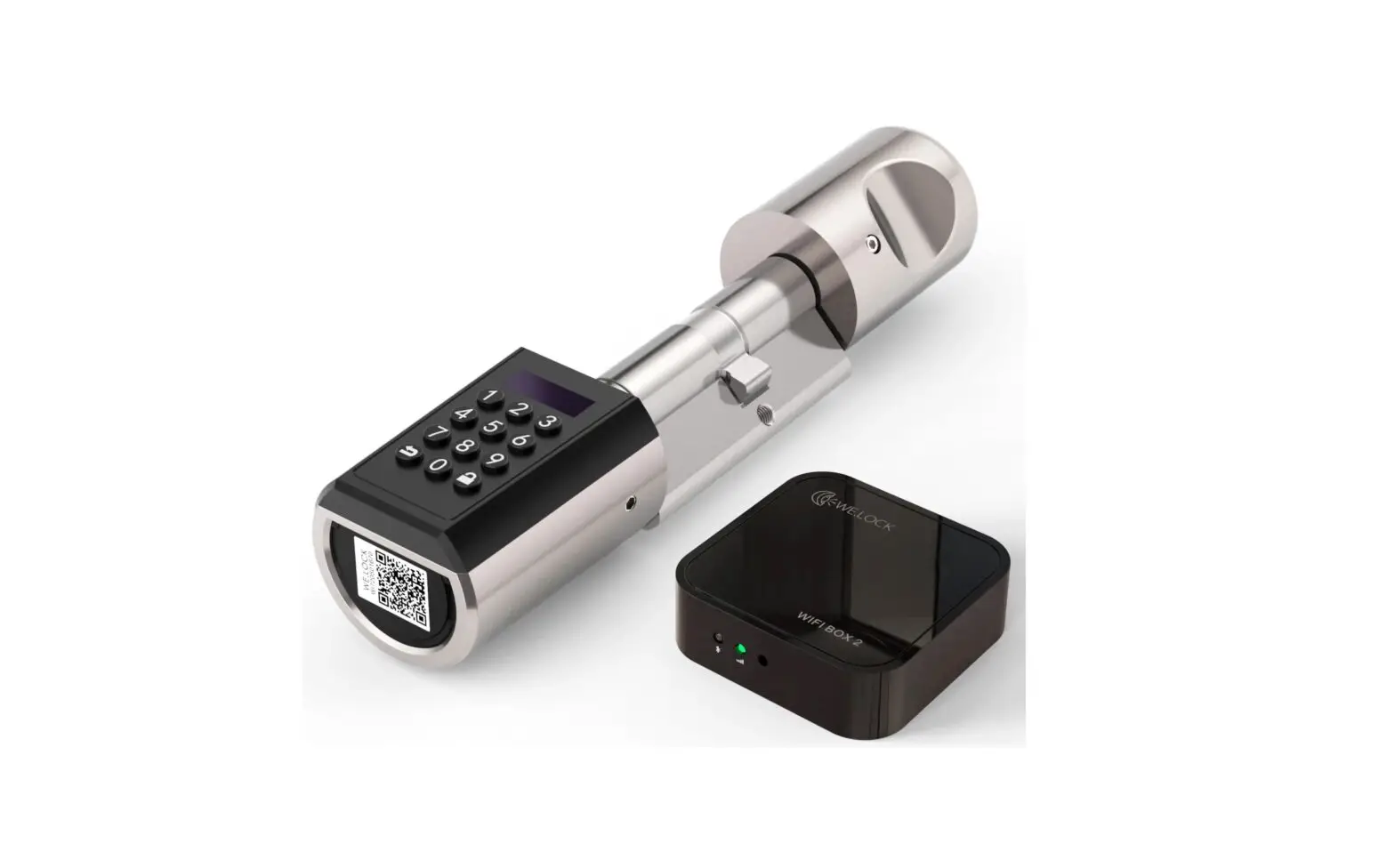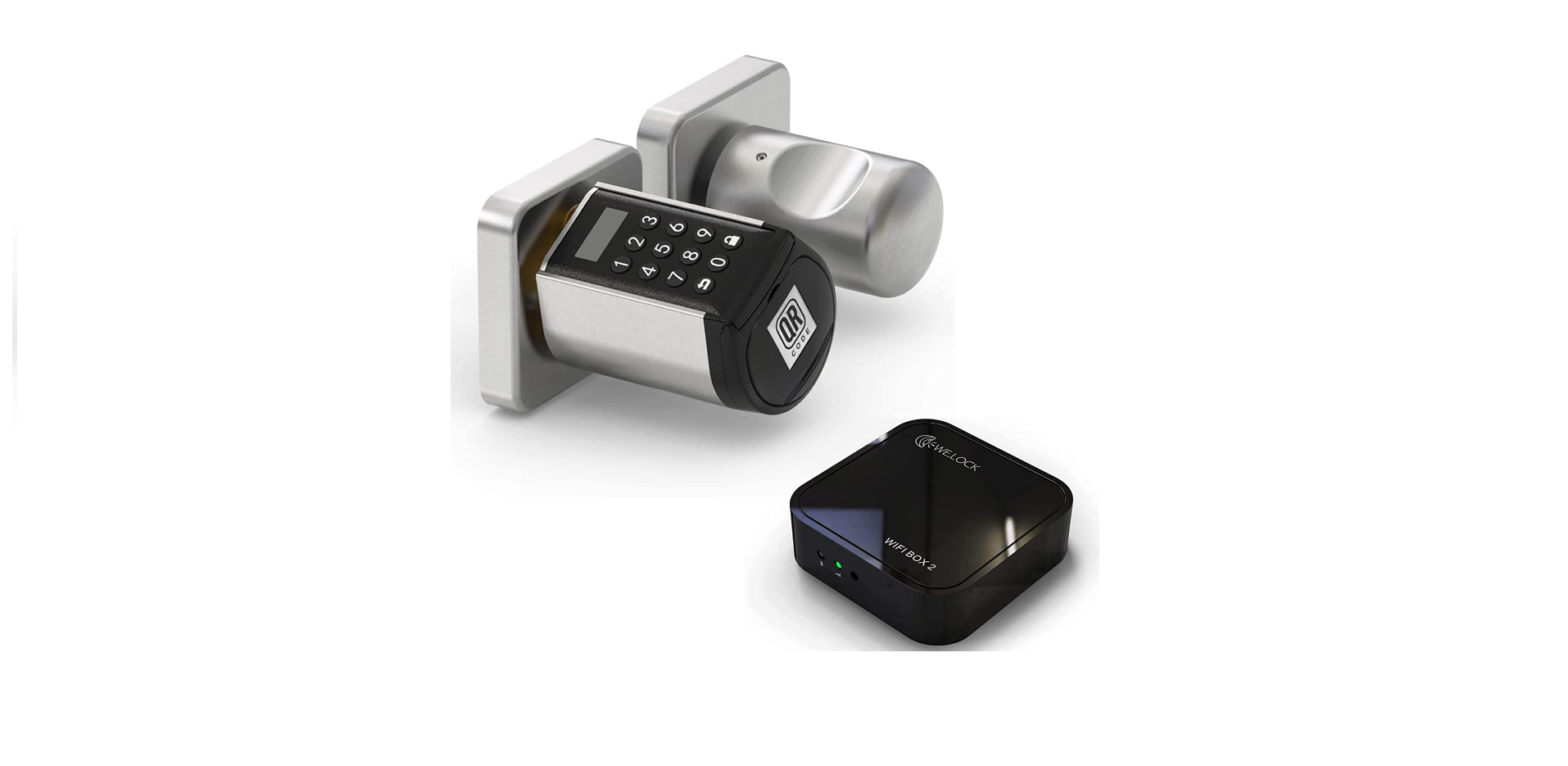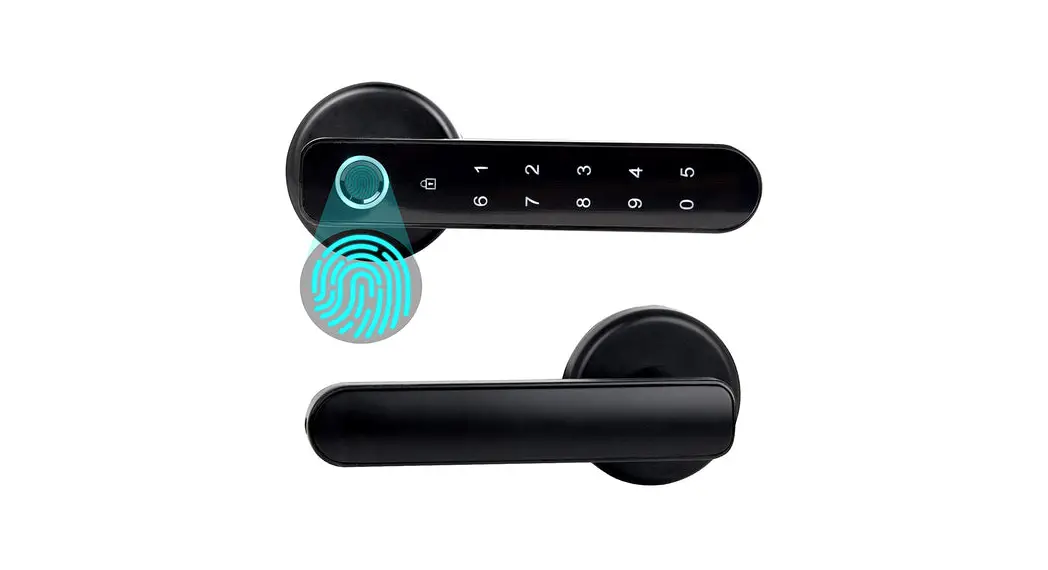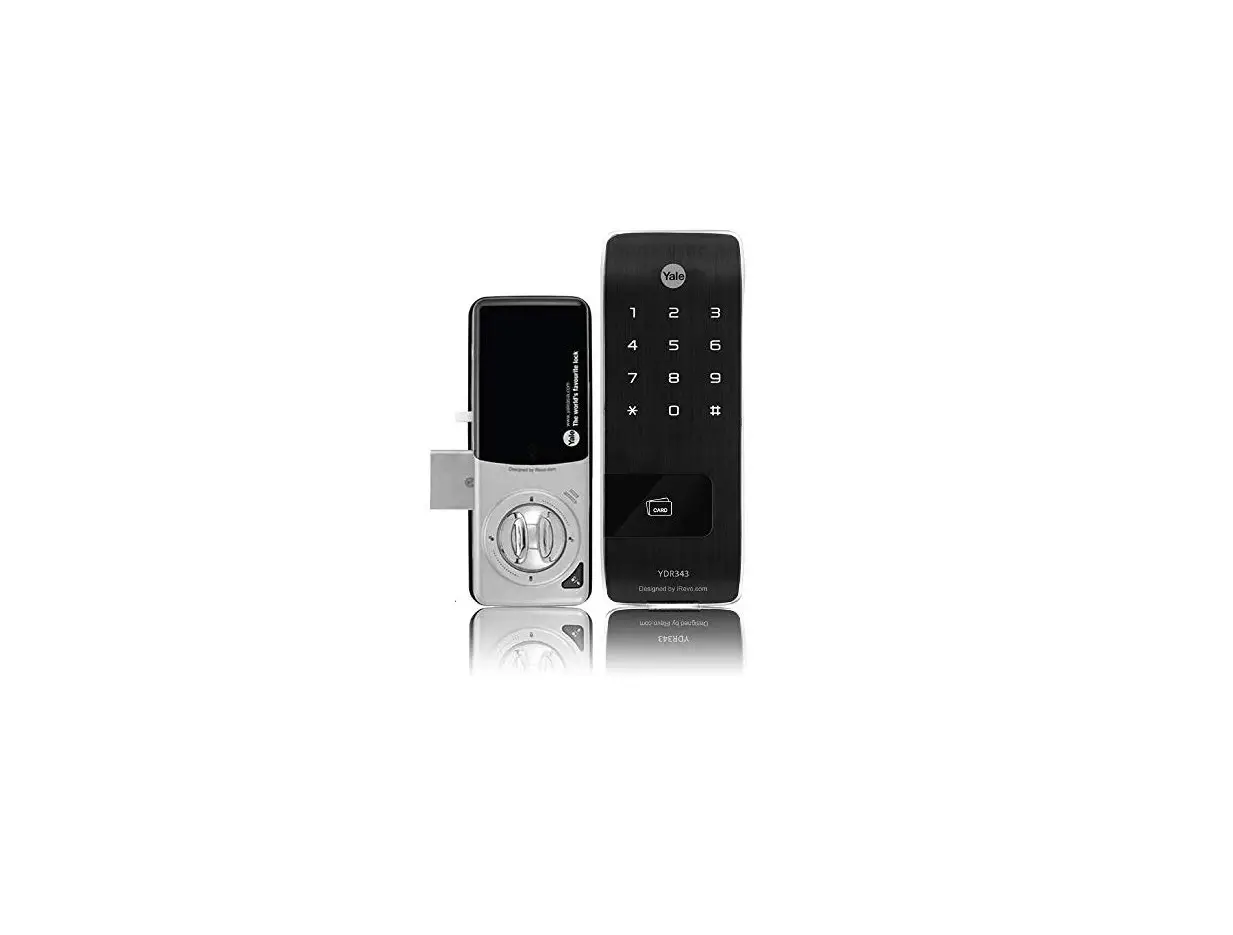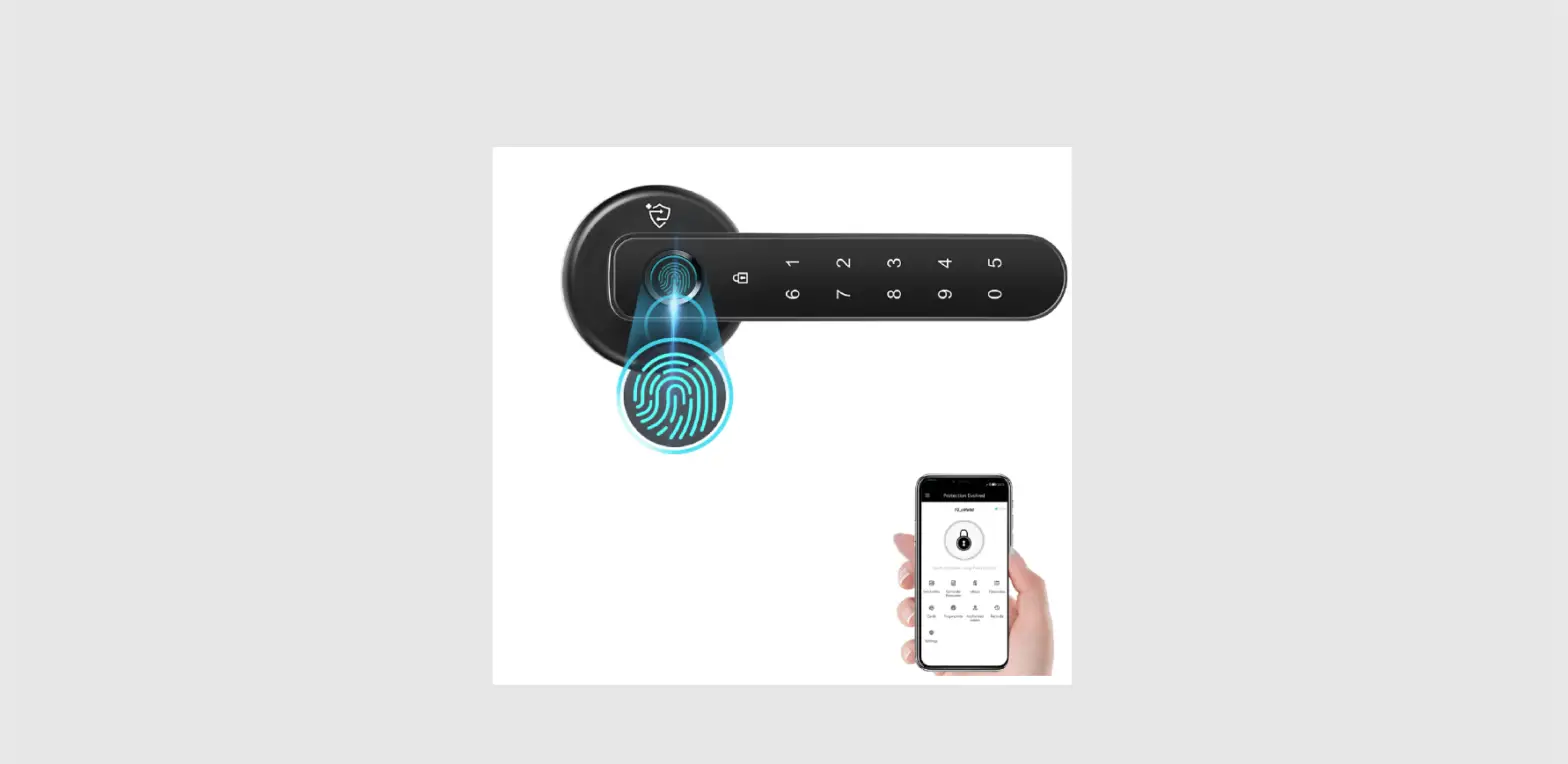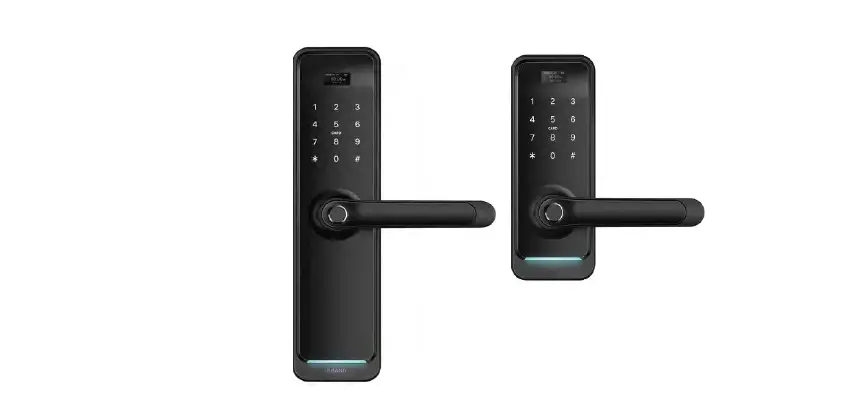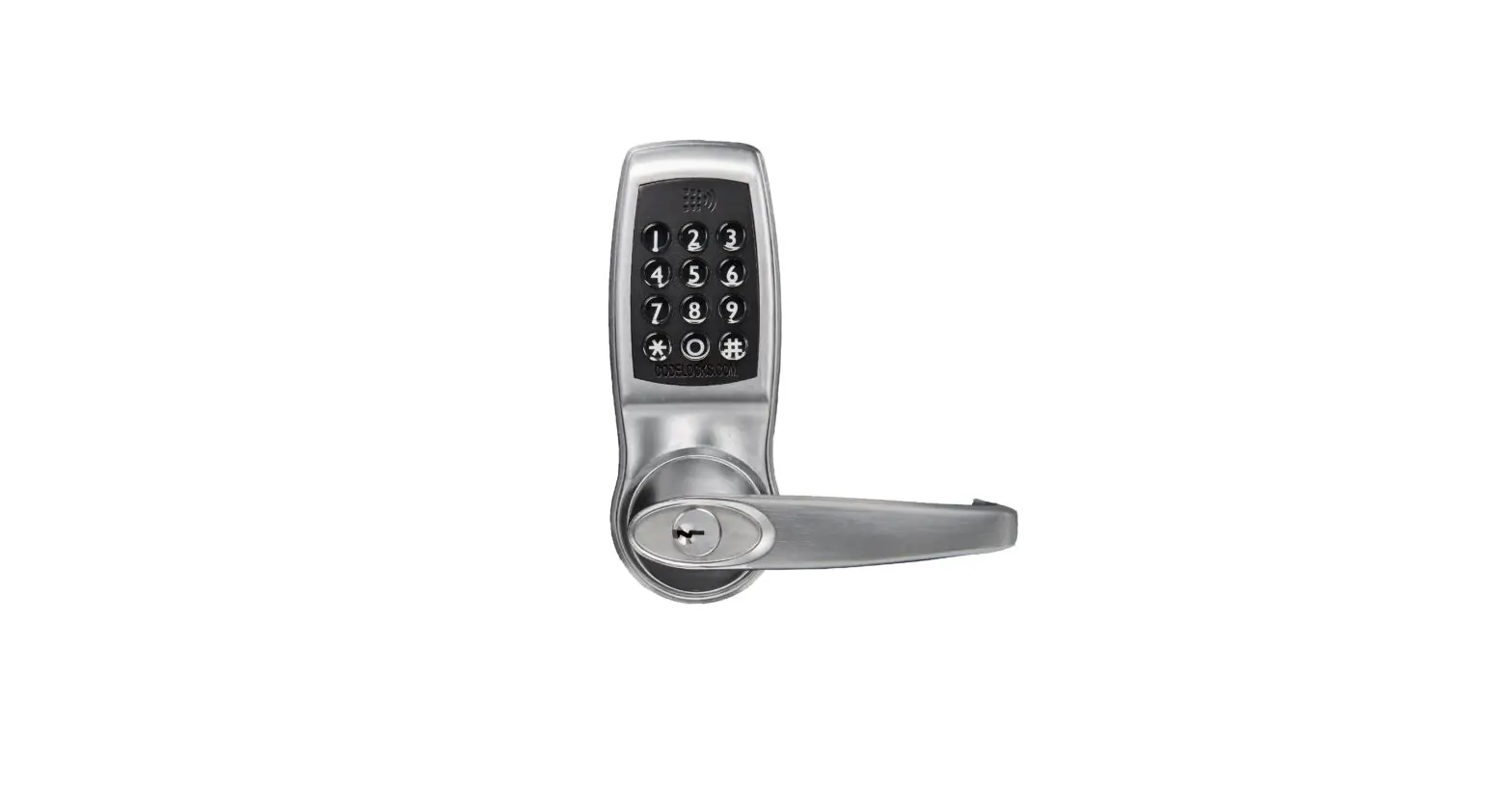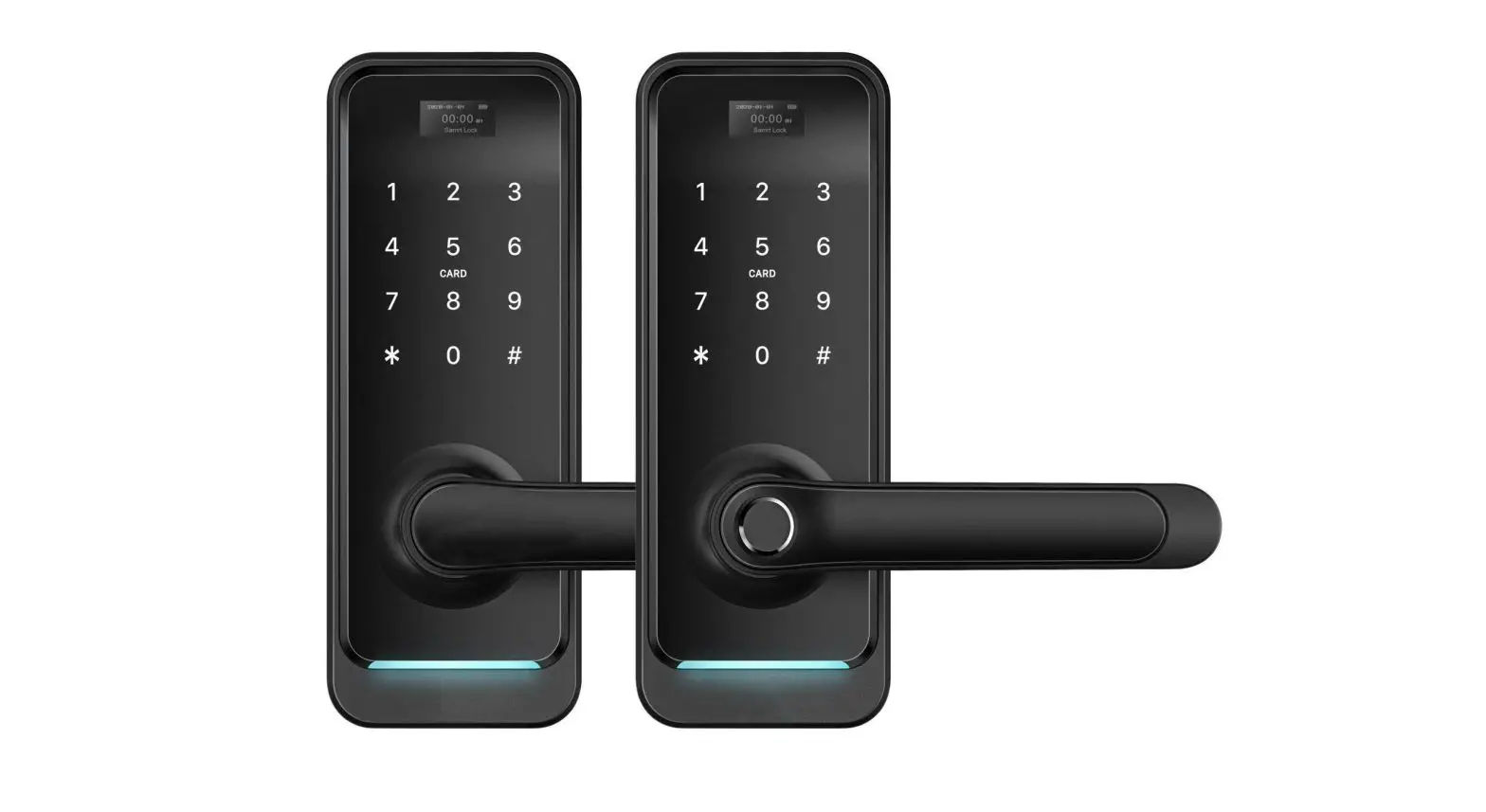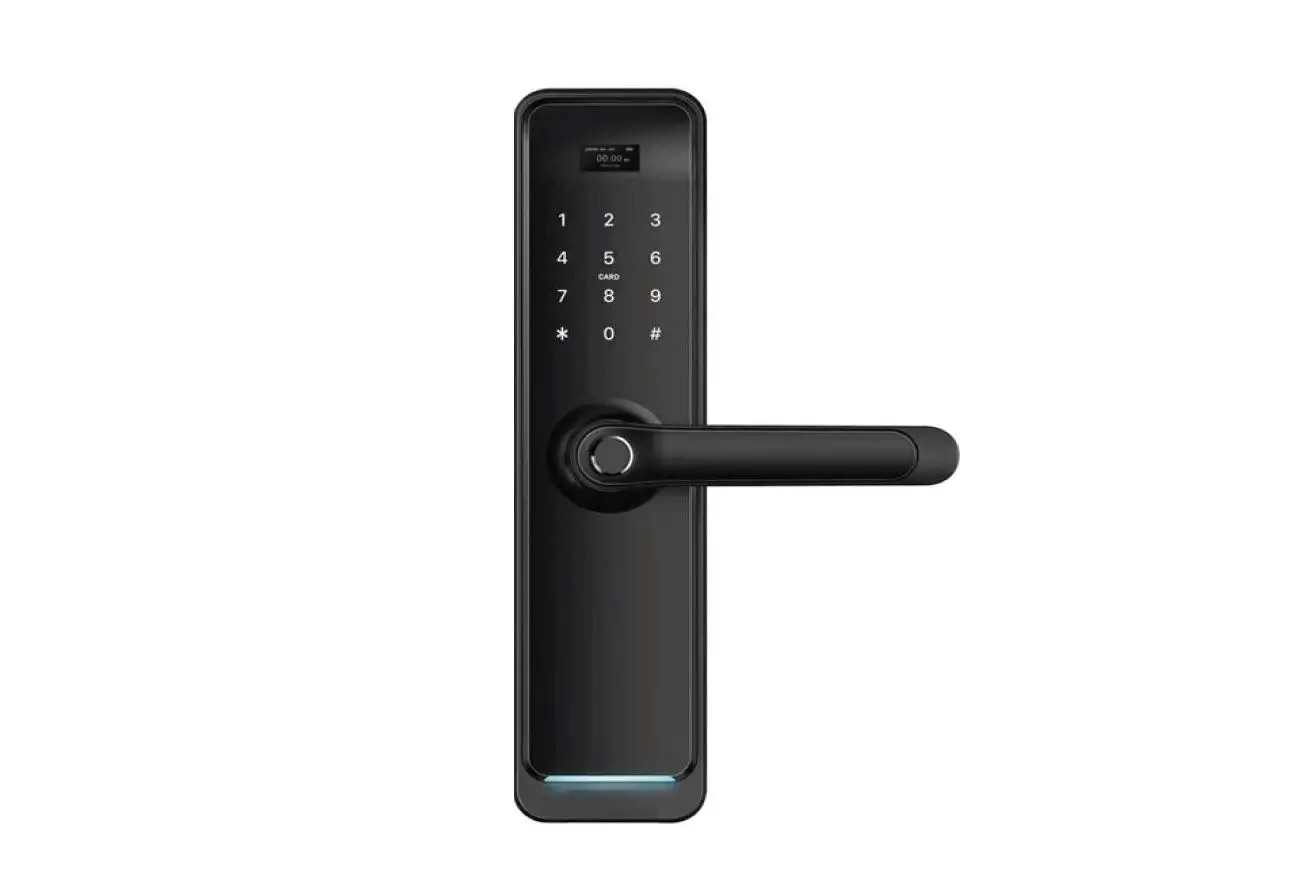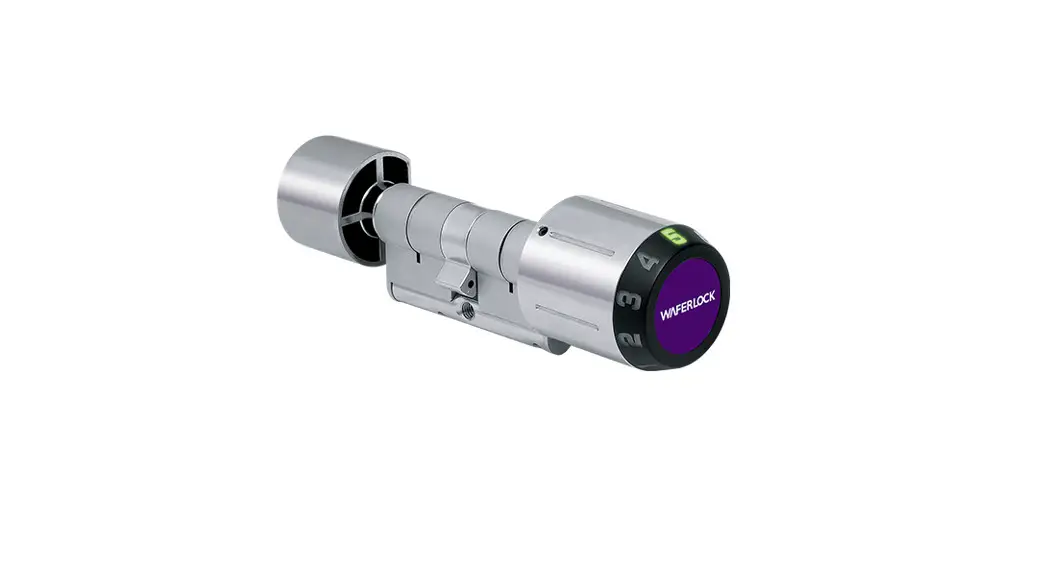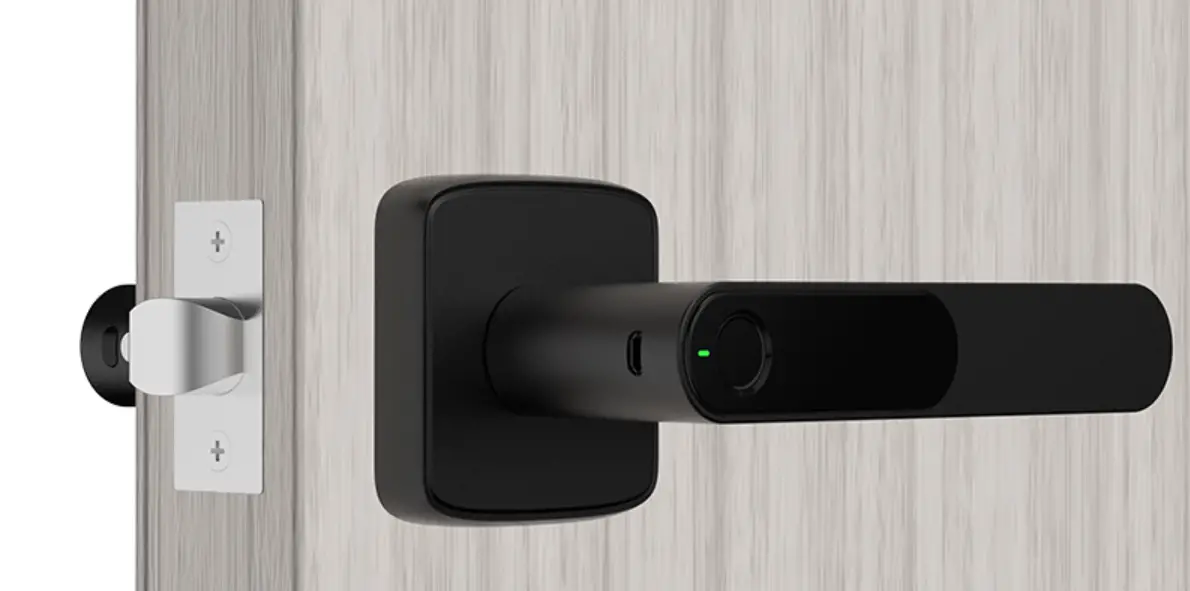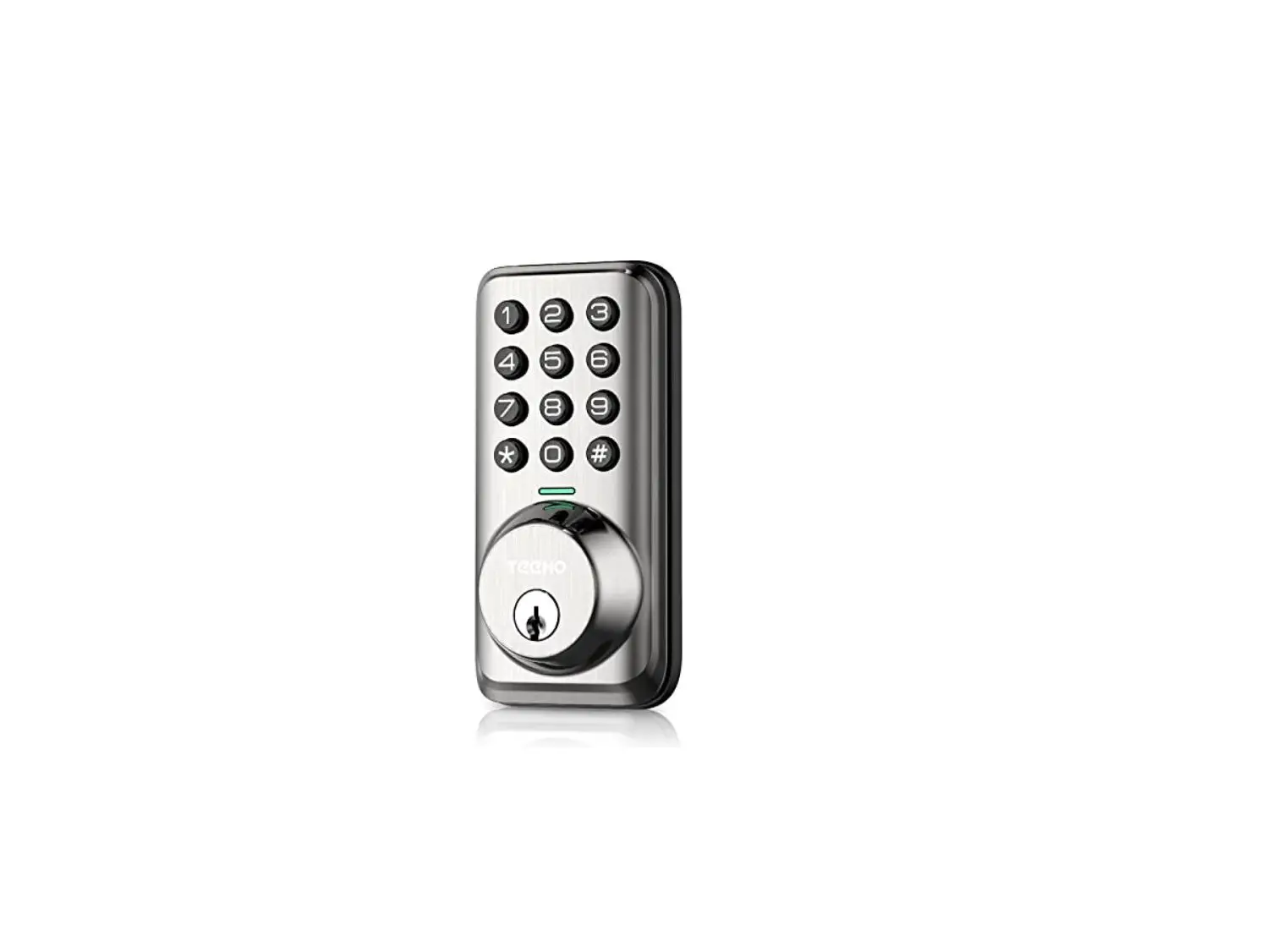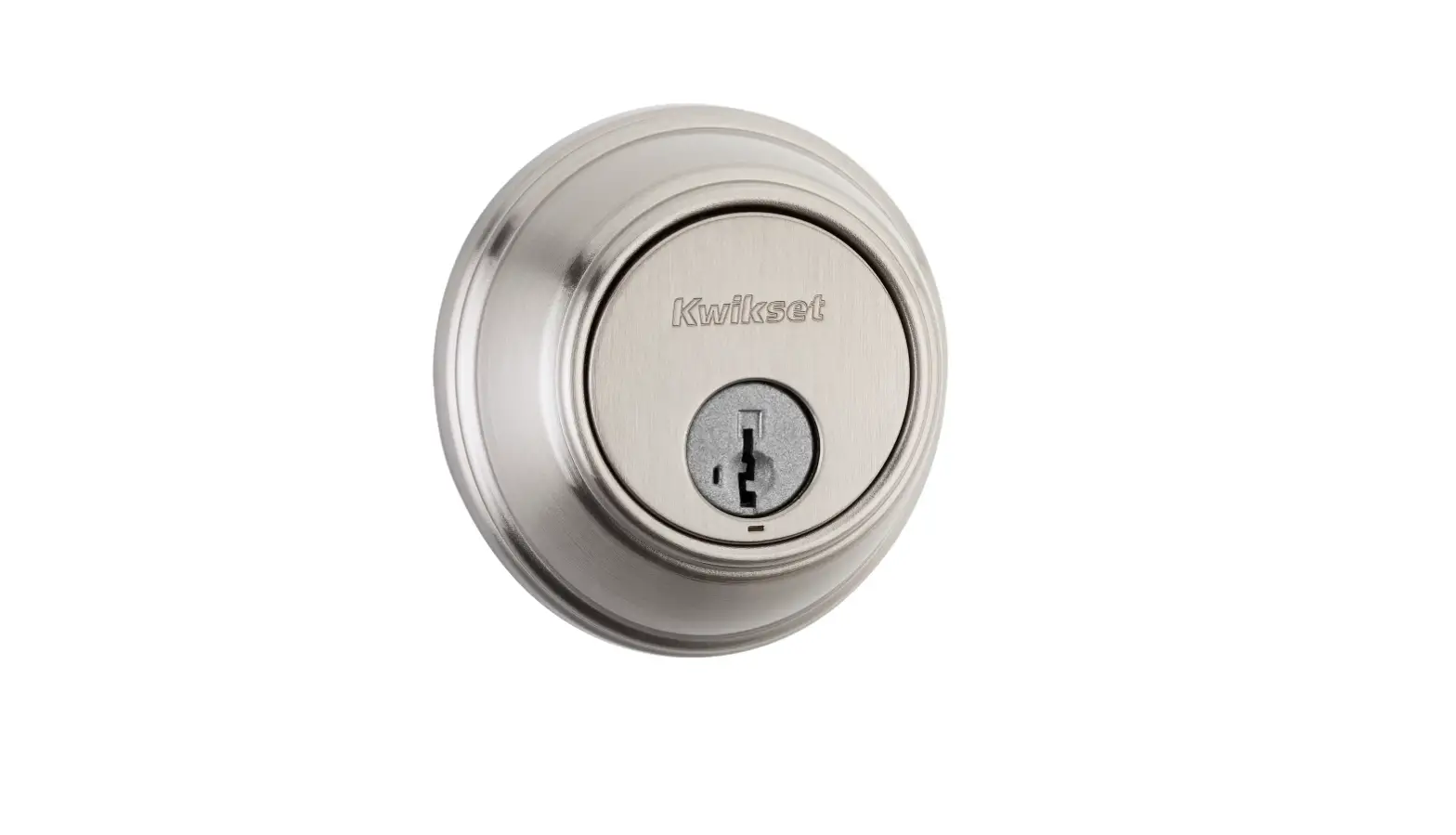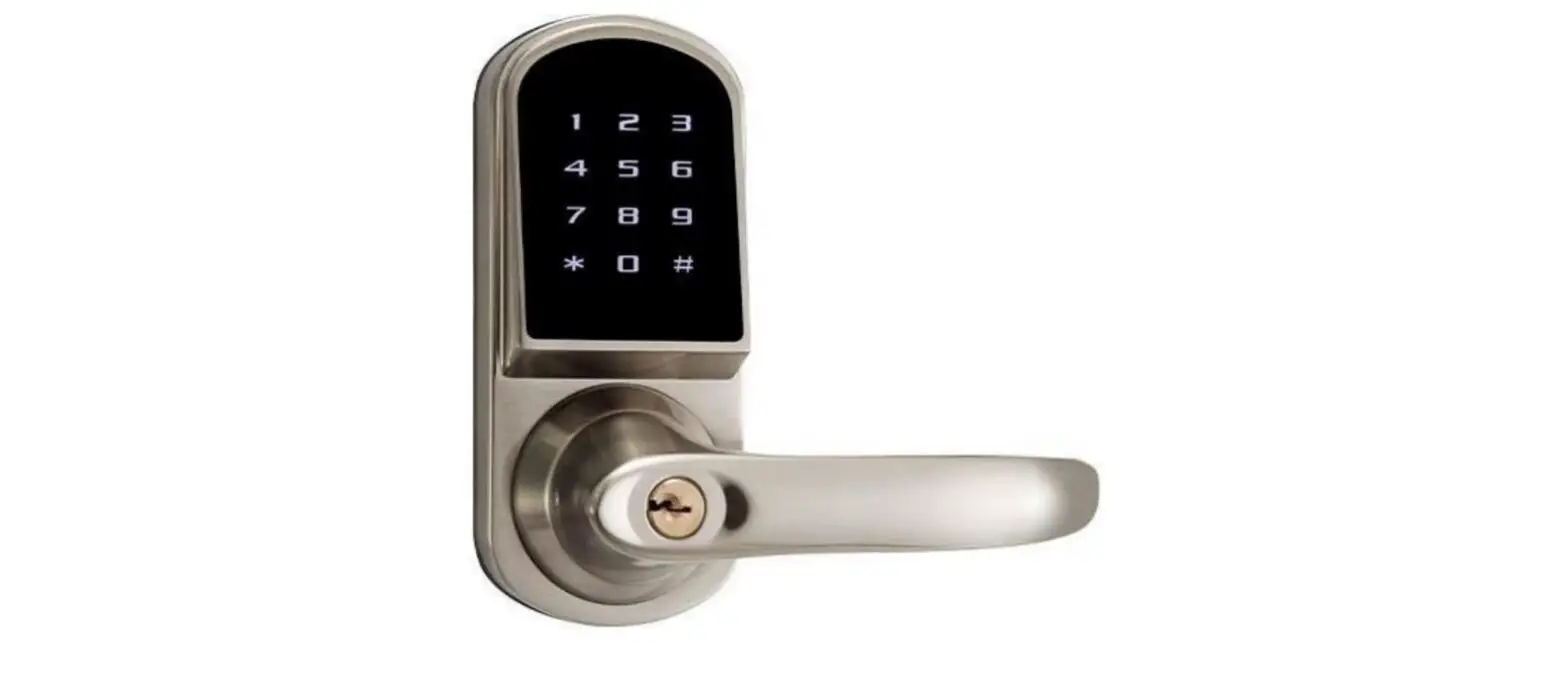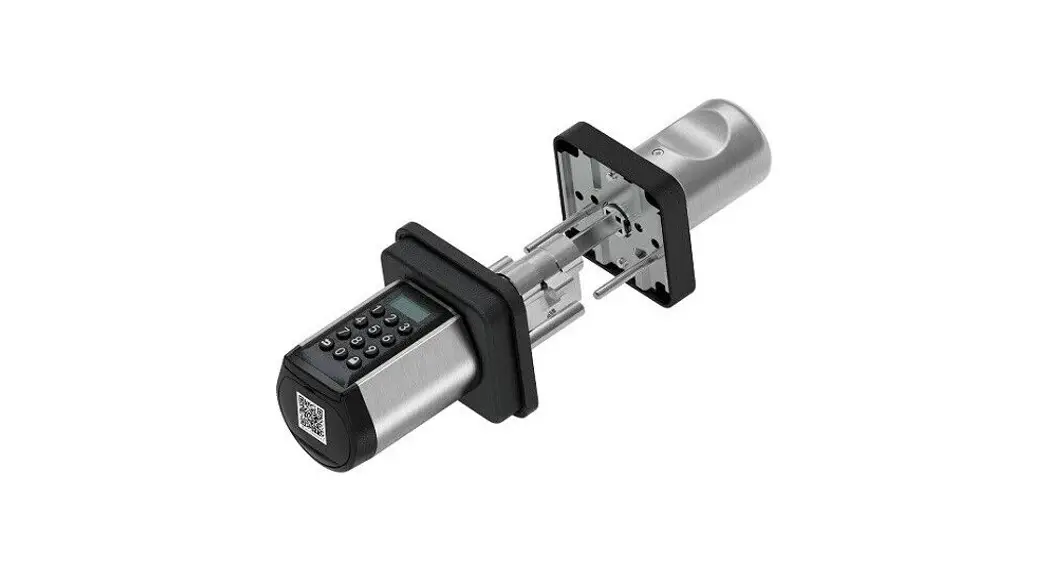

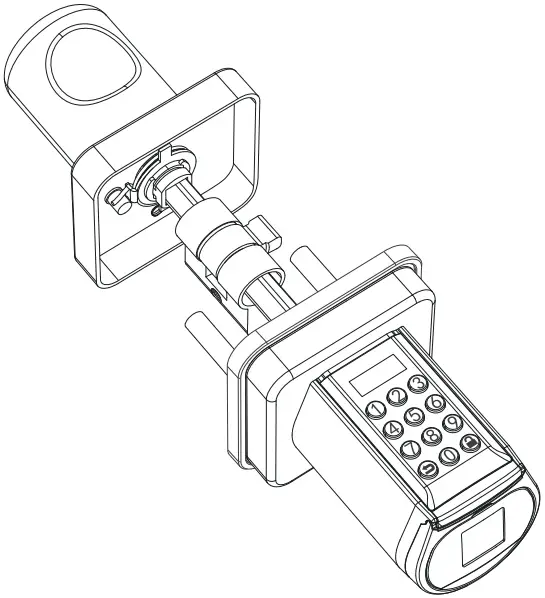
PCB10KEY28 Smart Door Lock Cylinder
Instructions
PART LIST FIGURE
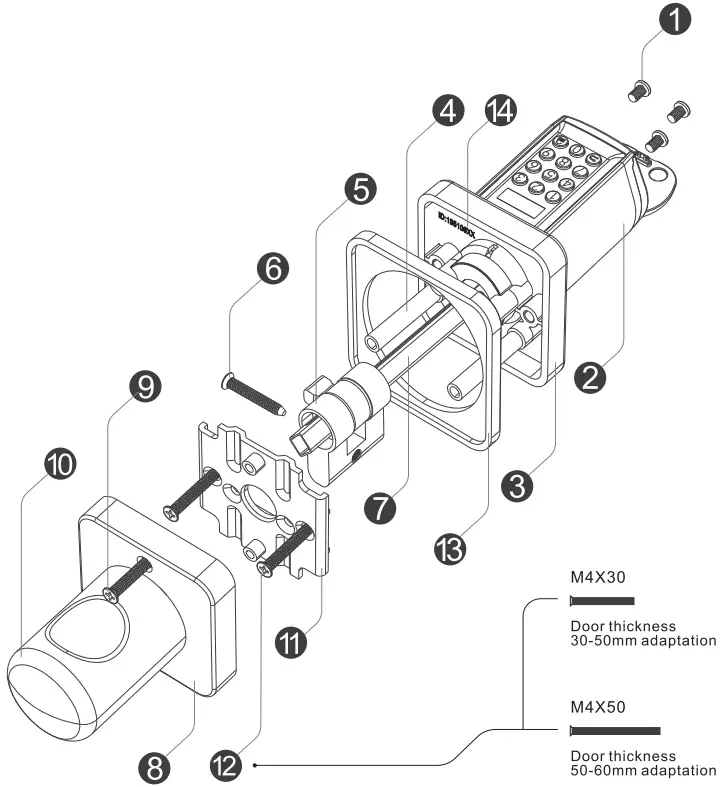
- Screws for battery compartment
- Front Handle
- Front Panel
- Screw casing
- Profile cylinder
- Scerws for profile cylinder
- Toggle lever
- Rear Panel
- Scerws for rear Panel
- Rear handle
- Mounting bracket
- Mounting bracket screw
- Mbase
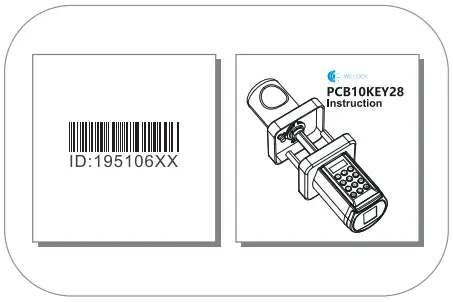
- Product ID
Accessory list(TOOL BOX)
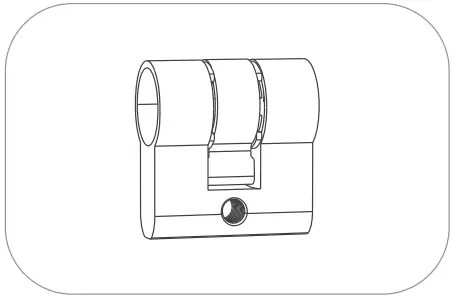 | 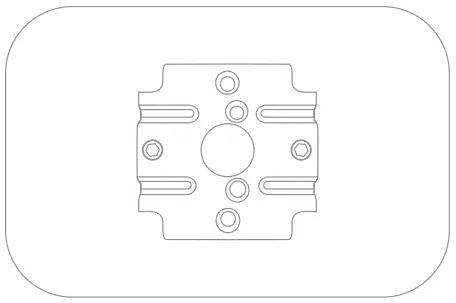 |
| Euro Profile Cylinder*1 | Mounting bracket*1 |
 |  |
| Sticker*2 (Used to cover the door hole] | Mbase*1 |
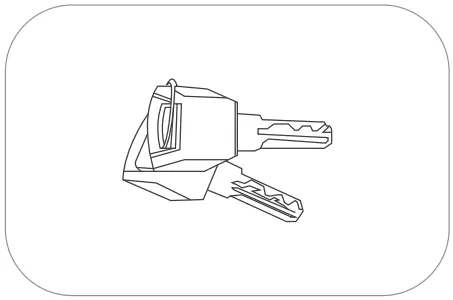 | 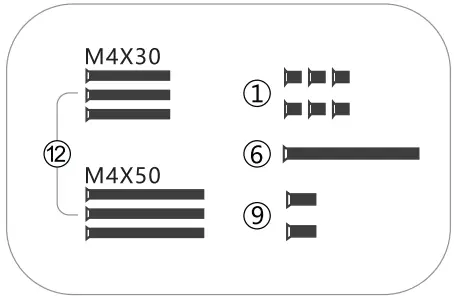 |
| KIY*2 | Fixing screw*15 |
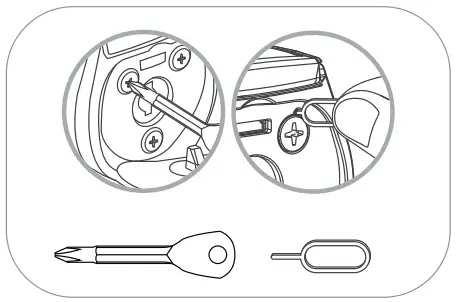 | 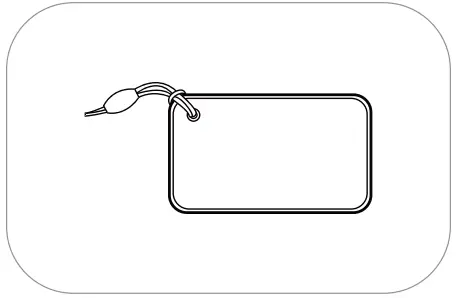 |
| Phillips screwdriver & Thimble | RFID Cord*3 |
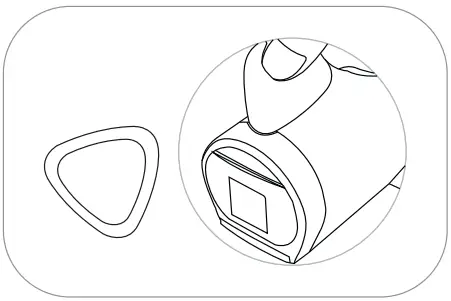 |  |
| Battery installation assistance tool*1 | Product ID*1 Manual*1 |
Install battery
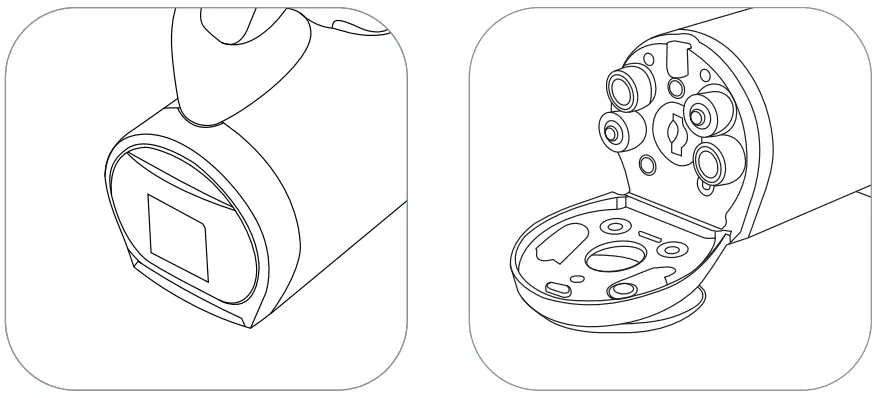
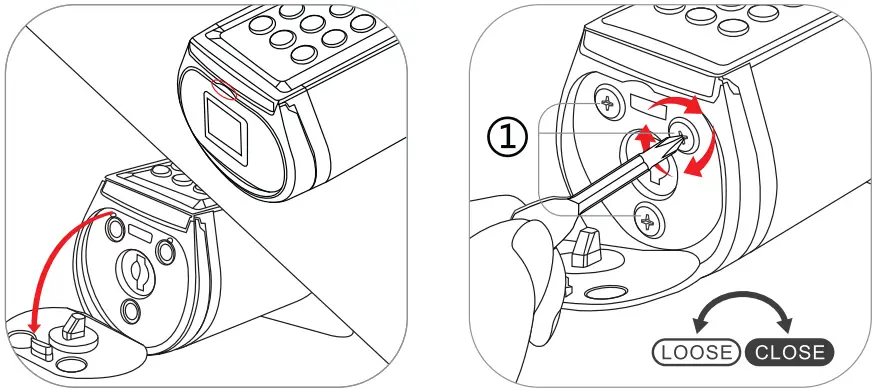
- Insert the battery installation assistance tool and rotate to open the battery comportment cover
- Install batteries

- Open the silicone cover
- Tighten the screws
Operating instruction
- If enter wrong passcode 5 times continuously. the system will be locked for three minutes and cannot operate.
- Press
 to woke up the keyboard+ IO digits temporary posscode.Enter wrong passcode 5 times continuously,the system will be locked for three minutes and con not operate.
Temporary passcode generation needs to be done in the App. The time on the screen should be some as the time on the phone.otherwise the tempororyposscode will be invalid. - Press to woke up the keyboord+swipe the RFID cords.
Swipe the unmatched cord Slimes continuously. the system is locked for three minutes and cannot operate. Any RFID cord con unlock the door in factory state. - Bind the lock on APP
Bind the lock on APP via Bluetooth,click”unlock”,then the phone time will be synchronized to the lock via Bluetooth.
 to woke up the keyboard+ IO digits temporary posscode.Enter wrong passcode 5 times continuously,the system will be locked for three minutes and con not operate.
Unlock and lock
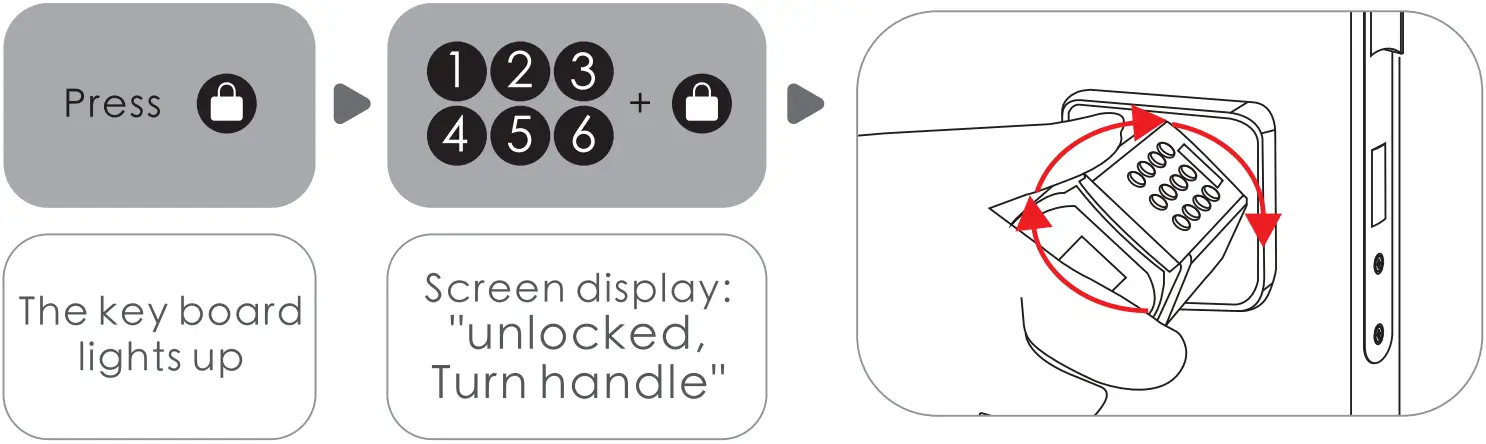
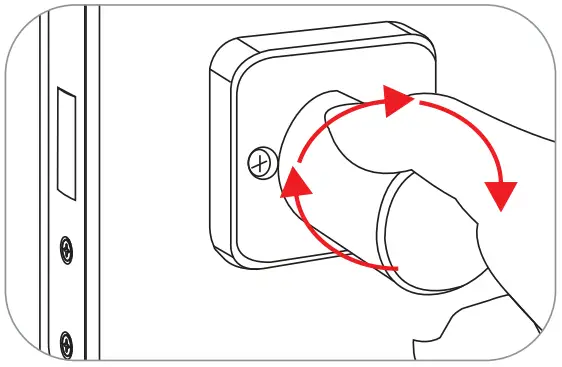
Unlock the door from outside.You con unlock the door from any direction.To protect the door from damage by forceful torsion. the front handle will keep free rotating until the lock is unlocked by correct way.
The rear handle can be turned left or right 90º 
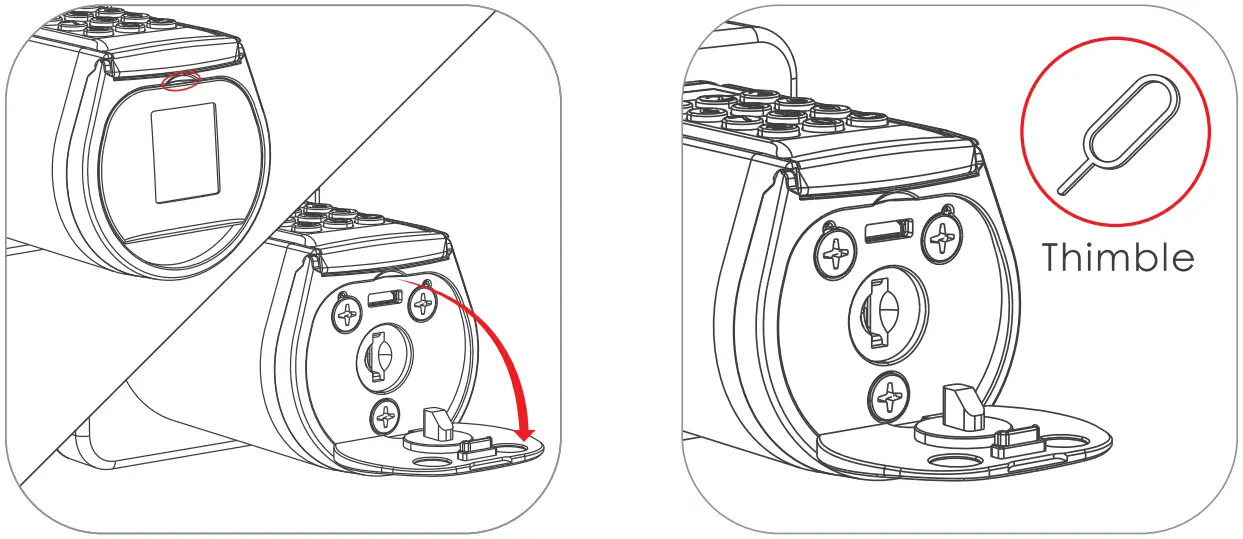
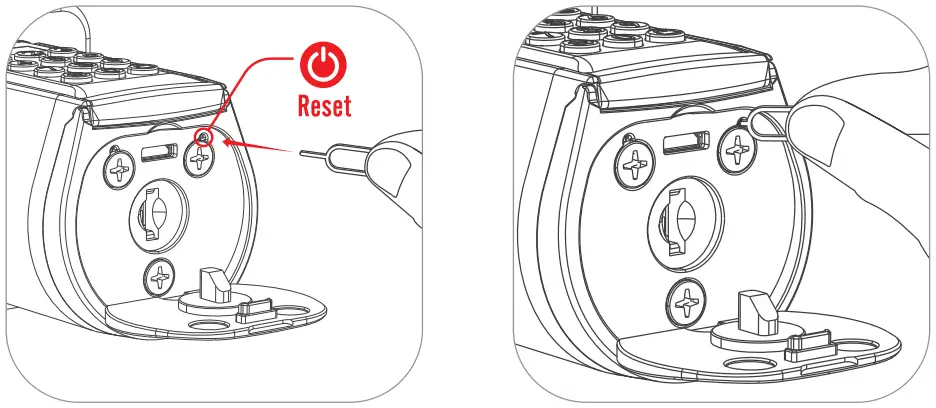
To protect the lock not be damaged by torsion forcefully Resetting diagram
- Open the silicone cover
- Find the Thimble in the attached accessories

- Find the hole where the reset button is located
- Insert the thimble into the hole and press the reset button
Installation diagram
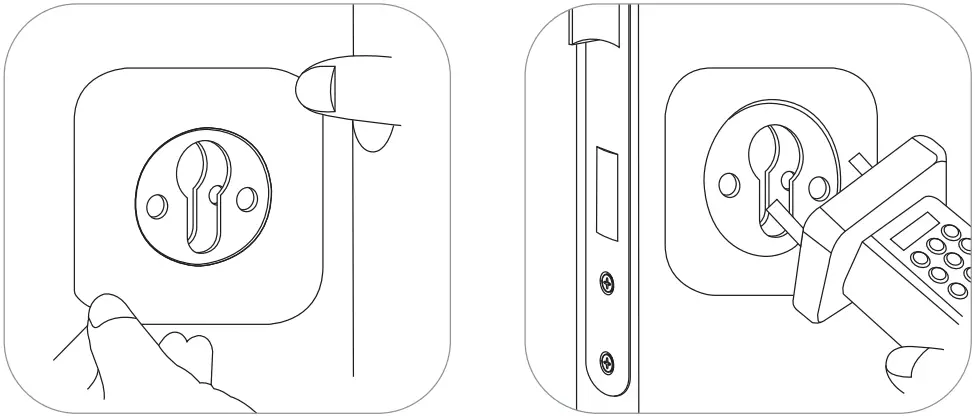
2.1 Picture of installation Inward opening door:
The inclined surface of the bolt face outwards when installing.
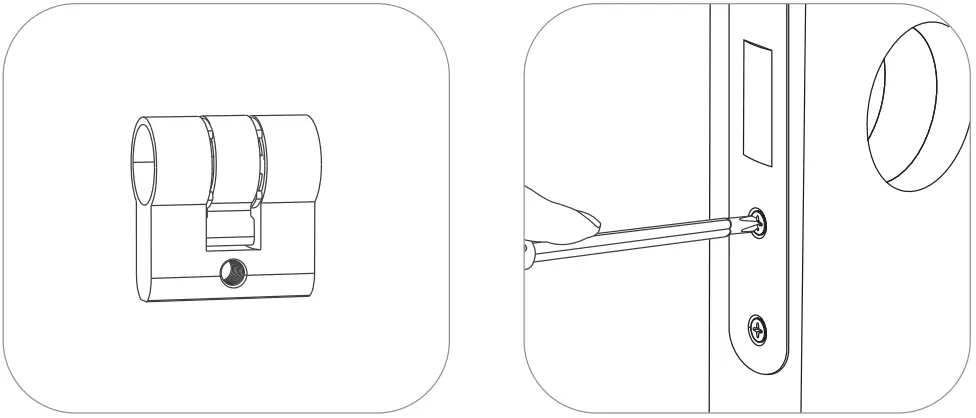
- The length of the cylinder con be adjusted according to the diameter of the keyhole
- Instoll the lock body and tighten the screws

- Place the lock body and tighten the screws
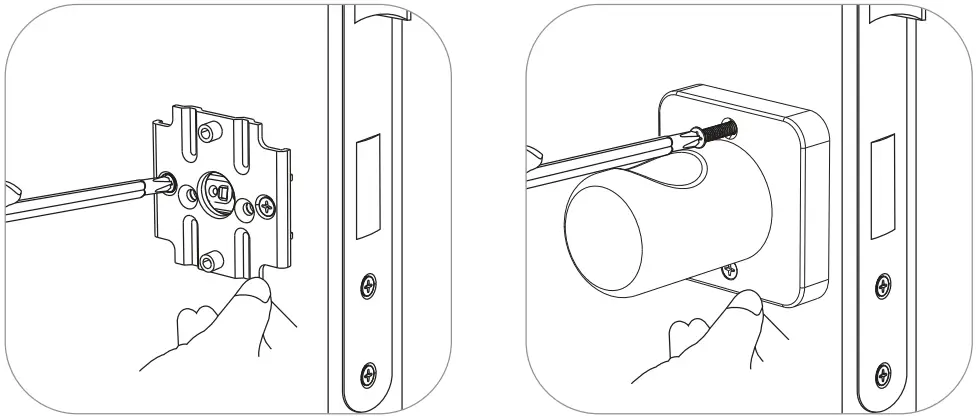
- Instoll outdoor

- Install the mounting bracket ond tighten the mounting bracket screws
- Install the rear panel handle ond tighten the screws
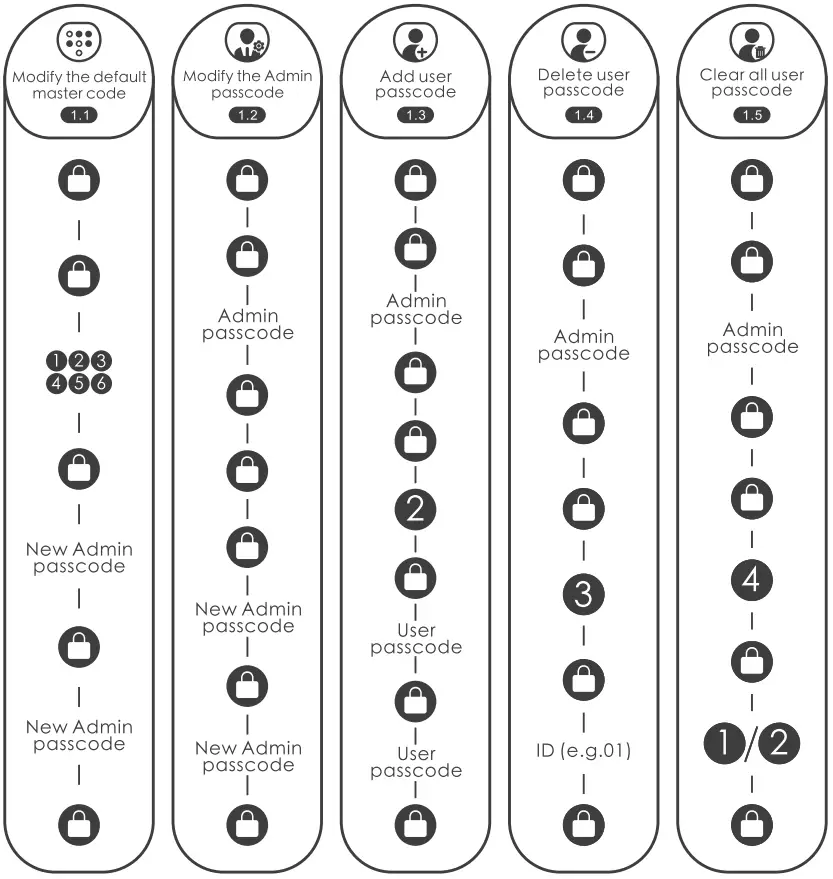
- Passcode:Flow chart

- RFID card: Flow chart

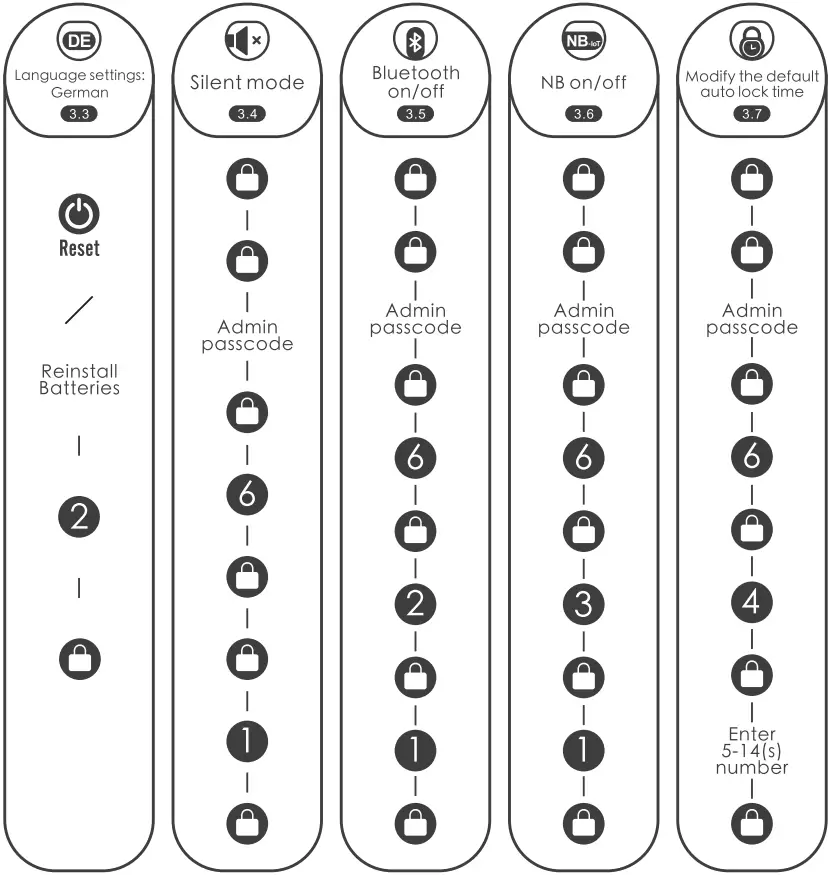
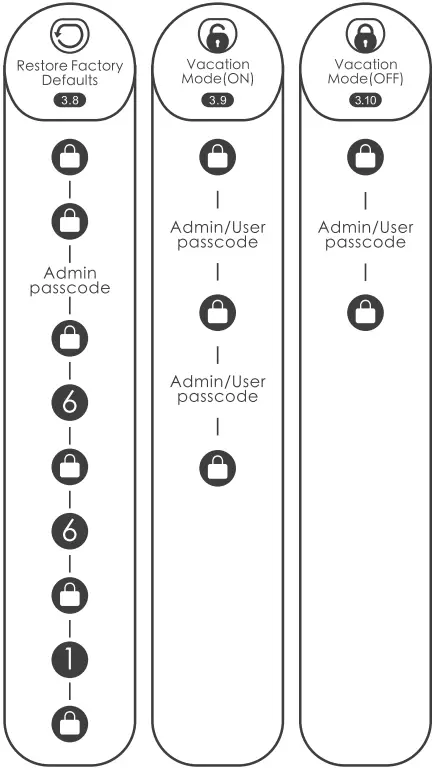
- Other settings: Flow chart


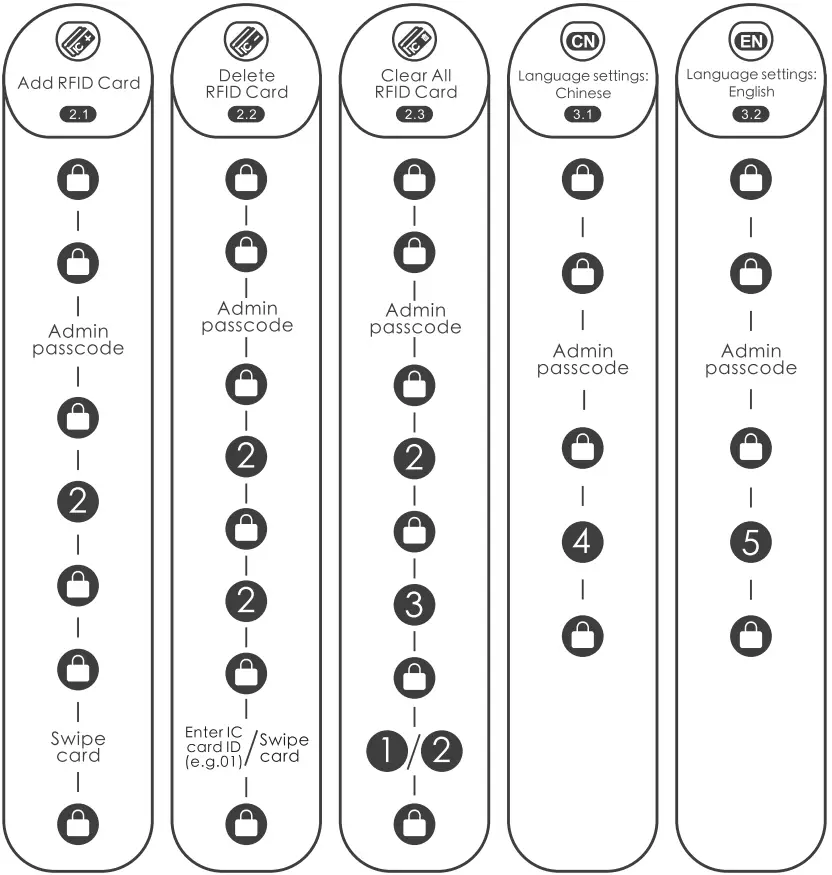
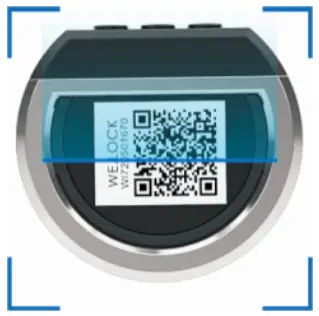
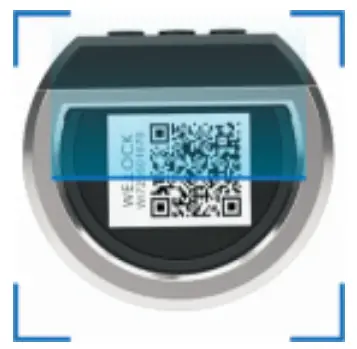
Scan the QR code on the lock Downloadable Instructions & Watch Videos
A smart way to open your door.WE.LOCK
www.WELOCK.COM
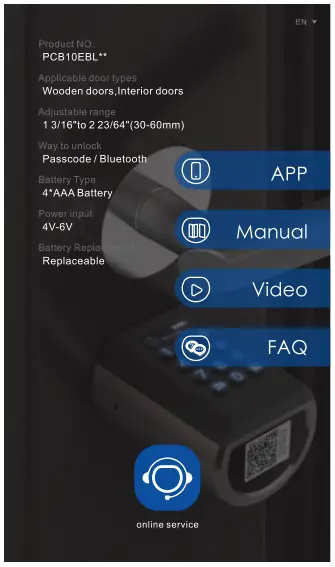
Applicable size
 Product Introduction
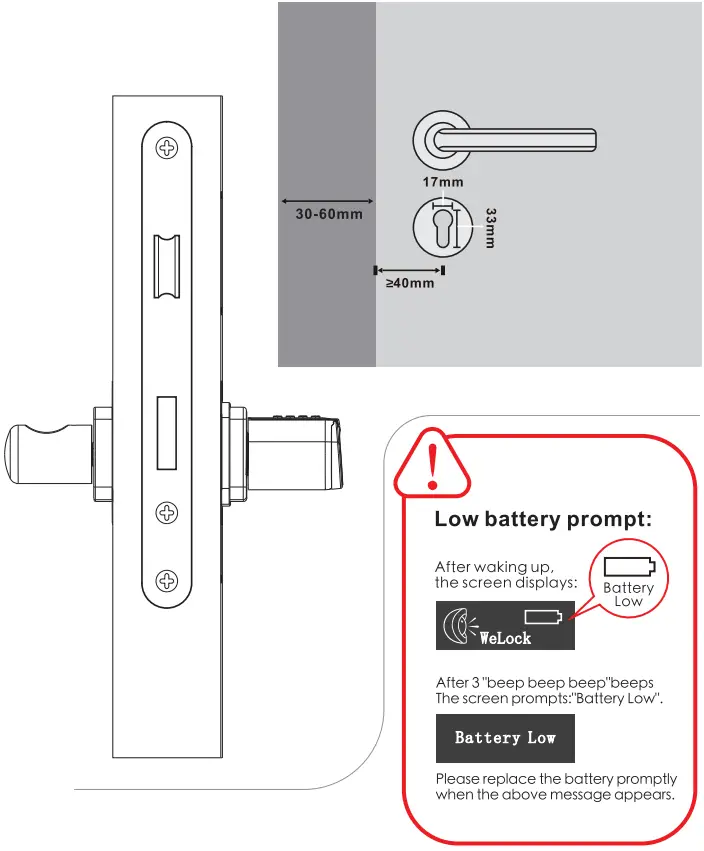 Product Introduction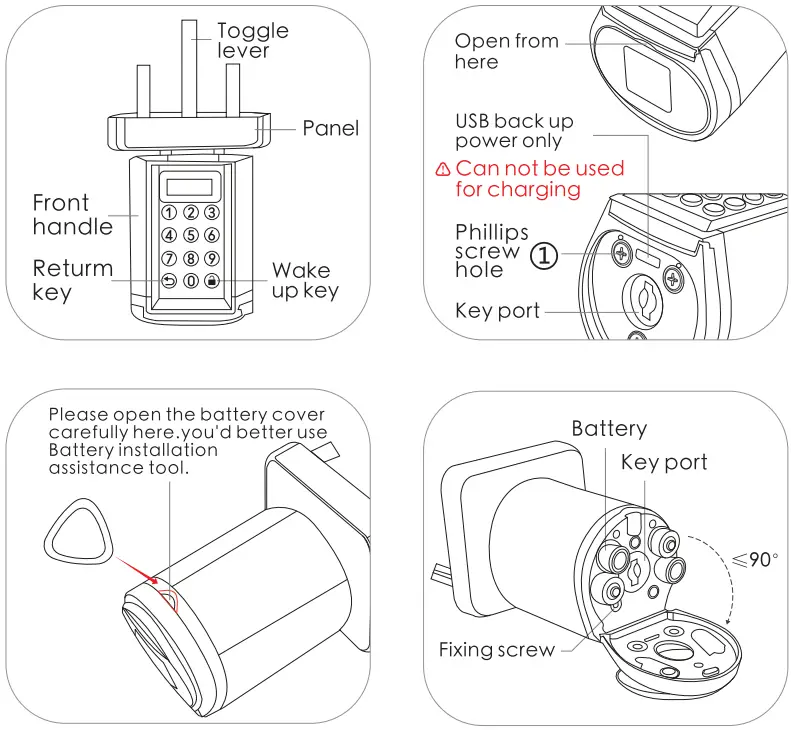
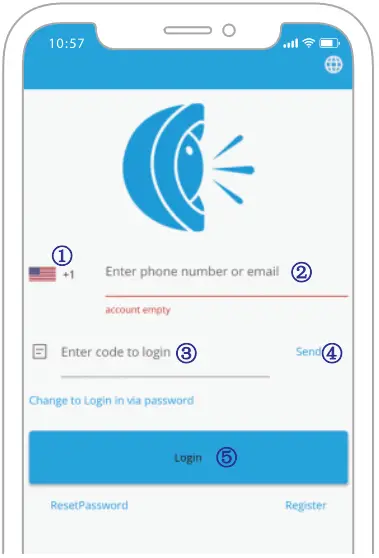
Bluetooth activation and login instructions Select “Android/iOS” to download Log in to the app
- Select your country/region
- Enter the phone number/email to get the verification code
- Click”Send”
- Enter the verification code after receiving the message
- Click”Login”
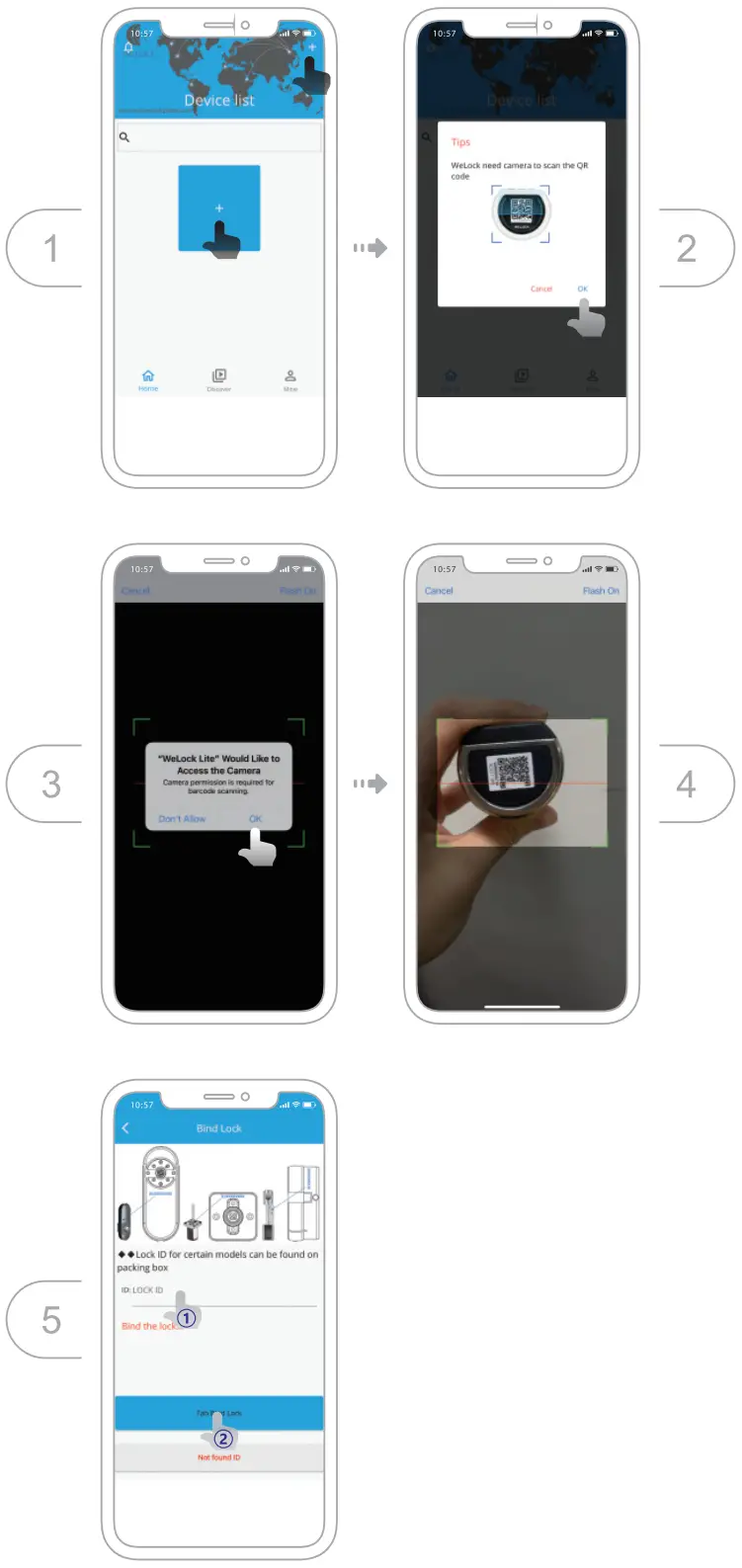
Bind the device
Specifications
| Brand | WE.LOCK |
| Applicable door types | Wooden doors Interior doors |
| Adjustable range | 1 3/16″to 223/64″(30-60mm) |
| Operating Temperature | -25ºC-60ºC |
| Pressing Cycle Times | 100,000 Times |
| Material of handle | Zinc Alloy |
| Woy to unlock | Posscode / Bluetooth |
| Battery Type | 4*AAA Battery |
| Power input | 4V-6V |
| Battery Replacement | Replaceable |
| Color | Silver/Black |
| Battery Life | >1 year |
FAQ
– When the low battery alarm occurs,the battery needs to be replaced in time.
– When the battery power is less than 20%.
– Enter any number before and after a correct passcode,30 digits or less.
– You can use a mobile power supply to power the lock via a micro USB cable,and then use our App to unlock.
– Please contact this email: [email protected]