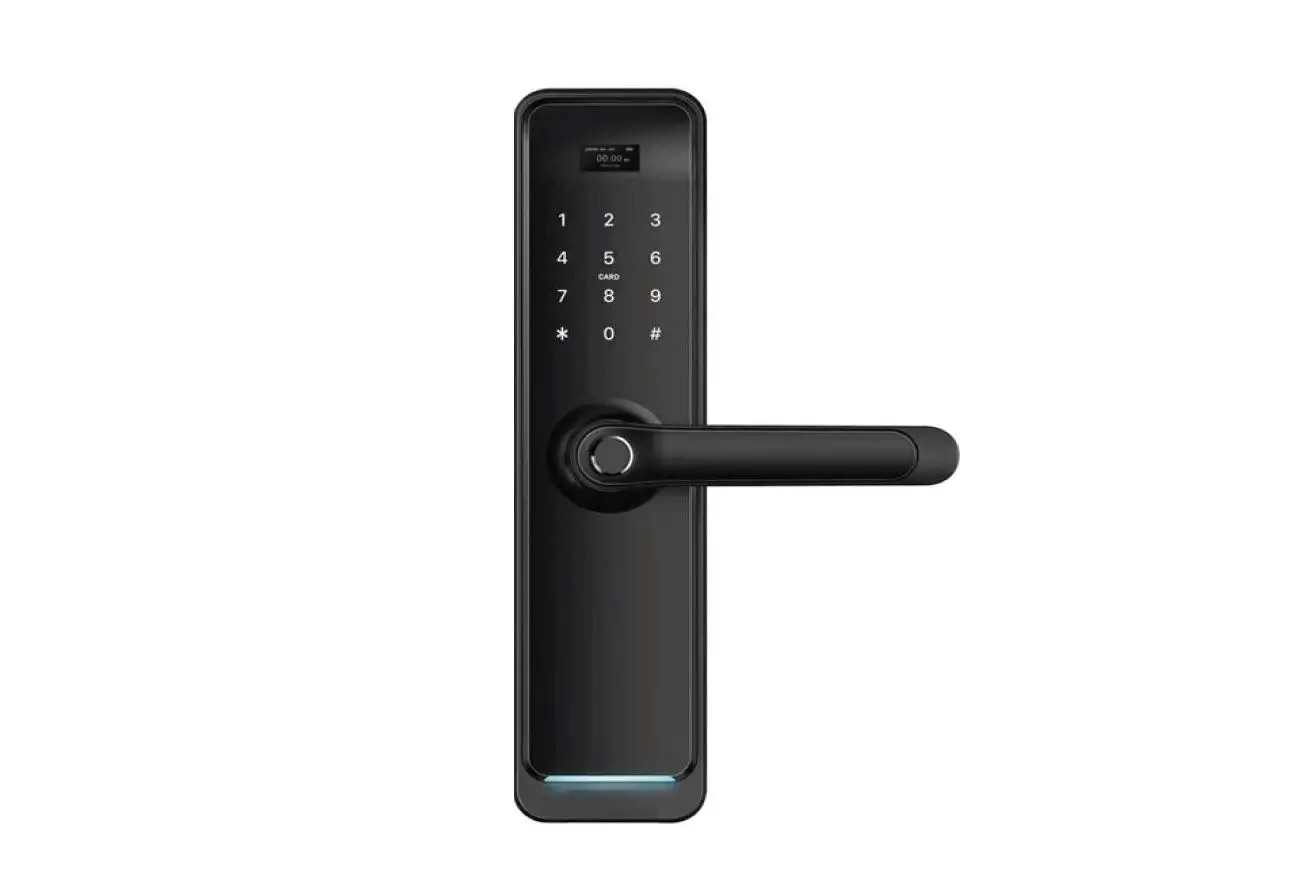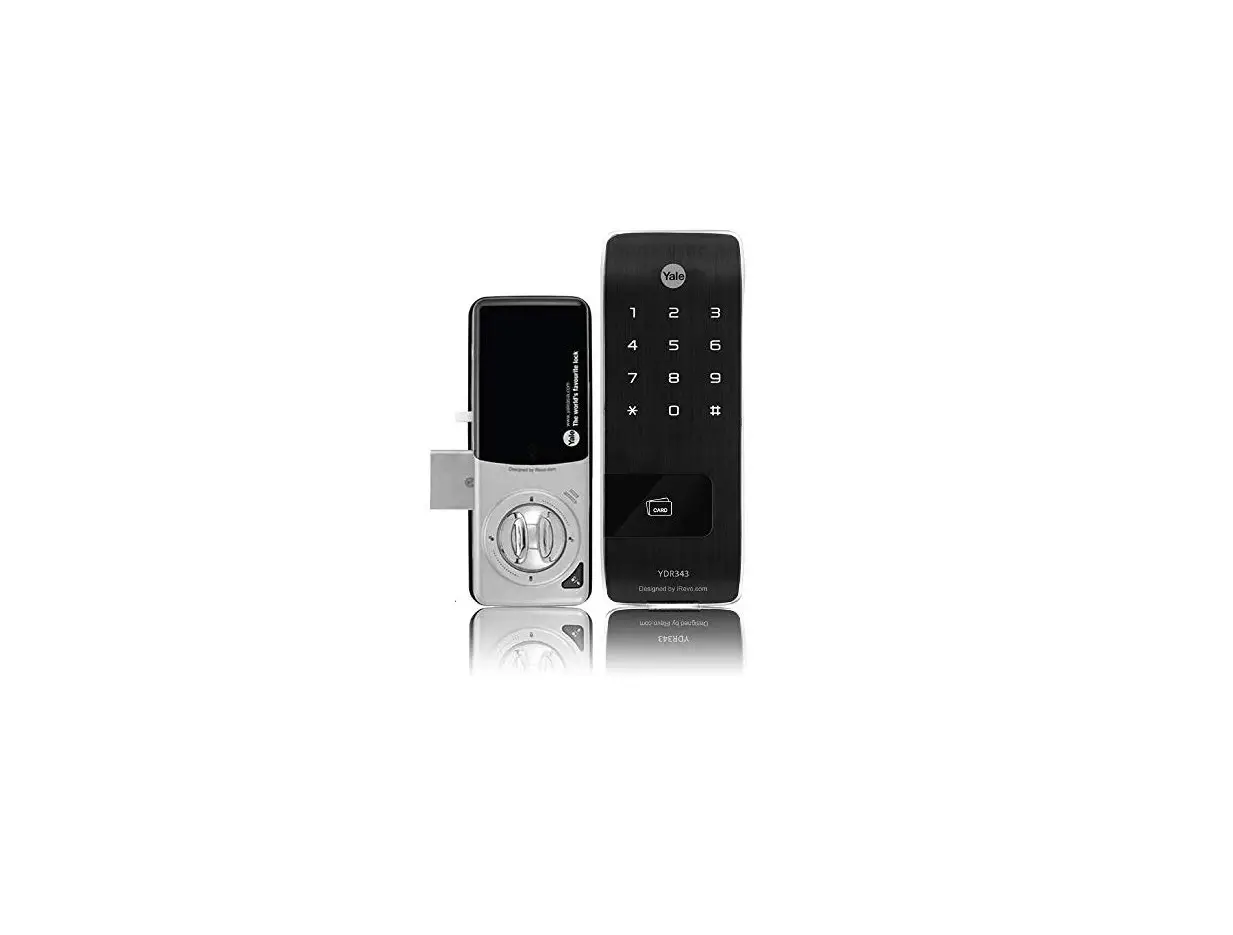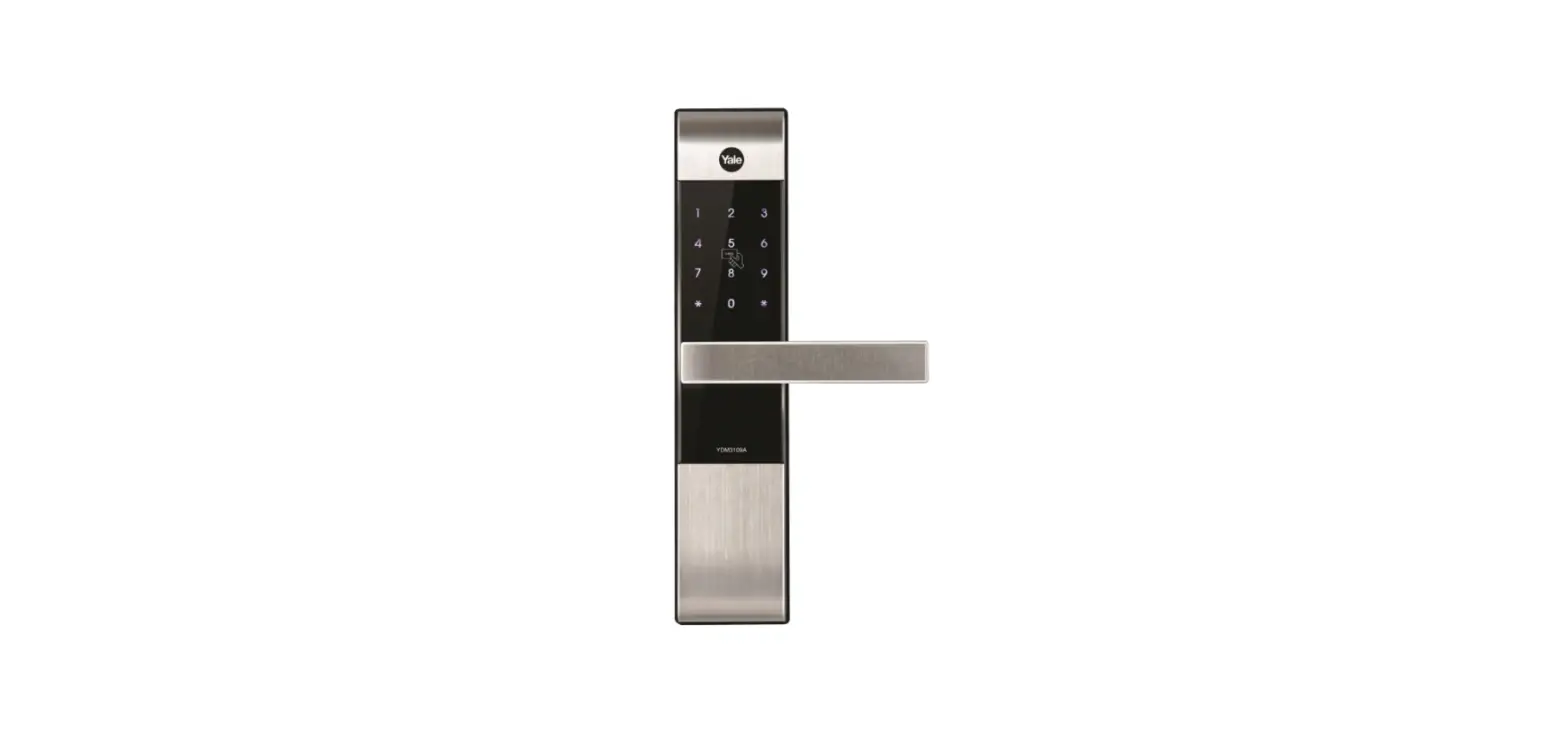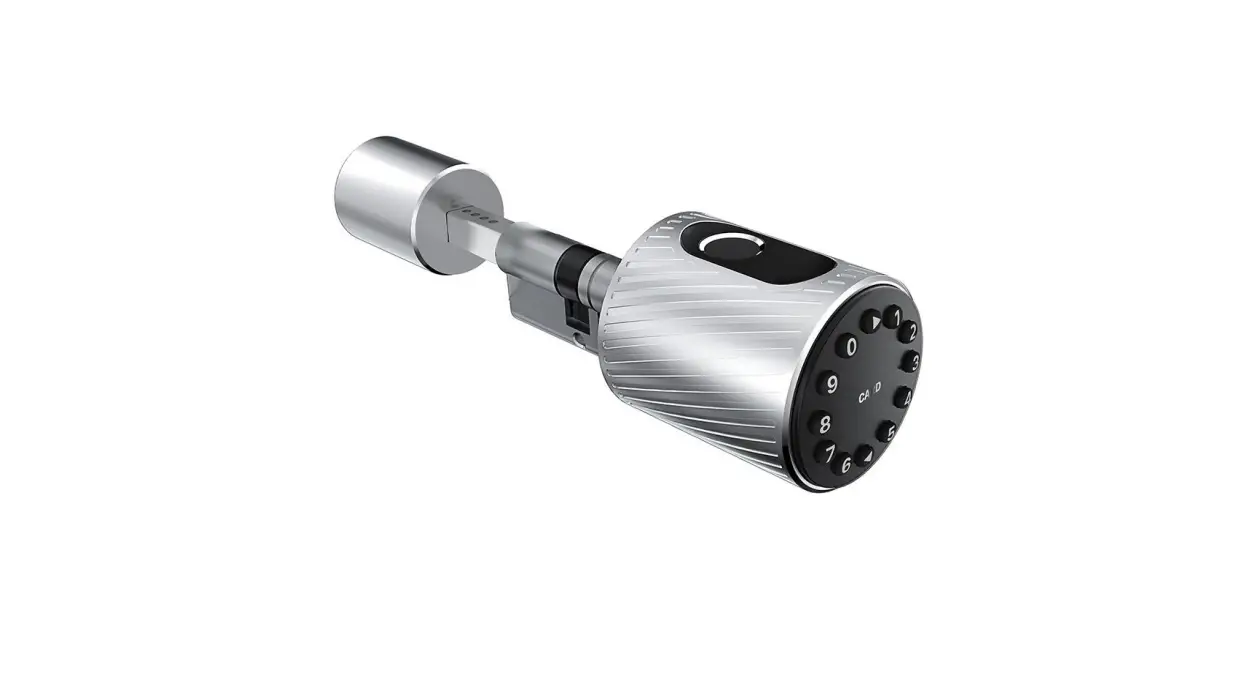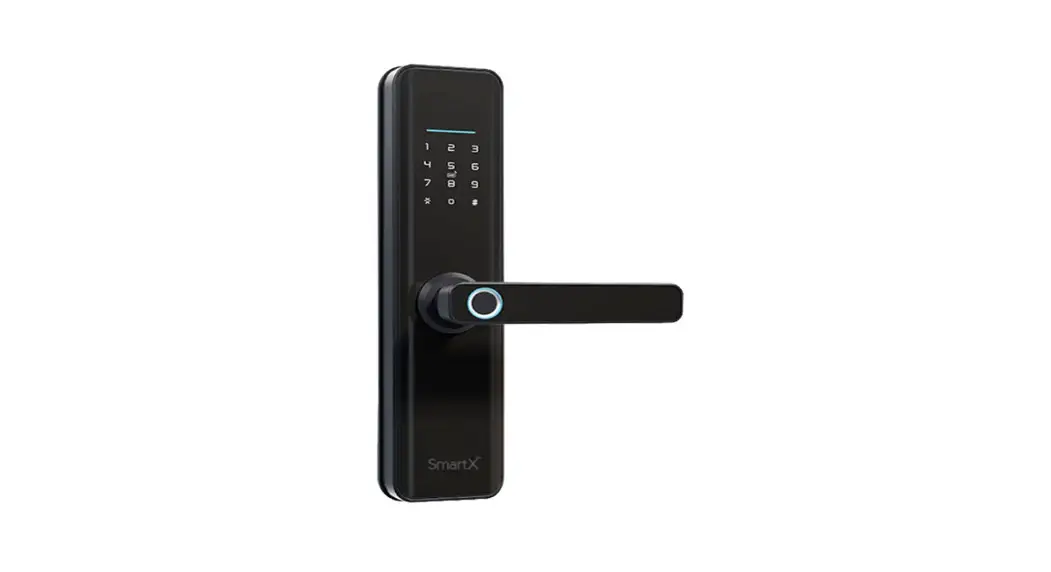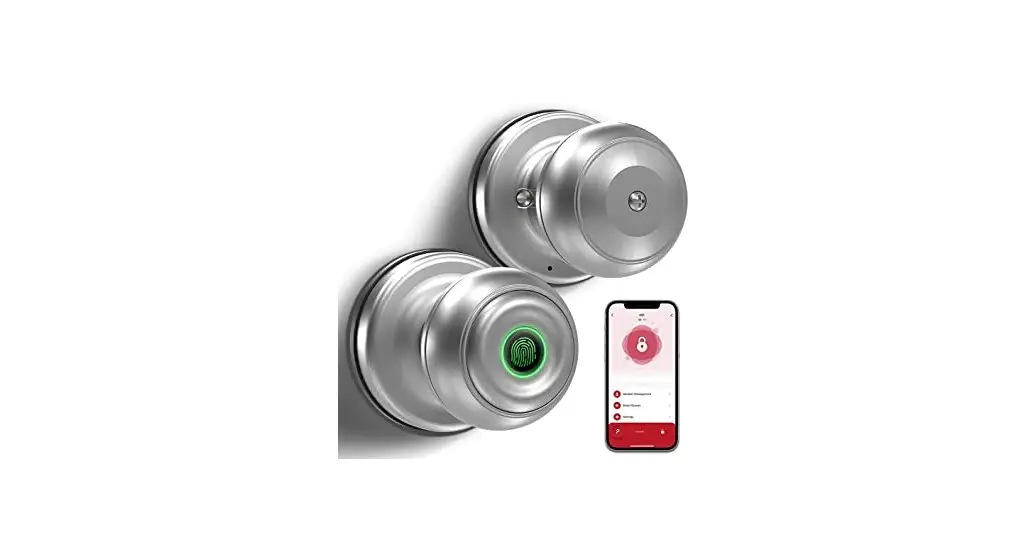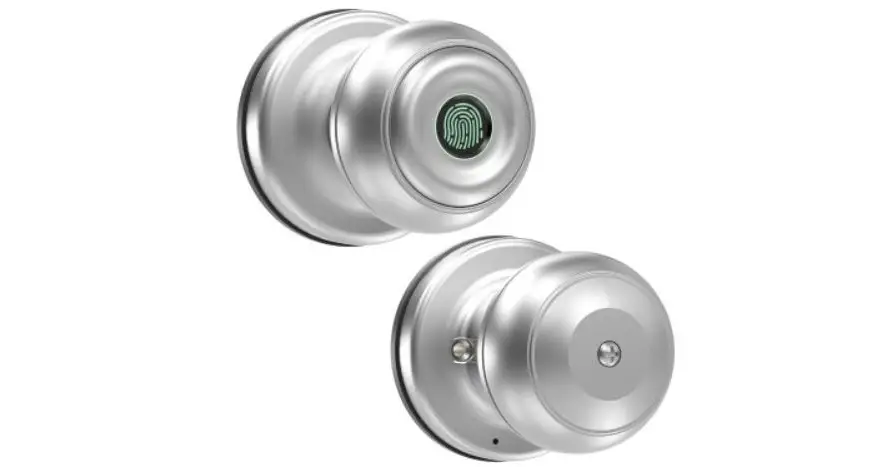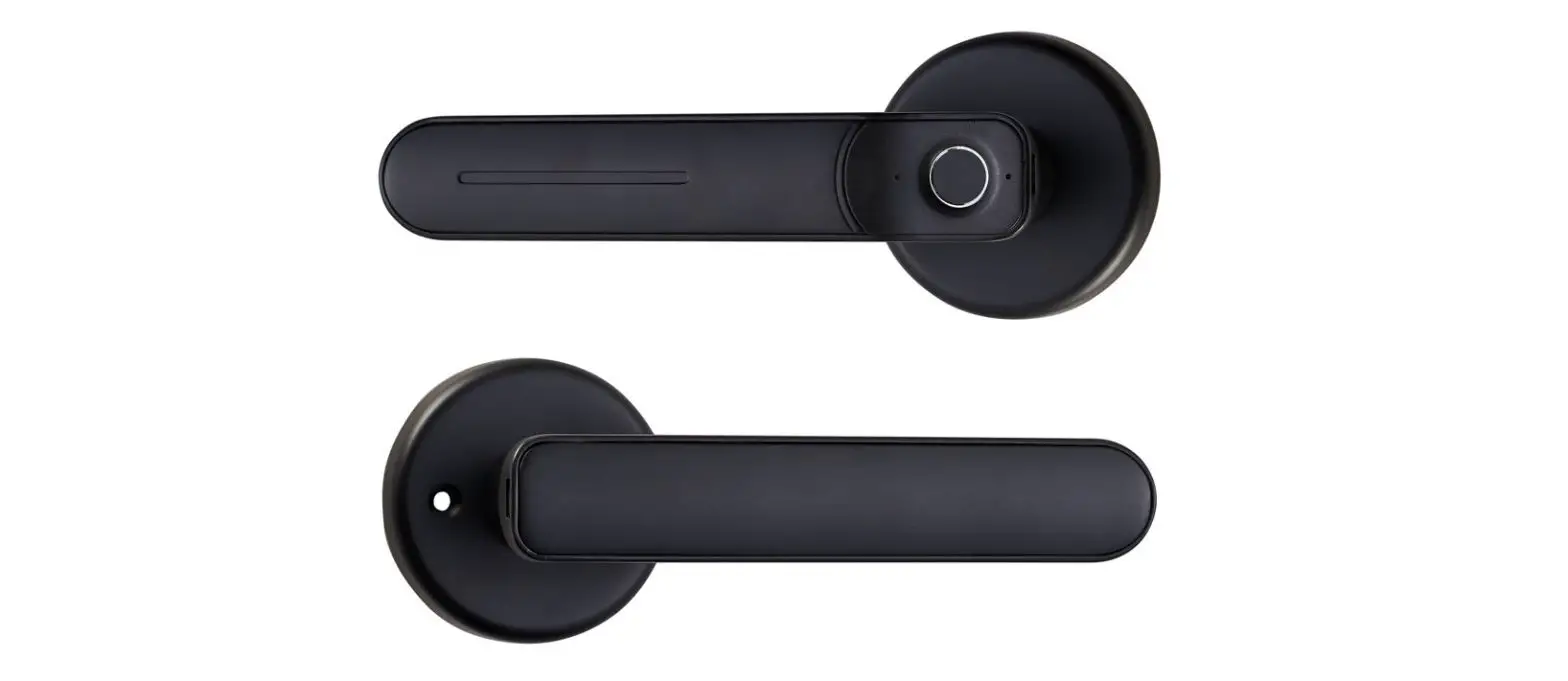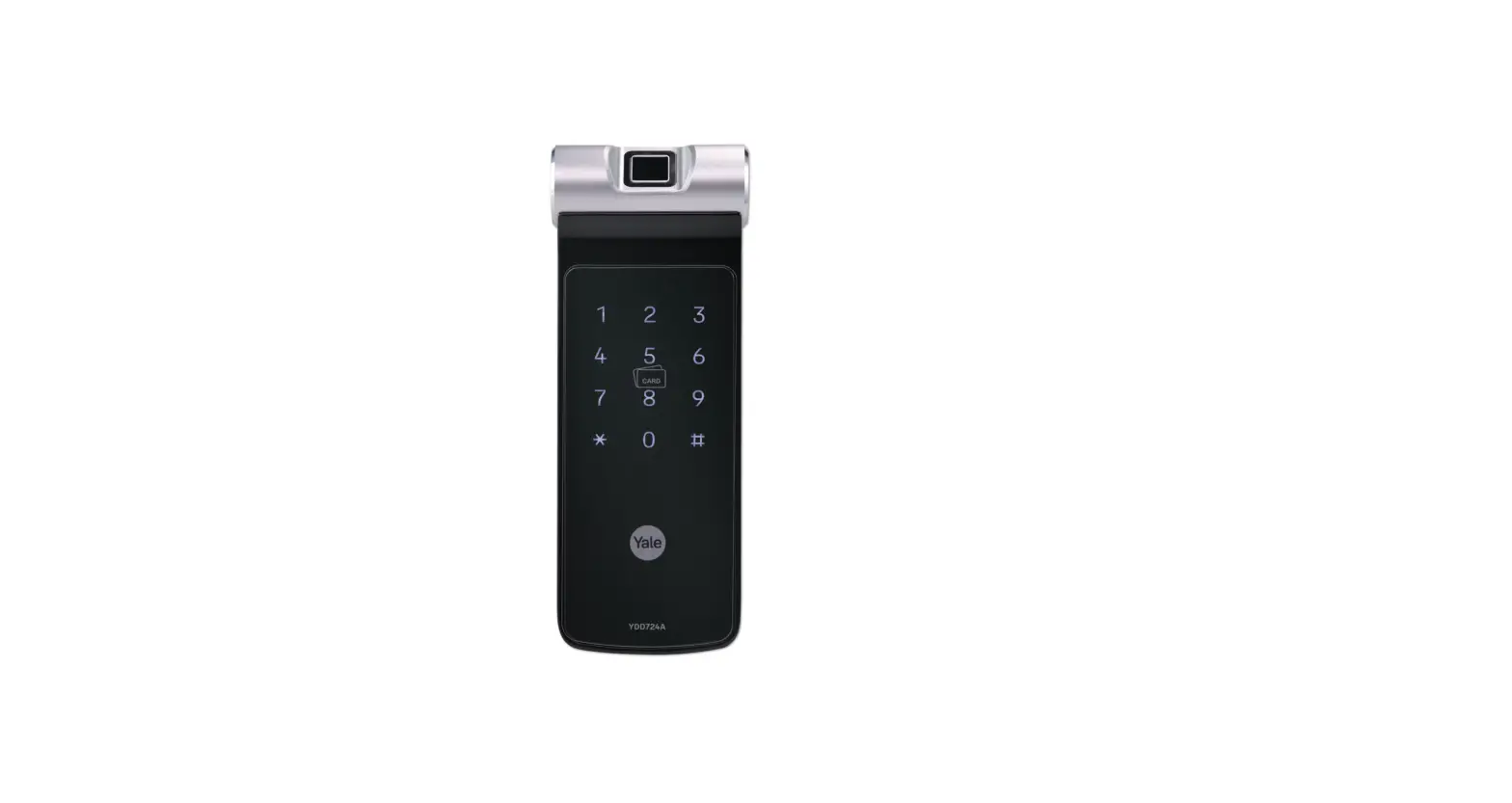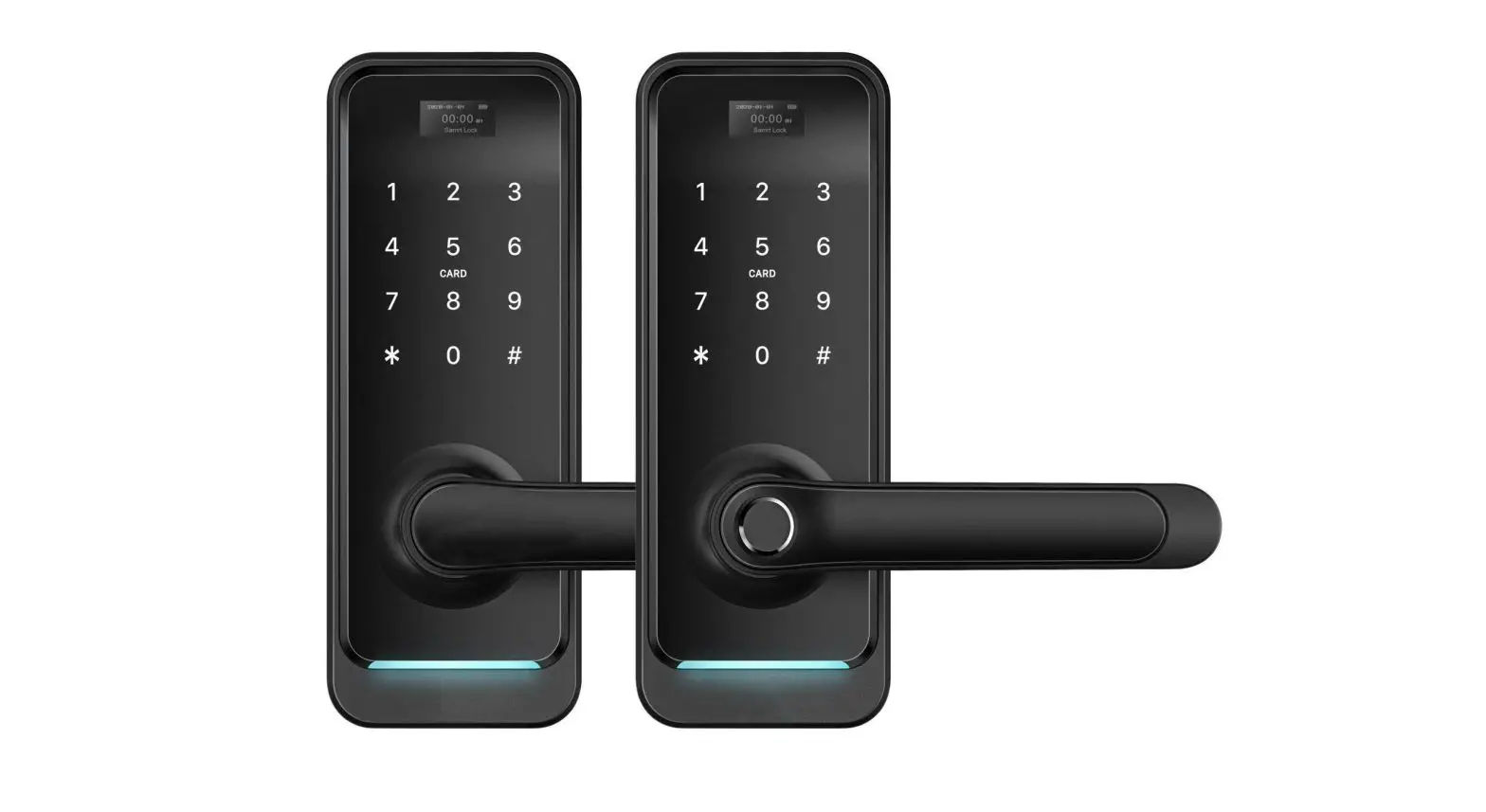

Tosee Warden 2 Smart Door Locks Instruction Manual

Tosee Warden 2 Smart Door Locks Instruction Manual

tosee

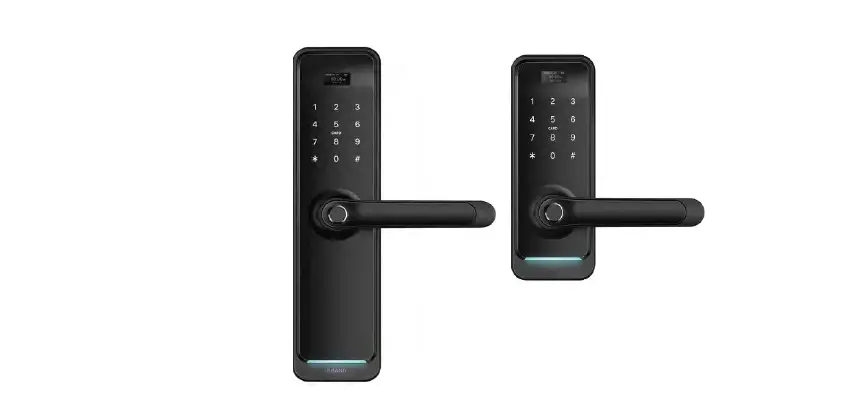
ToSee WARDEN 2 Smart Door Locks
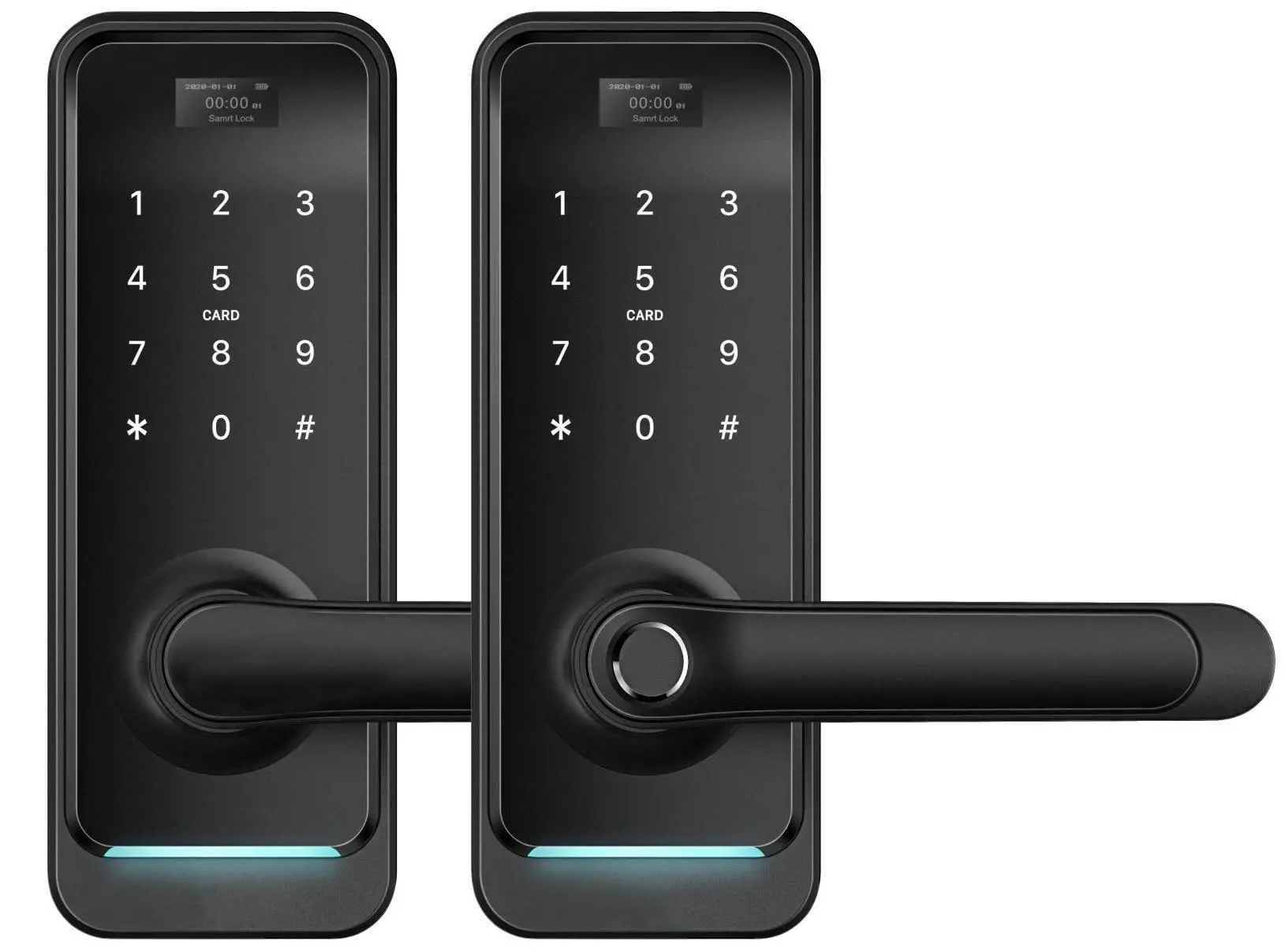
ToSee WARDEN 2 Smart Door Locks

Installation

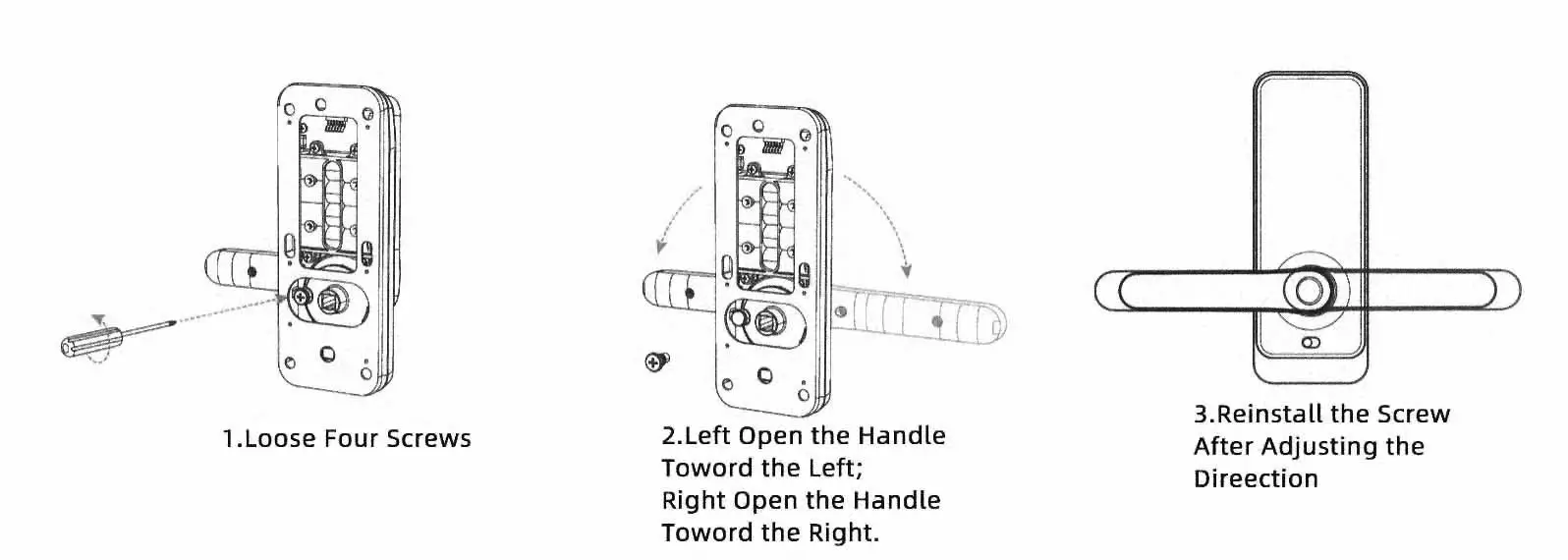
Adjusting the handle direction

Notice: Adjust the handle according to the direction you open the door.

For Front Panel:ToSee WARDEN 2 Smart Door Locks-fig1
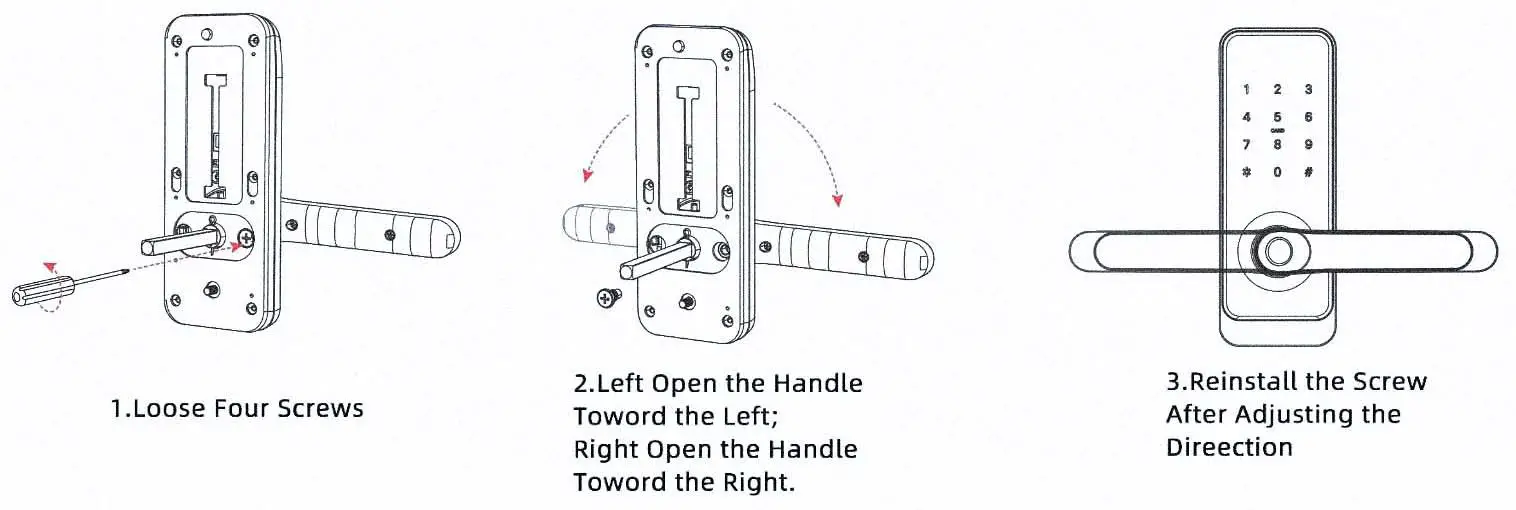
For Back Panel:

ToSee WARDEN 2 Smart Door Locks-fig2

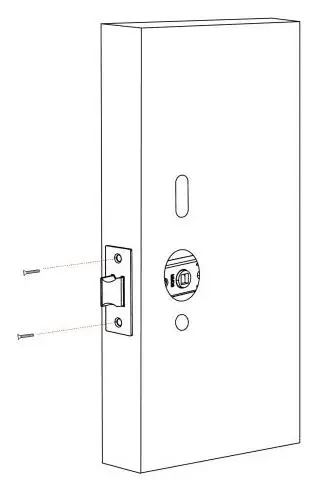
 Installation Diagram(For Latch)
  • Step 1: Install MortiseToSee WARDEN 2 Smart Door Locks-installation01
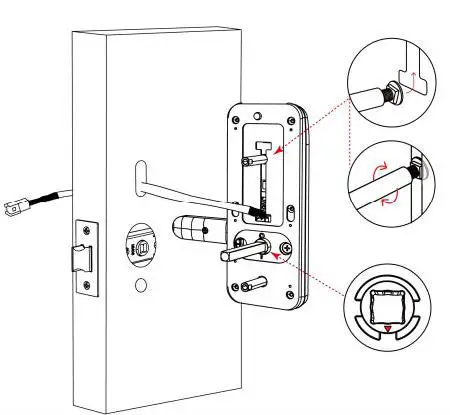
  • Step 2: Install Sliding Screw CasingToSee WARDEN 2 Smart Door Locks-installation02
  • Step 3: Install back gasketToSee WARDEN 2 Smart Door Locks-installation03
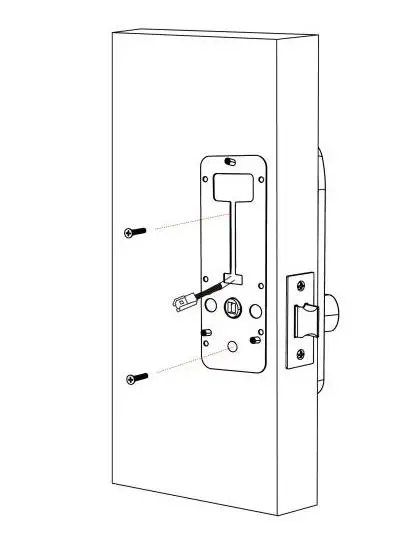
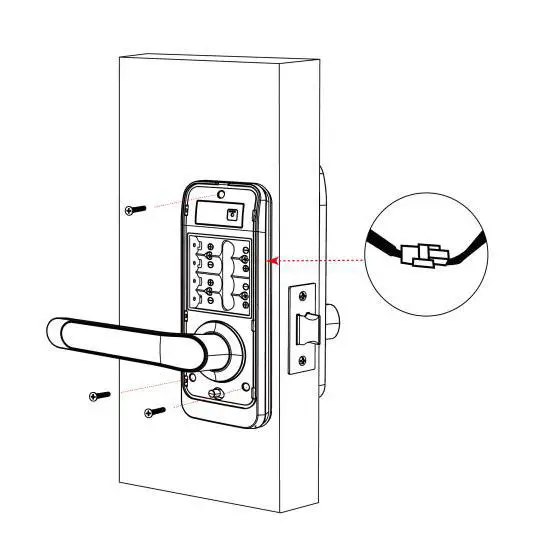
  • Step 4: Install Back Panel and link wireToSee WARDEN 2 Smart Door Locks-installation04
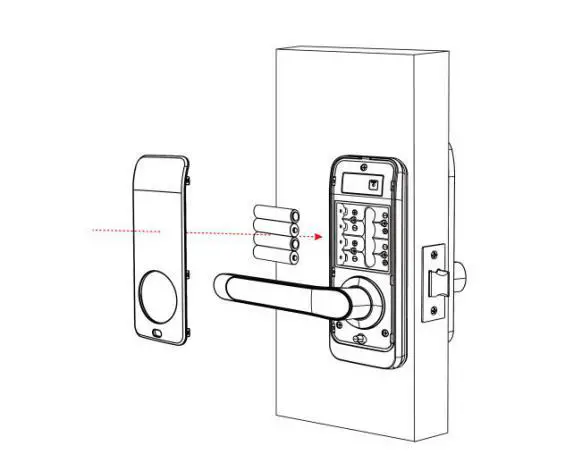
  • Step 5: Install battery and back coverToSee WARDEN 2 Smart Door Locks-installation05
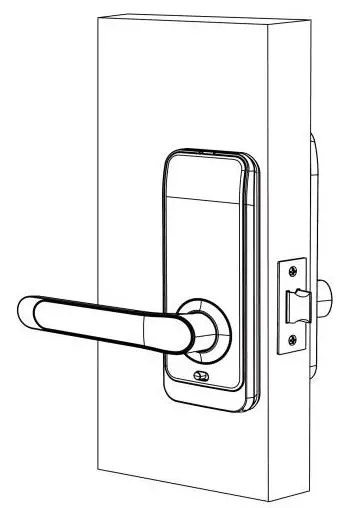
  • Step 6: installation completeToSee WARDEN 2 Smart Door Locks-installation06

www.toseesecurity.com.au

Documents / Resouces

Download manual
Here you can download full pdf version of manual, it may contain additional safety instructions, warranty information, FCC rules, etc.


Related Manuals