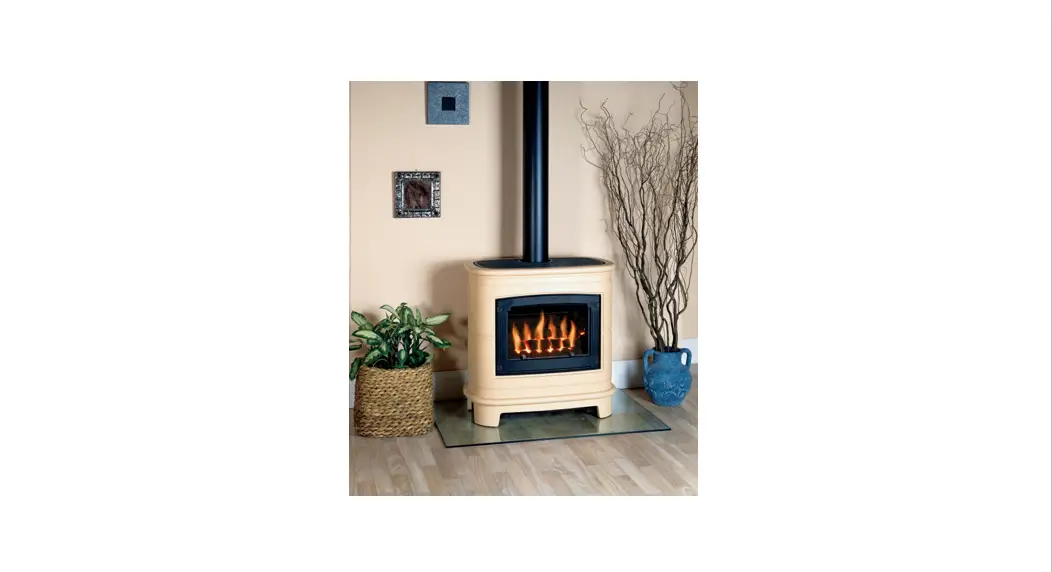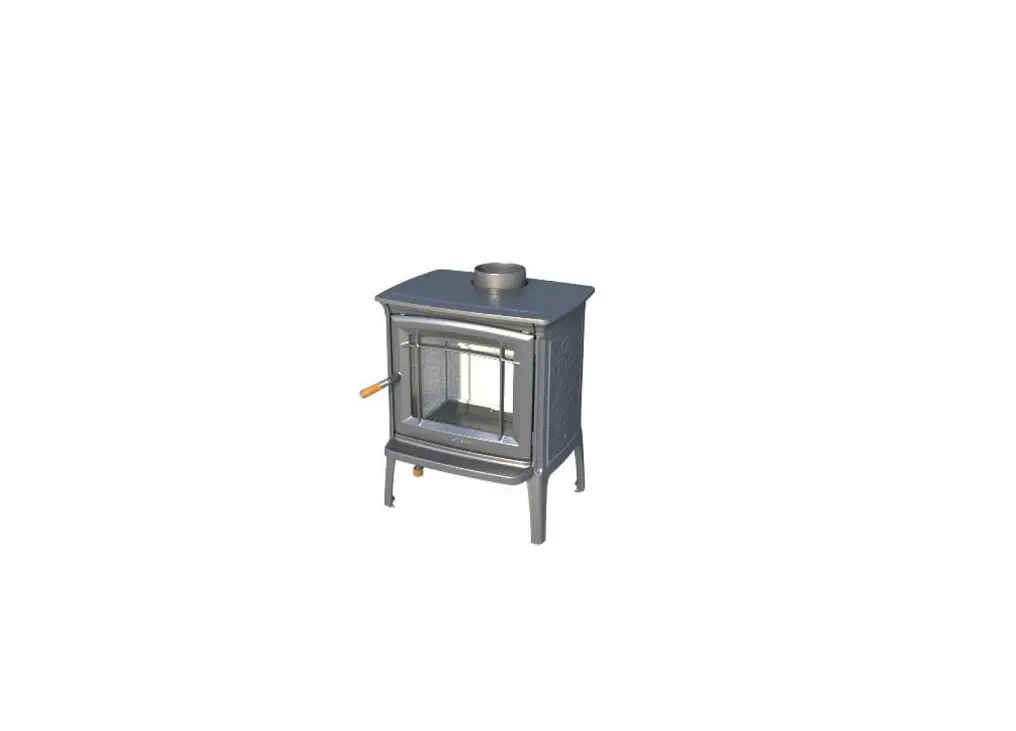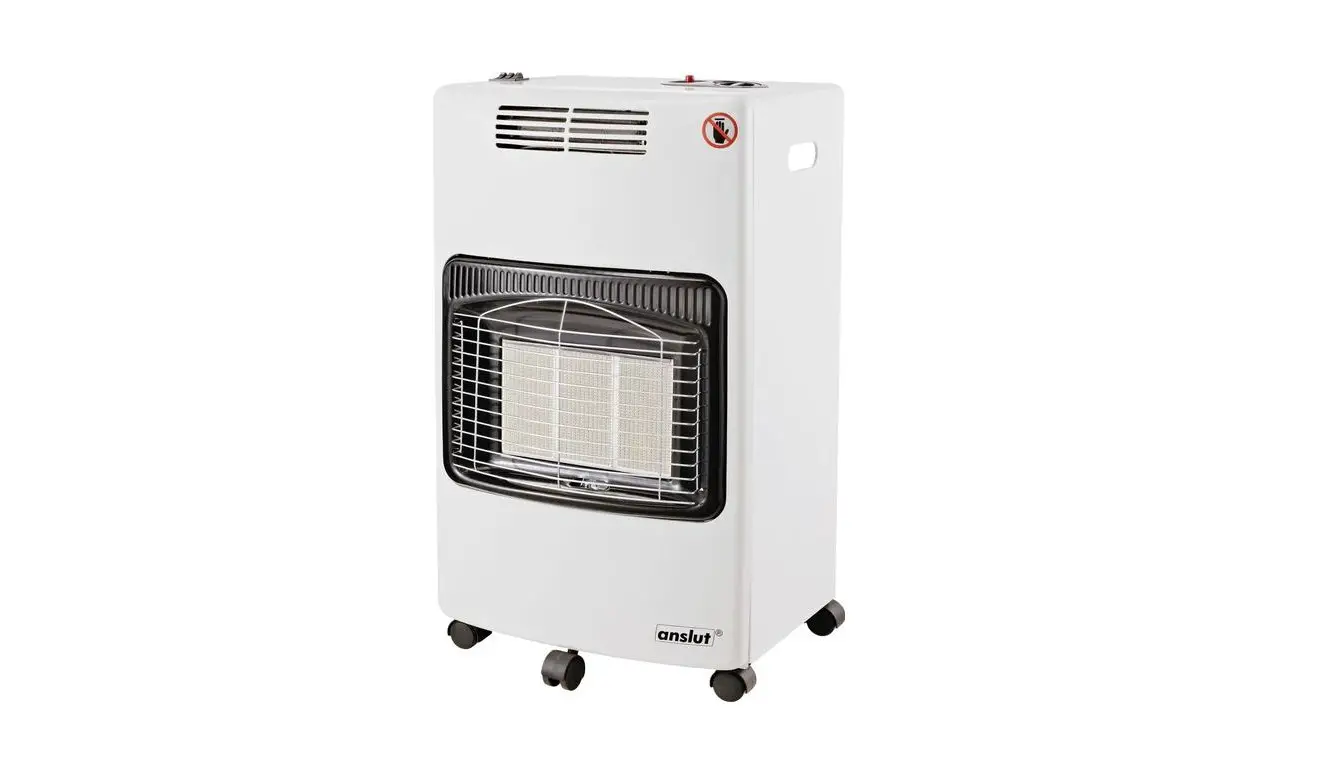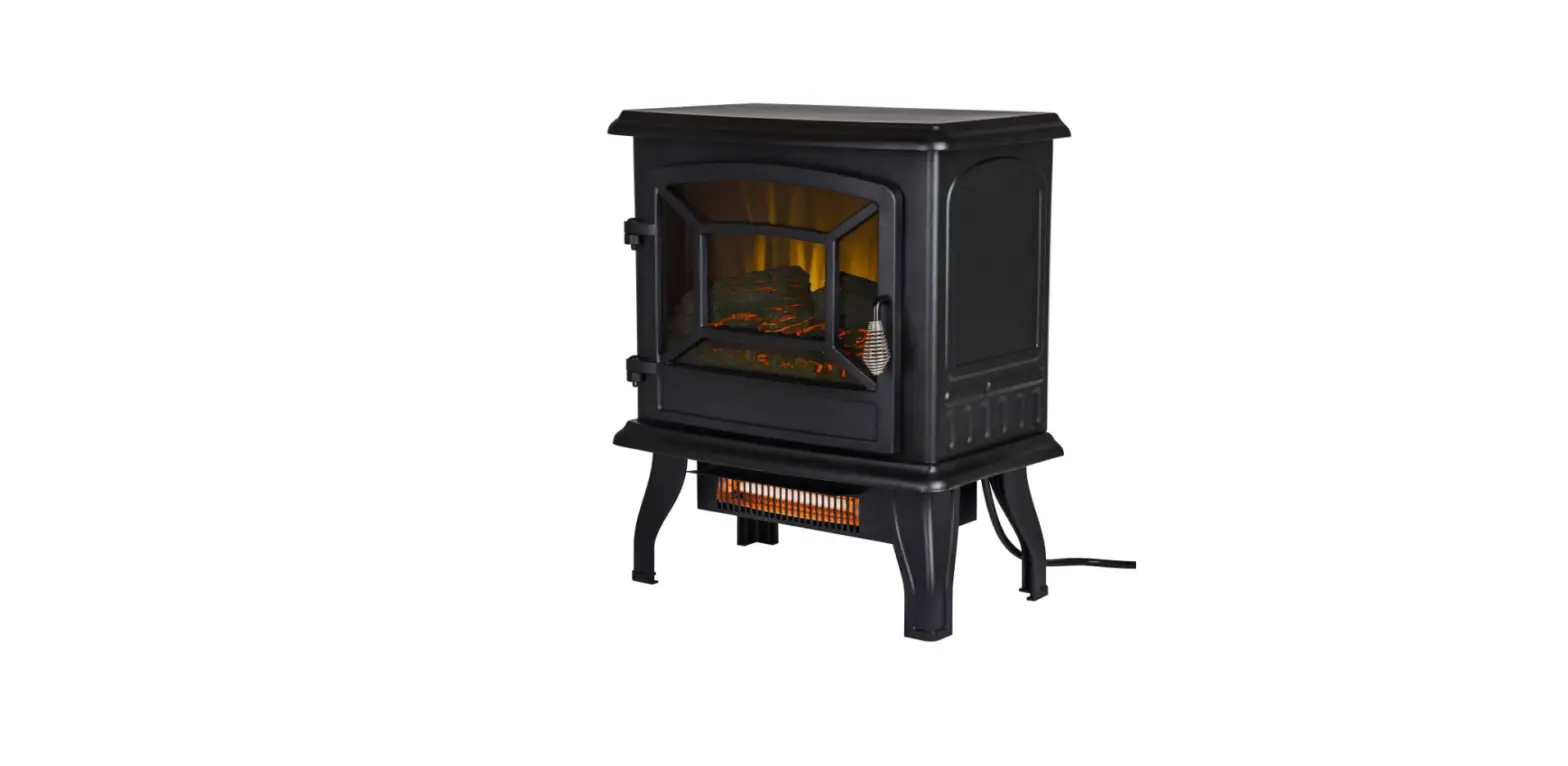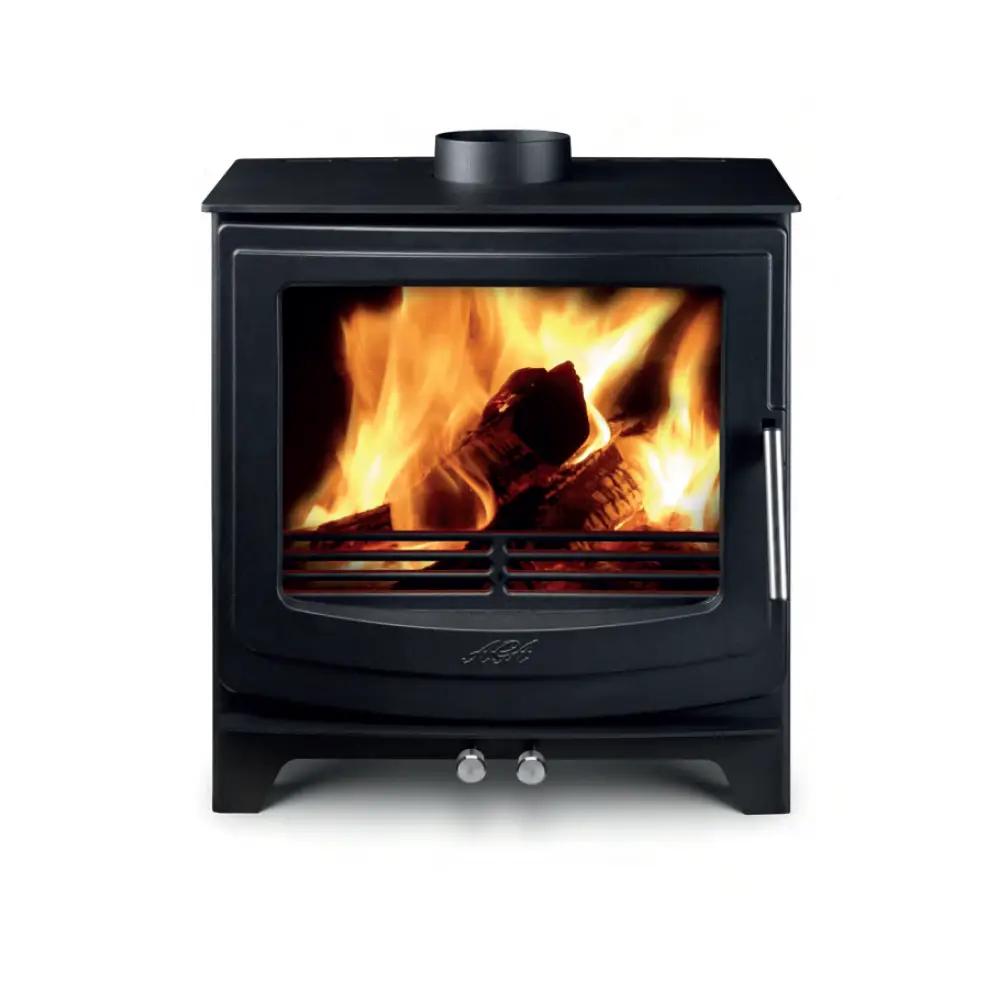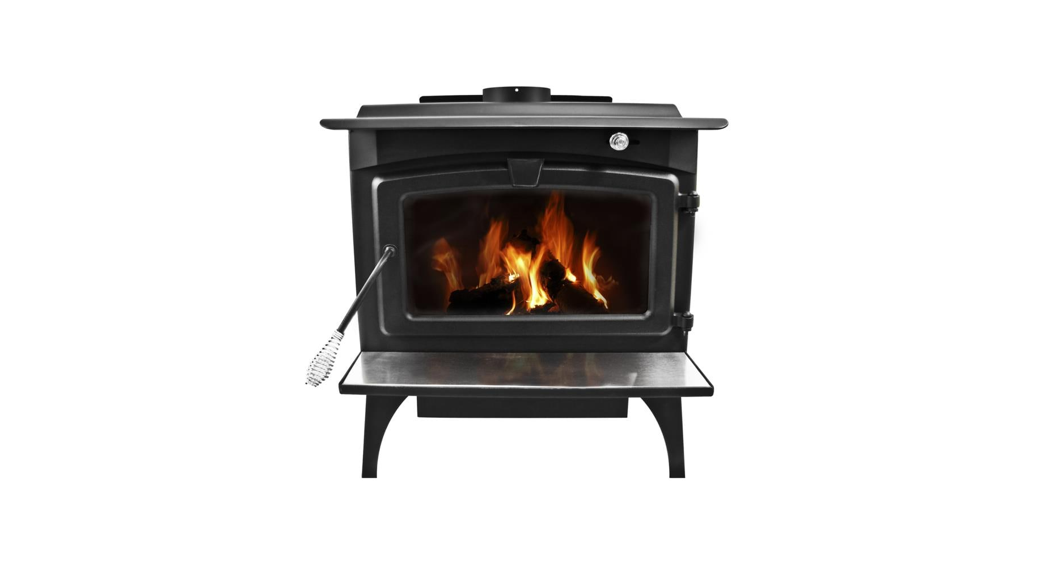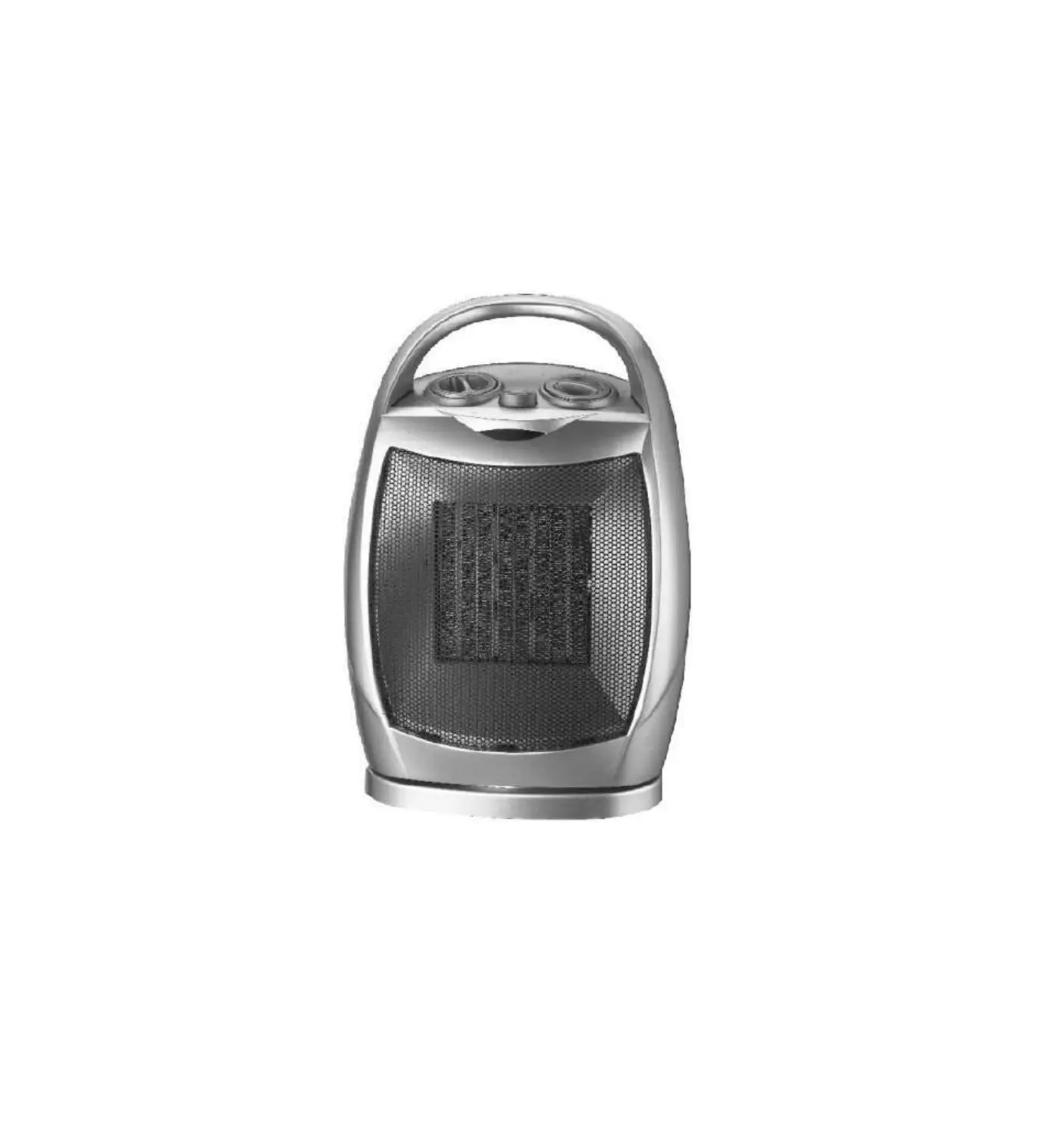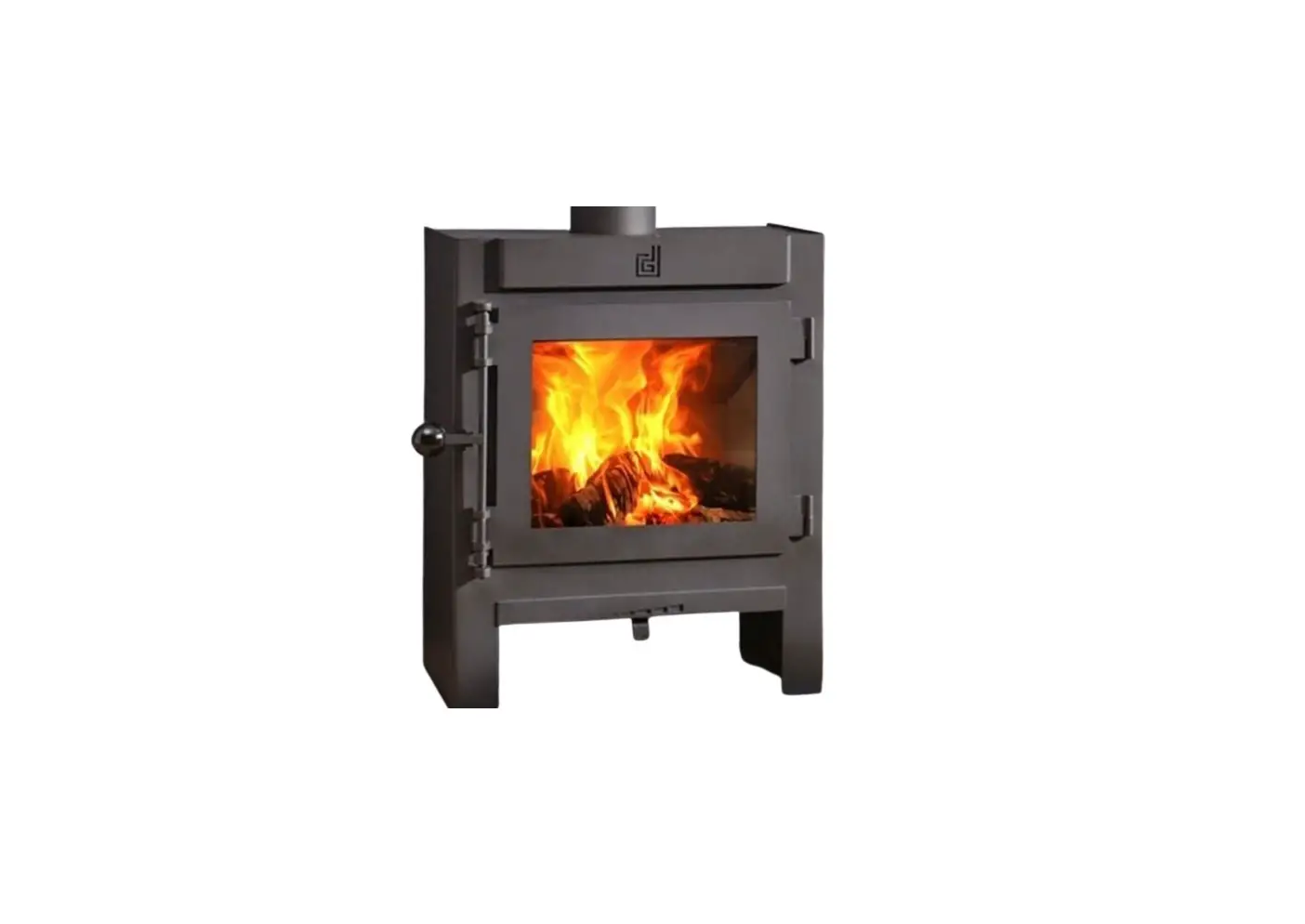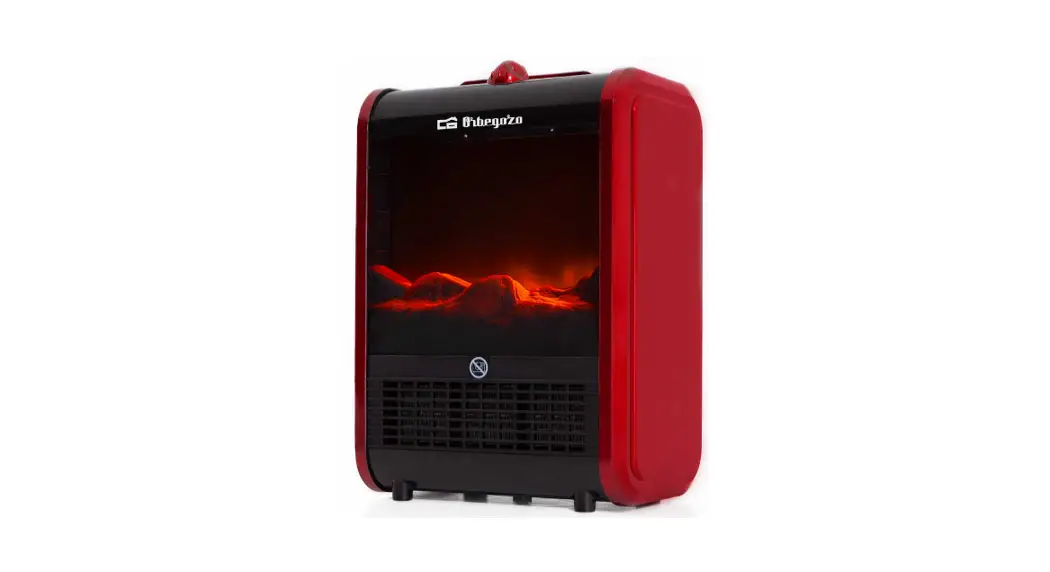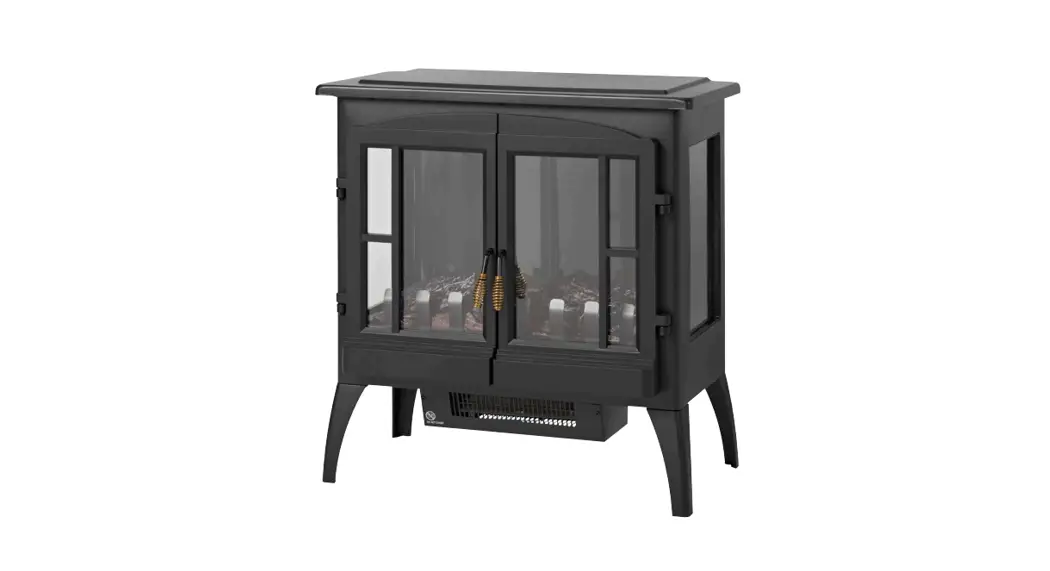
 017407 Decorative Stove
Instruction Manual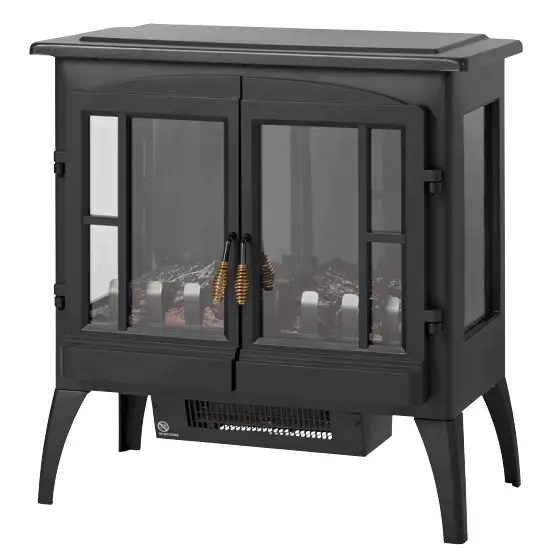
 Item no. 017407
DECORATIVE STOVE
OPERATING INSTRUCTIONS Important! Read the user instructions carefully before use. Save them for future reference. (Translation of the original instructions),
JULA AB, BOX 363, SE-532 24 SKARA
2022-02-10
© Jula AB
SAFETY INSTRUCTIONS
- Keep children less than 3 years old under supervision when they are near the product. The product can be switched on/ off by children from 3 to 8 years old only if it is mounted in the correct position to use, and if they are supervised or receive instructions concerning the safe use of the product and understand the risks involved.
- Do not allow children from 3 to 8 years old to connect, use, clean or maintain the product.
- Do not use the product outdoors.
- Never cover the product and do not block the ventilation openings on the product – risk of overheating and fire hazard.
- Do not place the product closer than one meter to furniture, curtains or other flammable materials.
- Switch off the product immediately and pull out the plug if the product is not working properly.
- Pull out the plug if the product is not going to be used for some time.
- Do not run the power cord in front of the product.
- Do not route the power cord under carpets etc. Place the power cord so that there is no risk of treading on it, or tripping over it.
- Do not use the product on a fitted carpet, or equivalent.
- The plug must be plugged into a correctly installed and earthed powerpoint.
- Check that the mains voltage corresponds to the rated voltage on the type plate.
- Do not place the product directly below a power outlet.
- Do not use the product near a bath, shower or swimming pool.
- This product can be used by children from 8 years and upwards and by persons with physical, sensorial or mental disabilities, or persons who lack experience or knowledge if they are supervised or receive instructions concerning the safe use of the product and understand the risks involved. Keep children under supervision to make sure they do not play with the product.
- Do not allow children to clean or maintain the product without supervision.
- To avoid the risk of the overheating protection being accidentally reset the product must not be supplied with power via a cable with an external switch, such as a timer, or be connected to a circuit that is regularly switched on and off centrally.
- Do not attempt to dismantle or repair the product. Repairs should be carried out by qualified personnel or an authorized service center.
- A damaged cord or plug must be replaced by an authorized service center or qualified person to ensure safe use.
WARNING!
- Do not use the product unsupervised in small rooms where there are persons who cannot leave the room without assistance.
- Do not cover the product, this can result in overheating.
- Some parts of the product get very hot – the risk of burn injuries. Keep the product under careful supervision when it is used by, or near children or persons with functional disorders.
SYMBOLS
| Read the instructions. |
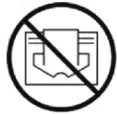 | Must not be covered. |
 | Approved in accordance with the relevant directives. |
| Recycle discarded products in accordance with local regulations. |
TECHNICAL DATA
| Rated voltage | 230V 50 Hz |
| Output | 1000/2000 W |
| Safety class | I |
| Protection rating | IP20 |
| Cord length | 1.5 m |
| Size | 60 x 61 x 35 cm |
| Weight | 8.6 kg |
INSTALLATION
- Place the product on its side.
- Put one leg in each corner and fit them with three screws for each leg.
- Tighten the screws clockwise and check that the legs are firmly in place.
- Stand up the product and check that it is stable.
- Place the product in the required place and plug the plug into a PowerPoint. The product is now ready to use.
NOTE:
The product must be placed on a level, stable surface.
USE
- Plug the plug into a PowerPoint.
- Select the required setting with the thermostat dial.
- Select the button marked I for low heat.
- For more heat first press the button marked I and then the button marked II.
- For flame effect press the button marked -/0to start or switch off the flame effect.
OVERHEATING PROTECTION
If the product stops working switch it off, pull out the plug, and check that the inlet or outlet openings are not blocked. Wait at least 10 minutes so that the overheating protection has time to reset before starting the product again. If the product still does not start, take it to an authorized service center to be checked and repaired.
NOTE:
The plug must be unplugged for at least 10 minutes before the product is restarted.
MAINTENANCE
- Switch off the product, pull out the plug, and allow it to cool before cleaning.
- Wipe the product with a damp cloth.
- Do not use petrol, detergent or solvent.
- Store the product in a dry, clean place and protected from dust when not in use.
| Model: 012348 | |||
| Unit | Designation | Value | Unit |
| Heat output | |||
| Nominal heat output | Phnom | 1.8 — 2.0 | kW |
| Min heat output | Pin | 1.0 | kW |
| Max continuous heat output | Pmax,c | 2.0 | kW |
| Electricity consumption peripheral equipment | |||
| At normal heat output | elmax | N/A | kW |
| At min heat output | Elgin | N/A | kW |
| In standby mode | SB power | N/A | kW |
| Type of heating, only for an electric hot water heater with a container for local heating (select one) | |||
| Manual control of heat storage, with integrated thermostat | No | ||
| Manual control of heat storage, with feedback of room and/or outside temperature | No | ||
| Electronic control of heat storage, with feedback of room and/or outside temperature | No | ||
| Output heat fan assistance | No | ||
| Type of control of heat output/room temperature (select one) | |||
| One-stage heat output, no room temperature control | No | ||
| At least two manual stages, no room temperature control | No | ||
| Room temperature control with mechanical thermostat | Yes | ||
| Room temperature control with electronic thermostat | No | ||
| Room temperature control with a 24-hour timer | No | ||
| Room temperature control plus week timer | No | ||
| Change control option (several possible) | |||
| Room temperature control with attendance detection | No | ||
| Room temperature control with detection of an open window | No | ||
| Remote control option | No | ||
| Adaptive start control | No | ||
| Run time limit | No | ||
| With black bulb sensor | No | ||
| Contact details: www.jula.se | |||