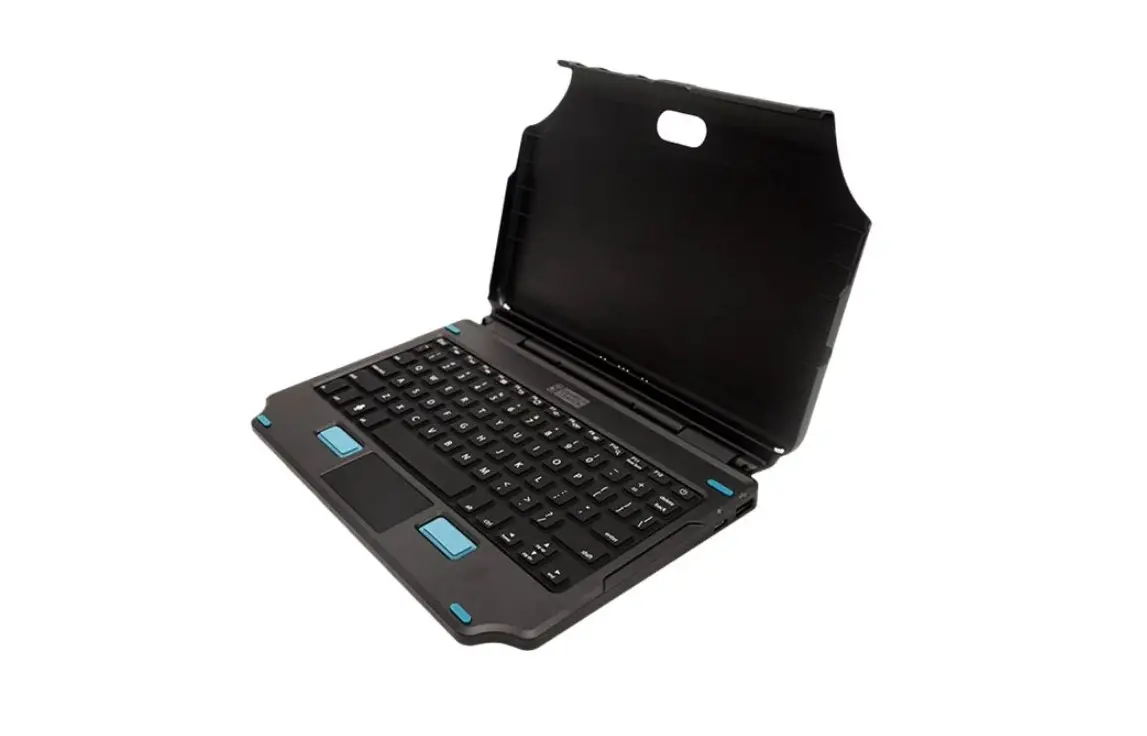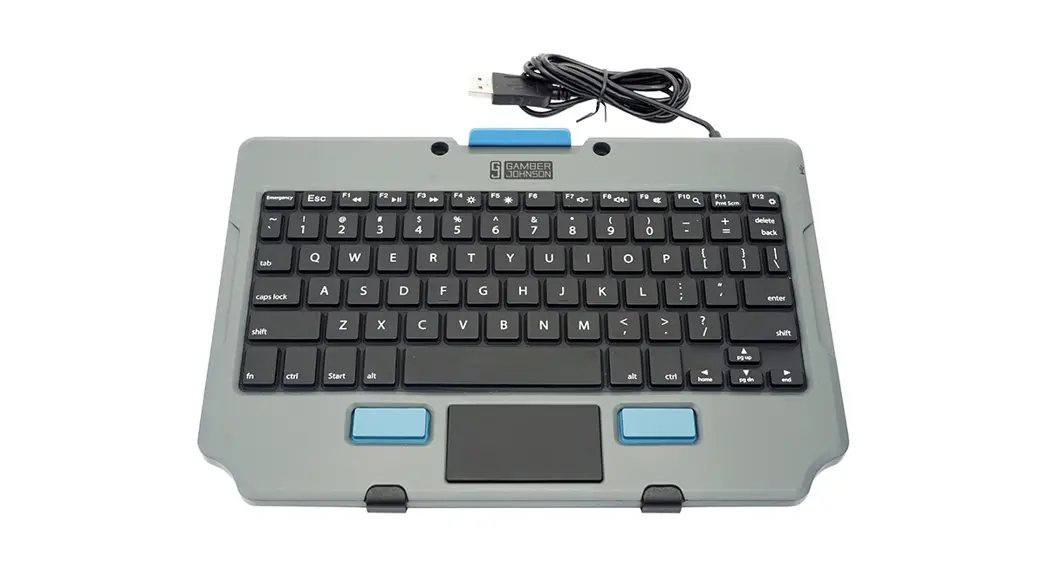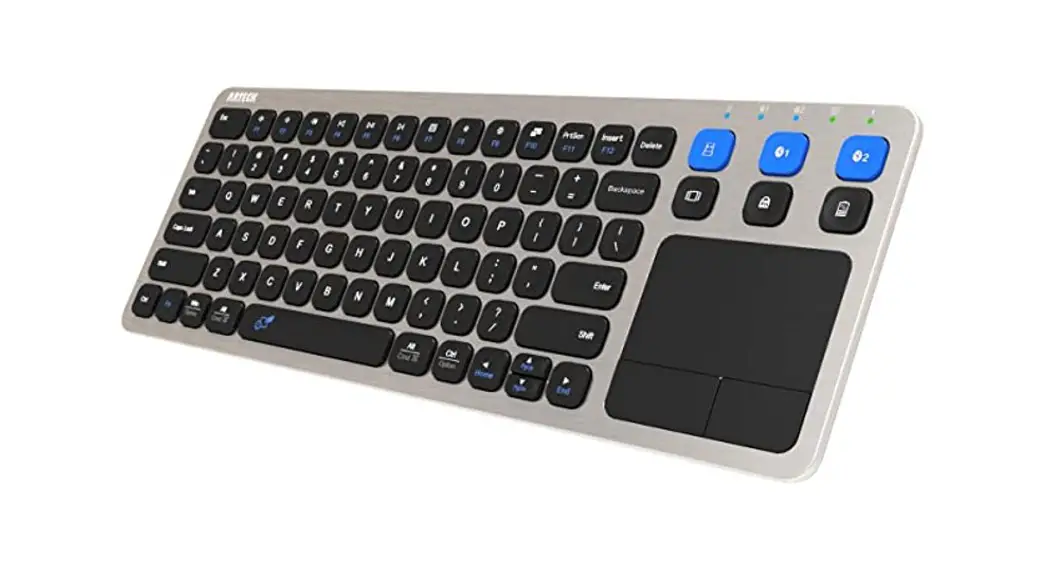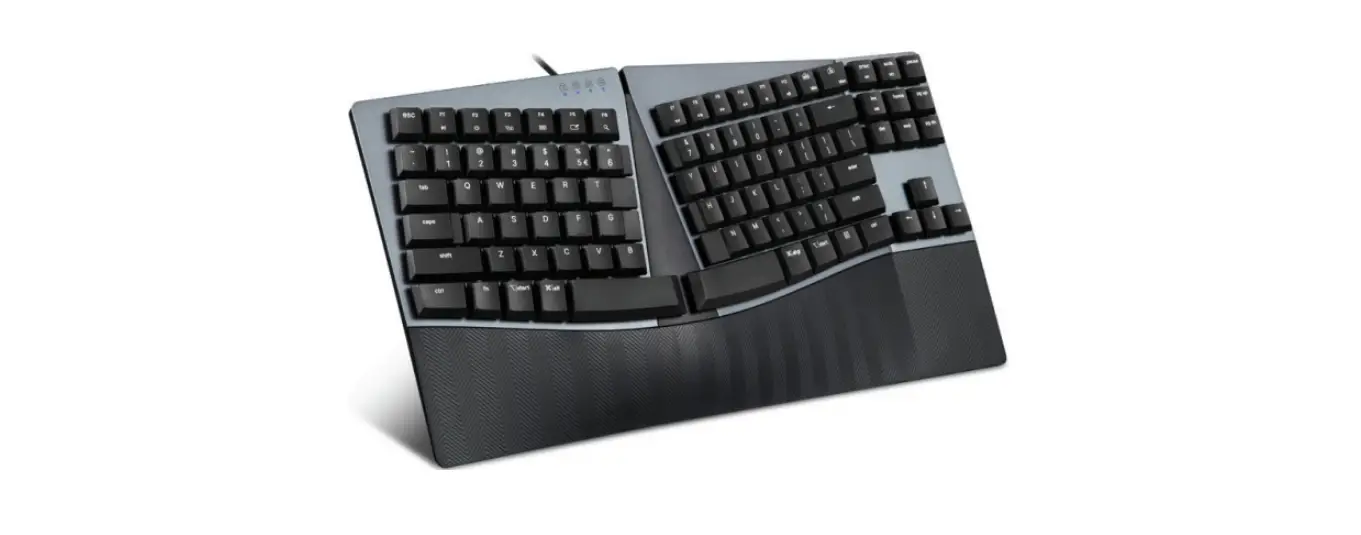

GAMBER JOHNSON ET5X 10 Inch 2-In-1 Attachable Keyboard
 FEATURES
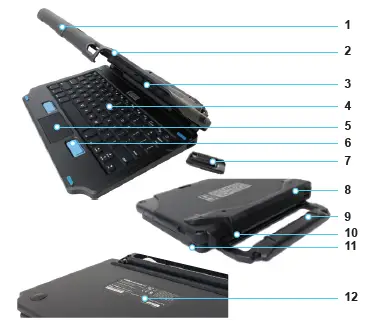
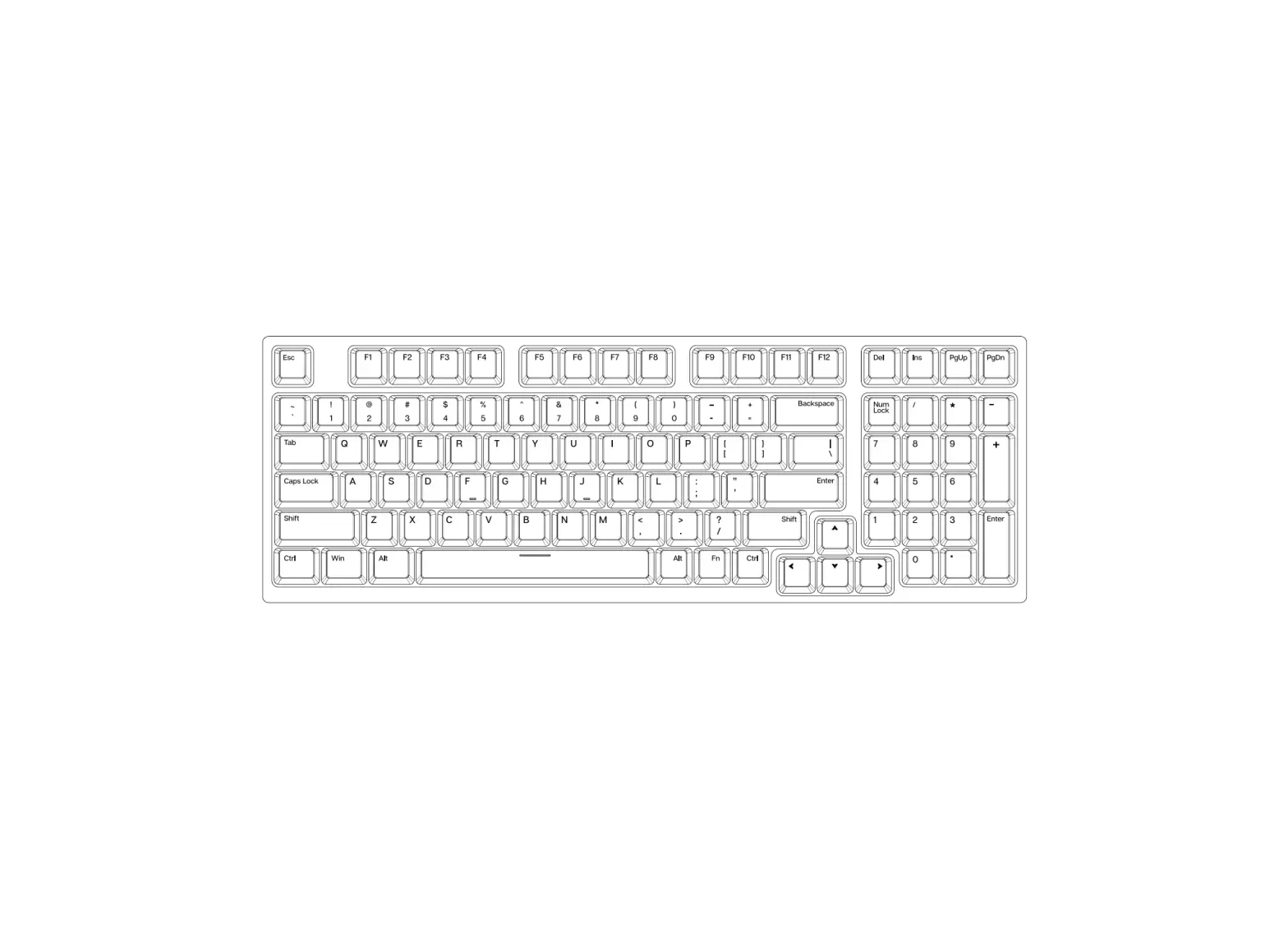
- Top Latch Ridge
- Cover
- Pogo Pins
- Rubber Keys
- Touchpad
- Mouse Buttons
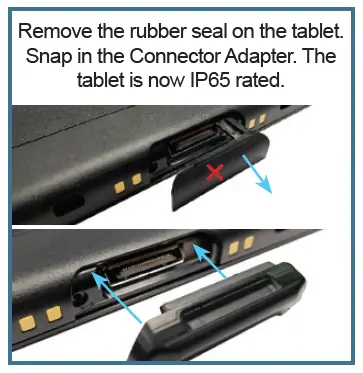
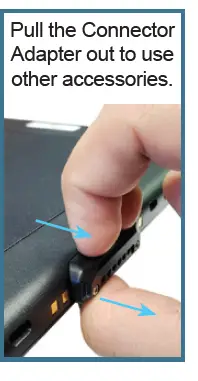
- Connector Adapter
- Built-in Kickstand
- Carry Handle
- Hinge
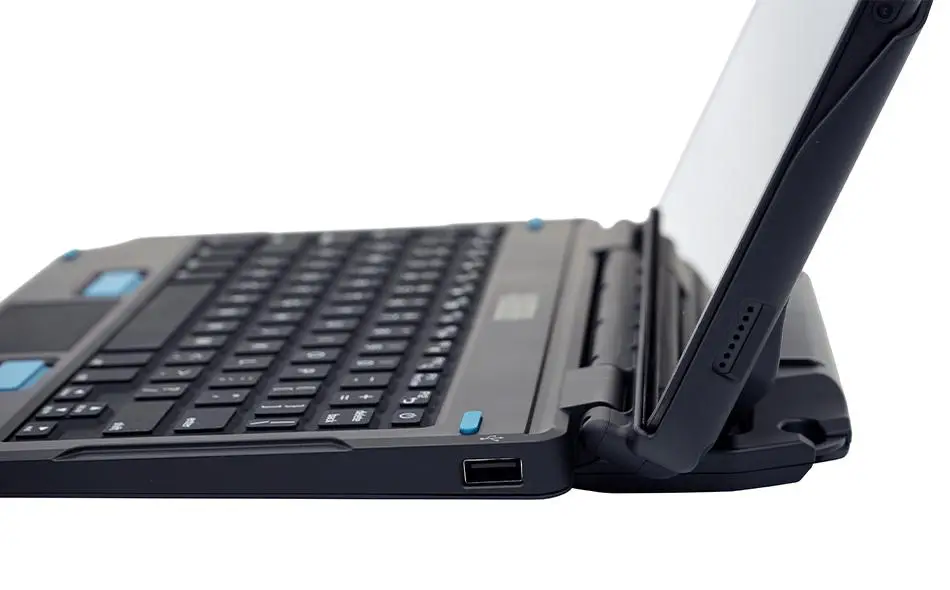
- USB 2.0 Input Port
- Part Number Label
IMPORTANT INFORMATION
- Compatible with the Zebra ET5X 10” tablets only
- Includes a Keyboard and Connector Adapter for the tablet
- Temperature Range:
- Operating -20°C to 50°C
- Storage -40°C to 85°C
- IP54, FCC, CE, RoHS, REACH, C-Tick compliant
- This product is NOT designed to be mounted in a vehicle
- Use the tablet’s USB-C port to charge the tablet
- Connect a flash drive or other digital data device to the USB 2.0 port on the side of the keyboard (Feature 11)
- Reference the Part Number Label for product information regarding any service needs
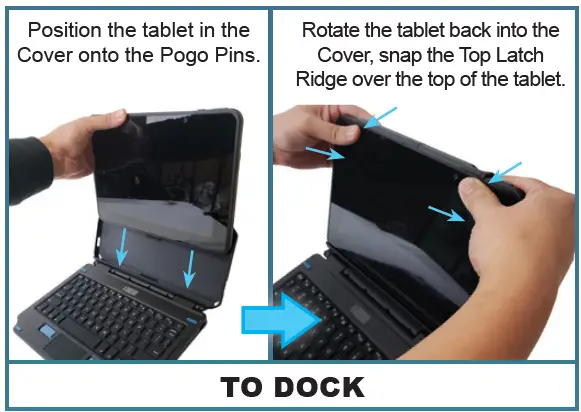
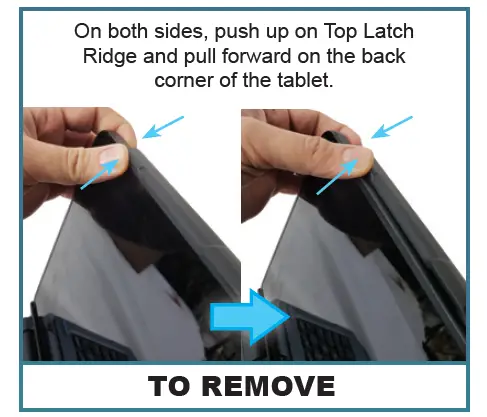
HOW TO DOCK & REMOVE THE TABLET