
QUICK GUIDE
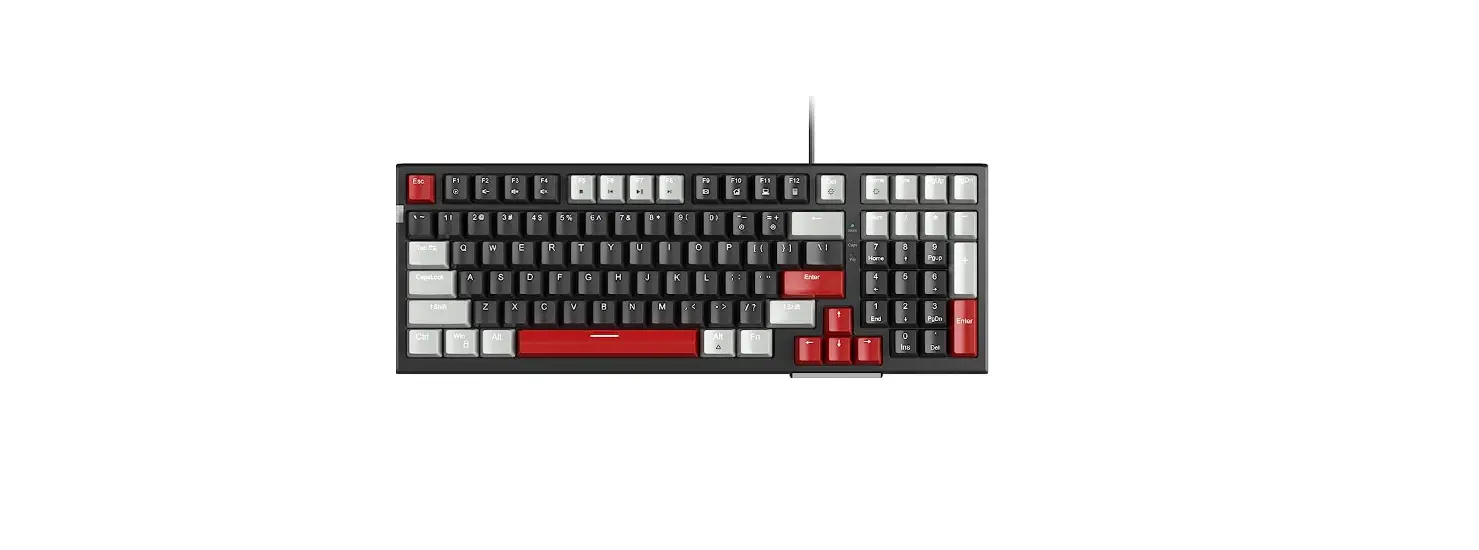
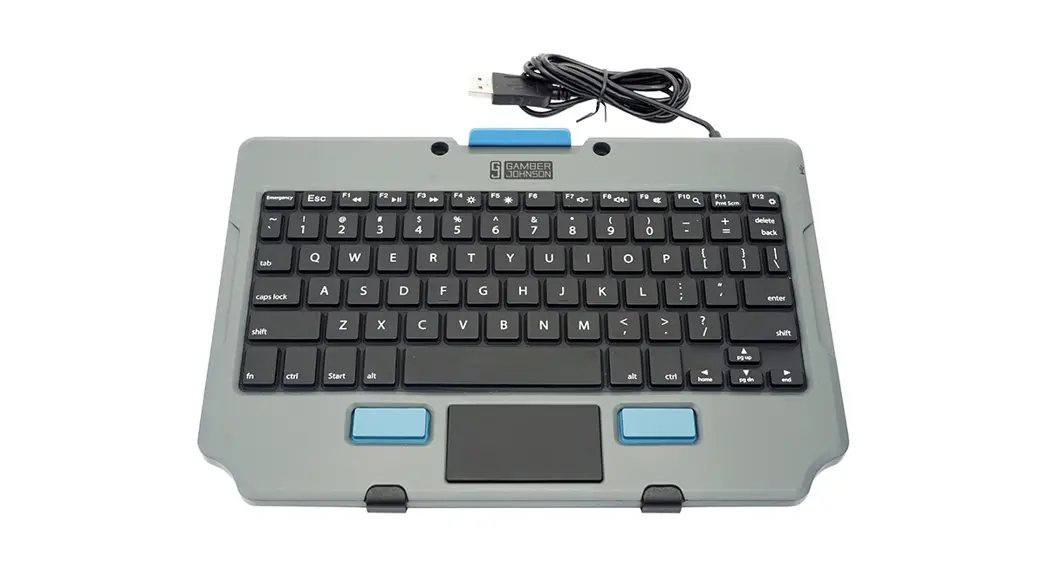
RUGGED LITE KEYBOARD
FEATURES
|
|
IMPORTANT INFORMATION
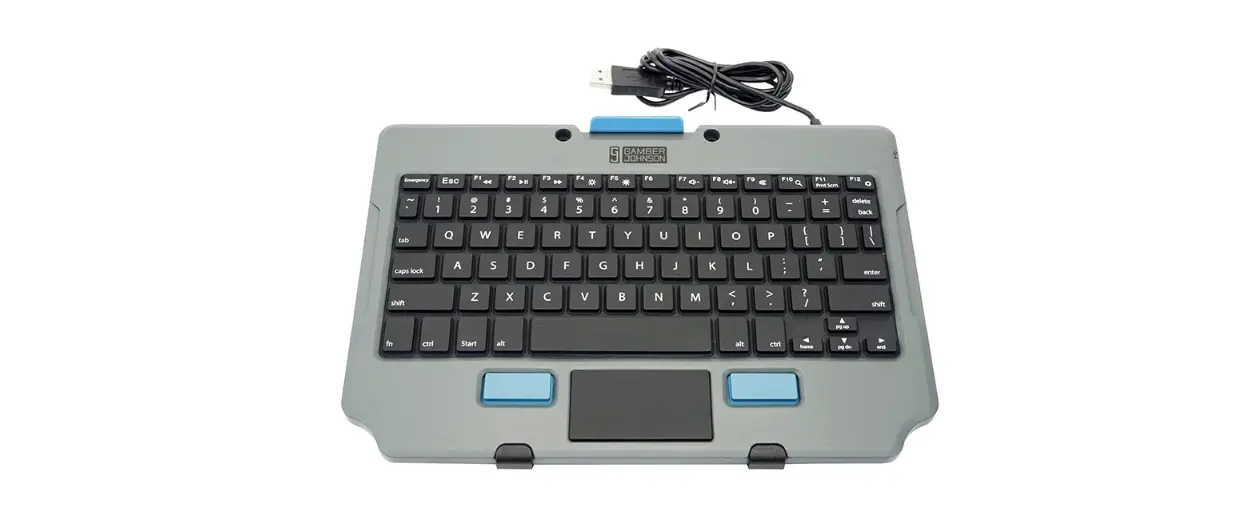
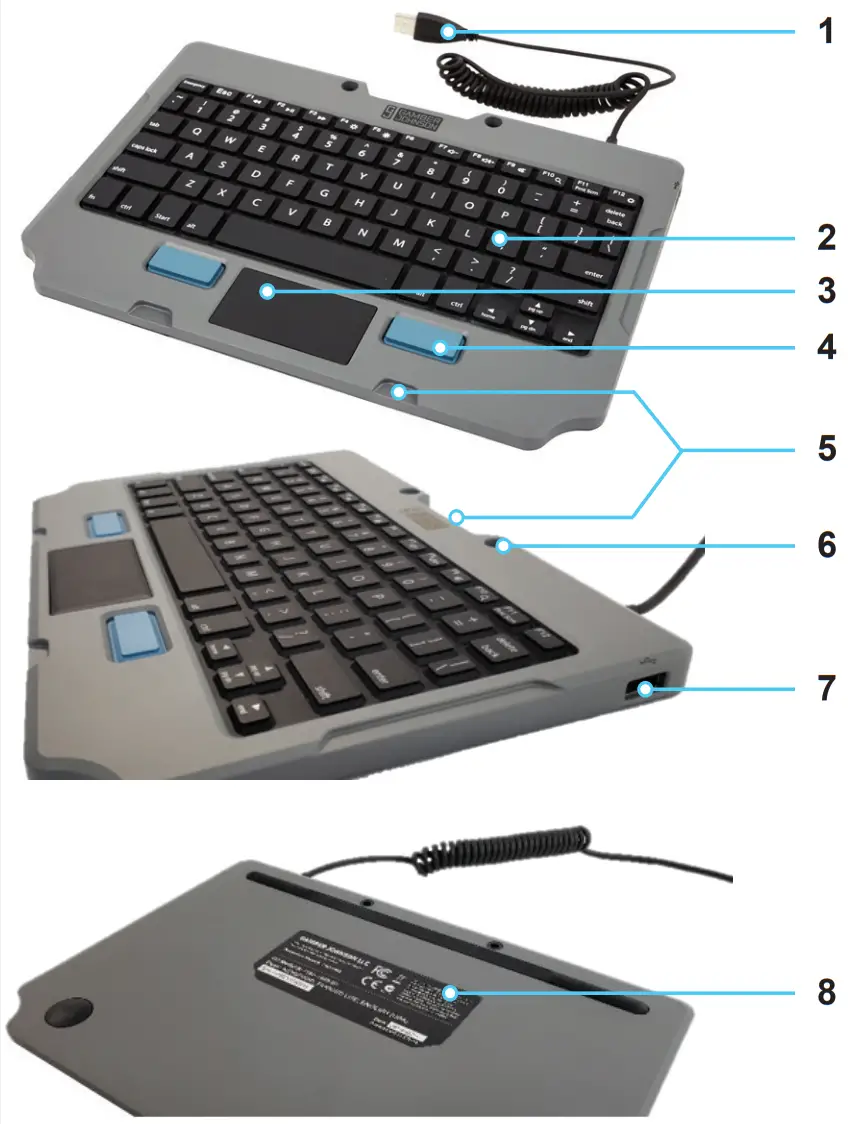
- Plug & Play USB 2.0: Supports Windows (XP or newer), Android, Linux, and Mac OS/iOS platforms (Feature 1)
- Programmable `Emergency’ Key
- Temperature Range:
• Operating – 20°C to 60°C
• Storage – 40°C to 85°C - IP54 ingress, FCC, CE, RoHS, REACH, C-Tick compliant
- Tested to full Gamber-Johnson rugged standards 6
- Easily mount keyboard utilizing the purposefully built
Gamber-Johnson Quick Release Cradle (7160-1470-00) and below mounting features: - Mount using the Mounting Pockets (Feature 5)
- Or attach using #6 screws and two holes (Feature 6)
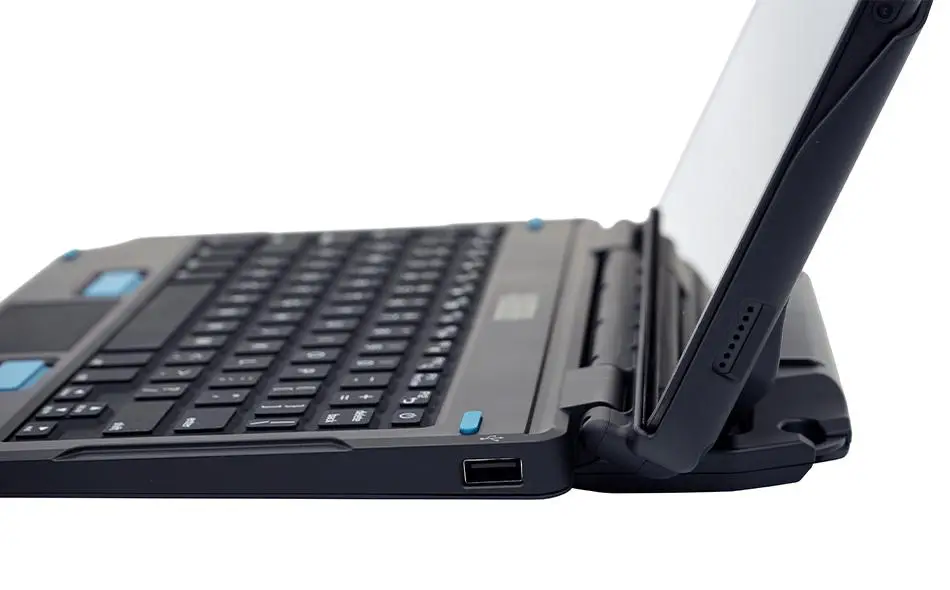
- Connect a flash drive or other digital data device to the
USB 2.0 port on the side of the keyboard (Feature 7) - Reference the Part Number Label for product information regarding any service needs (Feature 8)
Thank you for choosing Gamber-Johnson for your keyboard needs. To learn more visit gamberjohnson.com and search part number 7160-1449.
© Copyright 2020 Gamber-Johnson LLC
INST-983-00
Rev. A
GAMBERJOHNSON.COM
3001 Borham Avenue, Stevens Point, WI 54481
1.800.456.6868
[email protected]