 User manual
For LED Strip Lights
Brighter your home, Brighter your life
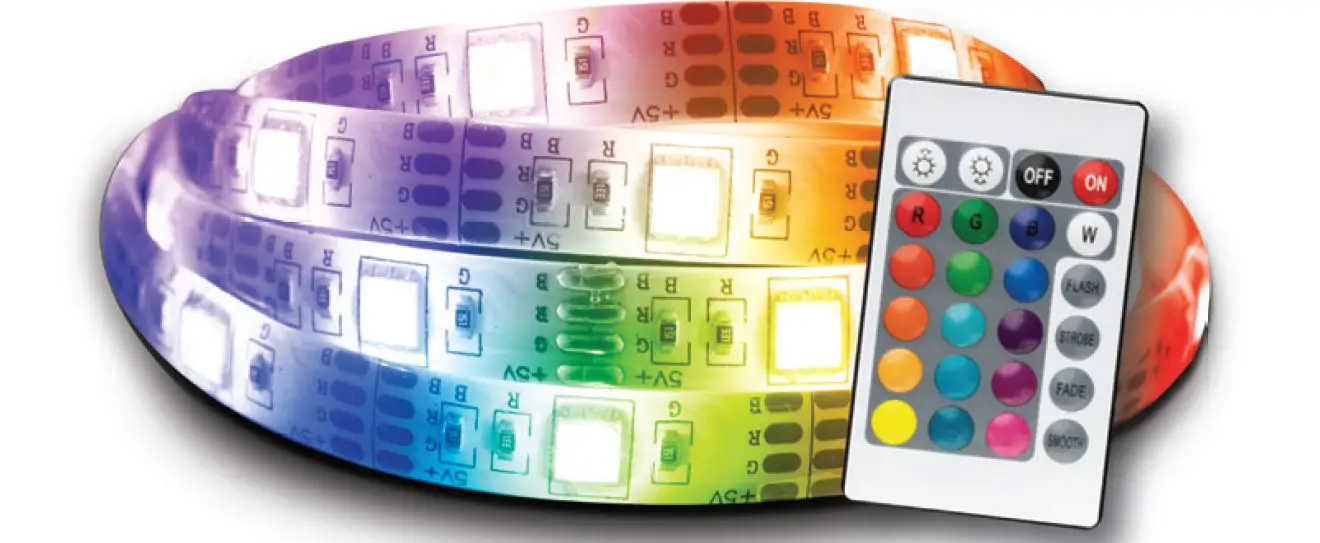
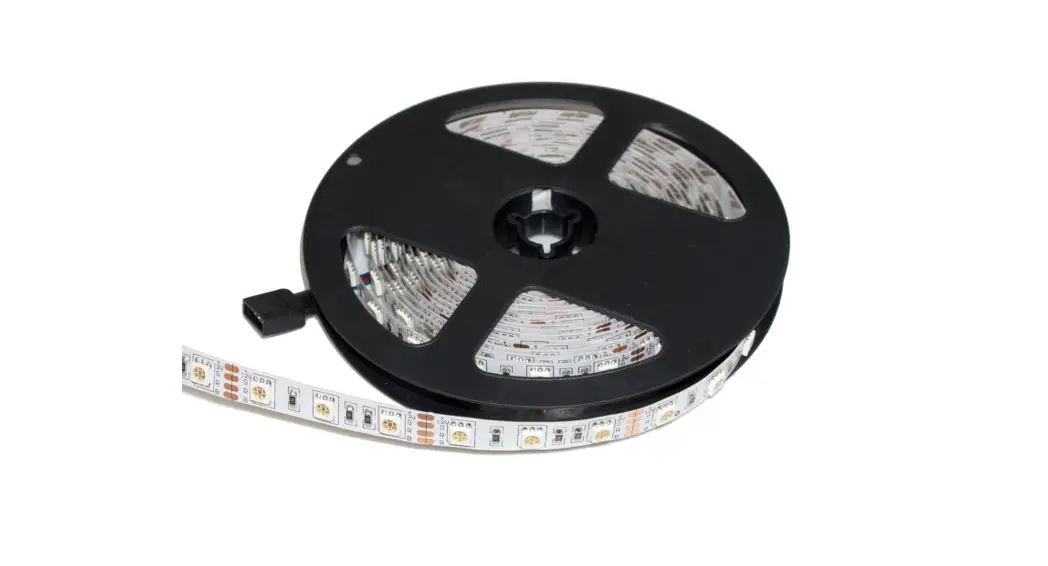
SMD5050 LED Strip Lights
Customer support:
- All our products with 18month warranty.
- If you are caught in some problems when using our products, feel free to contact us at any time
Thank you for choosing the color RGB led light strip, for proper installation and use-age of the product, please read this user Manuel carefully
http://download.appglobalmarket.com/happylightingdownload.html
Download APP“Happylighting-Life With Smart” For More Information
Specification:
LED Type: SMD 5050(Has white light )
LED Quantity: 300 LEDs (30 leds/m)
Working Input Voltage: DC12V
Working Temperature: -20 ° ~ 60 °
Beam angle: 120°
Lifespan: over 50 000 hrs
Power: 0.2w/led; 60w/300 LEDs
Color temperature:6000K
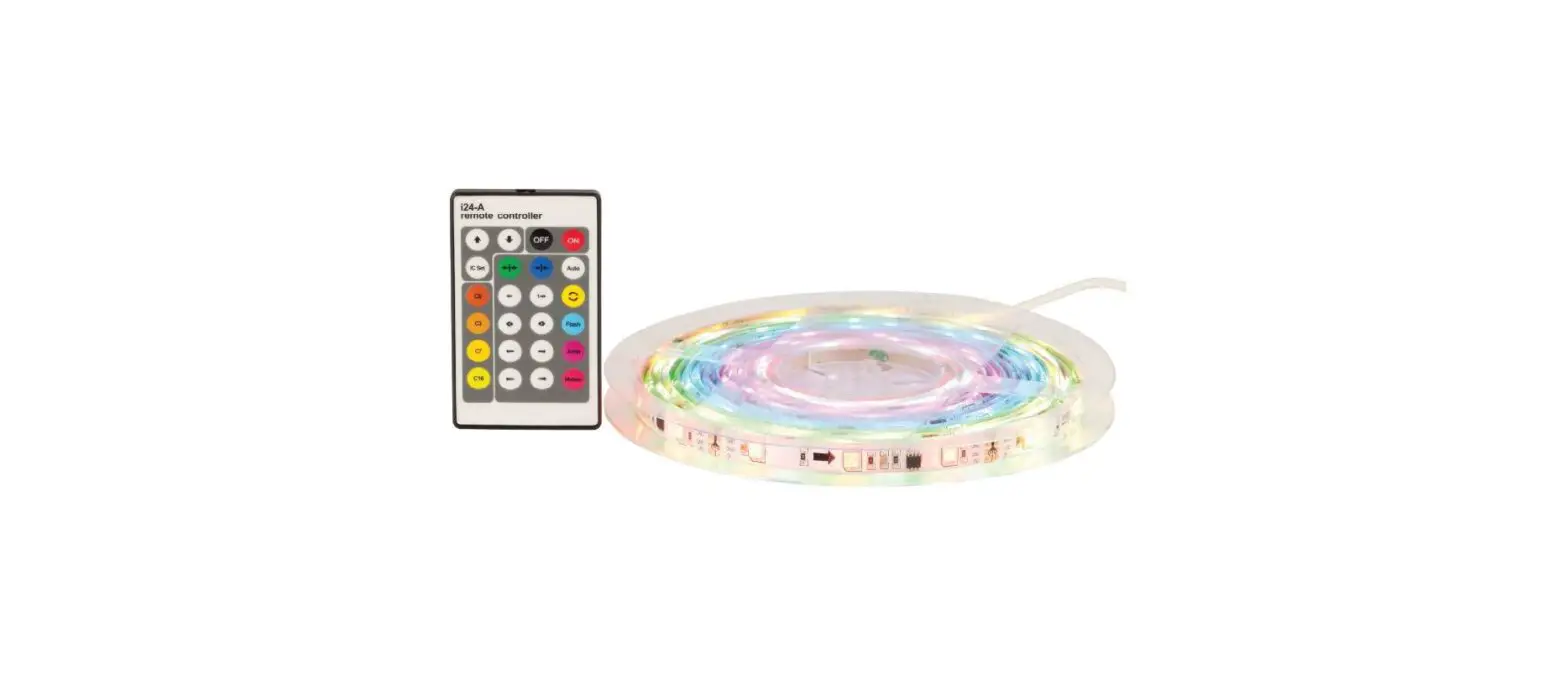
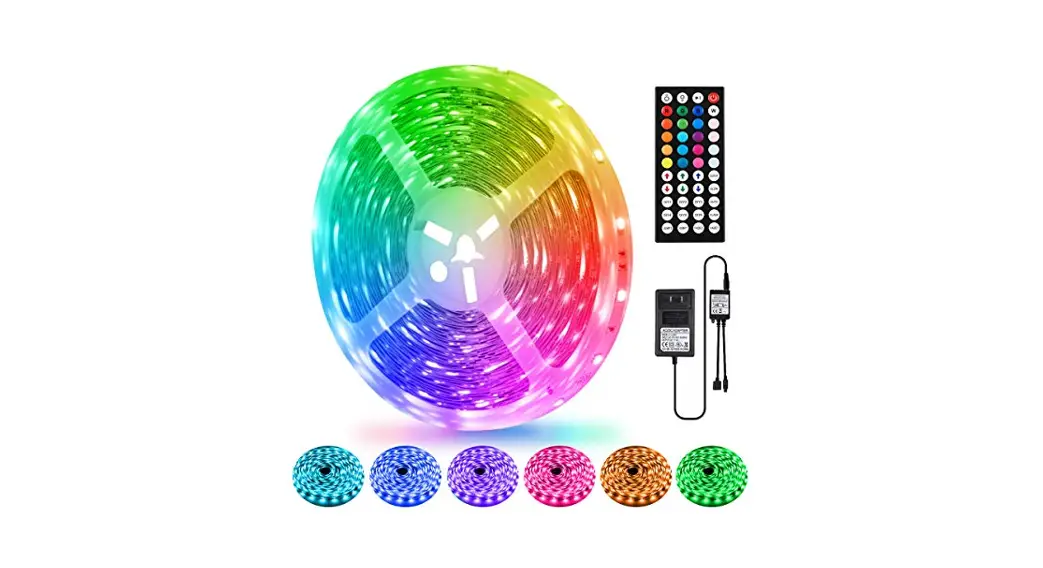
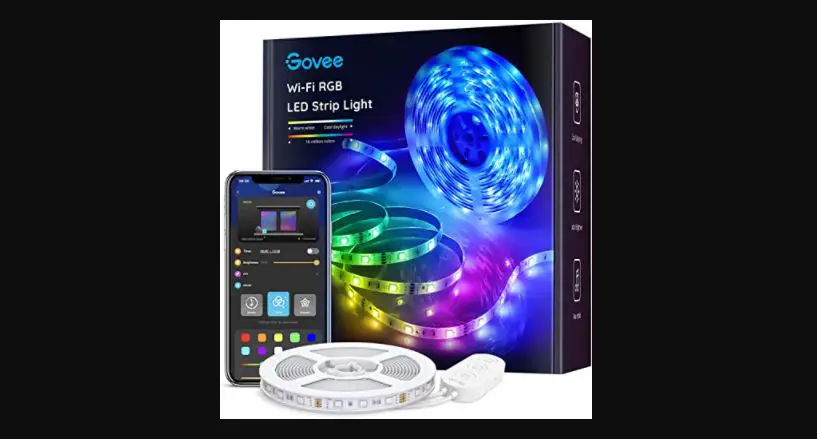
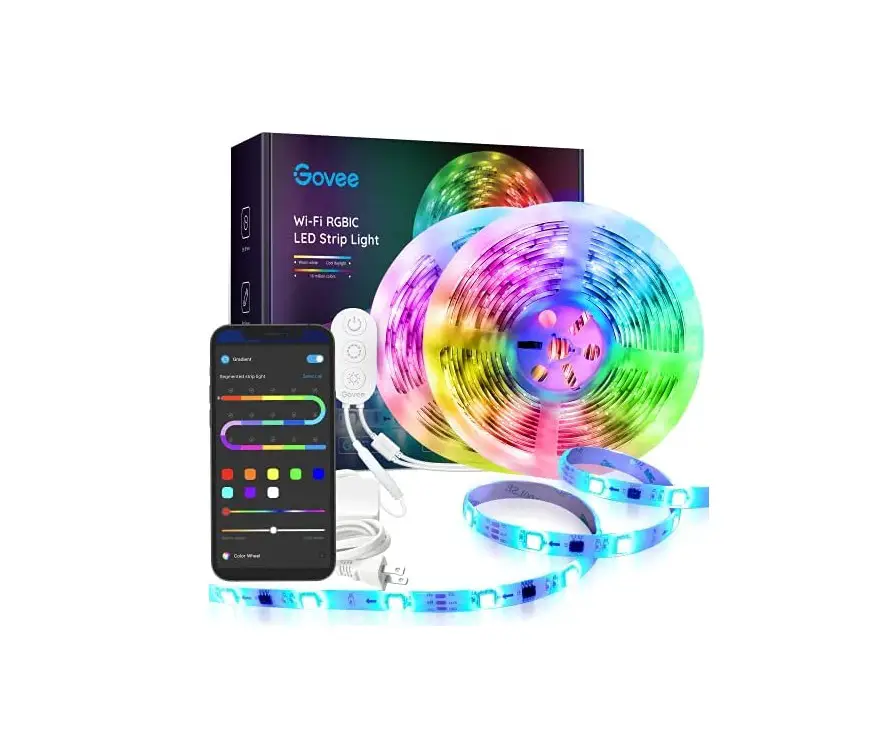
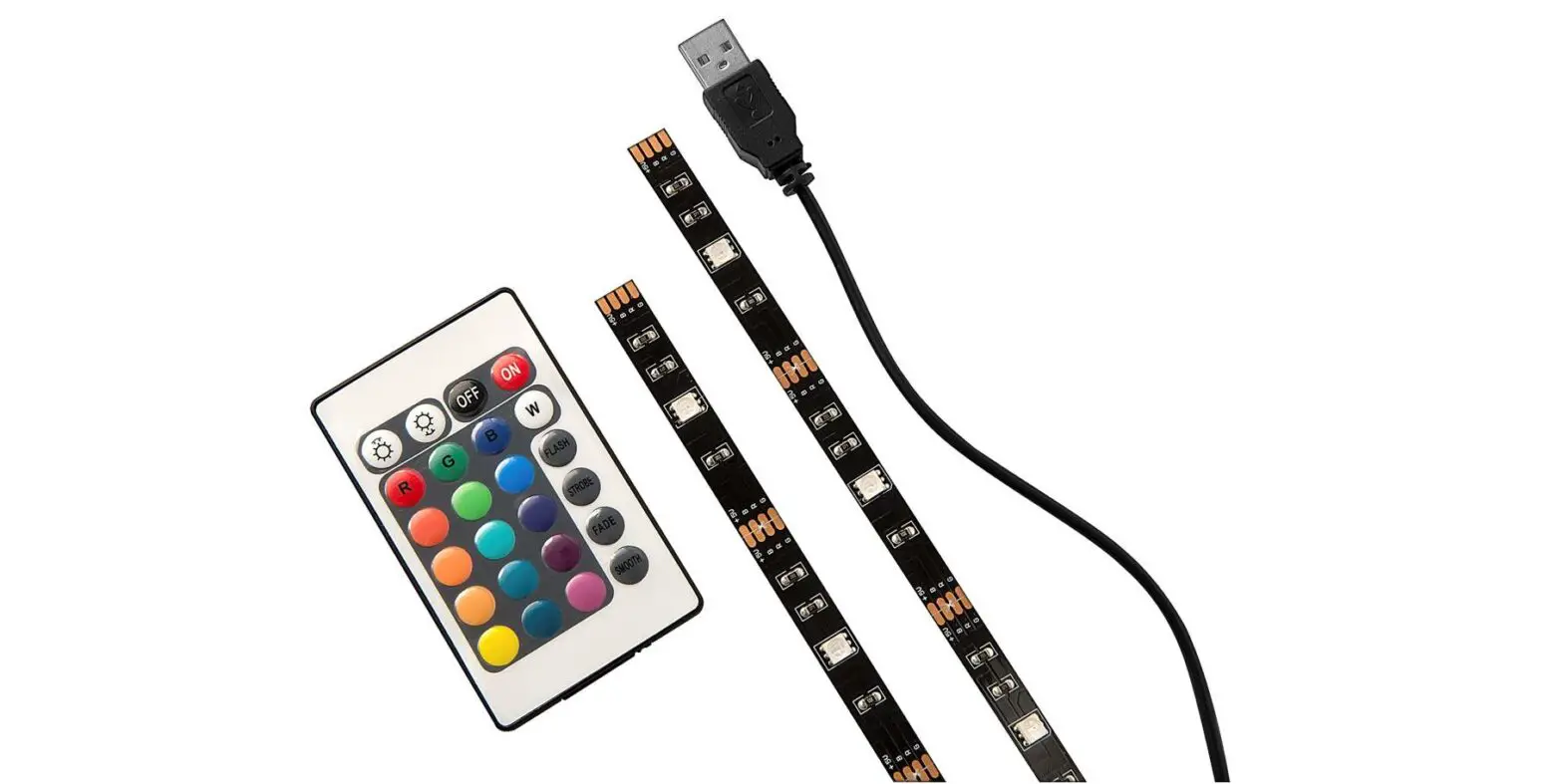
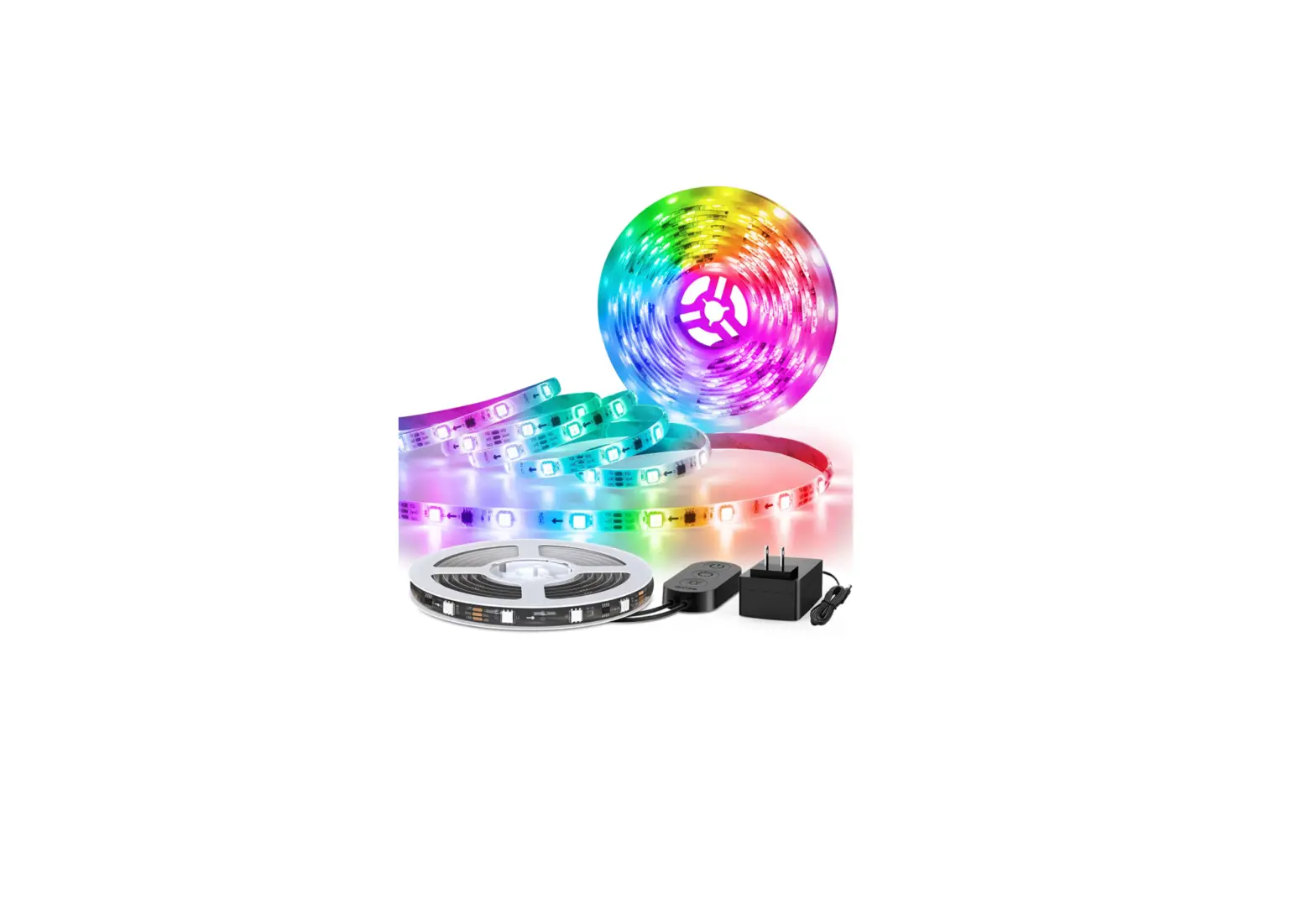
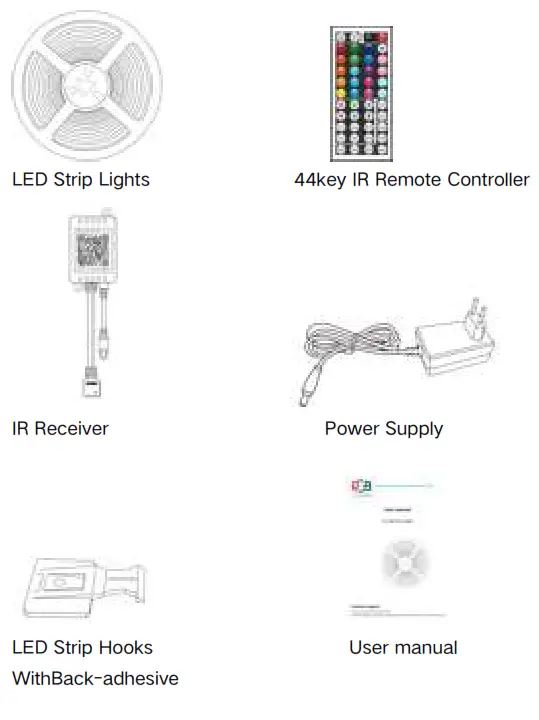
Package includes:
INSTALLATION
INSTALLATION STEPS
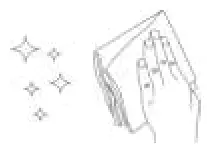
NOTES: Please make sure the surface is smooth, dry, and clean.
DON NOT stick the led strip on the rough surface, such as knitted/wool fabrics, dust wall, rough plastic surface, or frosted glass.
STEP 1:Clean and dry the installation surface.
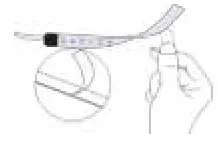
Please be careful not to tear off the adhesive tape
STEP2:Tear off the plastic on the adhesive tape and stick the strip to the clean installation surface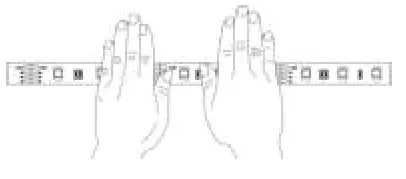
STEP3: Stick the LED strip and press with force, and then press the whole LED strip repeatedly.
NOTES: You can also buy led strip hooks and screws to fix the led strip if you want to apply the strip to uneven walls or ceilings where the tapes often fail to work
STEP4: Installation finished. Use the IR remote to turn on and operate the lights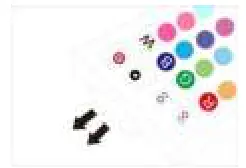
Please pull out the transparent chip from the bottom of the IR remote to ensure that the battery is powered properly
Make sure the IR remote aims at the IR receiver within the sensing distance. The angle of the IR receiver is 120″ and the sensing distance is 25ft.Please remotely control within
the sensing range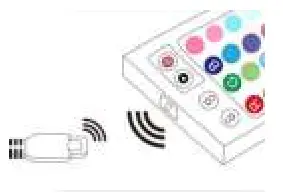
Warmly Note Before Use
Do not connect to the power supply before installation
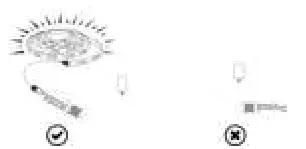
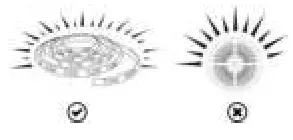
Please spread out the light strip before connecting the power supply
IR REMOTE INSTRUCTION
44-key Bluetooth Remote
| ①Power On/Off ②Pause/Resumption Button ③Decrease Brightness ④20 Color Options ⑤DY Function ⑥Jump Change 3 Colors ⑦Gradual change 7 colors ⑧Speed Up To Color Changing ⑨Slow Down Color Changing ⑩Auto-change Colors and Models ⑪Flash On and Off ⑫Gradual change 7 Colors ⑬Gradual Change 3 Colors | 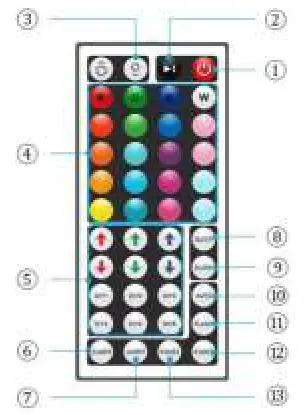 |
How to use the DIY function of the remote controller?
DIY Colors: When you press a DIY button, the led light strip will be white color. since white is made up of red, blue, and green, you can use the “↑” “↓ “to adjust the brightness of red, green, and blue to get other colors
For example, if you want to get the pink color through DIY, press a DIY button, like DIY 1 button, the color of led light strip will be white at first, then you need to keep pressing “↓ “green button, the white led light strip will gradually turn to pink color. if you want to store the pink color, press the DIY 1 button again, it will show the pink color the next time you pressed the DIY 1 button. other DIY buttons have the same functions too
About DIY keys: There are 6 DIY keys, 6 colors you preferred can be saved at the same time, they are all independent, and have no affection for each other
Application:
Widely used for decorating your Dining room, Bed room, Upstairs, Kitchen, Porch, Computer desk, and Living rooms, especially great for Holidays and Events like Christmas
 MADE IN CHINA