
User Manual
Model: H6144
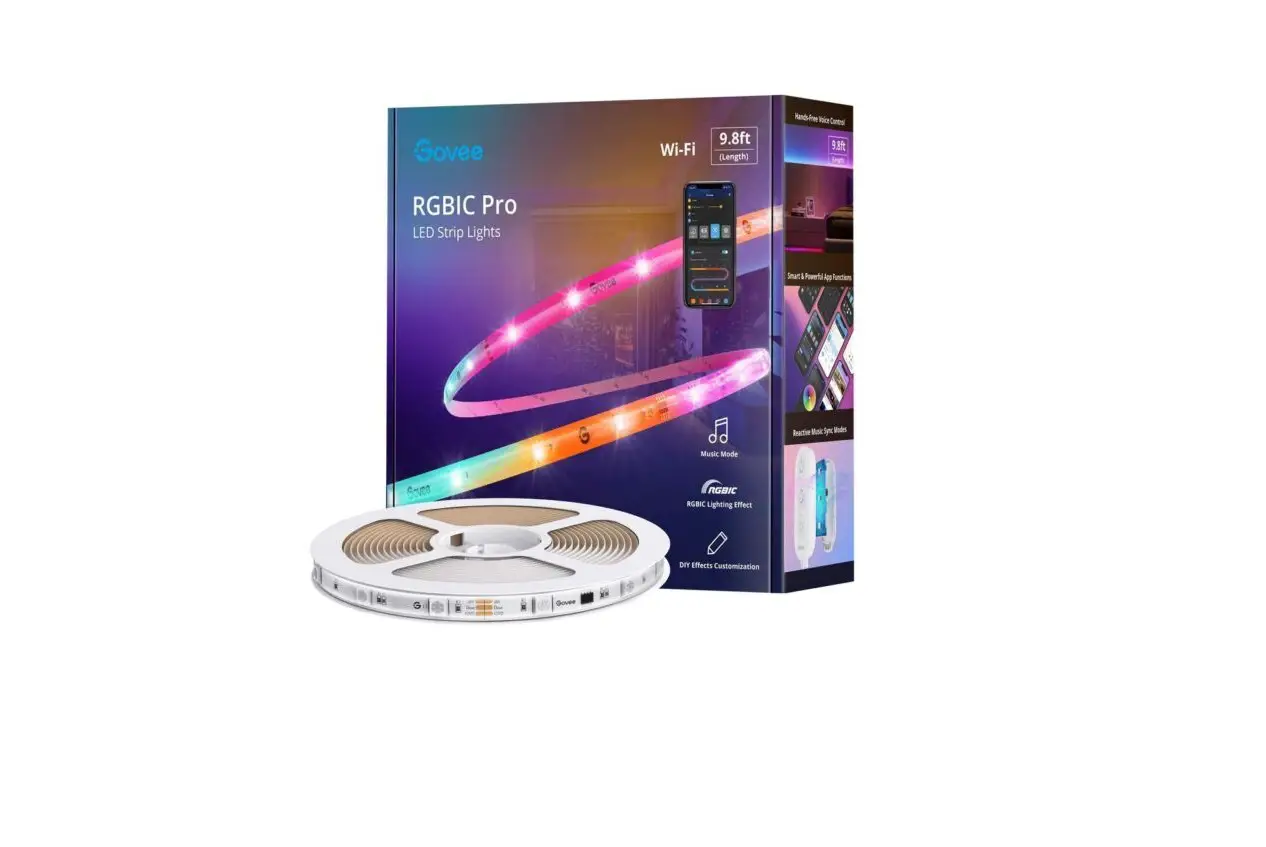
wi-fi RGBIC LED Strip Lights
Safety Instructions
Read and follow all the safety instructions:
- The product is not water-resistant, be cautious when installing and using it.
- Use the product with the provided power adapter only.
- Be cautious of static electricity during installation and usage. Keep the product away from sharp objects or strong corrosive chemicals.
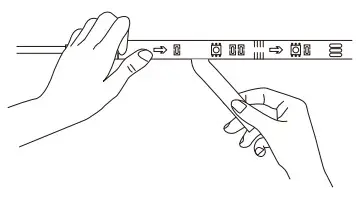
- When bending the strip lights during installation, avoid folding the LED components as it may affect the product’s life span.
- Remove nails, metal, or other conductive objects from the installation surface before attaching the strip light, as it may cause short-circuiting.
- Do not install the strip light near any heat sources.
- Do not allow children to install the strip light alone.
- Avoid installing the strip light near potentially dangerous sources (e.g., candles, liquid-filled objects).
Introduction
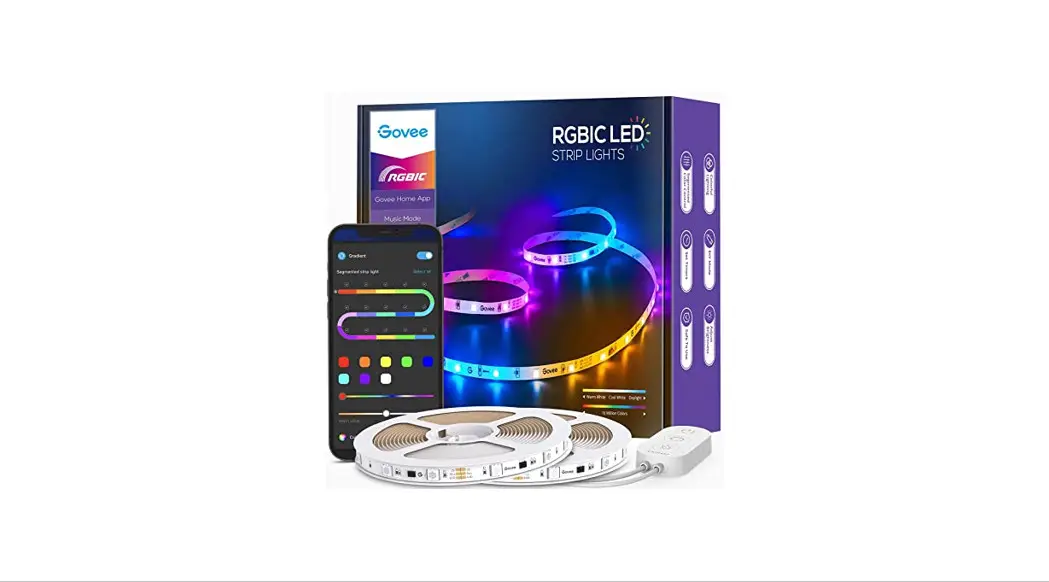
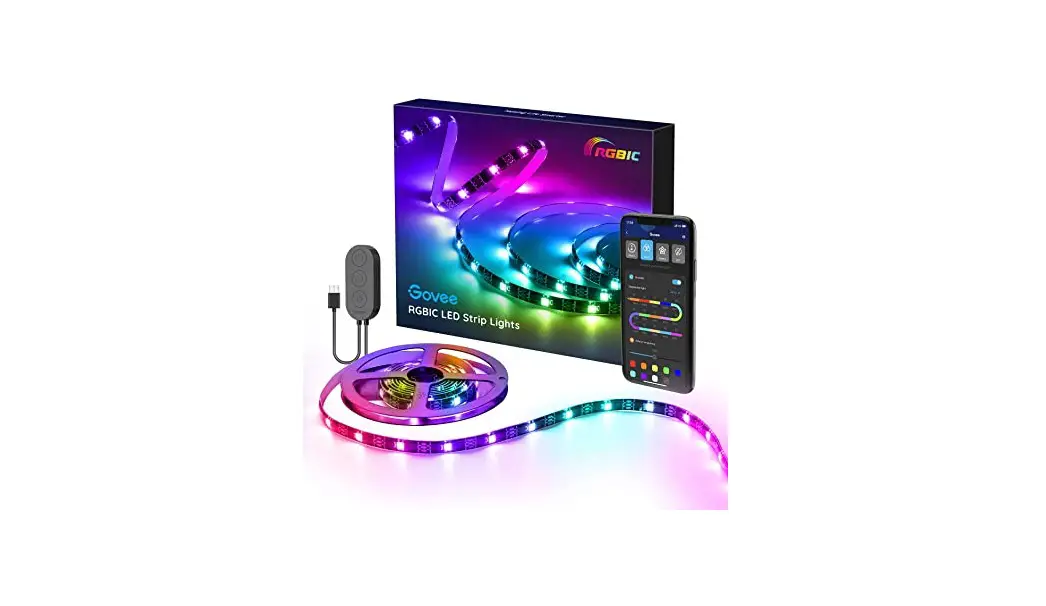
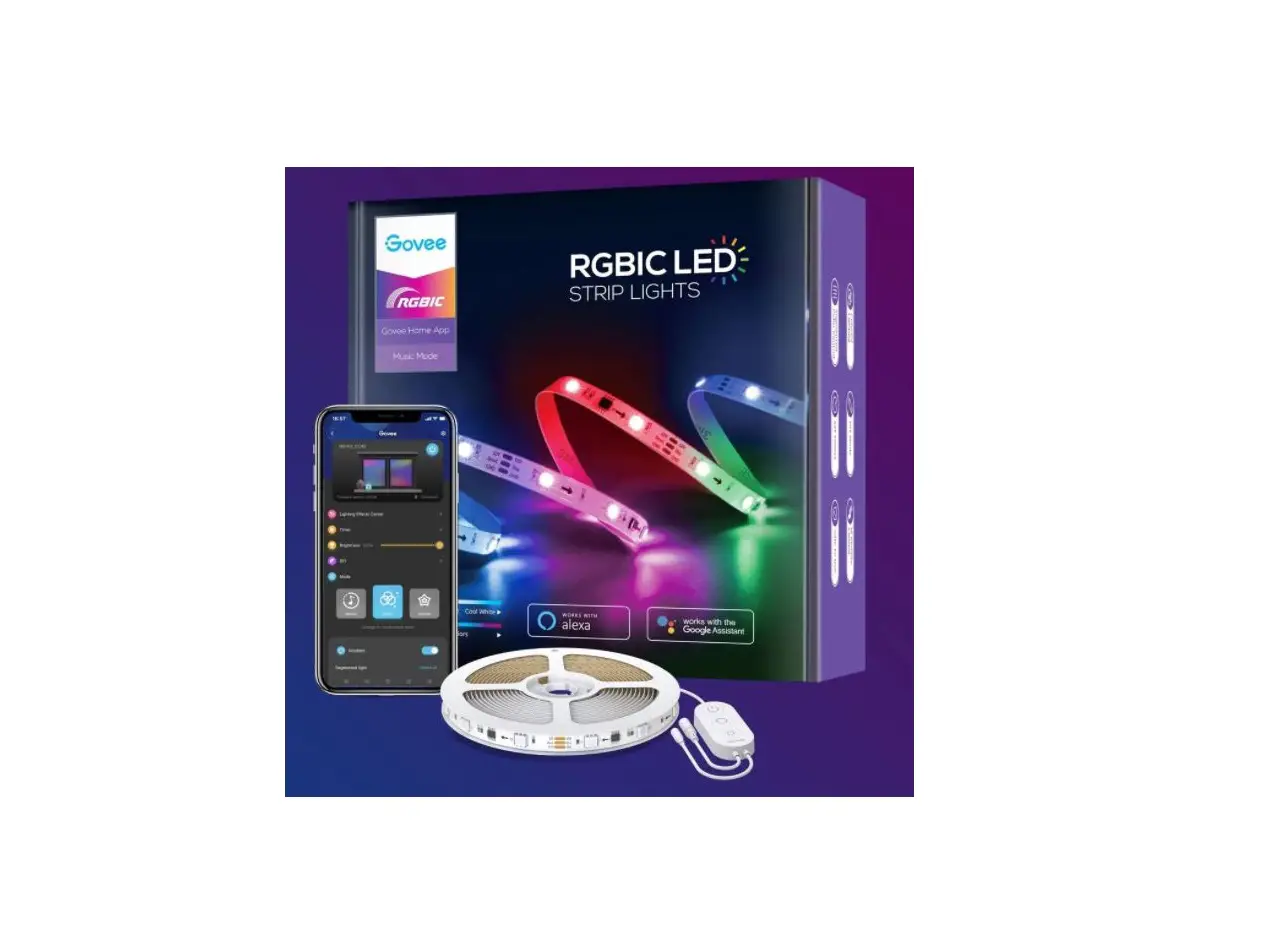
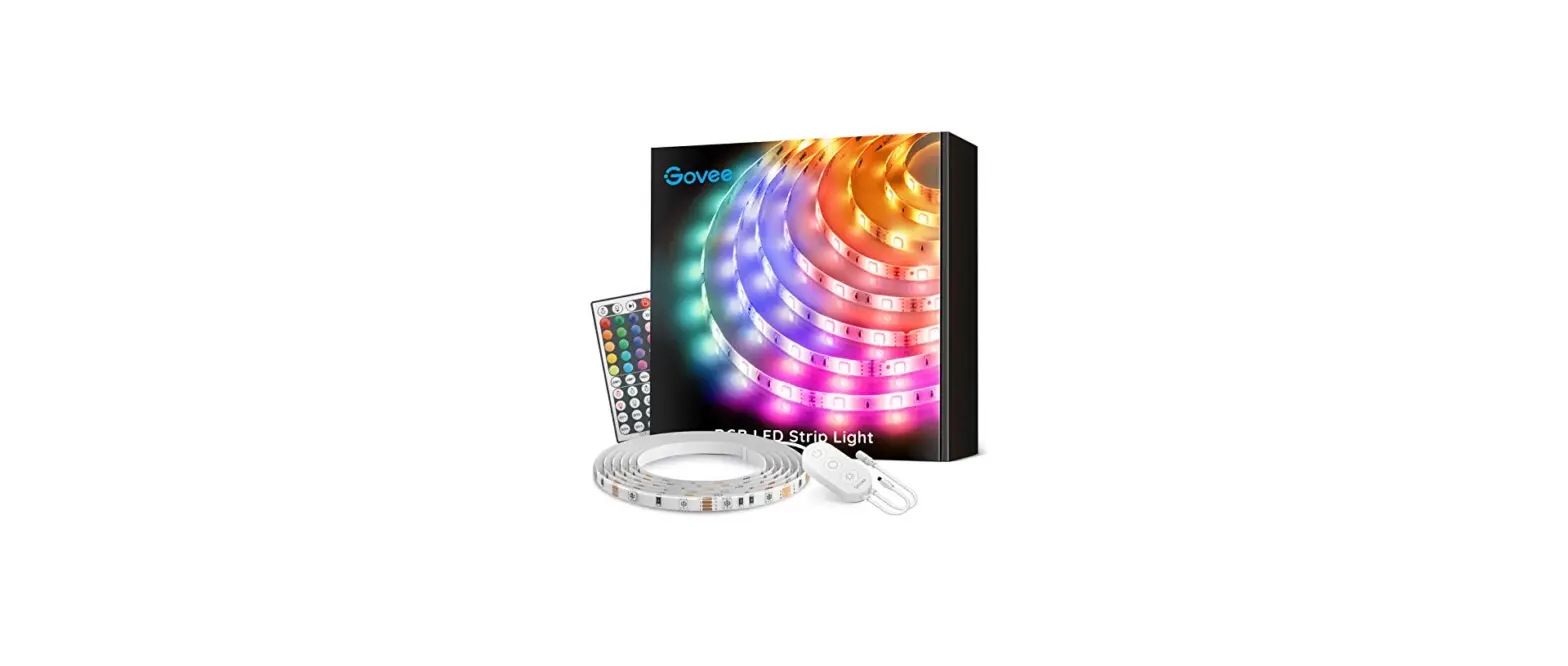
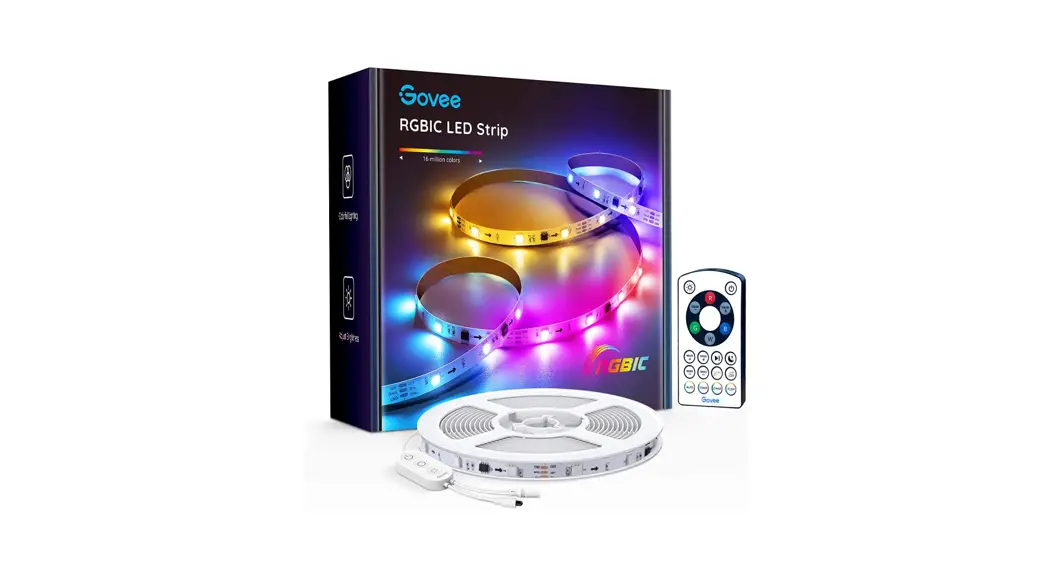
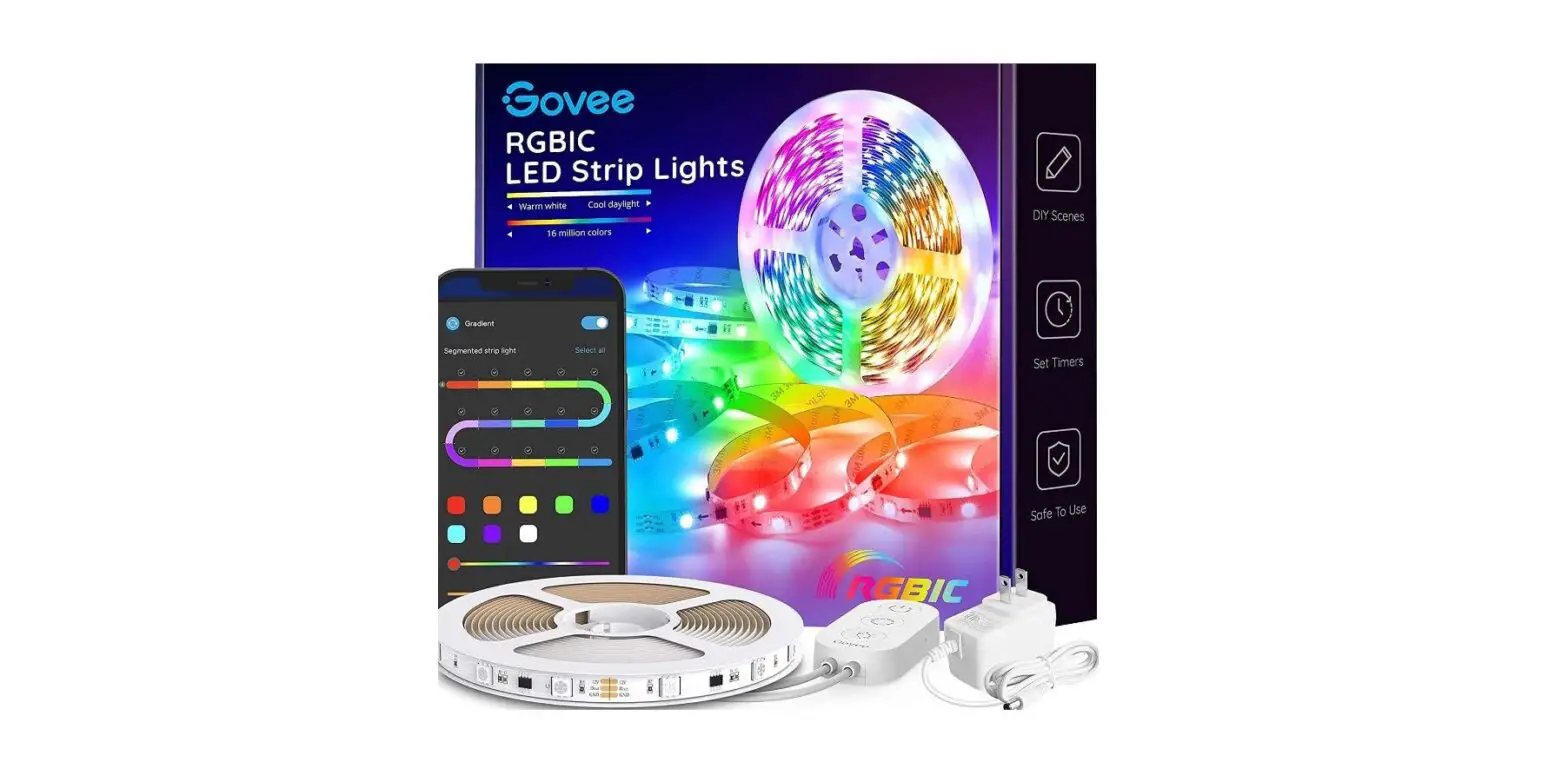
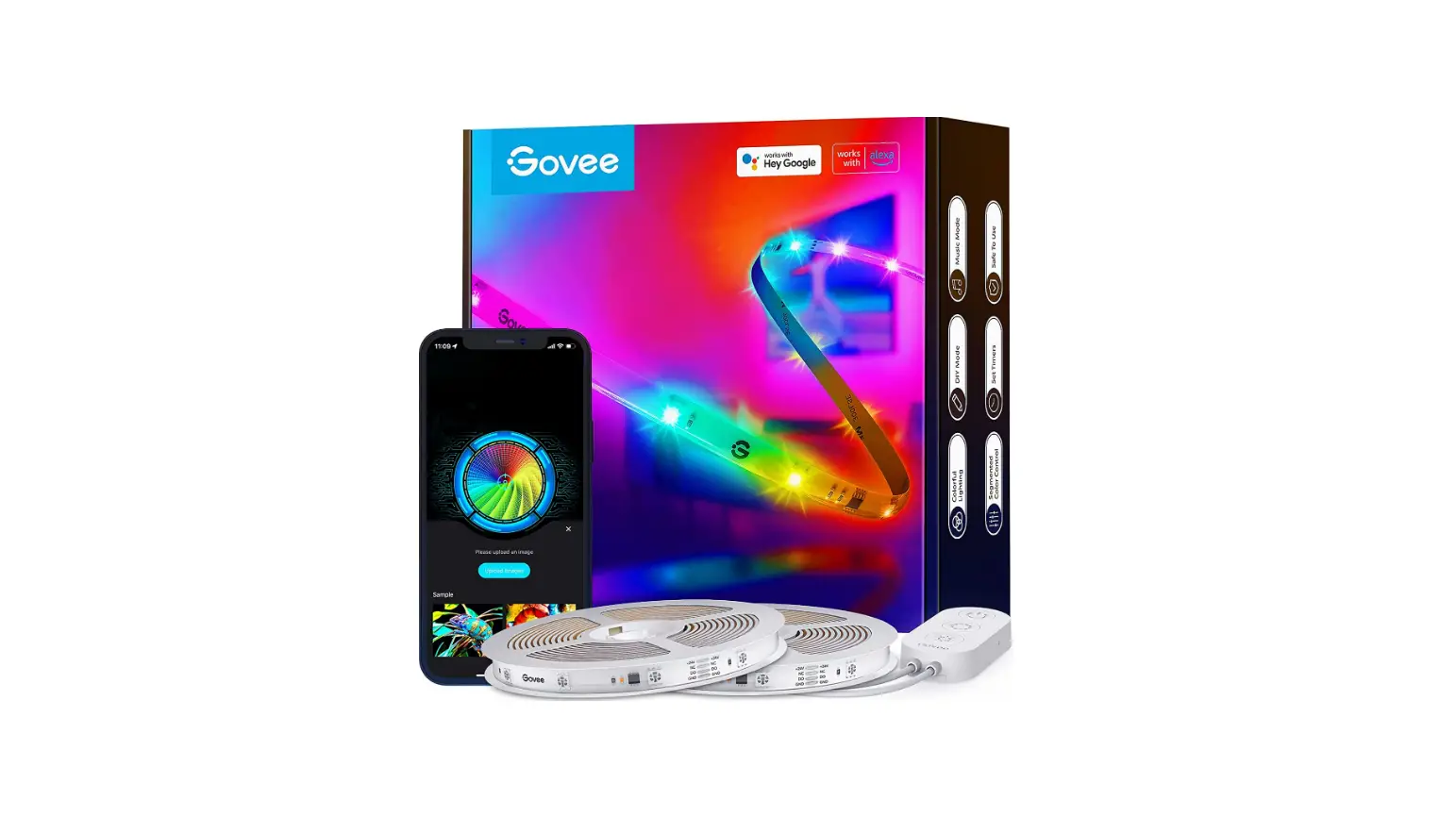
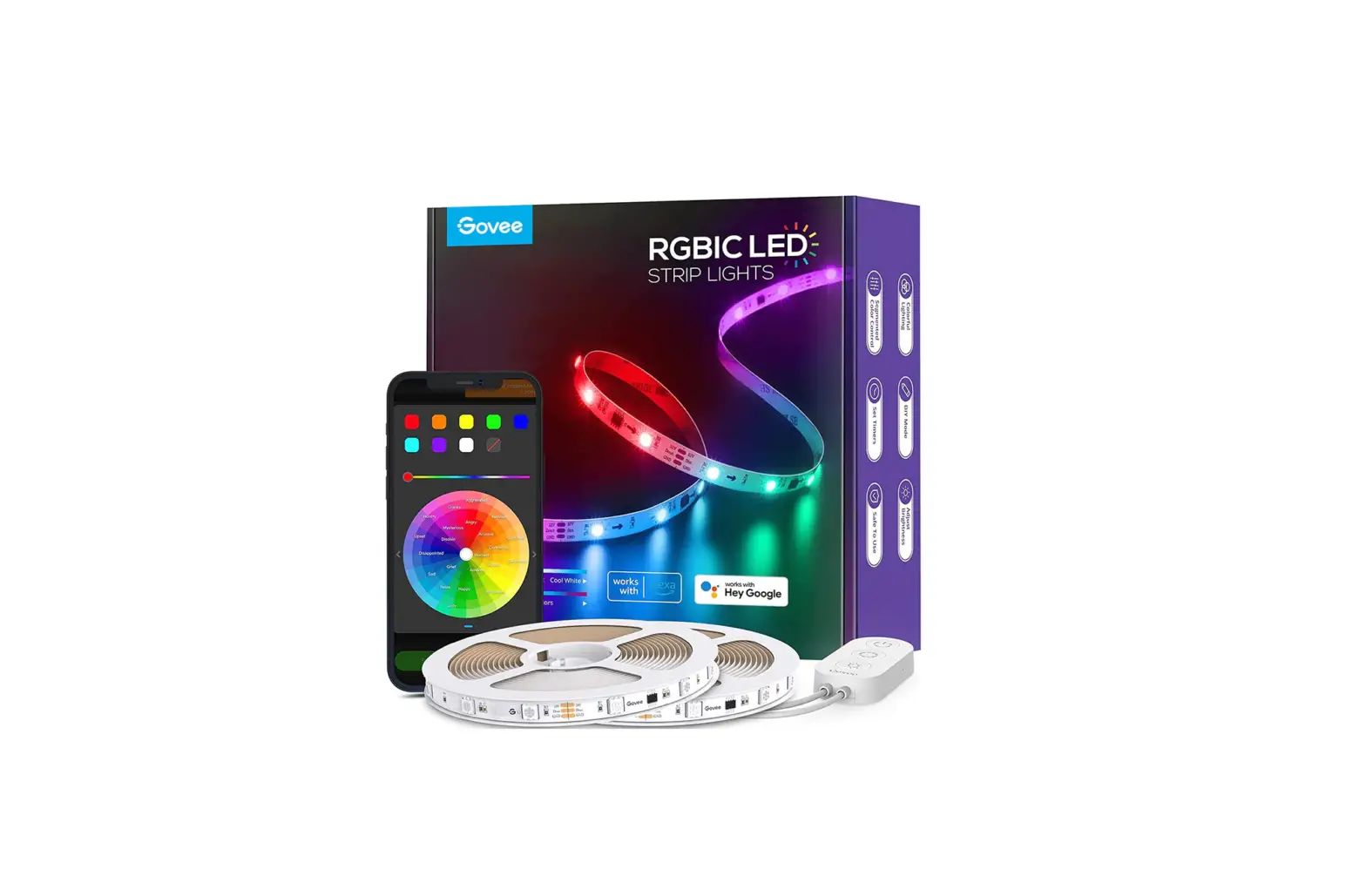
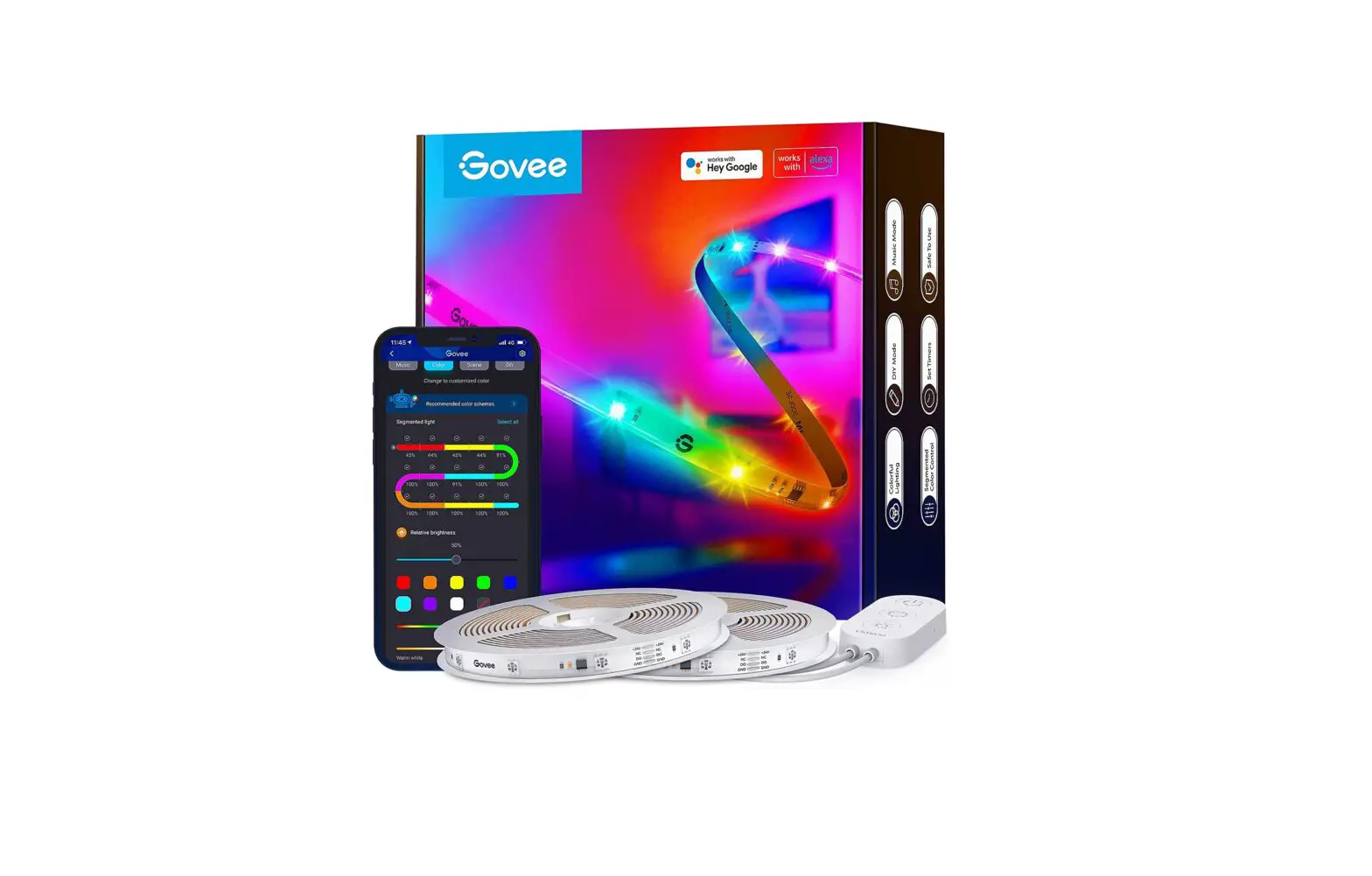
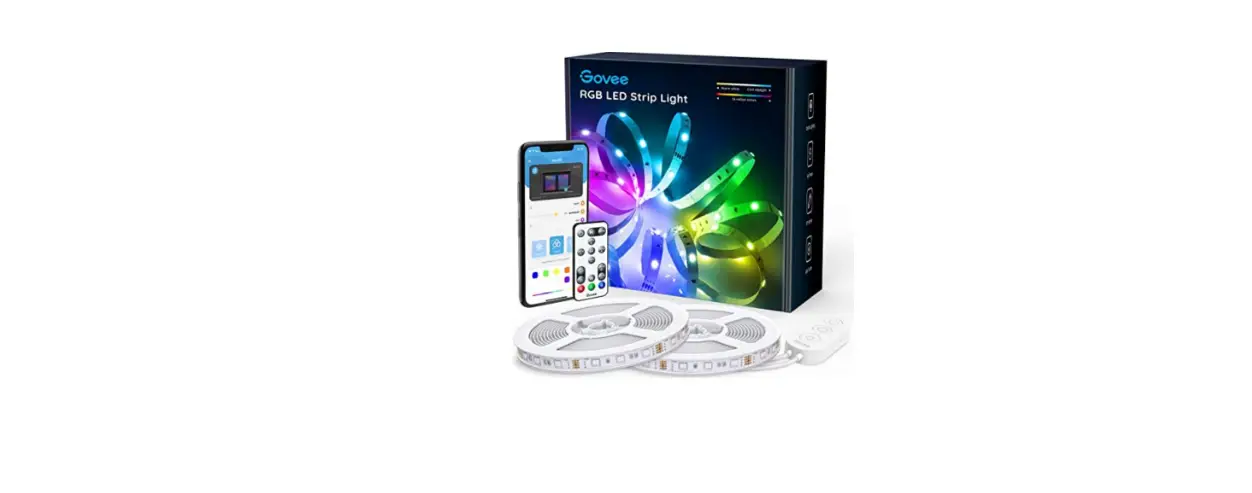
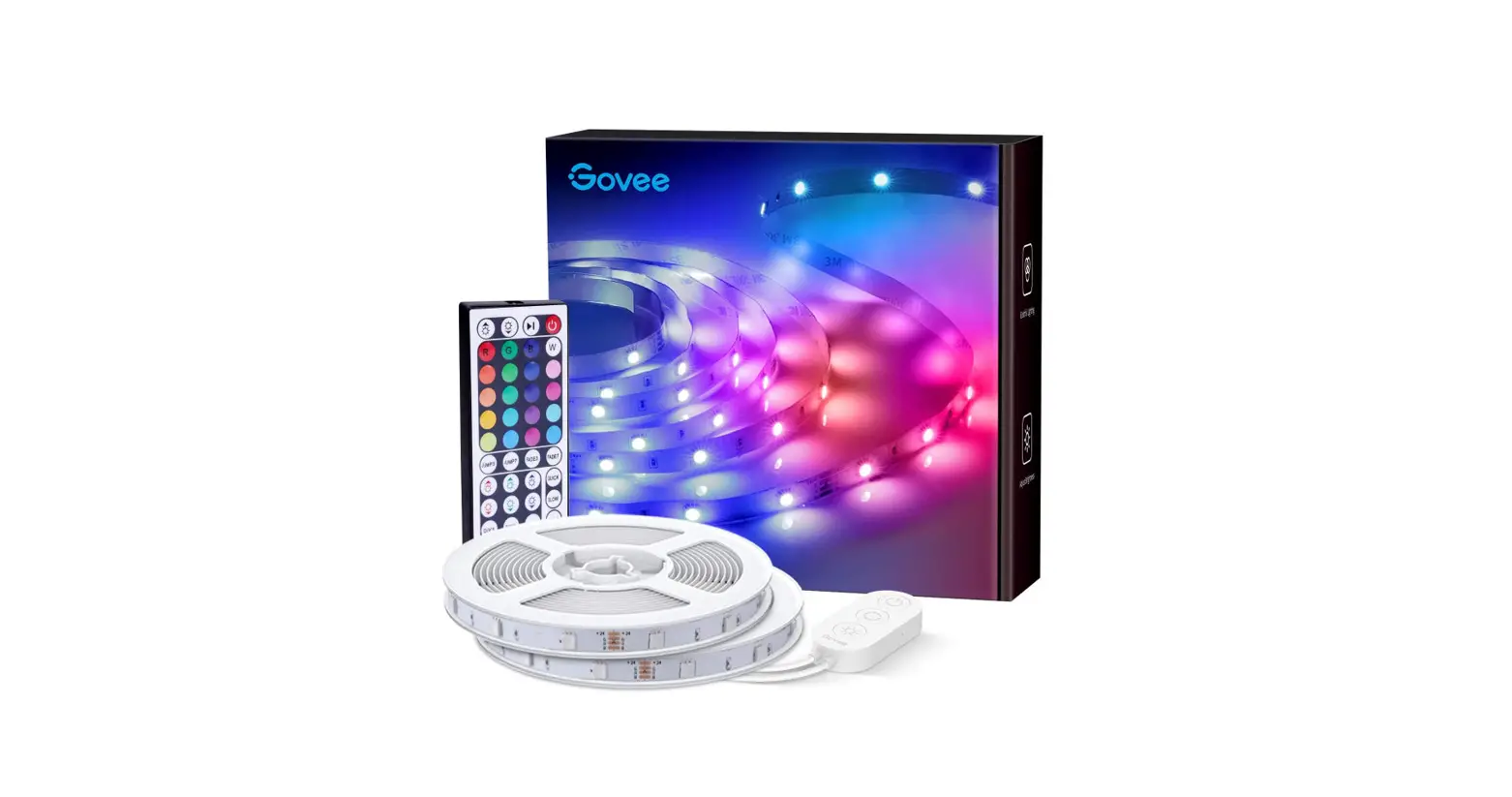
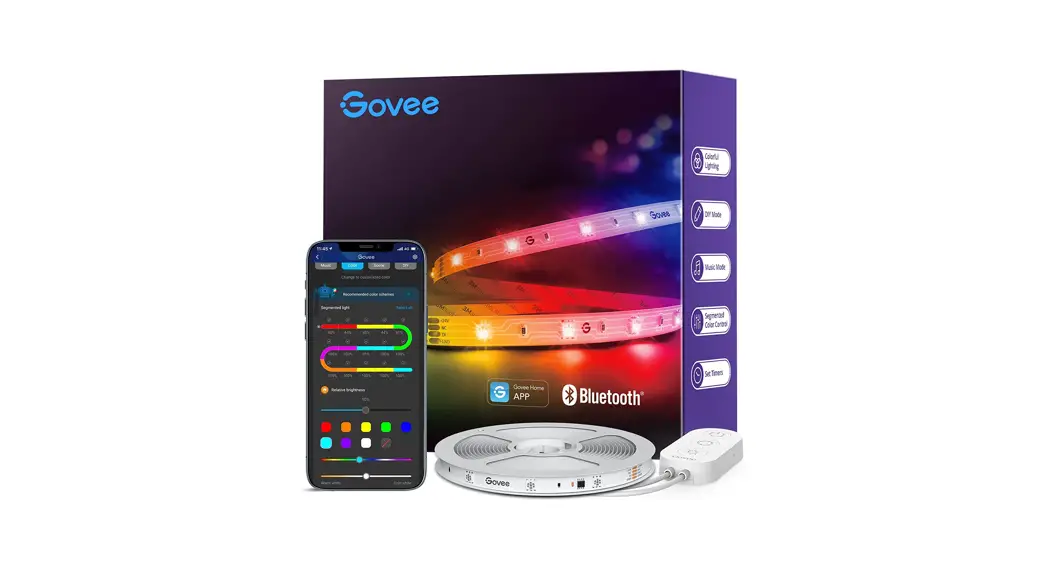
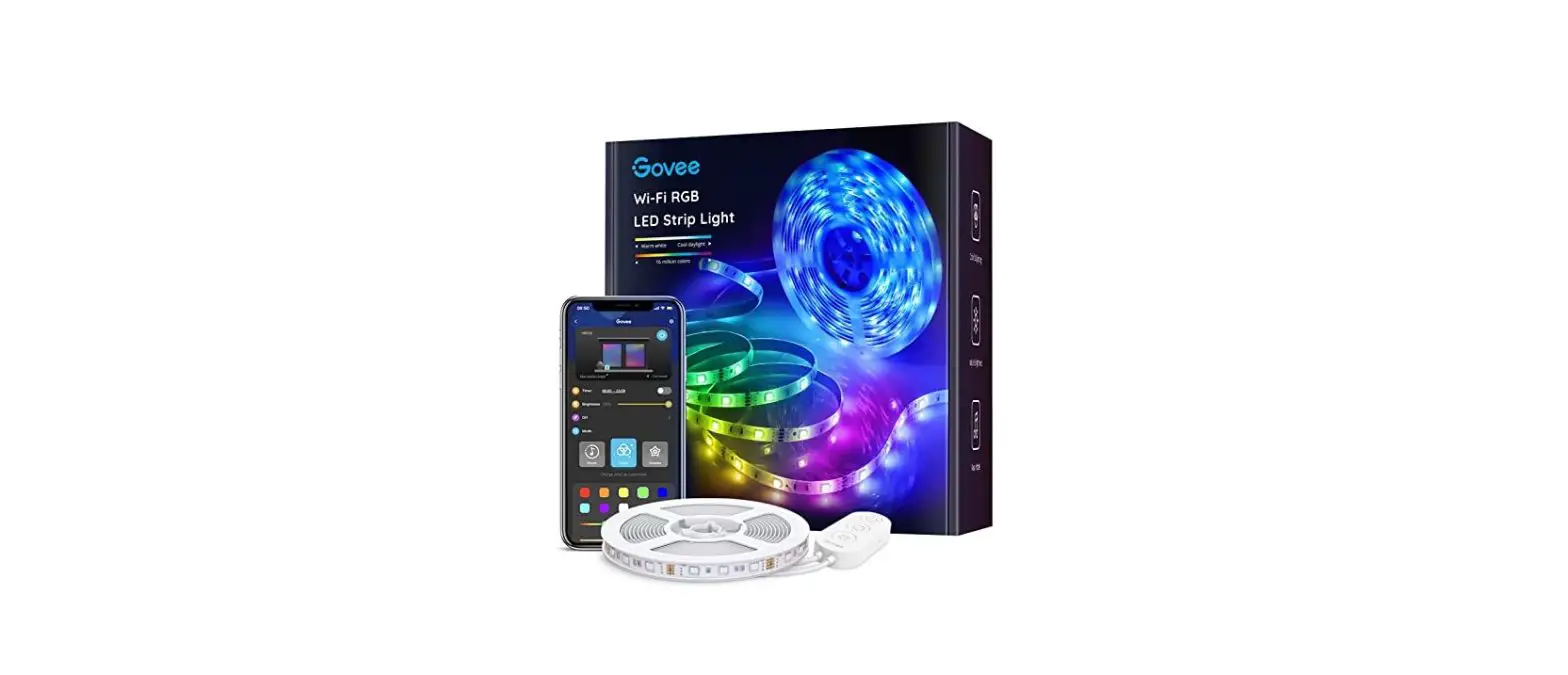
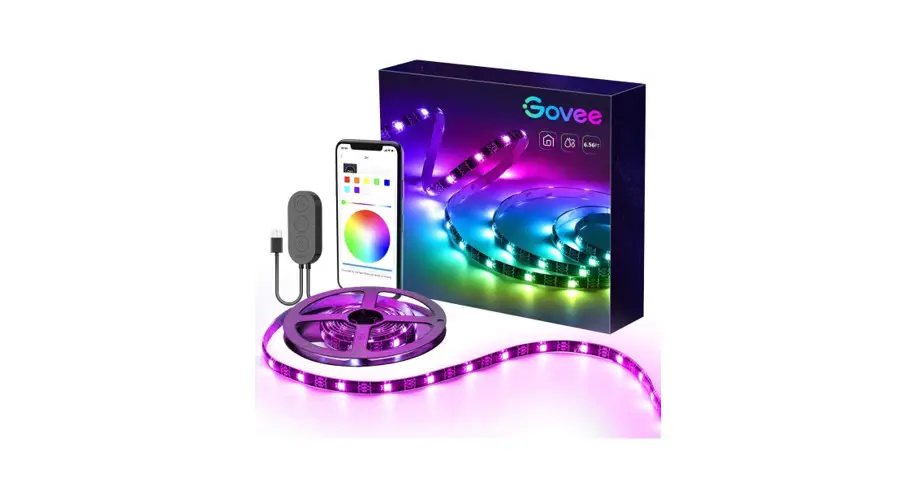
Thanks for choosing the Govee RGBIC LED Strip Lights. This product is equipped with two 5m RGBIC strip lights and supports app, voice (Alexa/Google Assistant), and IR remote control.RGBIC is Gove’s latest lighting display technology. With its advanced IC chips (independent control), each strip light segment can be adjusted independently, creating vibrant rainbow effects.
What You Get
| LED Strip Lights | 2 |
| Adapter | 1 |
| User Manual | 1 |
| Service Card | 1 |
At a Glance
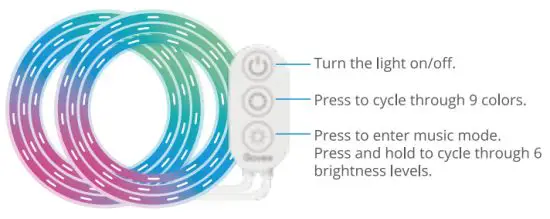
Using Your Remote Controller
* When using the remote controller, ensure it is aligned with the control box receiving port.
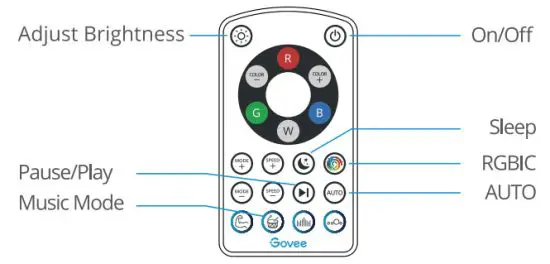
Button | Function |
| On/Off | Press to turn the light on/off. |
| Pause/Play | |
| Press to pause/continue the Music Mode or dynamic Scene Modes. | |
| Mode | MODE +/-: Press to cycle forward or backward through 12 scene modes. |
| Speed | SPEED +/-: For scene mode, press it to speed up or slow down the changing of lights; For music mode, press it to increase or decrease the sensitivity of the mic. |
| Adjust Brightness | Dim or brighten the light. |
| Color Changing | COLOR +/-: Press to cycle forward or backward through 32 colors. |
| Color Selecting | Press to change the color. R: Red, G: Green, B: Blue, W: White |
| Sleep | Change the light to warm white with 1% brightness. |
| RGBIC | Press to cycle through 7 preset RGBIC lighting effects. |
| AUTO | Press to switch lighting effects between 10 Scene Modes at random. |
| Music Mode | Energetic, Rhythm, Rolling, Spectrum (from left to right). |
Installing Your Device
Before You Install
- Unpack the box and check all items listed in the packing list.
- Power on the strip light and check whether it lights up.
Installing Steps
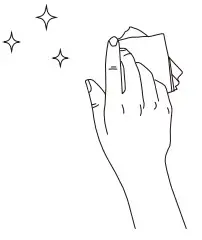
- Wipe the surface to make sure it’s clean and dry.

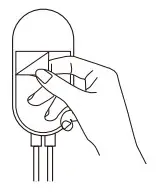
- Peel off the protective film

- Reinforce via clips around on the tape, stick the strip corners. on and press over it firmly.

- Peel off the protective film

- Power on the strip lights on the control box and stick and start using. it on.

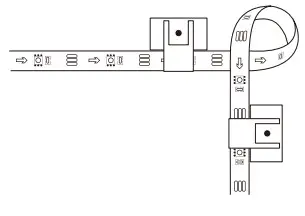
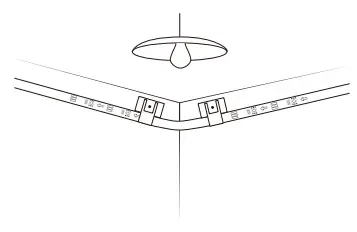
Pairing Your Device with the Govee Home App
What You Need
- A Wi-Fi router supporting the 2.4GHz and 802.11 b/g/n bands. 5GHz is not supported.
- A smartphone or tablet running iOS 8.0 (or above) or Android 4.3 (or above).
Pairing Instructions
- Download the Gove Home app from the App Store (i0S devices) or Google Play (Android devices).
- Turn on Bluetooth on your smartphone.
- Open the app, tap the “+” icon in the top right corner and search for “H6144”.
- Tap the device icon and follow the on-screen instructions to complete the pairing.
Controlling the Device with Your Voice
- Open the app, then tap the device icon to enter the detail page.
- Tap the setting icon in the top right corner.
- select Using Guidance and follow on-screen instructions to control the device using your voice.
| Length | lOrn (5m-2 Rolls)/32.8ft (16.4ft-2 Rolls) | |
| Light Color | ||
| RGBIC | ||
| Water Resistance | ||
| NO | ||
| Control Method | App, Control Box, IR Remote Controller,Voice Control | |
| Power Supply | Adapter 12V |
Troubleshooting
- The adhesive tape is not strong enough.
• Make sure the installation surface is clean and dry.
• Firmly press over the strip after sticking.
• Reinforce the installation via more clips and tape. - Cannot connect to Bluetooth.
• Do not skip Bluetooth connection in the app.
• Ensure Bluetooth on your smartphone has been turned on.
• Your smartphone may be incompatible with the Govee Home app. Try using a different smartphone then reconnect.
• Power the strip lights and your smartphone Bluetooth off then on, then try again.
• Ensure that your smartphone is within 1 m/3.28ft of the strip lights when connecting.
• Clear any obstructions that are between the strip lights and your smartphone. - The strip lights does not display the full selected color/Some LED beads do not light up.
• Please contact the Govee support team for rapid product replacement. - Cannot sync the strip lights to the beat of my music.
• Move the control box closer to the music source.
• Clean the mic on the control box then try again. - Cannot connect to Wi-Fi.
• Do not skip the Wi-Fi connecting steps in the app.
• 5GHz network is not supported. Please set the router to 2.4GHz and then reset it.
• Connect your phone to Wi-Fi and check whether the network works well.
• Make sure you have entered the correct Wi-Fi name and password.
• Change your Wi-Fi password to a brief one. 8 numbers and letters are suggested.
• Connect the hotspot in your phone to the strip lights and check whether the router works with the strip lights. - Cannot connect to Alexa.
• Pull out every connective part of the strip lights and firmly re-connect them.
• Re-connect your phone to Wi-Fi.
• Plug out the adapter port and re-plug it in.
Customer Service
 Warranty: 12-Month Limited Warranty
 Support: Lifetime Technical Support
 Email: [email protected]
 Official Website: www.govee.com
 @Govee
 @govee_official
 @govee.official
 @Goveeofficial
 @Govee.smarthome