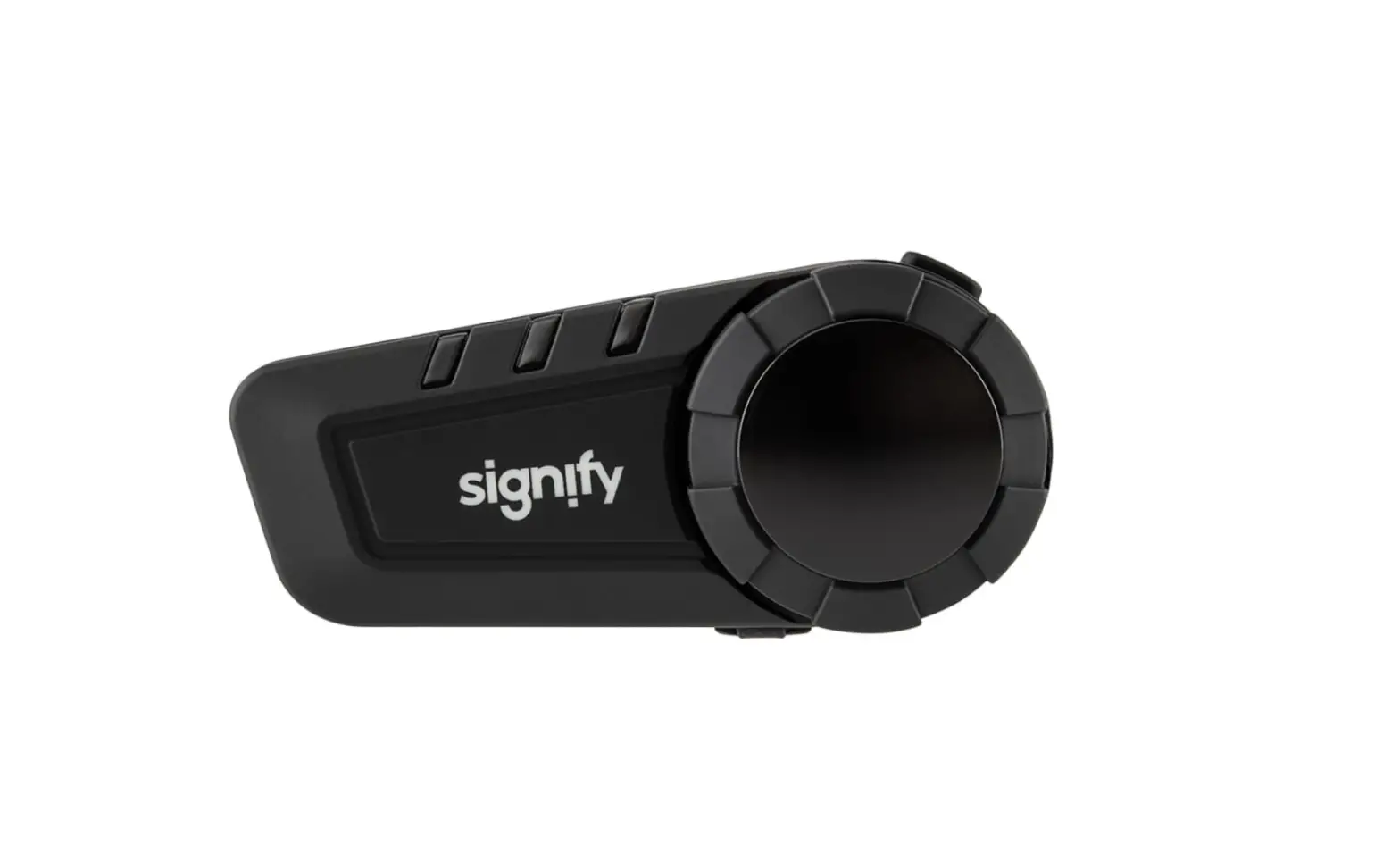
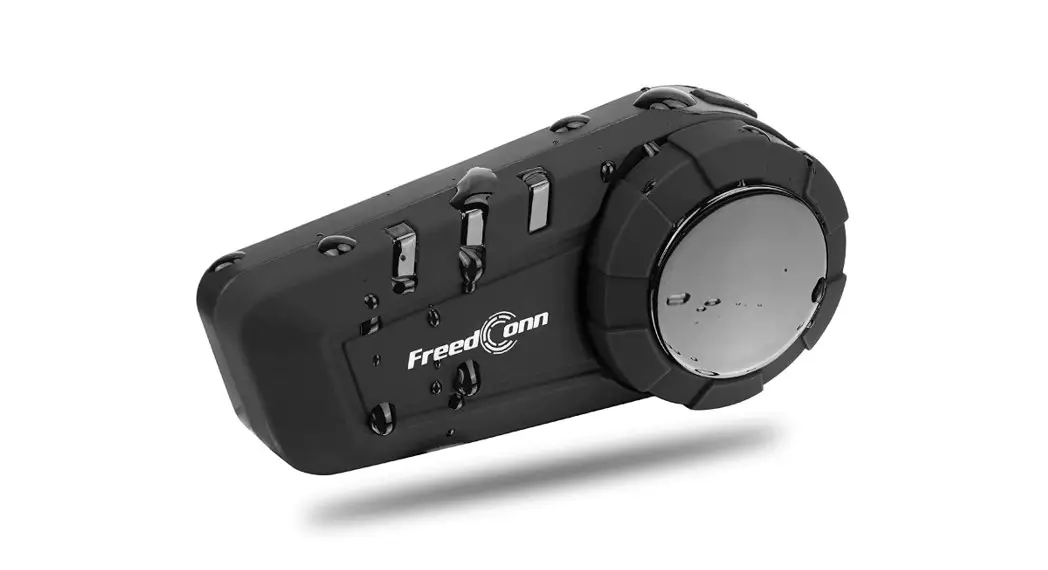
EA2200 Motorcycle Bluetooth Kit
Product Information
Model Number: EA2200
Product Code: 709603 08/2022
Manufacturer: Signify
Warranty: 1 Year Warranty
General Information and Safety Instructions
Congratulations on choosing to buy a Signify product. All
products brought to you by Signify are manufactured to the highest
standards of performance and safety. The product is guaranteed to
be free from defects in workmanship and parts for a period of 12
months from the date of purchase.
This comprehensive instruction manual will provide you with a
detailed guide on how to operate your product and will also assist
you in troubleshooting any problems that you may encounter.
If you have any queries regarding the use of this product,
please feel free to contact our technical support line for friendly
advice. We can assist you in rectifying any technical faults or
difficulties you may experience.
We are sure that you will enjoy using this product and you can
expect to gain years of service from it when used and maintained
correctly.
Product Usage Instructions
Getting Started
1. Installation: Follow the installation instructions provided
in the manual.
2. Fitting the Headset to your Helmet: Refer to the instructions
on how to properly fit the headset to your helmet.
Basic Operations
1. Charging the Headset: Connect the headset to a power source
using the provided charger. Follow the recommended charging
time.
2. Turning the Headset On/Off: Press and hold the power button
to turn the headset on or off.
Phone and Intercom Functions
1. Managing Phone Calls: Follow the instructions on how to
answer, end, and reject phone calls using the headset.
2. Intercom Pairing: Learn how to pair your headset with another
compatible headset for two-way communication.
3. Ending Two-Way Intercom: Follow the steps to end an ongoing
intercom conversation.
4. Intercom Controls: Familiarize yourself with the controls for
intercom communication.
5. Pairing Additional Headsets: Instructions on how to pair
additional headsets for multi-person communication.
6. Additional Headset Intercom Controls: Understand the controls
for intercom communication with multiple headsets.
Other Features
1. Digital Assistant Ready: Learn how to use the headset with a
digital assistant.
2. Audio Streaming: Instructions on how to stream audio from a
compatible device to the headset.
3. Audio Streaming Playback Controls: Understand the playback
controls for audio streaming.
Maintenance and Cleaning
1. Cleaning and Maintenance: Follow the recommended cleaning and
maintenance procedures for the headset.
2. Storage: Learn how to properly store the headset when not in
use.
Please refer to the detailed instructions in the manual for more
information on each topic and for answers to frequently asked
questions.
MOTORCYCLE BLUETOOTH® KIT
Model Number: EA2200
INSTRUCTION MANUAL
AFTER SALES SUPPORT 1300 777 137
[email protected] PRODUCT CODE: 709603 08/2022
Welcome
Congratulations on choosing to buy a Signify product.
All products brought to you by Signify are manufactured to the highest standards of performance and safety, and, as part of our philosophy of customer service and satisfaction, are backed by our comprehensive 1 Year Warranty and customer technical support line.
This comprehensive instruction manual will provide you with a detailed guide on how to operate your product and will also assist you in troubleshooting any problems that you may encounter.
If you have any queries regarding the use of this product, please feel free to phone our technical support line for some friendly advice. If you are experiencing difficulties or believe that the product may have a technical fault, we will assist you in rectifying the issue. We can generally solve most problems simply and quickly over the phone, so please always phone us first!
We are sure that you will enjoy using this product and you can expect to gain years of service from this product when it is used and maintained in the correct manner.
AFTER SALES SUPPORT
02
1300 777 137
[email protected] MODEL: EA2200 PRODUCT CODE: 709603 08/2022
Contents
Welcome
02
Warranty Details
04
General Information and Safety Instructions
05
Product Overview
07
Front of Headset Diagram
08
Getting Started
09
Installation
10
Fitting the Headset to your Helmet
10
Instructions
12
Charging the Headset
12
Turning the Headset On/Off
12
Bluetooth® Connection
12
Pairing your Bluetooth® Enabled Device
12
Disconnecting the Bluetooth® Enabled Device
13
Digital Assistant Ready
14
Managing Phone Calls
15
Intercom Pairing
16
Ending Two-Way Intercom
17
Intercom Controls
17
Pairing Additional Headsets
18
Additional Headset Intercom Controls
19
Resetting the Headset
20
Audio Streaming
21
Audio Streaming Playback Controls
21
Frequently Asked Questions
22
Repair and Refurbished Goods or Parts Notice
23
Other Useful Information
24
Cleaning and Maintenance
24
Storage
24
Trademarks
24
Responsible Disposal
25
Specification Table
26
AFTER SALES SUPPORT 1300 777 137
[email protected]
MODEL: EA2200 PRODUCT CODE: 709603 08/2022 03
Motorcycle Bluetooth® Kit
Warranty Details
REGISTER YOUR PURCHASE AT www.aldi.com.au/en/about-aldi/product-registration/ TO KEEP UP-TO-DATE WITH IMPORTANT PRODUCT INFORMATION
The product is guaranteed to be free from defects in workmanship and parts for a period of 12 months from the date of purchase. Defects that occur within this warranty period, under normal use and care, will be repaired, replaced or refunded at our discretion. The benefits conferred by this warranty are in addition to all rights and remedies in respect of the product that the consumer has under the Competition and Consumer Act 2010 and similar state and territory laws.
Our goods come with guarantees that cannot be excluded under the Australian Consumer Law. You are entitled to a replacement or refund for a major failure and for compensation for any other reasonably foreseeable loss or damage. You are also entitled to have the goods repaired or replaced if the goods fail to be of acceptable quality and the failure does not amount to a major failure.
AFTER SALES SUPPORT
04
1300 777 137 MODEL: EA2200 PRODUCT CODE: 709603 08/2022
General Information and Safety Instructions
RETAIN FOR FUTURE USE
Read this manual thoroughly before first use, even if you are familiar with this type of product. The safety precautions enclosed herein reduce the risk of fire, electric shock and injury when correctly adhered to. Please keep this user manual in a safe place along with your purchase receipt, warranty card and carton for future reference. If applicable, pass these instructions and packaging on to the next owner of the product. Always follow basic safety precautions and accident prevention measures when using an electrical product.
1. Read all instructions before using the Motorcycle Bluetooth® Kit.
2. This Motorcycle Bluetooth® Kit is not intended for use by persons (including children) with reduced physical, sensory or mental capabilities or lack of experience and knowledge, unless they have been given supervision or instruction concerning the use of the Motorcycle Bluetooth® Kit by a person responsible for their safety. Children should be supervised to ensure they do not play with the headset.
3. Do not use the Motorcycle Bluetooth® Kit for anything other than its intended use.
4. Do not allow the headset, microphone, earphone mounts or USB charging cable to be submerged in water or any other liquid.
5. The use of attachments not recommended or sold by the manufacturer is dangerous and may cause fire, electric shock or injury.
6. Keep the headset and microphone, earphone mounts out of direct sunlight.
7. Do not pull or carry by the USB charging cable, use the cable as a handle, close a door on the cable, or pull the cable around sharp edges or corners. Keep the USB charging cable away from heated surfaces.
8. Do not bend or damage the USB charging cable.
9. Always turn off the headset when not in use. To disconnect from the power supply, first ensure the unit is turned off by pressing and holding the power/intercom button for 5 seconds, switch off at the outlet, then grip the plug and pull from the power socket. Never pull by the cable. The USB charging cable must be removed from the power socket before cleaning, servicing, or maintenance.
AFTER SALES SUPPORT 1300 777 137
[email protected]
MODEL: EA2200 PRODUCT CODE: 709603 08/2022 05
General Information and Safety Instructions (cont.)
10. Never force the USB charging cable into an outlet. 11. The manufacturer and retailer are not responsible for any eventual
damages caused by improper or faulty use. 12. The headset and microphone have no user serviceable parts contained
within. Do not attempt to repair, disassemble or modify the headset or the microphone. 13. The internal battery is not replaceable, do not attempt to replace it.
CAUTION! Always use extreme care when using the headset while operating a motorcycle, motor vehicle or bicycle.
CAUTION! Disposal of a battery into fire or a hot oven, or mechanically crushing or cutting of a battery, can result in an explosion.
CAUTION! Leaving a battery in an extremely high temperature surrounding environment can result in an explosion or the leakage of flammable liquid or gas.
CAUTION! A battery subjected to extremely low air pressure may result in an explosion or the leakage of flammable liquid or gas.
WARNING: A battery can only be subjected to 0°C to 45°C during usage, storage or transportation.
WARNING: A battery can only be subjected to 11.6kPa or less during usage, storage or transportation at an ambient temperature of 20±5 °C.
Read this instruction manual carefully before using the Motorcycle Bluetooth® Kit and keep it in a safe place for future reference.
AFTER SALES SUPPORT
06
1300 777 137
[email protected] MODEL: EA2200 PRODUCT CODE: 709603 08/2022
Product Overview
7 1
6
5 2
3
4
1. Headset 2. Headset Clip 3. Microphone 4. Felted Adhesive Pads 5. USB Charging Cable 6. Allen Key 7. Dual Hook & Loop Pad Earphone Mounts
Included (not pictured): 1x Instruction Manual, 1 x Getting Started Guide and 1x Warranty Certificate
AFTER SALES SUPPORT 1300 777 137
[email protected]
MODEL: EA2200 PRODUCT CODE: 709603 08/2022 07
Product Overview (cont.)
Front of Headset Diagram
2
3
1
4
5
1. LED Indicator 2. Power/Intercom Button 3. Volume Adjustment Wheel 4. Call Button 5. Microphone/Charging USB Port 6. Headset Clip Attachments (Rear)
AFTER SALES SUPPORT
08
1300 777 137
[email protected] MODEL: EA2200 PRODUCT CODE: 709603 08/2022
Getting Started
Before First Use
Prior to using your Motorcycle Bluetooth® Kit, please read all safety and operating instructions thoroughly. Please ensure you follow the steps below before using this product. We recommend you keep the original packaging for storing your Motorcycle Bluetooth® Kit when not in use.
1. Unpack the product but keep all packaging material until you have made sure your new Motorcycle Bluetooth® Kit is undamaged and in good working order.
2. Remove the twist-tie which is securing the USB charging cable and microphone. Uncoil the cable and straighten it to remove any kinks. Do not use the product if the cable or plug is damaged, please call the After Sales Support on 1300 777 137 line for further advice.
AFTER SALES SUPPORT 1300 777 137
[email protected]
MODEL: EA2200 PRODUCT CODE: 709603 08/2022 09
Installation
Fitting the Headset to your Helmet Please follow the steps below to fit the headset to your helmet. 1. Loosen the two headset clip screws using the Allen key provided until
the clip becomes loose.
2. Fit the headset clip to the left side of your helmet making sure that the inside of the headset clip is between the helmet and the padding. Ensure that the headset clip slots, and the screws are facing away from the helmet when fitting.
3. Once you have found the best fitting for the headset clip on your helmet, tighten both screws until it’s secured firmly in place.
NOTE: Do not over tighten the screws when fitting the headset clip as it may break.
4. Place the tabs located on the rear of the headset into the slots on the headset clip, and push until you can hear them click into place. Using a small amount of pressure, slide the headset down on the headset clip until it locks securely in place.
NOTE: The power/intercom button should be facing to the front of the helmet on the left side when attaching to the headset clip.
AFTER SALES SUPPORT
10
1300 777 137
[email protected] MODEL: EA2200 PRODUCT CODE: 709603 08/2022
Installation (cont.)
5. Fit the dual hook and loop earphone mounts to the inside of your helmet, it is suggested to put one on either side closest to your ears. Once you have found the correct position for the earphone mounts, put the felted adhesive pads in its place, remove the adhesive sticker and apply to the inside of your helmet.
6. Once you have fitted both felted adhesive pads to the inside of your helmet, attach both hook and loop earphone mounts to the felted pads.
7. Position the microphone so it’s situated to the left side of your helmet on the inside wall, closest to the headset and near your mouth.
NOTE: Some helmets may contain removable padding on the inside. You may require to run the microphone between the padding to ensure there is enough room inside the helmet.
8. Connect the microphone plug to the USB microphone/charging port located at the bottom of the headset.
9. Tuck any excess cable from the microphone and dual hook and loop earphone mounts inside the helmet.
NOTE: It is suggested that only a few centimetres of the microphone cable comes out from the headset.
AFTER SALES SUPPORT 1300 777 137
[email protected]
MODEL: EA2200 PRODUCT CODE: 709603 08/2022 11
Instructions
Charging the Headset 1. Connect the mini USB end of the USB charging cable (included) into
the USB microphone/charging port on the headset. 2. Insert the other end of the USB charging cable into a suitable USB
port on your computer or similar power supply. The LED indicator will flash (red) while charging. 3. It takes up to 4 hours to fully charge the battery. 4. Once charging has finished, the LED indicator (red) will turn off.
Turning the Headset On/Off
1. Press and hold the power/intercom button for up to 3 seconds to turn the headset on. The LED indicator (blue) will turn on and flash 3 times quickly and then at slower intervals indicating that it has powered on correctly.
NOTE: Bluetooth® pairing is required before turning on the unit on first time use. Refer to the pairing instructions below. 2. Press and hold the power/intercom button for up to 5 seconds to turn
the headset off. The LED indicator will turn red to indicate the power off.
NOTE: It is suggested to charge the headset up to 4 hours prior to first use.
Bluetooth® Connection
The Motorcycle Bluetooth® Kit features a wireless Bluetooth® connection enabling calls and music to be streamed directly from compatible devices such as Smartphones, MP3 players and GPS navigation systems. Before using the Bluetooth® connection you must first pair your chosen device. Please follow the steps below to pair and use the Bluetooth® connection.
Pairing your Bluetooth® Enabled Device 1. When connecting the headset to a Smartphone, MP3 player or GPS
navigation system; ensure the headset is turned off before connecting via Bluetooth®.
AFTER SALES SUPPORT
12
1300 777 137
[email protected] MODEL: EA2200 PRODUCT CODE: 709603 08/2022
Instructions (cont.)
2. Press and hold the power/intercom button for up to 8 seconds until the LED indicator is flashing (blue and red) and the headset voice prompt says ‘pairing’.
3. Switch on the Bluetooth® functionality on your Bluetooth® device and scan for available connections. The Motorcycle Bluetooth® Kit will be shown in the available connections as `SIGMOTO’.
4. When the device discovers `SIGMOTO’, select and connect to `SIGMOTO’. This process should take a few seconds to connect, enter the password `0000′ if required.
5. When the headset and the Bluetooth® enabled device have paired, the headset will beep once, followed by a voice prompt ‘connected’. At this stage, the LED indicator will start flashing (blue) at slower intervals.
6. You are now ready to play music or make and receive calls from your Bluetooth® enabled device.
NOTE: When using the Bluetooth® connection, always be aware that you may need to adjust the volume on both the headset and the connected device to reach the required volume level.
Disconnecting the Bluetooth® Enabled Device
To end the connection between the Bluetooth® enabled device and the headset, follow the steps below.
1. Ensure the headset is switched off by holding the power/intercom button for up to 5 seconds.
2. Press and hold the power/intercom button for up to 8 seconds until the red and blue LEDs are flashing.
3. To connect a new Bluetooth® enabled device, see pages 12-13 for instructions.
NOTE: To disconnect the headset from your current Bluetooth® enabled device, open the Bluetooth® settings of your Smartphone, MP3 player or GPS navigation system and disconnect the ‘SIGMOTO’ Bluetooth® connection.
AFTER SALES SUPPORT 1300 777 137
[email protected]
MODEL: EA2200 PRODUCT CODE: 709603 08/2022 13
Instructions (cont.)
Digital Assistant Ready
The Signify ® Motorcycle Bluetooth ® Kit supports voice-based digital assistants commonly found in smartphones, tablets and other Bluetooth ® devices.
1. Ensure that the headset and your Bluetooth® enabled device are both turned on and paired together (see instructions on pages 12-13).
2. Ensure that the voice-based digital assistant of your device is turned on (follow instructions provided by the manufacturer of the Bluetooth® enabled device to activate the voice-based digital assistant).
3. Next, to interact with the voice-based digital assistant, short press the call button on the headset twice. Once the headset voice prompts ‘Voice Dial’, you can proceed with giving a voice command to the voice-based digital assistant.
Alternatively, you can also use a wake word or group of words such as “Hey Siri” or “Hey Google” or other (based on the ecosystem supported by your Bluetooth® enabled device) to start interacting directly with the voice-based digital assistant.
You can ask the voice-based digital assistant a question or make a request. For example: “How is the weather today” or “Please call Mum”.
NOTE: For more details on how to use your voice-based digital assistant, please refer to the user manual of your Bluetooth® enabled device for further information.
NOTE: Voice-based digital assistants are undeniably useful, but are best used for simple and quick answers or tasks. As they are still developing, we recommend that you limit the use of this feature when it comes to complex tasks or requests.
AFTER SALES SUPPORT
14
1300 777 137
[email protected] MODEL: EA2200 PRODUCT CODE: 709603 08/2022
Instructions (cont.)
Managing Phone Calls
The Motorcycle Bluetooth® Kit allows you to make and receive calls directly from your Smartphone. The headset can receive calls automatically, answer, reject, end and redial the last number. Please follow the controls below to manage phone calls.
Operation Incoming Call Incoming Call
Incoming Call During a Call During a Call
Standby Mode Standby Mode
Function
Action
Answer Call Reject Call
Short press
Long press (2 seconds)
Automatically Answer
Let your Smartphone ring for up to 15 seconds to automatically pickup the call
End Call
Short press
Adjust Volume
Turn and hold the volume adjustment wheel clockwise or anticlockwise
Redial Last Number
Long press (2 seconds)
Call using Digital Assistant
Short press twice (in quick succession)
Button N/A
NOTE: Always use extreme care when using the headset while operating a motorcycle, motor vehicle or bicycle.
NOTE: Not all Bluetooth® devices support all these functions listed above. Please refer to the user manual of your Bluetooth® device for further information.
AFTER SALES SUPPORT 1300 777 137
[email protected]
MODEL: EA2200 PRODUCT CODE: 709603 08/2022 15
Instructions (cont.)
NOTE: Any incoming calls received while audio streaming will automatically pause the music and resume once your call has ended.
NOTE: Ensure your voice-based digital assistant is active, prior to using it, to make calls in standby mode. For detailed instructions, please refer to page 14.
Intercom Pairing
The Motorcycle Bluetooth® Kit features an intercom connectivity function to another rider or pillion with the additional purchase of another Motorcycle Bluetooth® Kit. Please follow the steps below to pair the intercom function to another headset.
1. Make sure both headsets are turned off prior to pairing.
2. Press and hold the power/intercom button of both units at the same time for up to 8 seconds until the LED indicator is flashing (red and blue) and the headsets voice prompt says ‘pairing’.
NOTE: Ensure both headsets are placed next to each other when pairing. NOTE: While pressing and holding the power/intercom button for 8 seconds, the headset will boot-up first and the voice prompt plays the welcome message. Please continue to hold the button, until the LED indicator starts flashing (red and blue) and voice prompt says ‘pairing’.
3. Short press the power/intercom button on one of the headsets so that it will begin to search for the second headset.
4. When the headsets have paired together successfully, both headsets will beep once and, the headset voice prompts ‘intercom connected’ and the LED indicator will begin to flash (blue).
5. The headsets are now paired for intercom, and you can start talking to each other.
AFTER SALES SUPPORT
16
1300 777 137
[email protected] MODEL: EA2200 PRODUCT CODE: 709603 08/2022
Instructions (cont.)
Ending Two-Way Intercom
1. Short press the power/intercom button on any one of the two headsets. Once the headsets voice prompts `intercom disconnected’, the intercom connection between the two headsets has ended.
NOTE: Once the intercom connection has ended, both the headsets will return to standby mode and can once again operate independently. At this stage, the intercom connection between the two headsets remains paired, but disconnected. To start a two-way intercom again, simply short press the power/intercom button on any one of the headsets, wait for voice prompt `intercom connected’ and then begin talking.
Intercom Controls
Function
Action
Button
Increase Volume
Turn and hold the volume adjustment wheel clockwise
Decrease Volume
Turn and hold the volume adjustment wheel anticlockwise
NOTE: Any incoming calls received while using the intercom function will automatically pause the conversation and the intercom will resume once your call has ended.
AFTER SALES SUPPORT 1300 777 137
[email protected]
MODEL: EA2200 PRODUCT CODE: 709603 08/2022 17
Instructions (cont.)
Pairing Additional Headsets
The Motorcycle Bluetooth® Kit can switch between three headsets. Please follow the steps below to pair up to three headsets.
NOTE: Only two headsets can have an intercom conversation at once.
1. After pairing the first two headsets (A and B, see page 16 for instructions); turn off headset B and leave headset A turned on.
2. Next, pair headsets B and C together by repeating steps 1-5 on page 16.
NOTE: Ensure both headsets are placed next to each other when pairing. 3. Once headsets B and C have been paired, turn off headset C and
leave B turned on. 4. Next, pair headsets C and A together by repeating steps 1-5 on
page 16. 5. Once headsets C and A have been paired, you have successfully
paired all three headsets (A, B and C) together. At this stage headsets C and A have an active intercom connection.
AFTER SALES SUPPORT
18
1300 777 137
[email protected] MODEL: EA2200 PRODUCT CODE: 709603 08/2022
Instructions (cont.)
Additional Headset Intercom Controls
The Motorcycle Bluetooth® Kit can switch between three headsets. Please follow the controls below to switch between the three headsets.
Steps for intercom connection between headsets
Headset 2nd Headset Connection
3rd Headset Connection
Button
A
Short press (Headset C)
Short press twice (Headset B)
B
Short press (Headset C)
Short press twice (Headset A)
C
Short press (Headset A)
Short press twice (Headset B)
NOTE: Press the power/intercom button to stop the current conversation of the headset before switching between headsets.
NOTE: The intercom pairing sequence is `Last-come, First-served’. Therefore, the last paired headset is set as first intercom friend (short press once to connect). The previous intercom friend becomes second intercom friend (short press twice to connect).
NOTE: If there is an active intercom connection between two friends (A and B), and the third friend (C) wants to connect with one of them (A or B), then they (C) can short press the power/intercom button once (to connect with A) or twice (to connect with B). The friend (A or B) who is currently on another active intercom will hear a tone; this is a prompt that the third friend (C) wants to start an intercom connection with them (A or B). At this stage, they (A or B), can choose to either accept the new connection with the third friend (C) by short pressing the power/intercom button, or can ignore the tone to continue with the existing intercom connection (between A and B).
AFTER SALES SUPPORT 1300 777 137
[email protected]
MODEL: EA2200 PRODUCT CODE: 709603 08/2022 19
Instructions (cont.)
Resetting the Headset
To erase all of your settings and start fresh, the headset can be restored to factory default settings by following the steps below.
NOTE: Only three headsets can be paired in intercom mode at a time, and only two headsets can have an intercom conversation at once.
1. Ensure the headset is turned on (see instructions on page 12) and the LED indicator is flashing blue.
2. Press and hold the power/intercom button for up to 8 seconds, the LED indicator should flash red twice with a fast hang up tone. At this stage, your headset has successfully reset.
NOTE: After pressing and holding the power/intercom button for up to 5 seconds, the LED indicator will flash red once and the voice prompt will say ‘power off’. At this stage your headset has switched off but not reset. So, continue to press and hold the power/intercom button for another 3 seconds (i.e., total time of about 8 seconds) for the headset to reset.
NOTE: Resetting the headset erases all Bluetooth® connections and any intercom pairings with other headsets.
AFTER SALES SUPPORT
20
1300 777 137
[email protected] MODEL: EA2200 PRODUCT CODE: 709603 08/2022
Instructions (cont.)
Audio Streaming: The Motorcycle Bluetooth® Kit features audio streaming via a Bluetooth® enabled device such as a Smartphone or MP3 player.
Audio Streaming Playback Controls
Function
Action
Button
Increase Volume
Turn and hold the volume adjustment wheel clockwise
Decrease Volume
Turn and hold the volume adjustment wheel anticlockwise
Play Music Pause Music Next Track
Previous Track
Short press
Short press
Turn the volume adjustment wheel clockwise and quickly release
Turn the volume adjustment wheel anticlockwise and quickly release
NOTE: When streaming audio from your Bluetooth® device, always be aware that you may need to adjust the volume on both the headset and the connected device to reach the required volume level.
NOTE: When streaming audio from your Bluetooth® device, you can only use the next and previous track function if you have more than one track in your media folder.
AFTER SALES SUPPORT 1300 777 137
[email protected]
MODEL: EA2200 PRODUCT CODE: 709603 08/2022 21
Frequently Asked Questions
Q: Why is the headset not powering on?
A: Ensure the headset has been correctly charged for up to 4 hours before use.
A: Ensure your USB power source is turned on and working correctly.
Q: Why can I not connect via Bluetooth®?
A: Check that your device has Bluetooth® switched on and that the device is in range of the headset.
Q: Why is there no sound coming from the earphone mounts?
A: Ensure the microphone is connected properly to the microphone/ charging USB port.
A: Check that the volume control is adjusted on any connected digital devices such as Smartphones, MP3 players or GPS navigation systems and the headset.
AFTER SALES SUPPORT
22
1300 777 137
[email protected] MODEL: EA2200 PRODUCT CODE: 709603 08/2022
Motorcycle Bluetooth® Kit
Repair and Refurbished Goods or Parts Notice
Unfortunately, from time to time, faulty products are manufactured which need to be returned to the Supplier for repair.
Please be aware that if your product is capable of retaining user-generated data (such as files stored on a computer hard drive, telephone numbers stored on a mobile telephone, songs stored on a portable media player, games saved on a games console or files stored on a USB memory stick) during the process of repair, some or all of your stored data may be lost.
We recommend you save this data elsewhere prior to sending the product for repair.
You should also be aware that rather than repairing goods, we may replace them with refurbished goods of the same type or use refurbished parts in the repair process.
Please be assured though, refurbished parts or replacements are only used where they meet ALDI’s stringent quality specifications.
If at any time you feel your repair is being handled unsatisfactorily, you may escalate your complaint. Please telephone us on 1300 777 137 or write to us at:
UNCLE BILL’S AUSTRALIA PTY LTD 48B Egerton Street Silverwater NSW 1811 Australia
1300 777 137 Opening Hours – 9:00am – 4:30pm (Mon-Fri), 9:00am – 3:00pm (Sat) [email protected] www.signifyelectronics.com.au
AFTER SALES SUPPORT
1300 777 137 MODEL: EA2200 PRODUCT CODE: 709603 08/2022
23
Other Useful Information
Cleaning and Maintenance
· Before cleaning the Motorcycle Bluetooth® Kit, ensure the unit is switched off and disconnected from the USB charging cable.
· The Motorcycle Bluetooth® Kit is likely only to require regular “dusting” to keep it clean. Use a standard duster, or dry soft microfibre cloth to remove the dust from the unit.
· If the Motorcycle Bluetooth® Kit becomes soiled with anything other than dust on its exterior, clean the exterior of the unit by wiping over the surface with a slightly damp cloth and then polish with a soft dry cloth. Ensure that no moisture or liquid enters the Motorcycle Bluetooth® Kit, particularly around the buttons and dials.
· Be careful when wiping over the Motorcycle Bluetooth® Kit, that you do not apply too much pressure, as there is a risk that you may break parts.
· Do not use detergents or abrasive cleaners, and do not allow moisture, water or other liquid to enter the Motorcycle Bluetooth® Kit.
Storage
When the Motorcycle Bluetooth® Kit is not in use, disconnect it from the USB charging cable and store in a cool, dry and well ventilated location out of direct sunlight. Ensure that it is not subject to humidity.
Trademarks
The Bluetooth® word mark and logos are registered trademarks owned by Bluetooth® SIG, Inc. and are for compatibility purposes only. Other trademarks and trade names are those of their respective owners. These brands are not associated with this product and are not related to Uncle Bill’s Australia Pty Ltd.
AFTER SALES SUPPORT
24
1300 777 137
[email protected] MODEL: EA2200 PRODUCT CODE: 709603 08/2022
Other Useful Information (cont.)
Responsible Disposal
At the end of its working life, do not throw this device out with your household rubbish. Electrical and electronic products contain substances that can have a detrimental effect on the environment and human health if disposed of inappropriately. Observe any local regulations regarding the disposal of electrical consumer goods and dispose of it appropriately for recycling. Contact your local authorities for advice on recycling facilities in your area.
Please keep the original packaging carton and materials in a safe place. It will help to prevent any damage if the product needs to be transported in the future. In the event it is to be disposed of, please recycle all packaging material where possible.
If you require an alternative format of this instruction manual such as website, DVD or by email, please contact [email protected] to obtain a copy.
The Motorcycle Bluetooth® Kit has been fully tested and meets all requirements as set out by the below testing standards:
AS/NZS 62368
AFTER SALES SUPPORT 1300 777 137
[email protected]
MODEL: EA2200 PRODUCT CODE: 709603 08/2022 25
Other Useful Information (cont.)
Specification Table
MODEL:
EA2200
FREQUENCY:
2.4GHz
OPERATING RANGE:
Up to 10m (Bluetooth®) to 500m (Intercom)
TALK TIME:
Up to 5 hours (Intercom) Up to 10 hours (Phone)
STANDBY TIME:
Up to 300 hours
CHARGING TIME:
Up to 4 hours
BATTERY:
Rechargeable Li-polymer 320mAh
CHARGE THROUGH USB INPUT: 5V 1A
WEIGHT:
108g (excluding Allen key)
DIMENSIONS:
78.5 x 49.5 x 30.4mm (Headset), 230 x 42.5 x 19mm (Microphone)
VERSION NO: ISSUE DATE:
1.10 14th April, 2022
AFTER SALES SUPPORT
26
1300 777 137
[email protected] MODEL: EA2200 PRODUCT CODE: 709603 08/2022
Notes
AFTER SALES SUPPORT 1300 777 137
[email protected]
MODEL: EA2200 PRODUCT CODE: 709603 08/2022 27
ALDI guarantees that our exclusive brand products are developed to our stringent quality specifications. If you are not entirely satisfied with this product, please return it to your nearest ALDI store within 60 days from the date of purchase for a full refund or replacement, or take advantage of our after sales support by calling the supplier’s Customer Service Hotline.
AU
Made in China ALDI STORES, 1 SARGENTS ROAD MINCHINBURY NSW 2770 www.aldi.com.au
AFTER SALES SUPPORT
W2
AUS 1300 777 137
MODEL: EA2200 PRODUCT CODE: 709603
08/2022
1
YEAR WARRANTY
 ALDI Supermarkets - Good Different
 Signify Electronics Australia